How to Add a Custom Domain in LocoShop Business Portal
This tutorial guides you through configuring a custom domain in the LocoShop Business Portal. A
custom domain gives your online store a unique, professional web address, making it easier for
customers to find, remember, and trust your business.
Go to
locoshop.quicklyservices.com
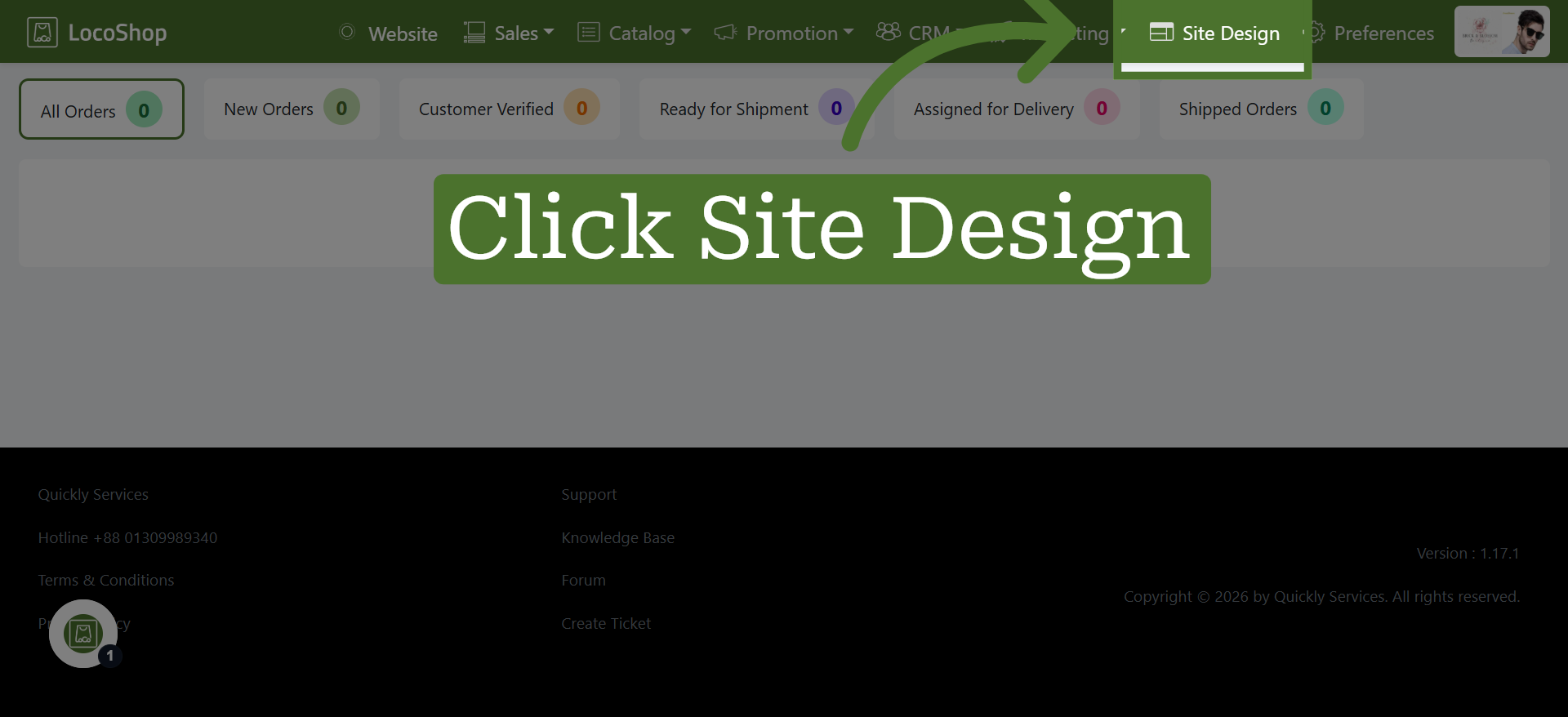
1. Open Site Design Section
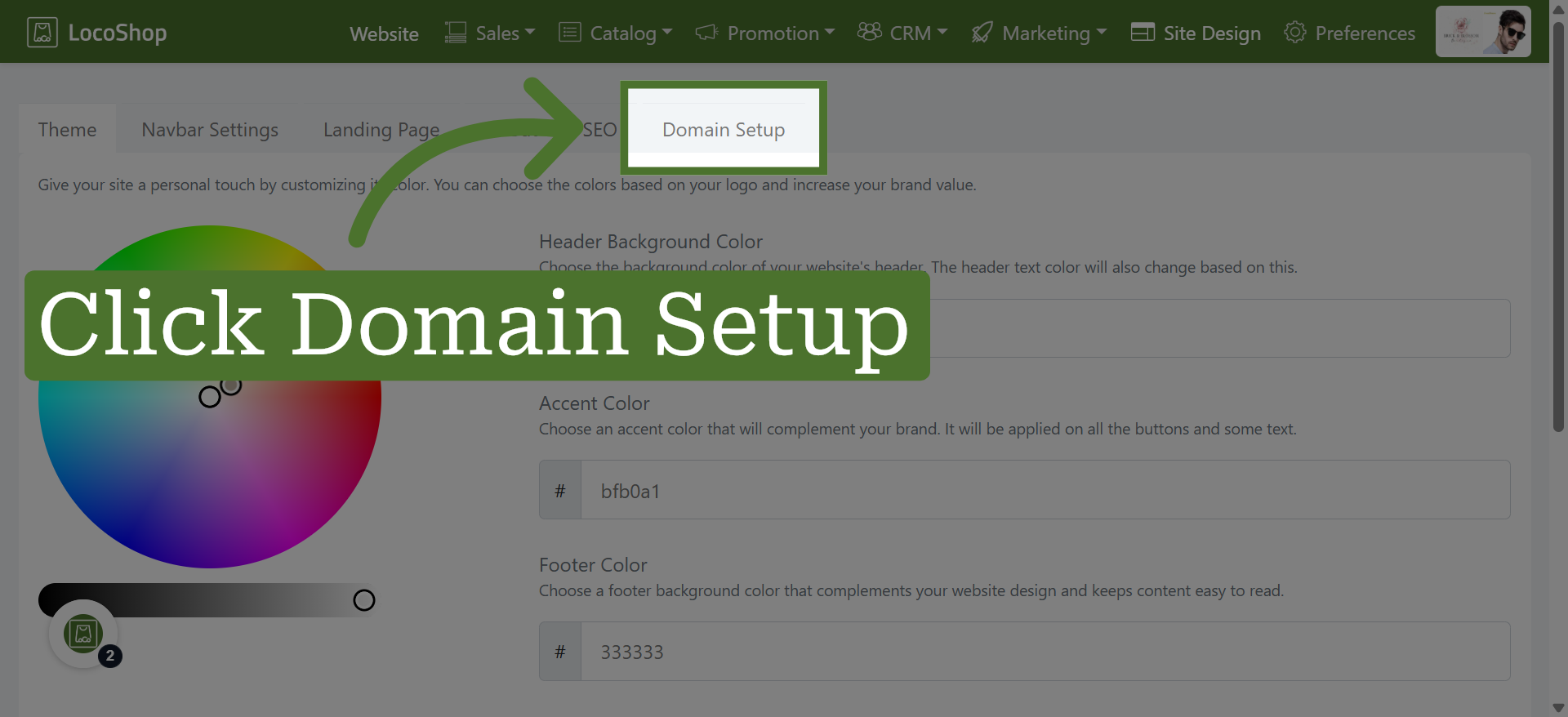
2. Navigate to Domain Setup
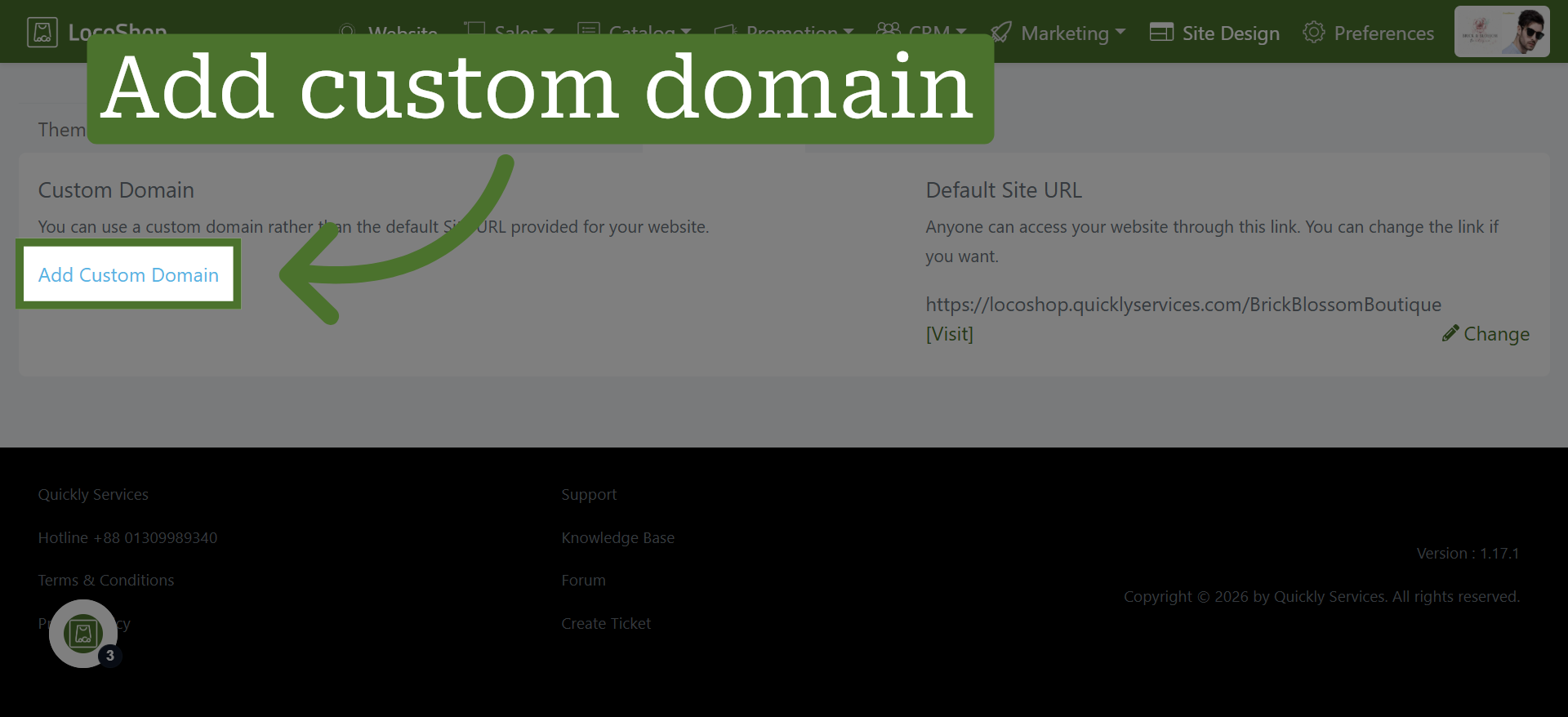
3. Add Custom Domain
4. Select Your Domain
Add your custom domainhere for the Website. Use your own domain name to give your online store a unique and professional web address.
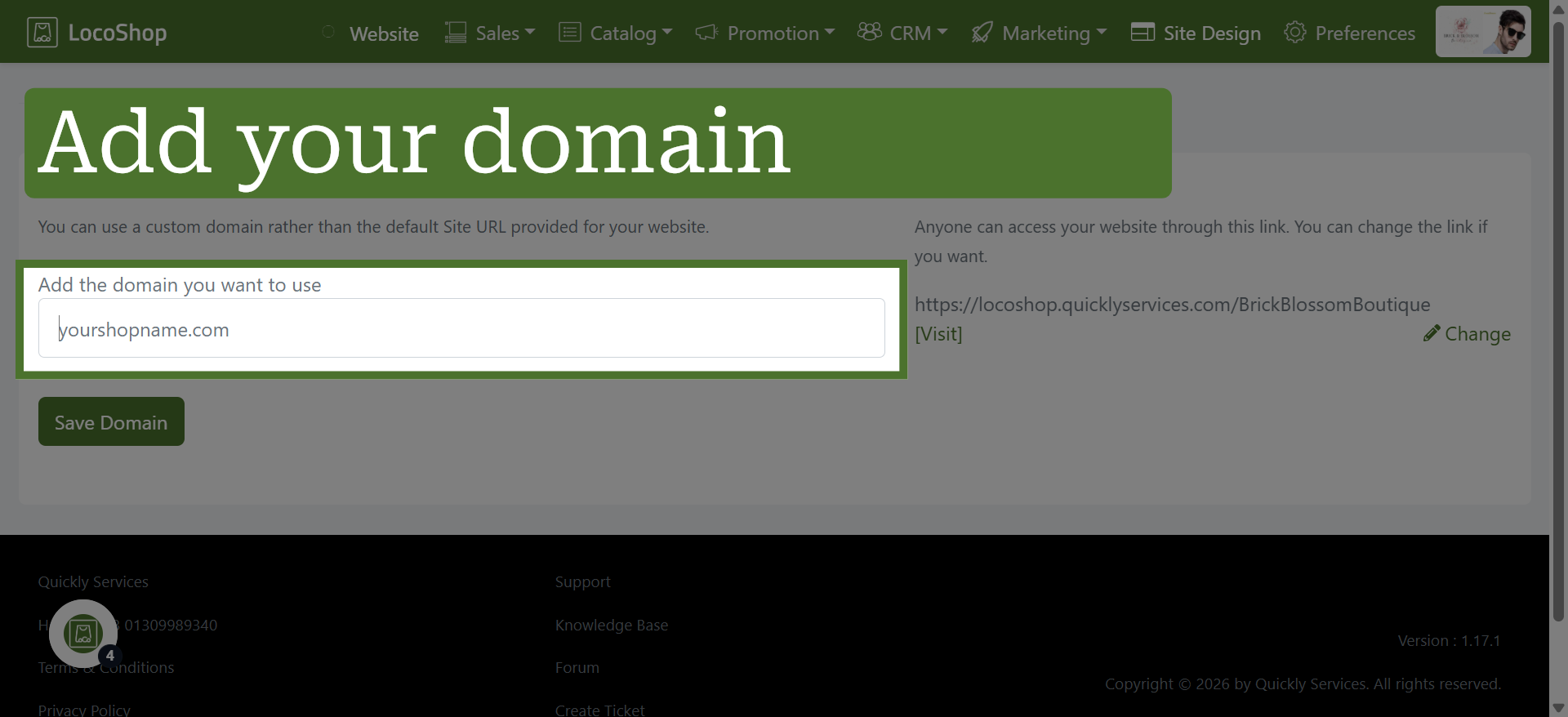
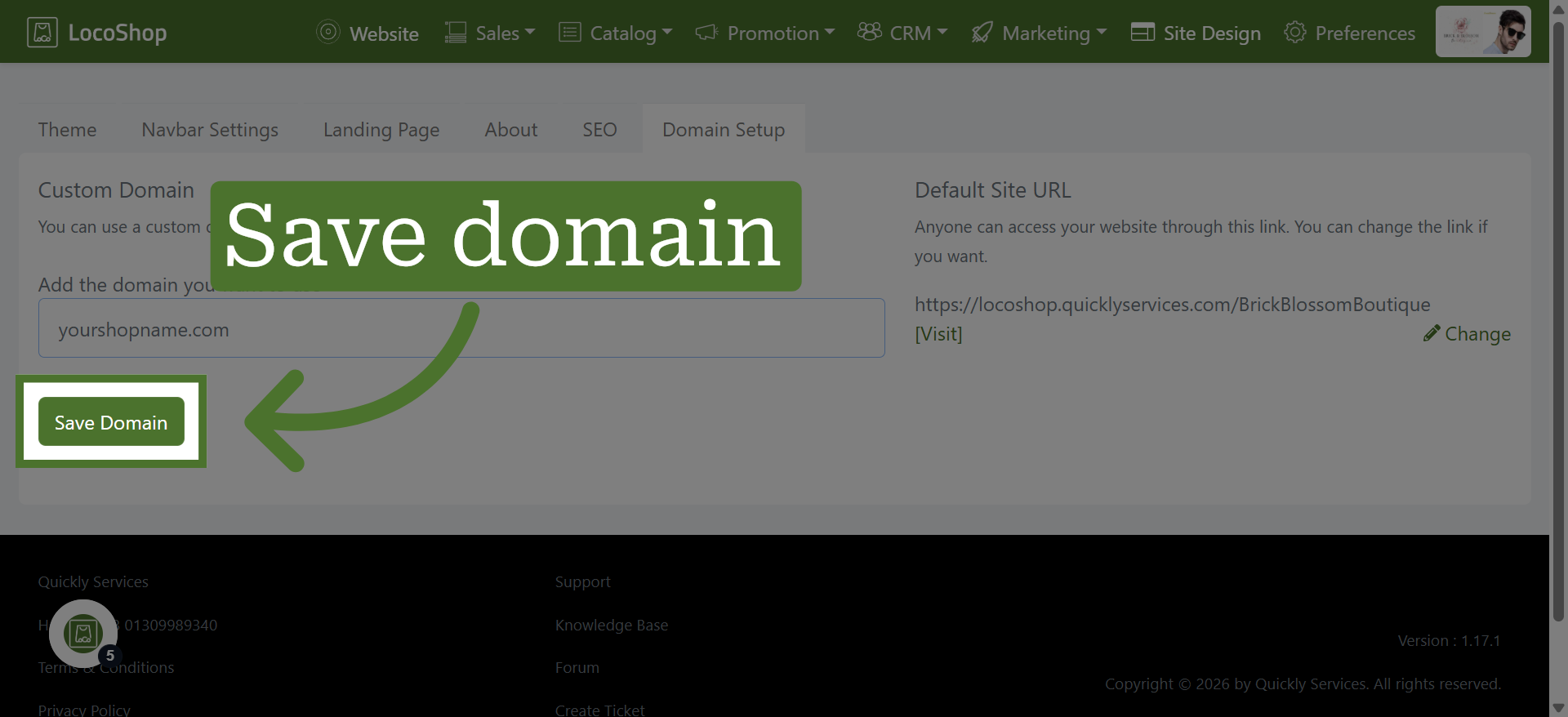
5. Save Domain Configuration
Click the "Save Domain" button to apply and save your custom domain settings.