How to Add New Restaurant Outlet Locations in RestroGreen
This tutorial guides you through adding a new outlet location in the RestroGreen Business Portal.
Go to
restrogreen.quicklyservices.com
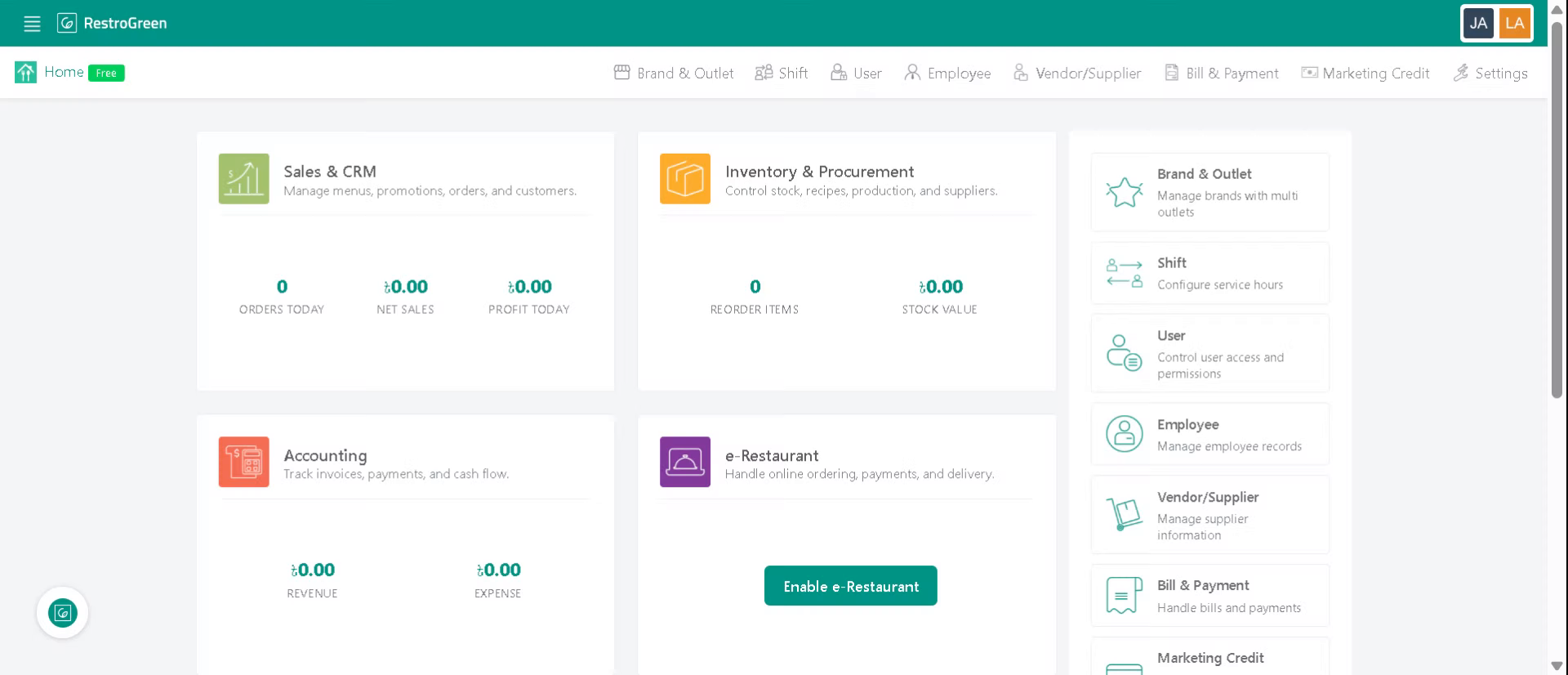
1. Login to your Business Portal
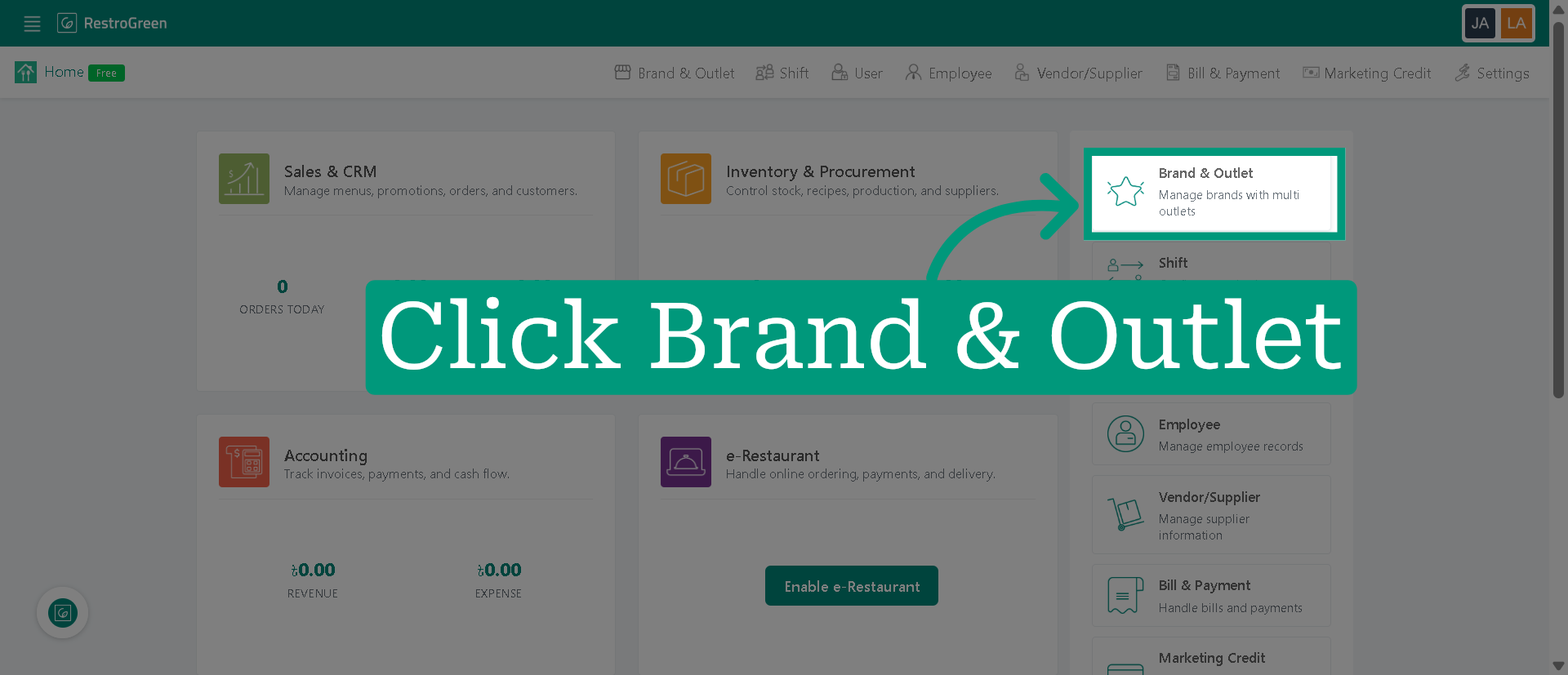
2. Access Brand & Outlet Section
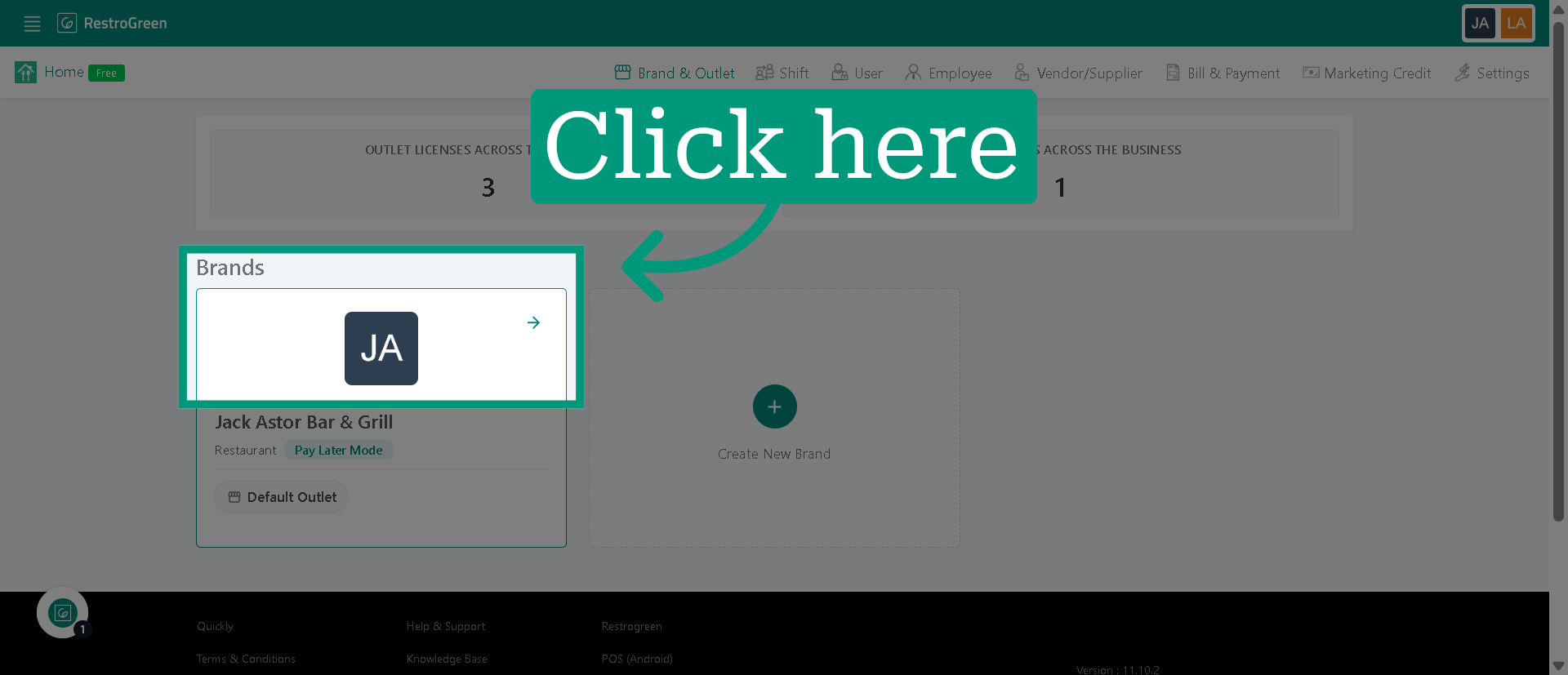
3. Click on the brand where you want to add an outlet
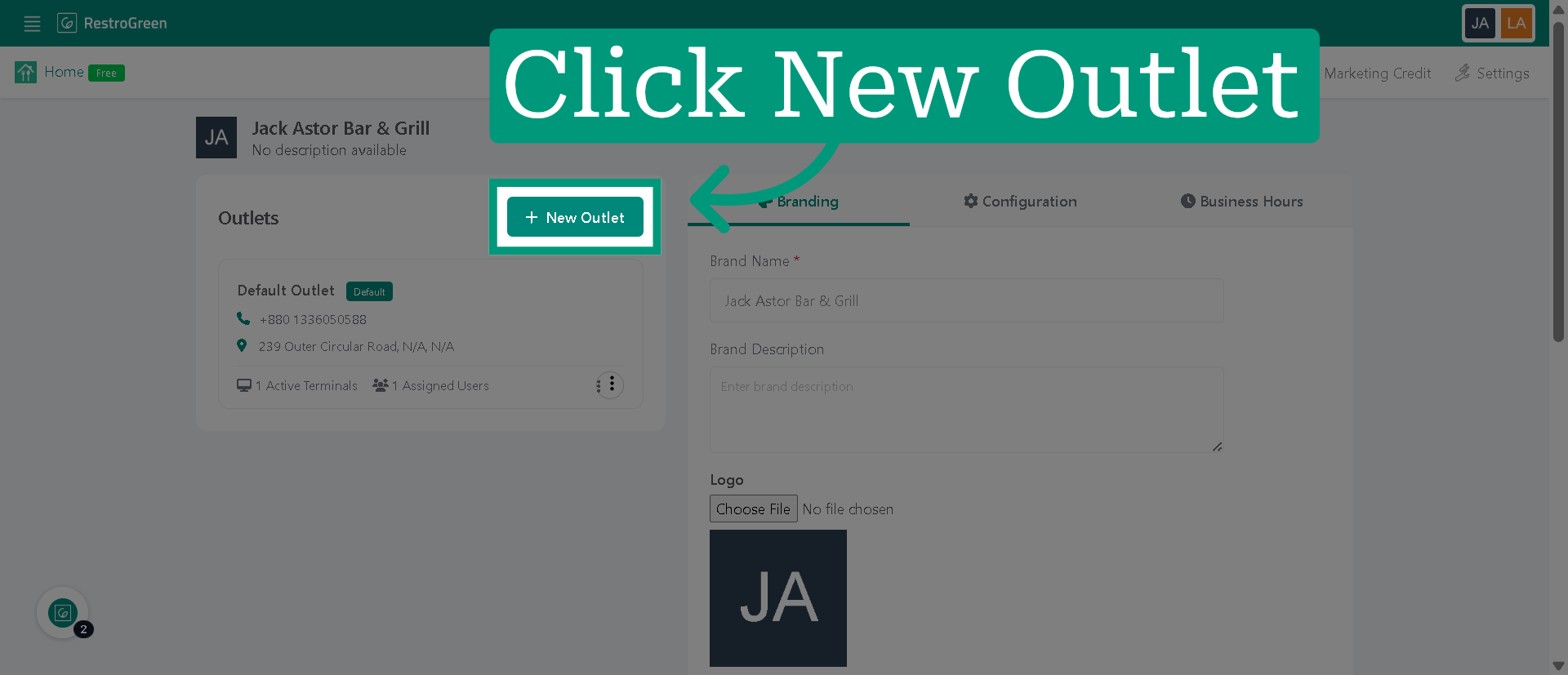
4. Click "New Outlet" to start adding a new outlet
5. Type-in a name for the outlet
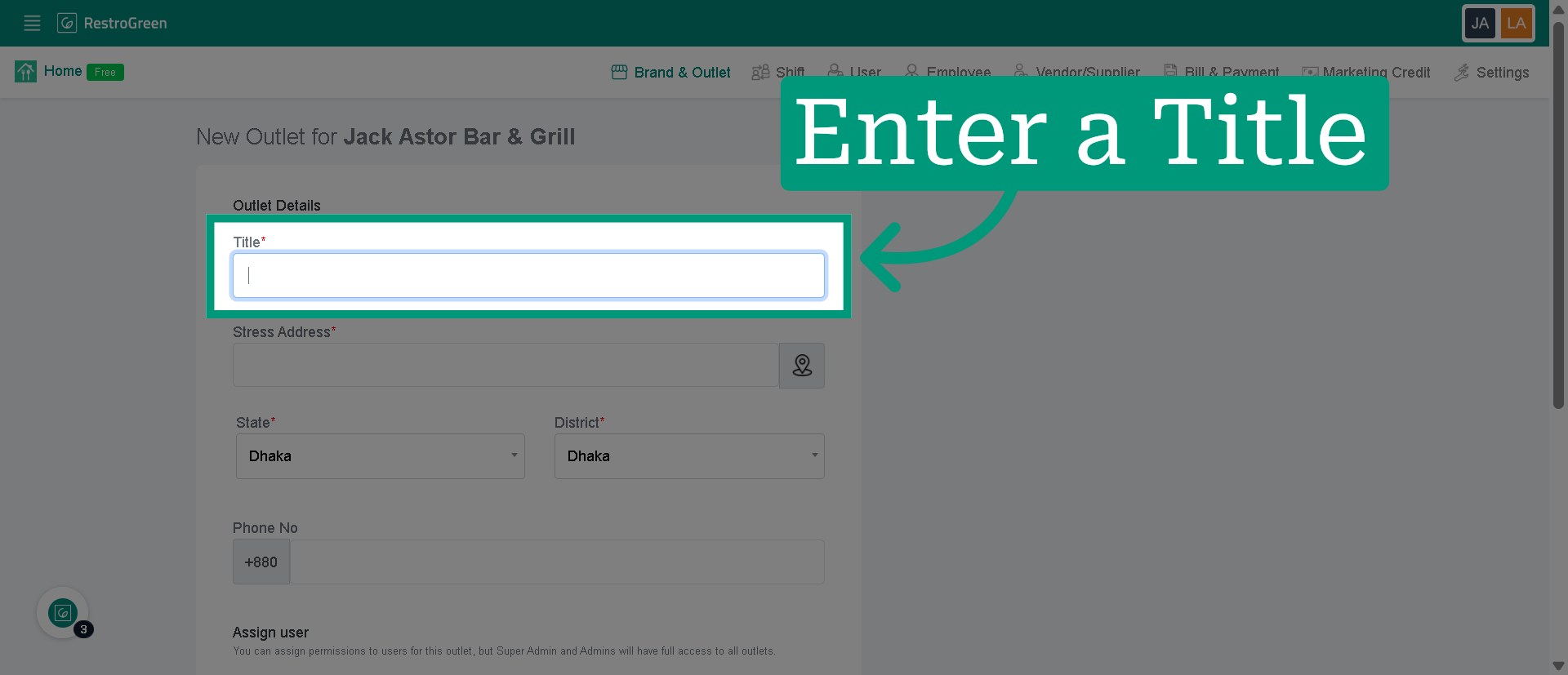
6. Type-in an address or click on the navigator
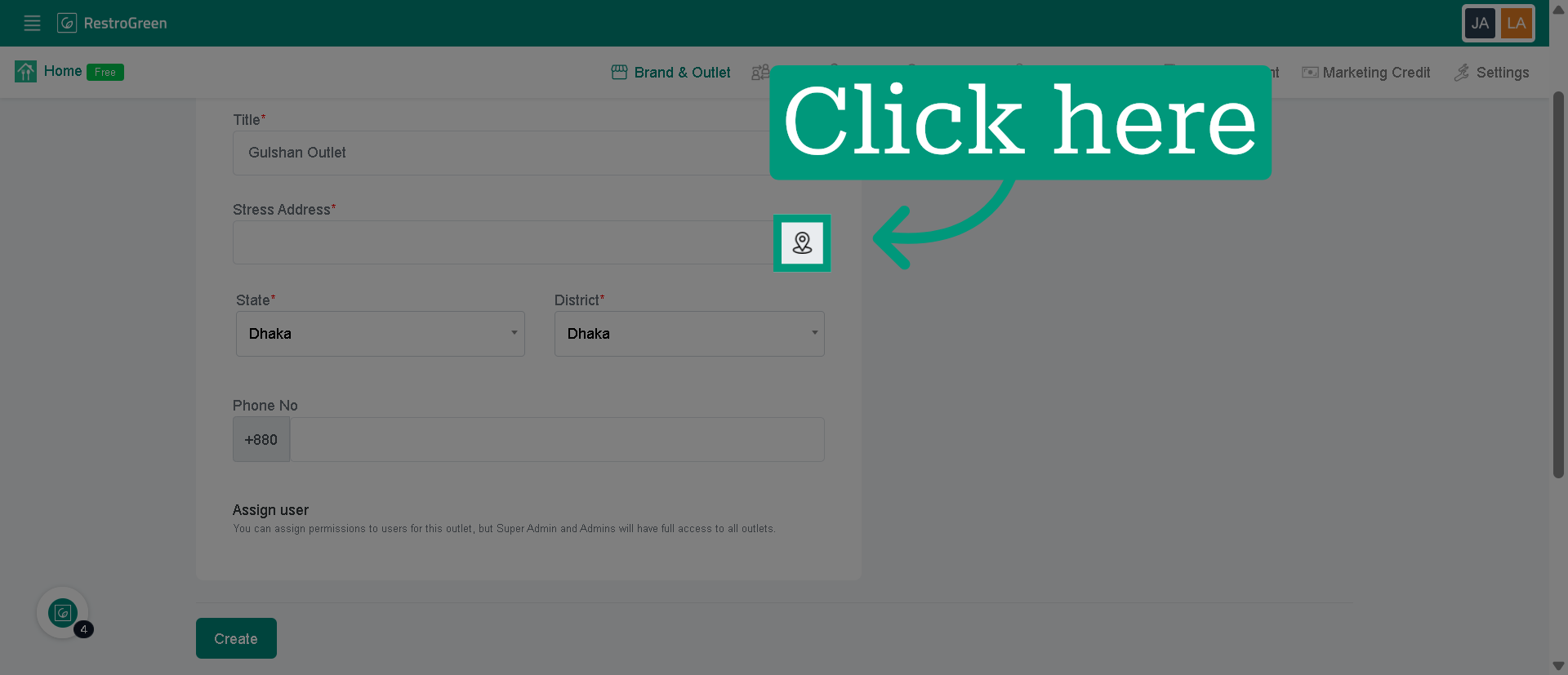
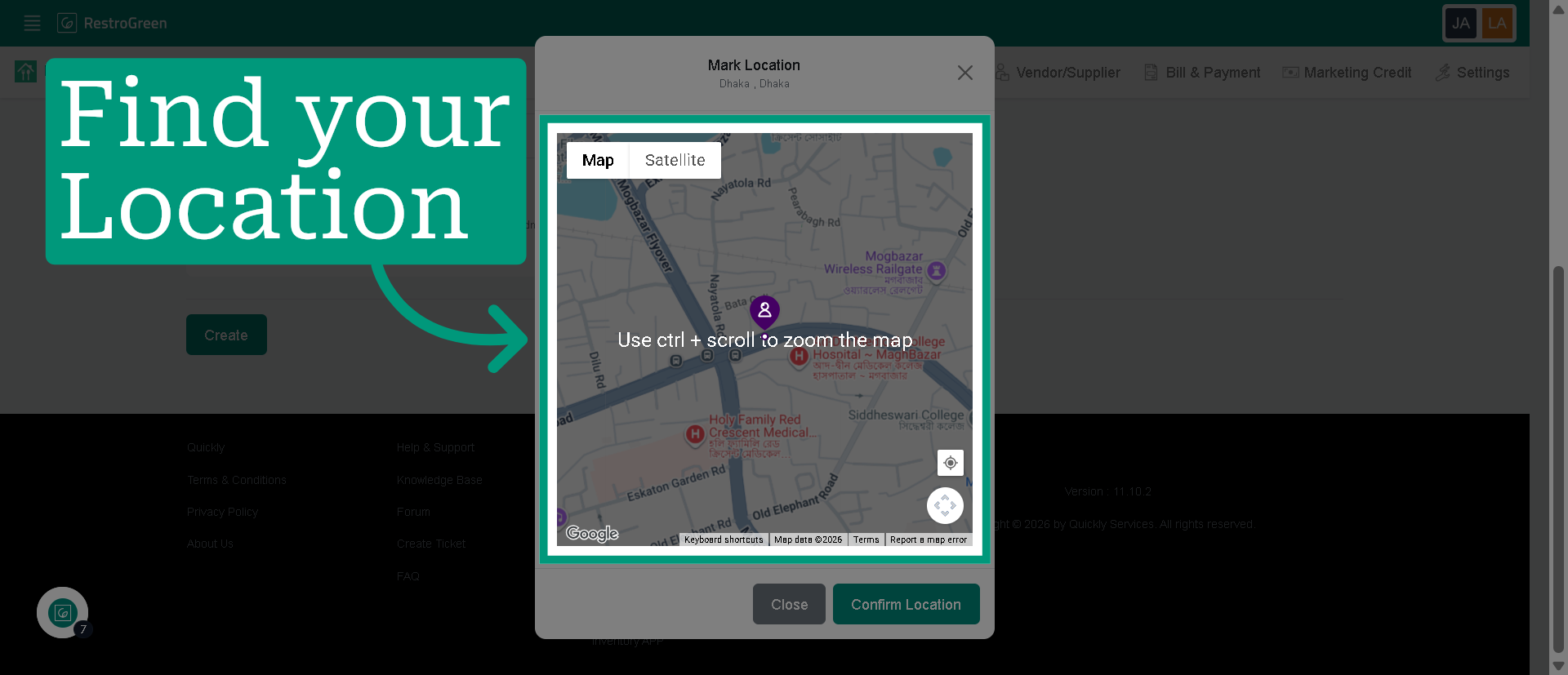
7. Drag and pick the correct location for your outlet
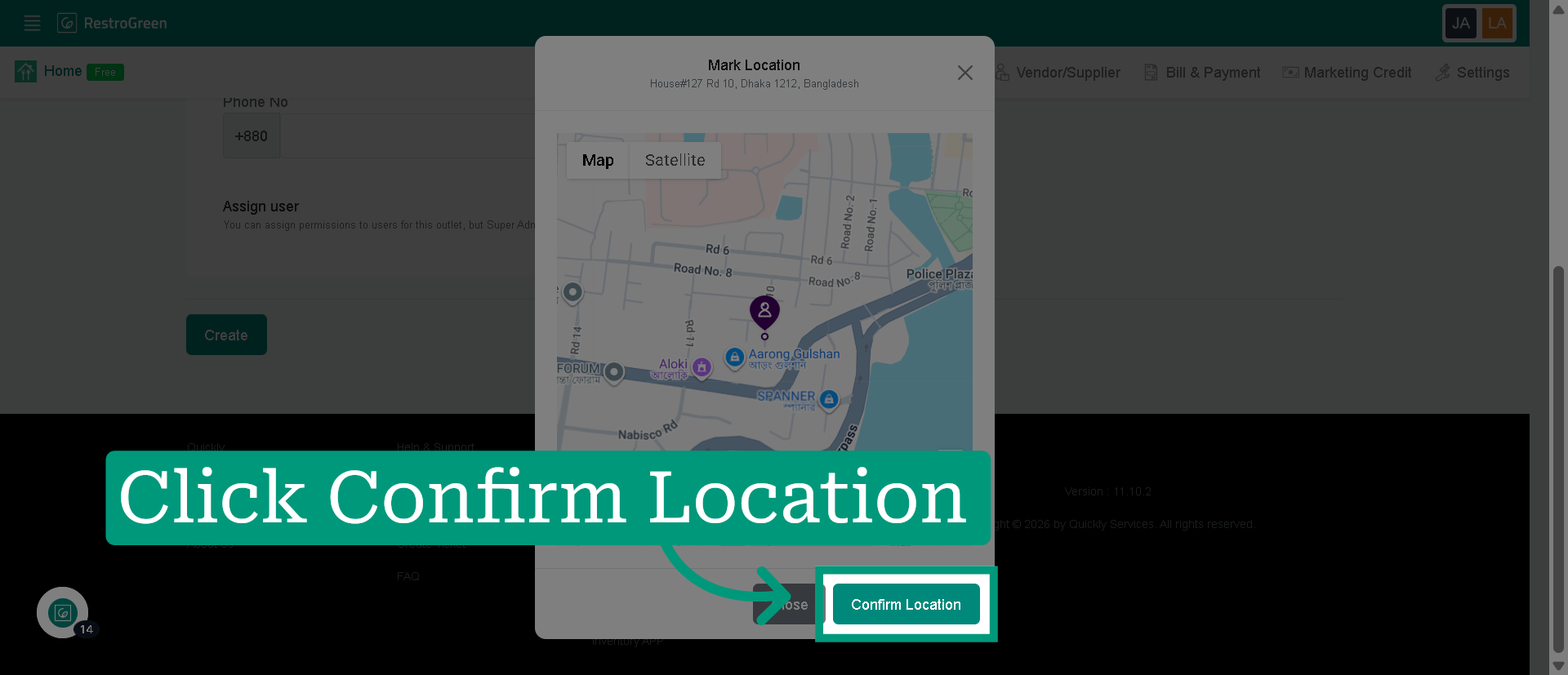
8. Click "Confirm Location" to verify and save the address
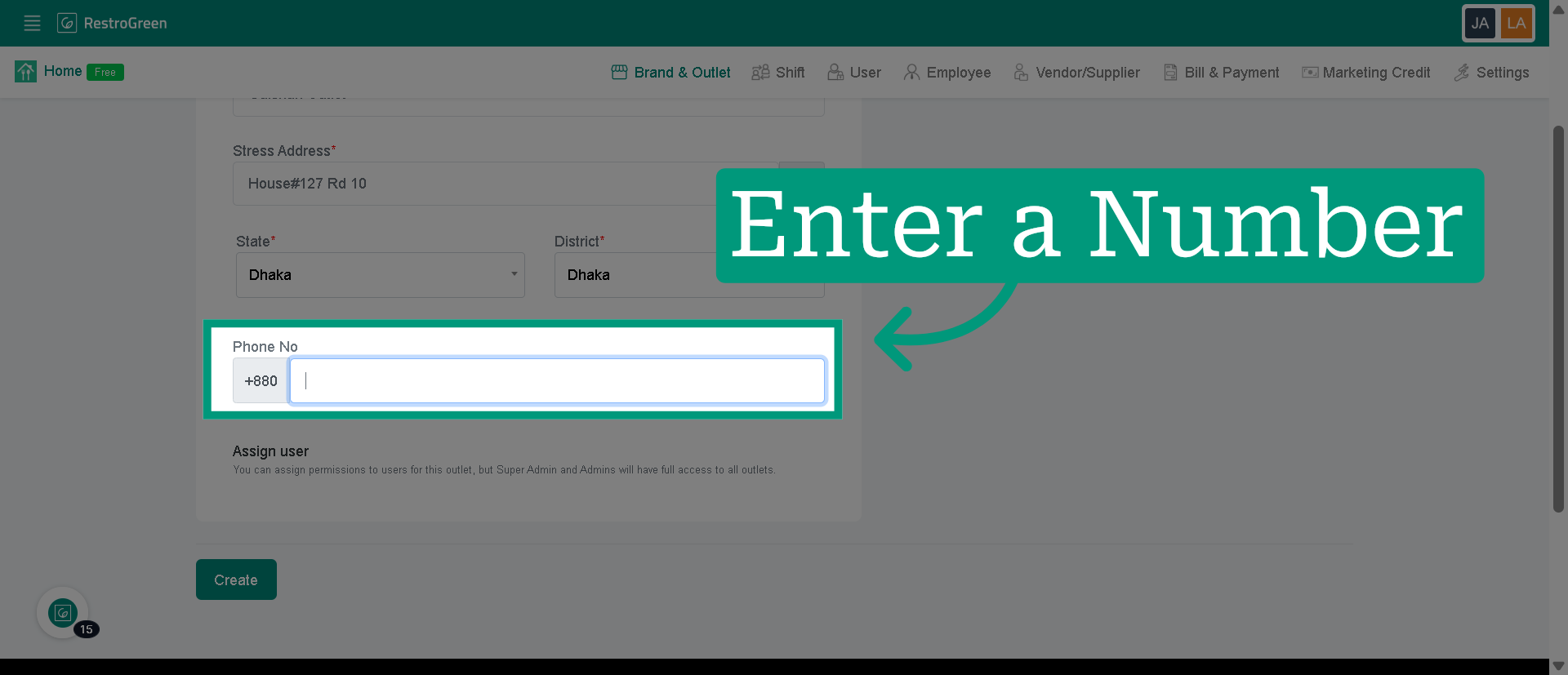
9. Type-in a contact number
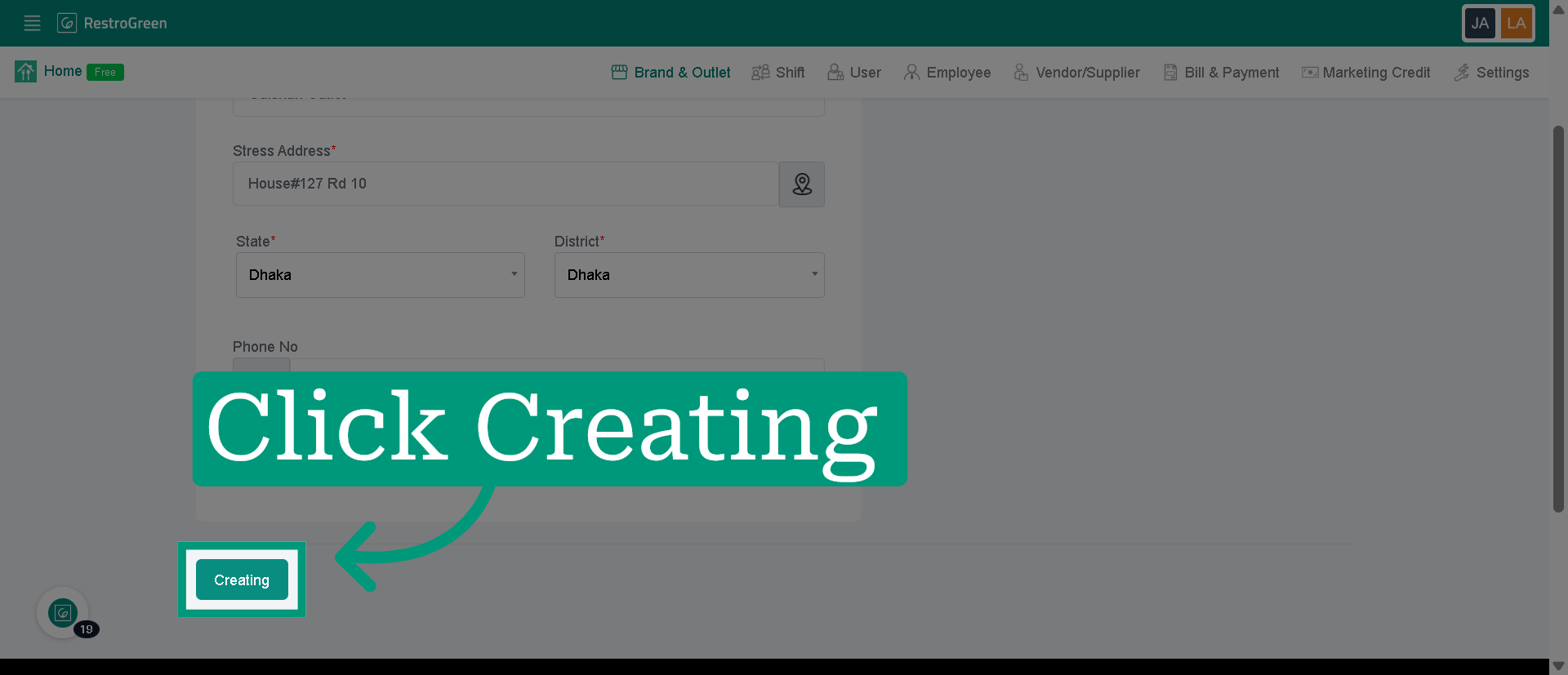
10. Click "Creating" to confirm the details of your new outlet
11. The new outlet has been added under your selected brand
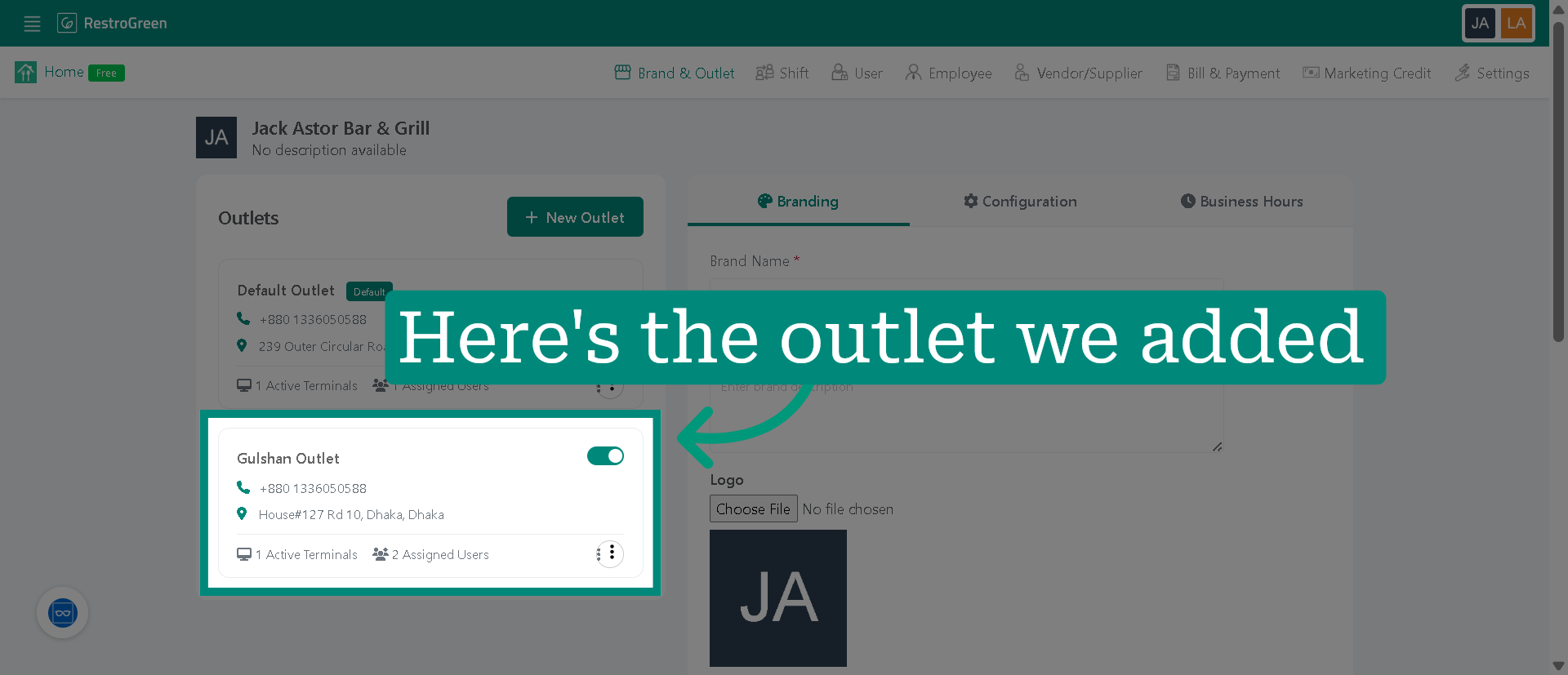
You have successfully added a new outlet location in the RestroGreen Business Portal by entering the outlet name, confirming the location, and providing contact information. You can now manage this outlet within your business profile or add additional locations as needed.