How to Create a New Ledger Account in RetailLife
This tutorial guides you through adding a new account in the Chart of Accounts within RetailLife.
Creating accounts is an essential step in setting up your accounting system, as these accounts
are used to accurately record and categorize financial transactions. Once created, accounts can
be selected when creating bills, invoices, expenses, journal entries, payments, and other financial
records, ensuring accurate bookkeeping and financial reporting.
Go to
retaillife.quicklyservices.com
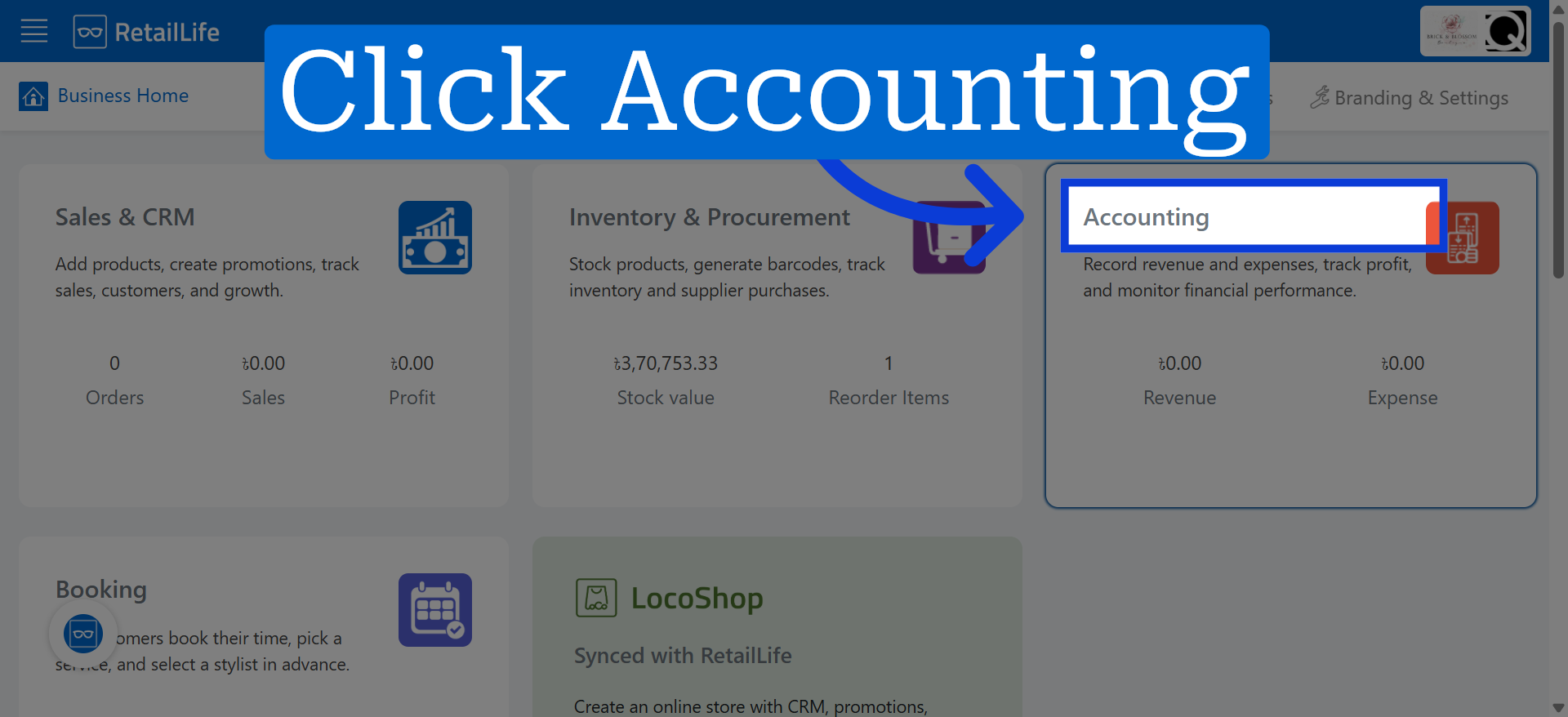
1. Access Accounting Module
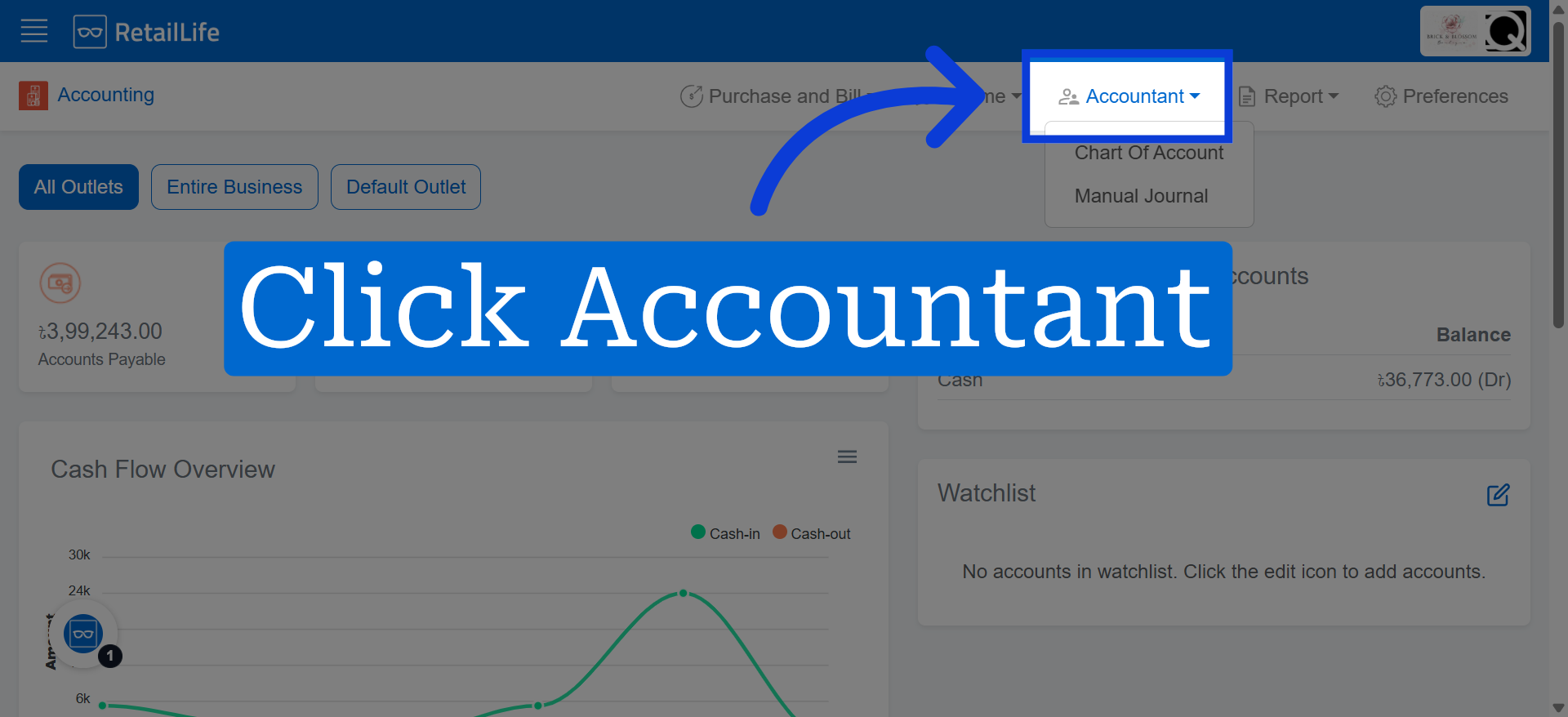
2. Open Accountant Menu
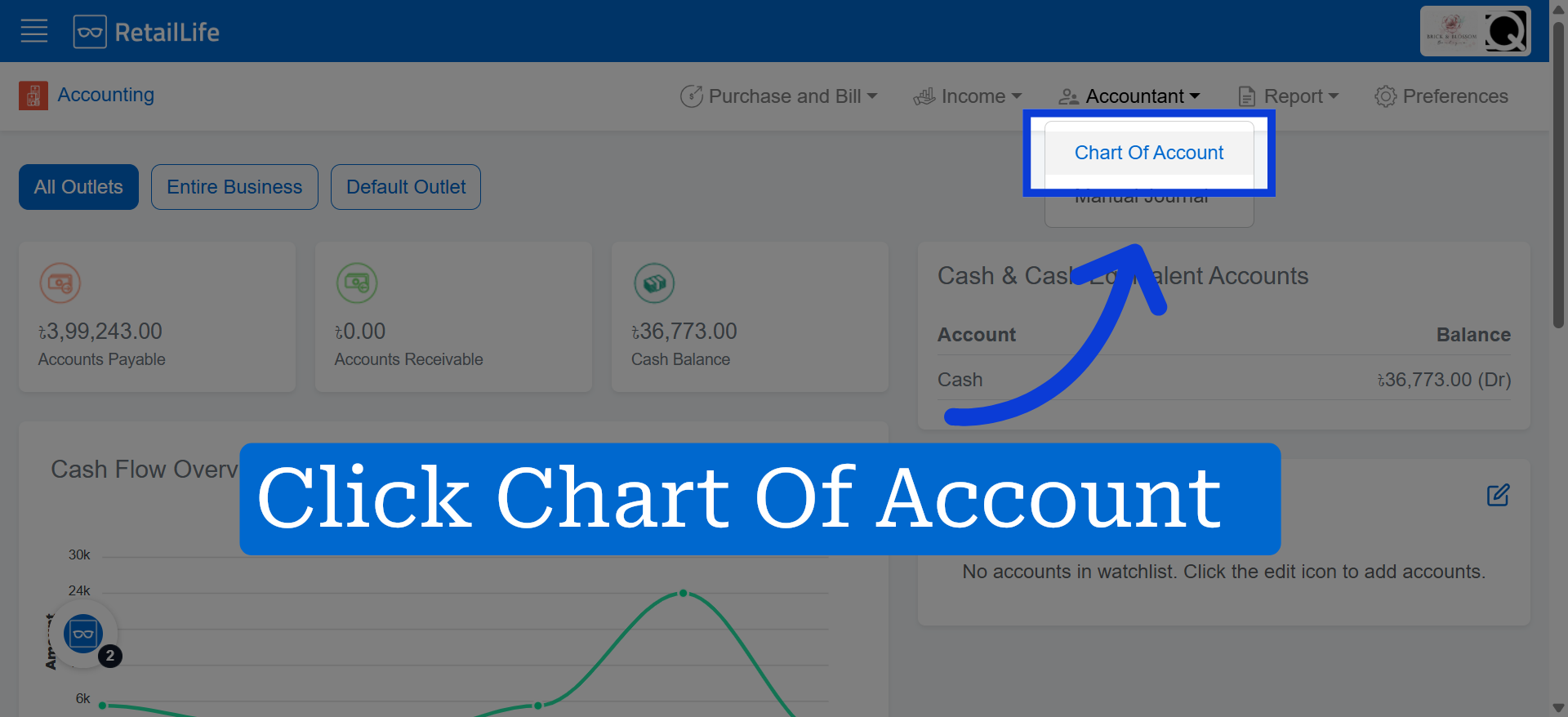
3. Navigate to Chart of Accounts
4. Initiate New Account Creation
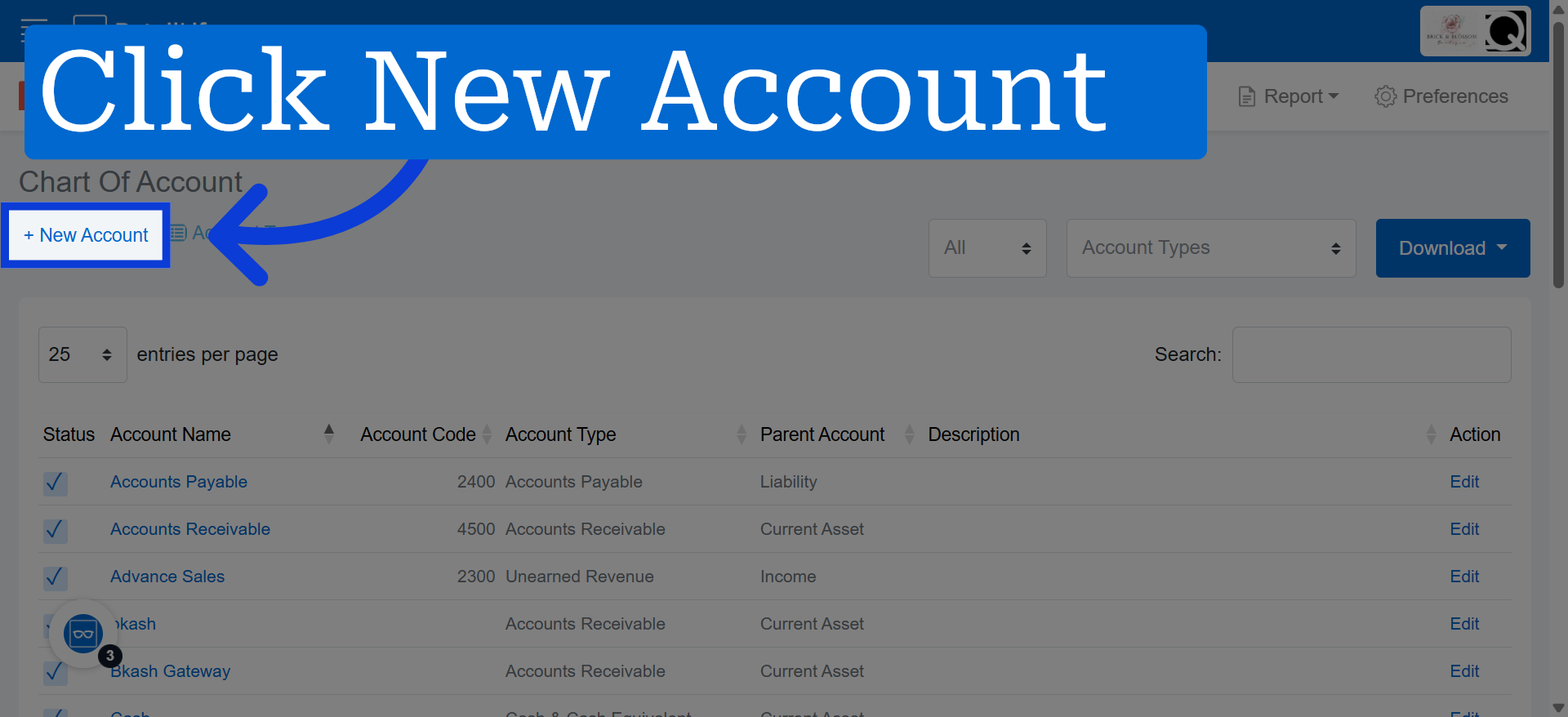
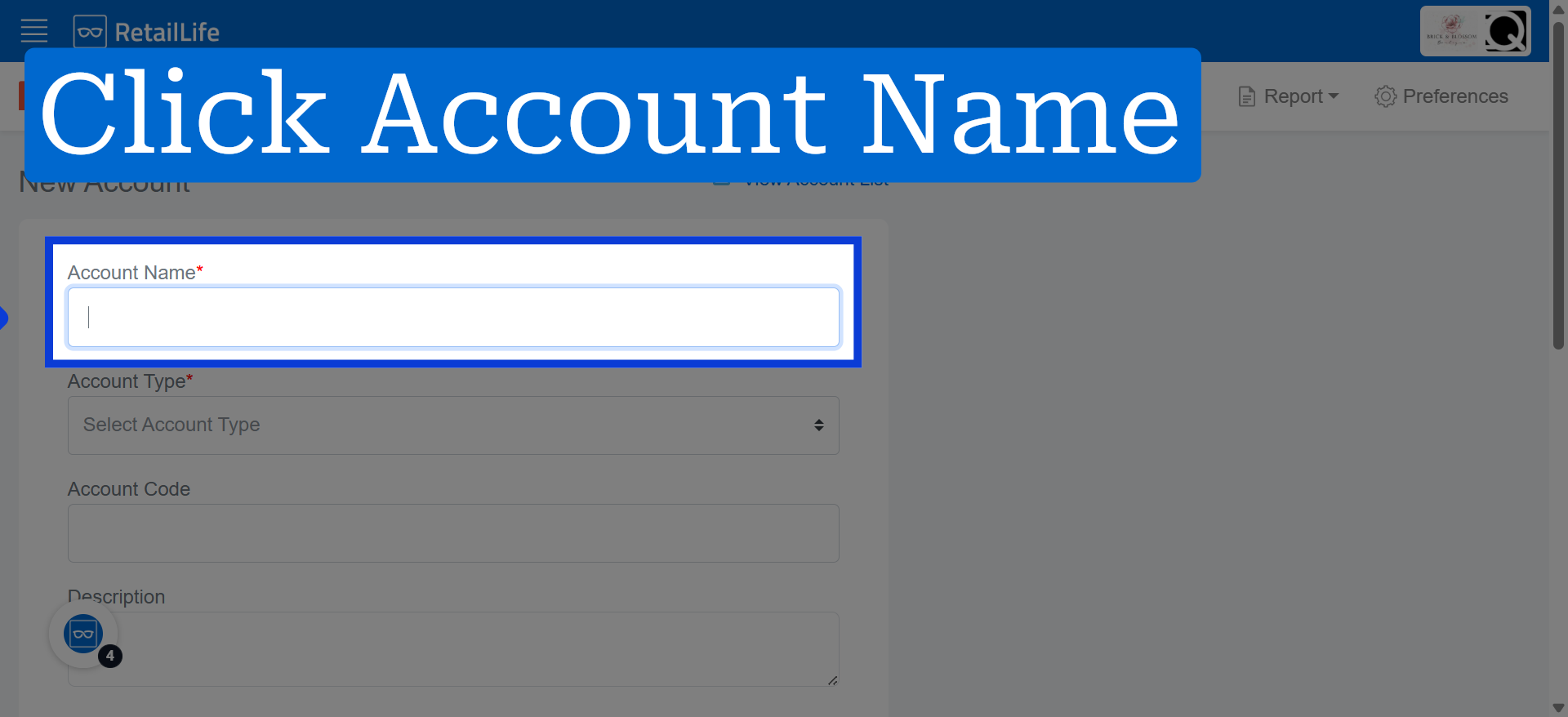
5. Click "Account Name" to enter the name for the new account.
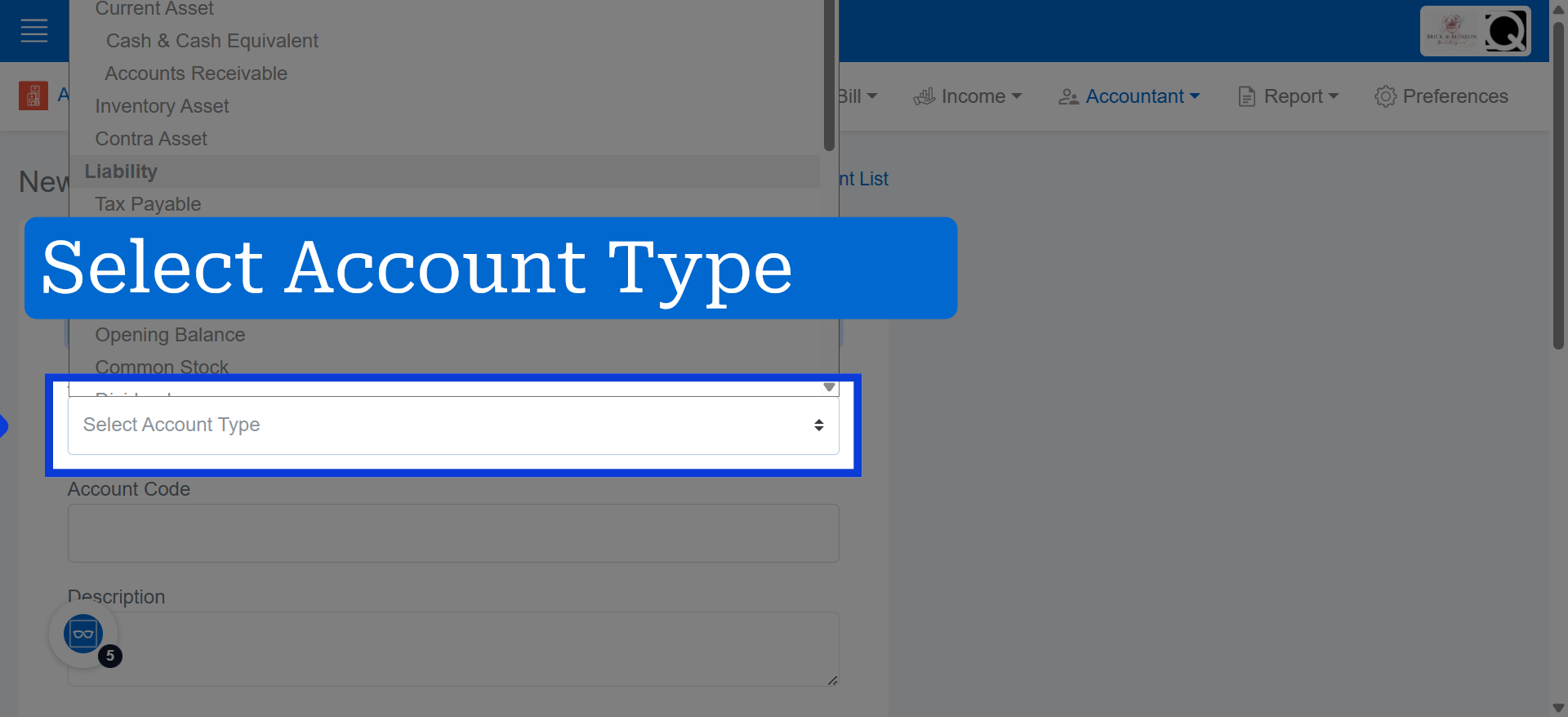
6. Select Account Type
Click "Select Account Type" to choose the category that best fits the new account.
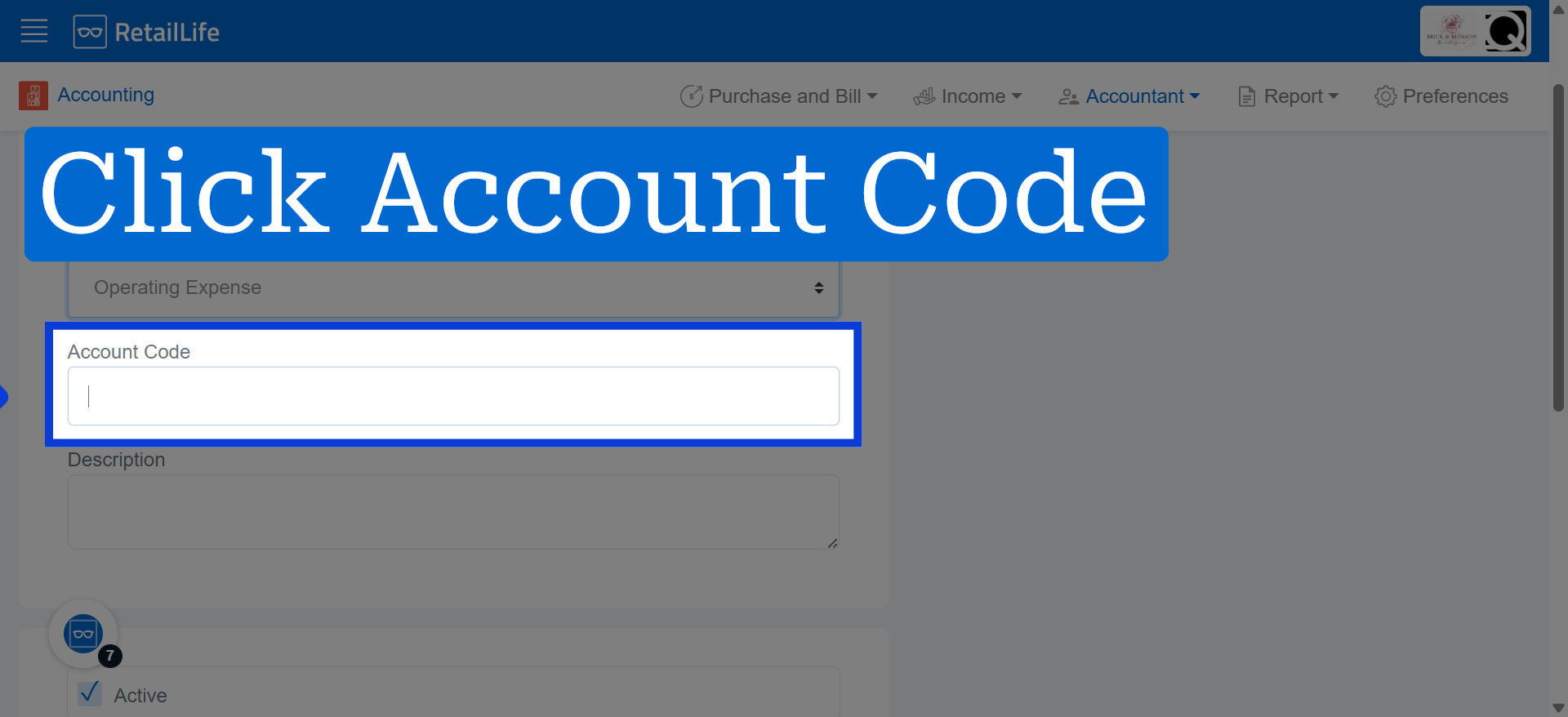
7. Select Account Code Field
Click "Account Code" to input a unique identifier for the new account.
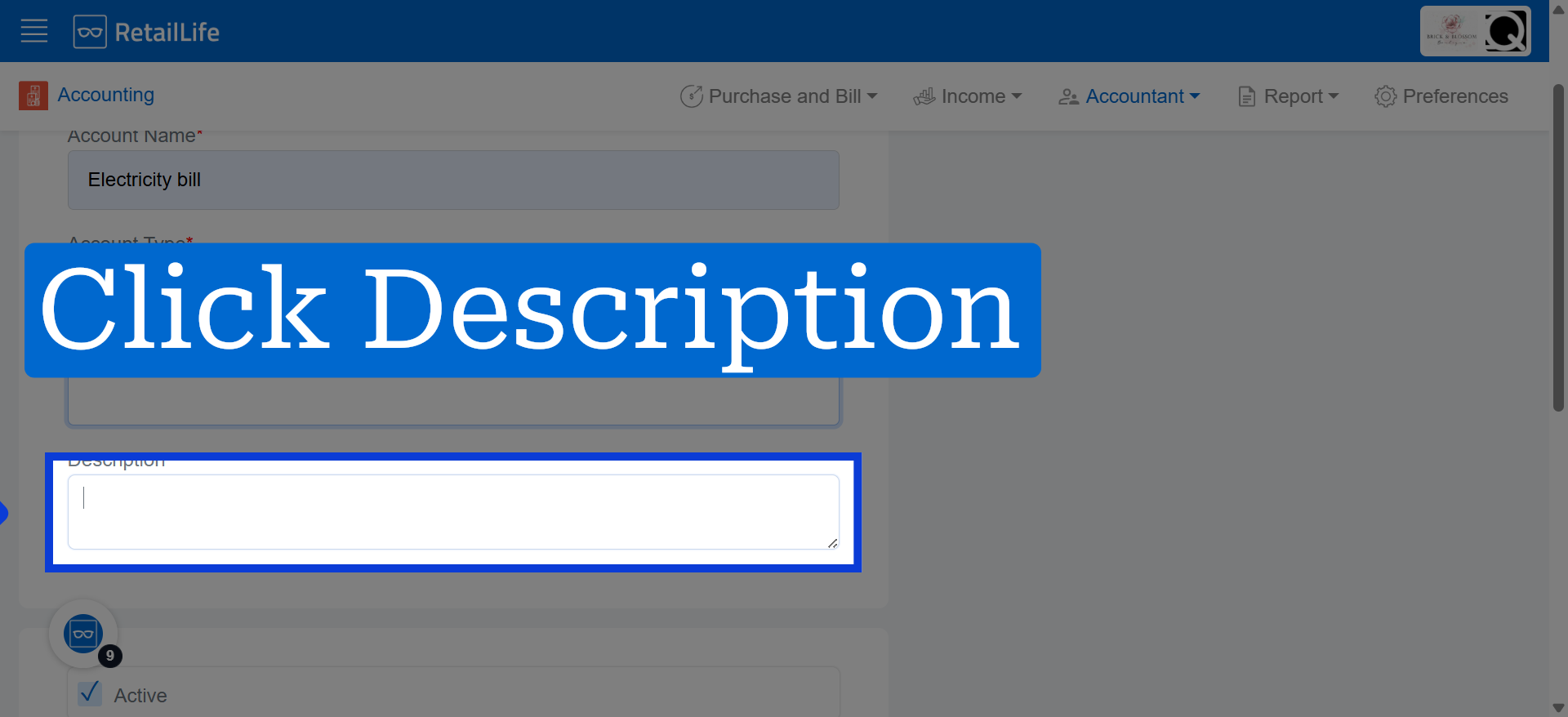
8. Select Description Field
Click "Description" to add details that describe the purpose of the account.
9. Create New Account
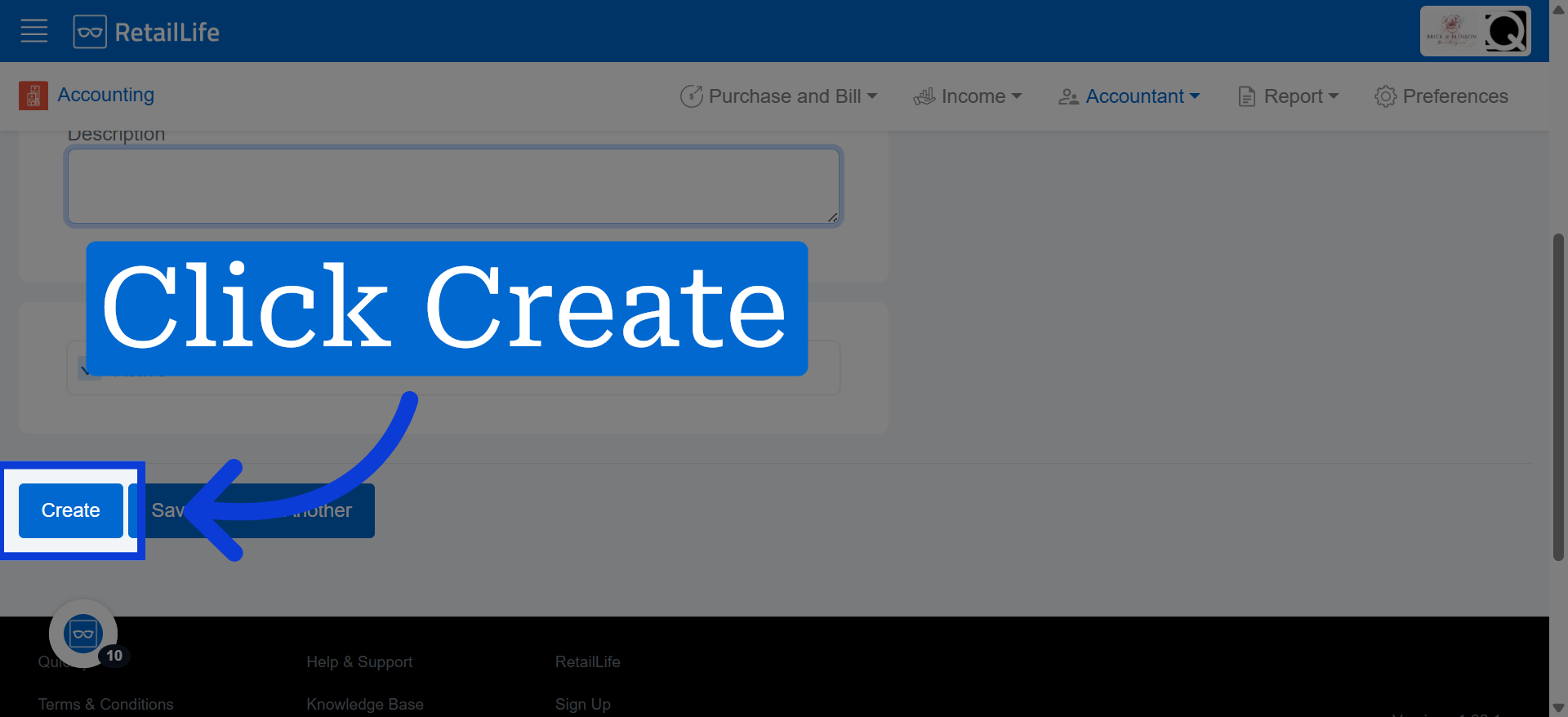
Click "Create" to save the new account and add it to your Chart of Accounts.