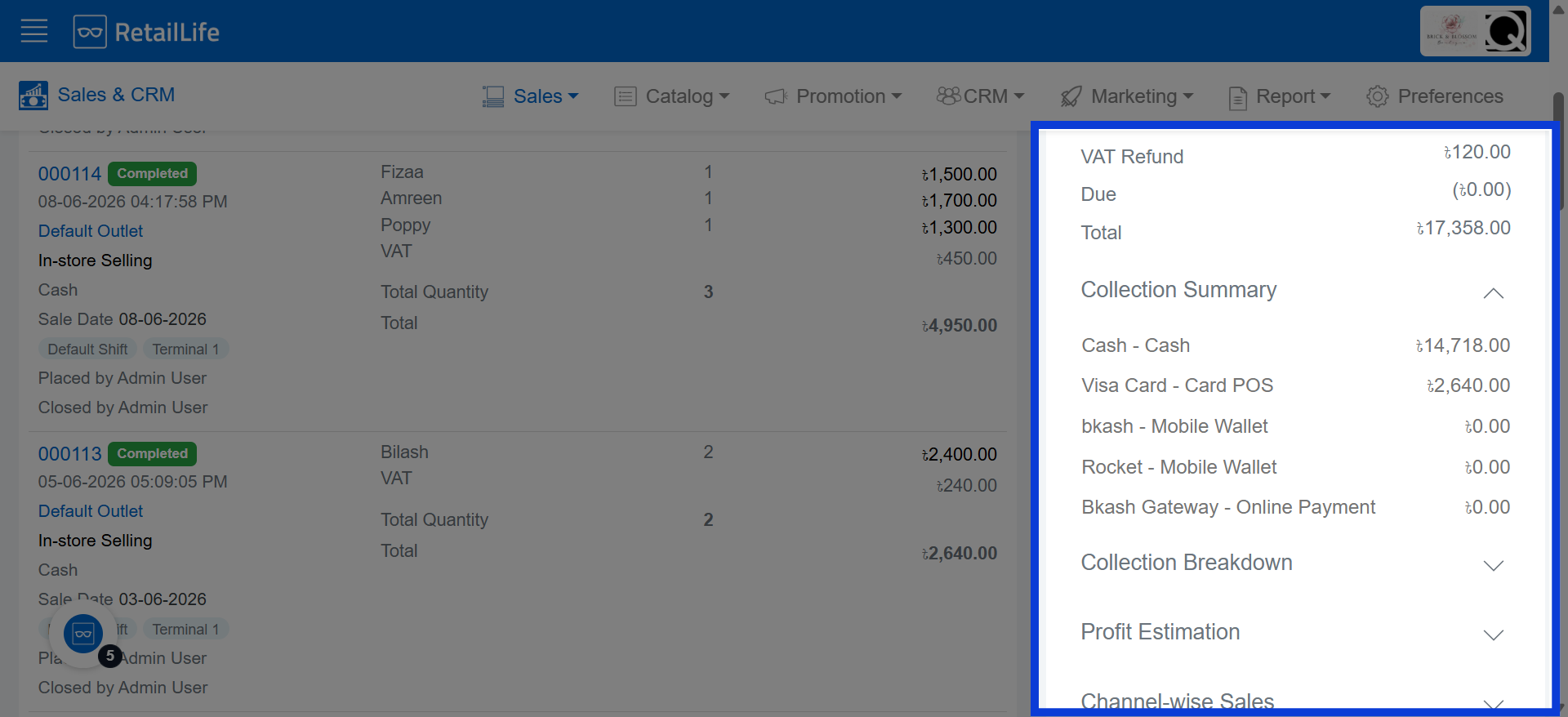
How to Monitor the Collection Summary in RetailLife Business Portal
This tutorial explains how to access detailed sales and collection summaries within the Business
Portal.
Go to
retaillife.quicklyservices.com
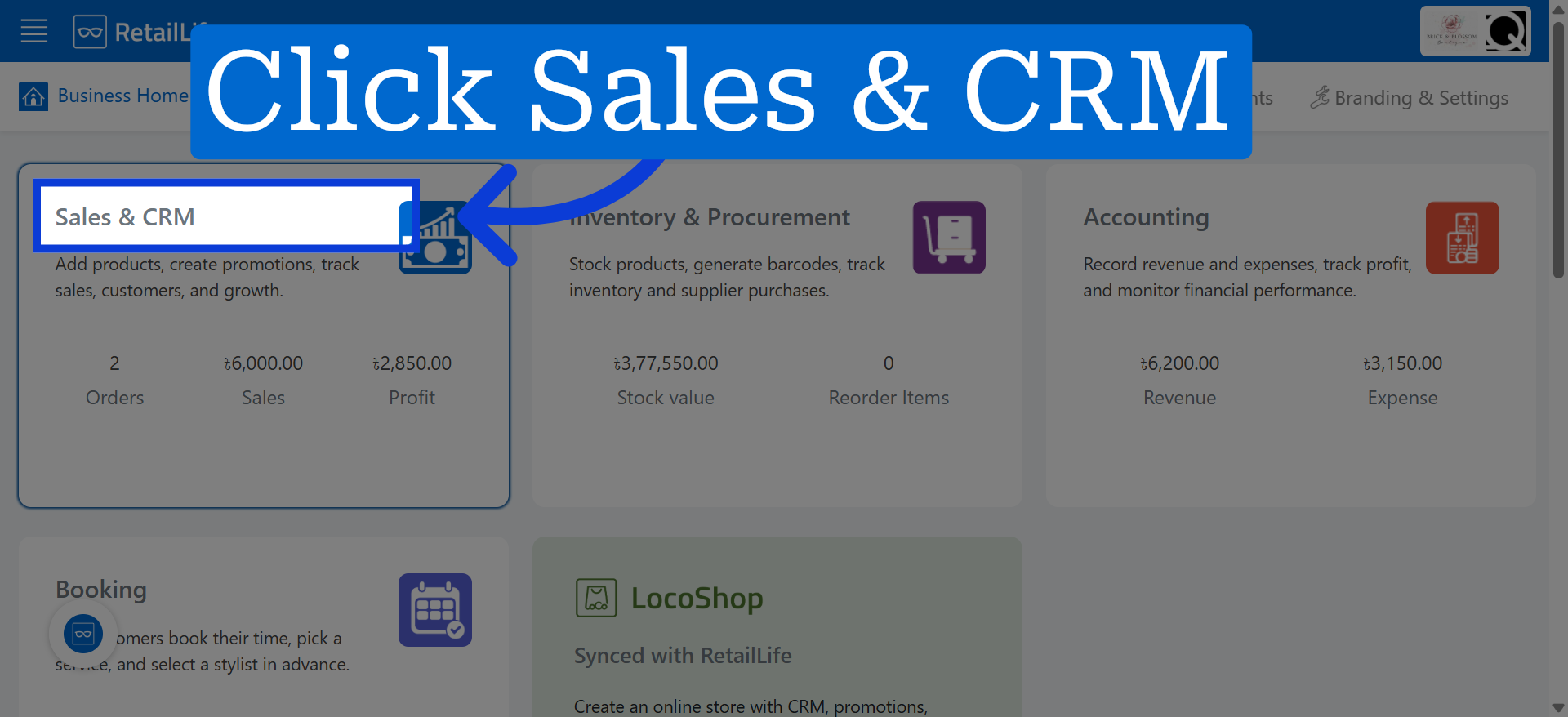
1. Access Sales And CRM Module
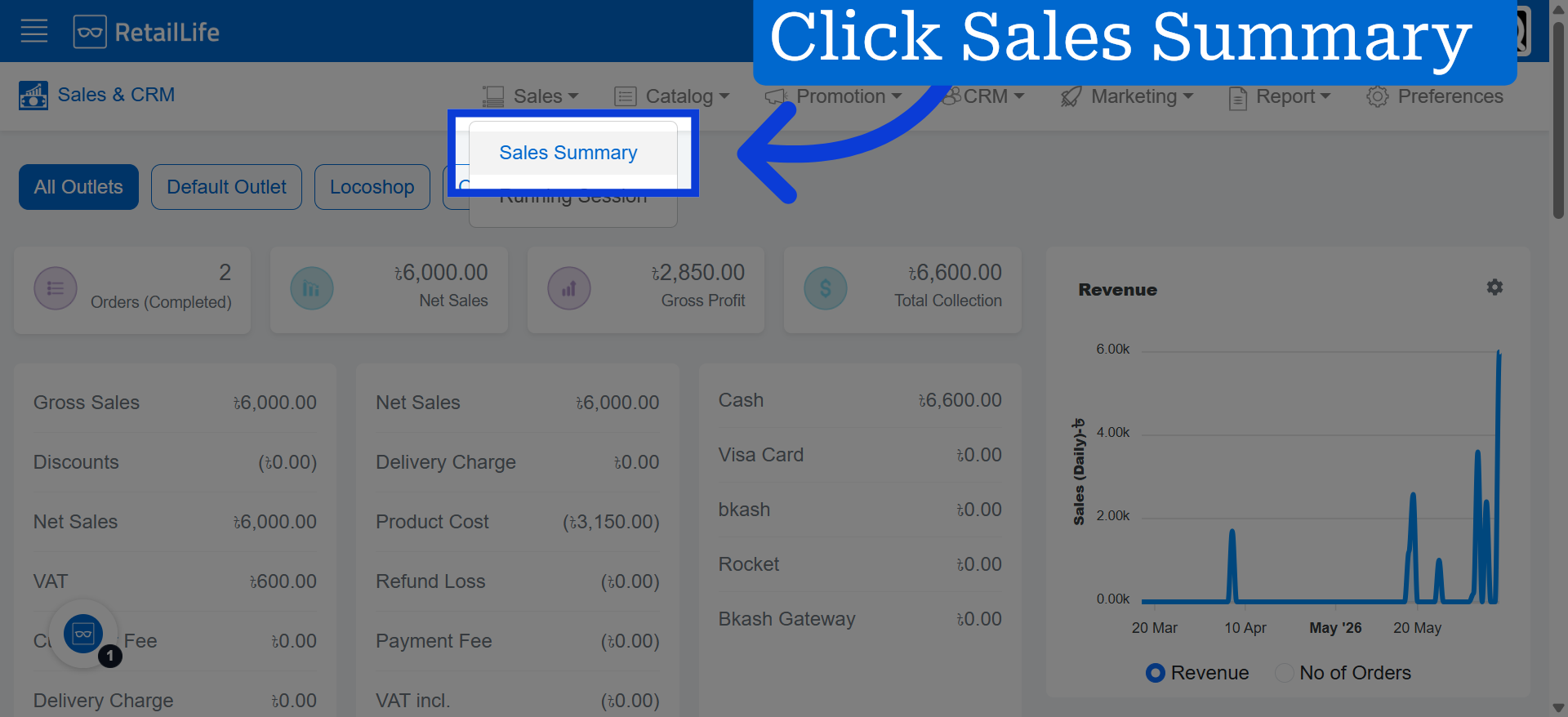
2. Open Sales Summary
Click "Sales Summary" to view an overview of sales performance and metrics.
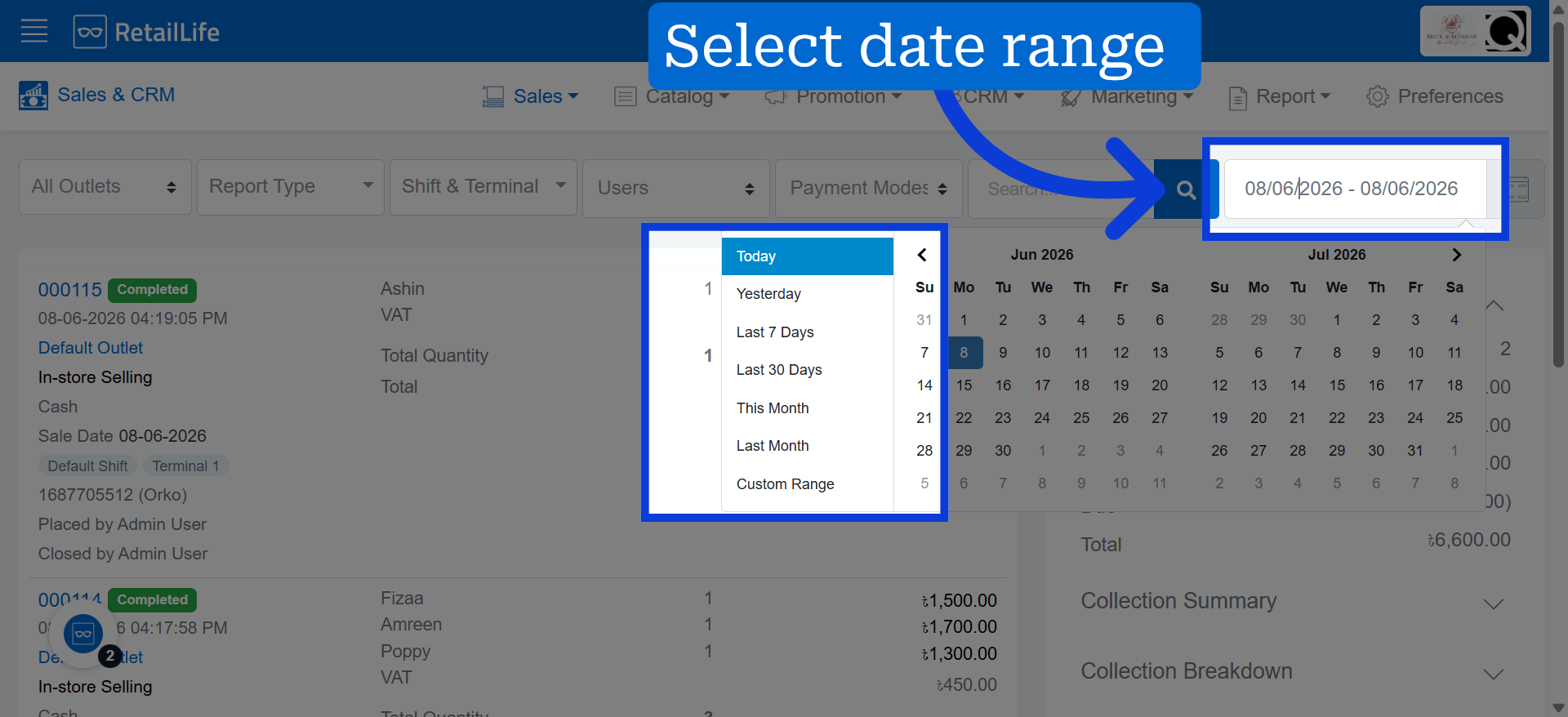
3. Select Date Range Accordingly
From here, you can select a date range or define a custom date range.
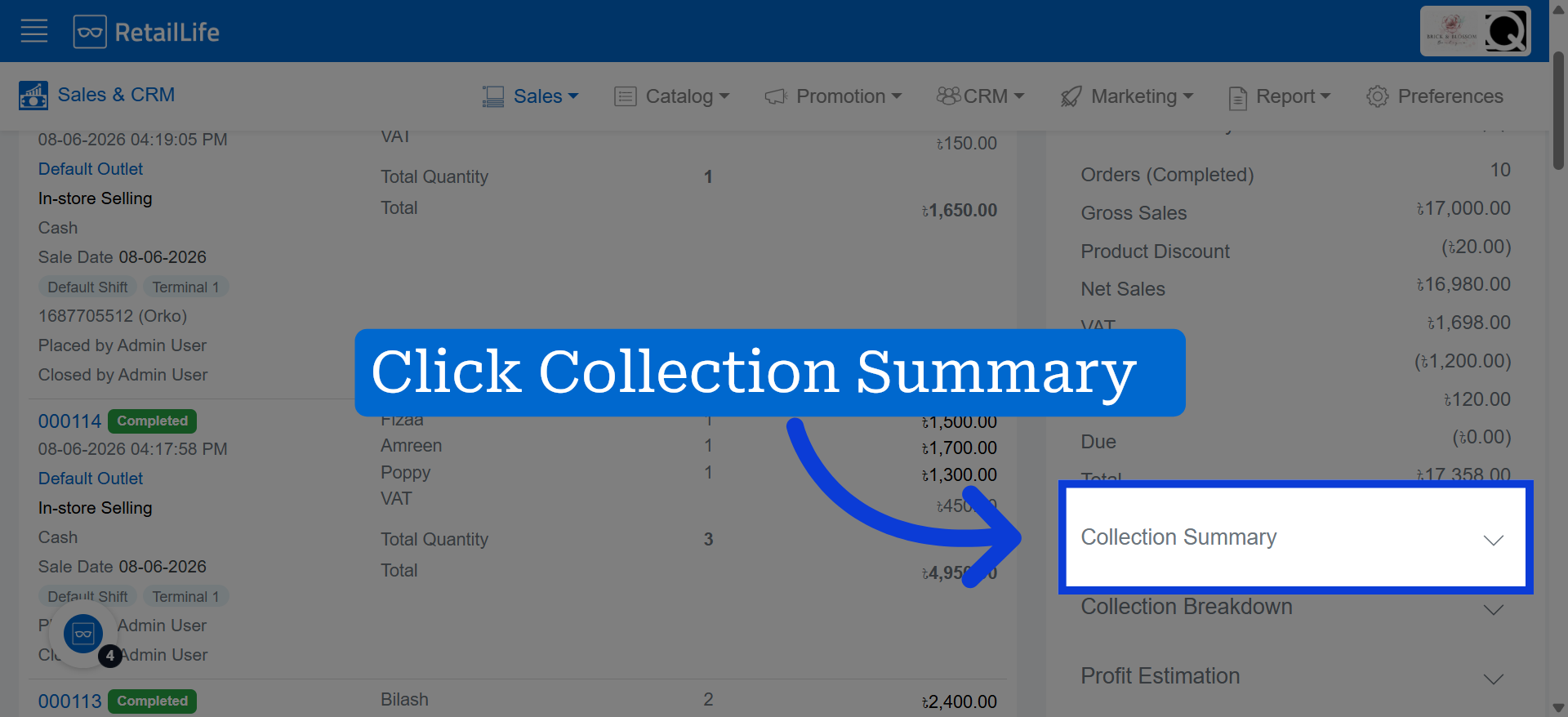
4. View Collection Summary
Click "Collection Summary" to access detailed information about collections and payments received.
5. Collection Overview
The collection summary is displayed here for quick reference.