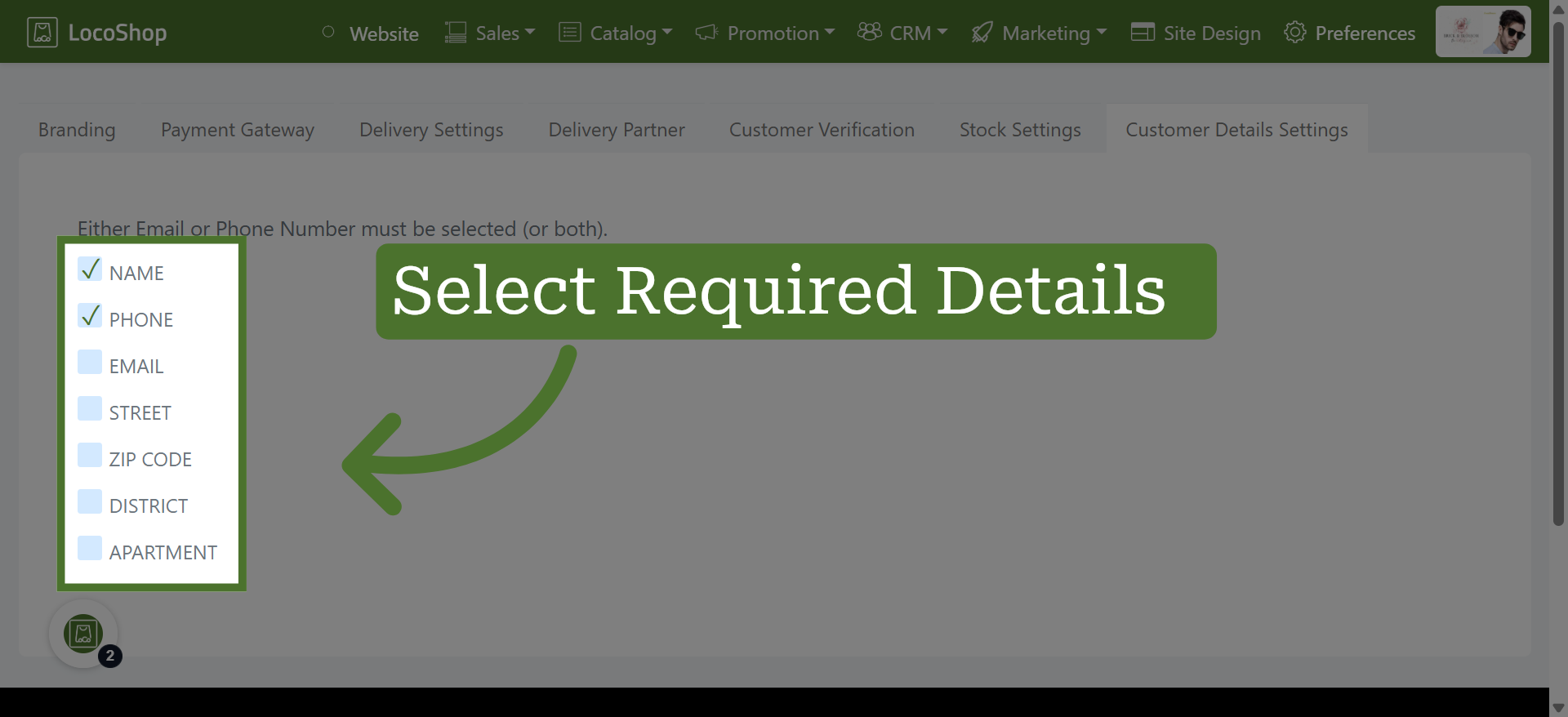
How to Manage Customer Information Settings in LocoShop
This tutorial guides you through configuring customer details settings in the Business Portal,
allowing you to choose the information customers need to provide, such as their name, phone
number, apartment, and district. Collecting the right customer details helps ensure accurate
customer information, smoother order processing, and efficient communication.
Go to
locoshop.quicklyservices.com
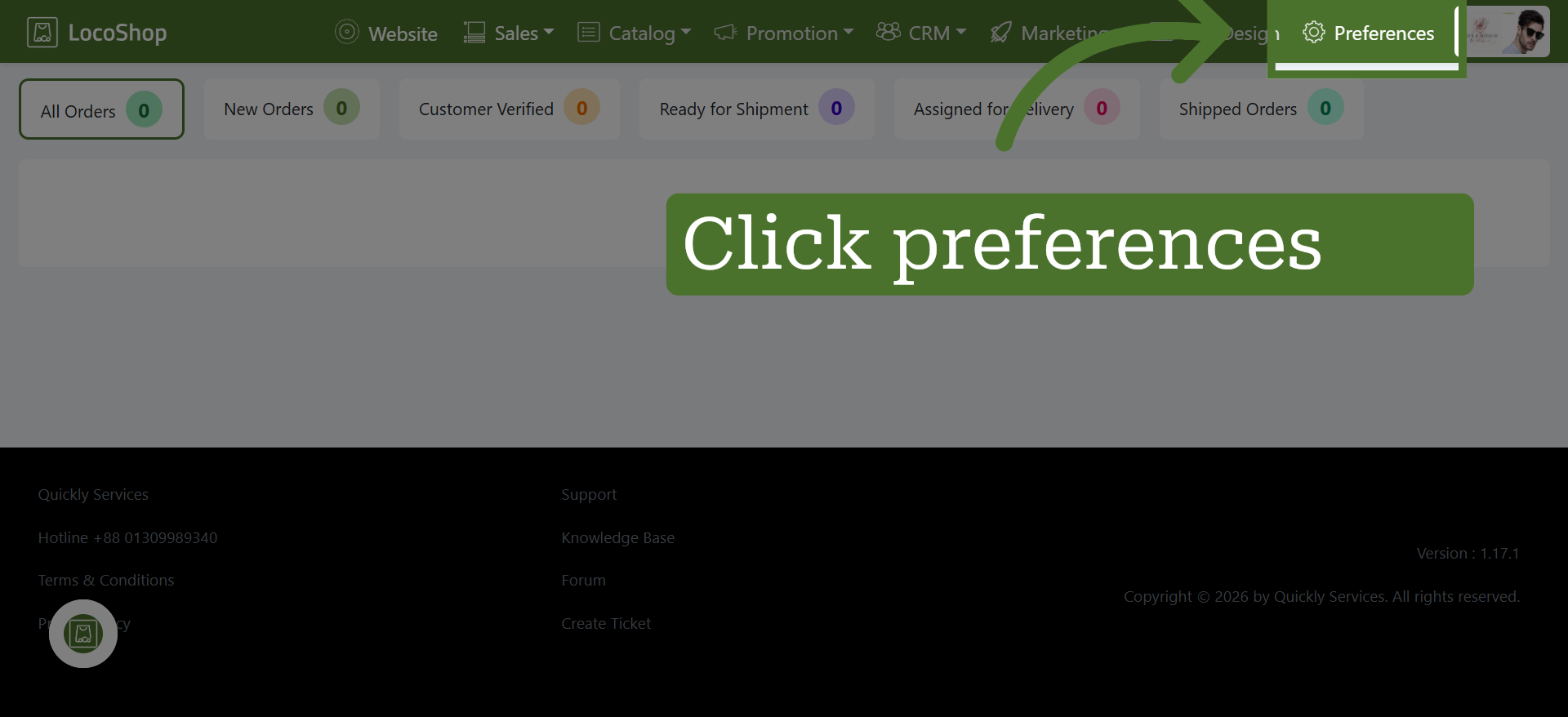
1. Open Preferences Section
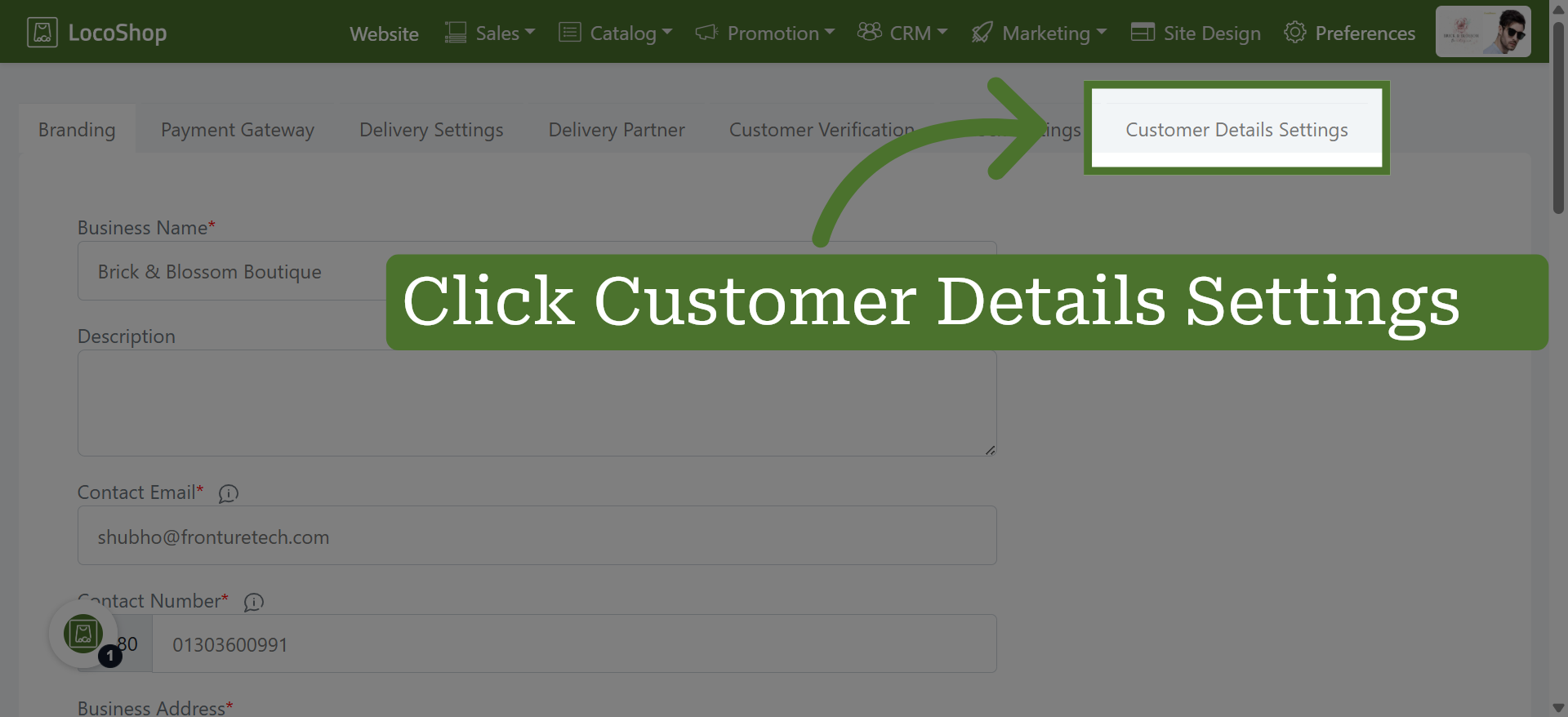
2. Access Customer Details Settings
Click "Customer Details Settings" to open the section where you can modify customer information.
3. Choose Required Information
Either Email or Phone Number must be selected, or you can select both, to ensure you have a reliable way to contact your customers.