How to Set Up Customer Verification in LocoShop Business Portal
This tutorial guides you through setting up customer verification in the LocoShop Business Portal.
Customer verification helps confirm customer information and improve the reliability of customer
accounts by allowing verification through email, phone number, or both email and phone.
Go to
locoshop.quicklyservices.com
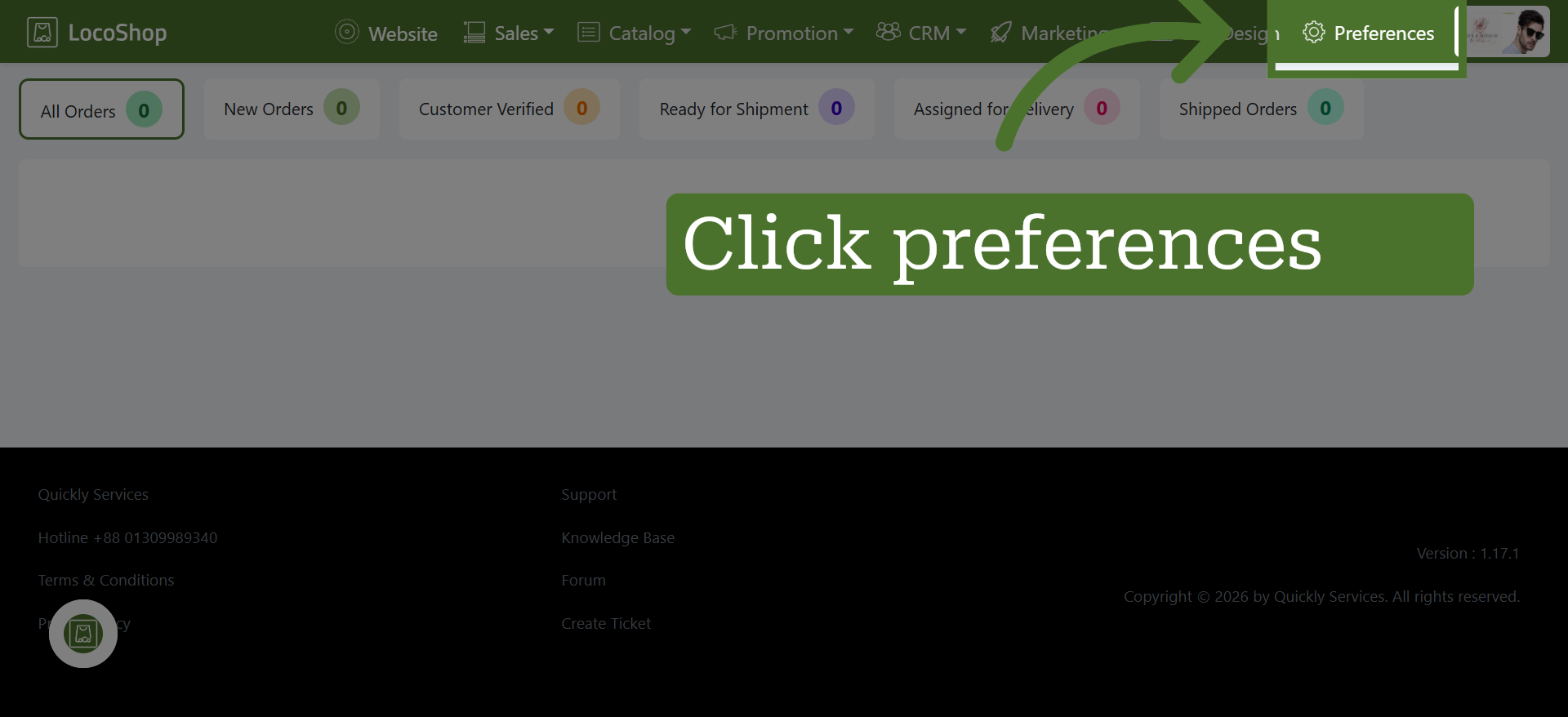
1. Open Preference Section
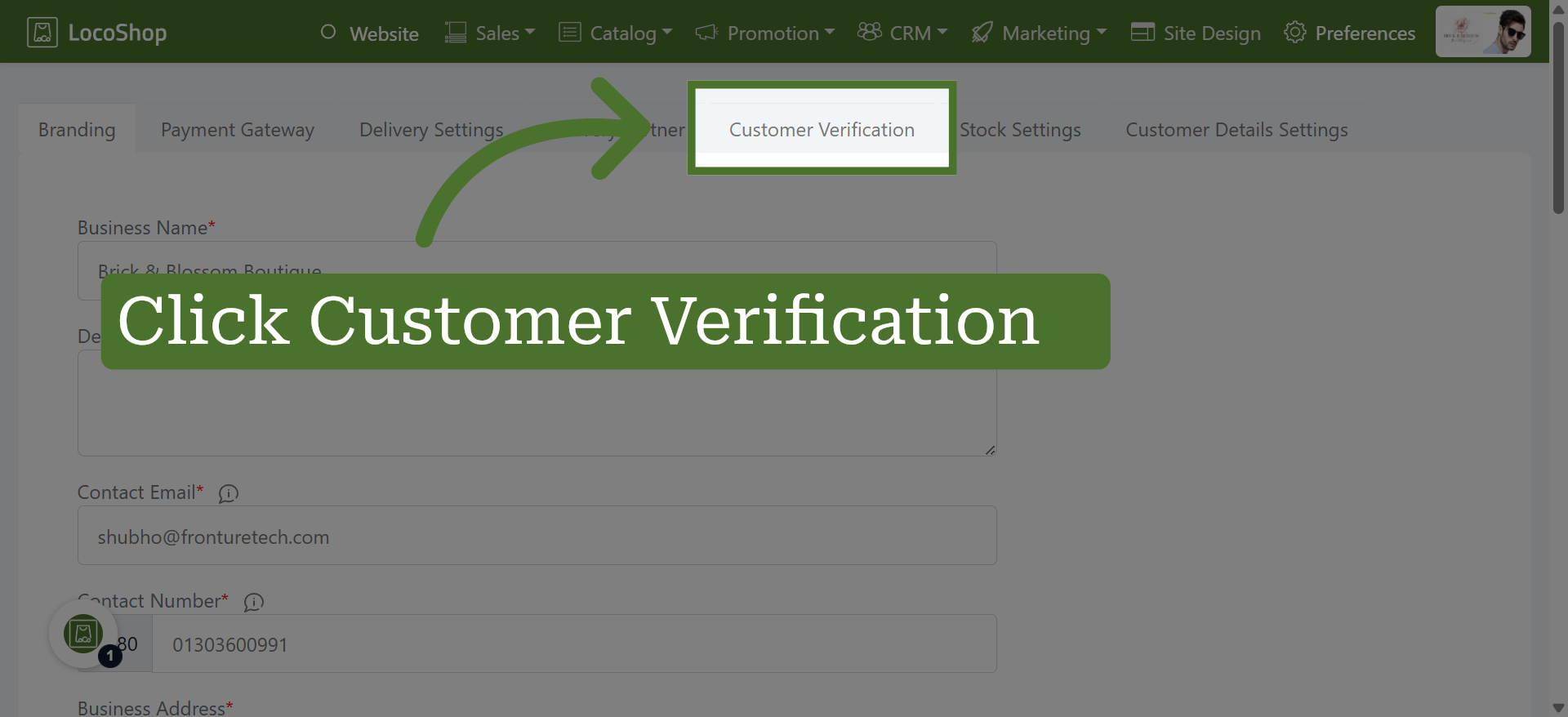
2. Select Customer Verification
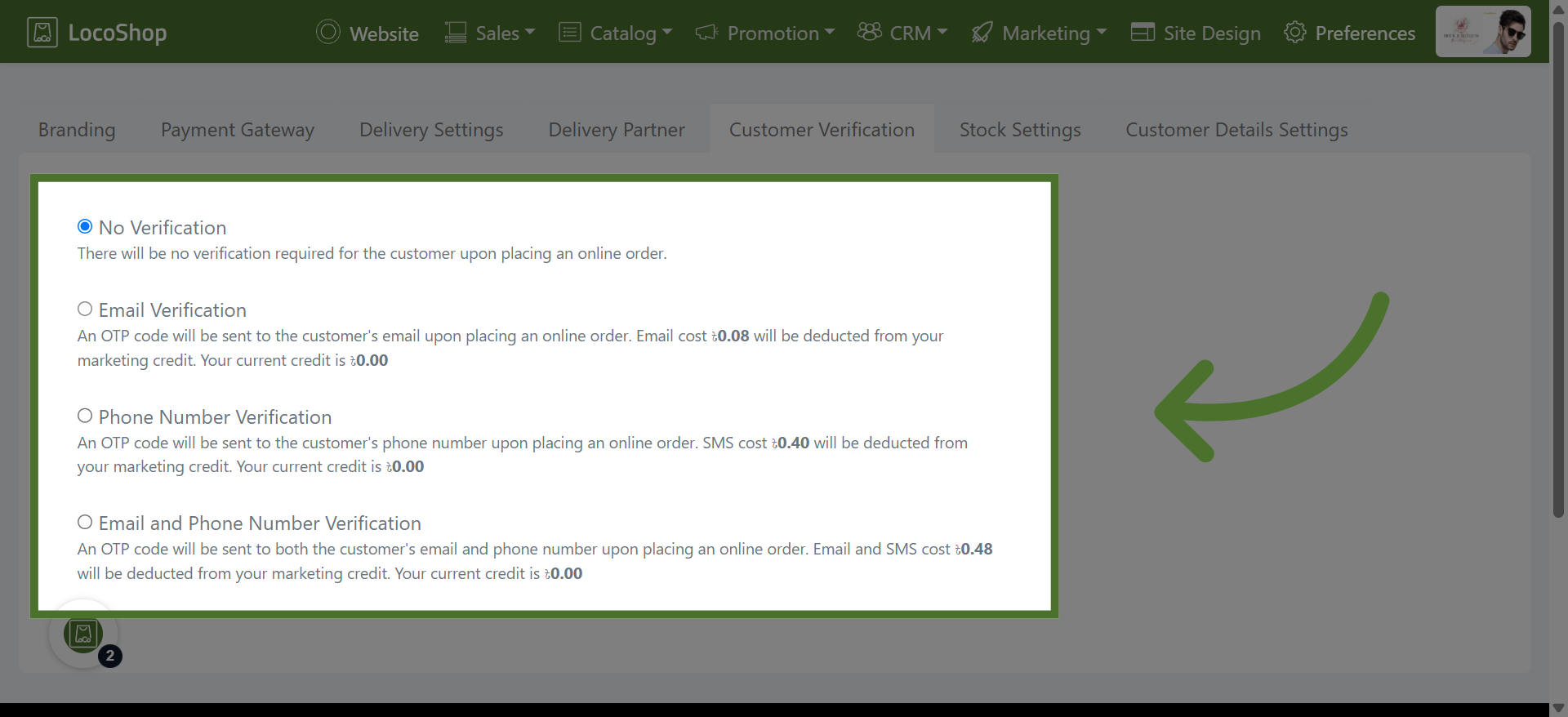
3. Choose a Customer Verification Method
Choose Email, Phone, or Both as your customer verification method. Select the option that best suits your business needs, with the applicable verification charges shown for each option.