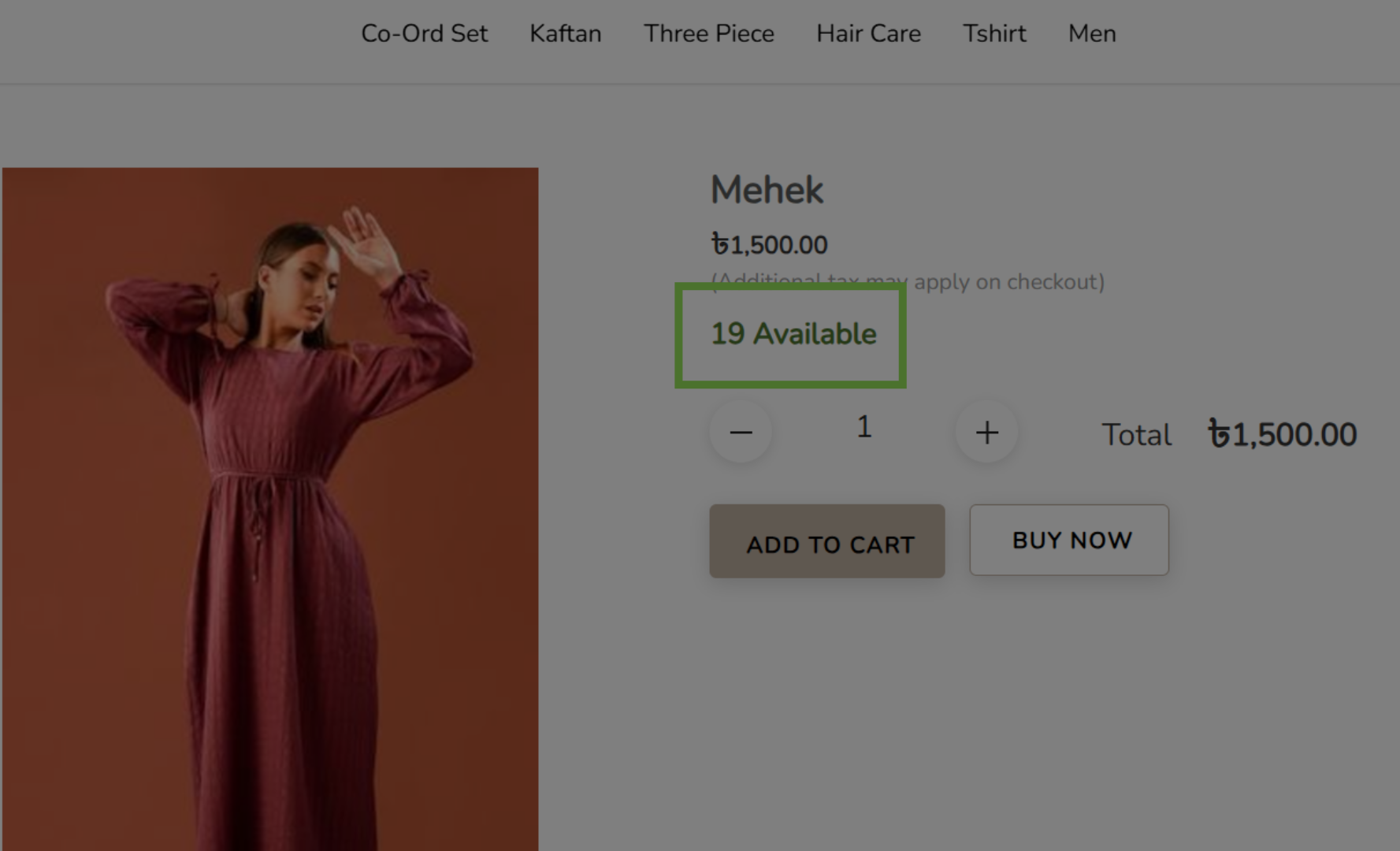
How to Enable Product Quantity Display on Your LocoShop Website
This tutorial explains how to configure product quantity display settings in the Business Portal,
allowing customers to see available product quantities on your LocoShop website. This improves
transparency, helps customers make informed purchase decisions, and reduces confusion about
product availability.
Go to
locoshop.quicklyservices.com
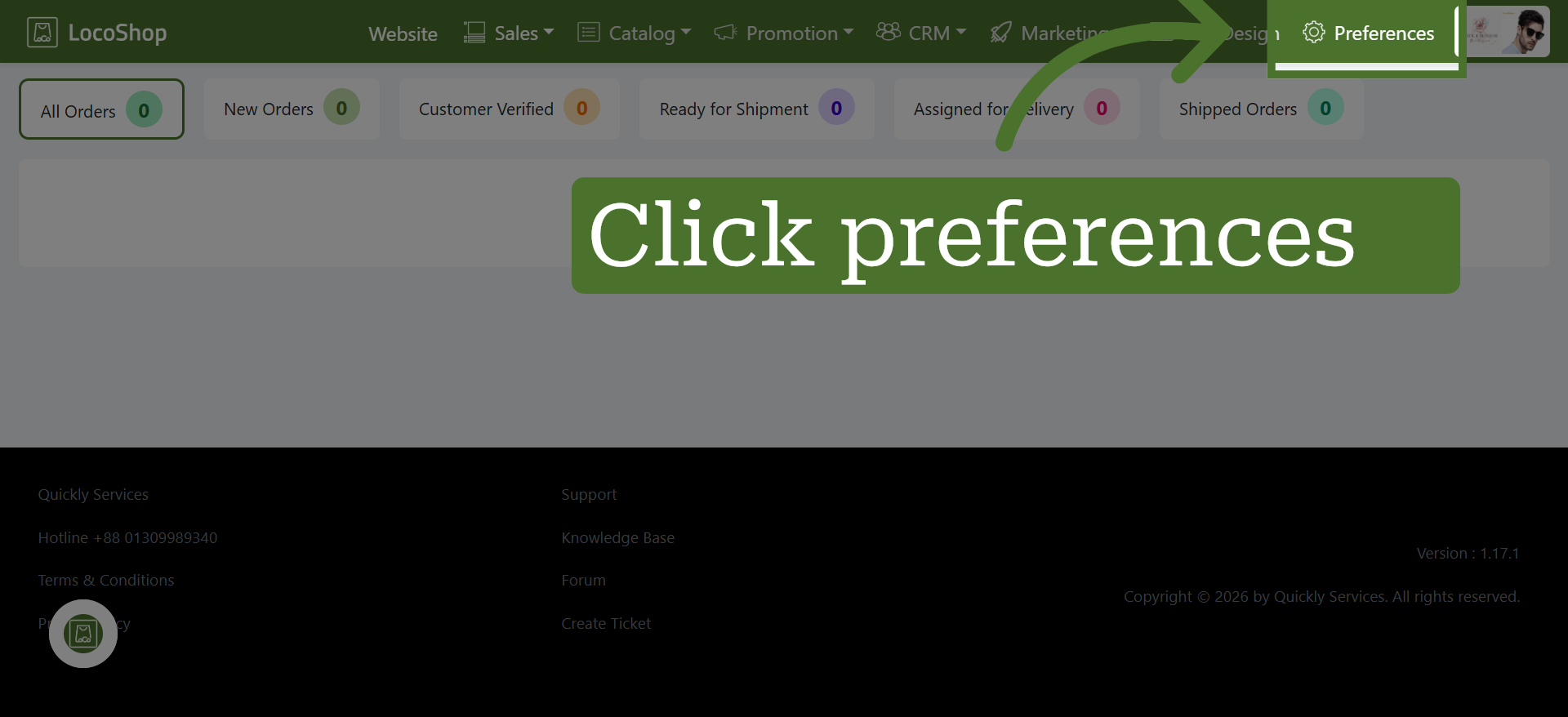
1. Go to Preferences
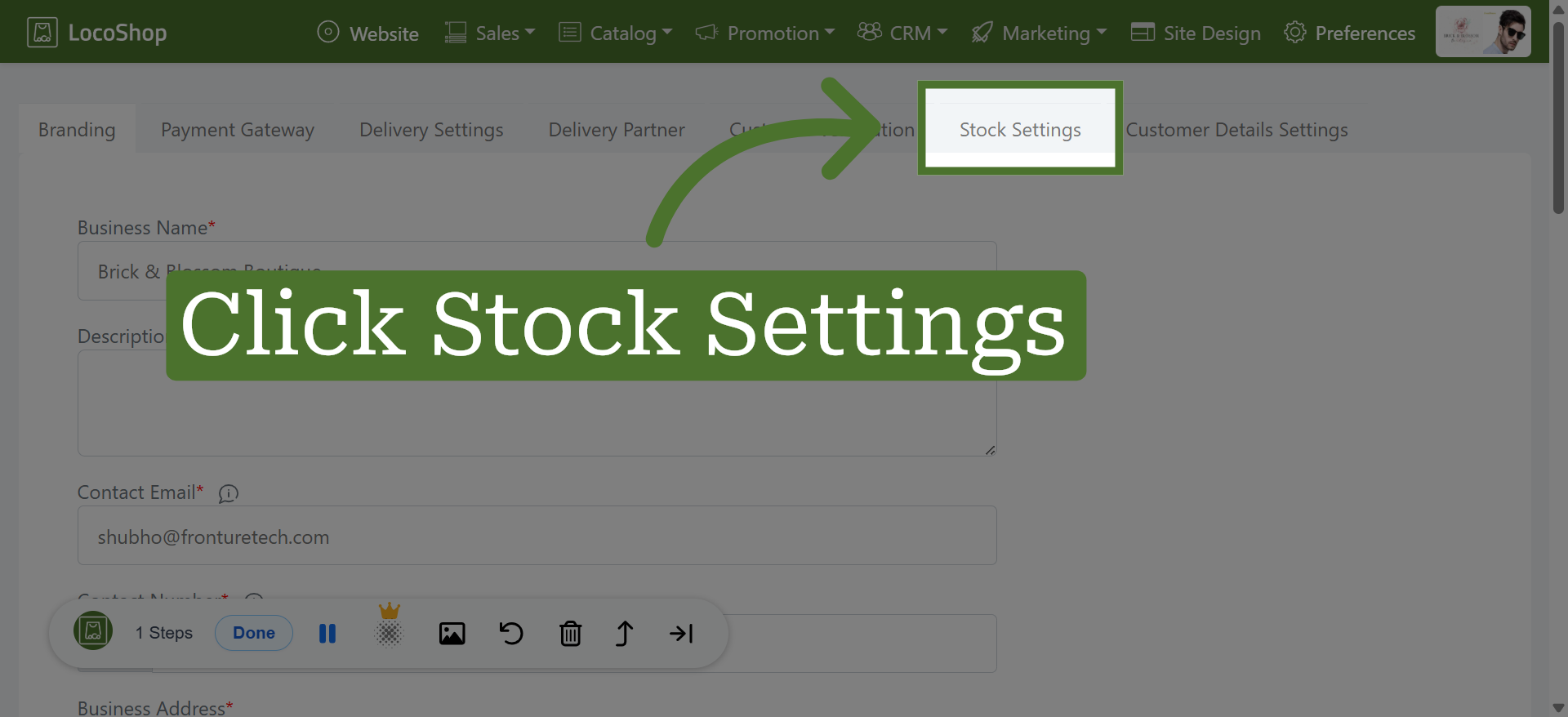
2. Open Stock Settings
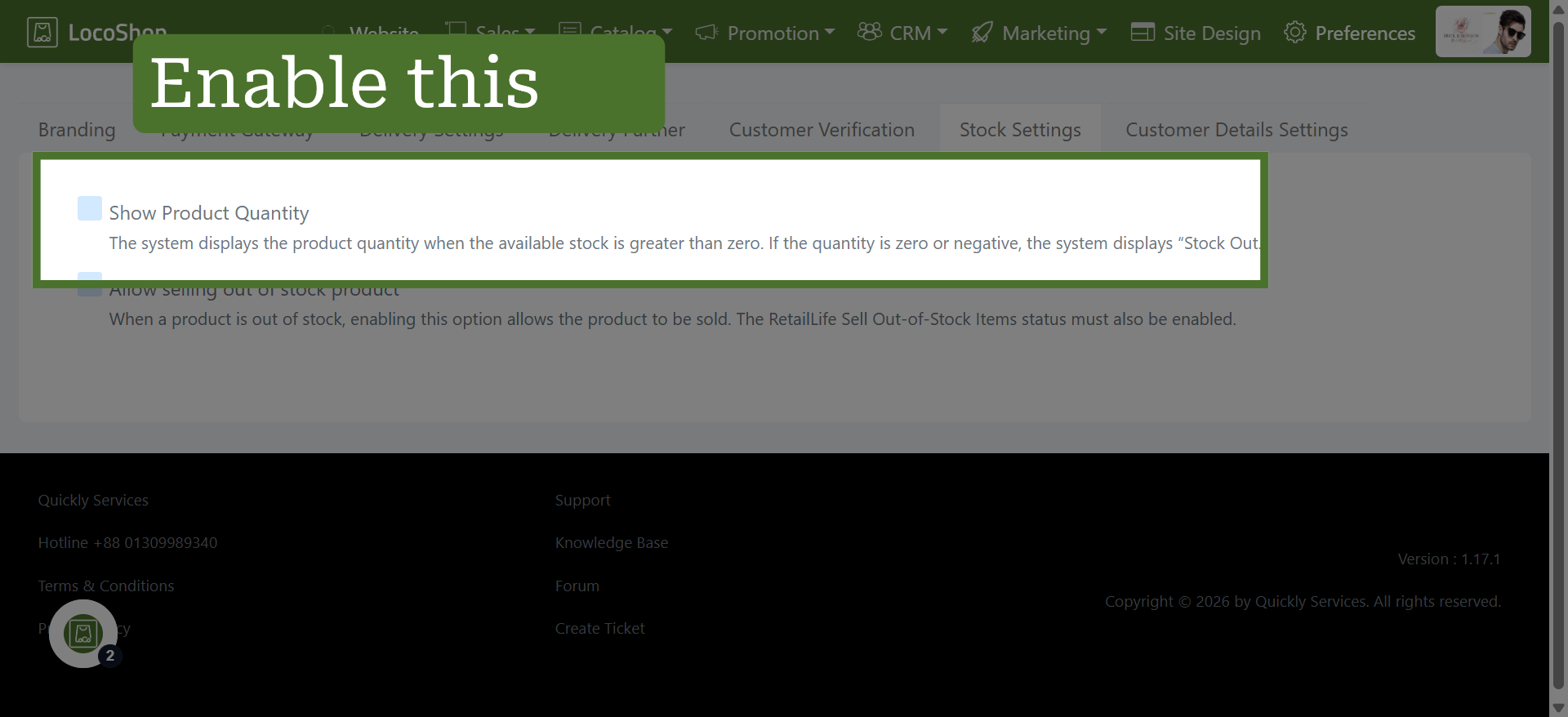
3. Enable Product Quantity Display
Click "Show Product Quantity" to enable the system to display product quantities when stock is available.
4. View Product Quantity on Your Website