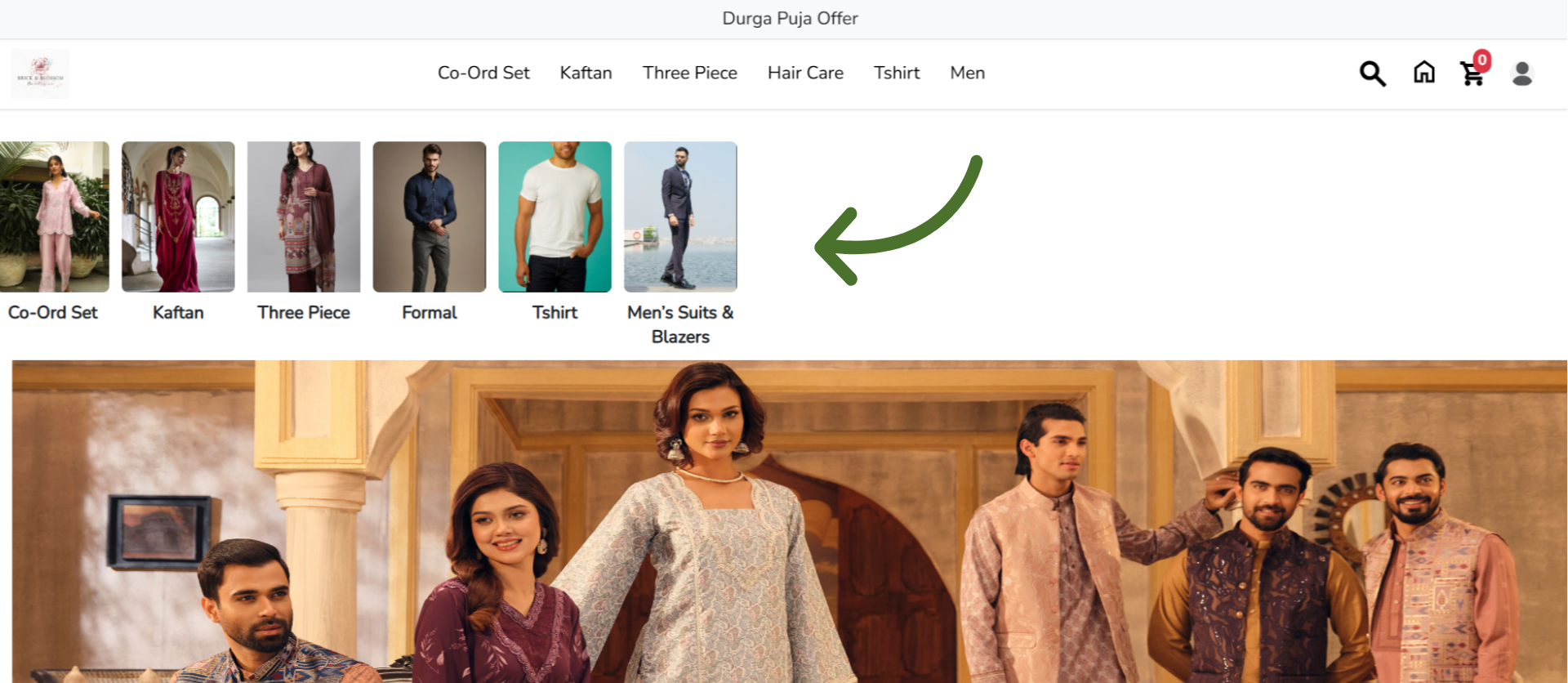
How to Show All Sections on Your eCommerce Website Homepage
This tutorial guides you through configuring your landing page settings in the Business Portal
and enabling sections to appear on your LocoShop homepage. Displaying your sections on the
homepage helps customers quickly discover different product categories, improves navigation,
and makes your online store easier to explore.
Go to
locoshop.quicklyservices.com
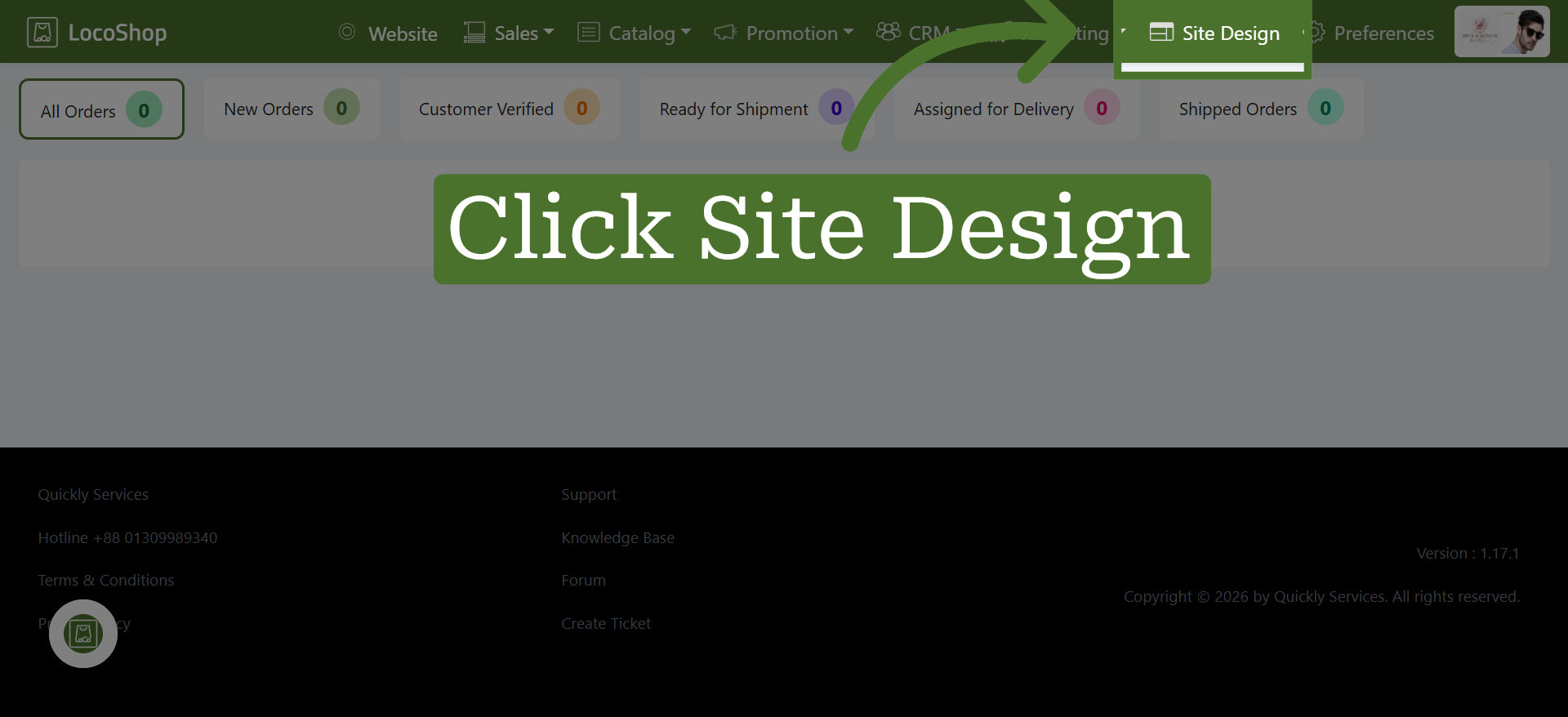
1. Access Site Design Section
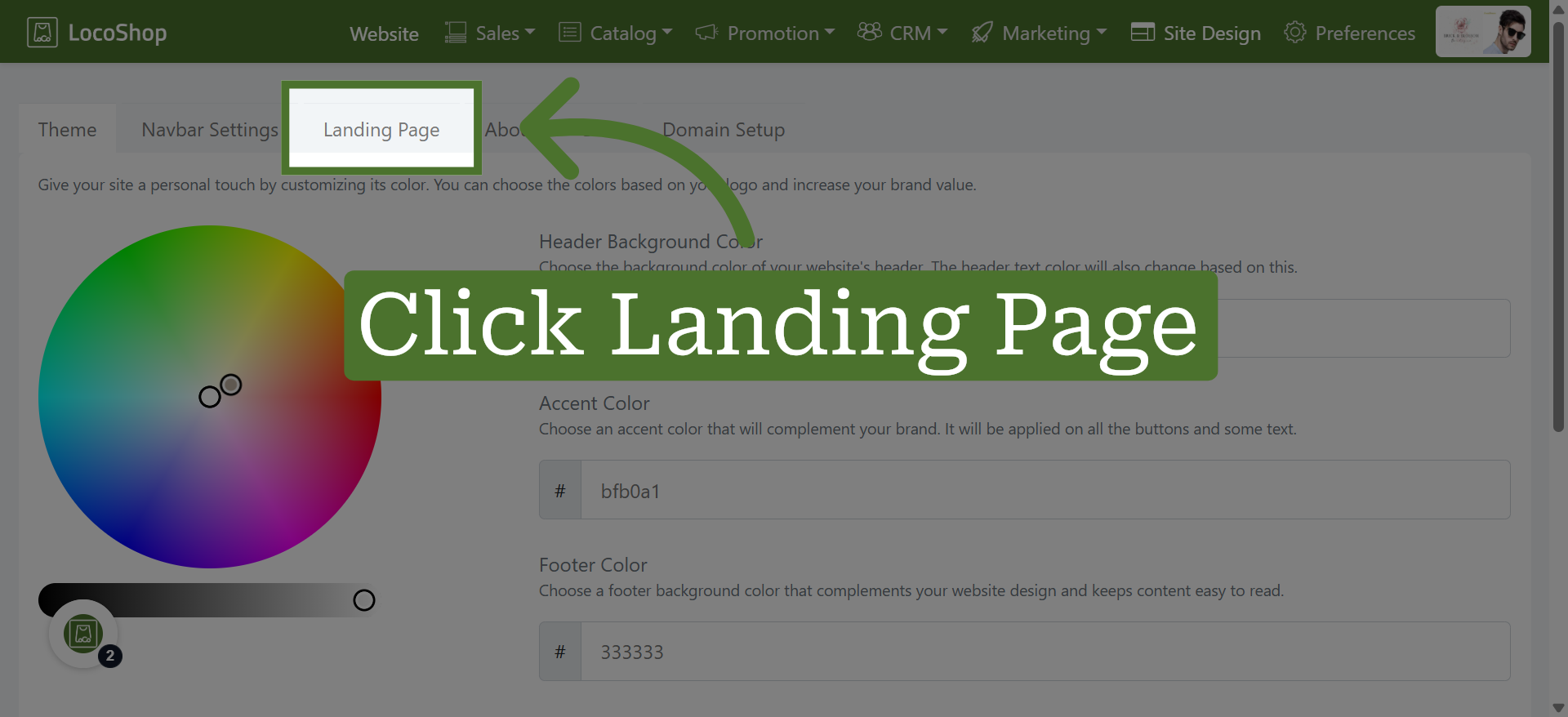
2. Open Landing Page Settings
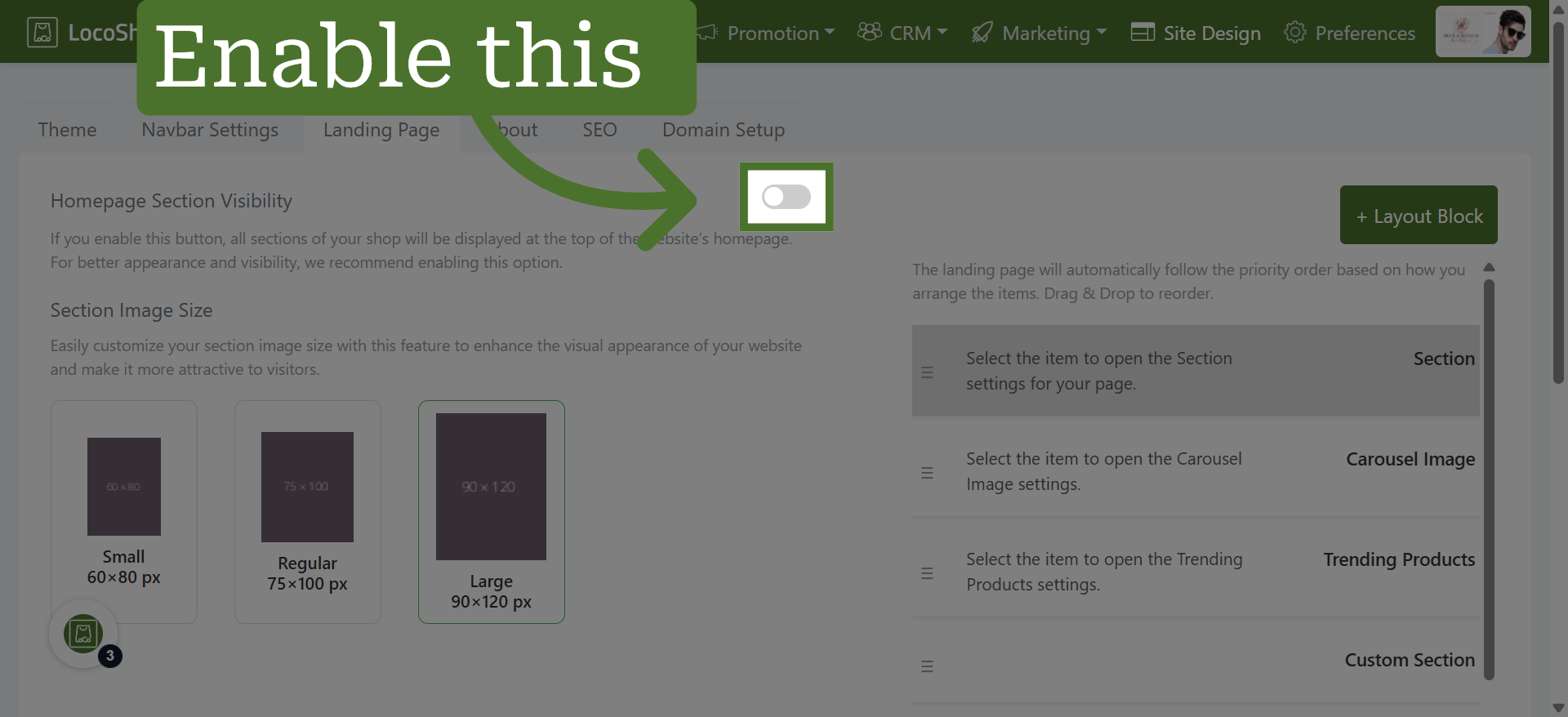
3. Enable Homepage Section Visibility
4. Go to your LocoShop website to view the changes
Now you can see the enabled sections displayed here for easy customer access.