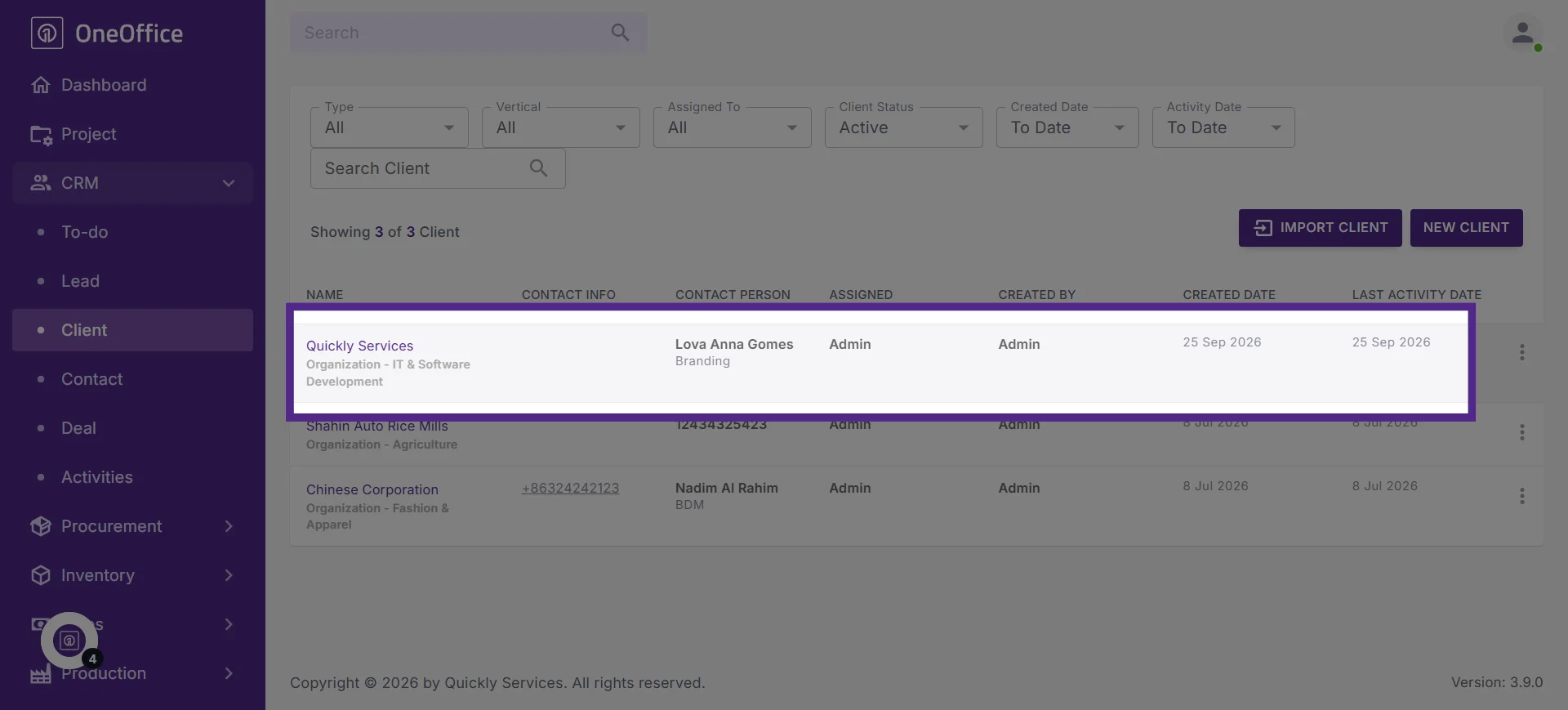
How to Convert Leads to Clients in OneOffice
This tutorial guides you through converting a lead into a client in OneOffice with a single click,
saving you from repetitive work and manually entering information when a lead becomes a client.
Go to
oneoffice.quicklyservices.com
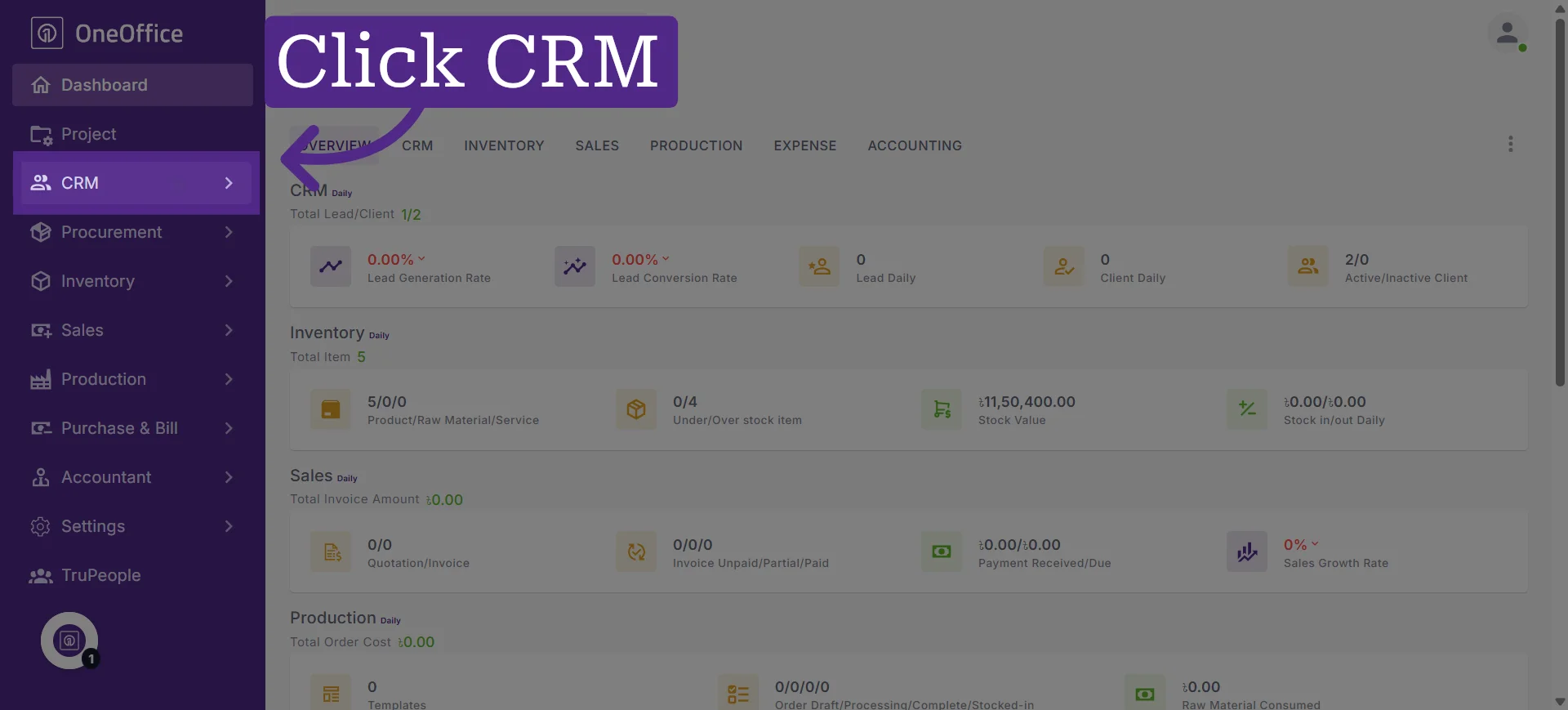
1. Access CRM Section
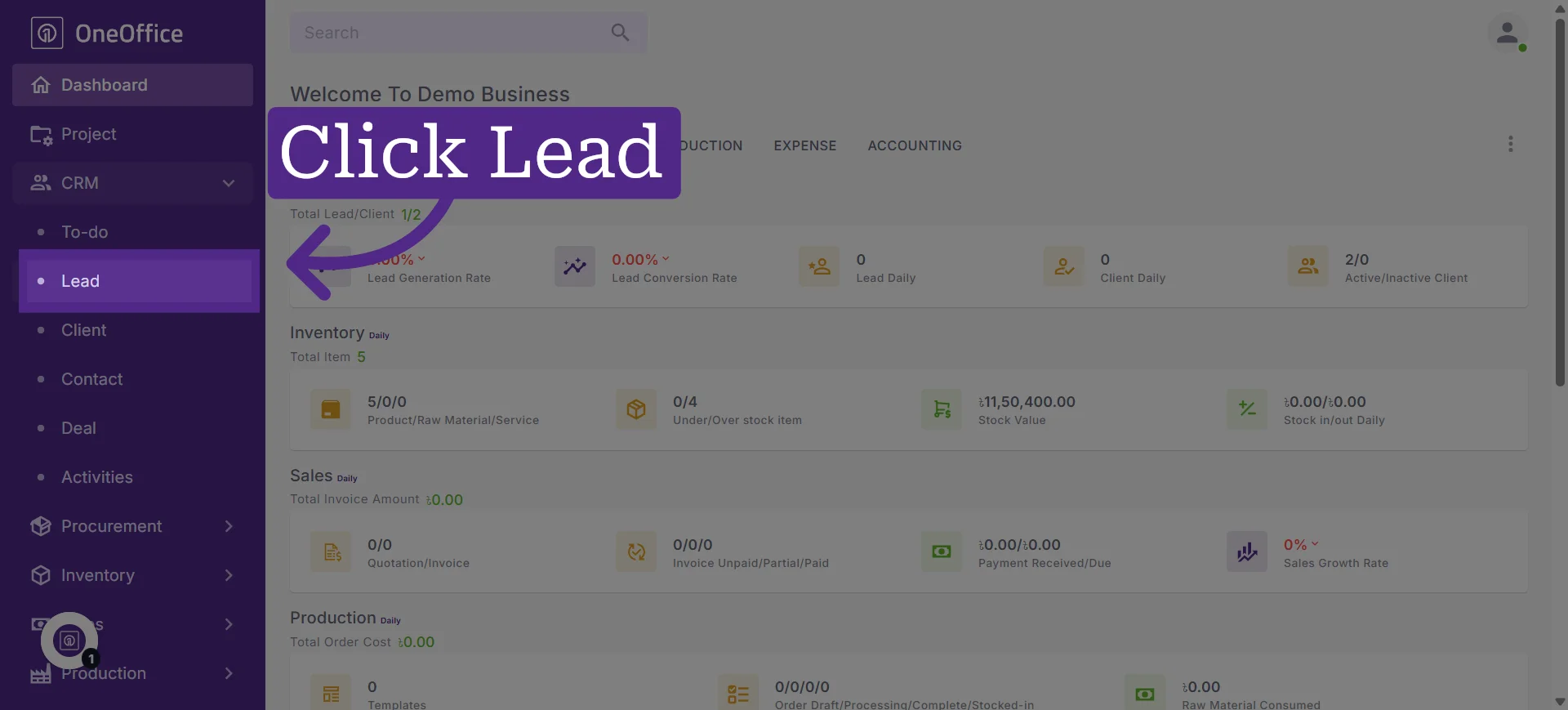
2. Access "Lead" to begin managing potential client information
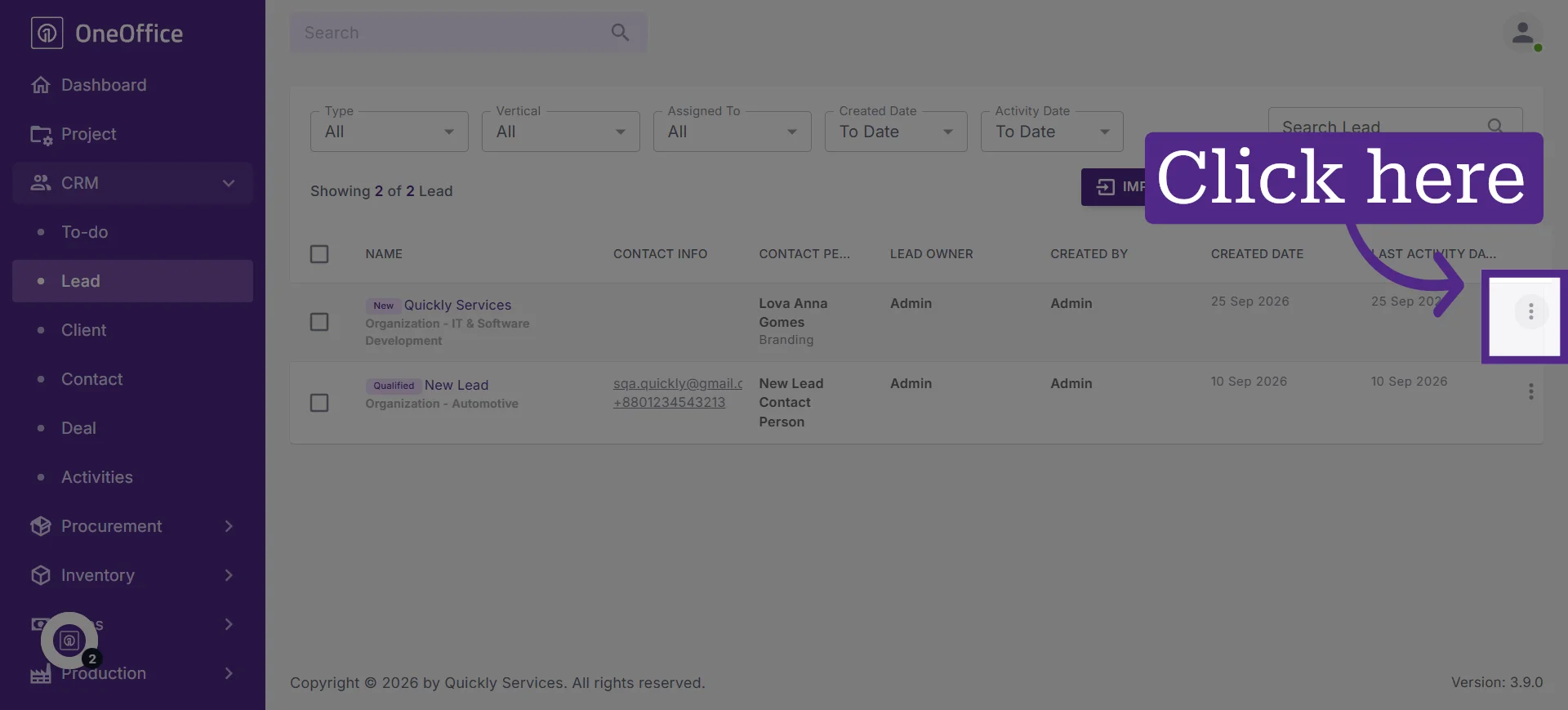
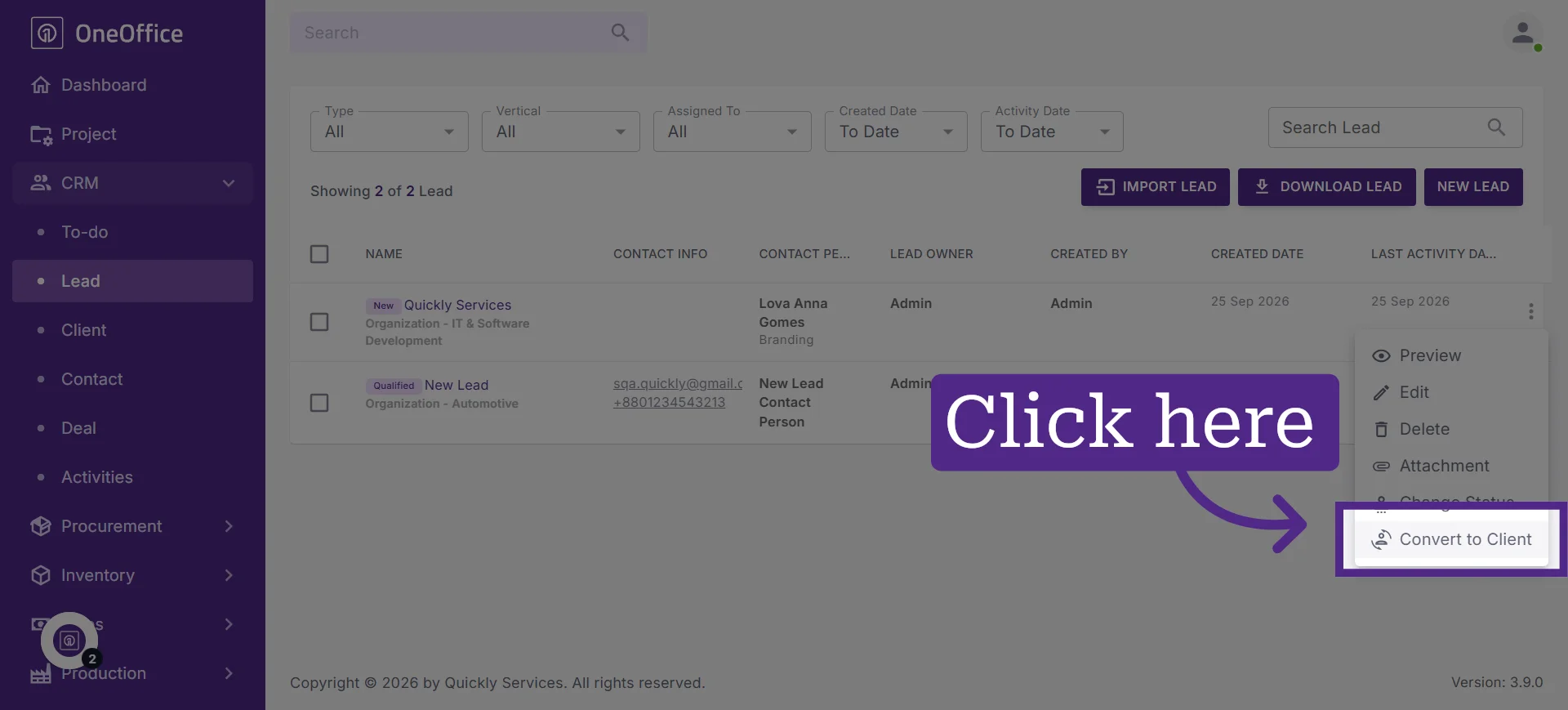
3. Click the three-dot menu next to the lead you want to convert
4. Click "Convert to Client" to convert the lead into a client
5. The lead's information will now be available in the Clients dashboard