How to Add Marketing Credit in RestroGreen Business Portal
This tutorial guides you through adding marketing credit to your account using the RestroGreen
Business Portal.
Go to
restrogreen.quicklyservices.com
1. Login to your Business Portal
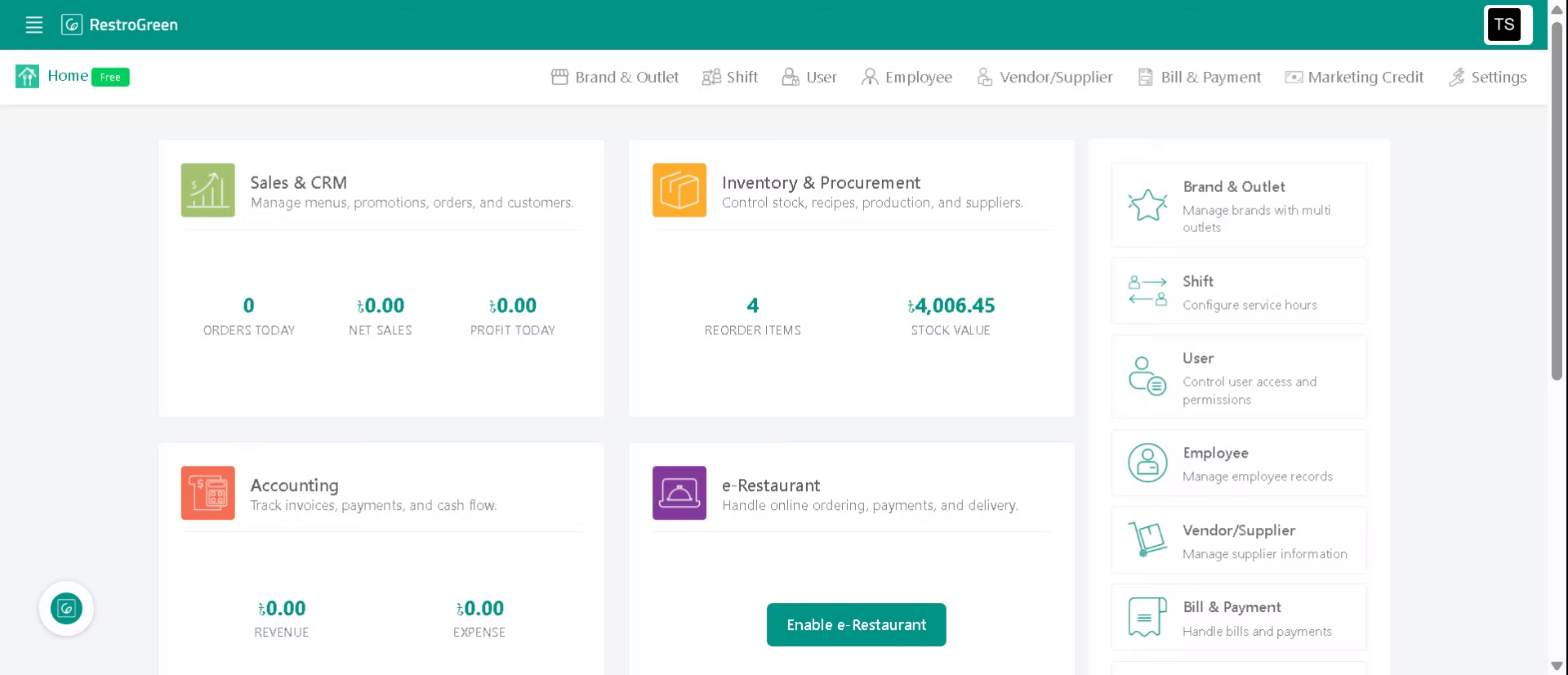
2. Click "Marketing Credit" to view current balance, recharge or usage history
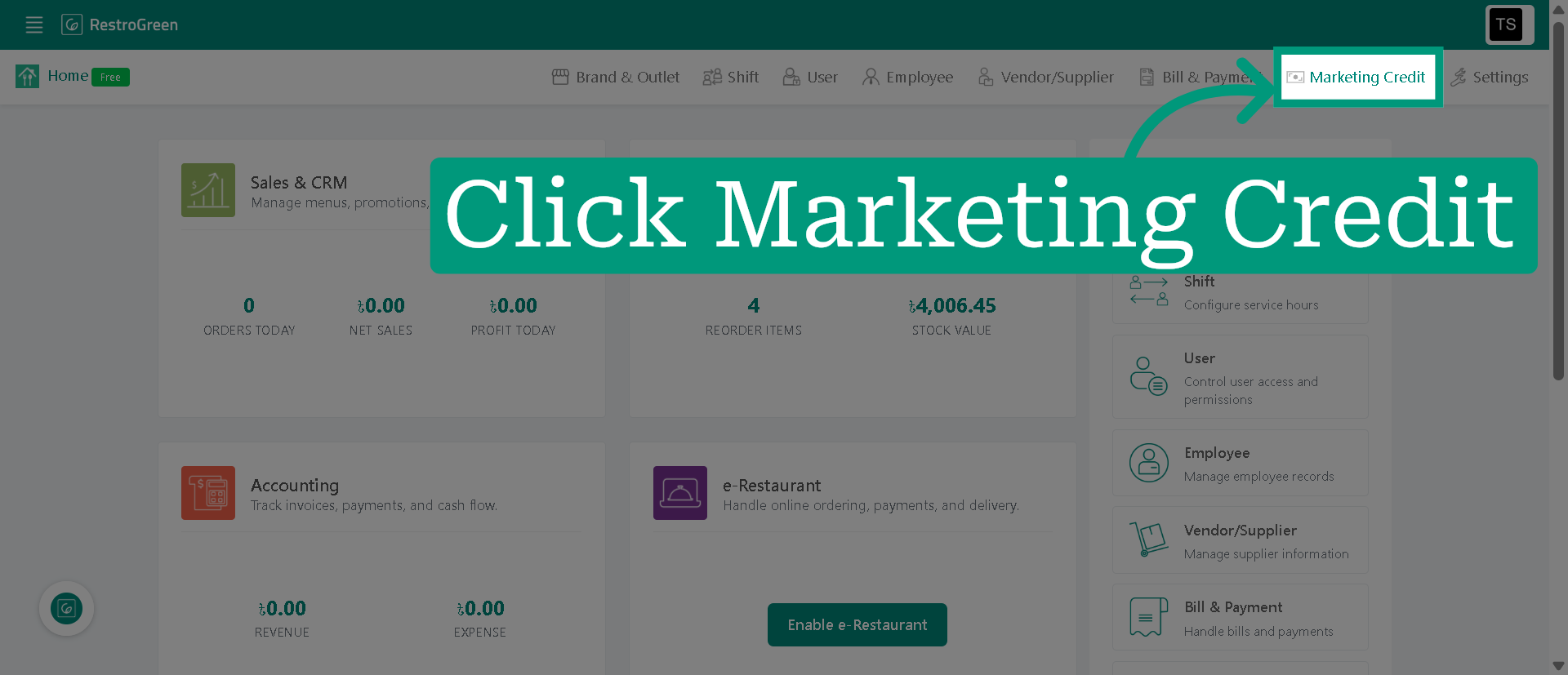
3. Click "Add Credit" to begin the process of adding balance
4. Type-in or select an amount for recharge
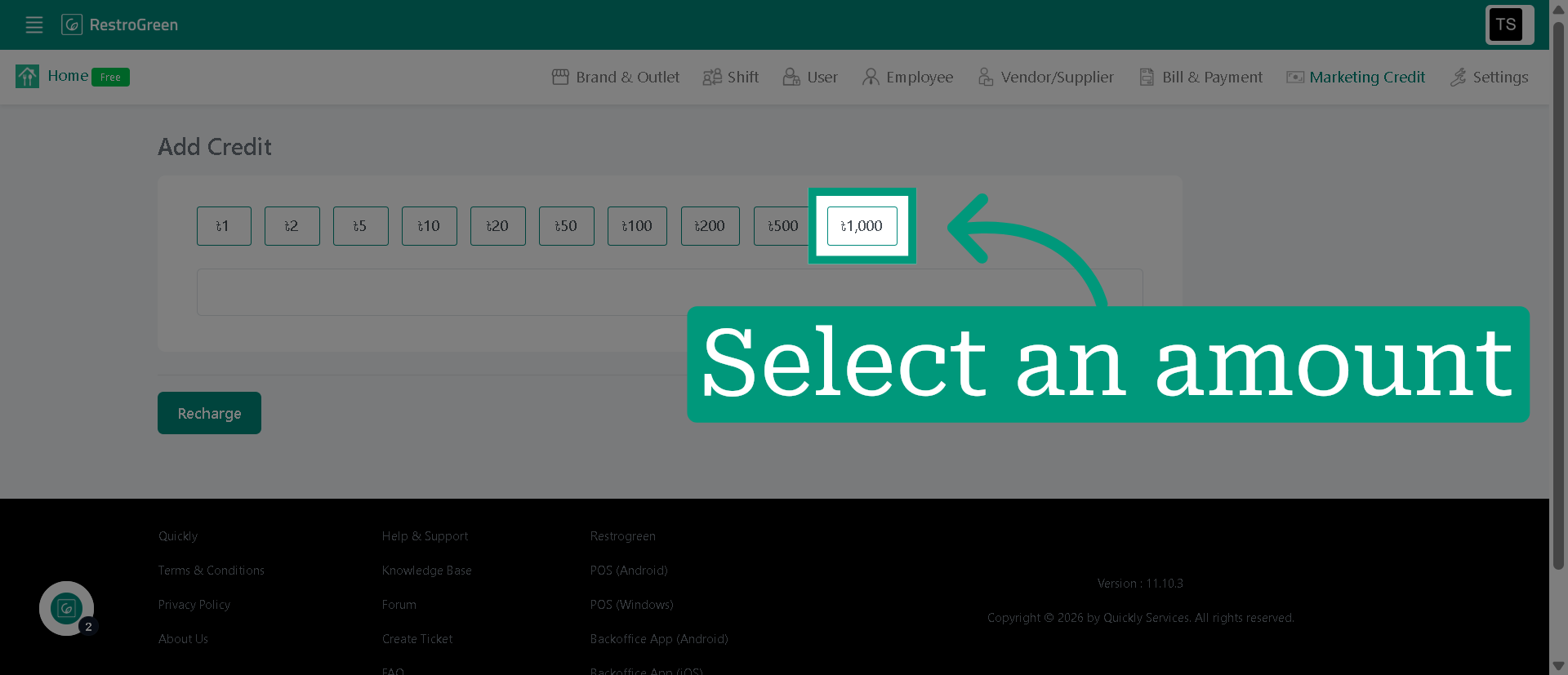
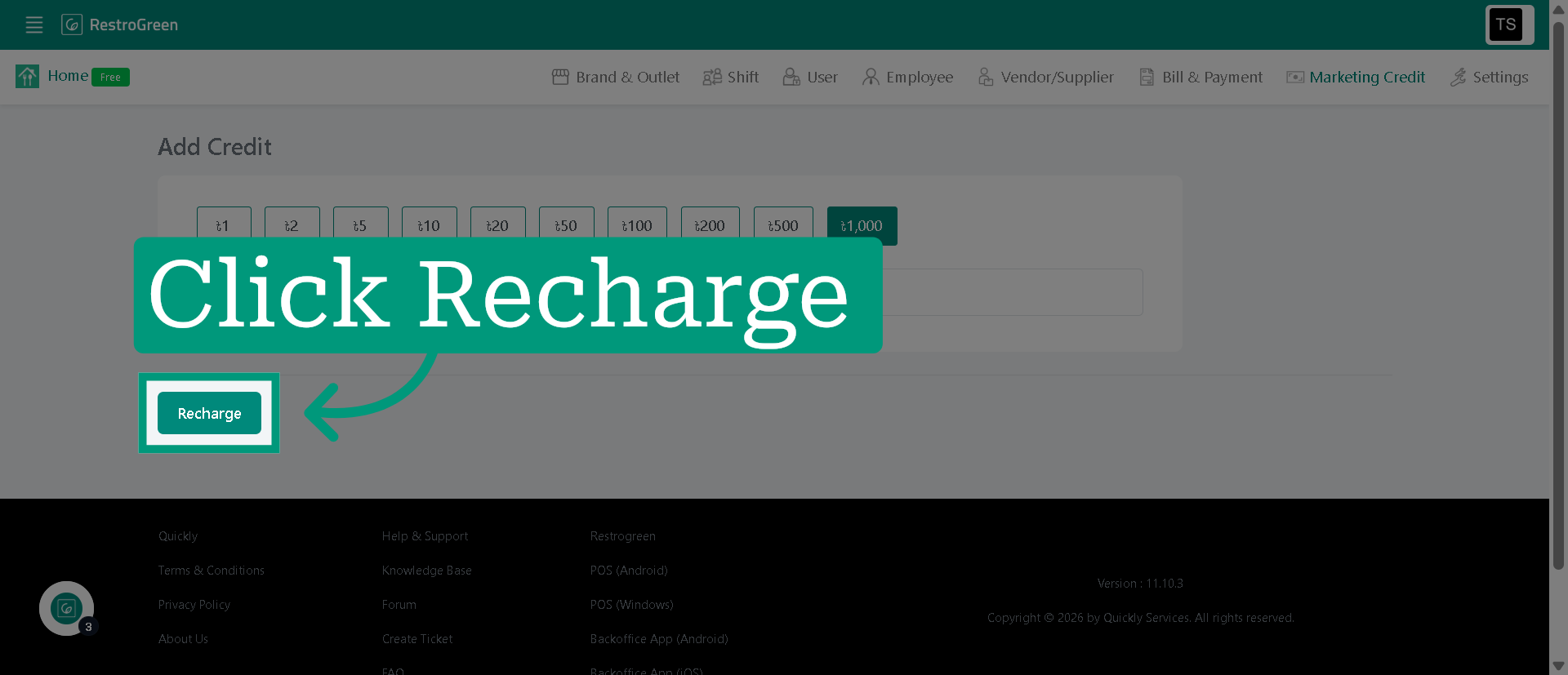
5. Click "Recharge" to proceed with specified credit amount
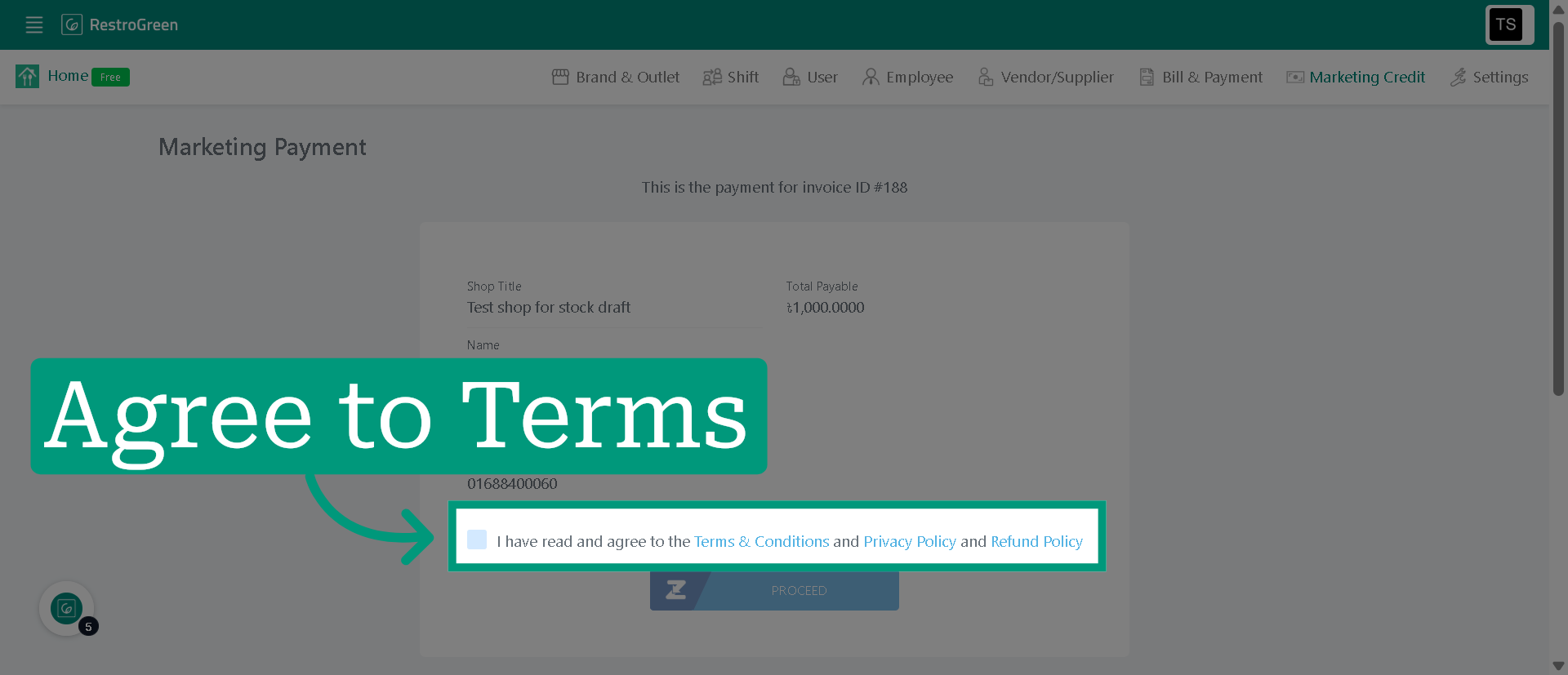
6. Click the checkbox to confirm that you have read and agree to the Terms & Conditions
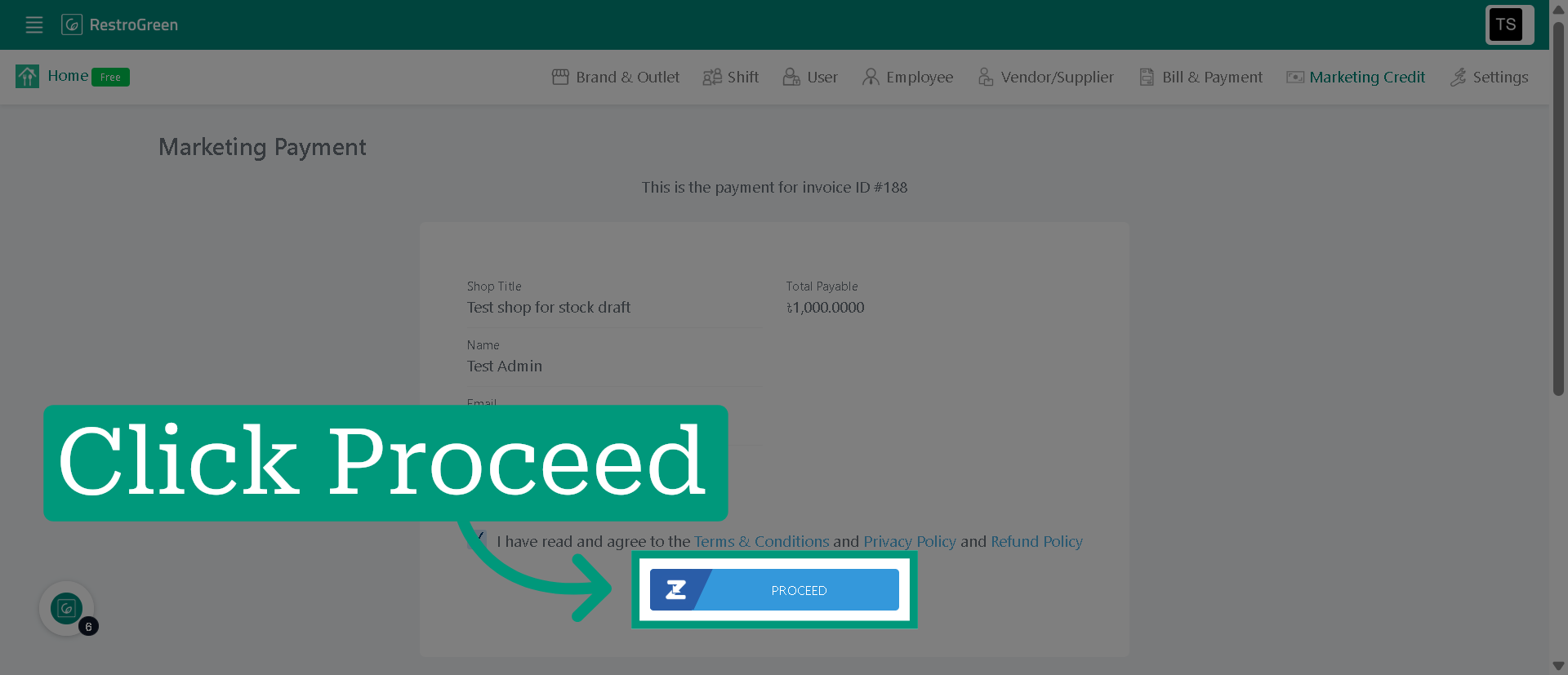
7. Click "Proceed" to move forward to the payment gateway
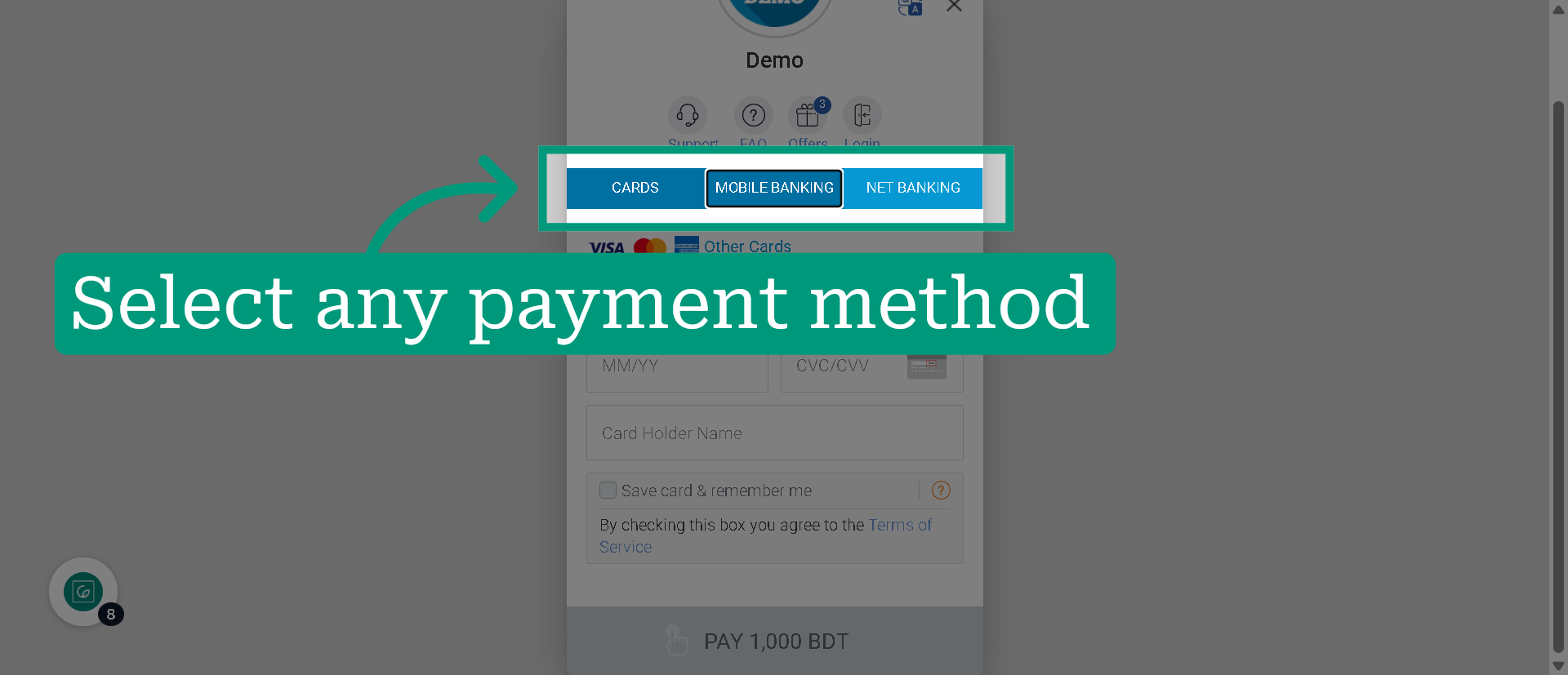
8. Select your preferred payment method