How to Create SMS Campaign for Restaurants in RestroGreen
This tutorial guides you through creating an SMS campaign regarding any restaurant offer or
discount within the business portal.
Go to
restrogreen.quicklyservices.com
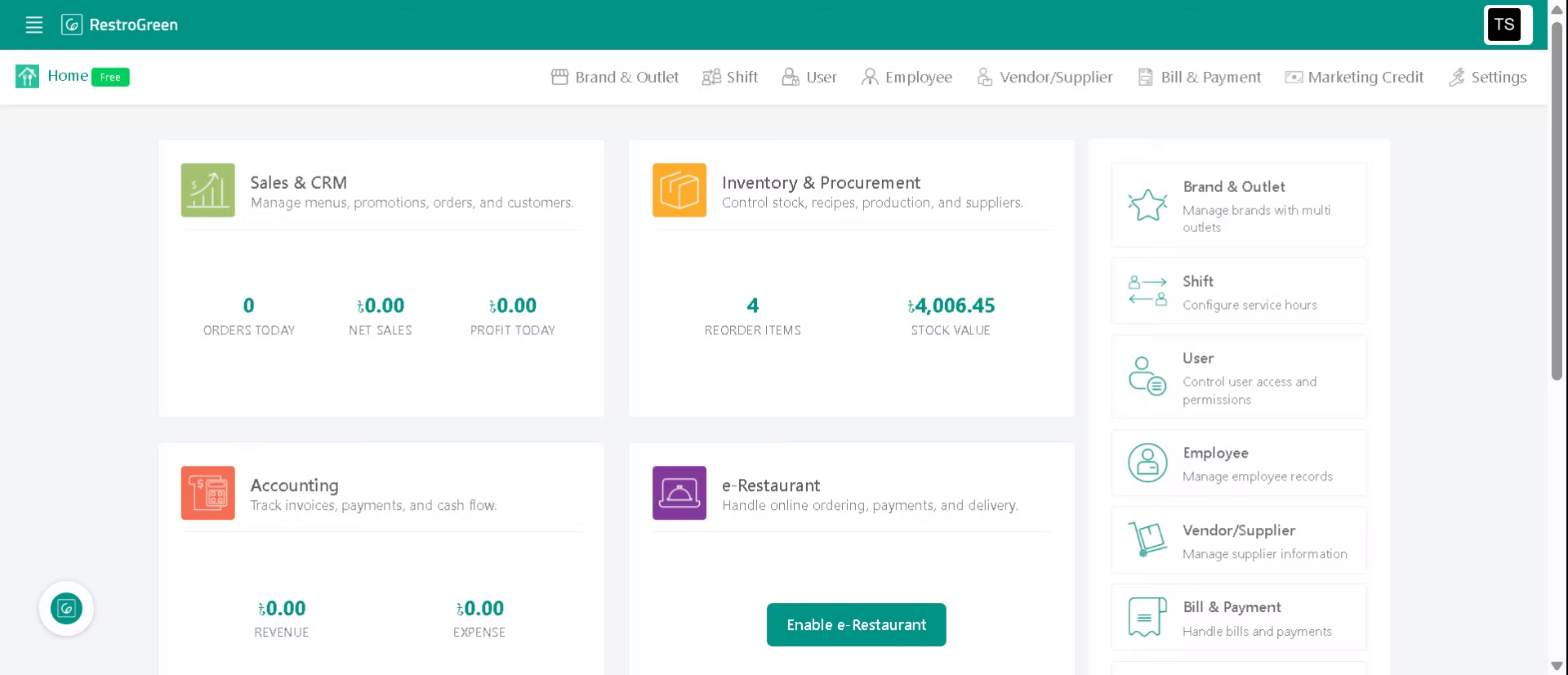
1. Login to your Business Portal
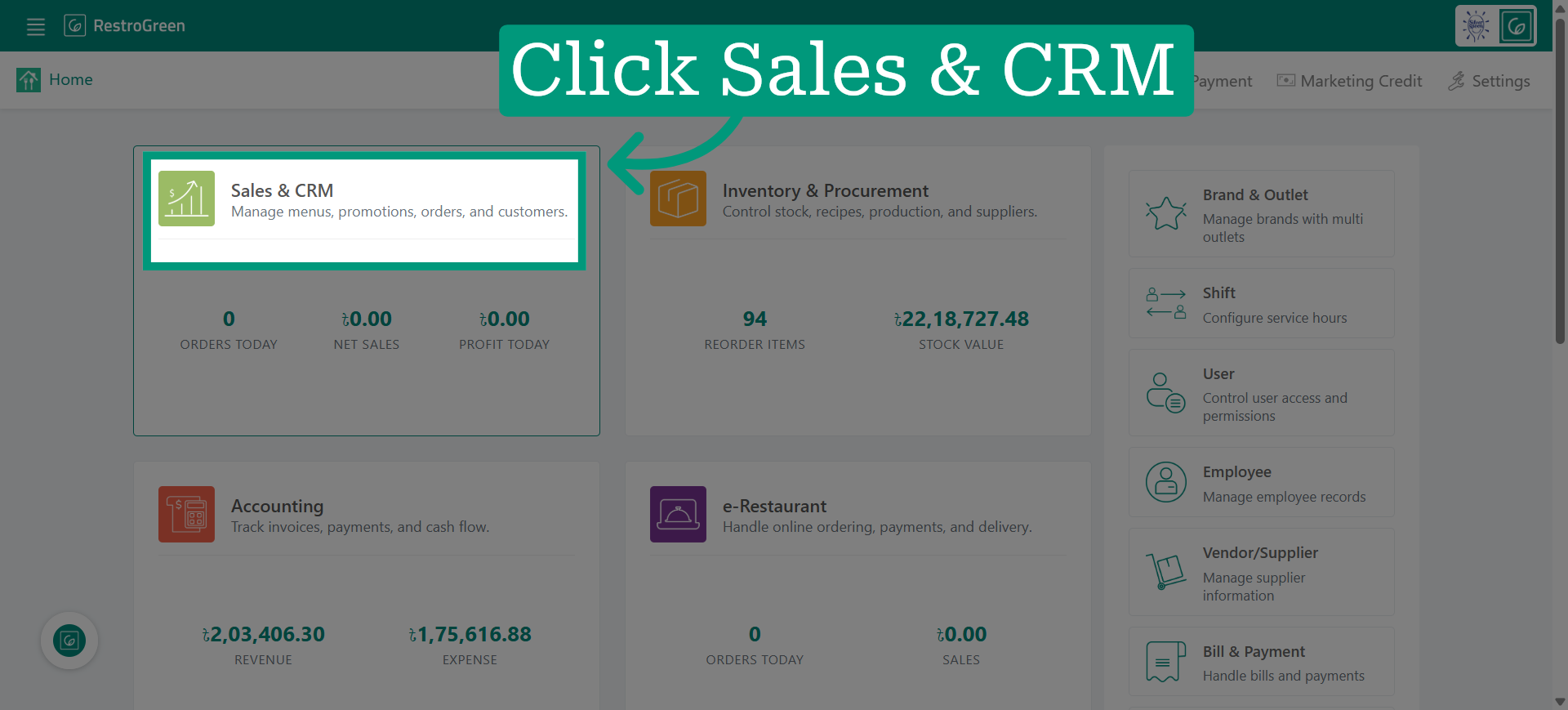
2. Click Sales and CRM Module
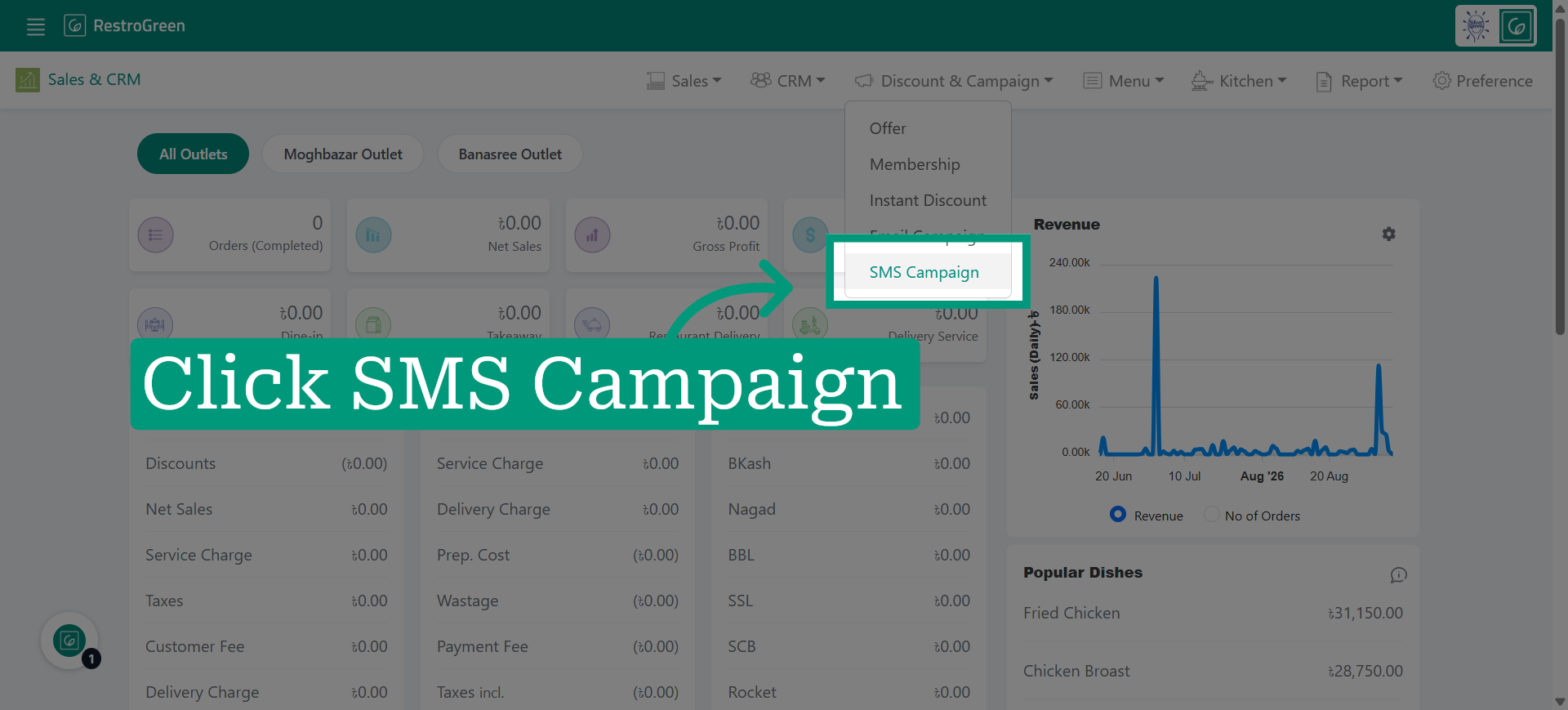
3. Click SMS Campaign to view the active campaigns
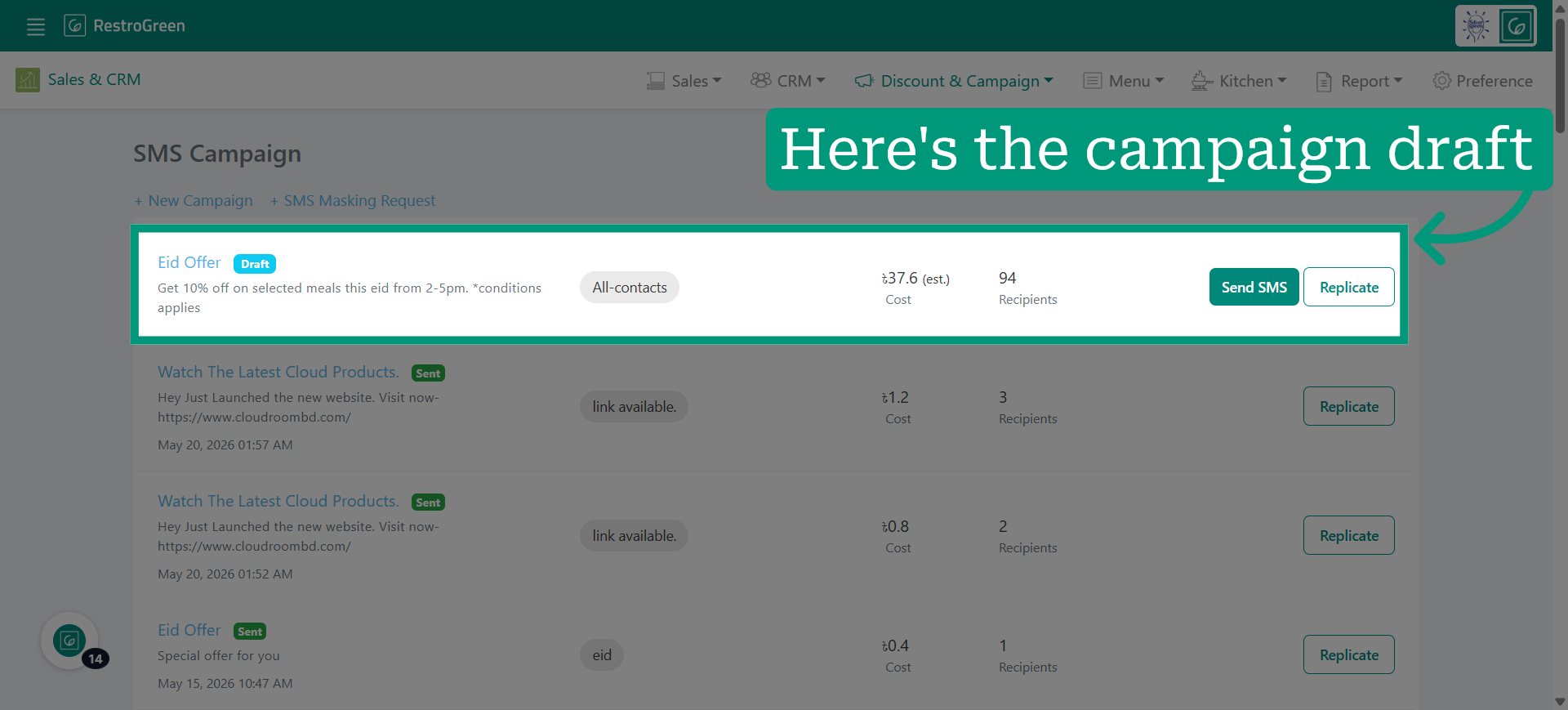
4. Click "New Campaign" to initiate creation of a SMS Campaign
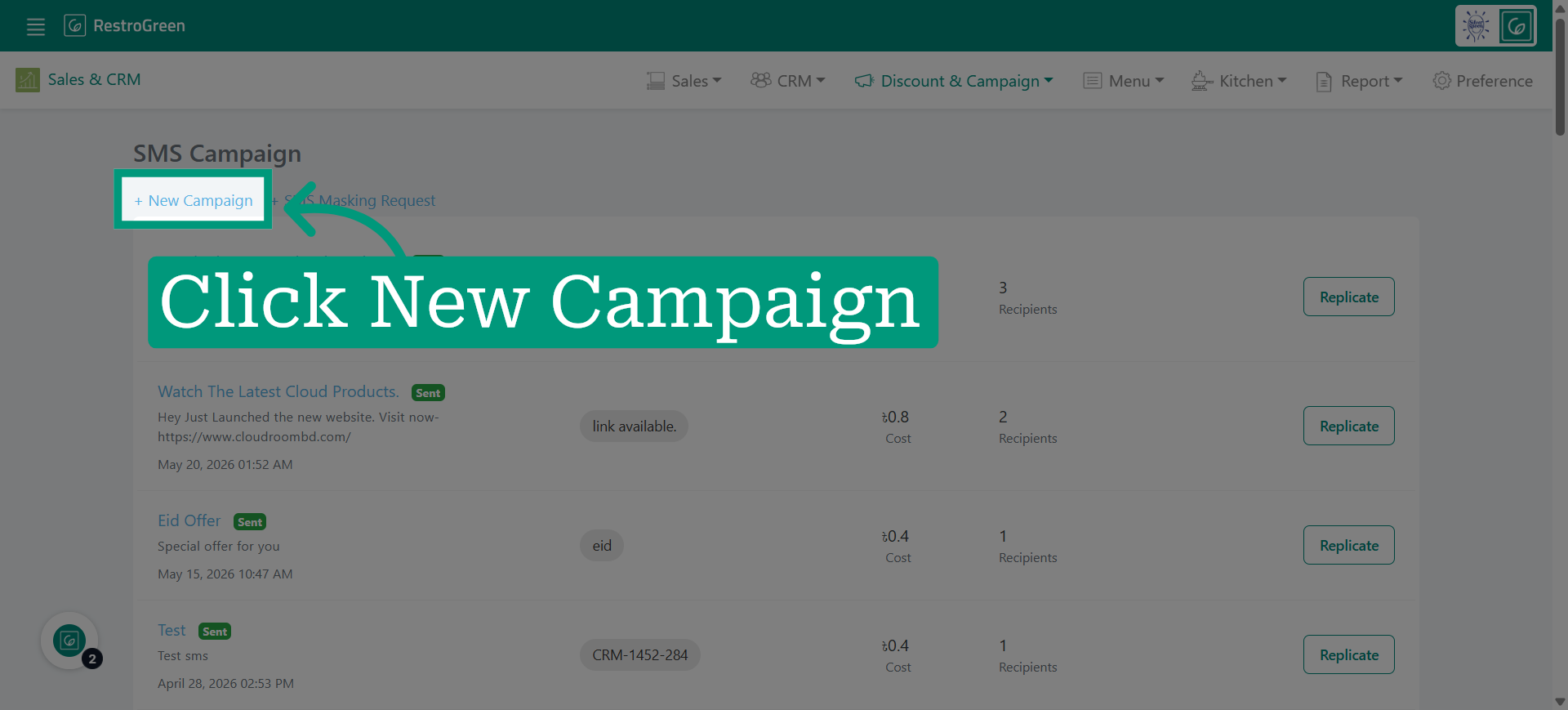
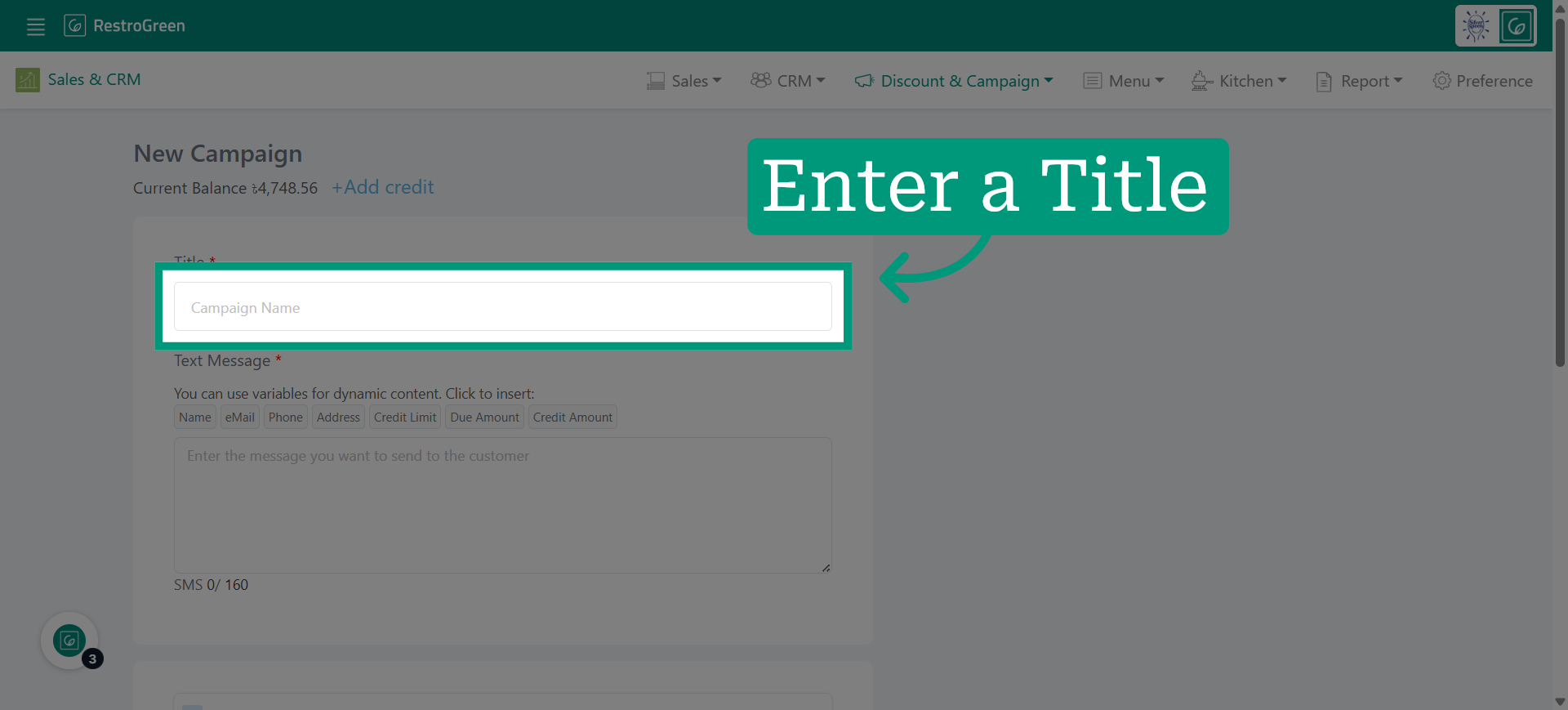
5. Specify the name of your new SMS campaign
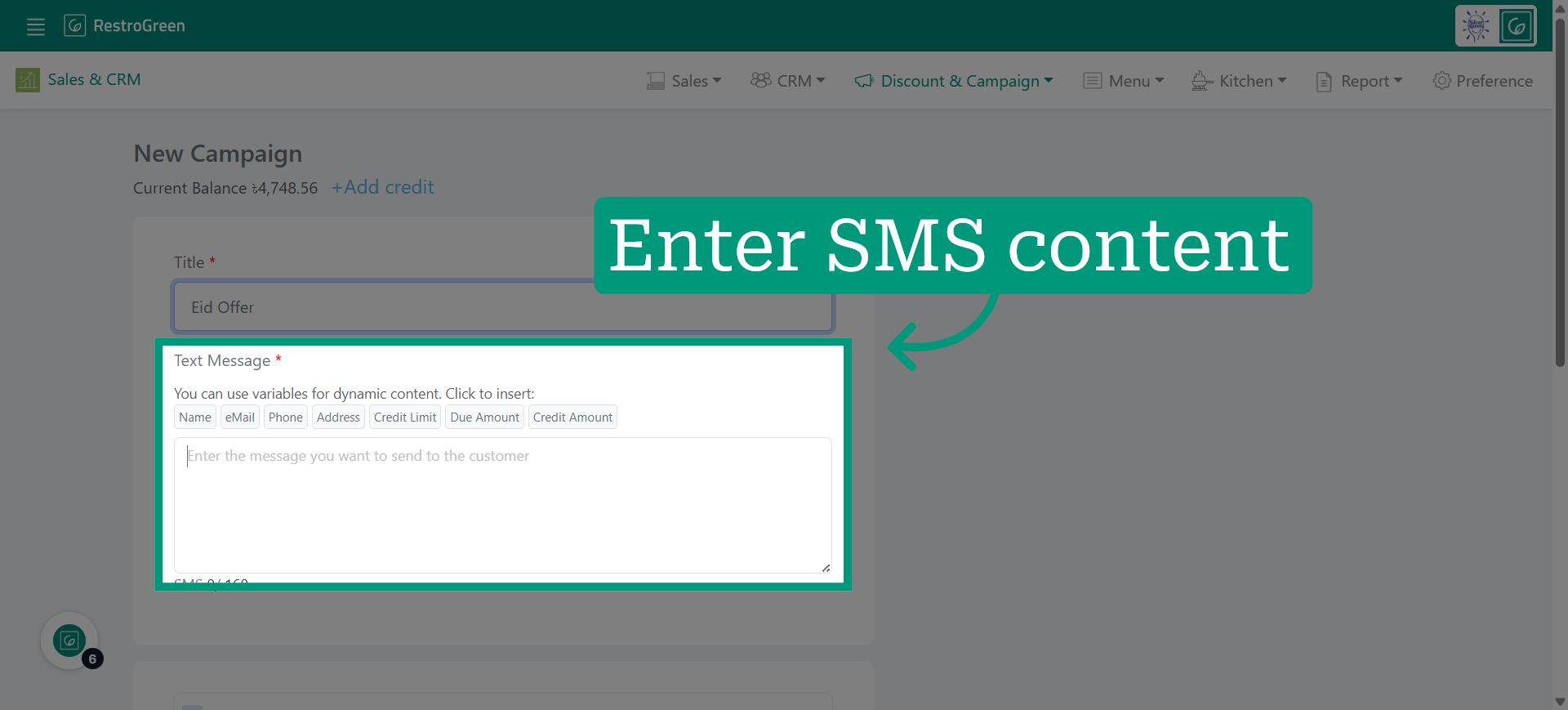
6. Compose the content of your SMS campaign
7. Select customer contact lists for this campaign
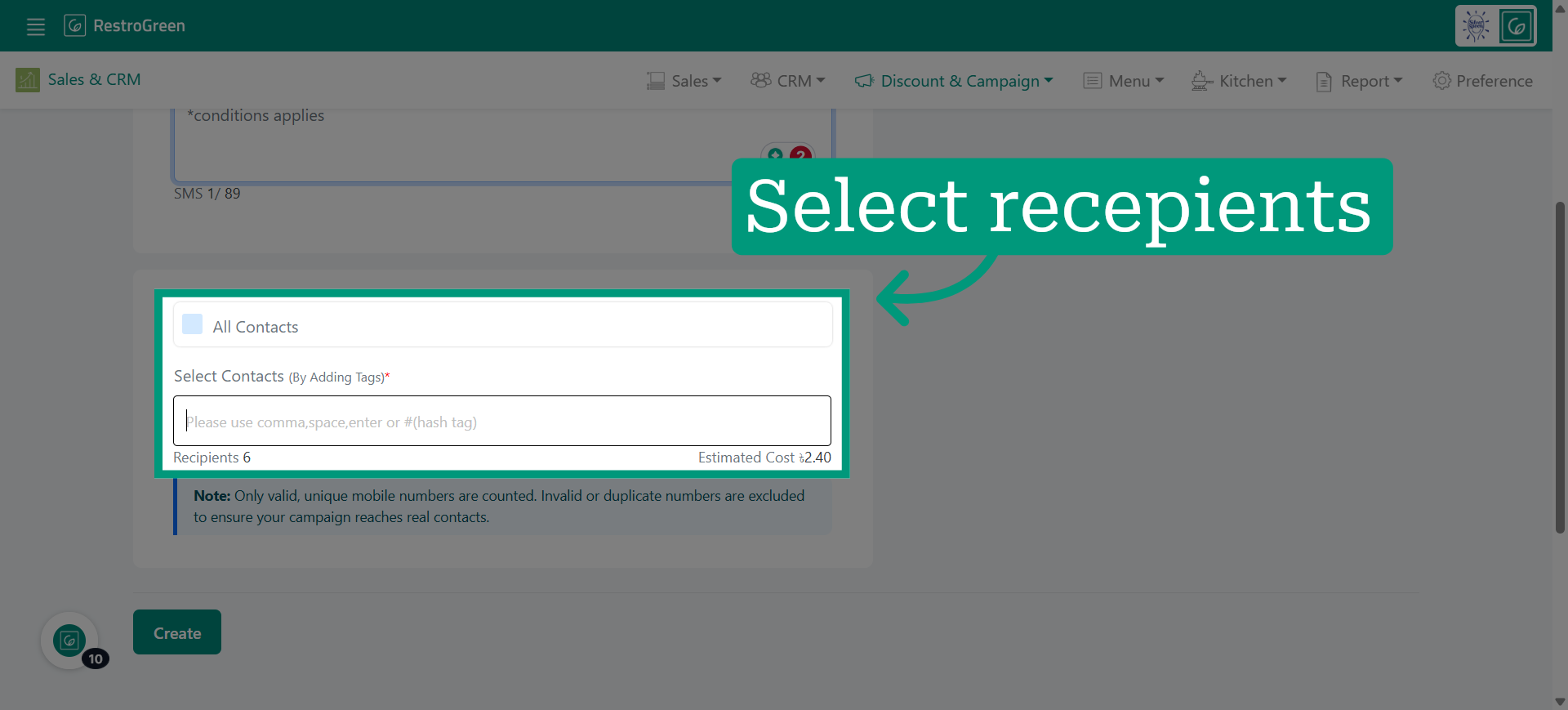
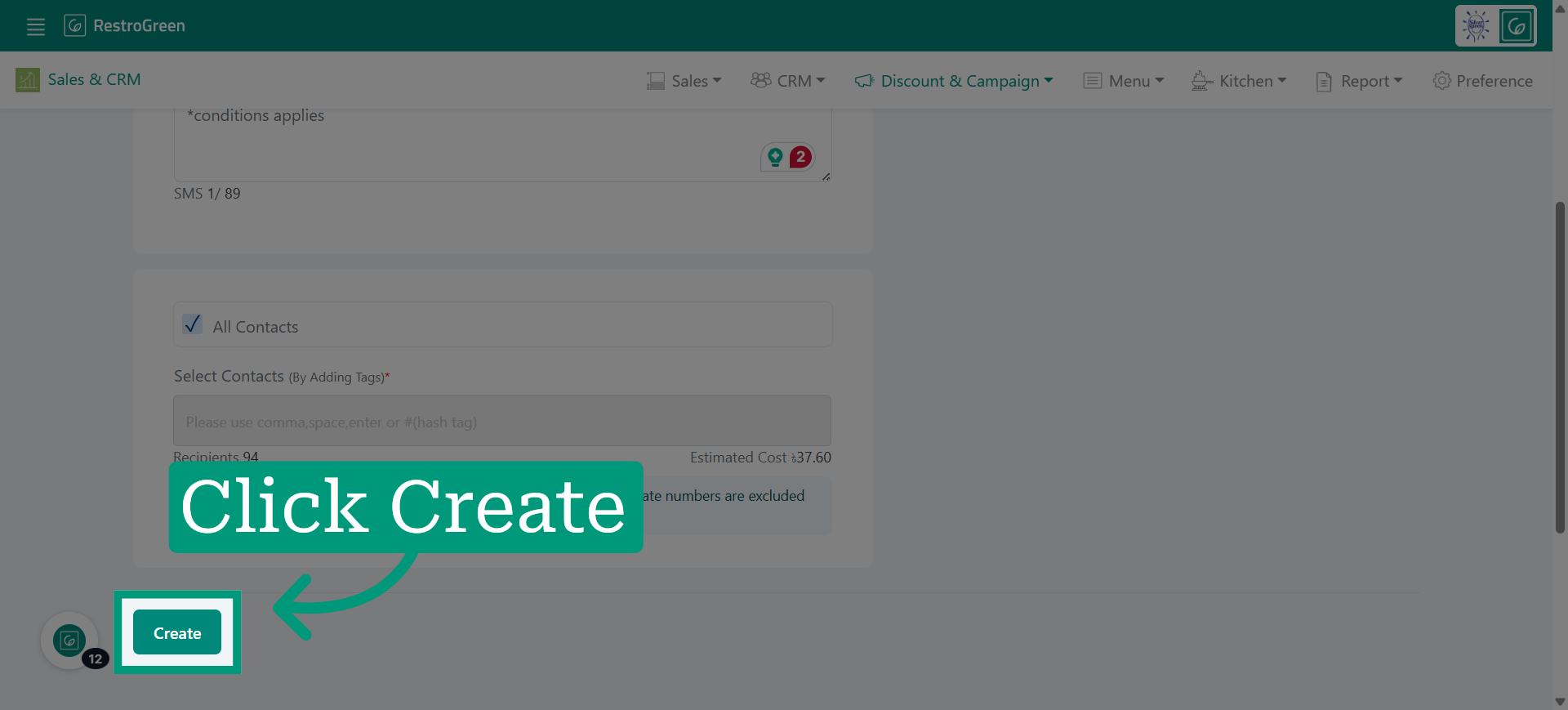
8. Click "Create" to finalise the draft
9. Click “Send SMS” to publish the campaign
Open the draft version of the campaign to review or make further edits before sending.