How to Add and Manage Recipes for Dishes in RestroGreen
This tutorial guides you through adding and managing recipes in the RestroGreen Business Portal.
Go to
restrogreen.quicklyservices.com
1. Login to Business Portal
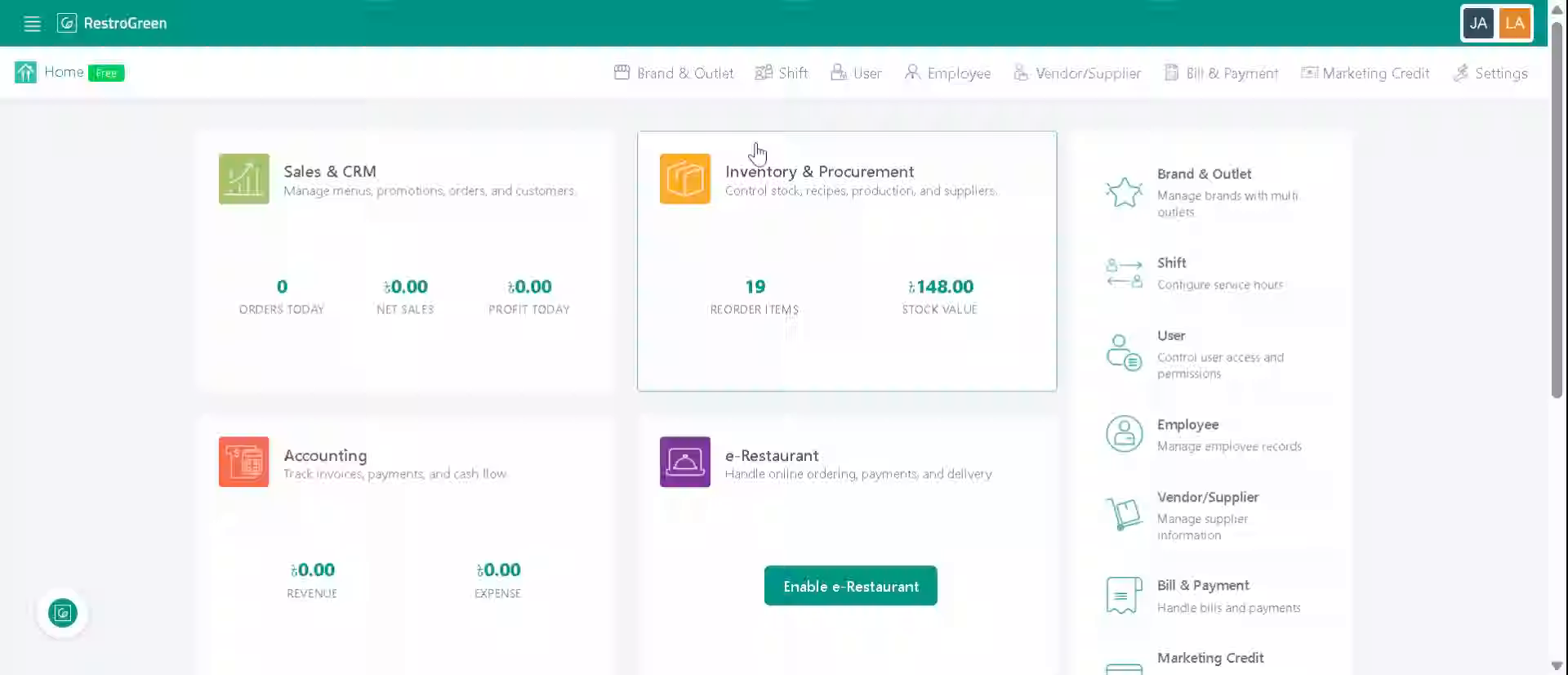
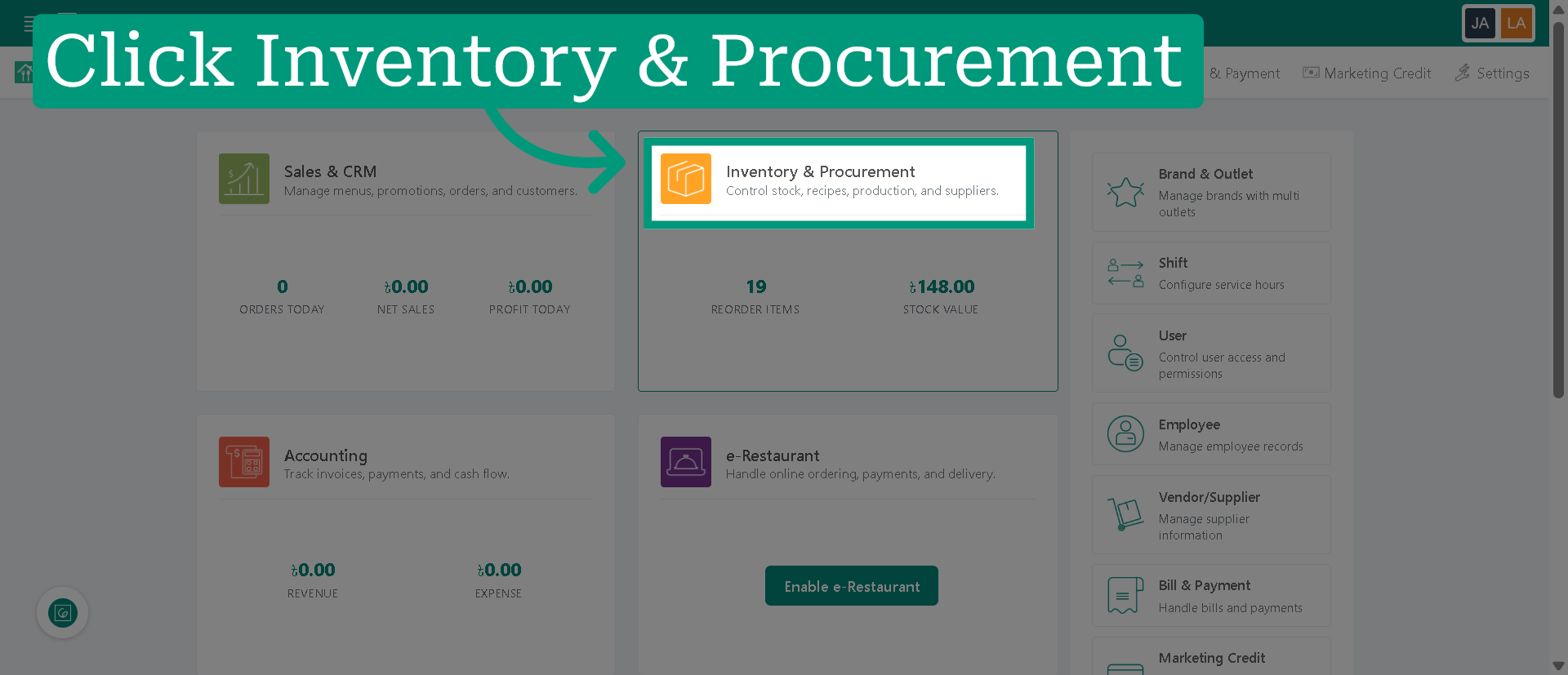
2. Click "Inventory & Procurement" Module
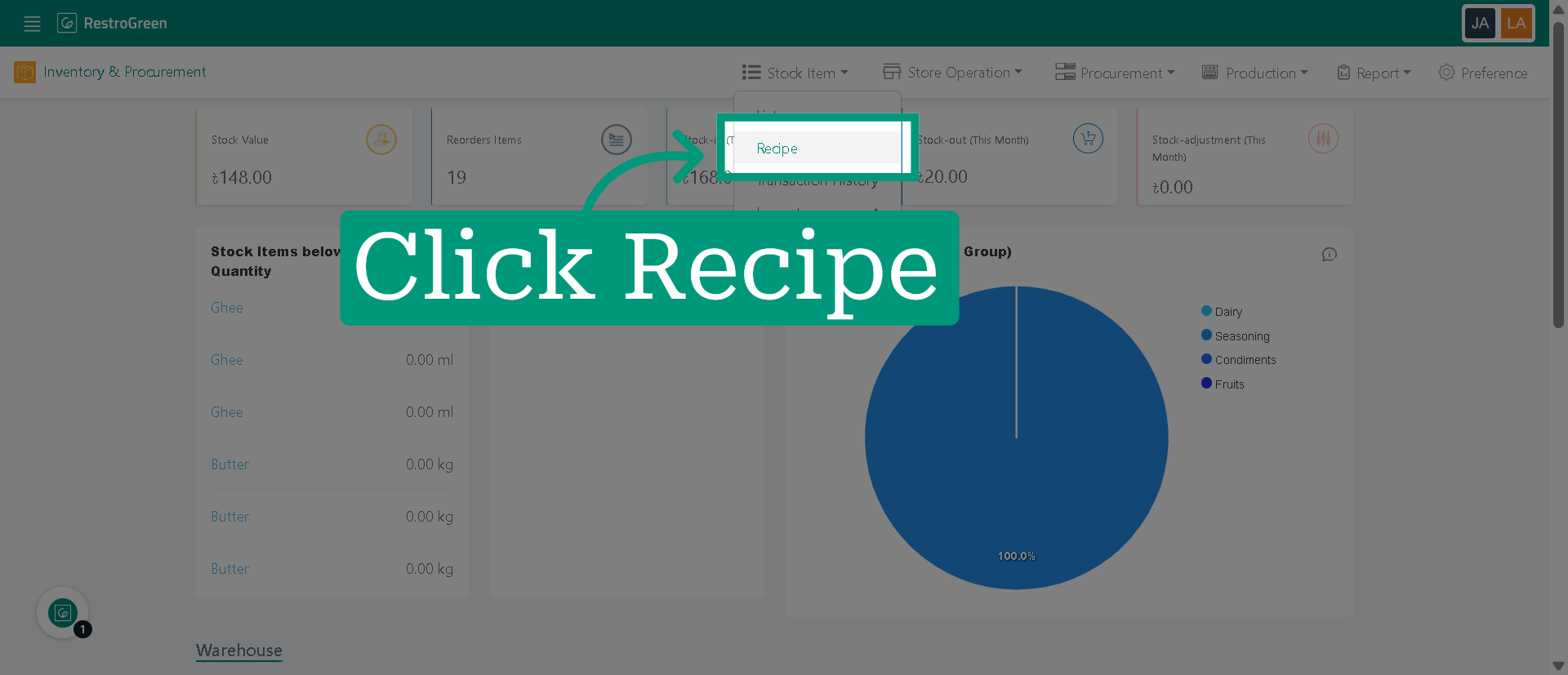
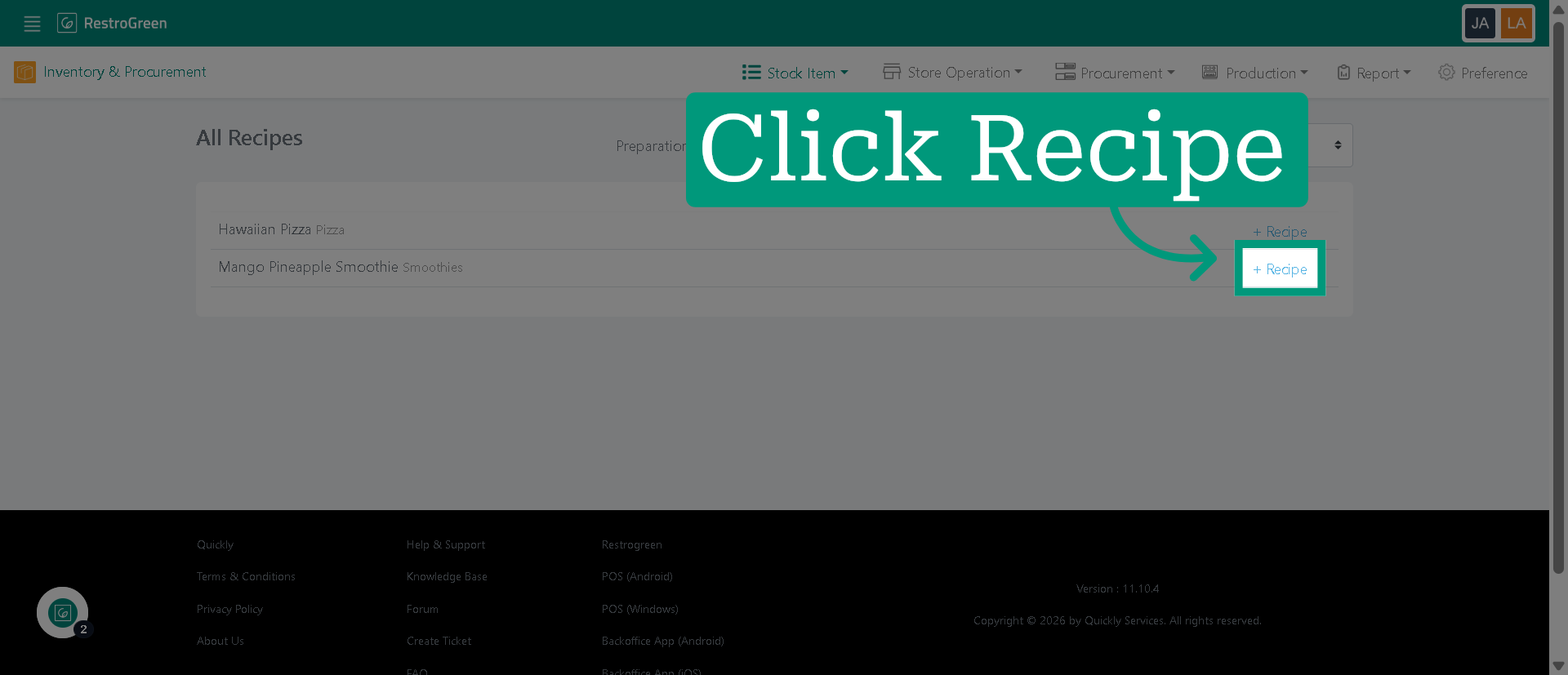
3. Click "Recipe" to navigate to the recipe management
4. Select the dish to start creating a new recipe
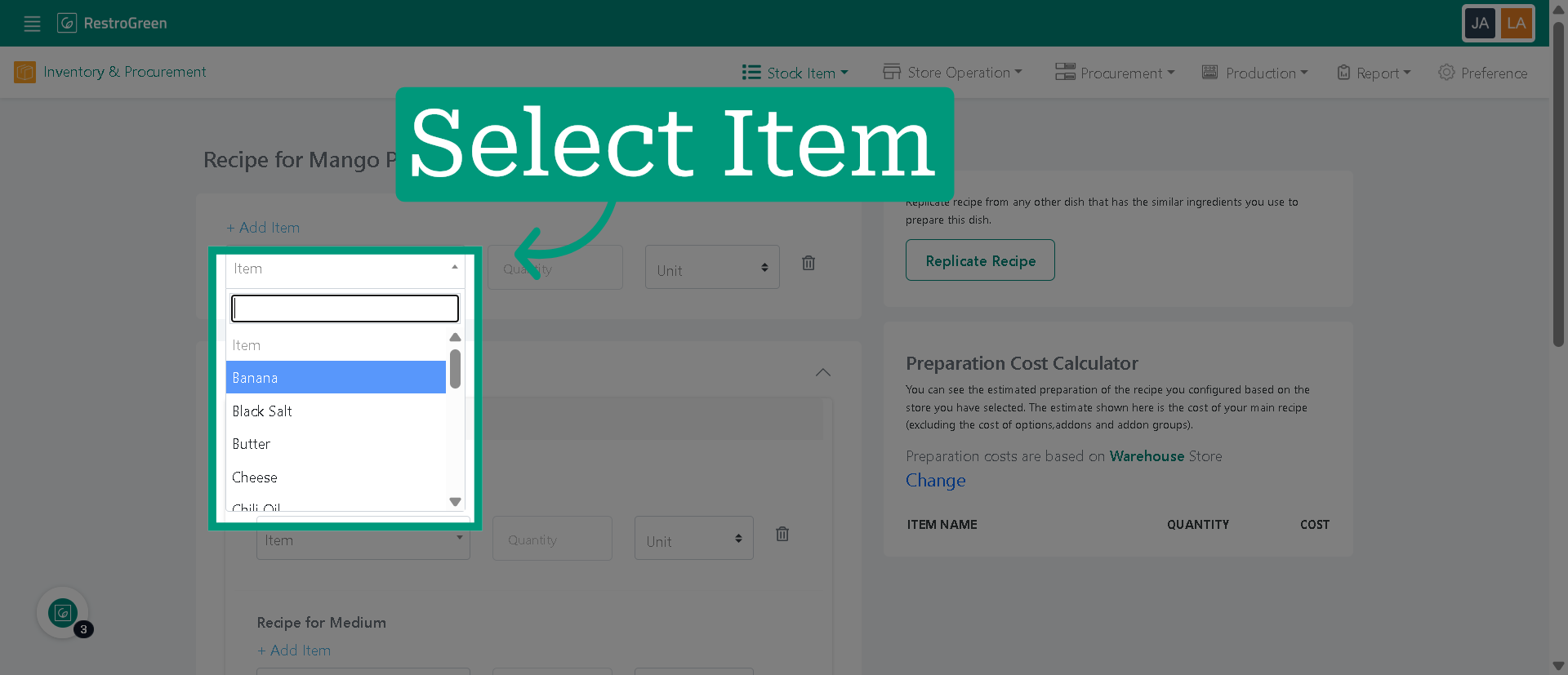
5. Choose the ingredients for your recipe
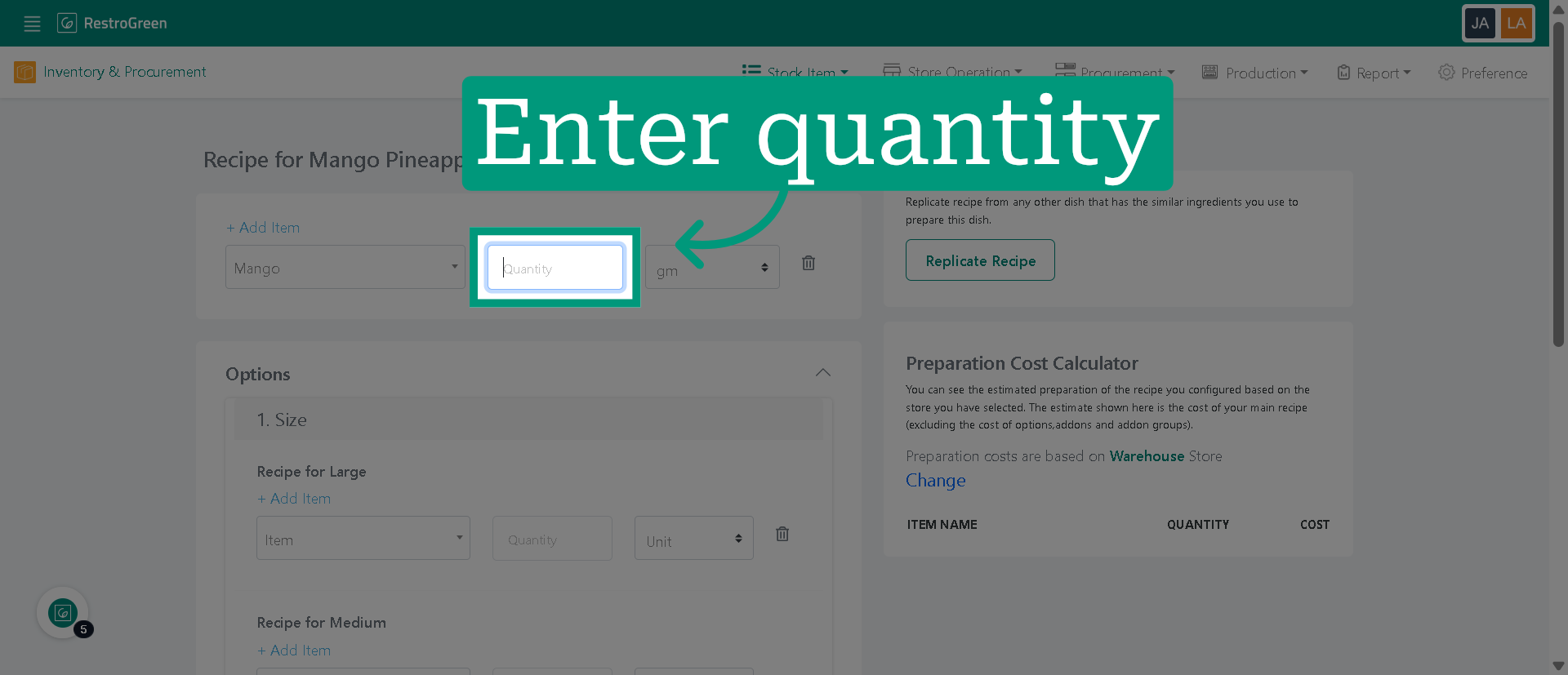
6. Enter the amount required for the recipe
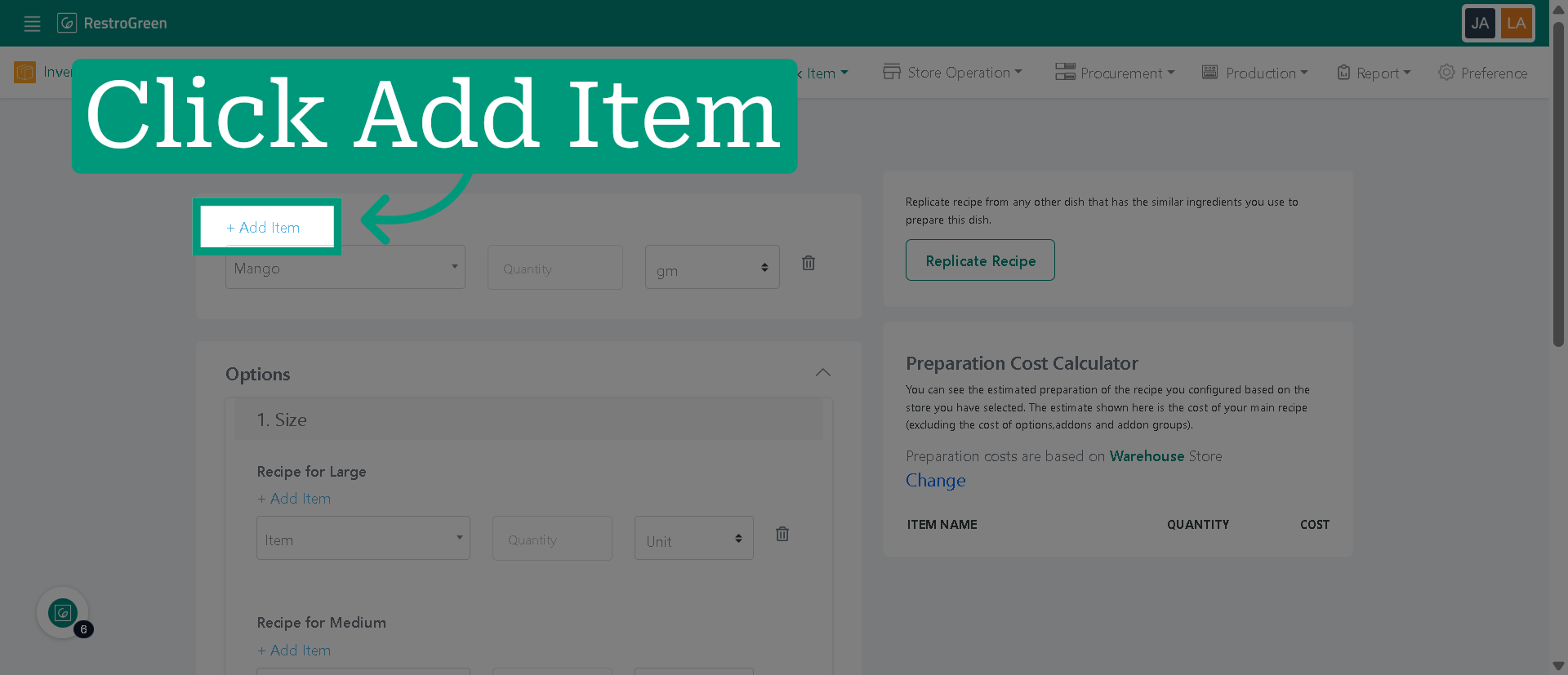
7. Click "Add Item" to include more ingredient in your recipe
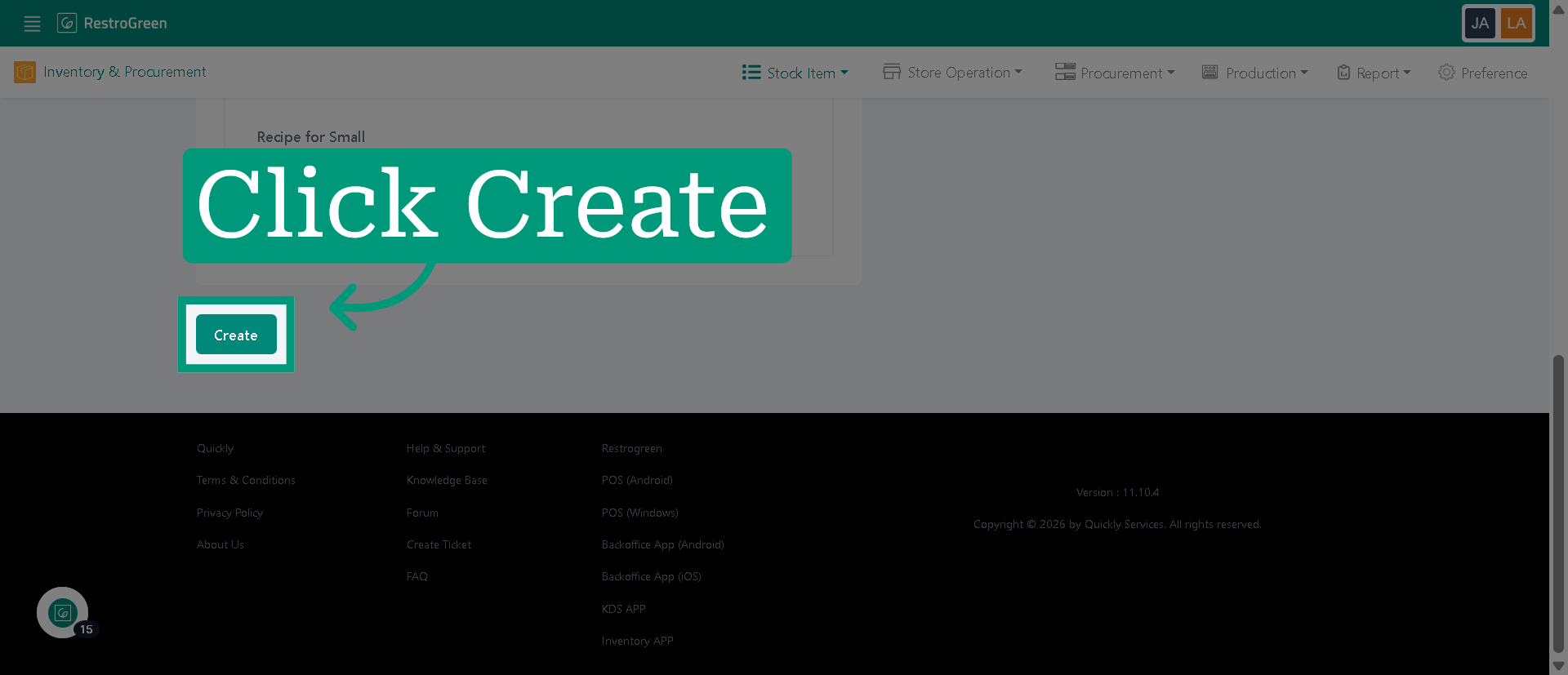
8. Click "Create" to finalize the new recipe