How to Add Recipes & Automate Recipe Cost Calculation in RestroGreen
This article explains how to add and manage recipe ingredients within the Business Portal. You will
learn how to create a recipe, add items with quantities, and calculate preparation costs effectively.
Go to
restrogreen.quicklyservices.com
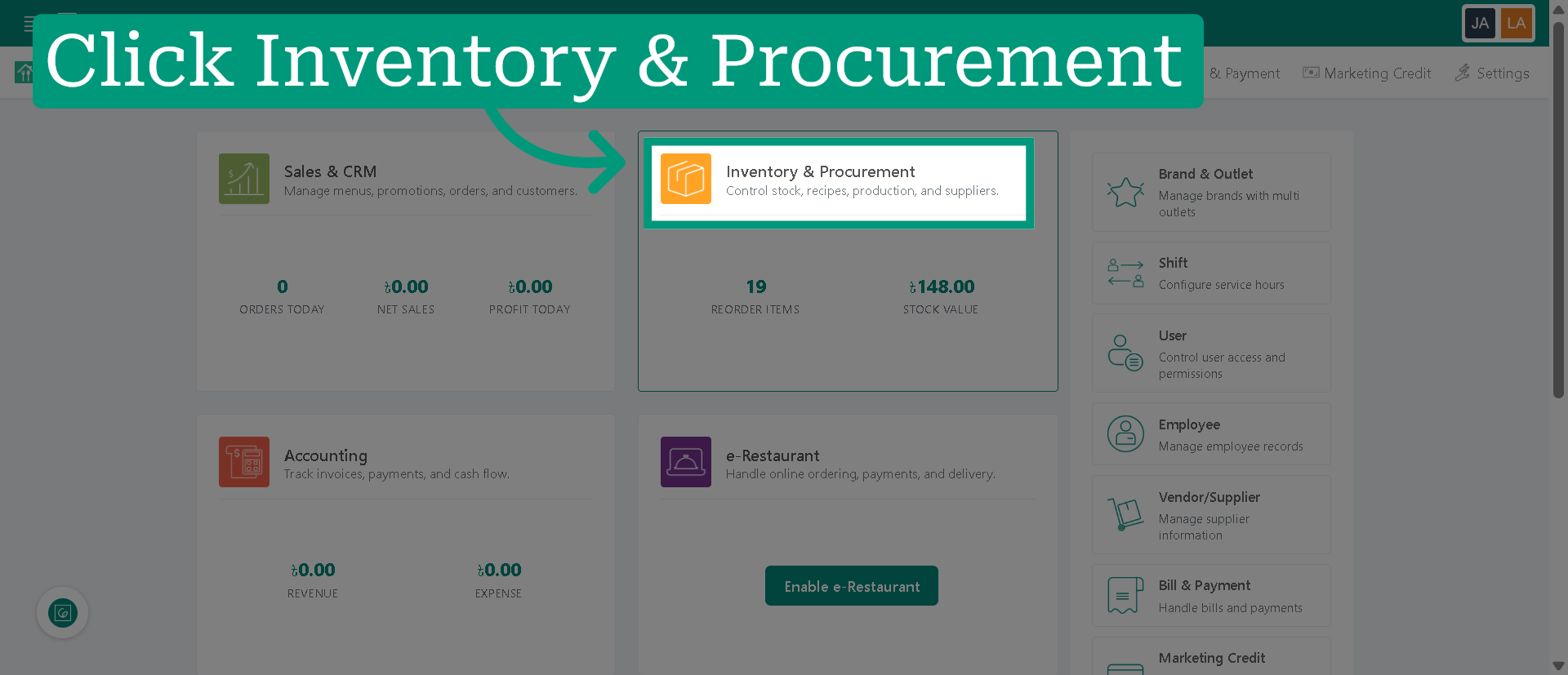
1. Access Inventory & Procurement
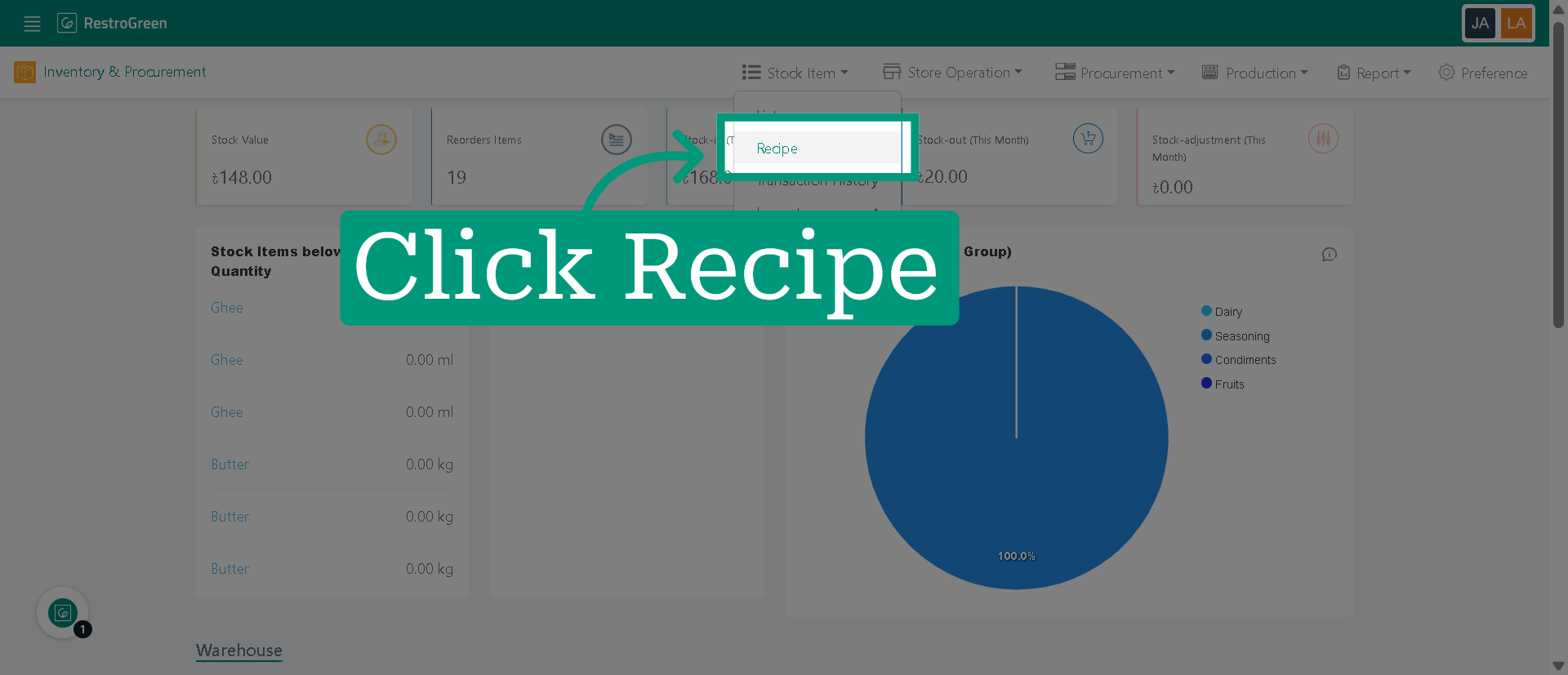
2. Click "Recipe" to navigate to the recipe management
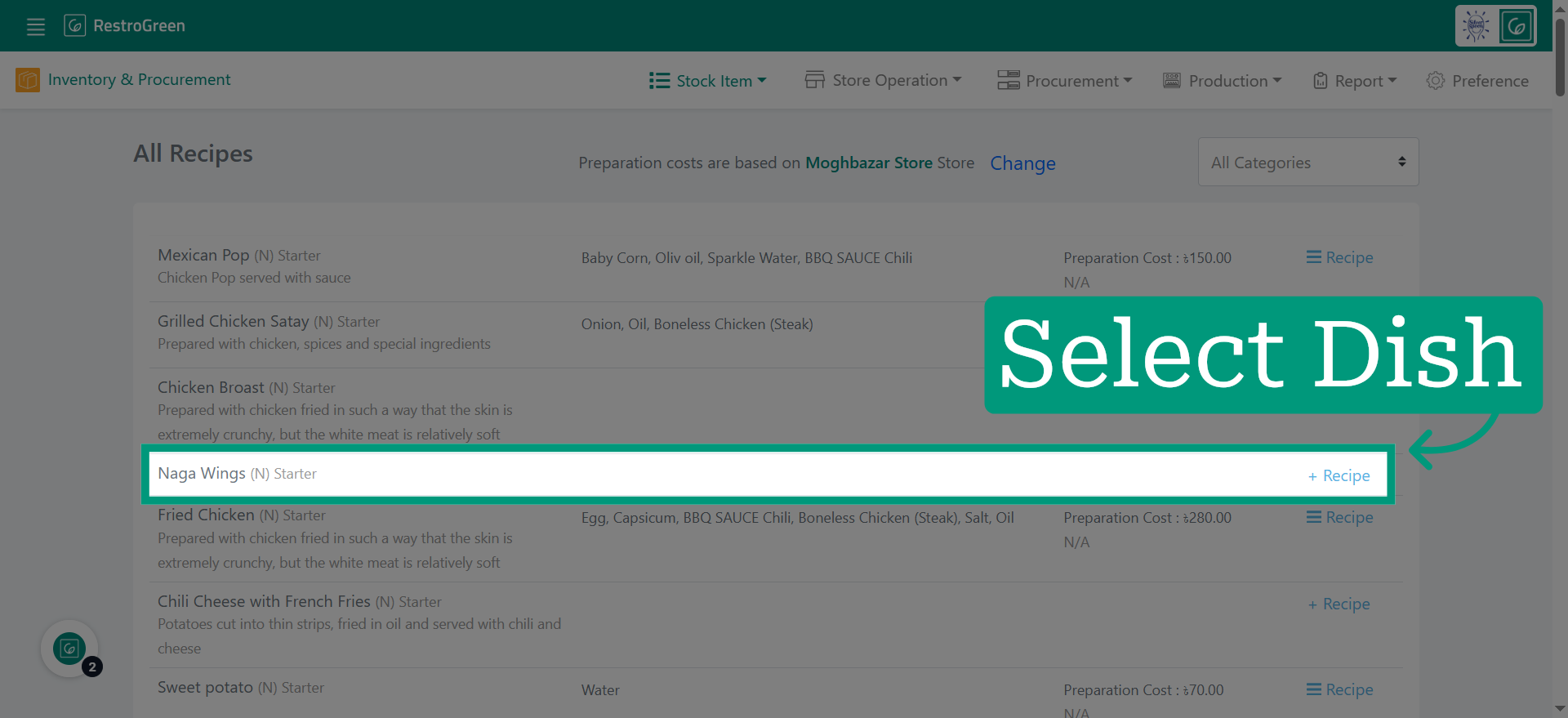
3. Click "+ Recipe" beside the selected dish to begin
4. Choose an ingredient for the recipe
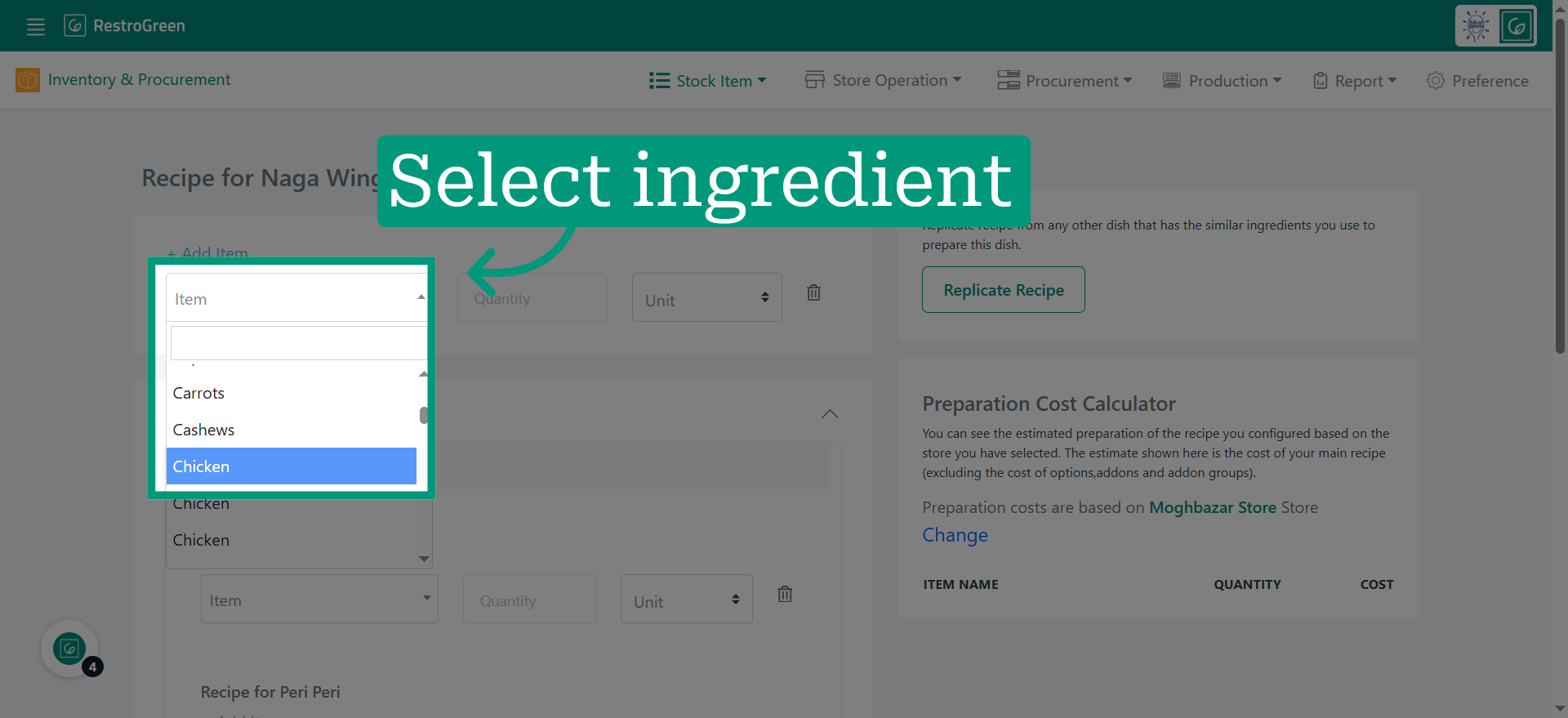
5. Specify the amount of the ingredient used in the recipe
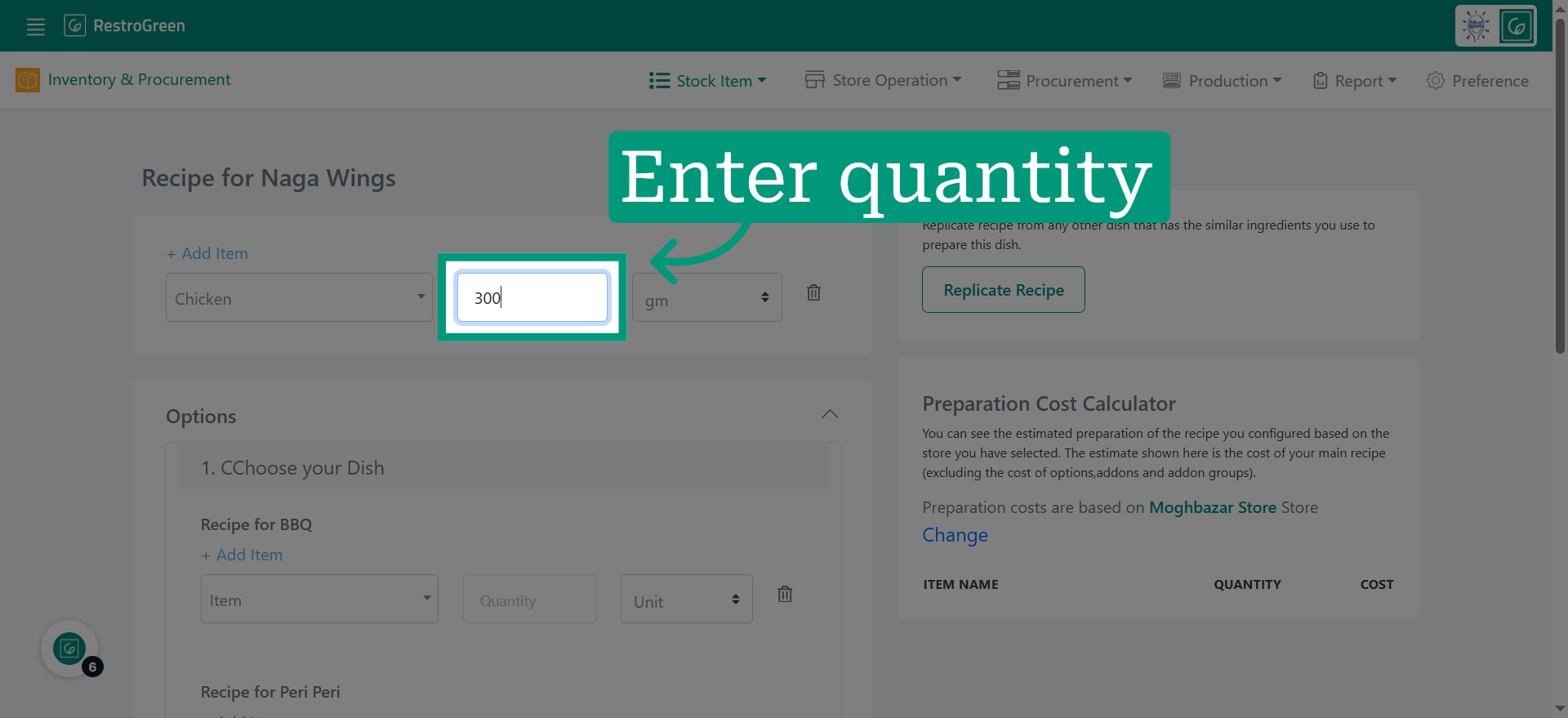
6. Click "Add Item" for additional ingredient in the recipe
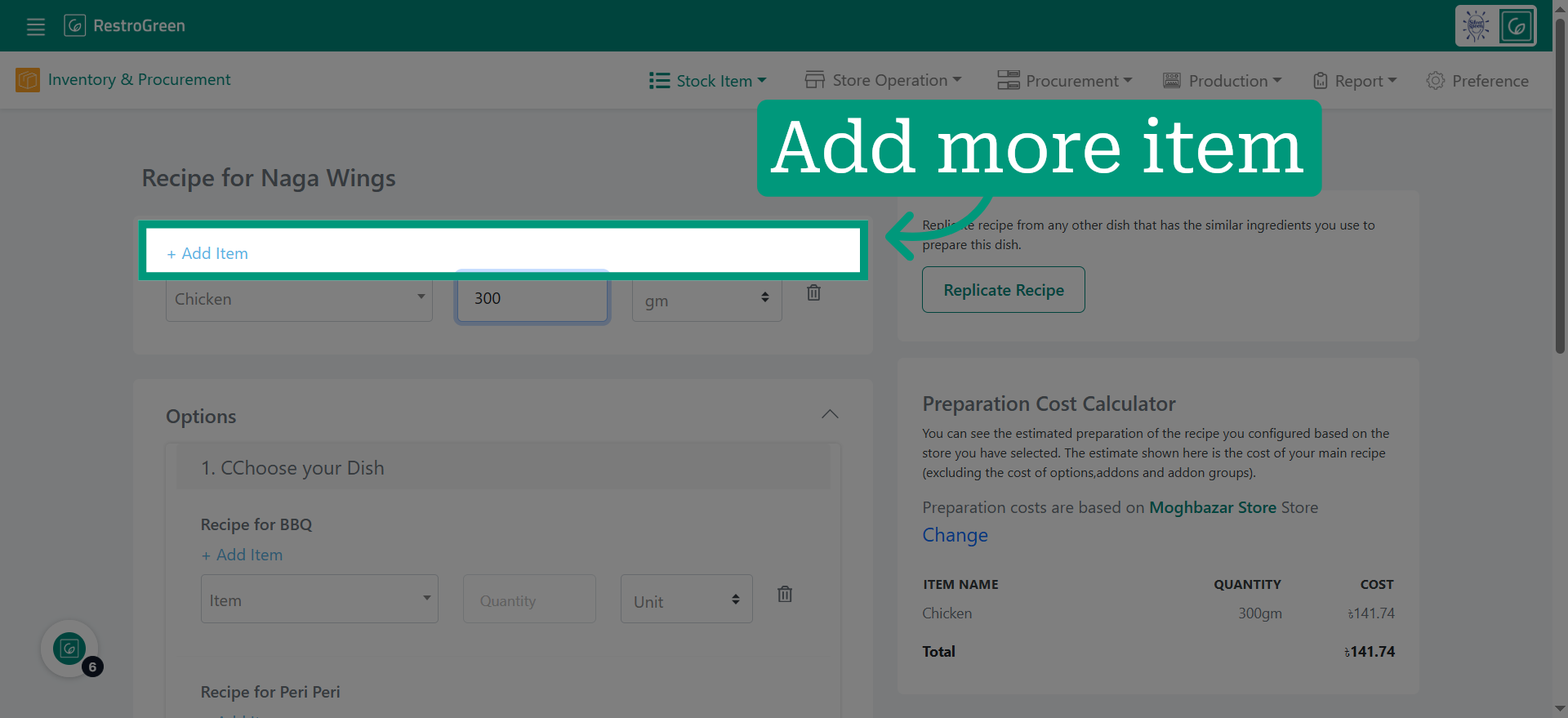
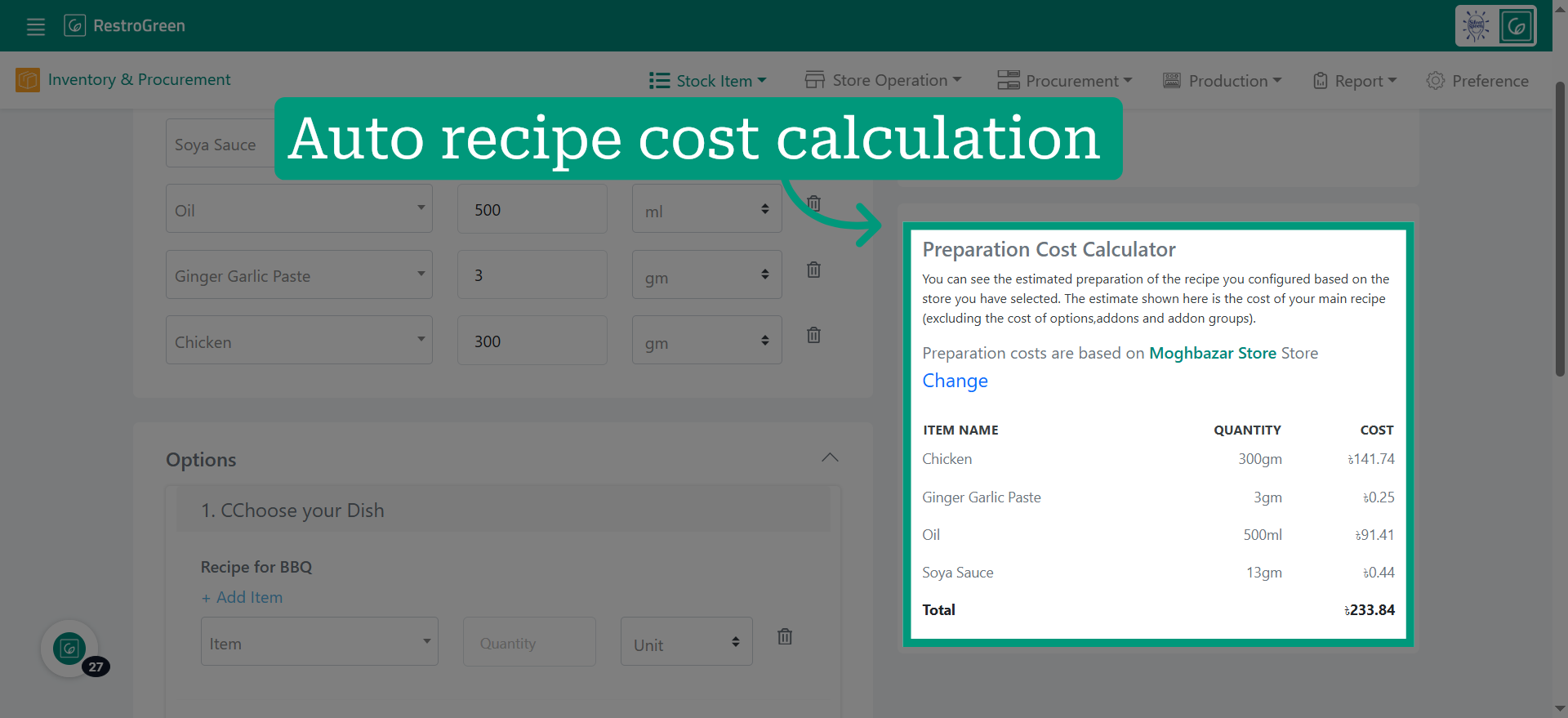
7. The system auto calculates the cost breakdown for the recipe preparation
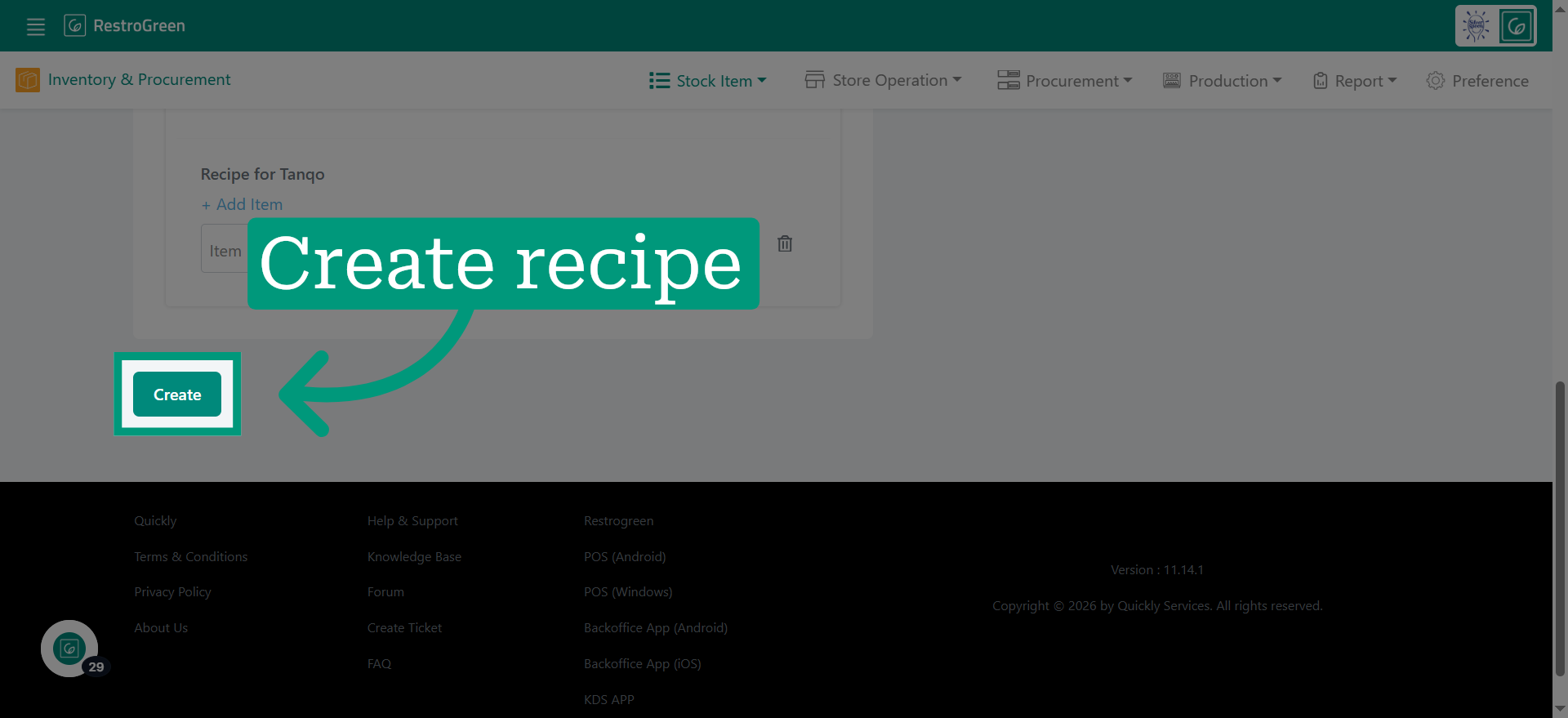
8. Click "Create" to finalize and save the new recipe in the system
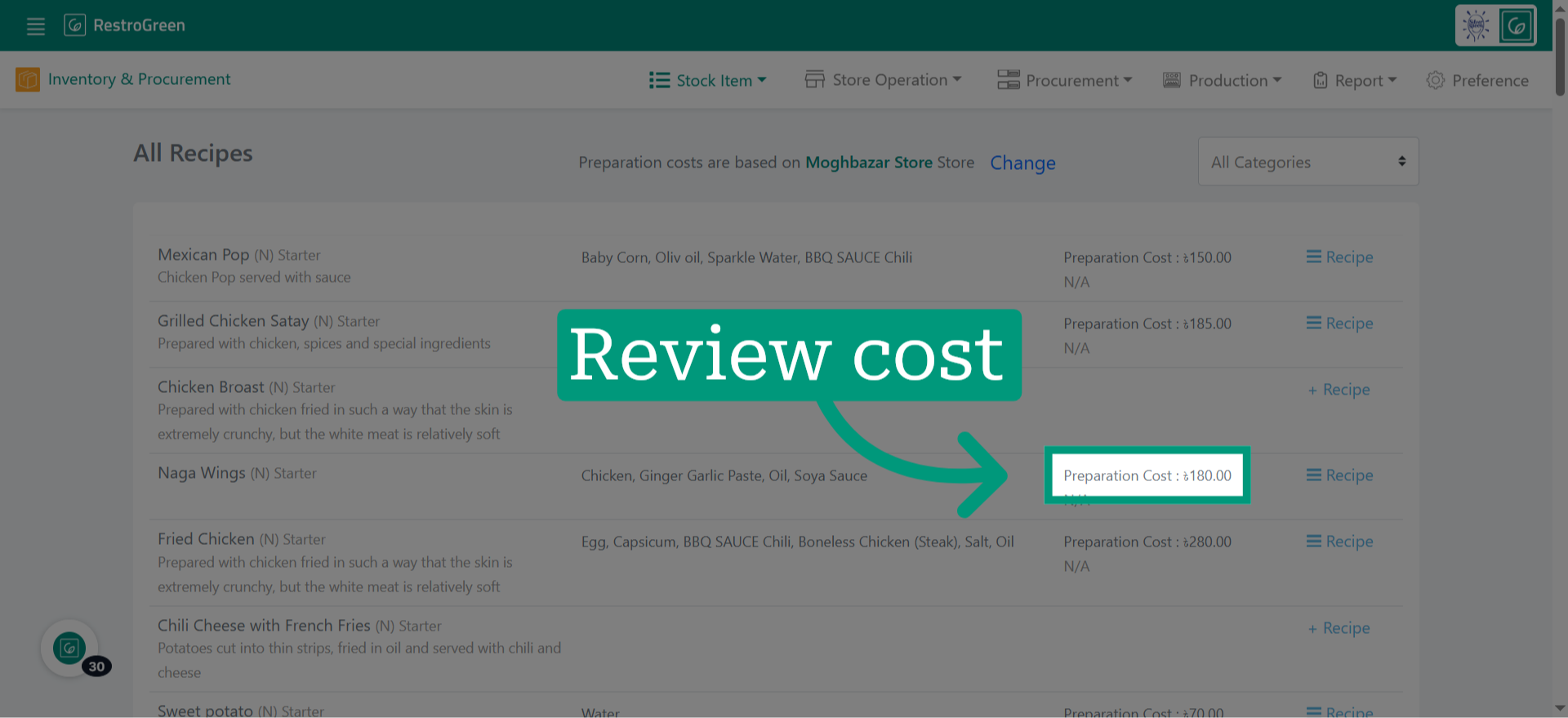
9. Updated recipe cost reflects here with every ingredient stock-in