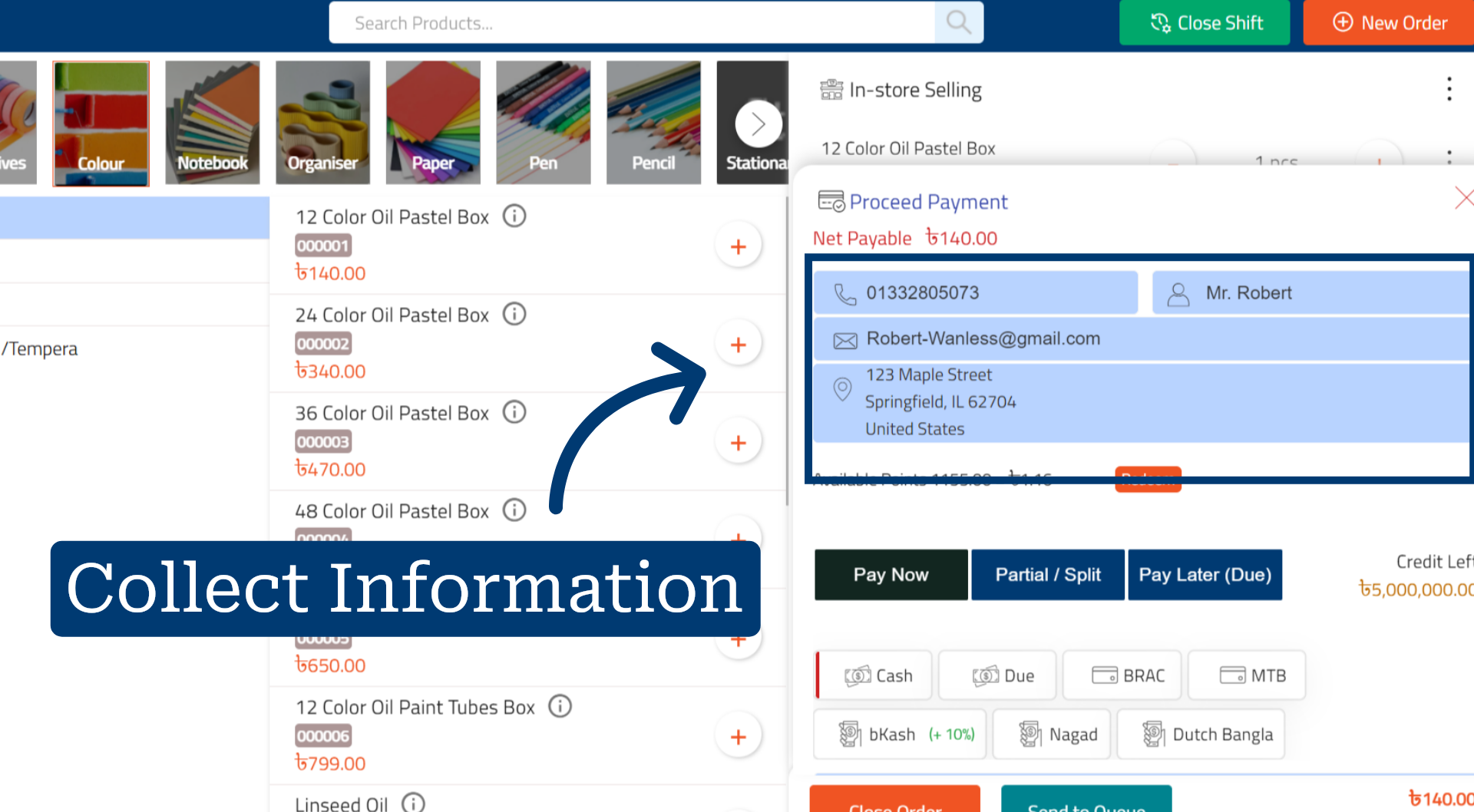
How to Start Collecting Customer Information in RetailGo Business Portal
This tutorial demonstrates how to collect customer information within the CRM system, helping
businesses maintain accurate customer records, track interactions, and build stronger customer relationships.
Go to
retailgo.quicklyservices.com
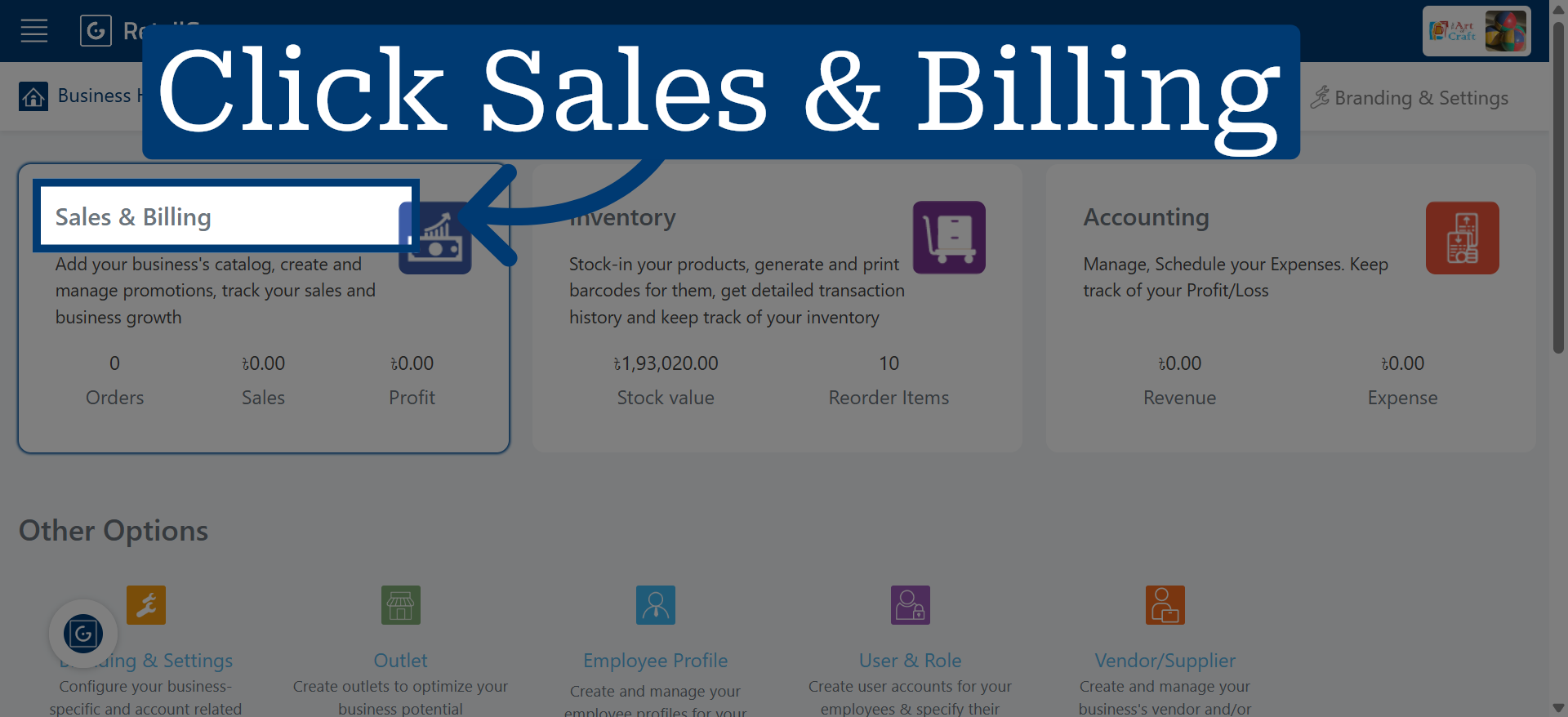
1. Access Sales And Billing Module
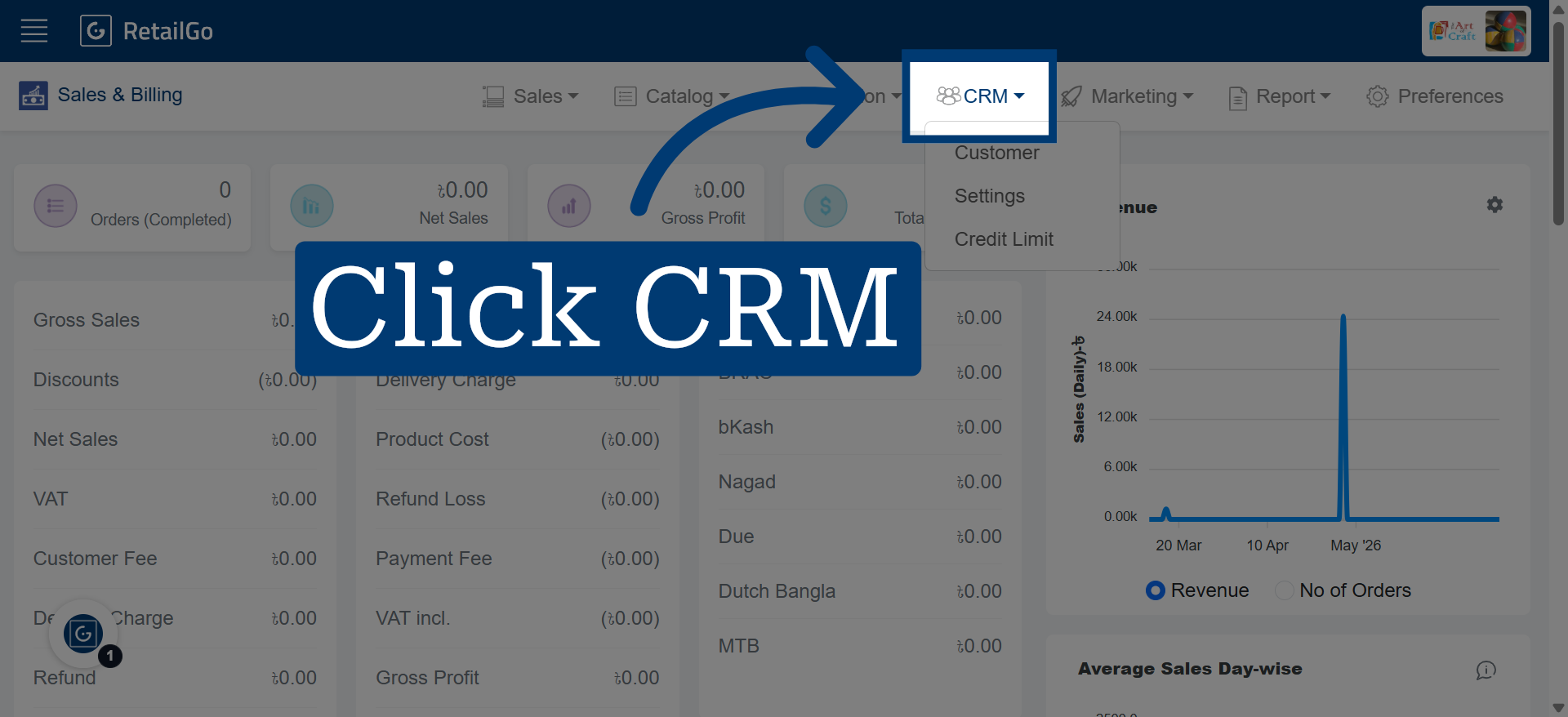
2. Open CRM Section
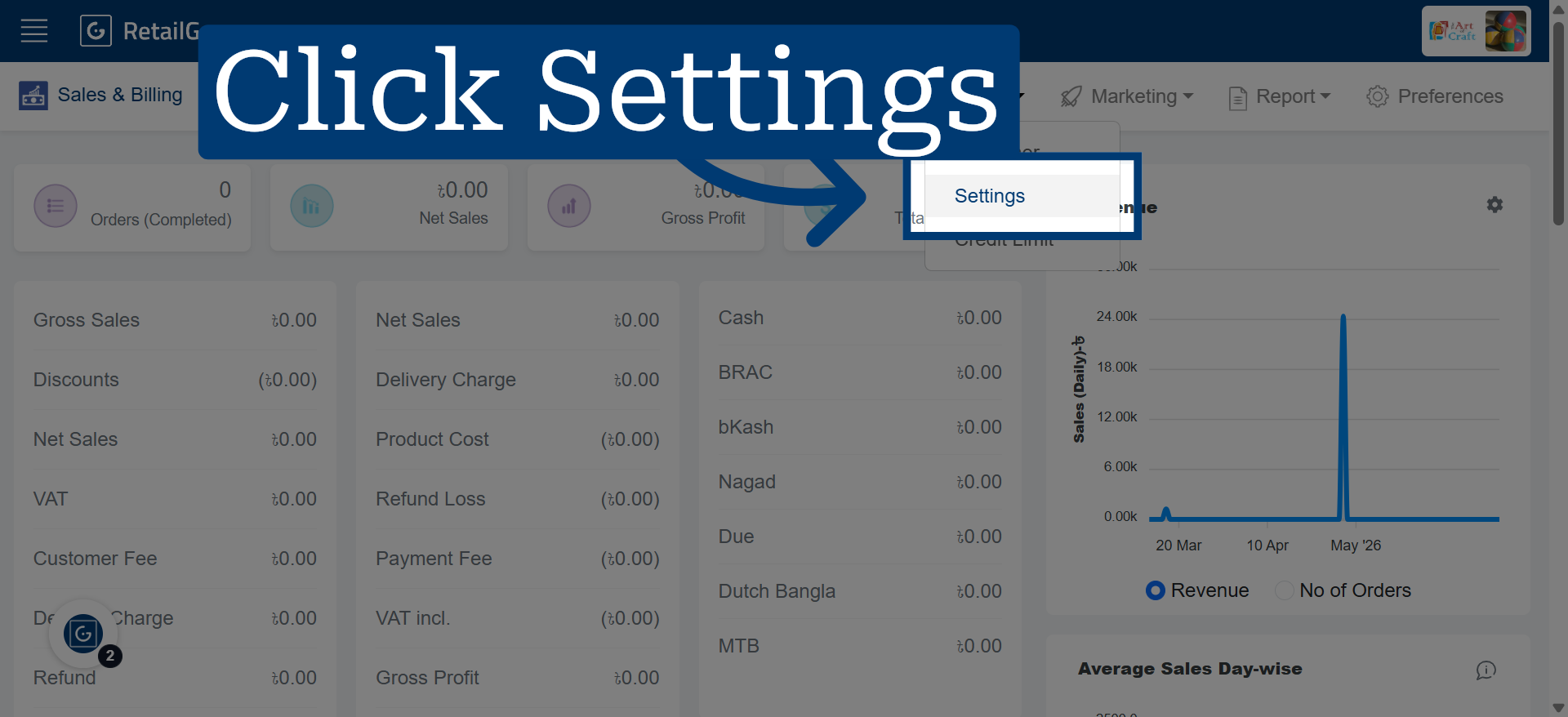
3. Navigate To Settings
4. Select Configuration Option
Click here to choose the specific setting you want to modify within the CRM settings.
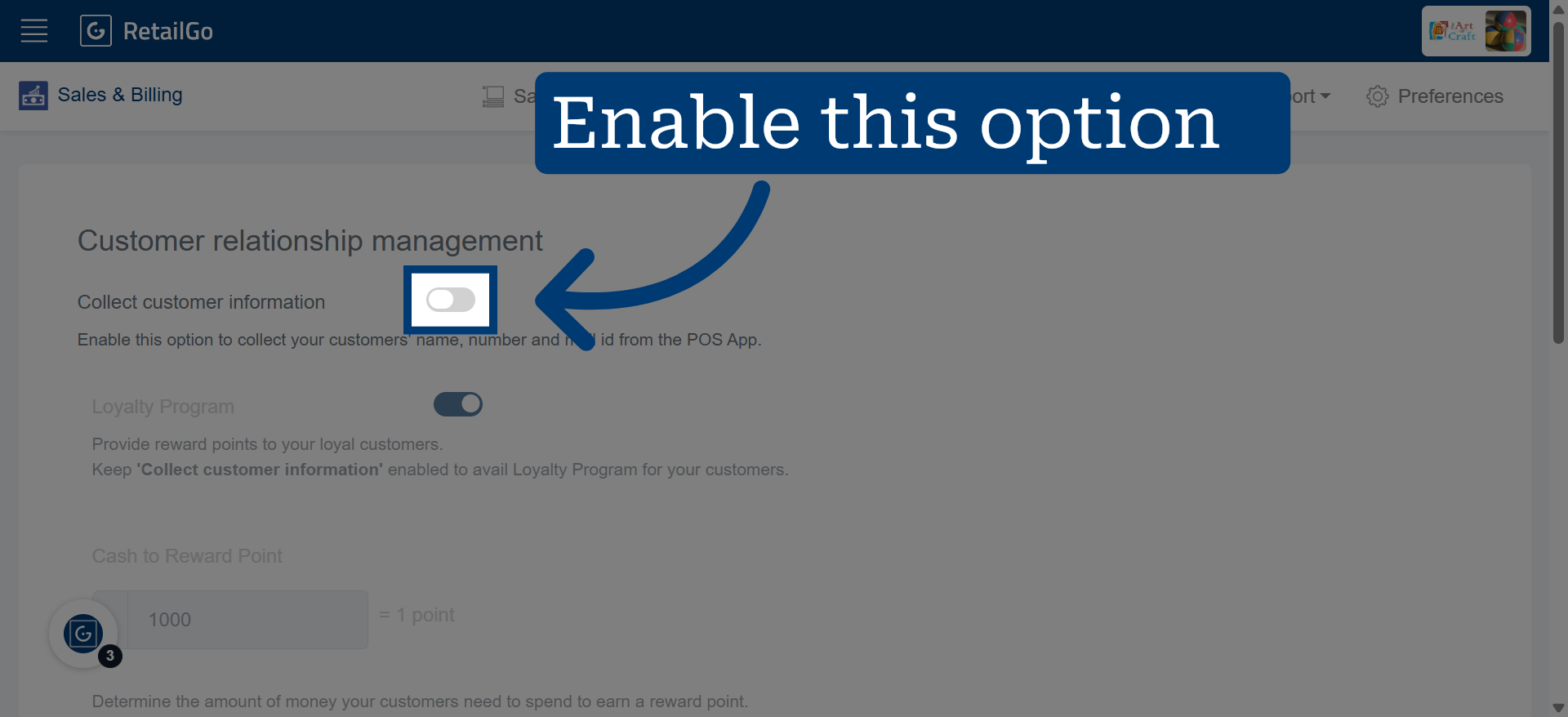
5. Go to POS App
From the POS app, you can collect and store customer information for future reference and effective customer management.