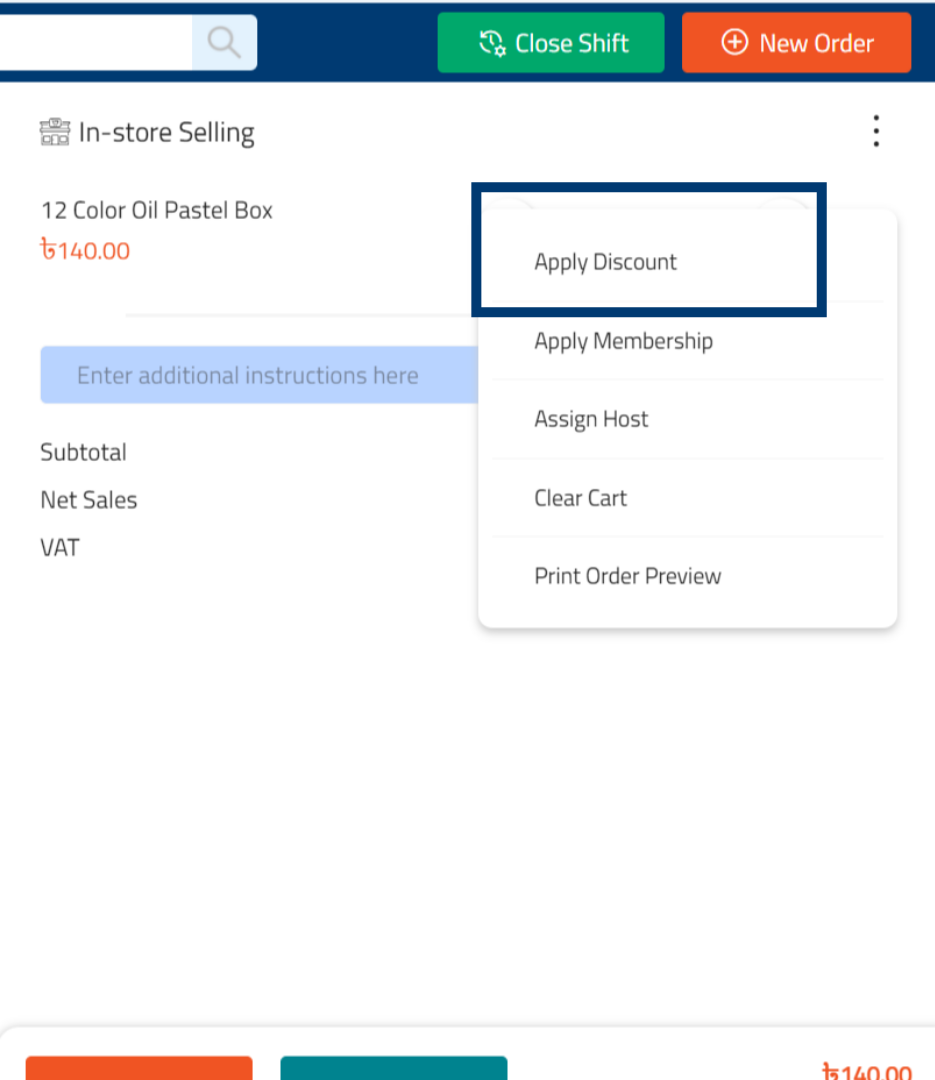
How to Enable Instant Discount in RetailGo Business Portal
This tutorial explains how to configure instant discount settings in the Business Portal, enabling
you to provide instant discounts to customers at the time of purchase
Go to
retailgo.quicklyservices.com
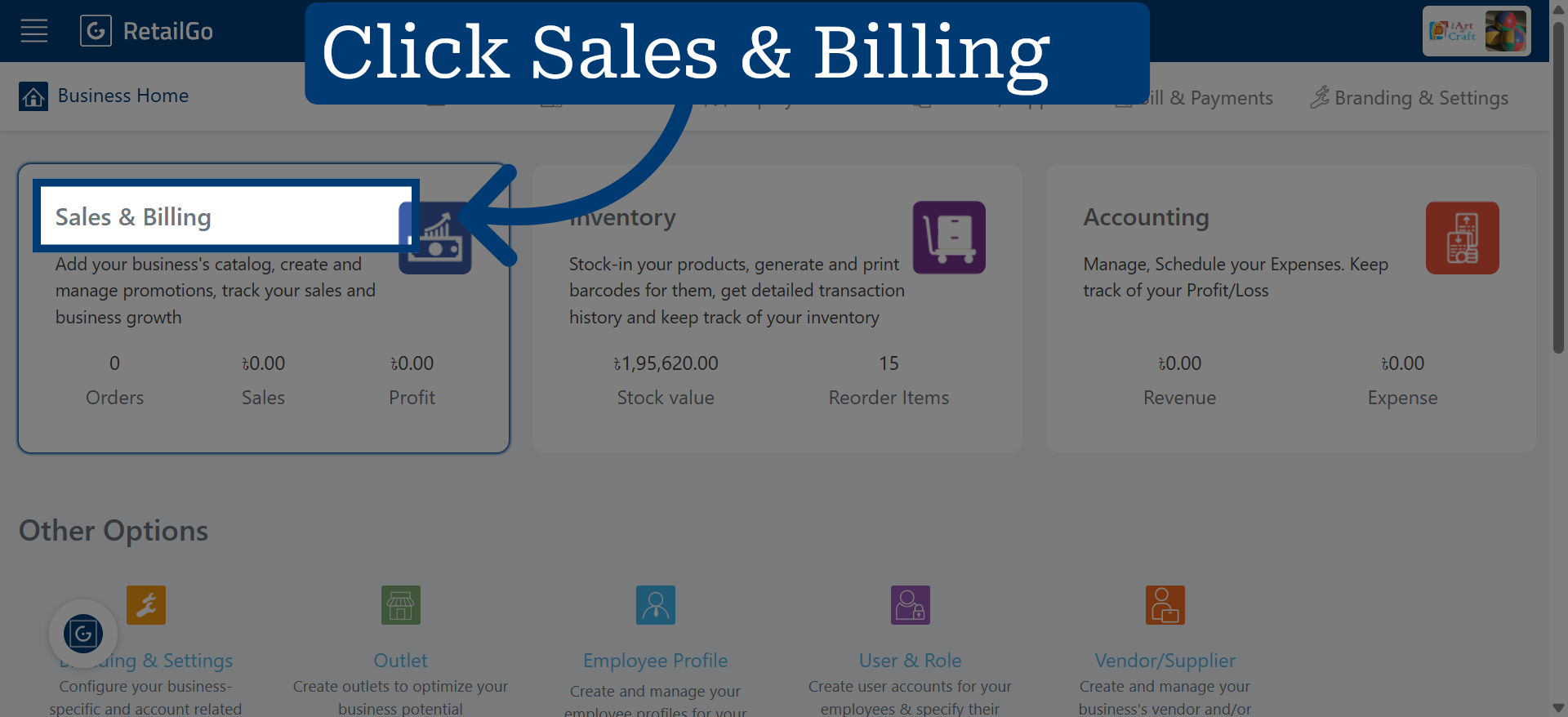
1. Access Sales & CRM Module
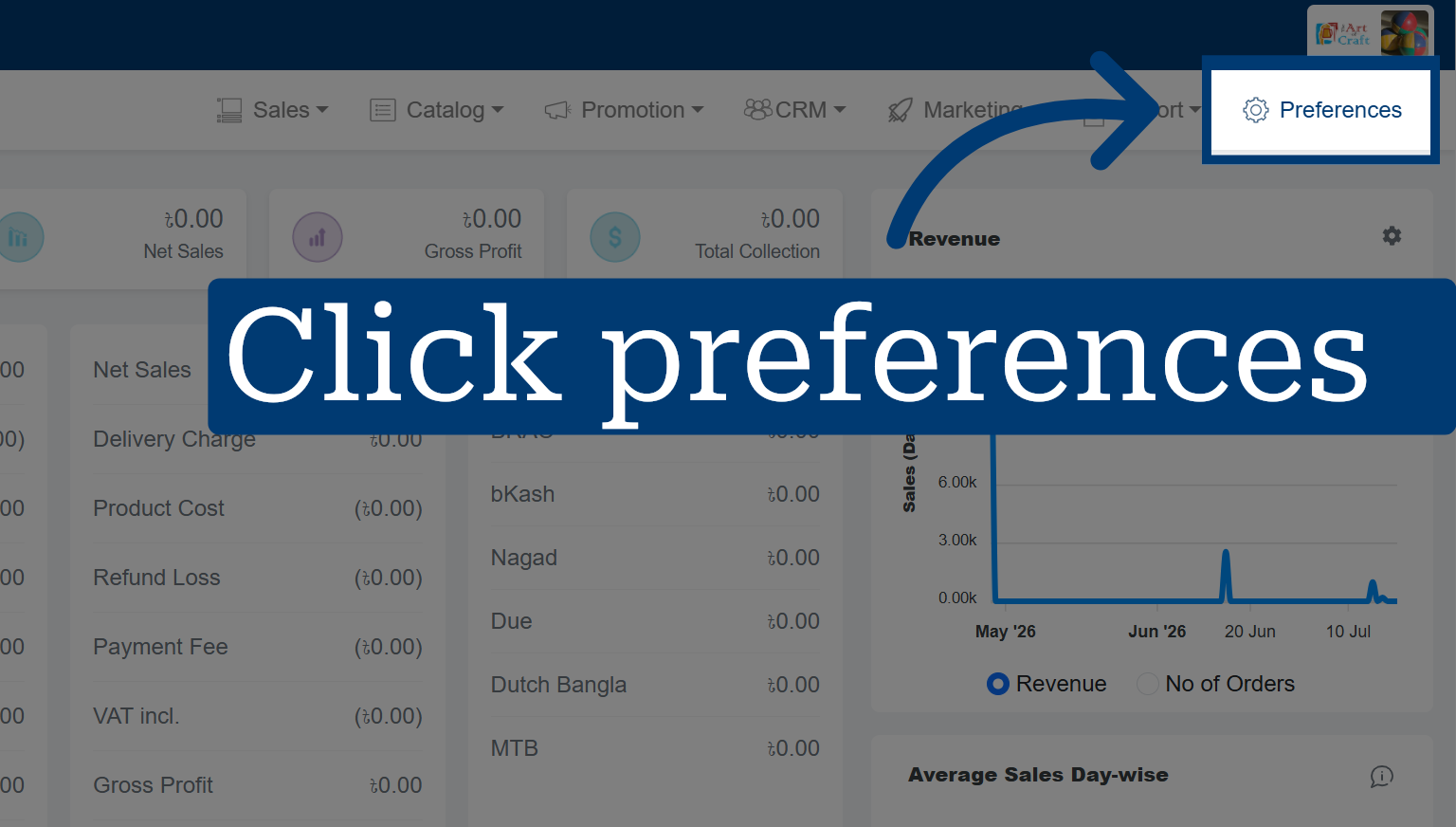
2. Go To Preferences
3. Open App User Settings
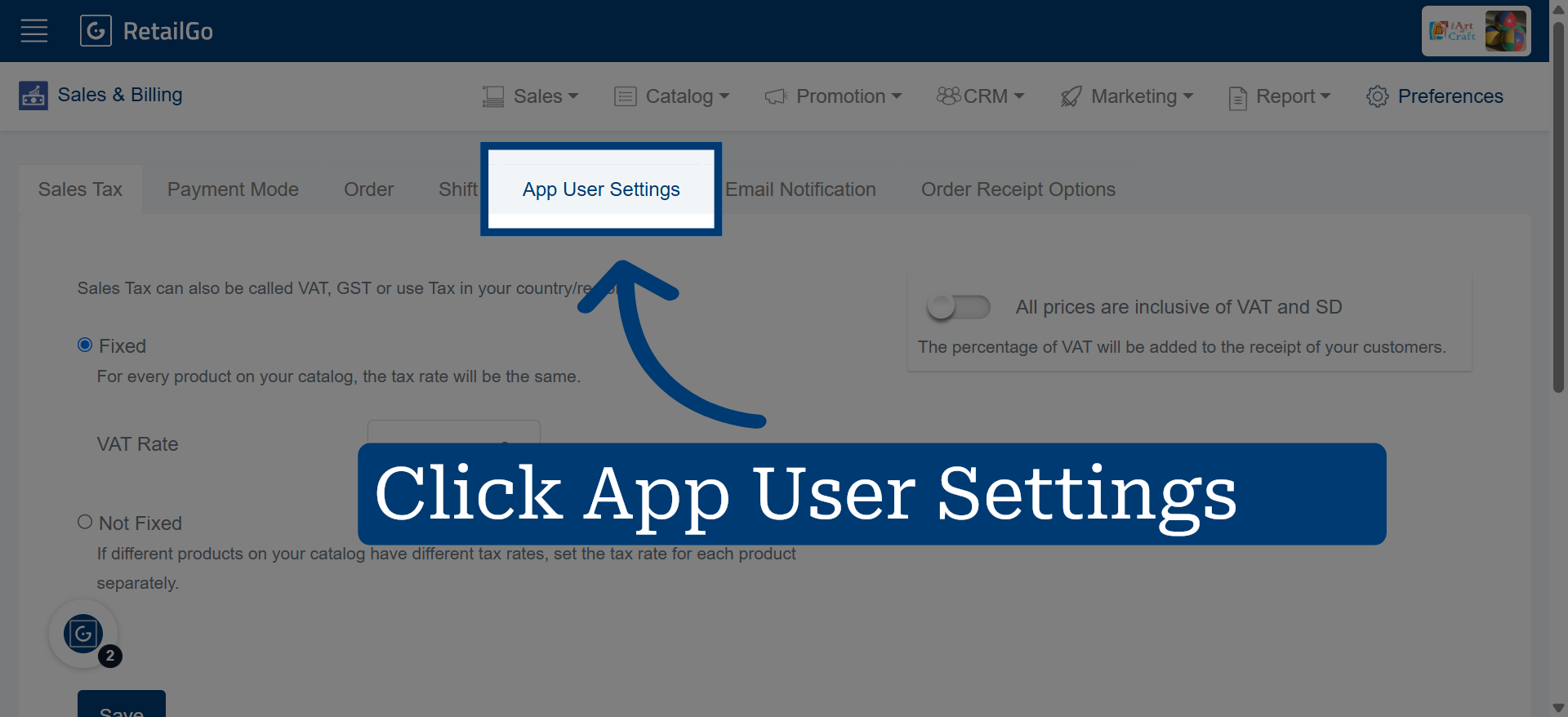
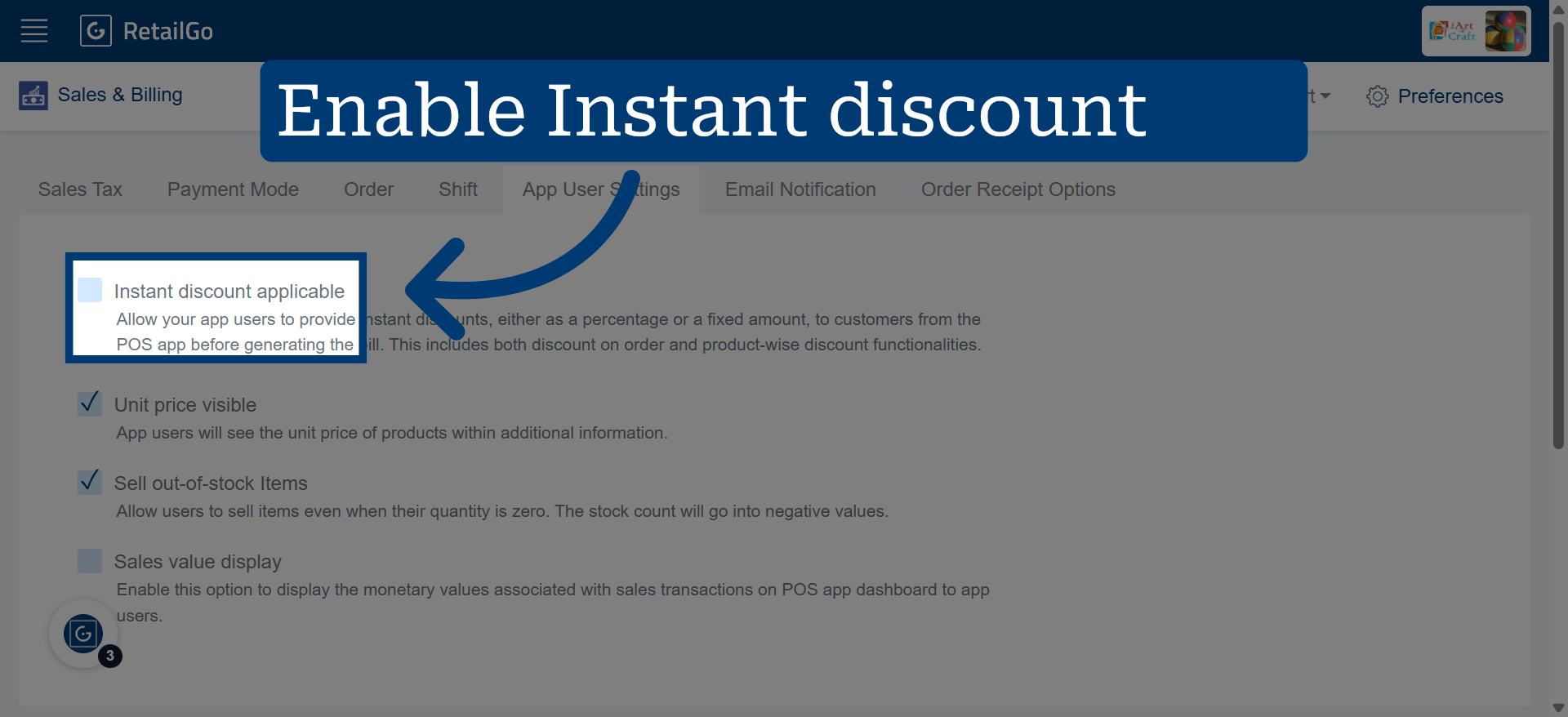
4. Enable Instant Discount
5. Apply Instant Discount in POS
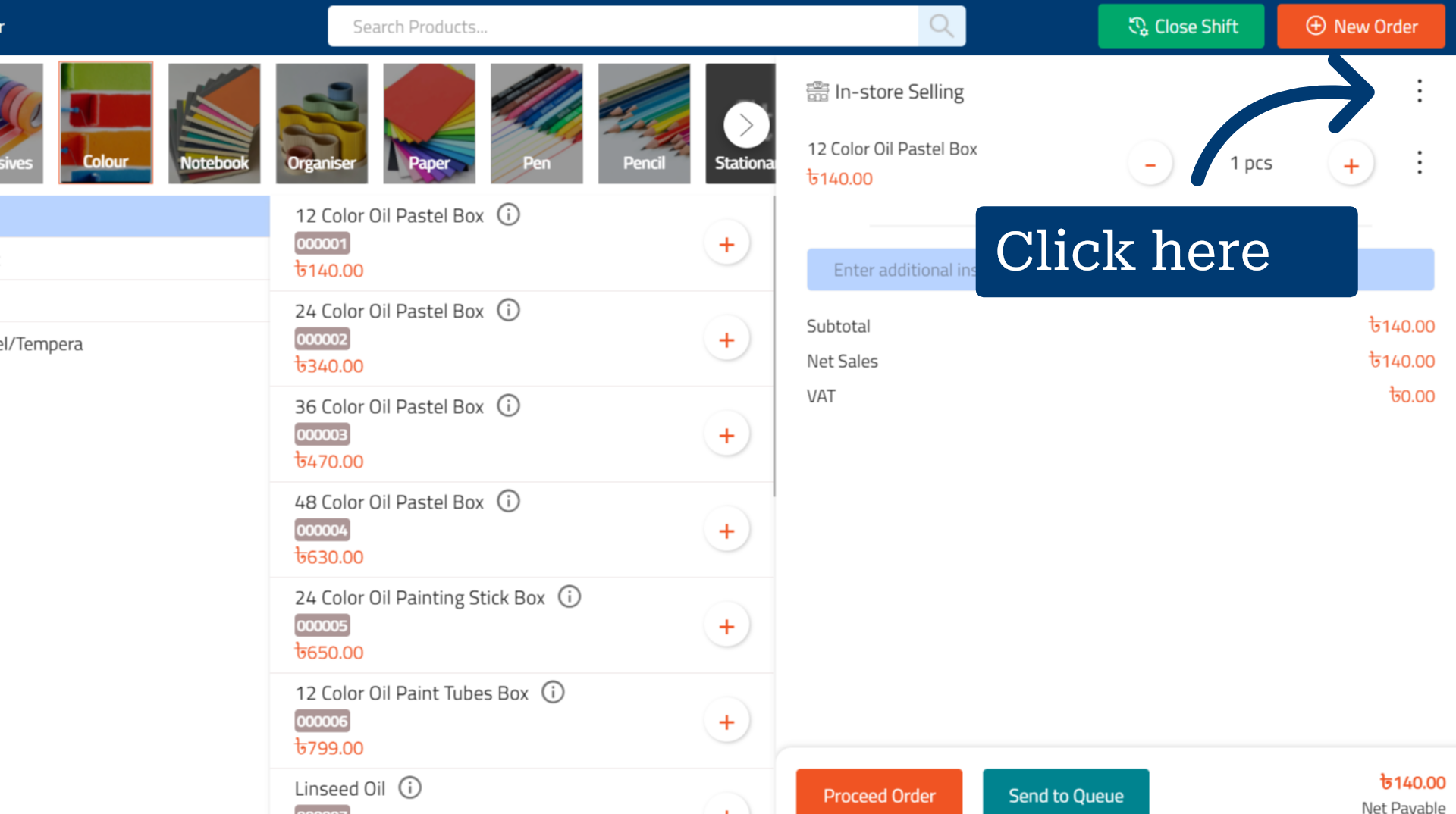
6. Select Apply Discount
Select the desired discount to apply it automatically.