How to Apply a Discount While Taking an Order in RetailLife POS
This tutorial guides you through configuring instant discounts at the counter and applying them
in RetailLife POS while taking an order.
Go to
retaillife.quicklyservices.com
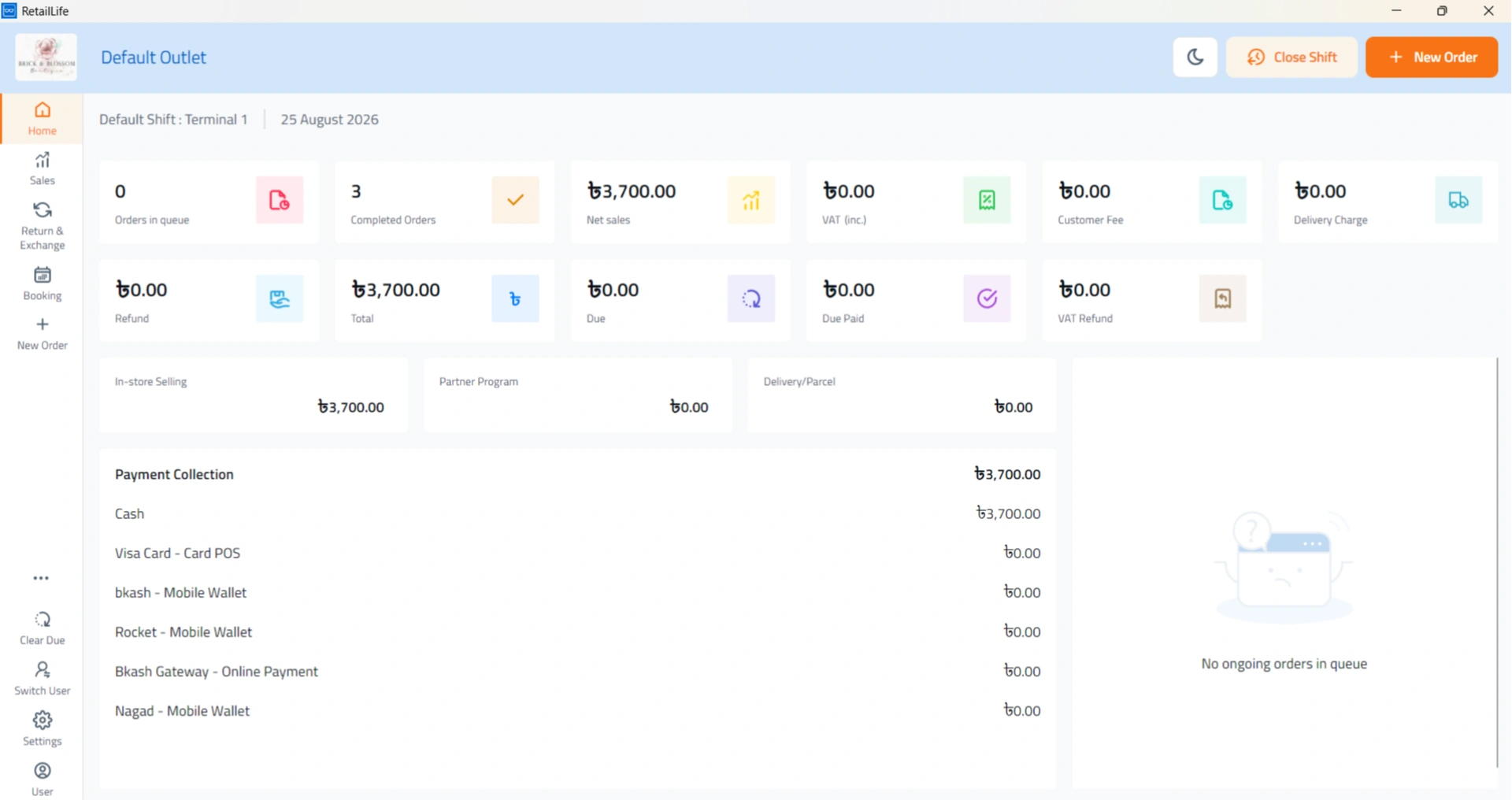
1. Go to the POS
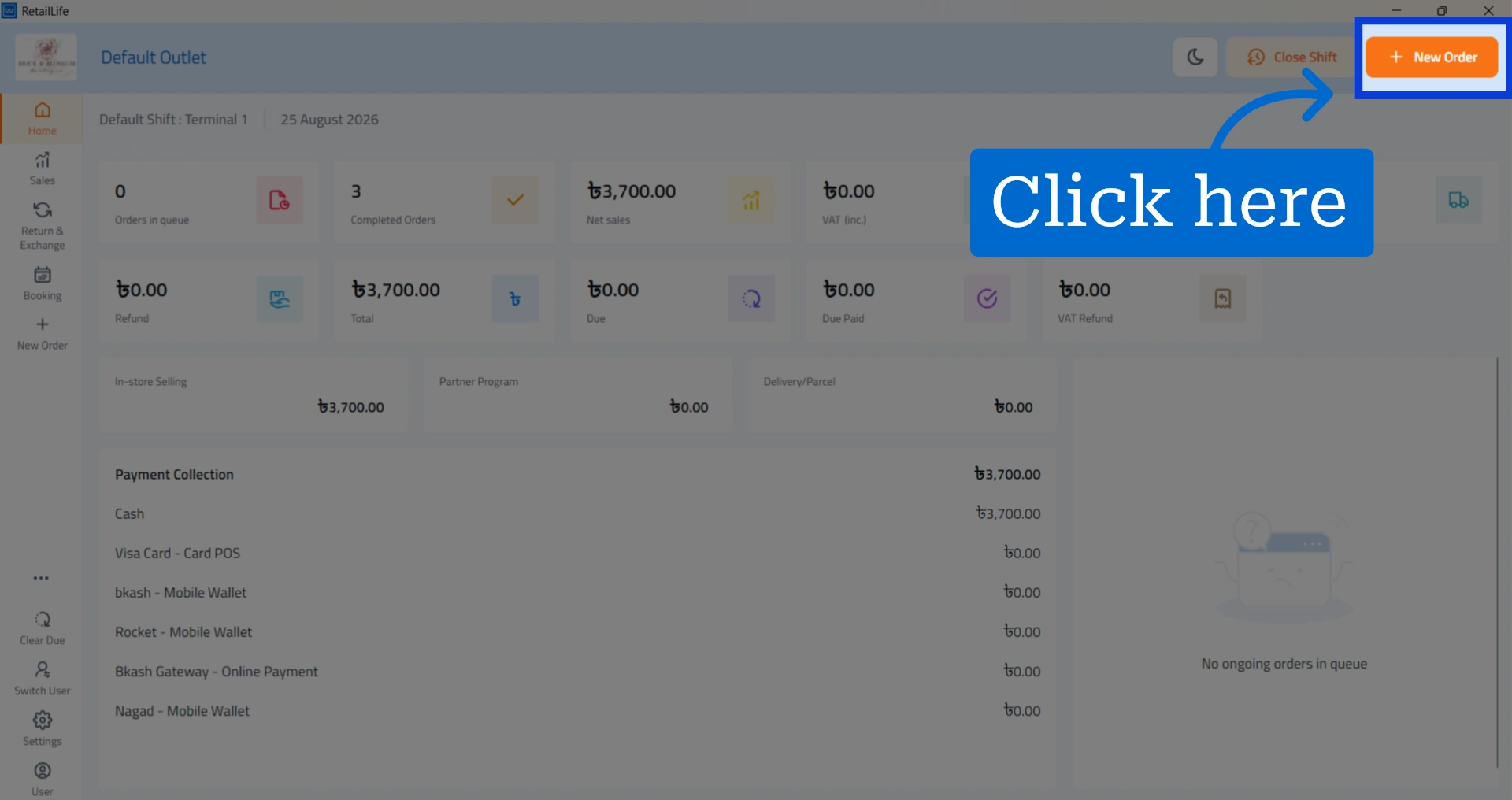
2. Start a new order by clicking “New Order"
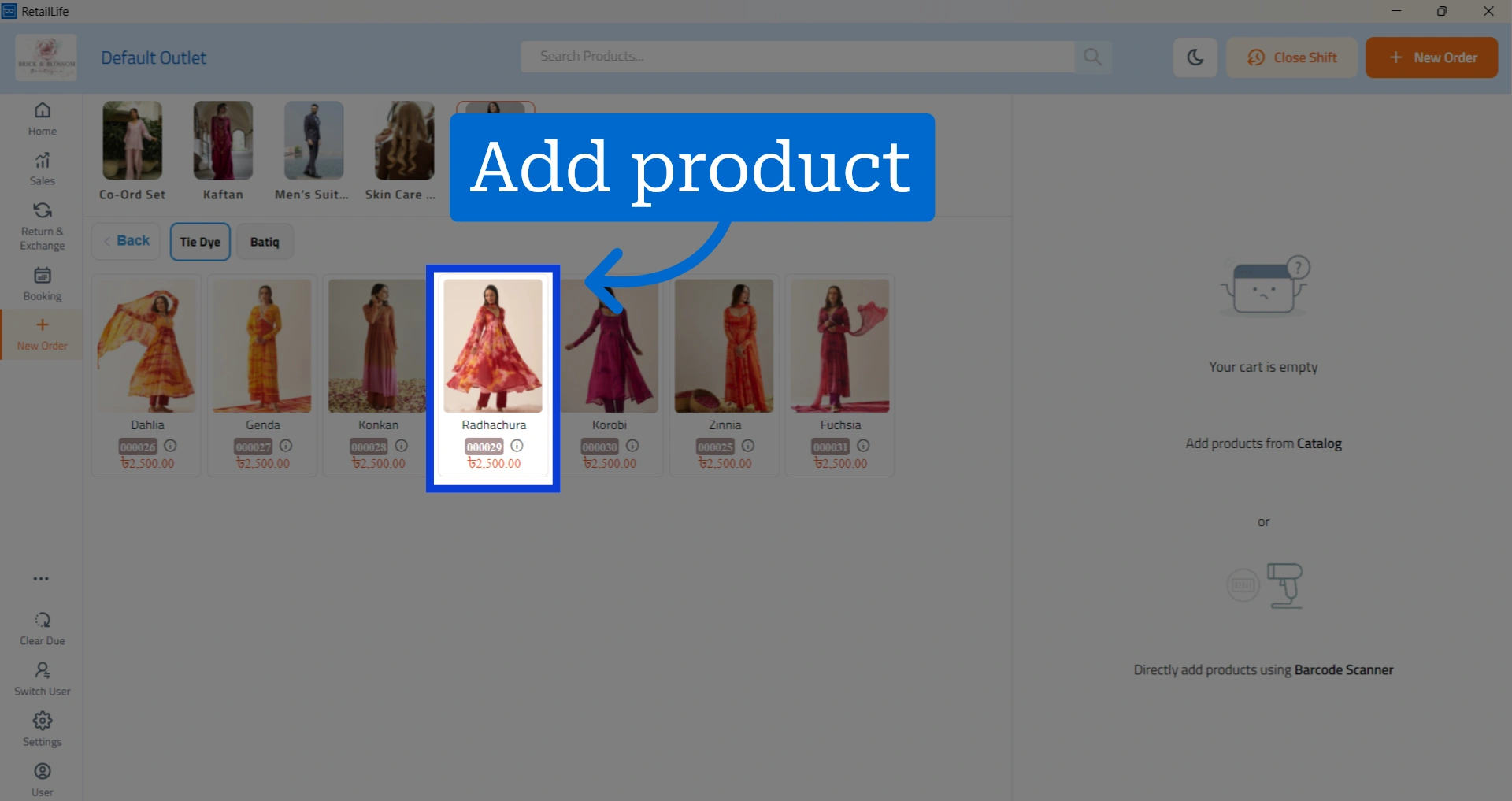
3. Add the products the customer wants to bill
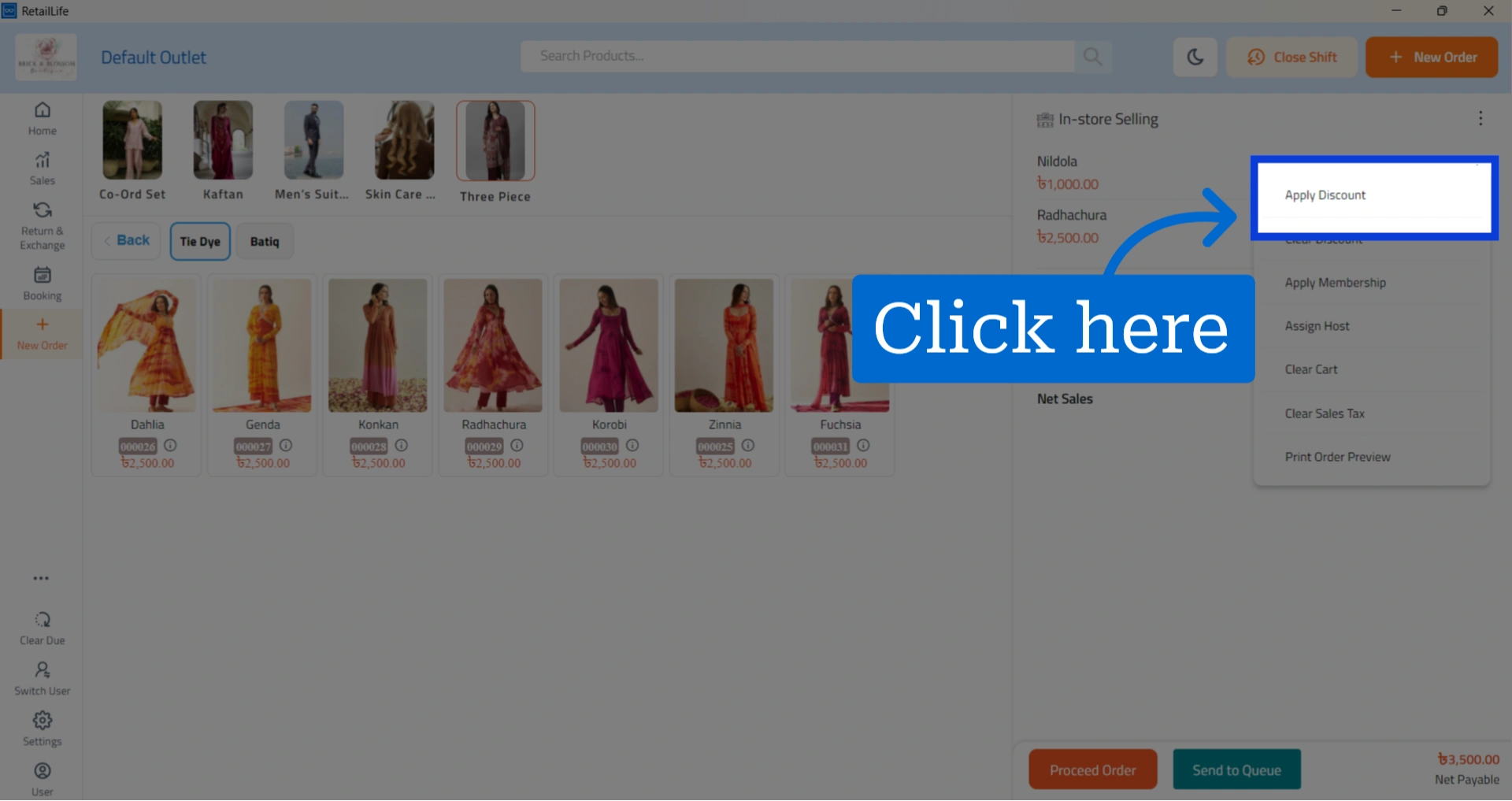
4. Click "Apply Discount" to apply an instant discount
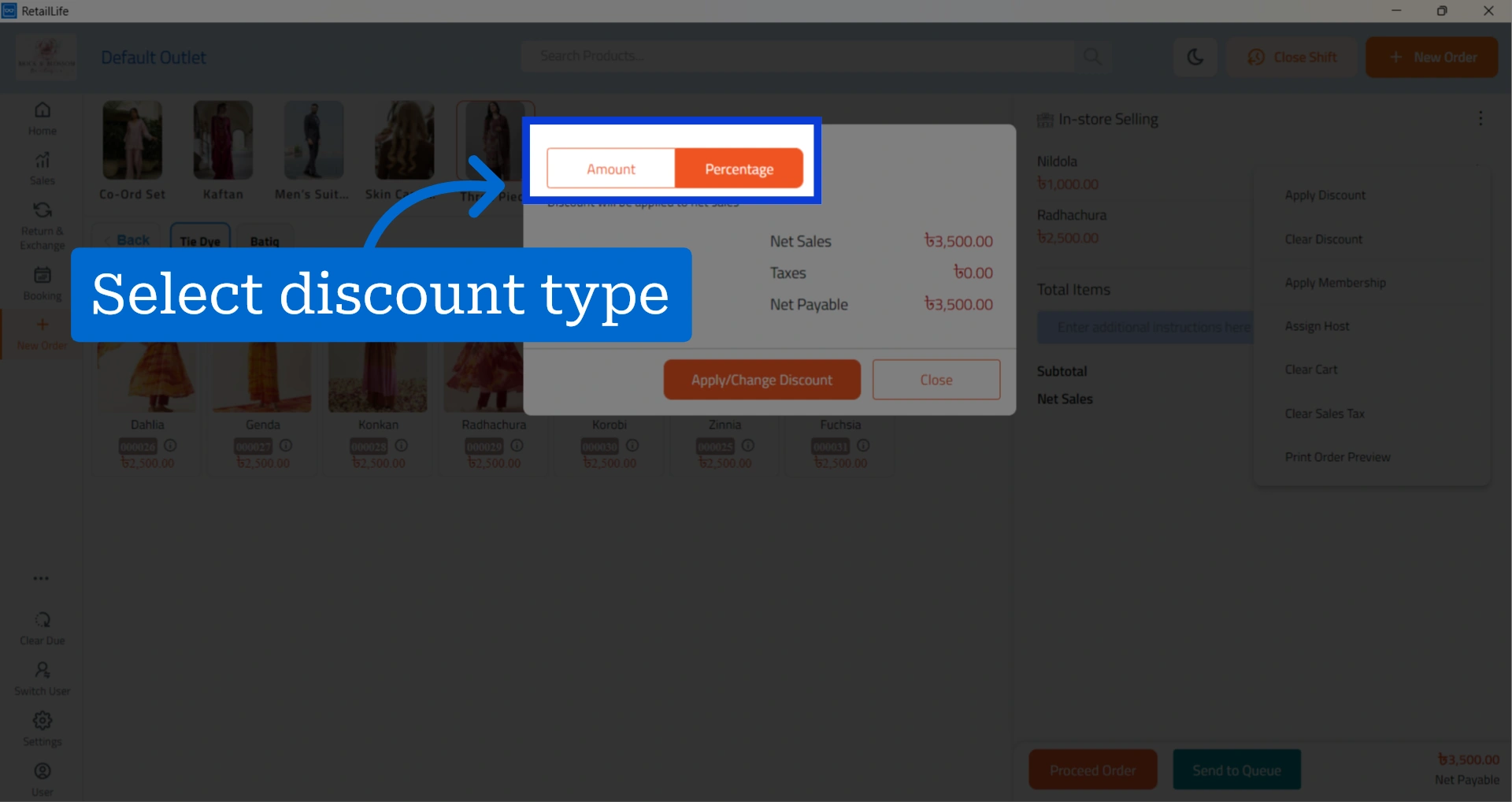
5. Select the discount type as Amount or Percentage
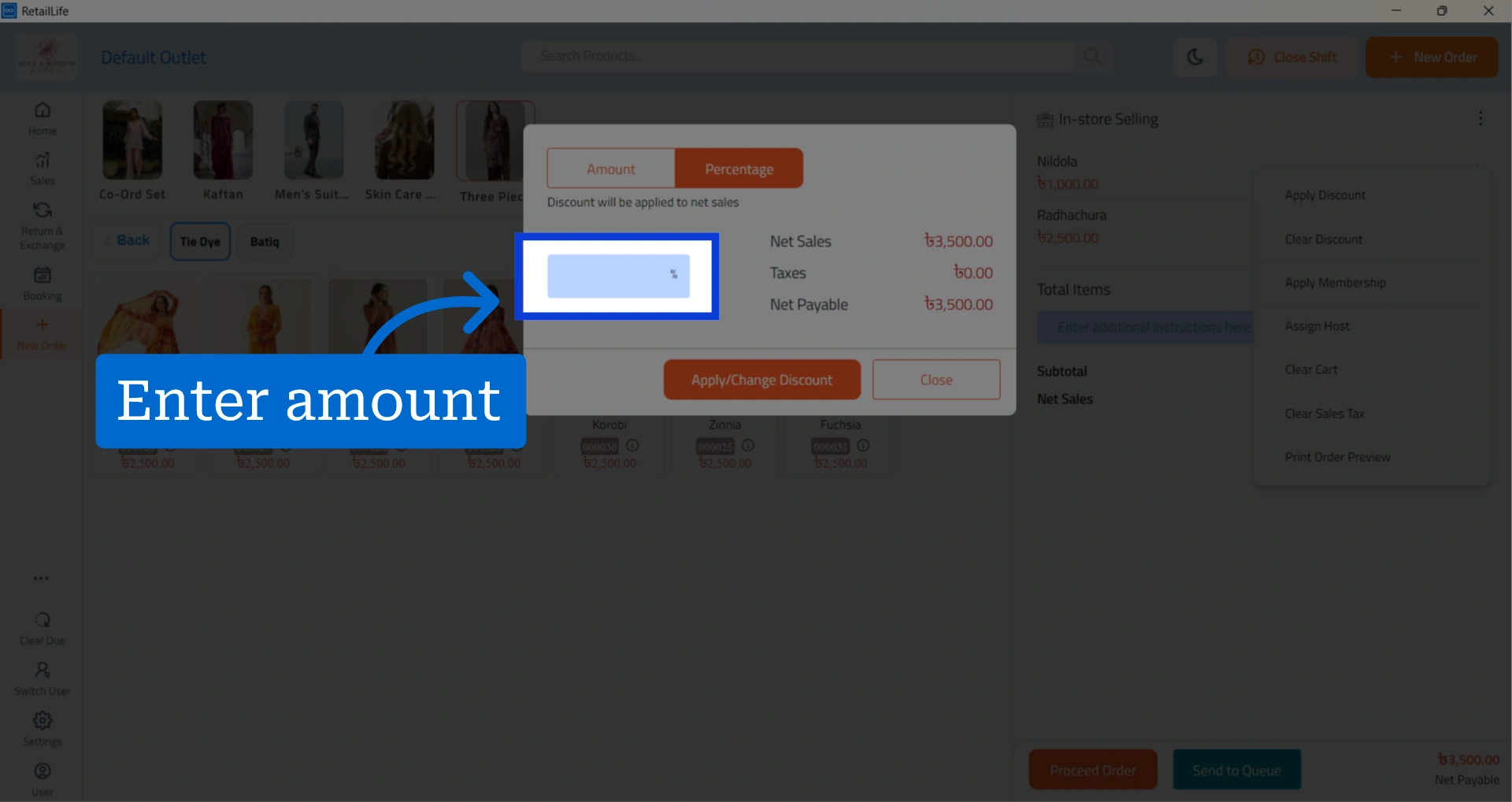
6. If you selected Percentage, enter the discount percentage you want to apply
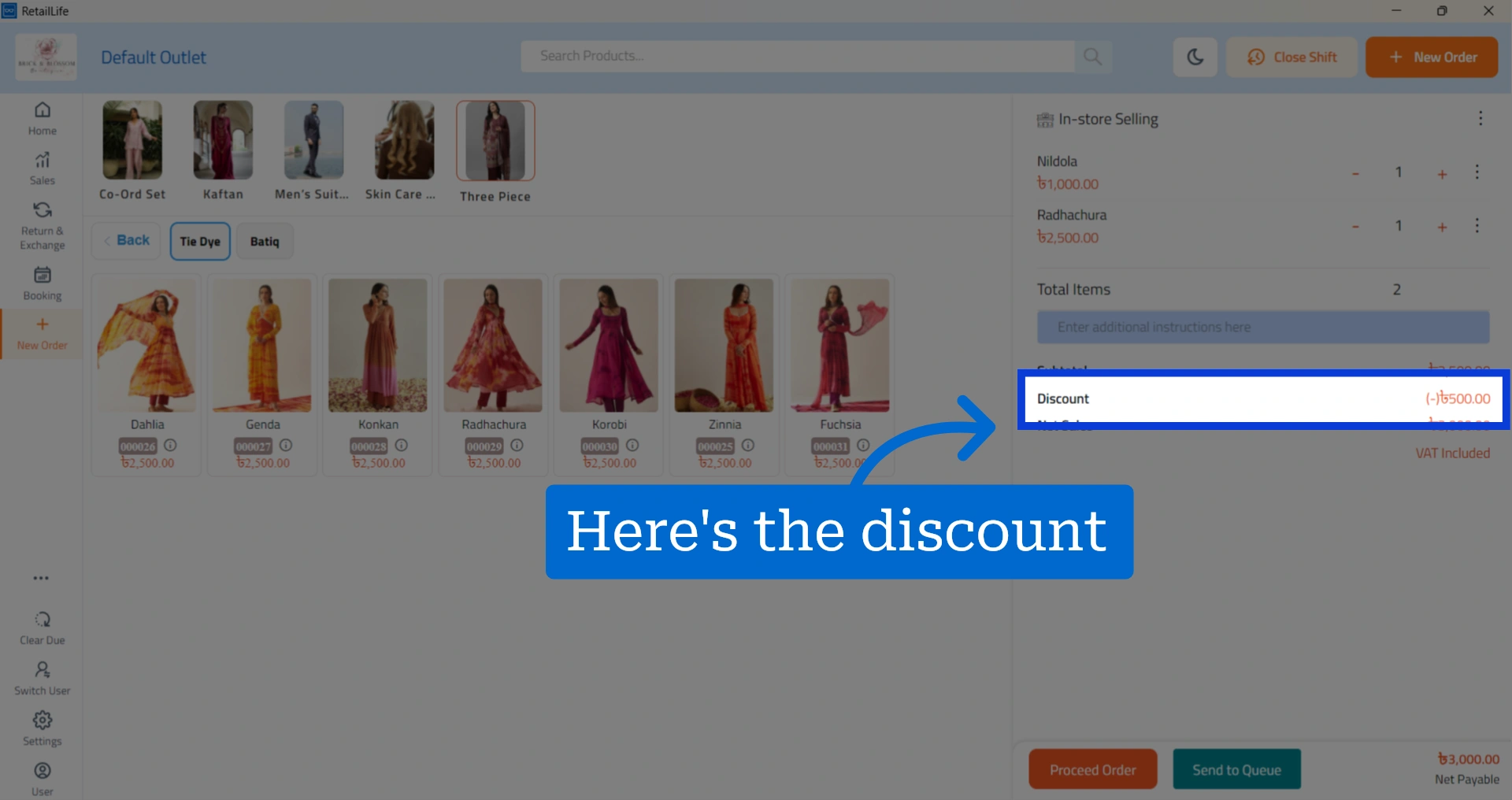
7. The discount will be applied and reflected in the cart
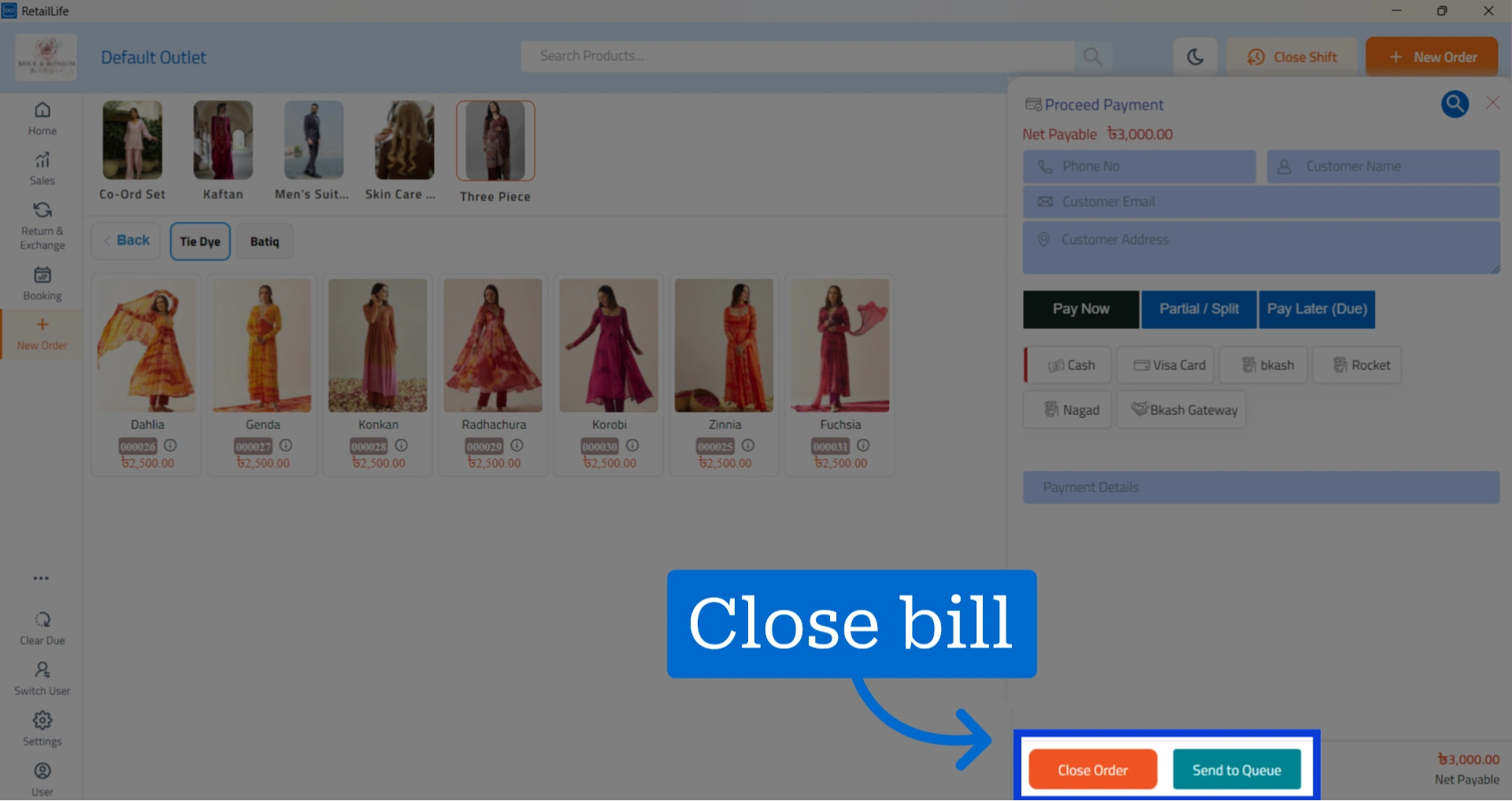
8. Choose the action you want to take:
• Click “Proceed Order” to proceed with billing.
• Click “Send to Queue” to add the order to the queue and bill it later.