How to Assign an User to a Specific Outlet in RetailLife
This tutorial guides you through assigning a user to a specific outlet or business within the
RetailLife Business Portal. Assigning a user determines which outlet or business they can access
and manage based on their assigned role and permissions.
Go to
retaillife.quicklyservices.com
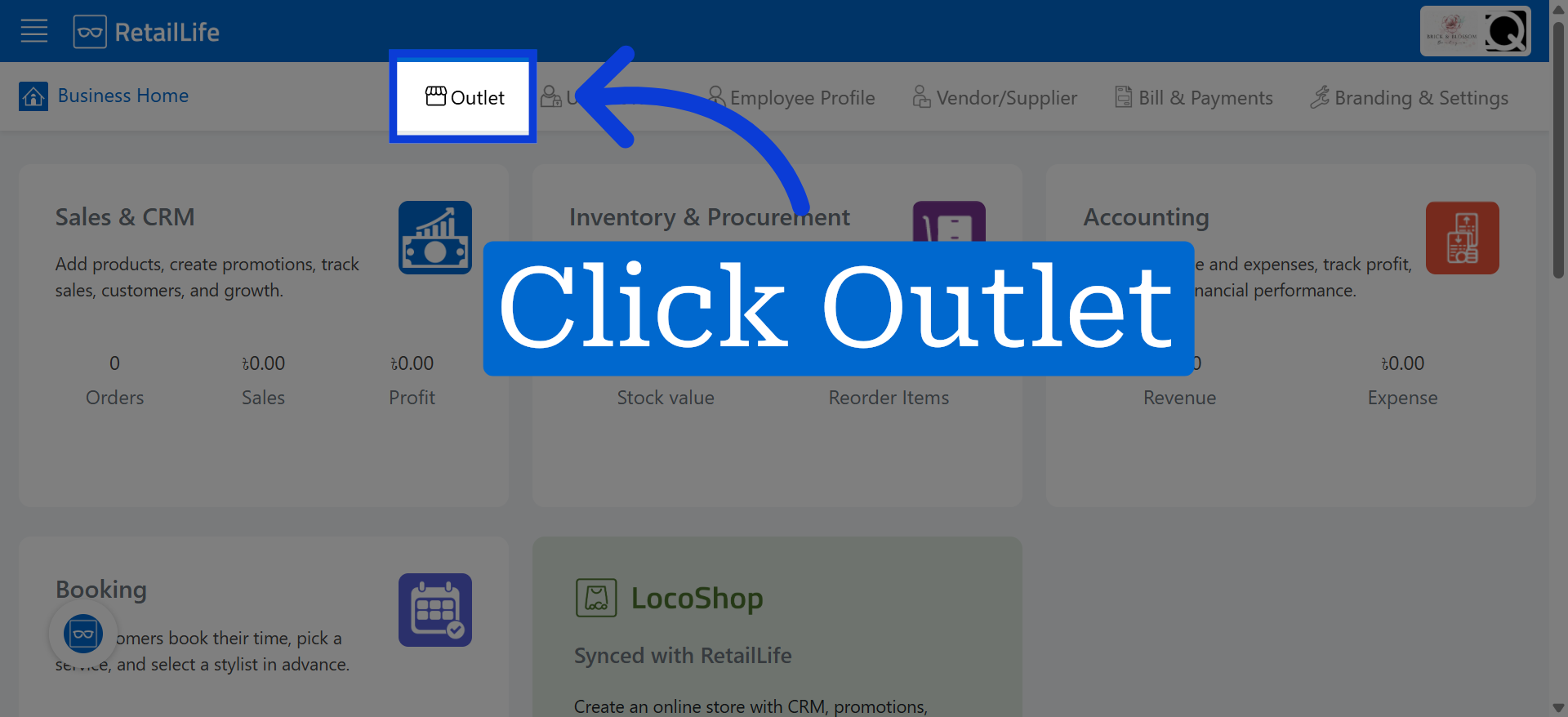
1. Access Outlet Section
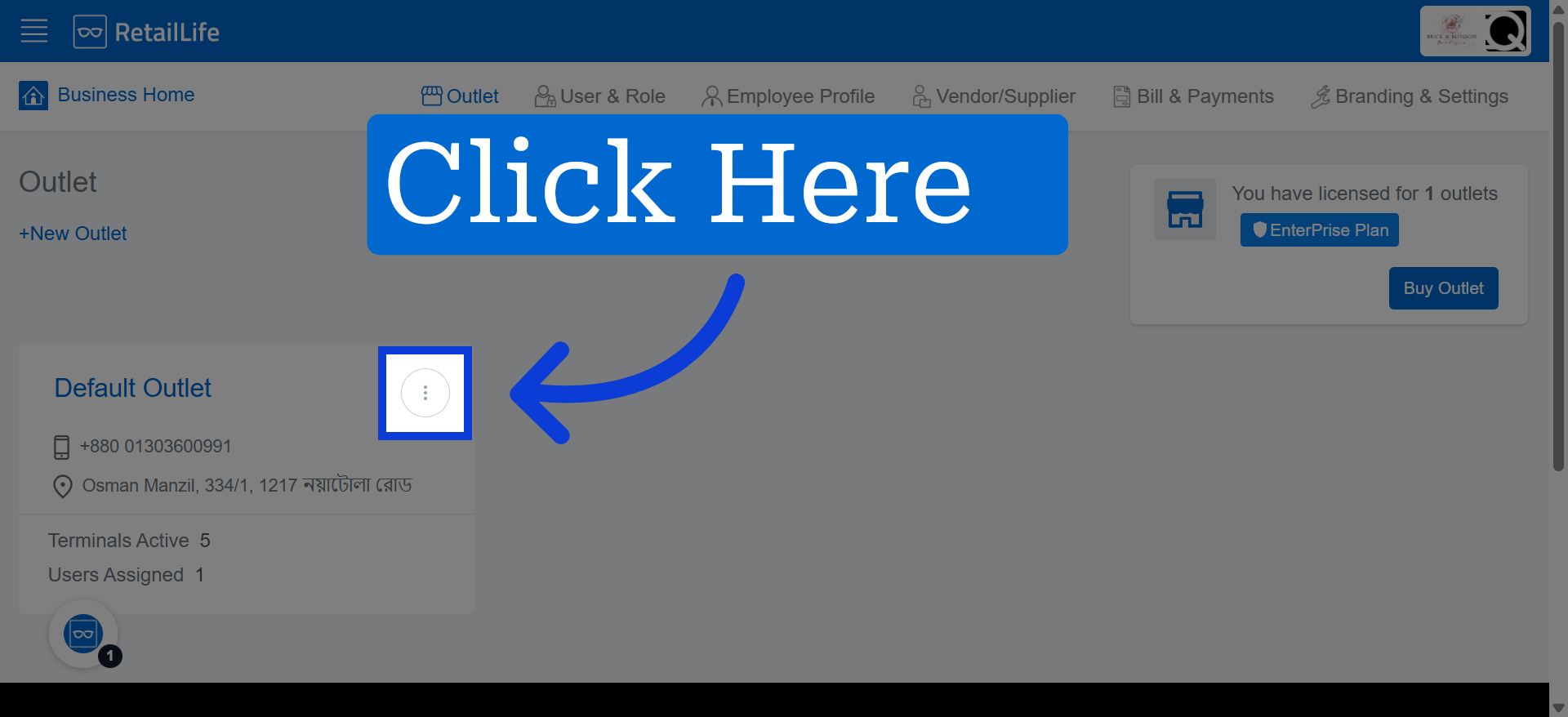
2.Click the More options menu for the selected business
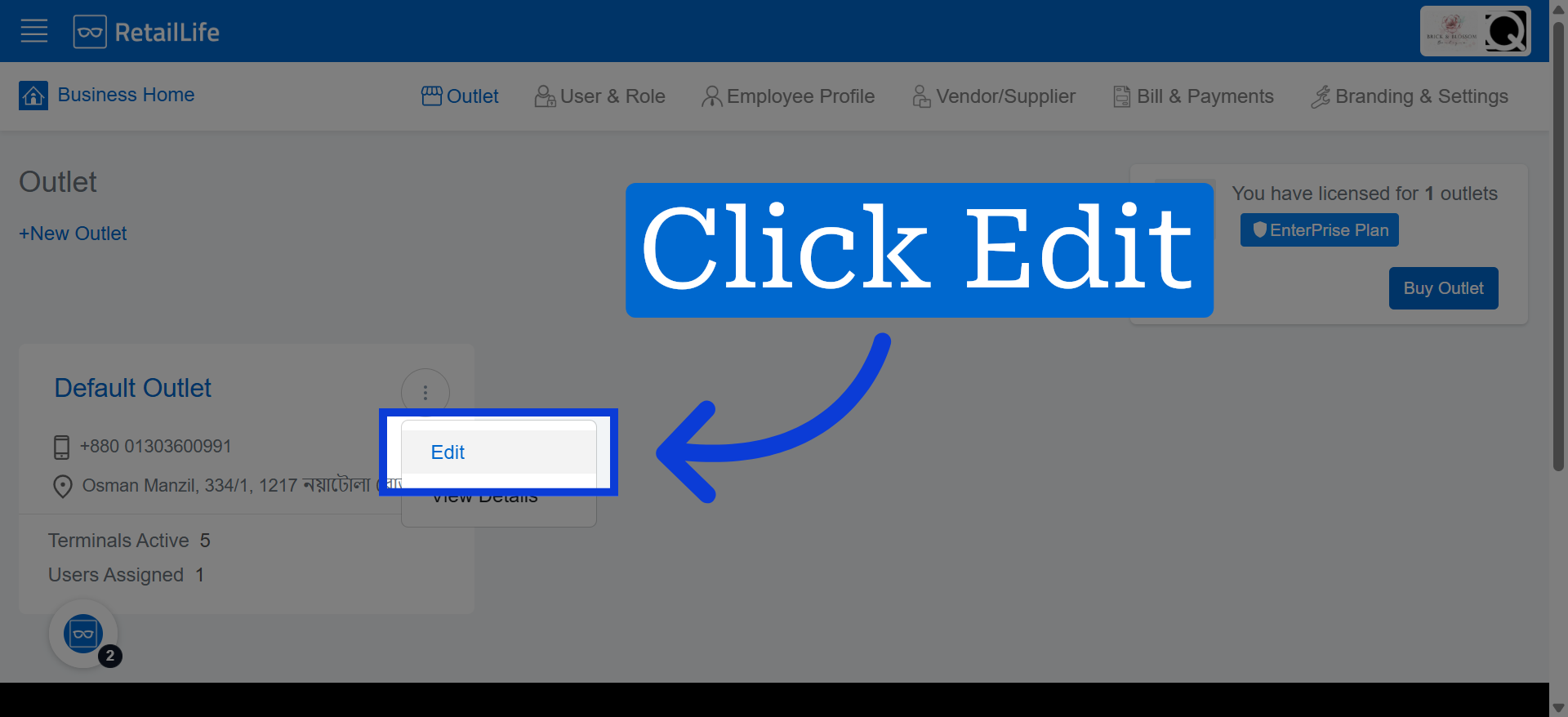
3. Enter Edit Mode
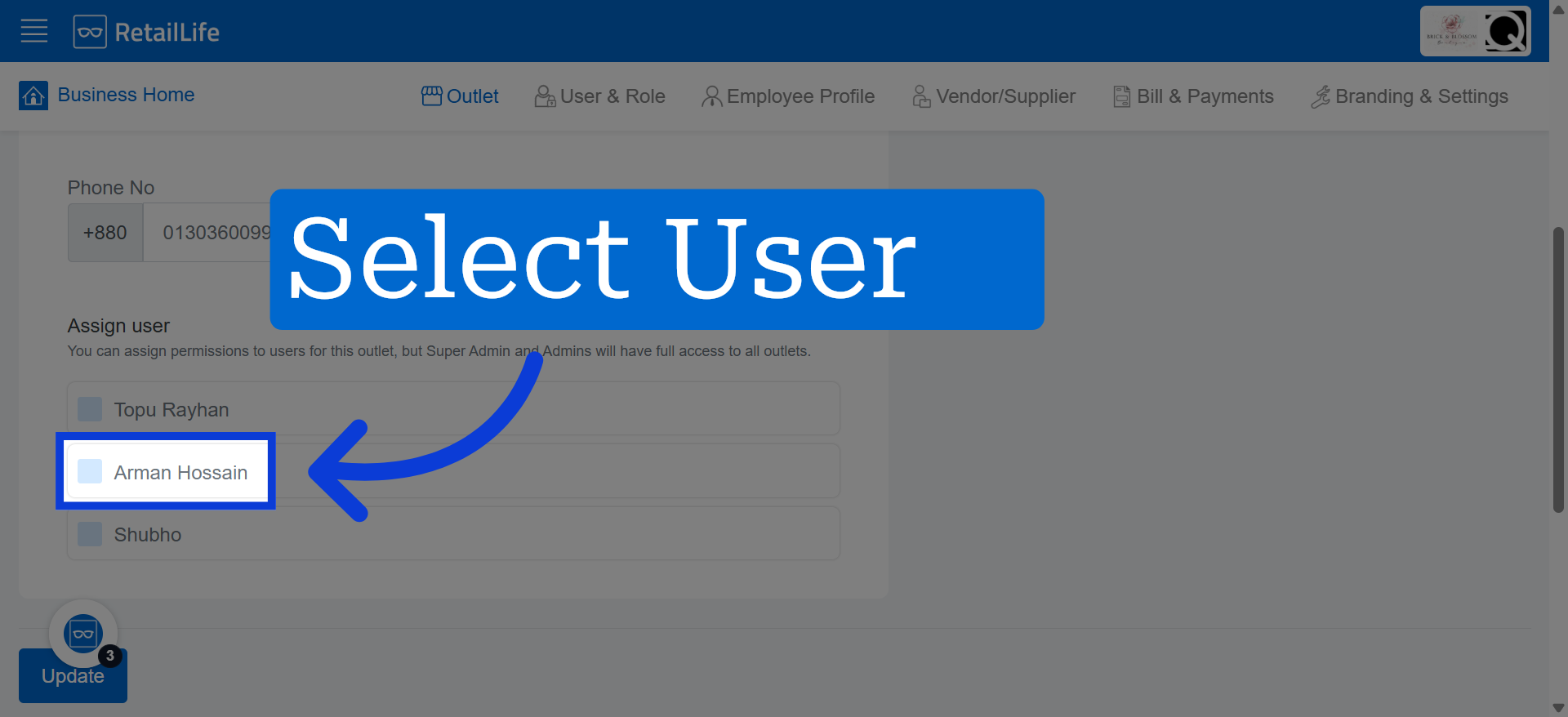
4. Select Outlet Manager
By assigning a user to a specific outlet, you grant them access to that outlet based on their assigned role and permissions.
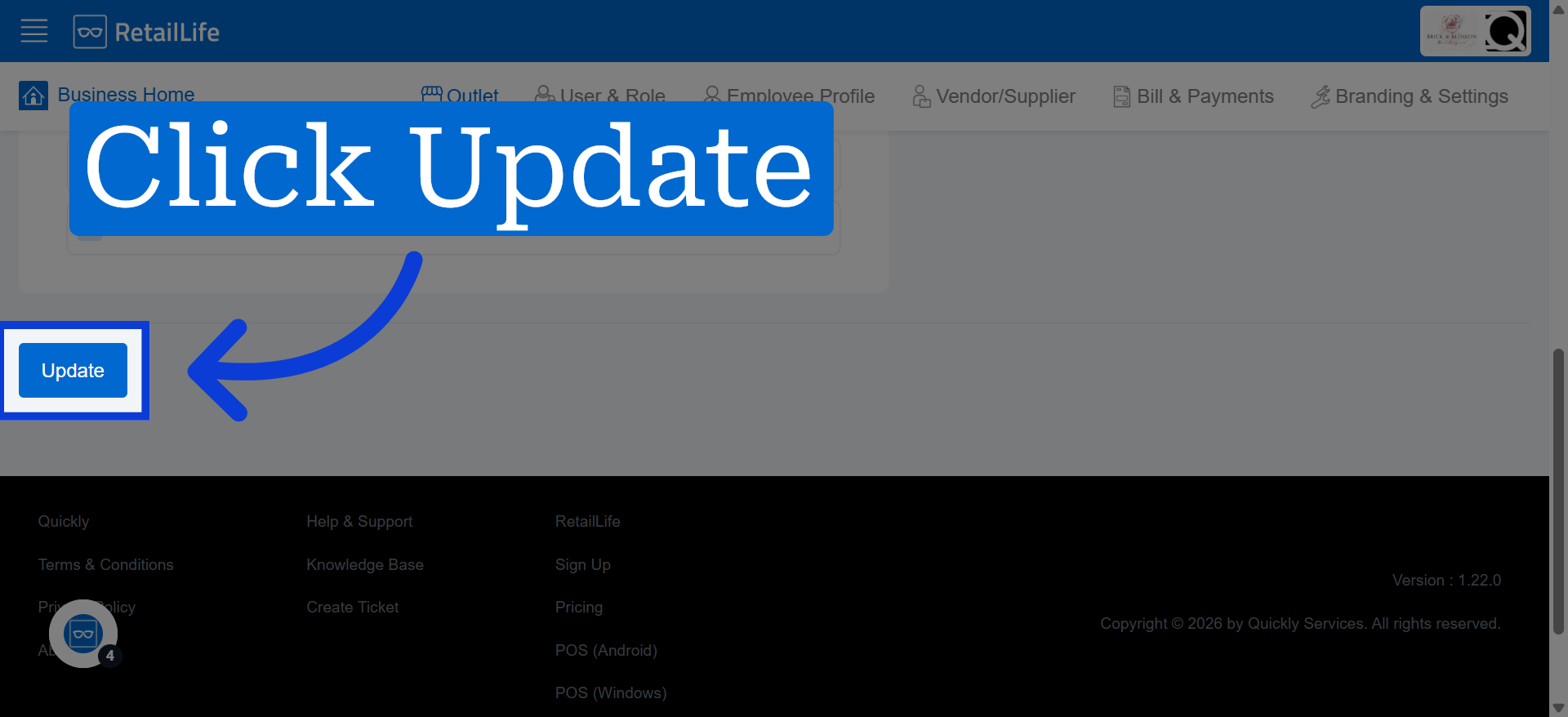
5. Save Updated Details
Click "Update" to save the changes made to the outlet information.