How to Sign-up in RetailLife
This tutorial guides you through setting up your RetailLife account and registering your business.
Go to
retaillife.quicklyservices.com
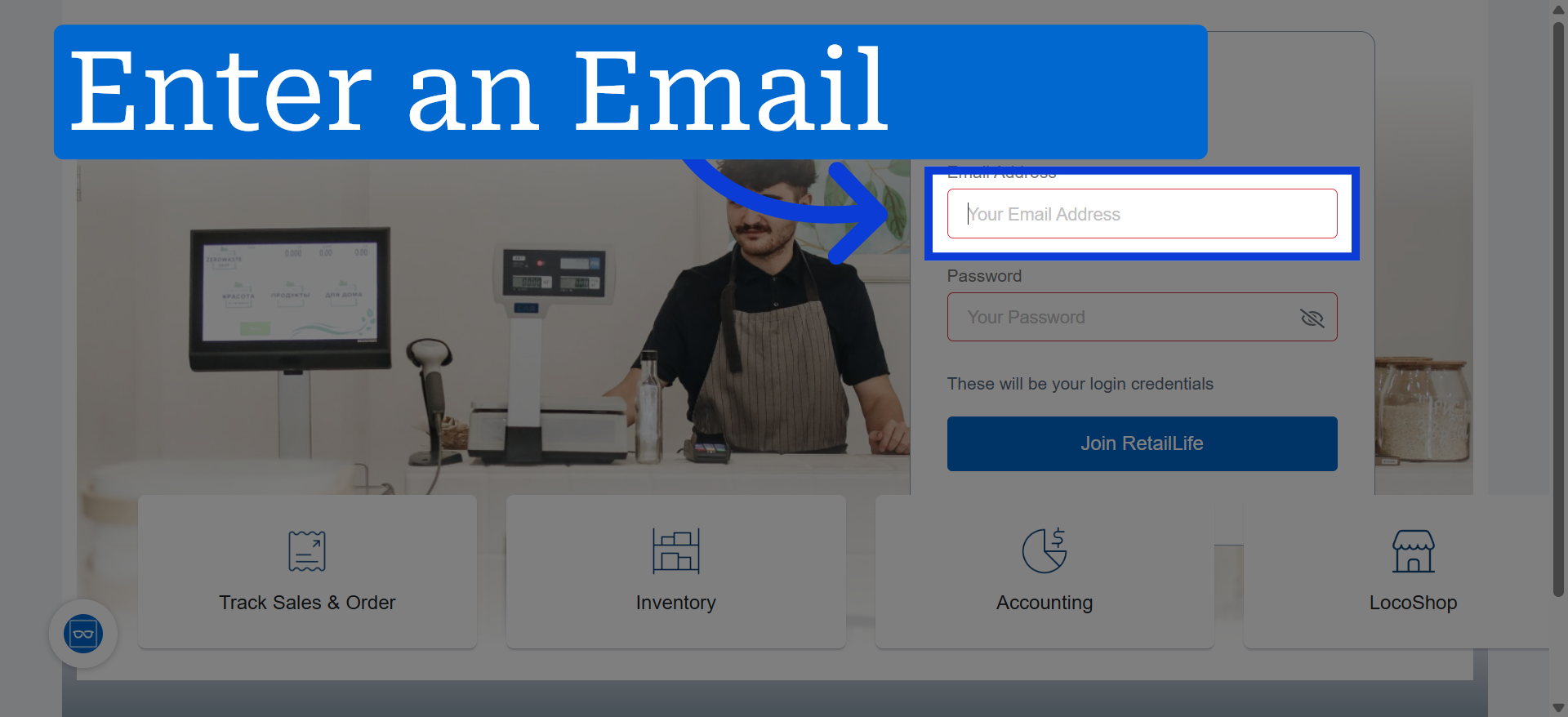
1. Enter your email address that will be used for the account
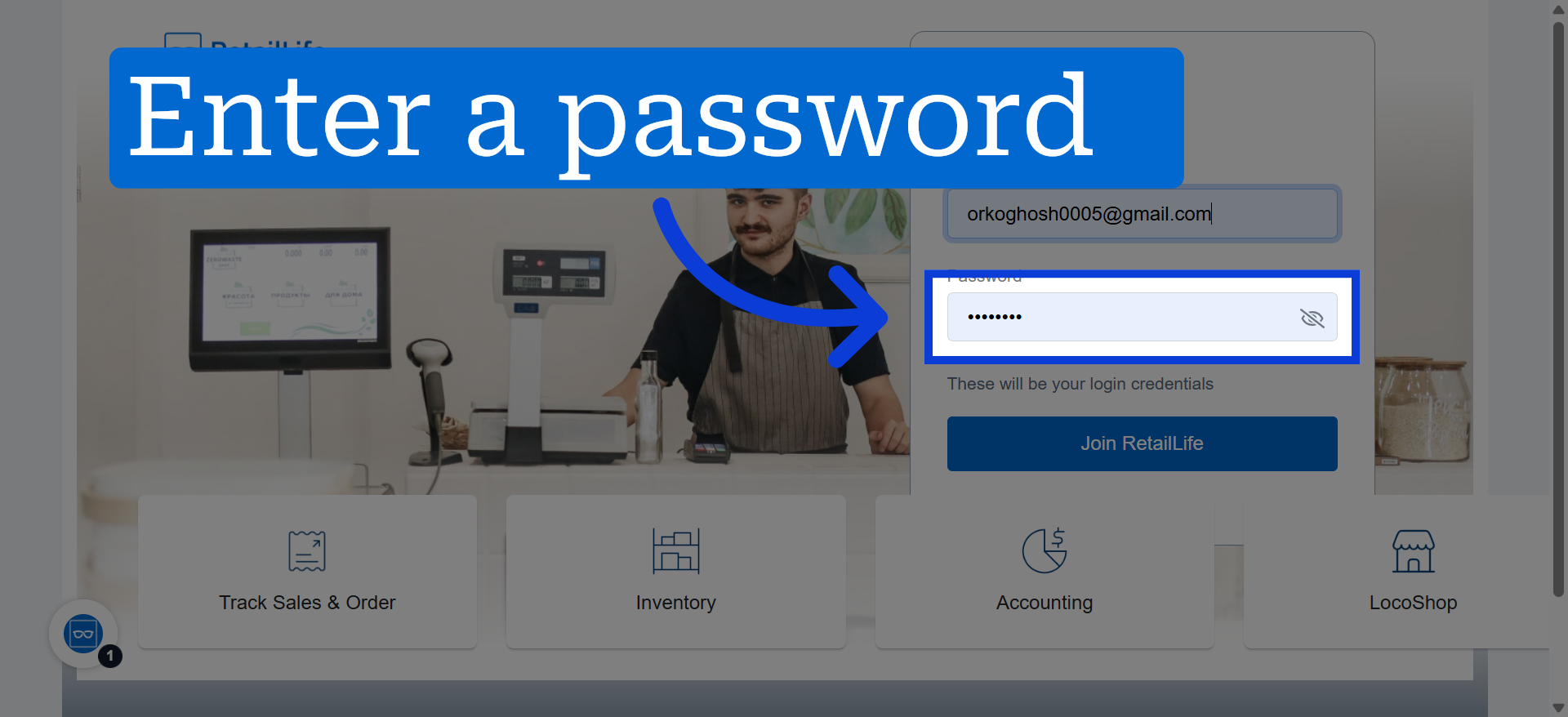
2. Enter a password to secure your account
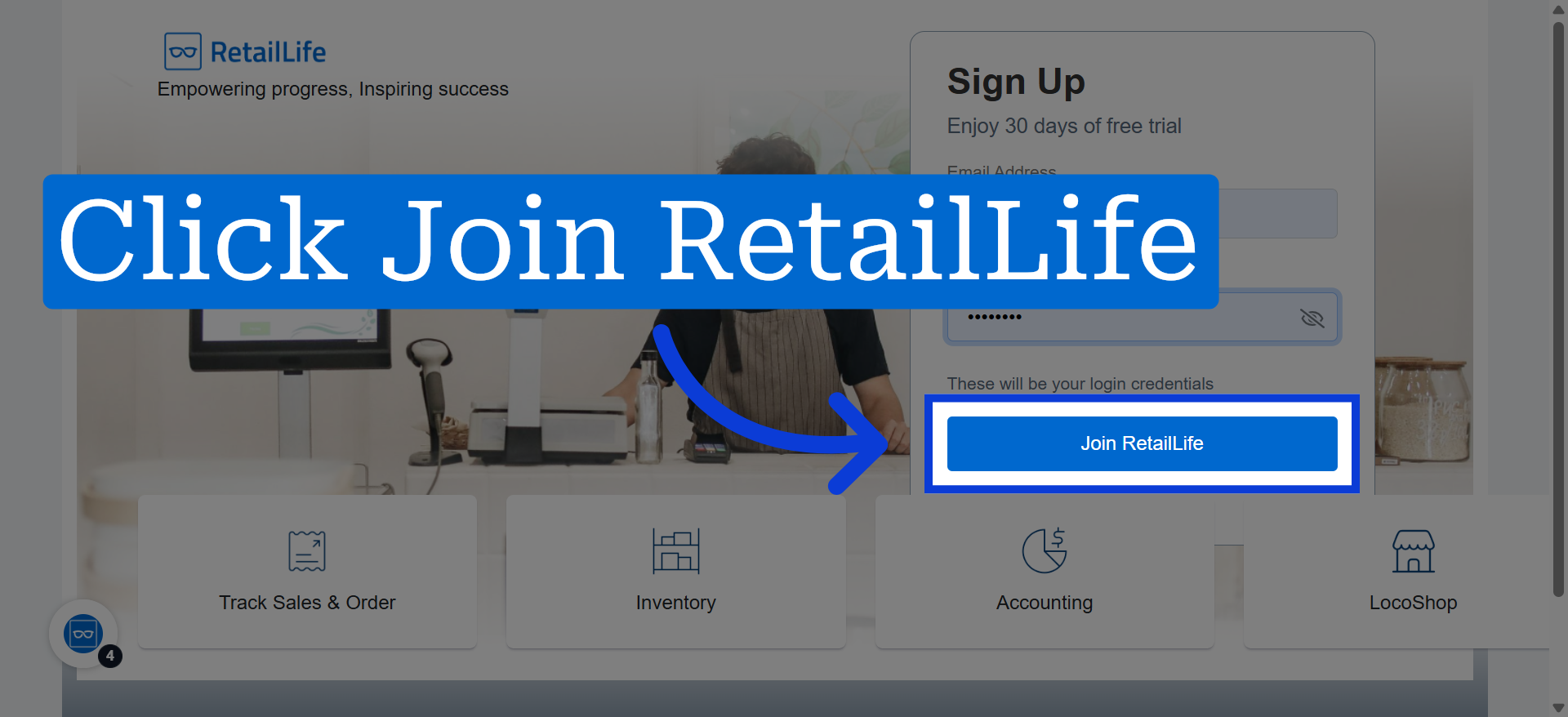
3. Click Join RetailLife Platform
4. Confirm Email Verification
After joining, you'll receive a verification email. Please verify your email.
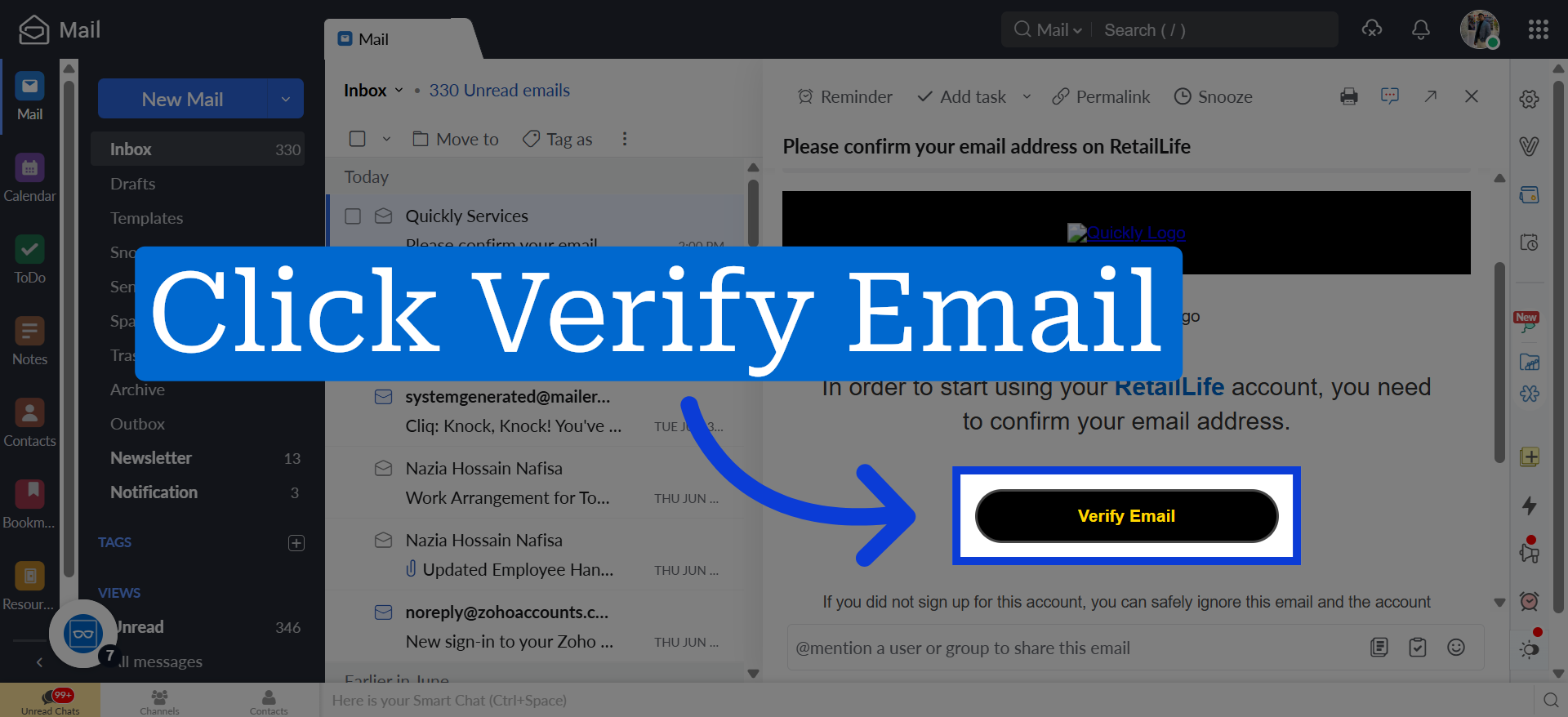
5. Access Account Dashboard
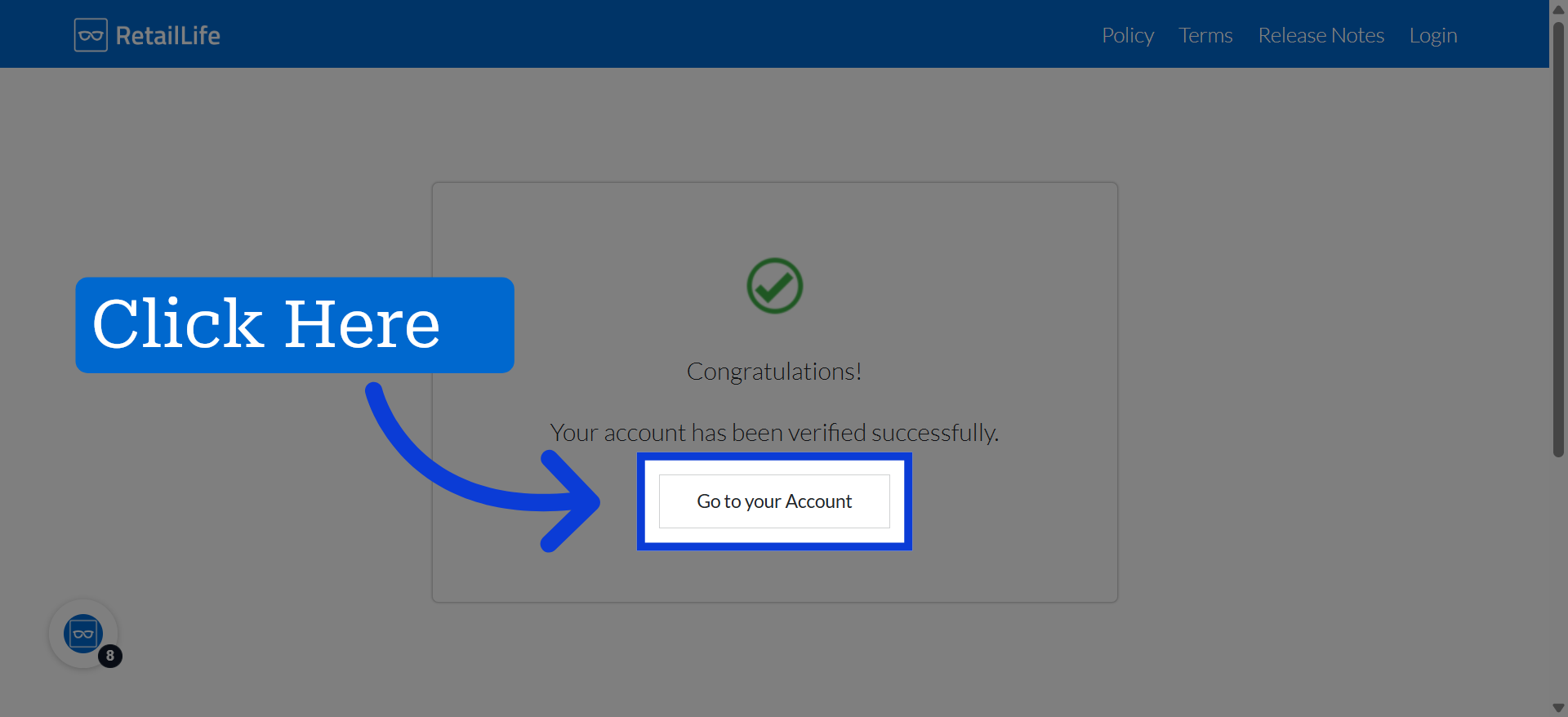
6. Click the Change button to enter your name
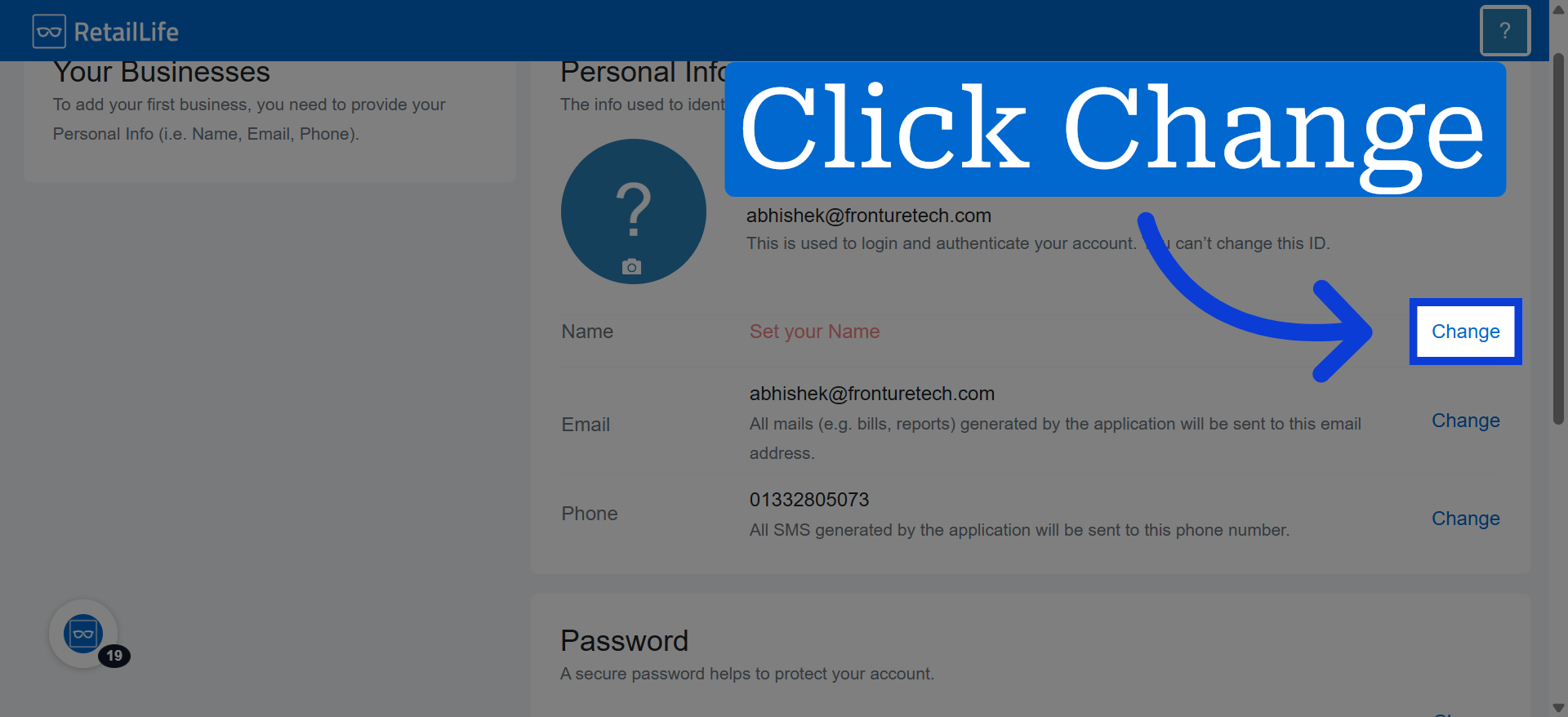
7. Click to update your profile name
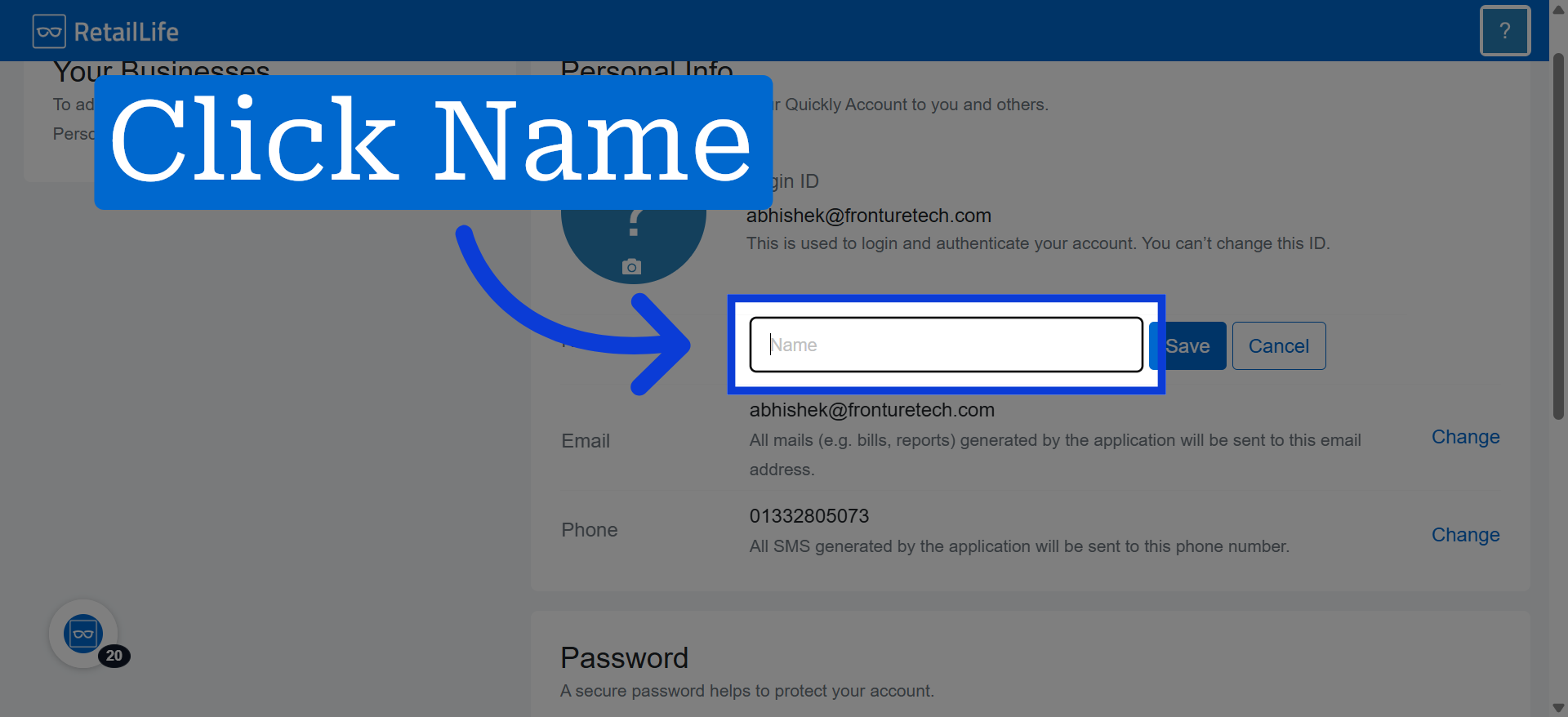
8. Save Name Update
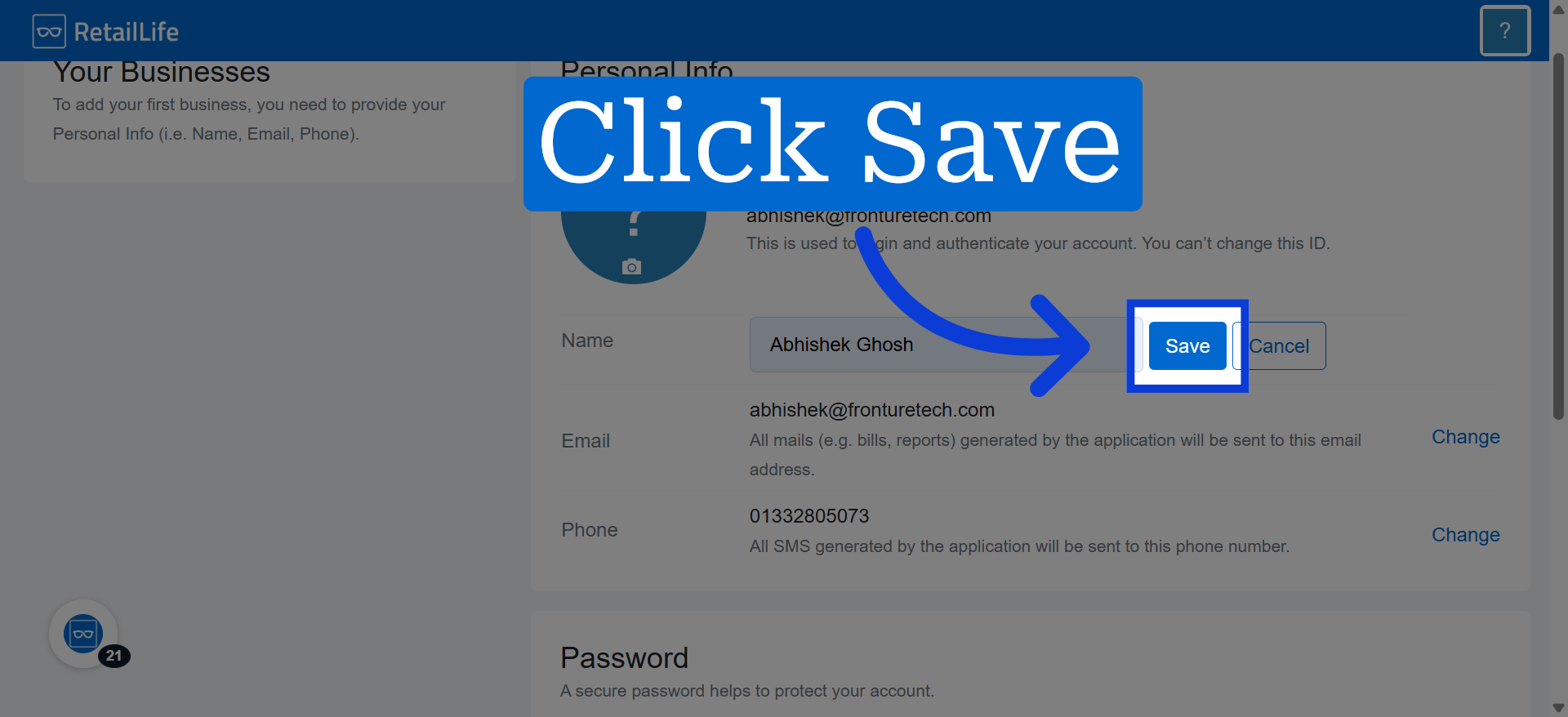
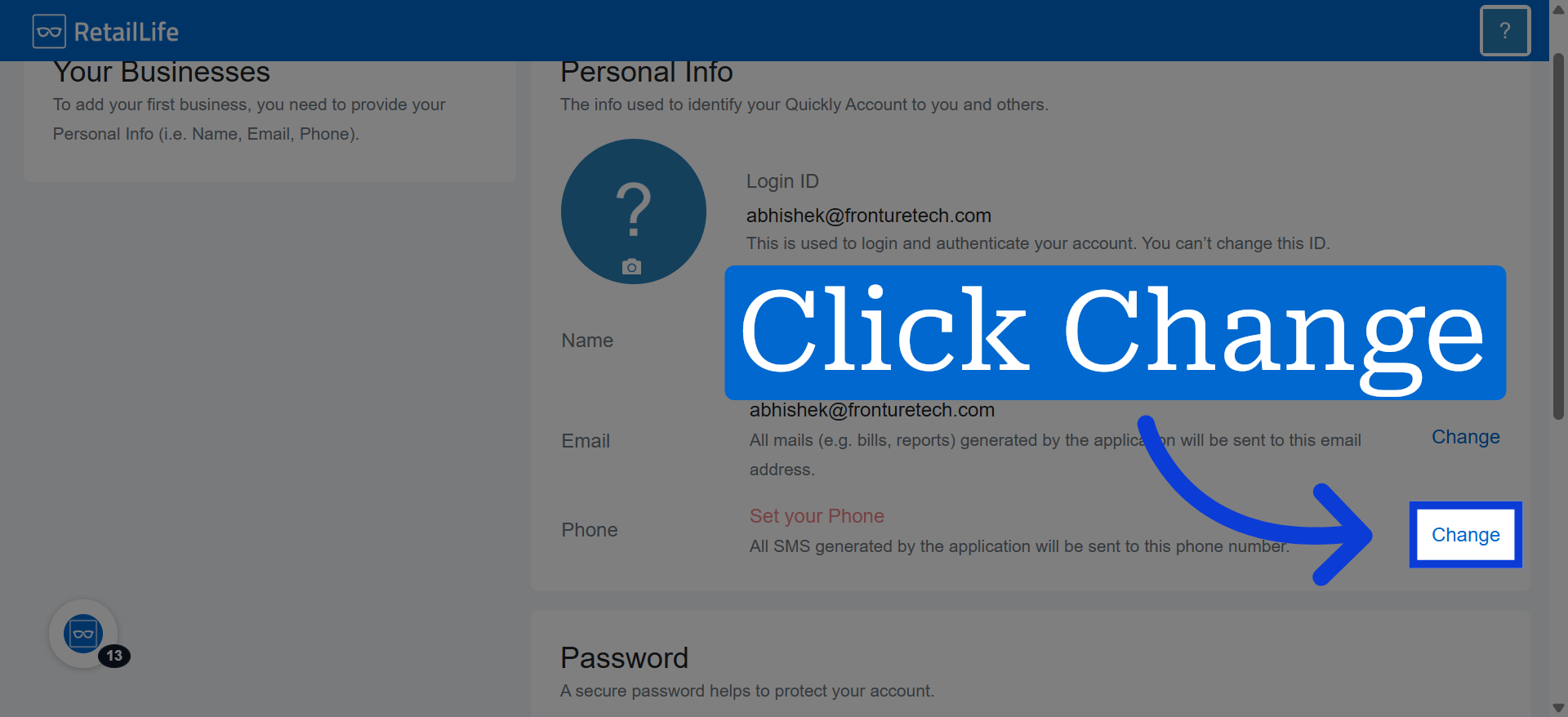
9. Click the Change button to enter your contact number
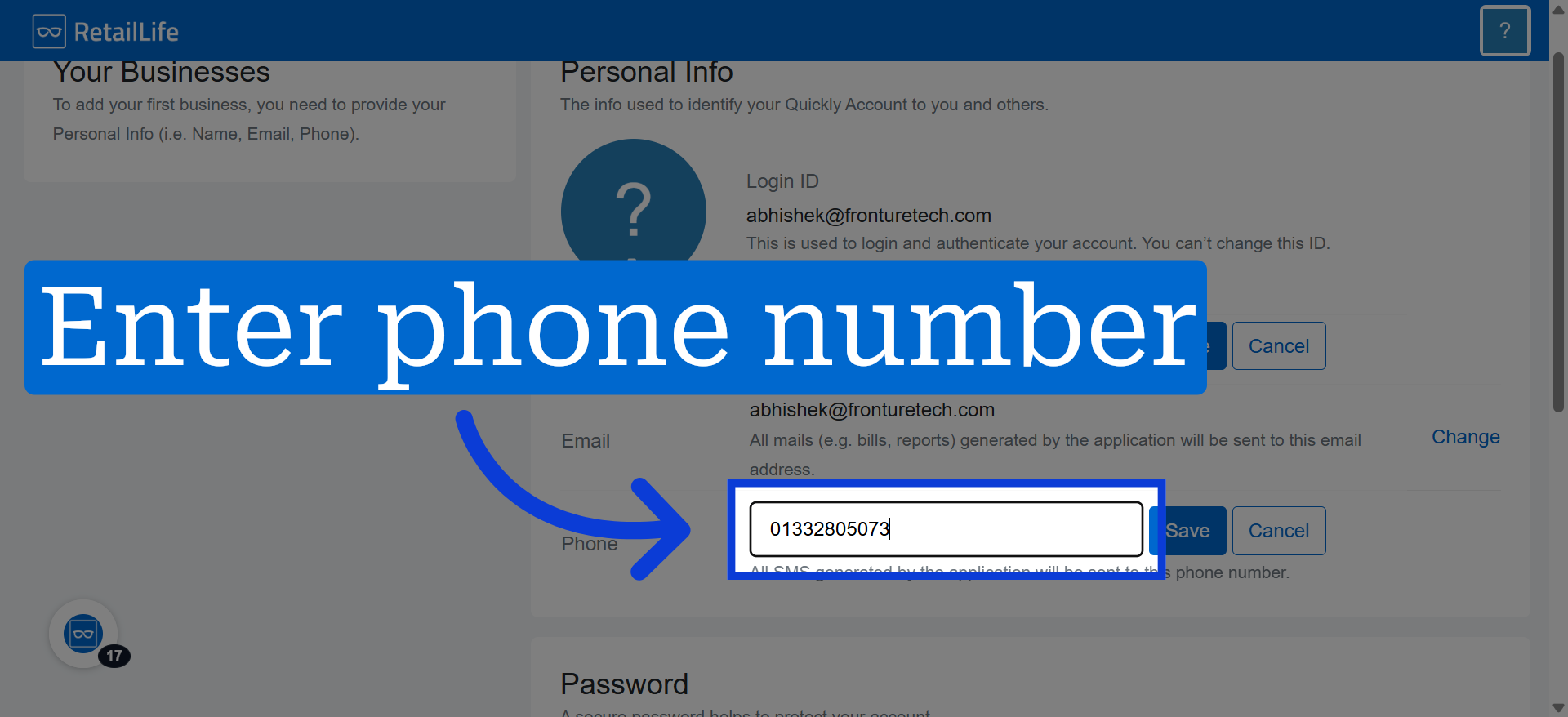
10. Enter Phone Number
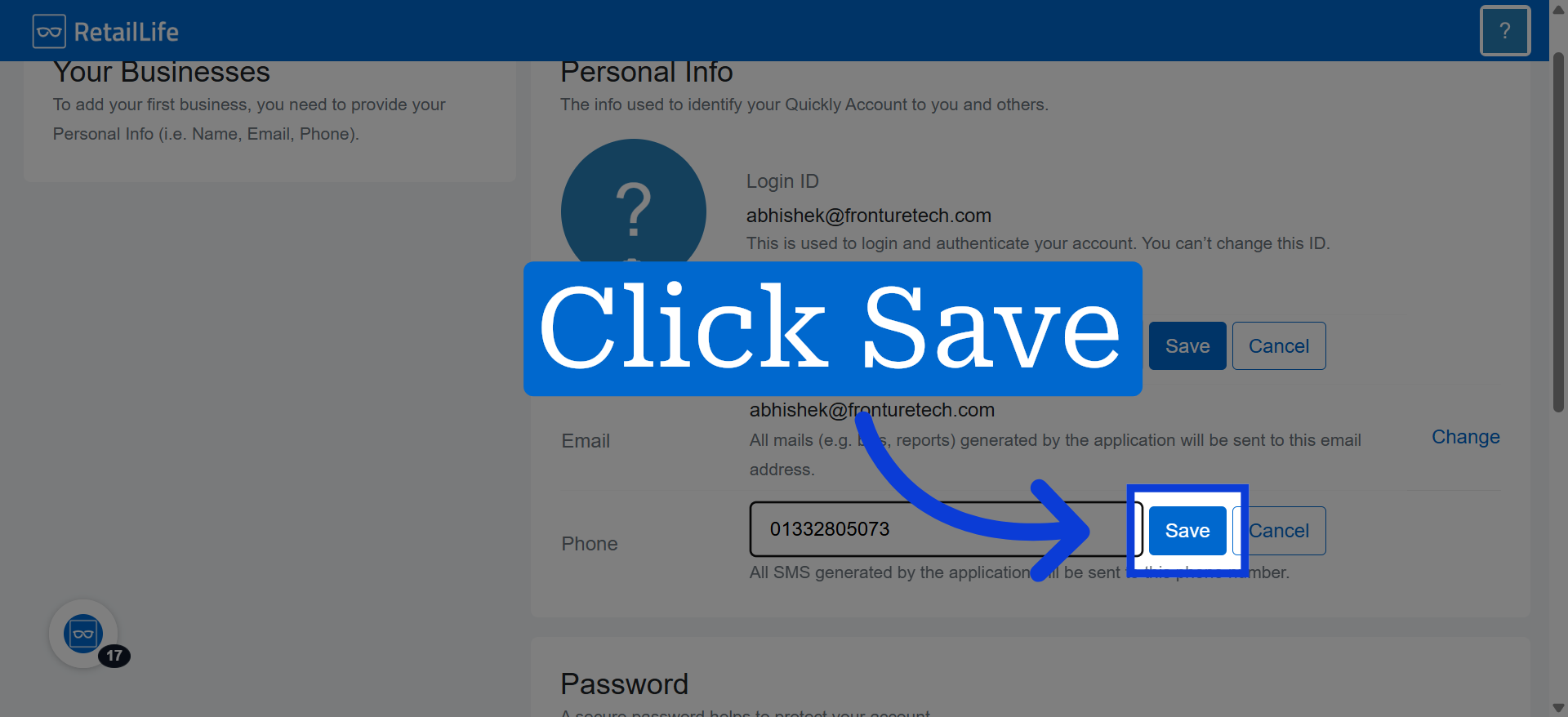
11. Save Phone Number
After joining, you'll receive a verification email. Please verify your email.
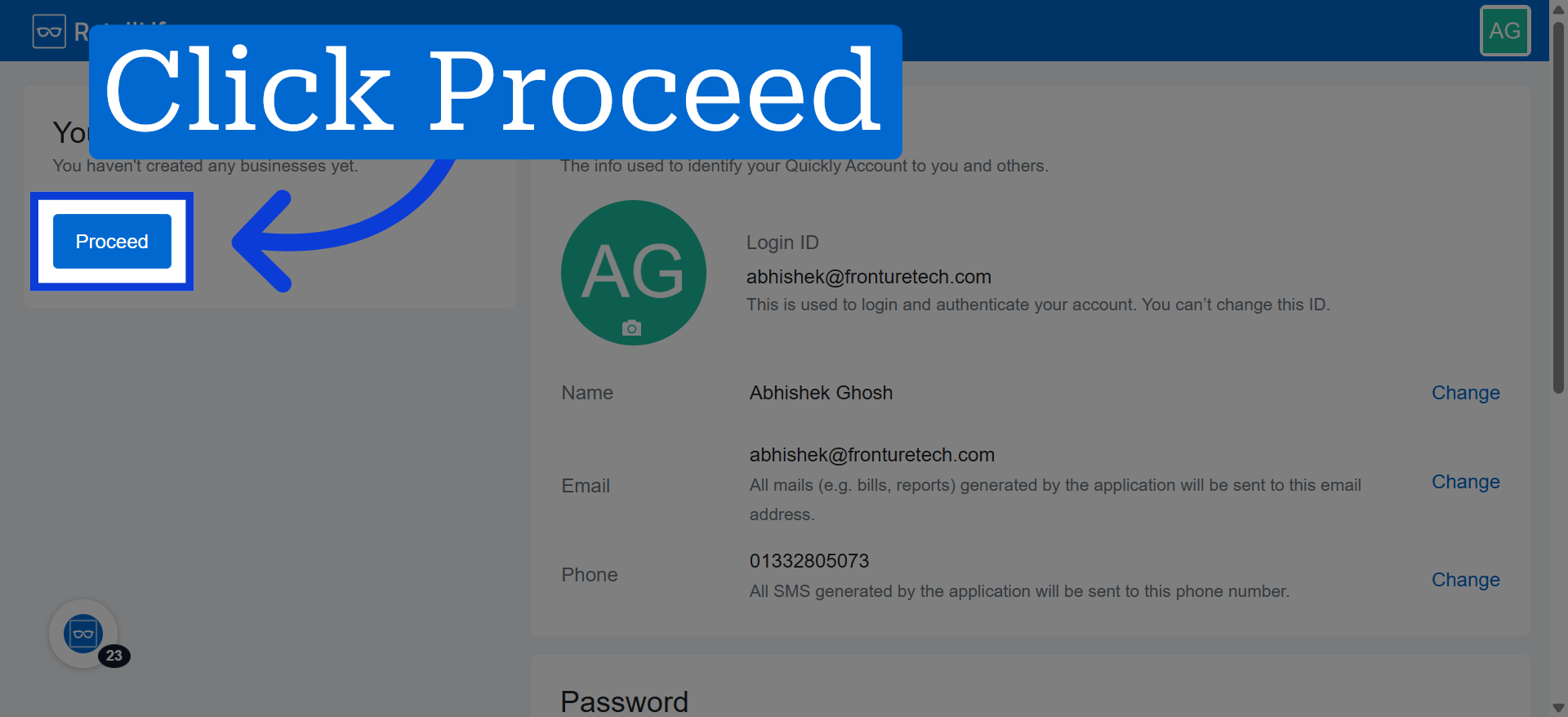
12. Proceed to Next Step
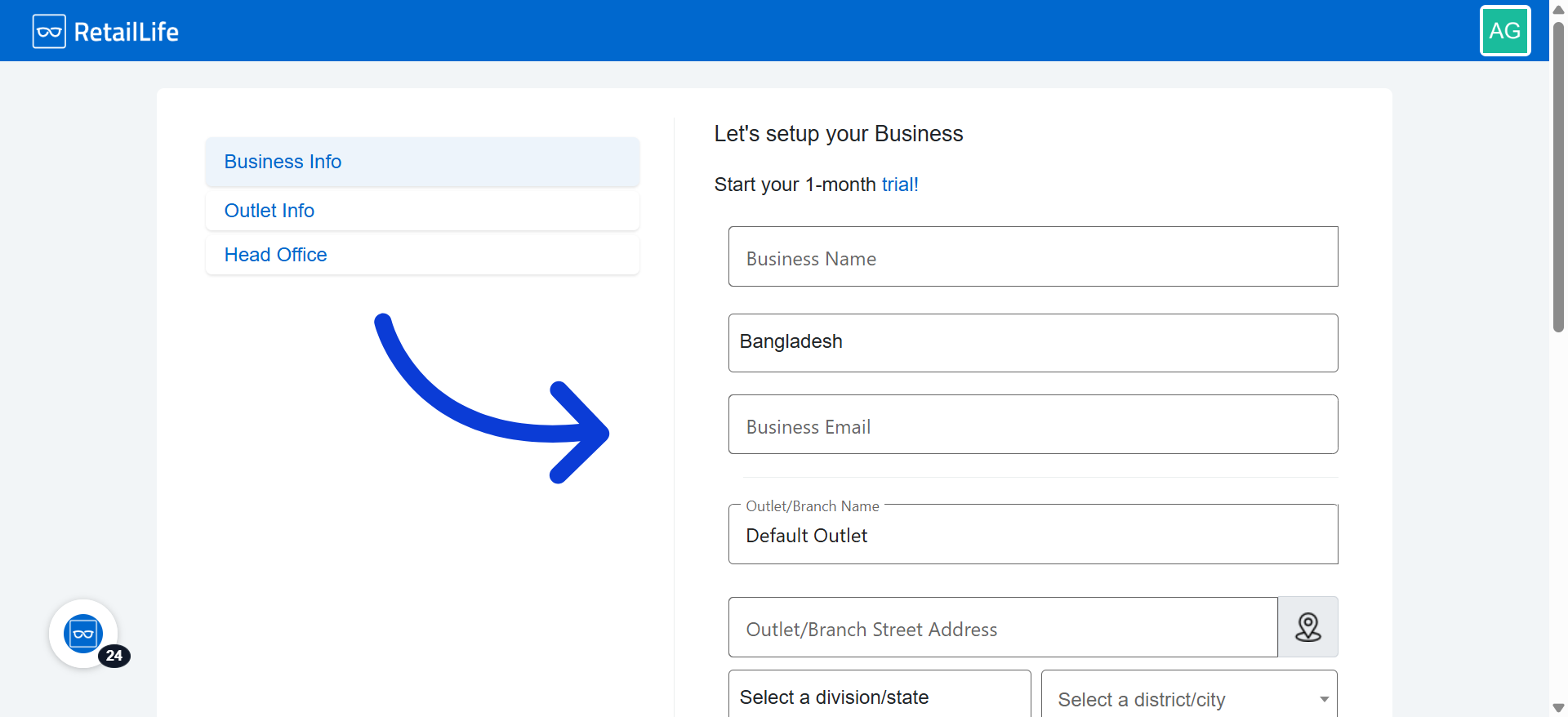
13. Provide All Necessary Information
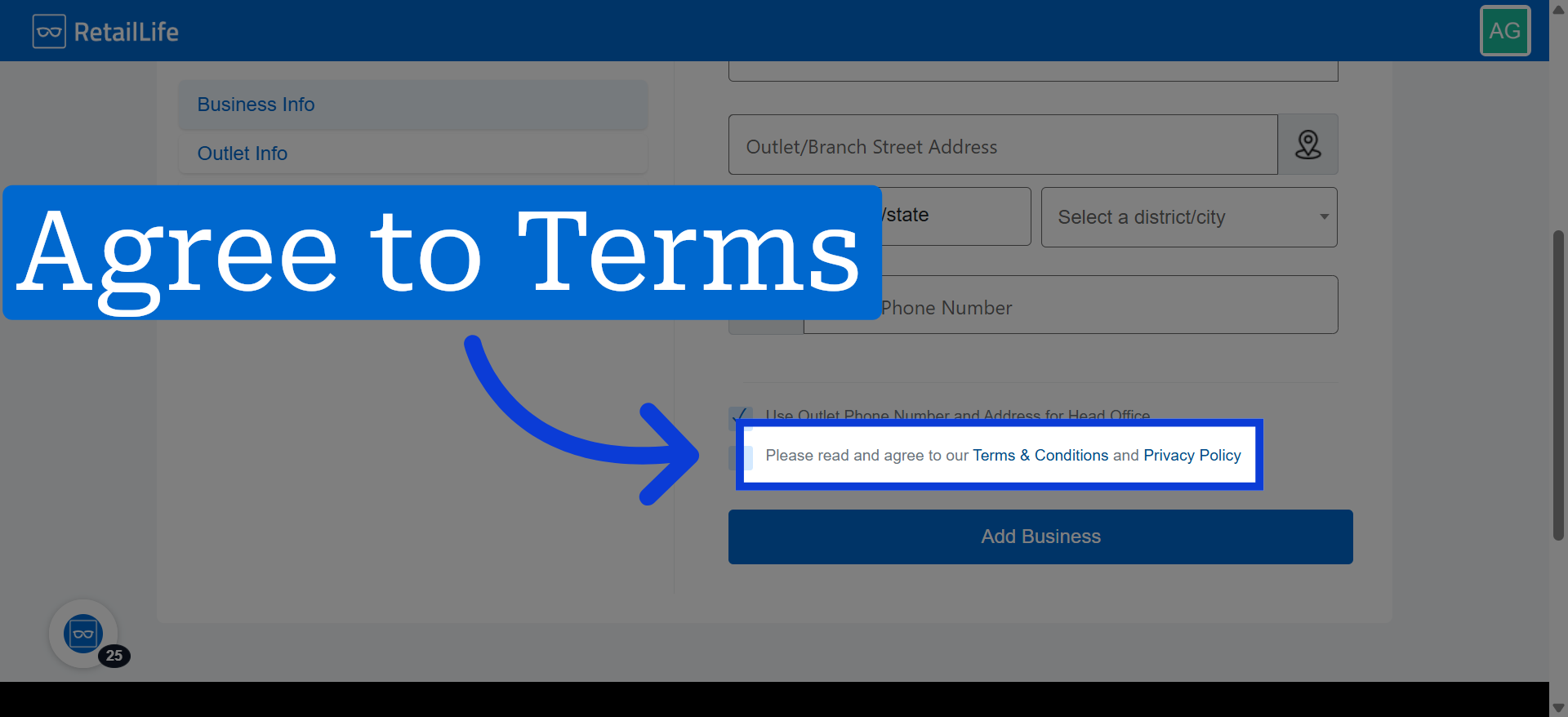
14. Agree to the Terms & Conditions and privacy policy before proceeding
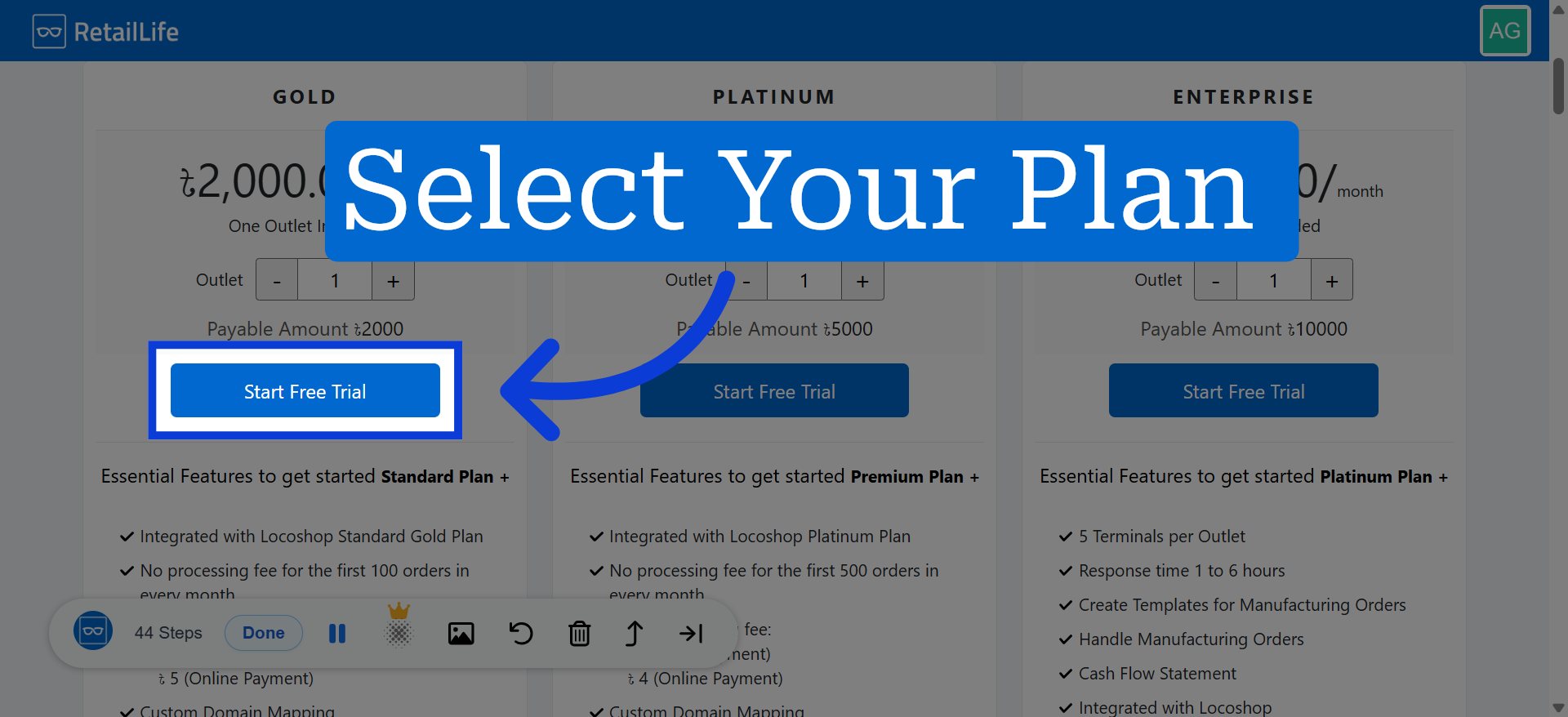
15. Choose Your Subscription Plan Accordingly
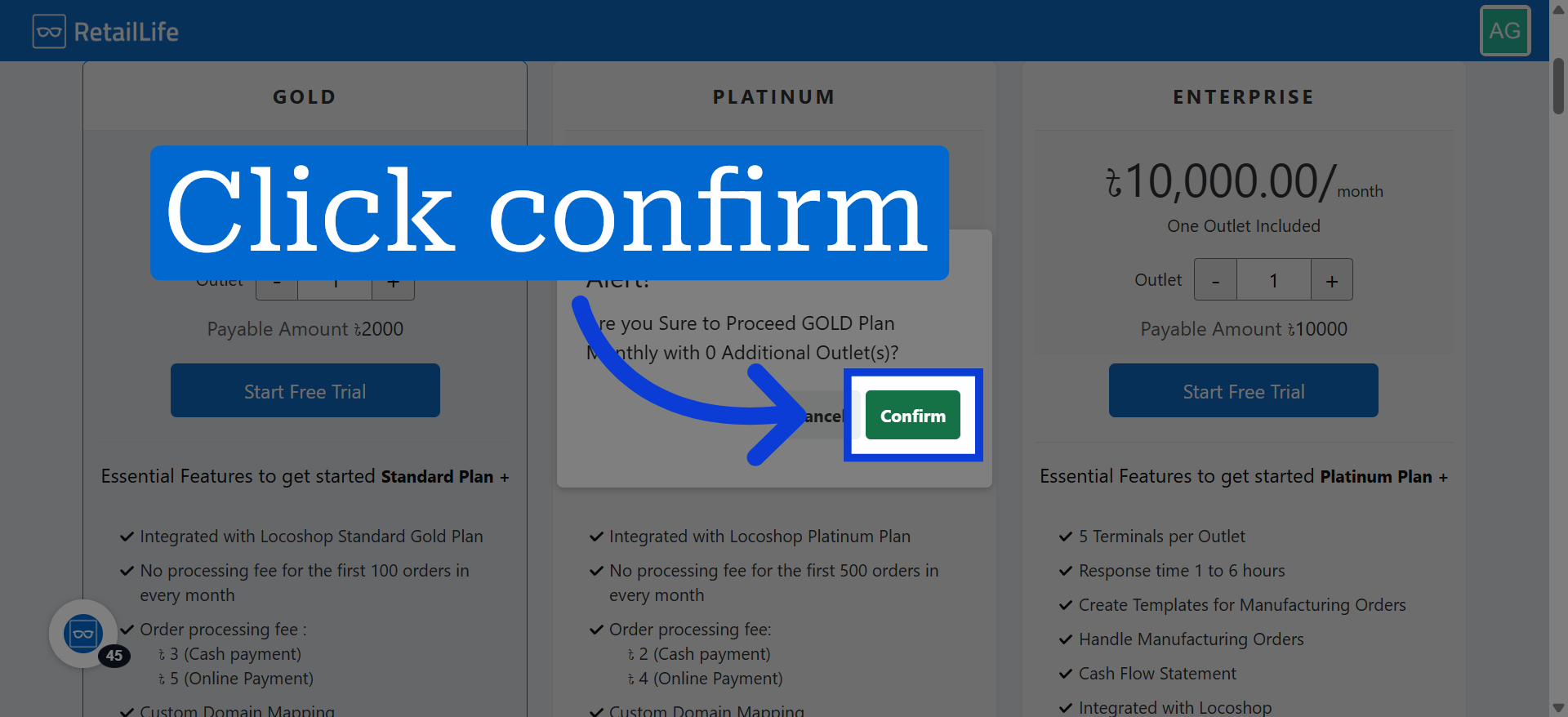
16. Confirm Trial Start
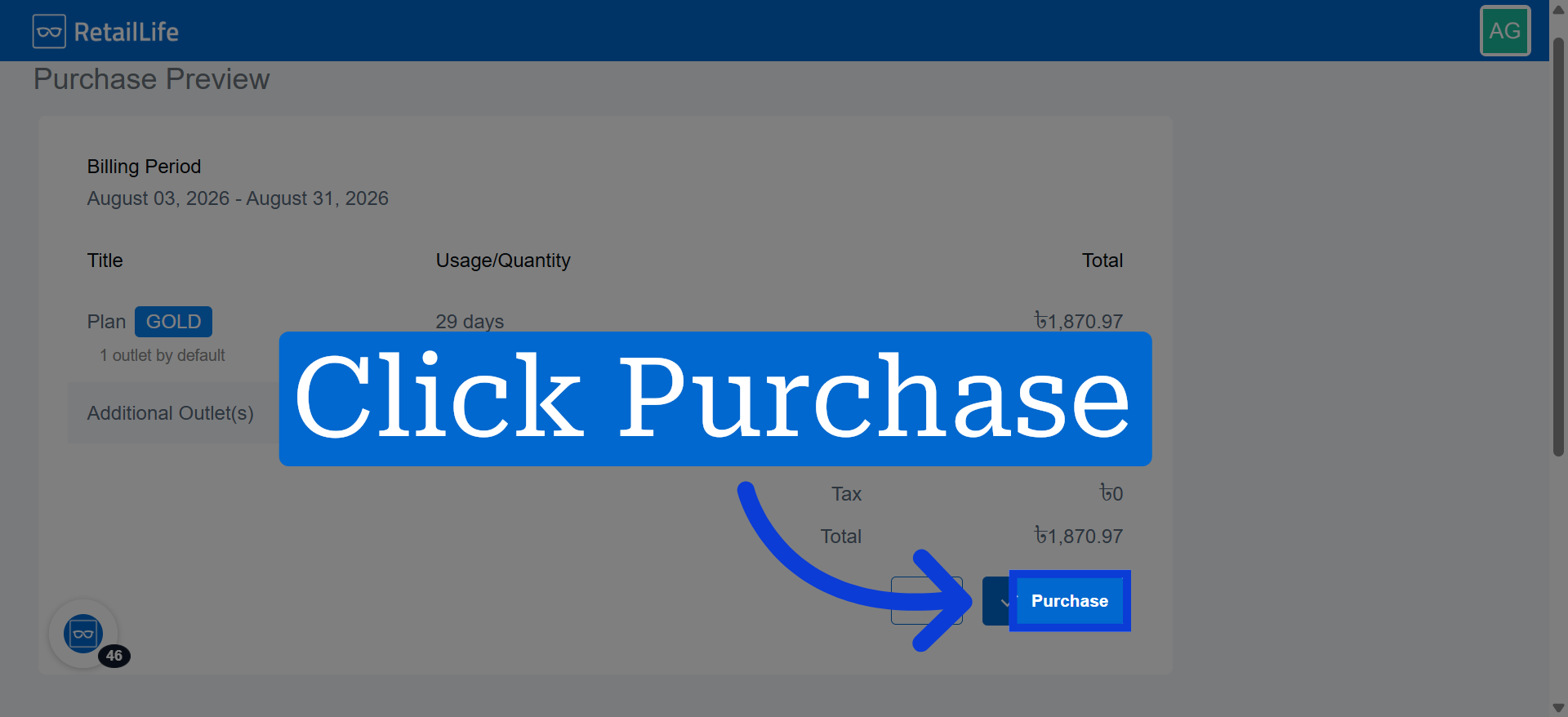
17. Click Purchase to proceed with buying a RetailLife subscription plan
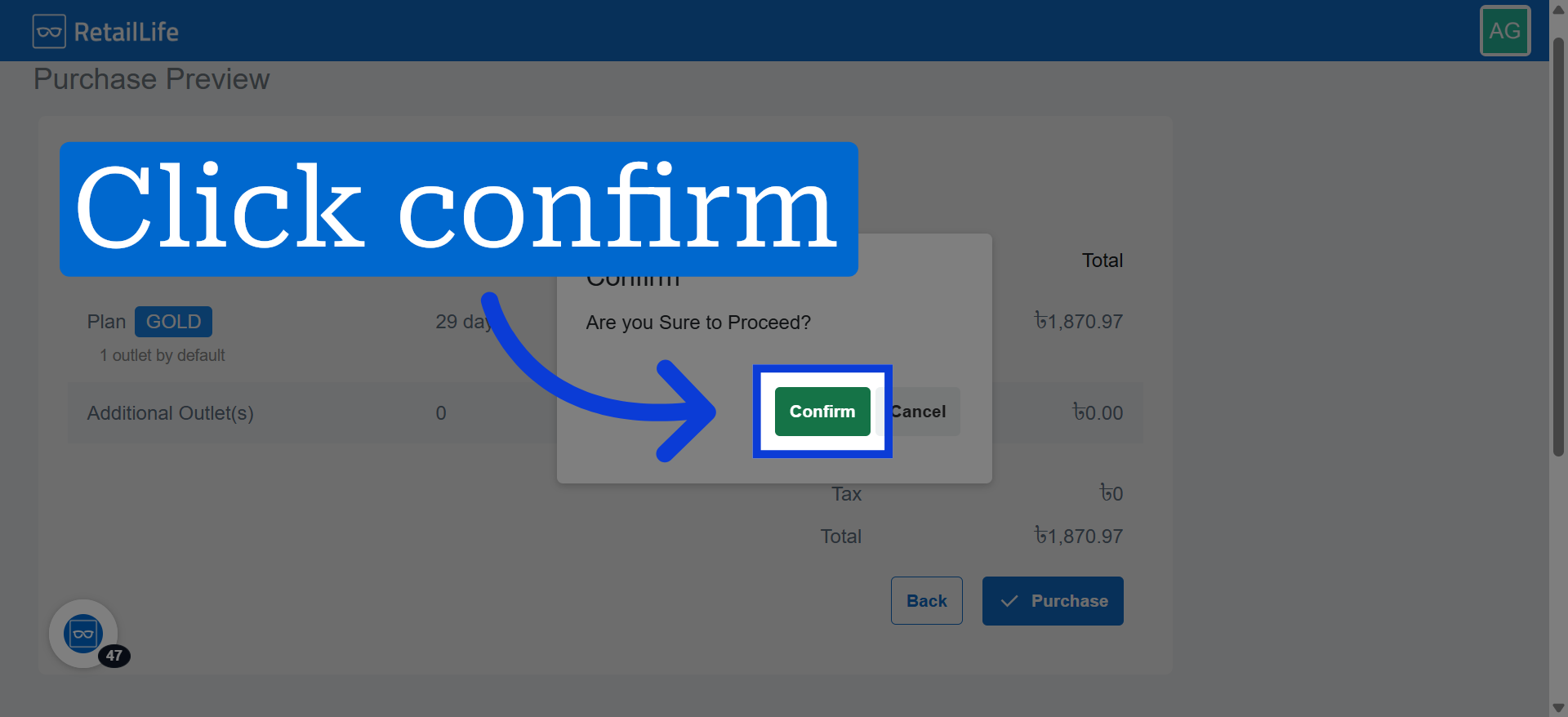
18. Confirm Purchase
Click confirm to complete your subscription purchase.
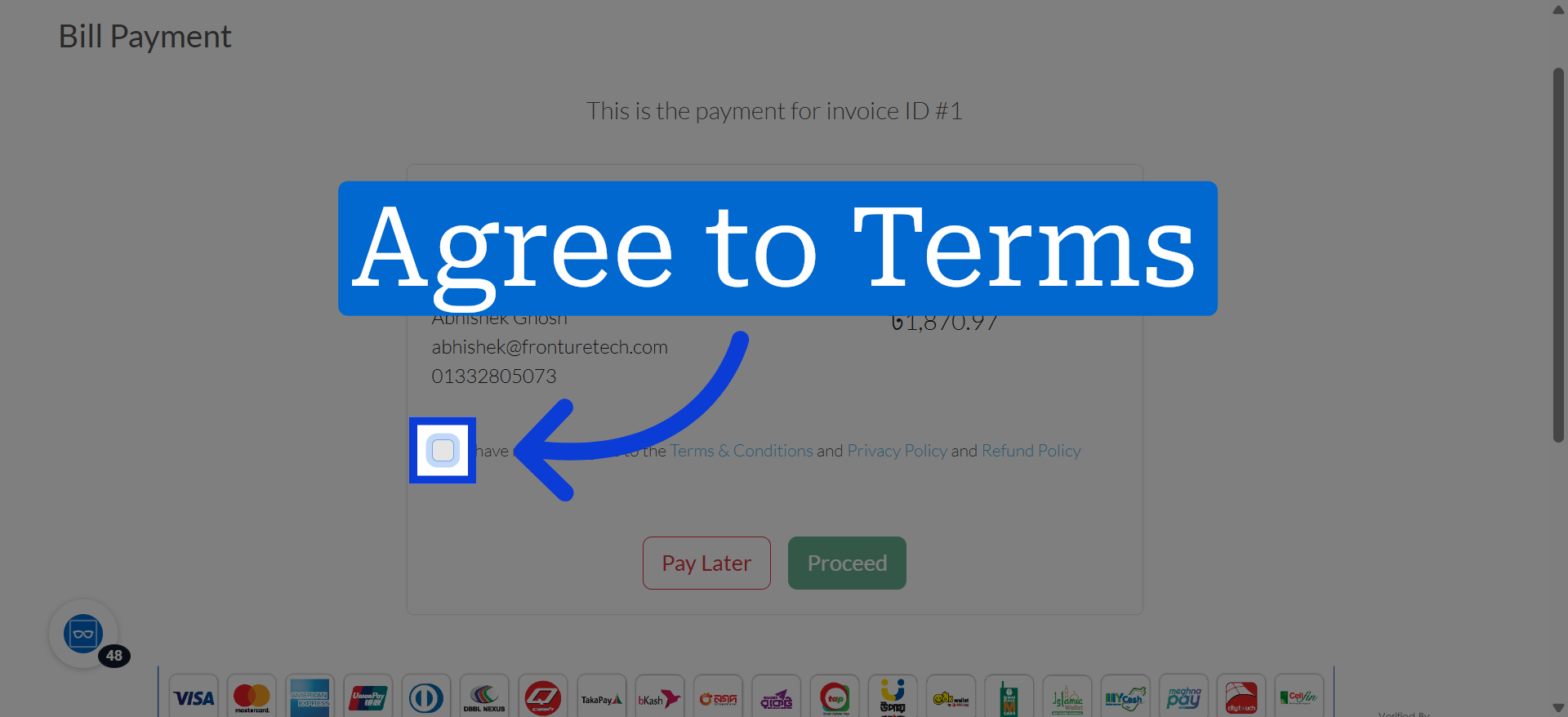
19. Agree to Terms
Click to confirm you have read and agree to the Terms & Conditions.