How to Enable Advanced Payment in LocoShop Business Portal
This tutorial guides you through configuring advanced payment settings in the Business Portal,
allowing you to set the payment amount customers need to pay in advance when placing an order.
This helps secure orders and reduce the risk of cancellations or unpaid orders.
Go to
locoshop.quicklyservices.com
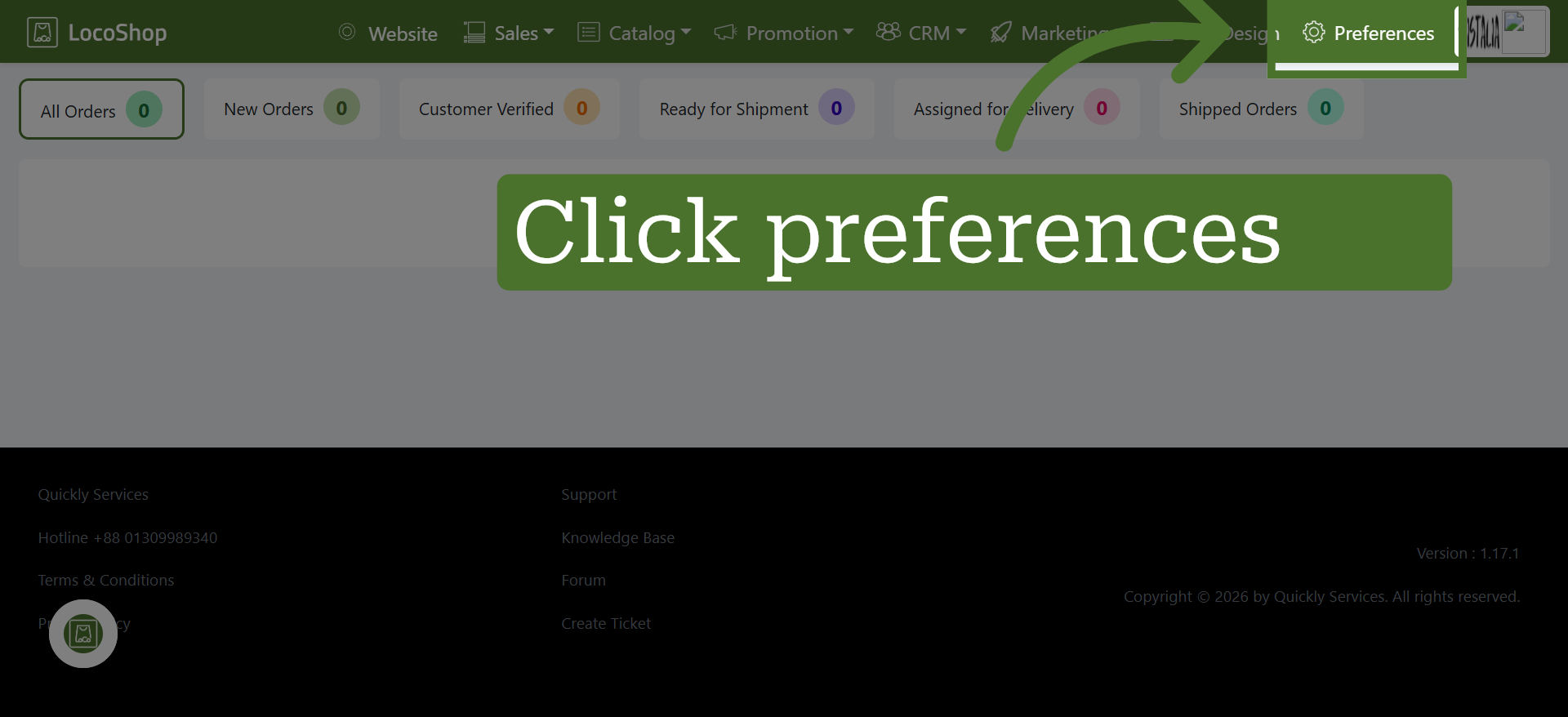
1. Go to Preferences
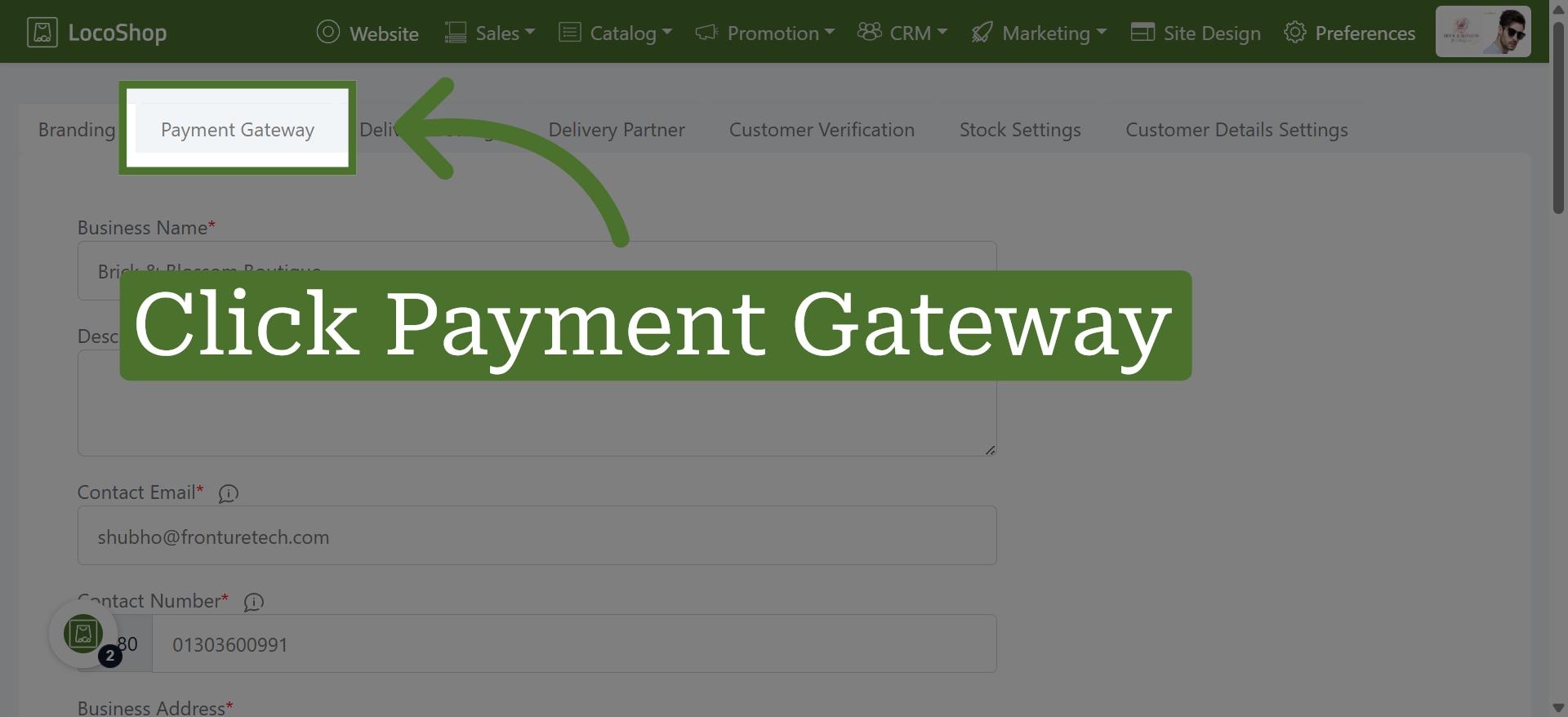
2. Select Payment Gateway
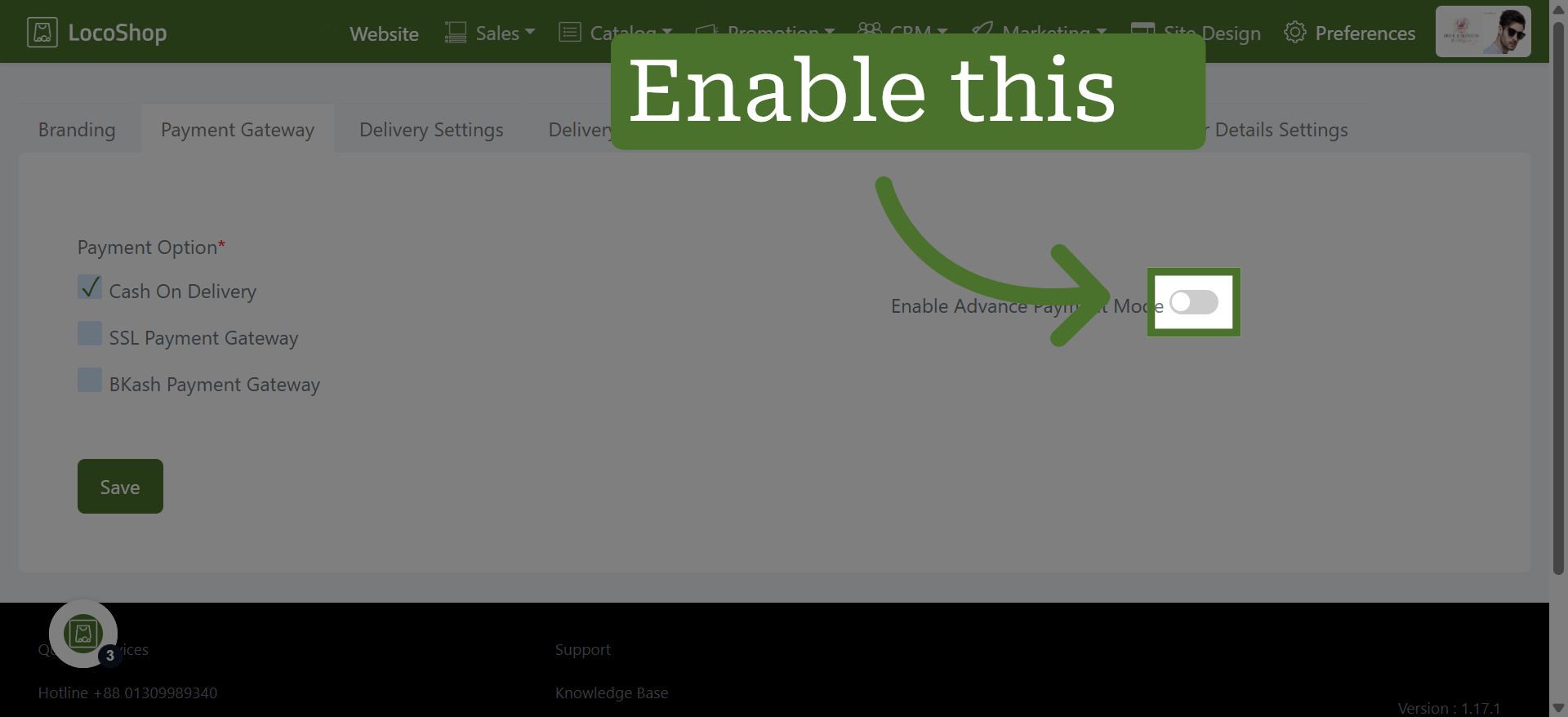
3. Enable Advanced Payment Mode
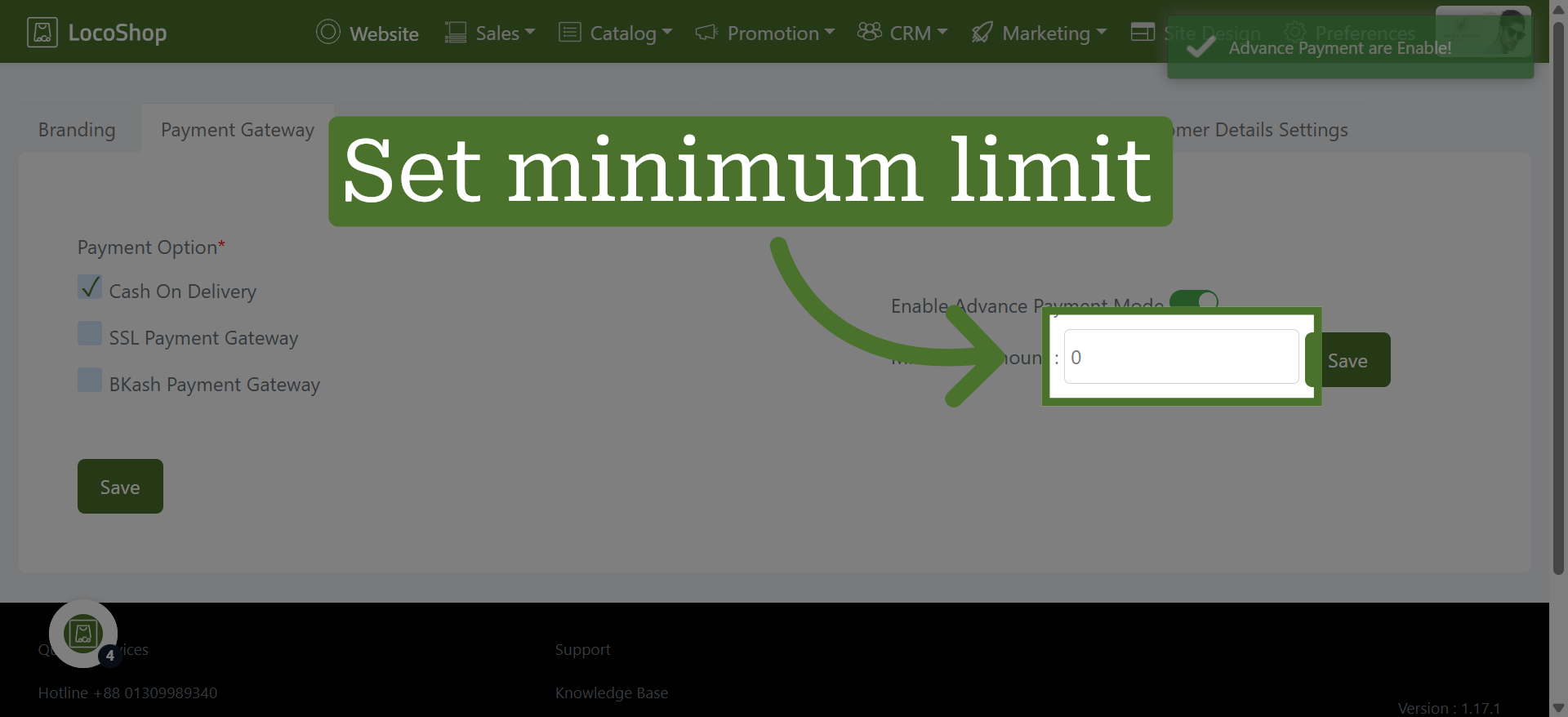
4. Set Minimum Limit
Click the field to set a minimum advance payment amount, helping secure orders by collecting a specified amount upfront.
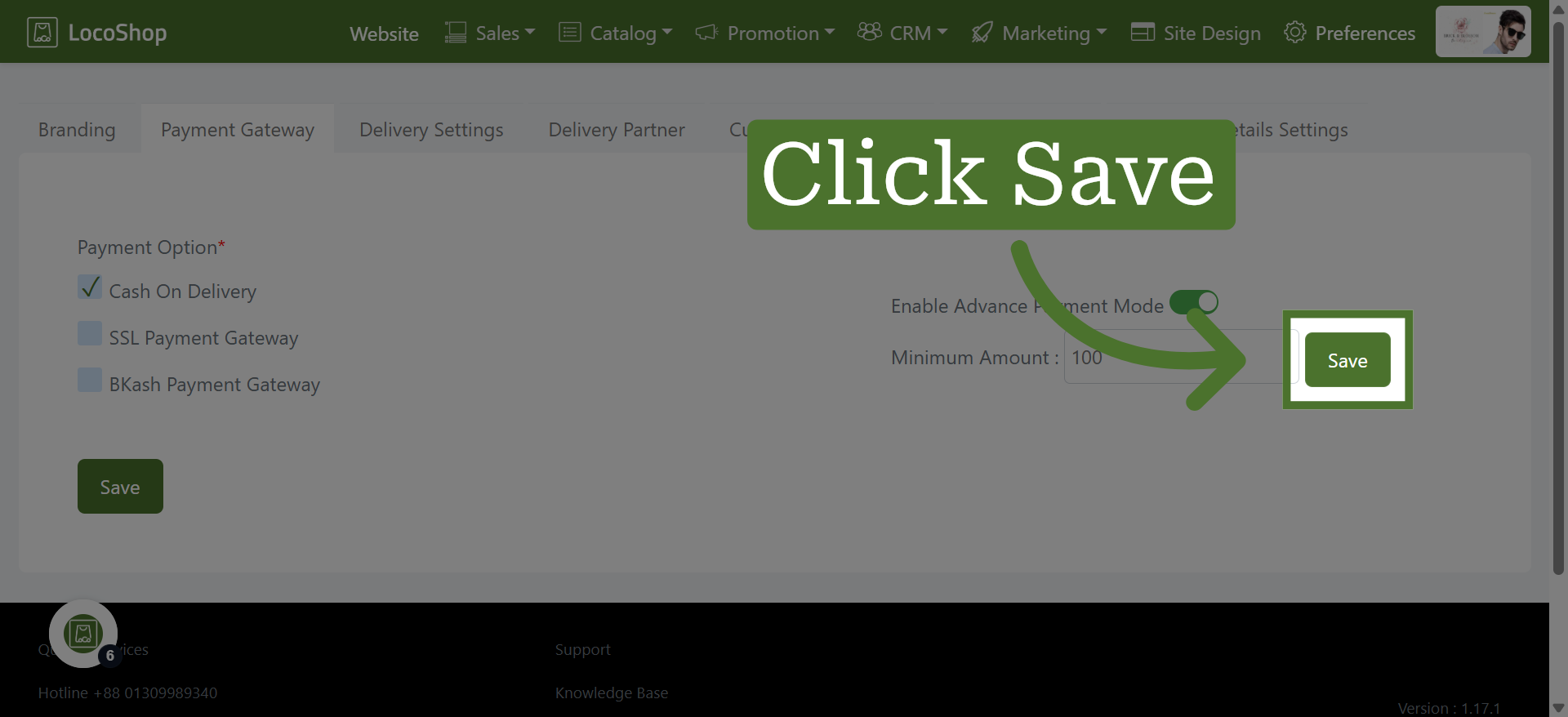
5. Save Configuration
Click "Save" to apply and store your payment gateway settings securely.