How to Setup Loyalty Reward Points in RestroGreen
This tutorial guides you through setting up the loyalty program in the RestroGreen Business Portal.
Go to
restrogreen.quicklyservices.com
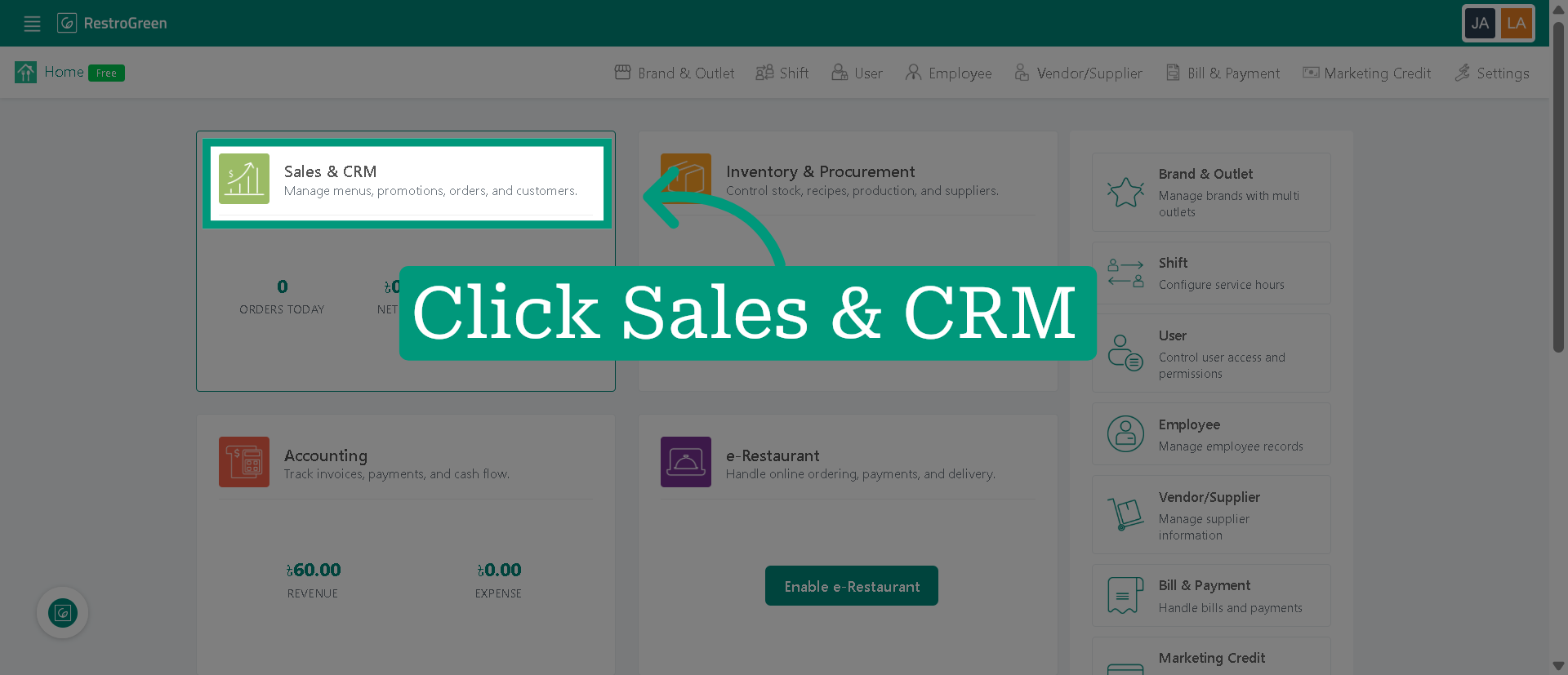
1. Click "Sales & CRM" Module
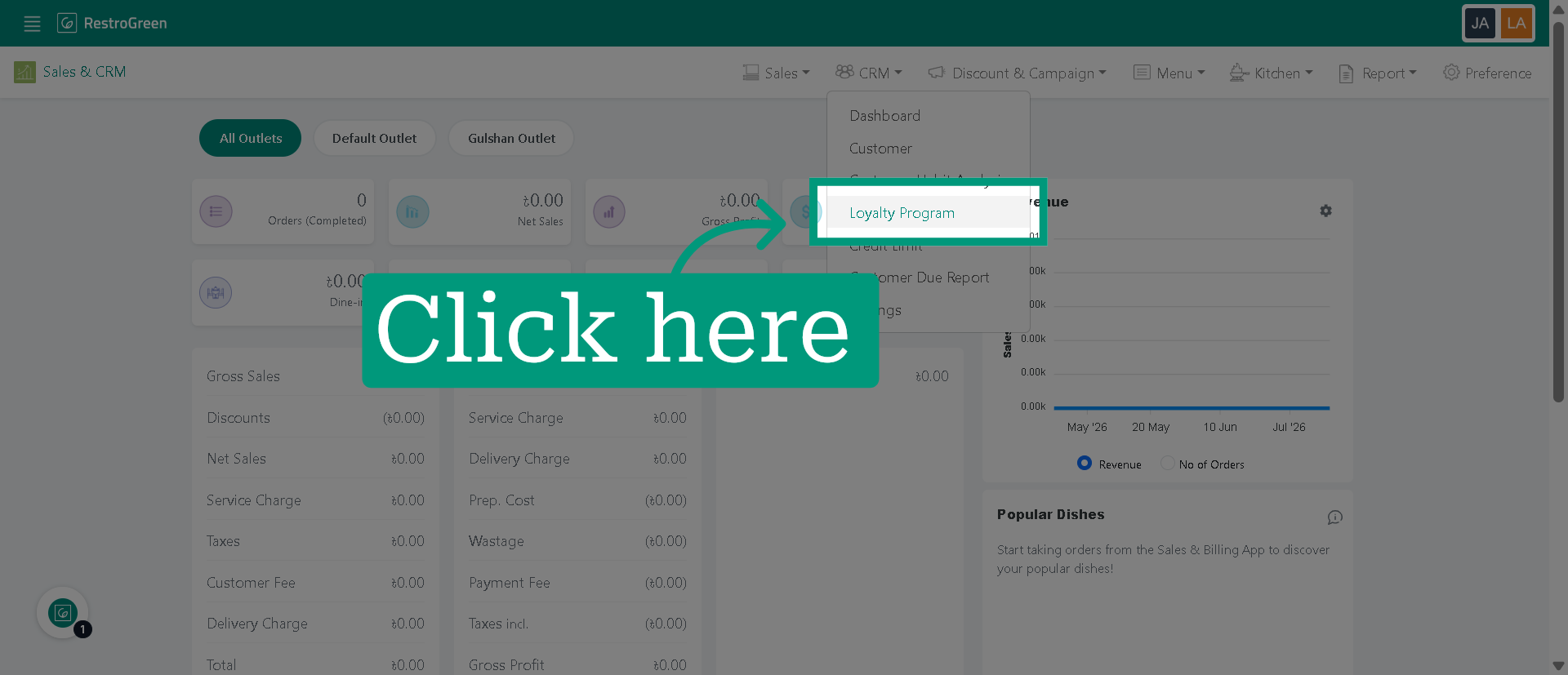
2. Go to loyalty program settings
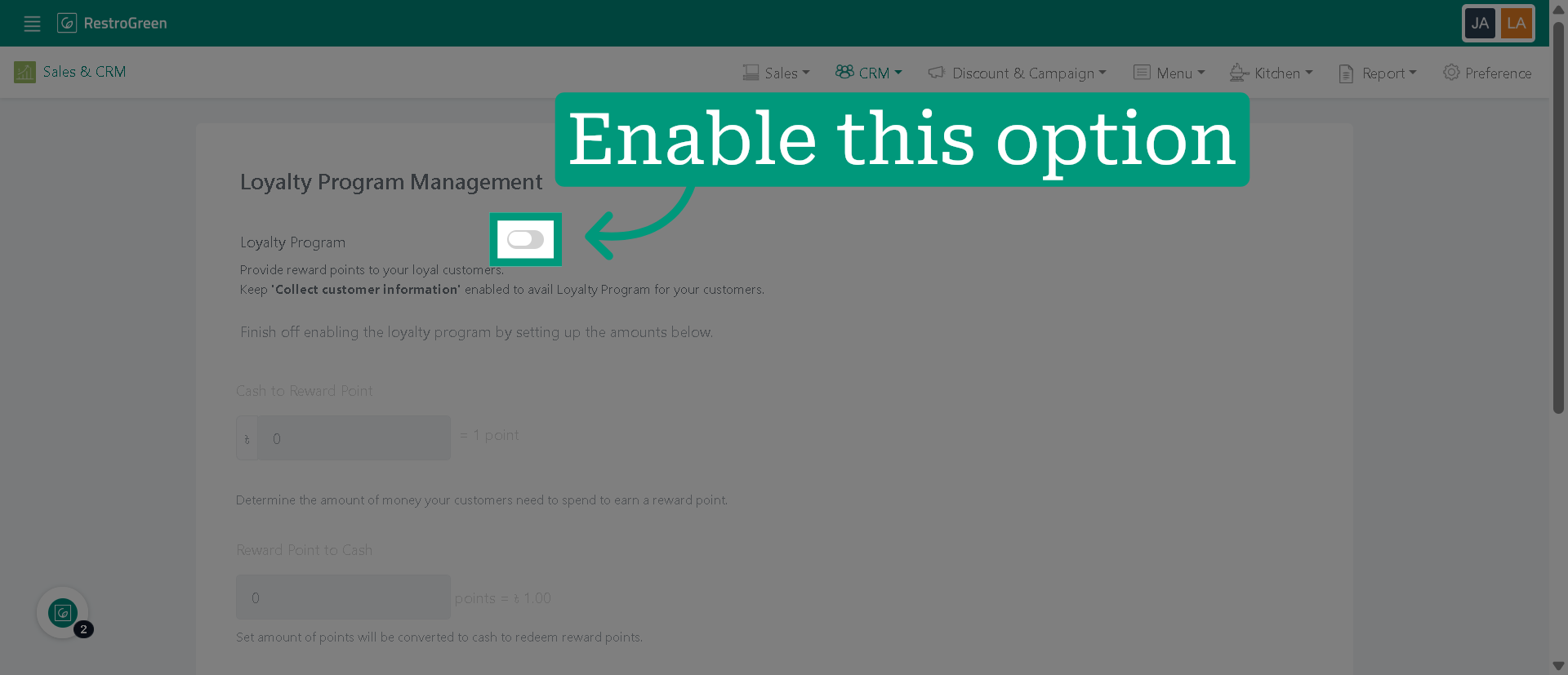
3. Activate the loyalty program feature
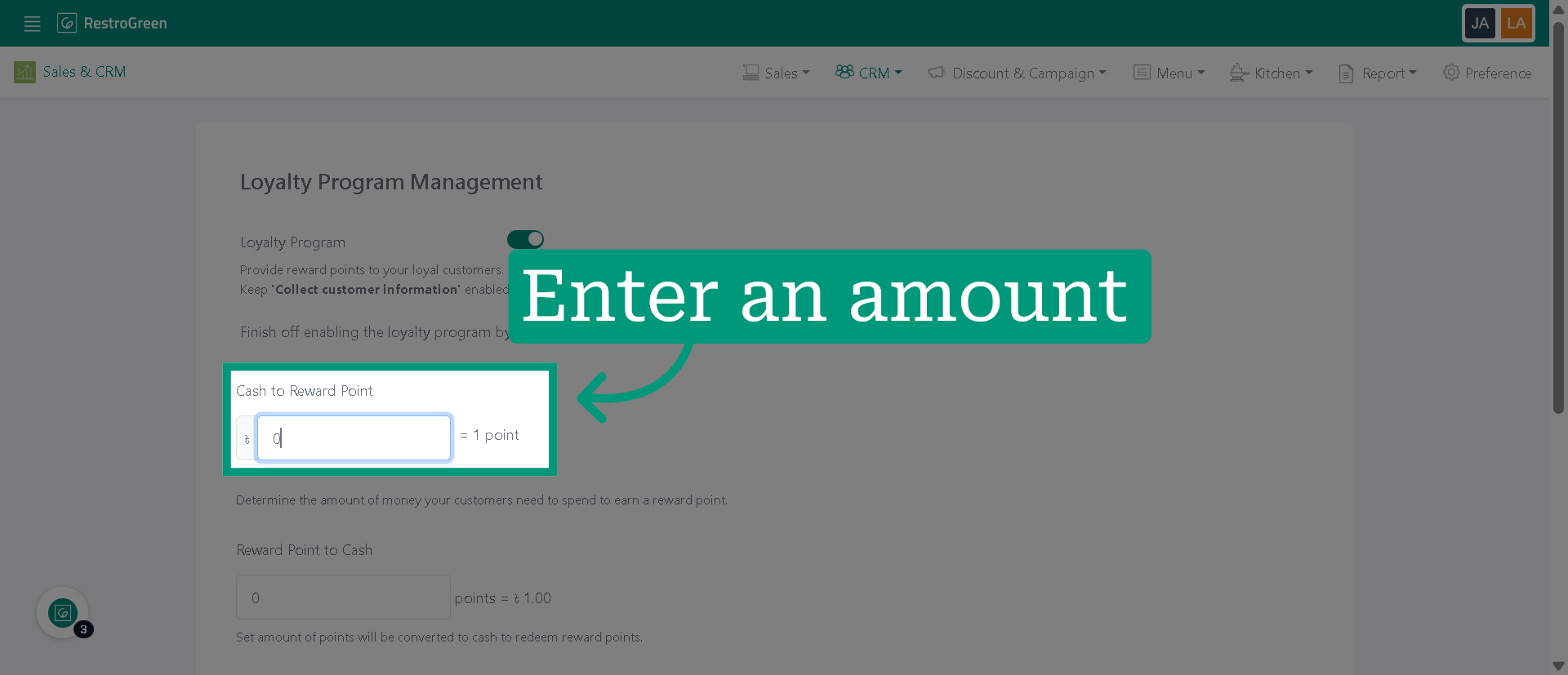
4. Specify the amount they have to spend for each loyalty points
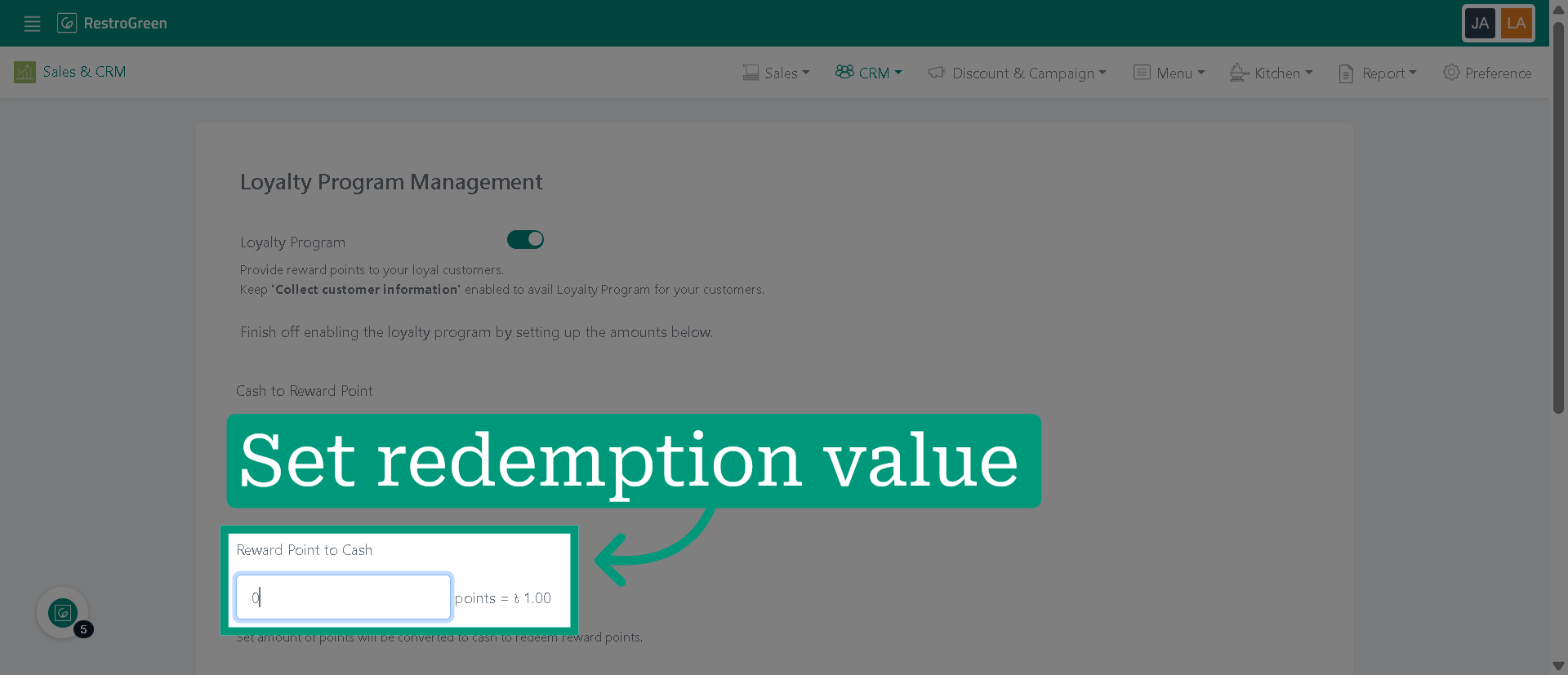
5. Set the monetary value of each loyalty point
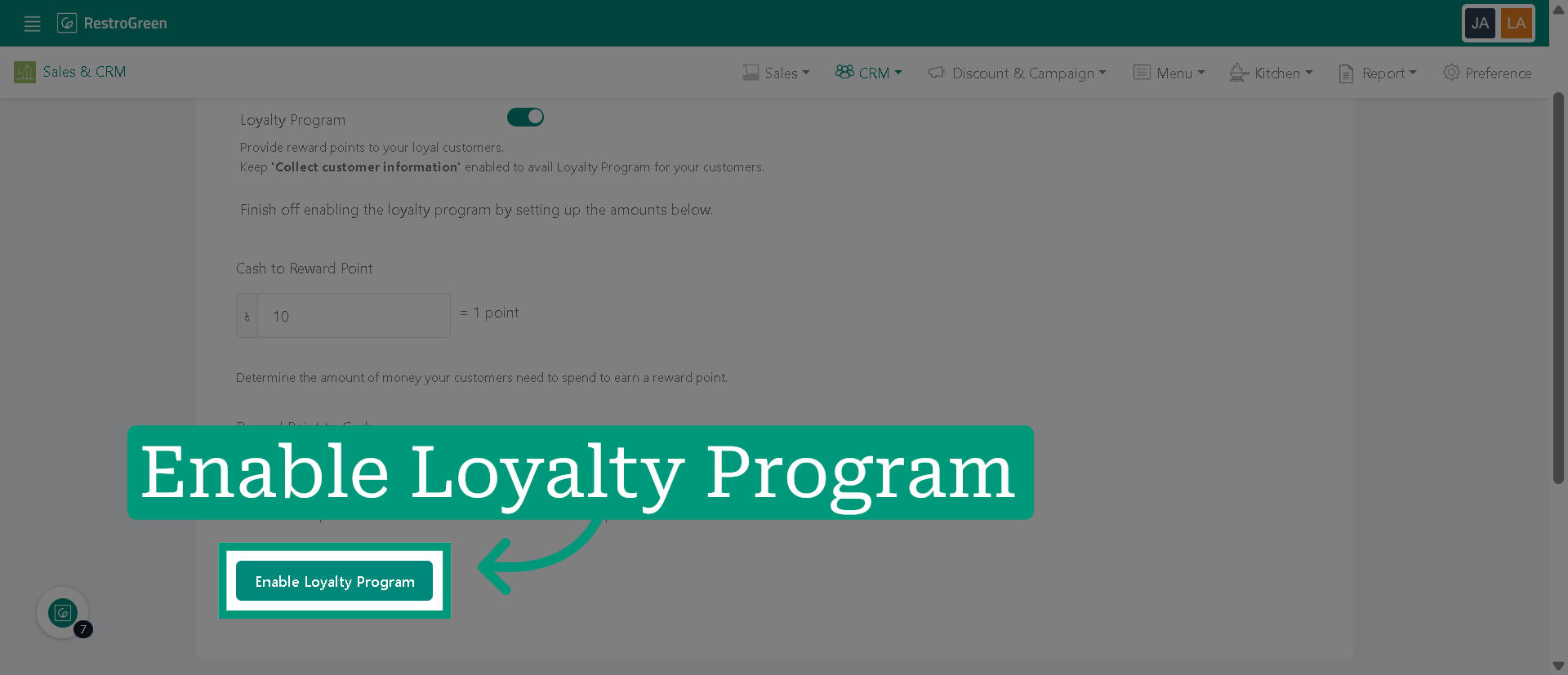
6. Click "Enable Loyalty Program" to finalize the loyalty program settings