How to Identify Top Customers in RestroGreen
This tutorial guides you through navigating the business portal to access customer database and
find your restaurant's top customers.
Go to
restrogreen.quicklyservices.com
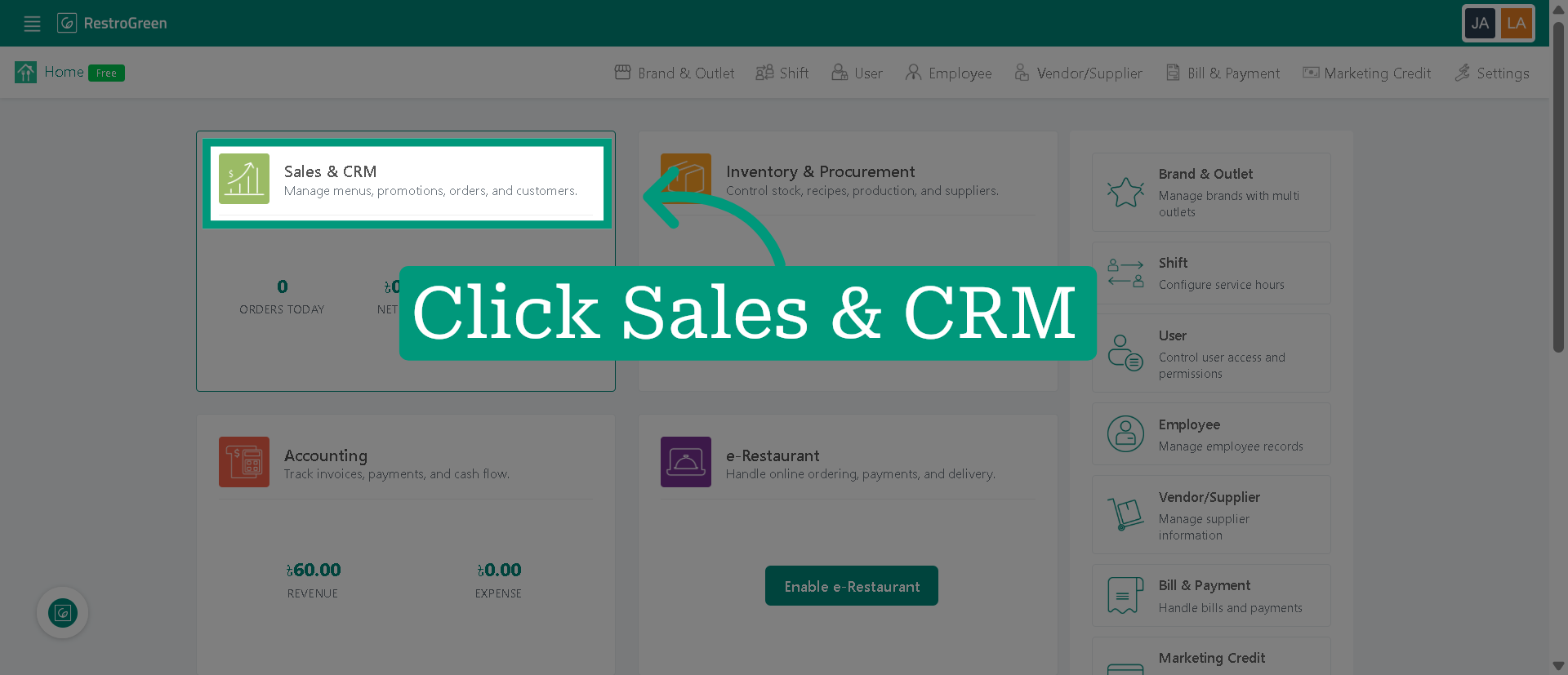
1. Click "Sales & CRM" Module
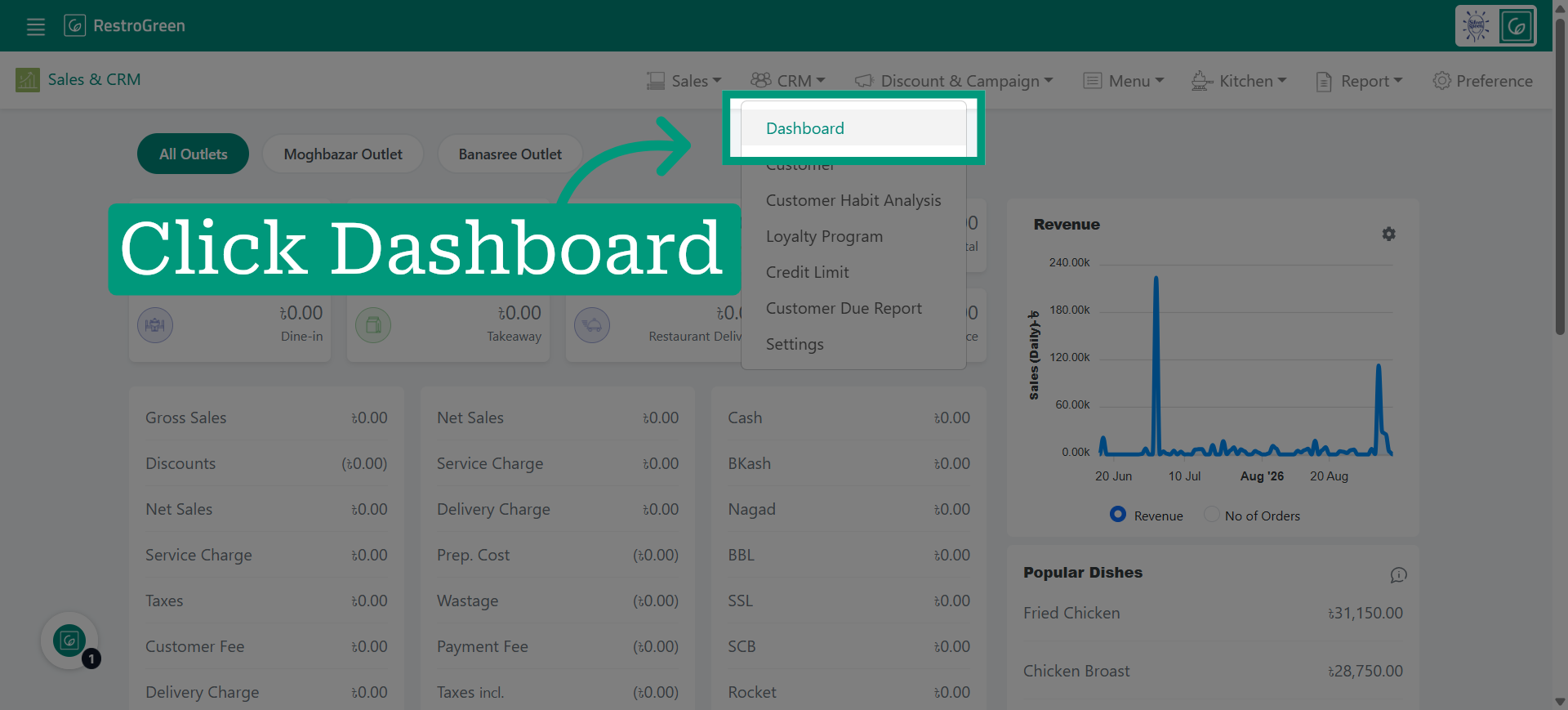
2. Click Customer Dashboard to access CRM data
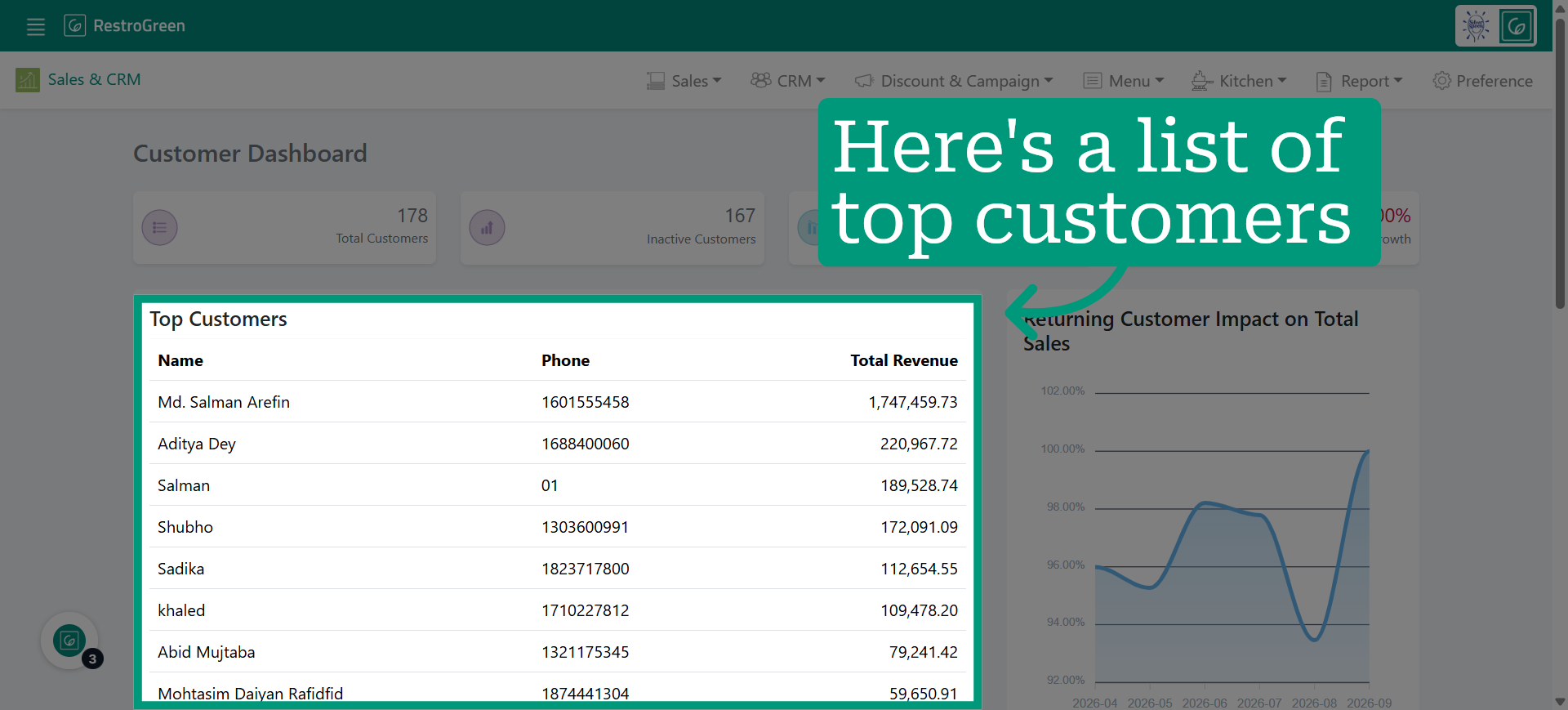
3. A list of your top customers will be displayed, along with their contact details and the total amount they have spent