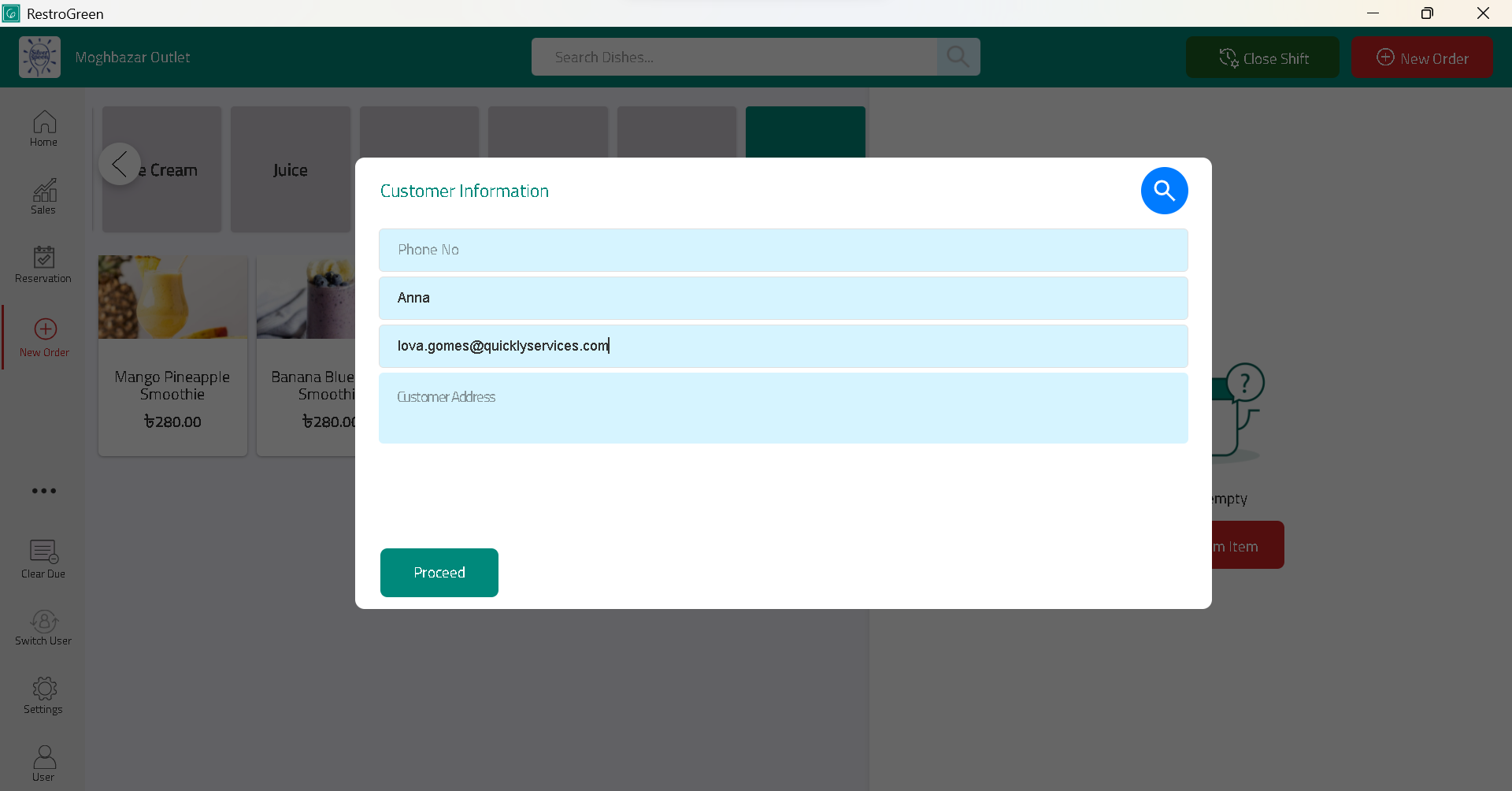
How to Start Collecting Customer Information in RestroGreen Business Portal
This tutorial guides you through enabling CRM features across the RestroGreen ecosystem.
Go to
restrogreen.quicklyservices.com
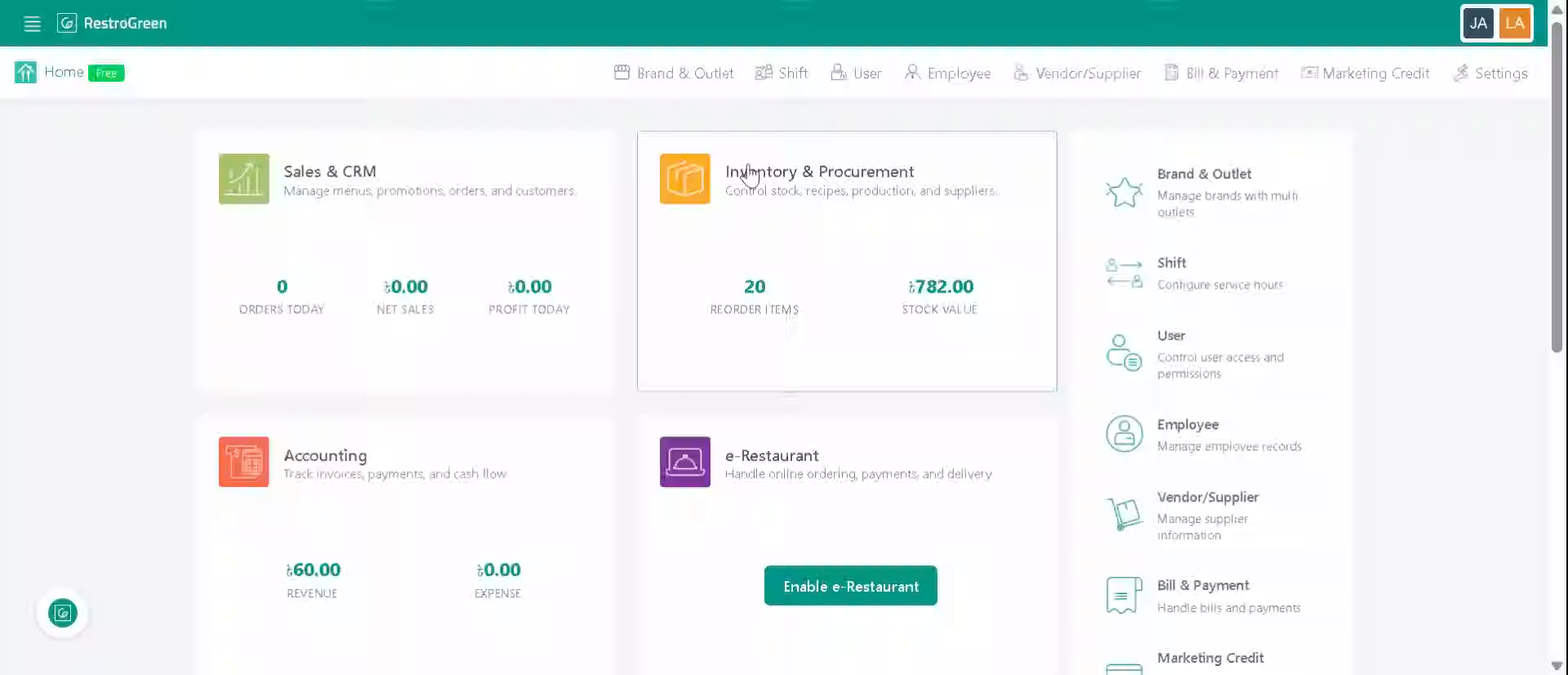
1. Login to your Business Portal
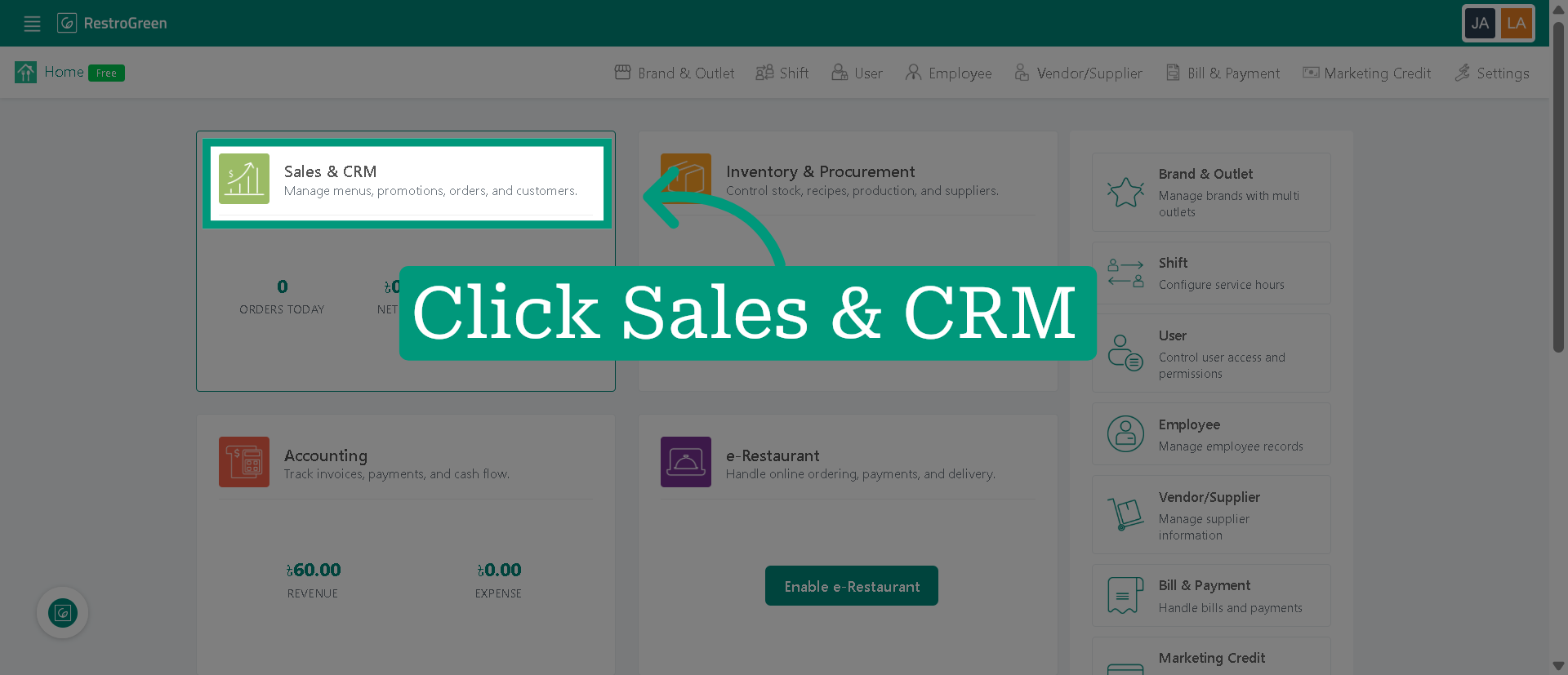
2. Click "Sales & CRM" Module
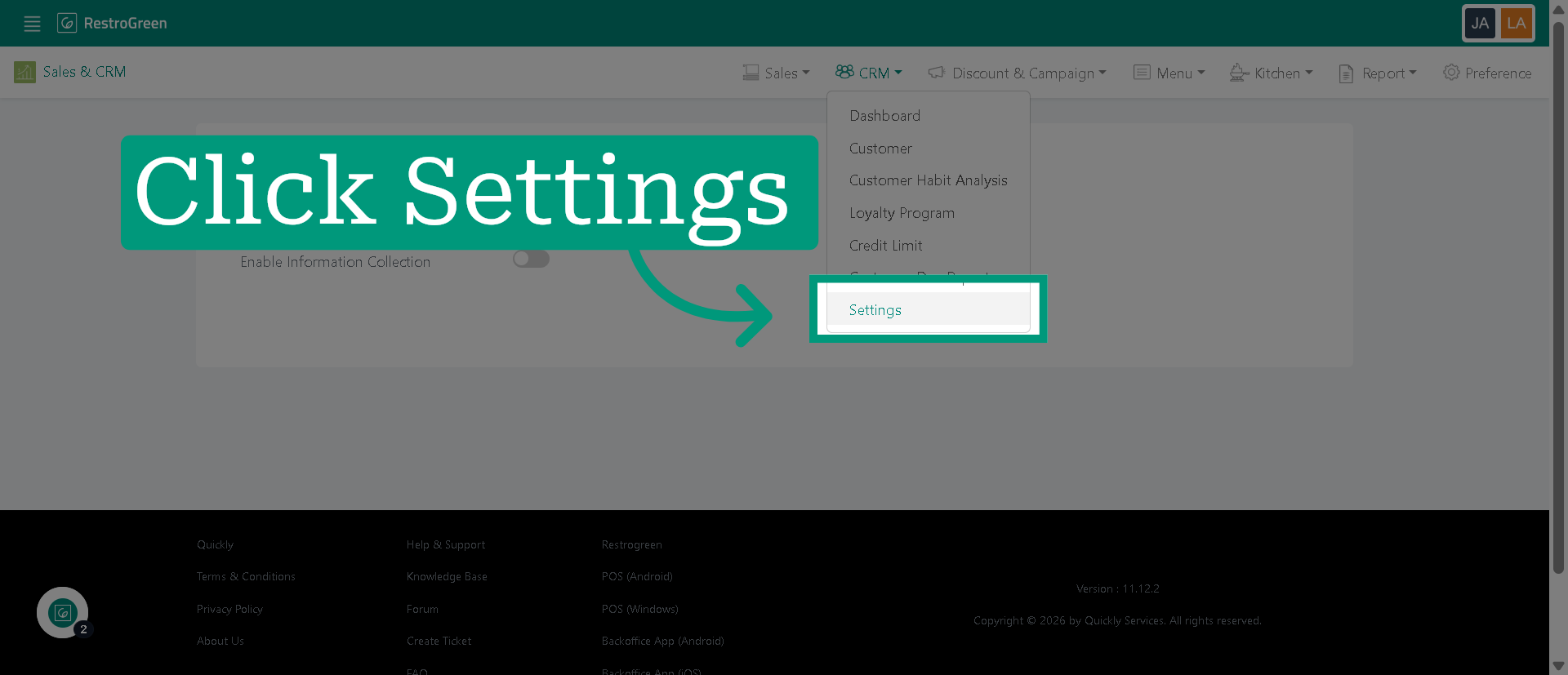
3. Click "Settings" from CRM dropdown menu
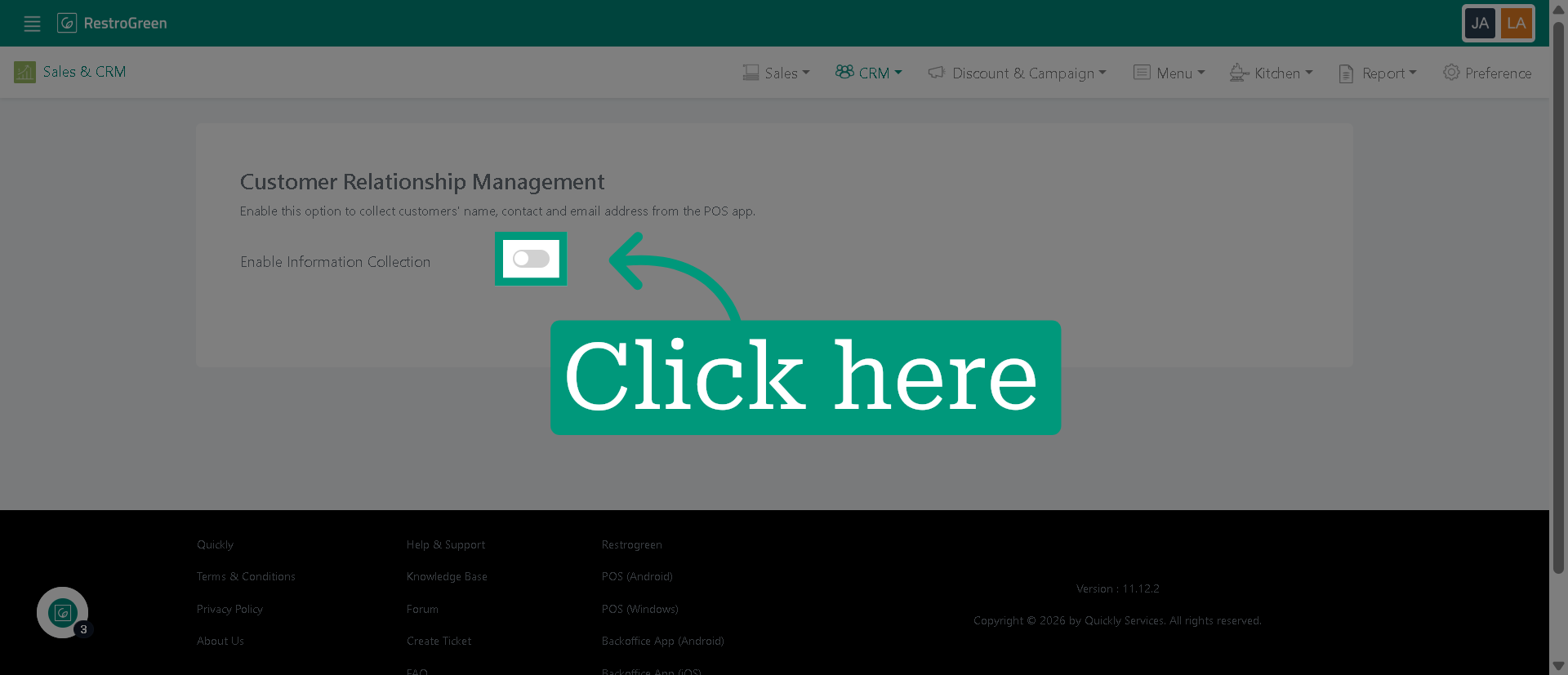
4. Enable this option to proceed
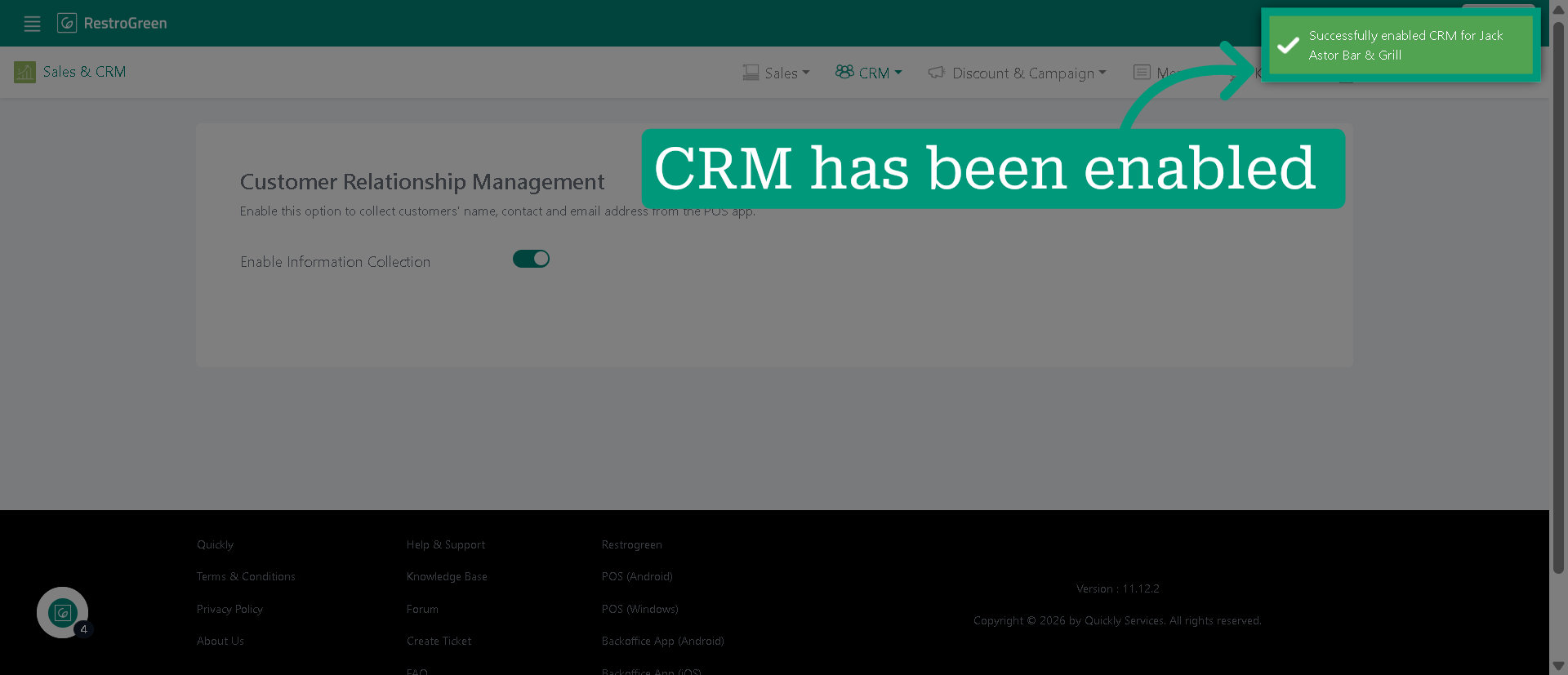
5. CRM activation has been successful
6. You can start collecting customer information while placing orders in POS