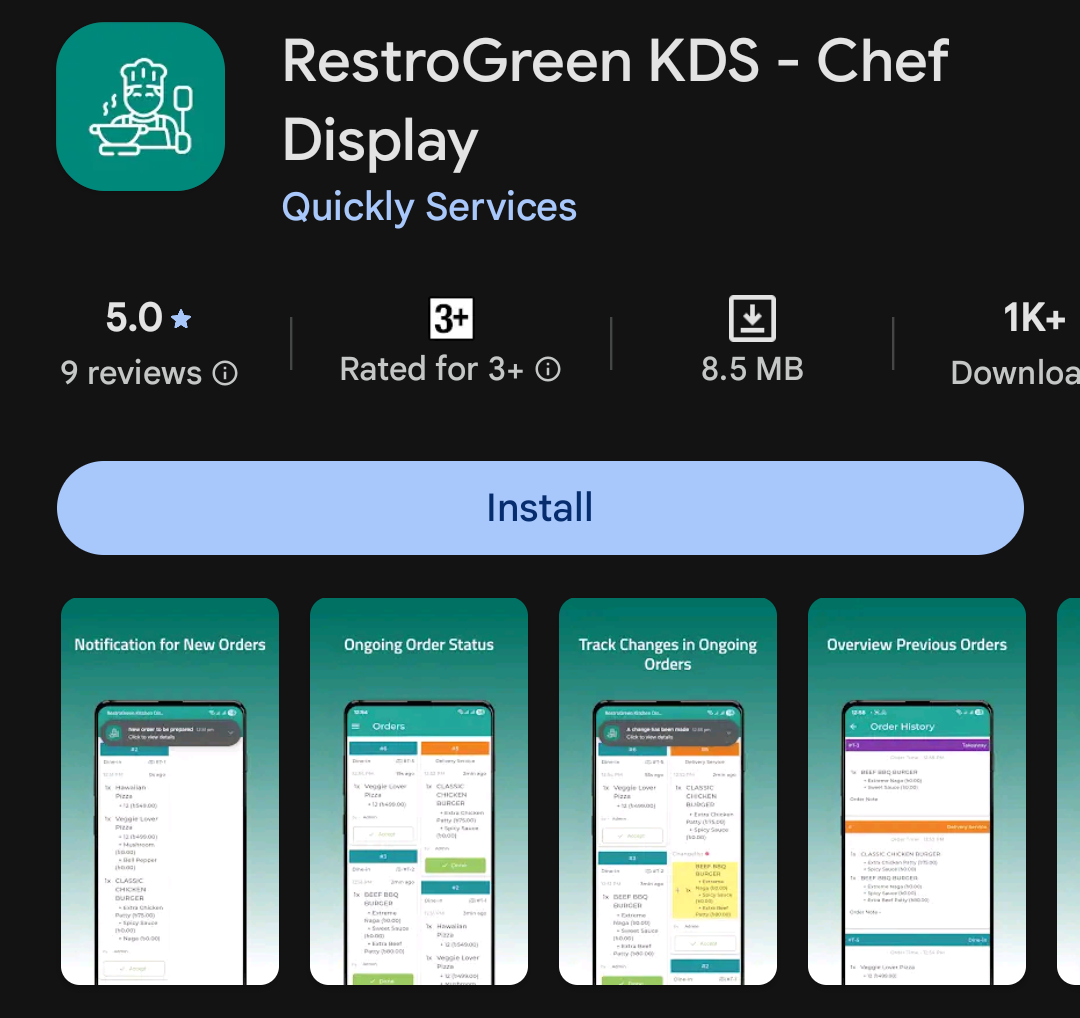
How to Configure Kitchen Display Settings in RestroGreen Business Portal
This tutorial guides you through configuring the Kitchen Display System settings from the Restro-
Green Business Portal.
Go to
restrogreen.quicklyservices.com
1. Access Business Portal
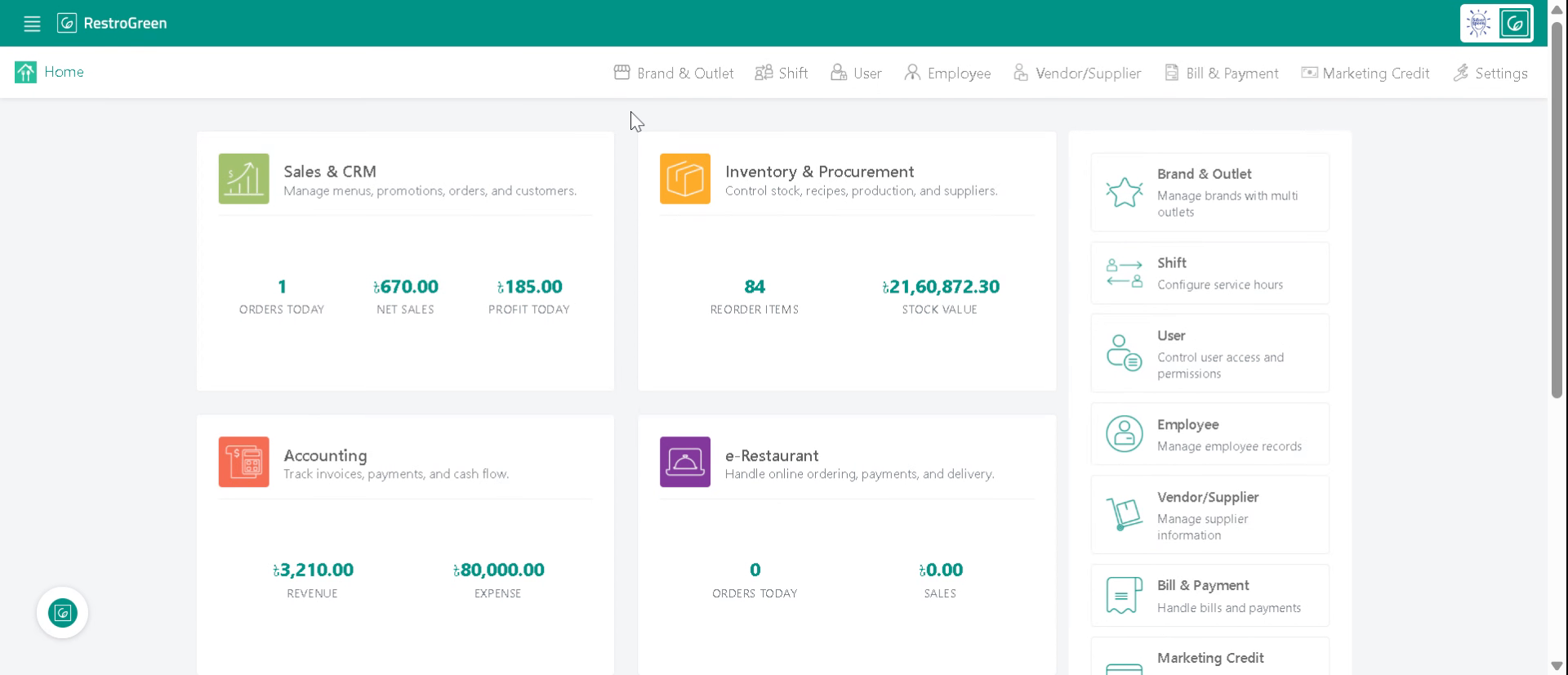
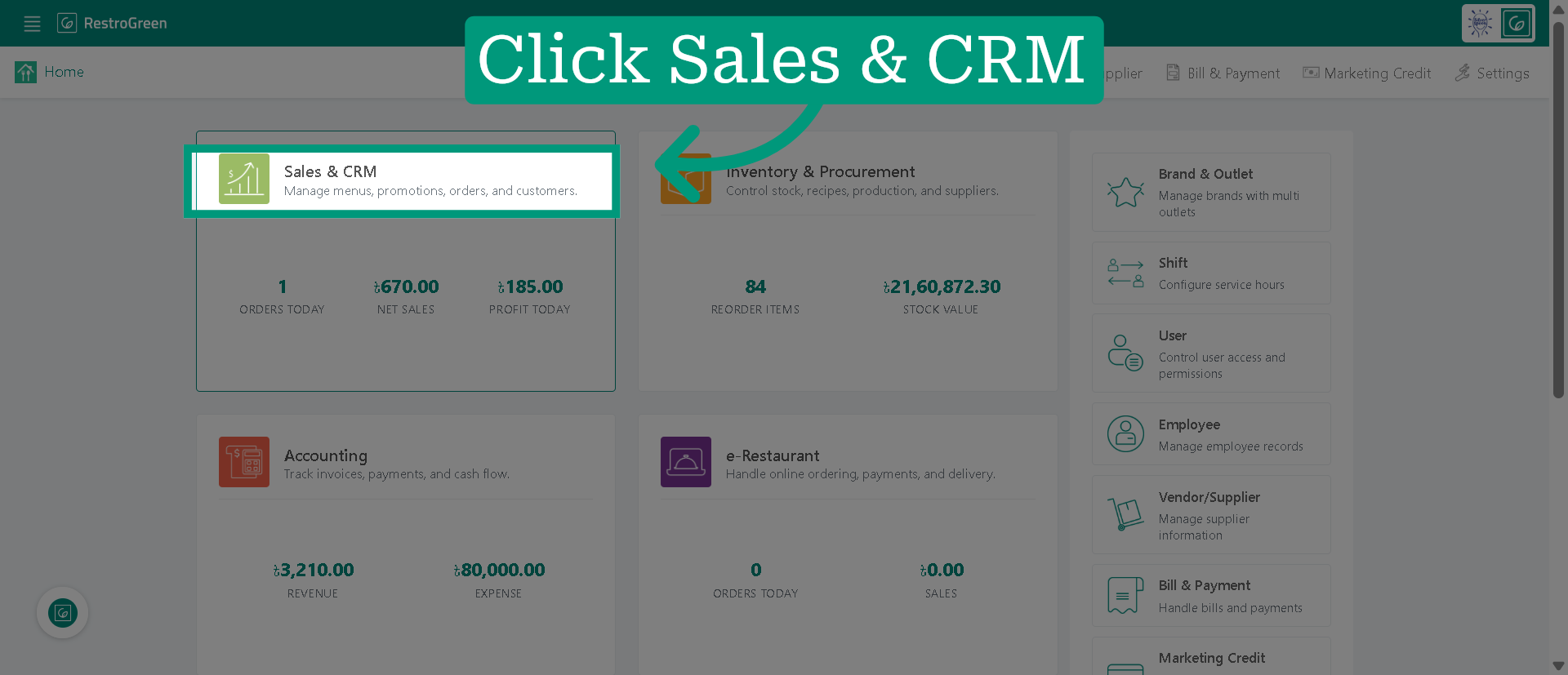
2. Click "Sales & CRM" Module
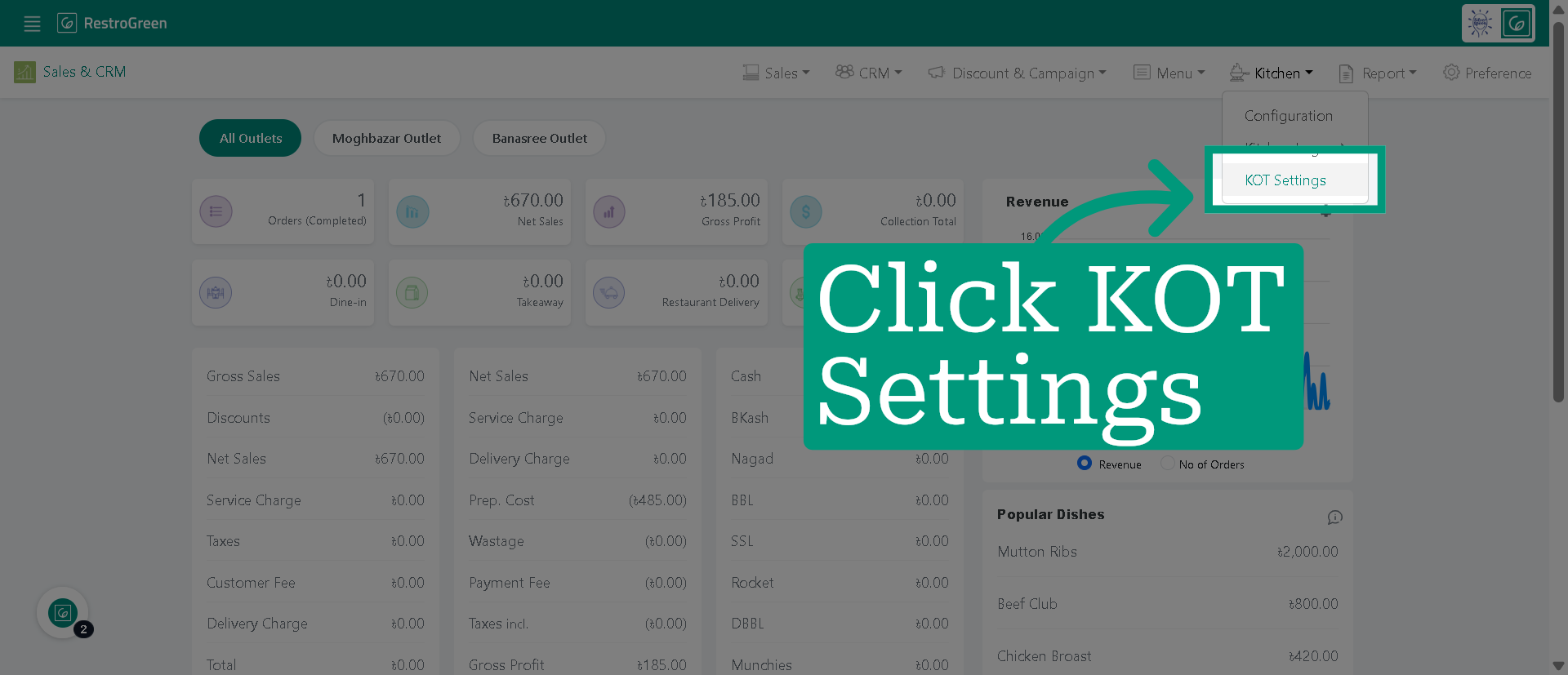
3. Click Kitchen from the top navigation bar
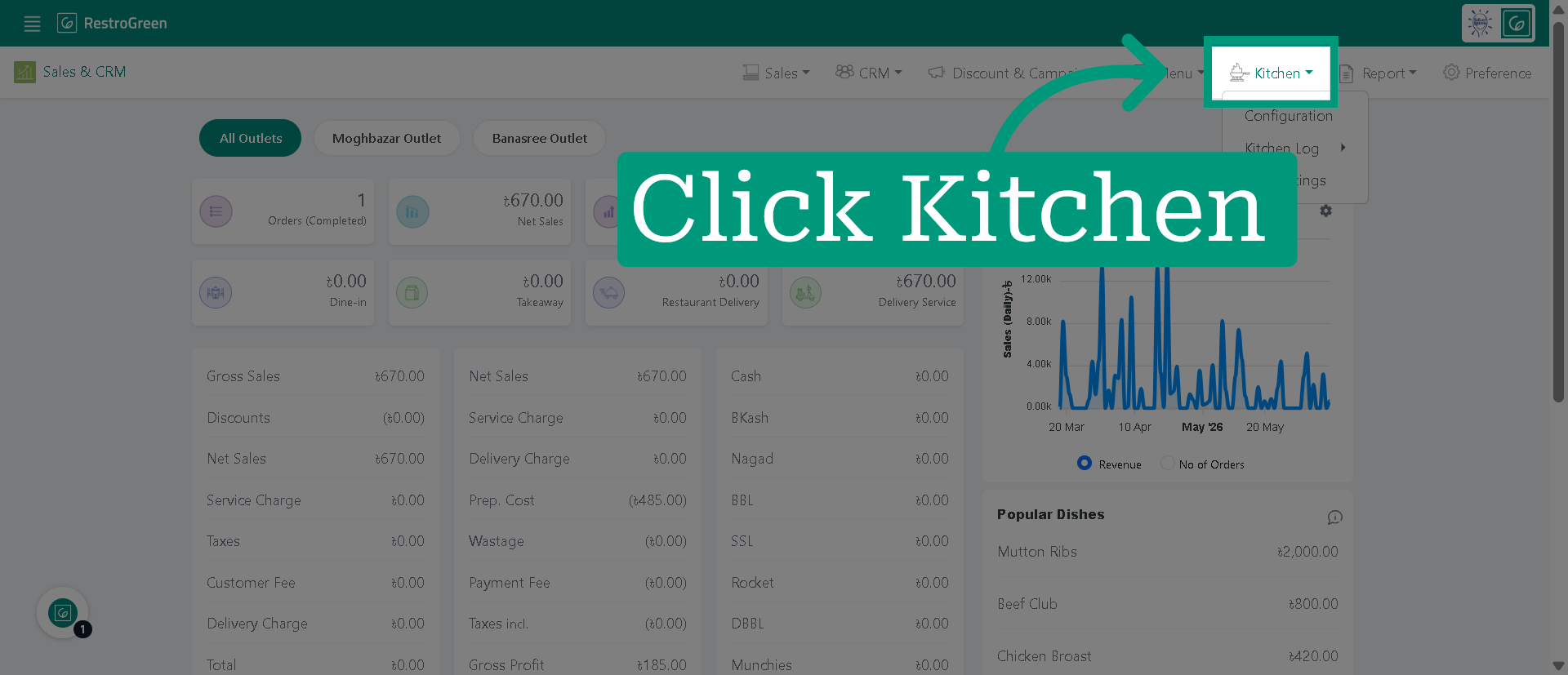
4. Select KOT Settings to access the KOT configuration options
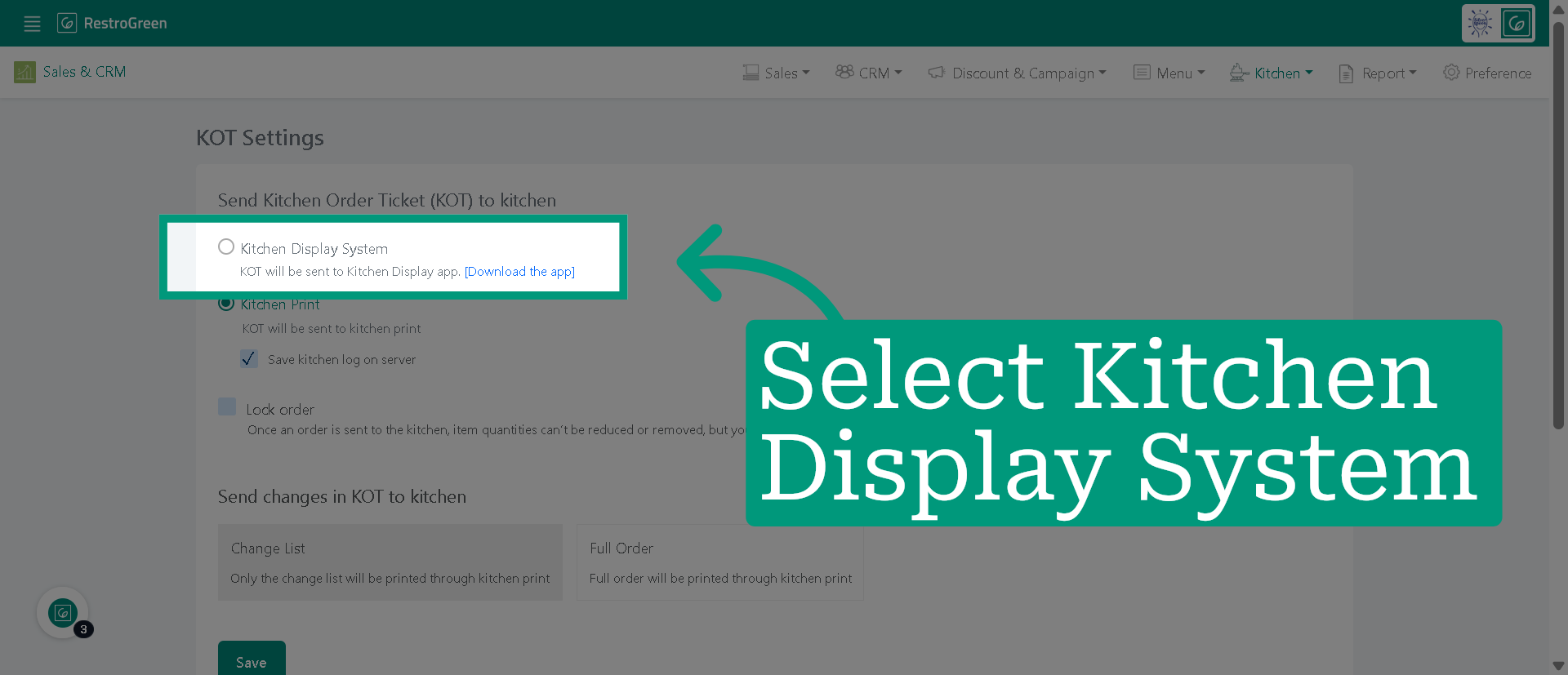
5. Select "Kitchen Display System" and KOT will be sent to KDS app
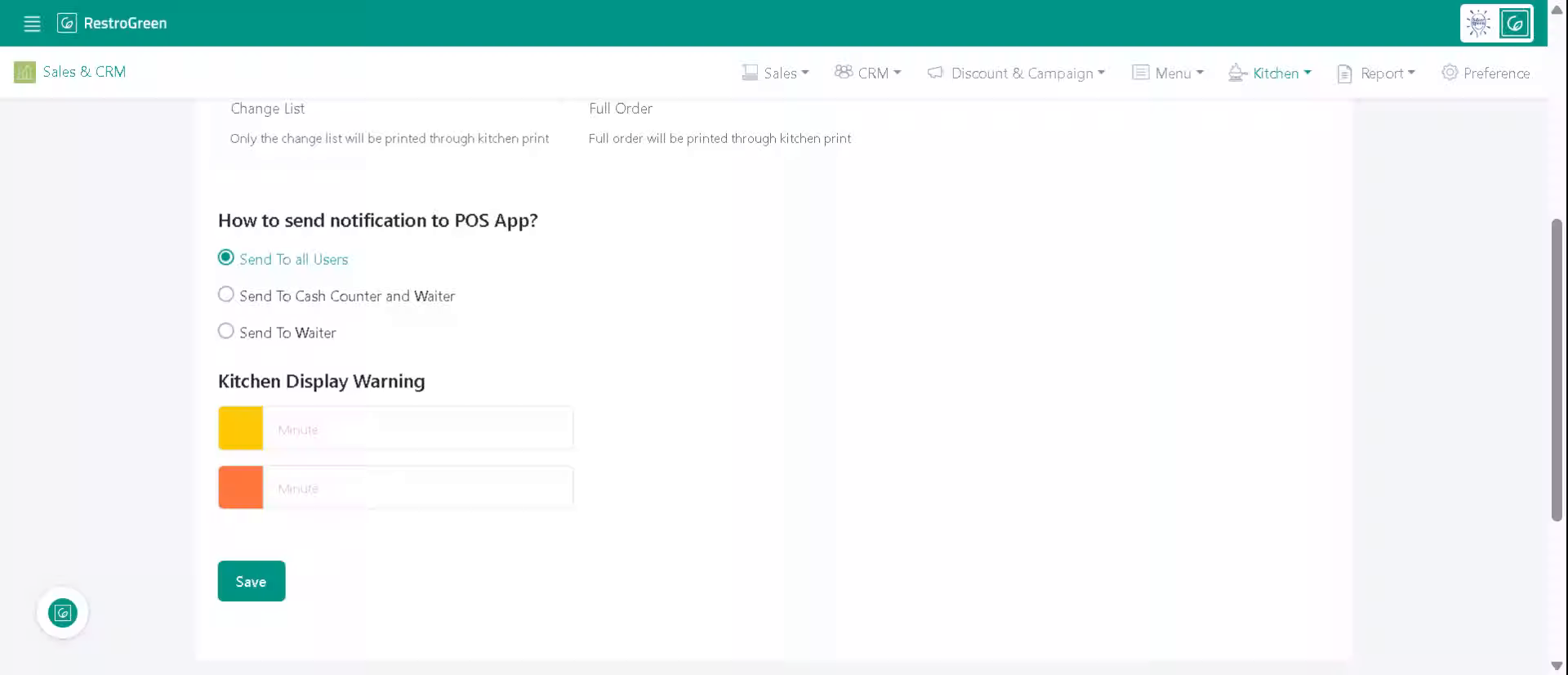
6. We can set up order delay warnings for KDS
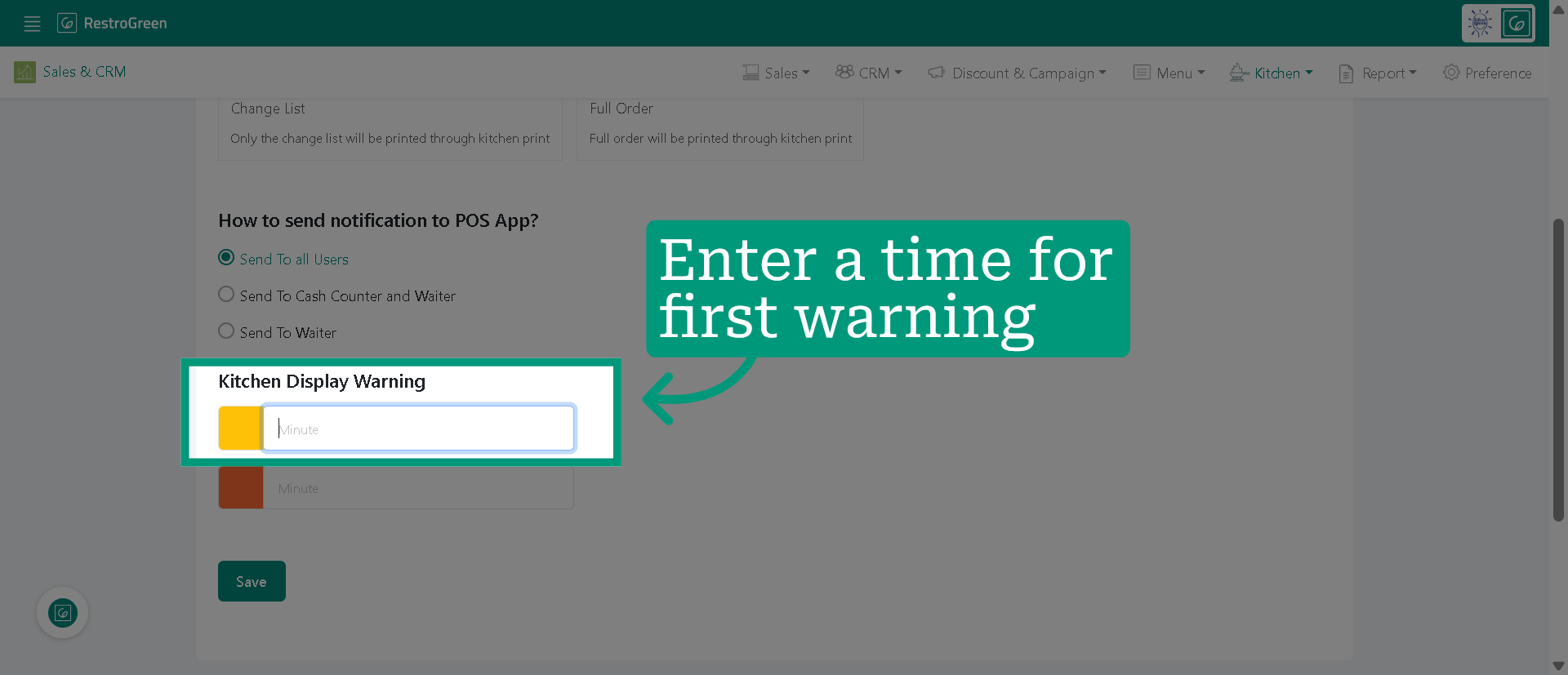
7. Set the first warning time to turn delayed KOTs yellow
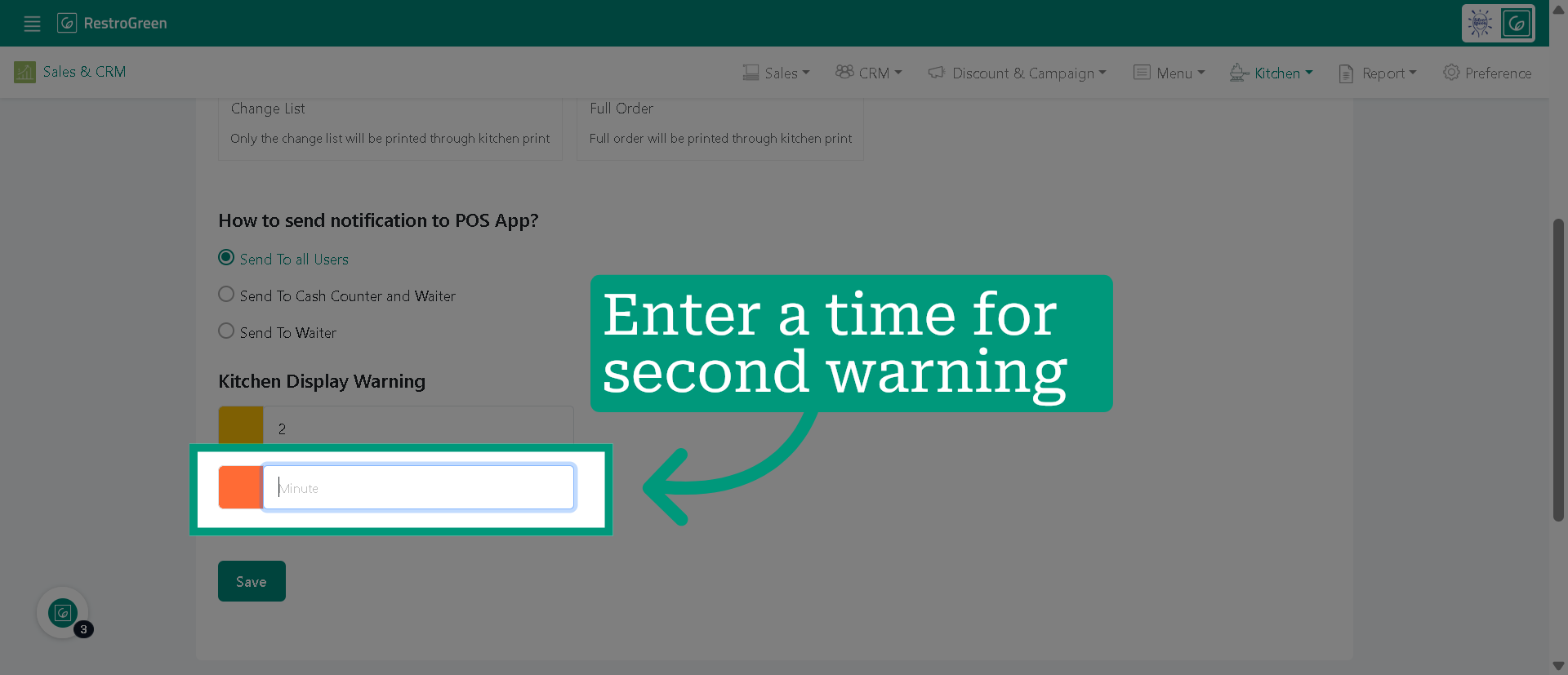
8. Set the second warning time to turn delayed KOTs red
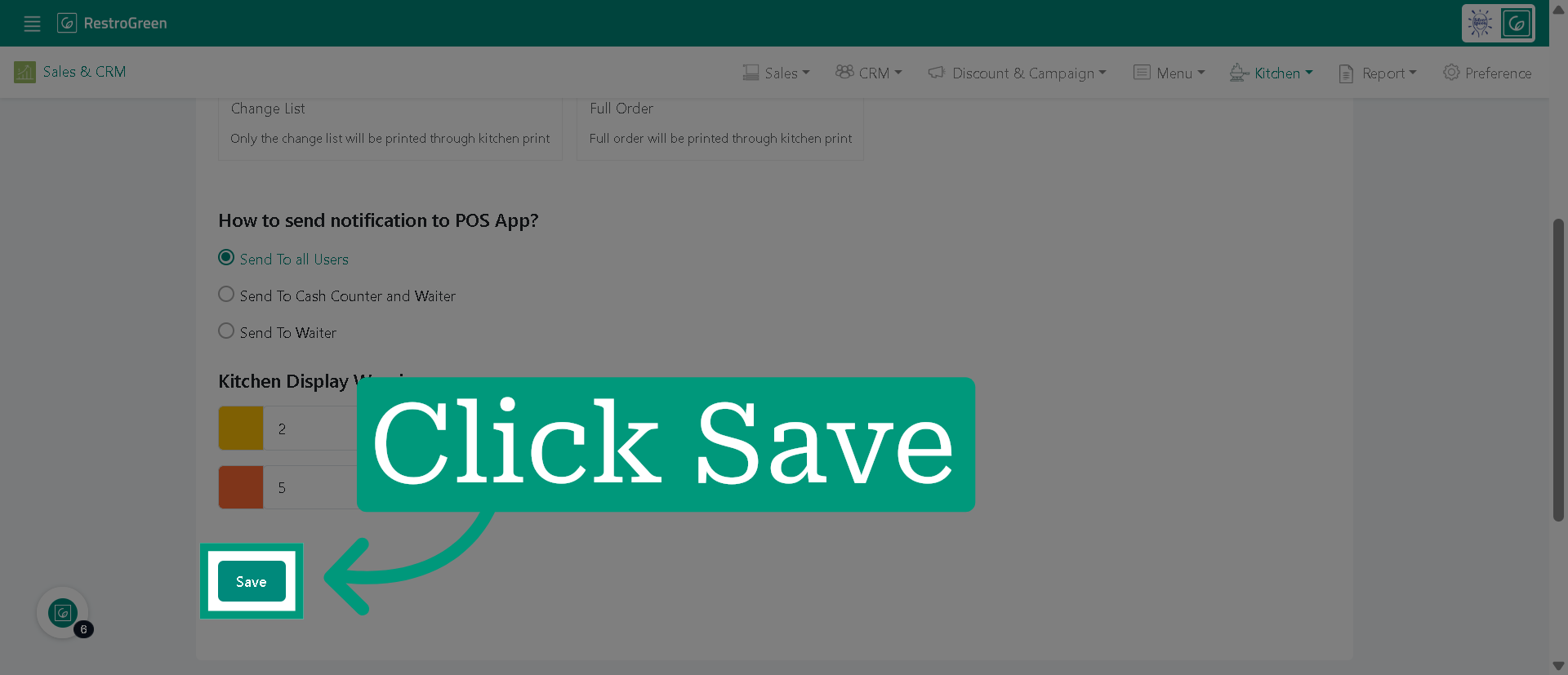
9.Click "Save" to store your kitchen display warning
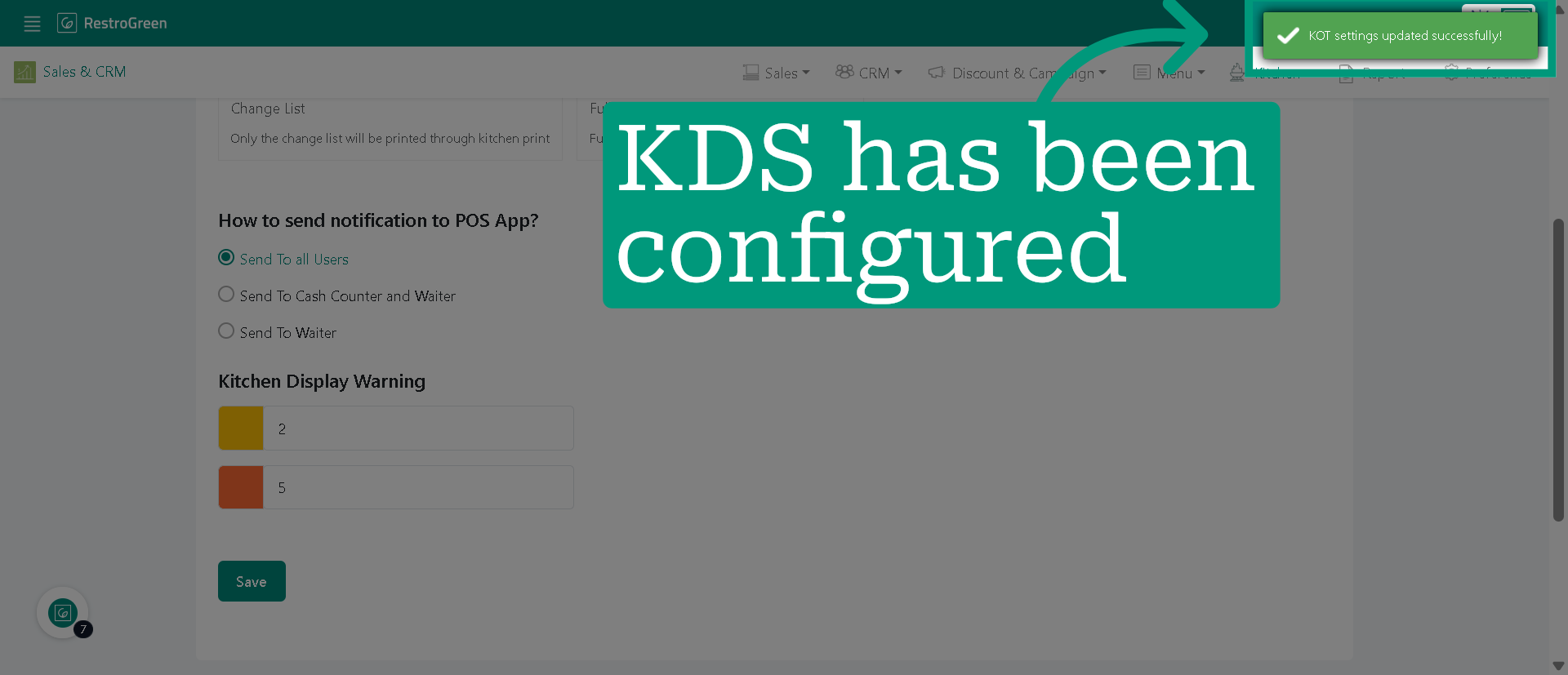
10. You have learned to configure KDS from KOT settings effectively
11. Get the KDS app from PlayStore