How to Configure Multiple Kitchen Settings in RestroGreen
This tutorial guides you through configuring multiple kitchen settings within the Business Portal.
Go to
restrogreen.quicklyservices.com
1. Access Business Portal
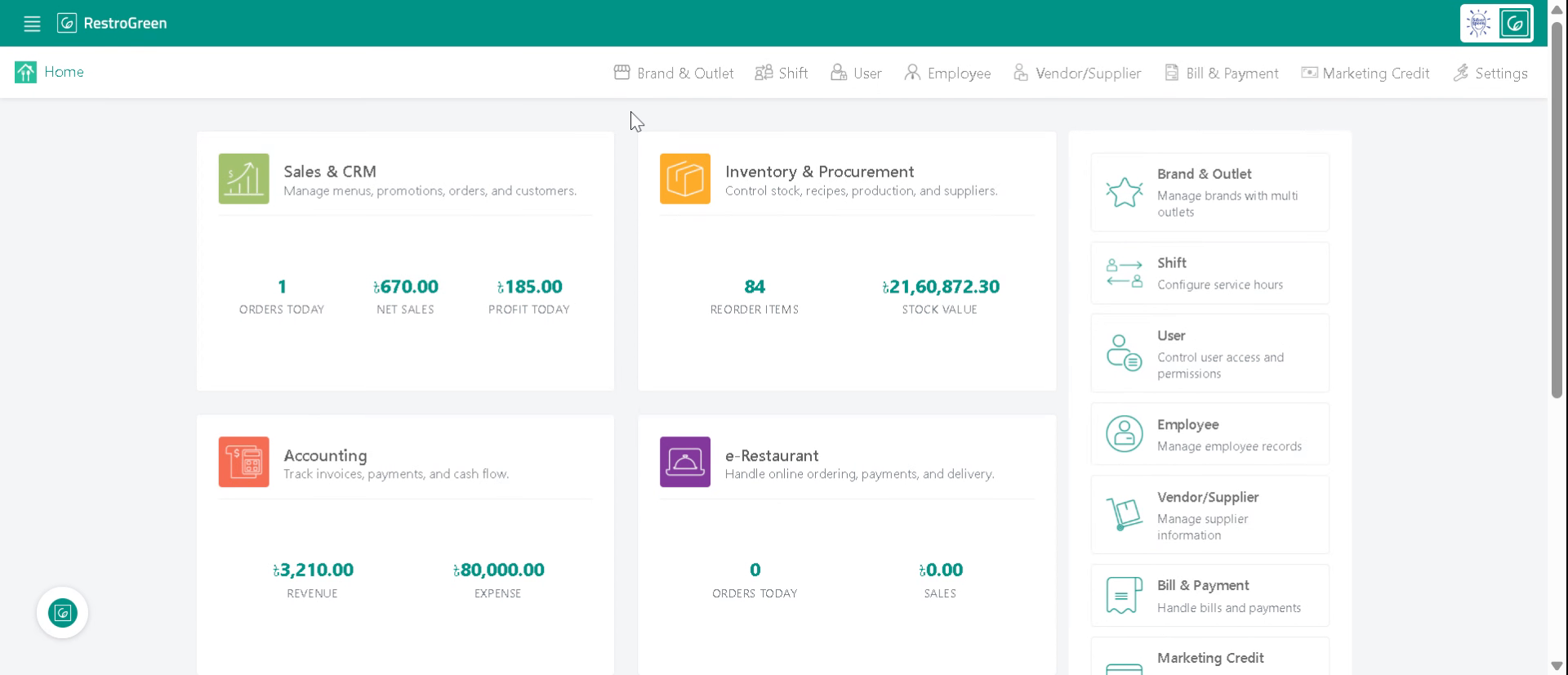
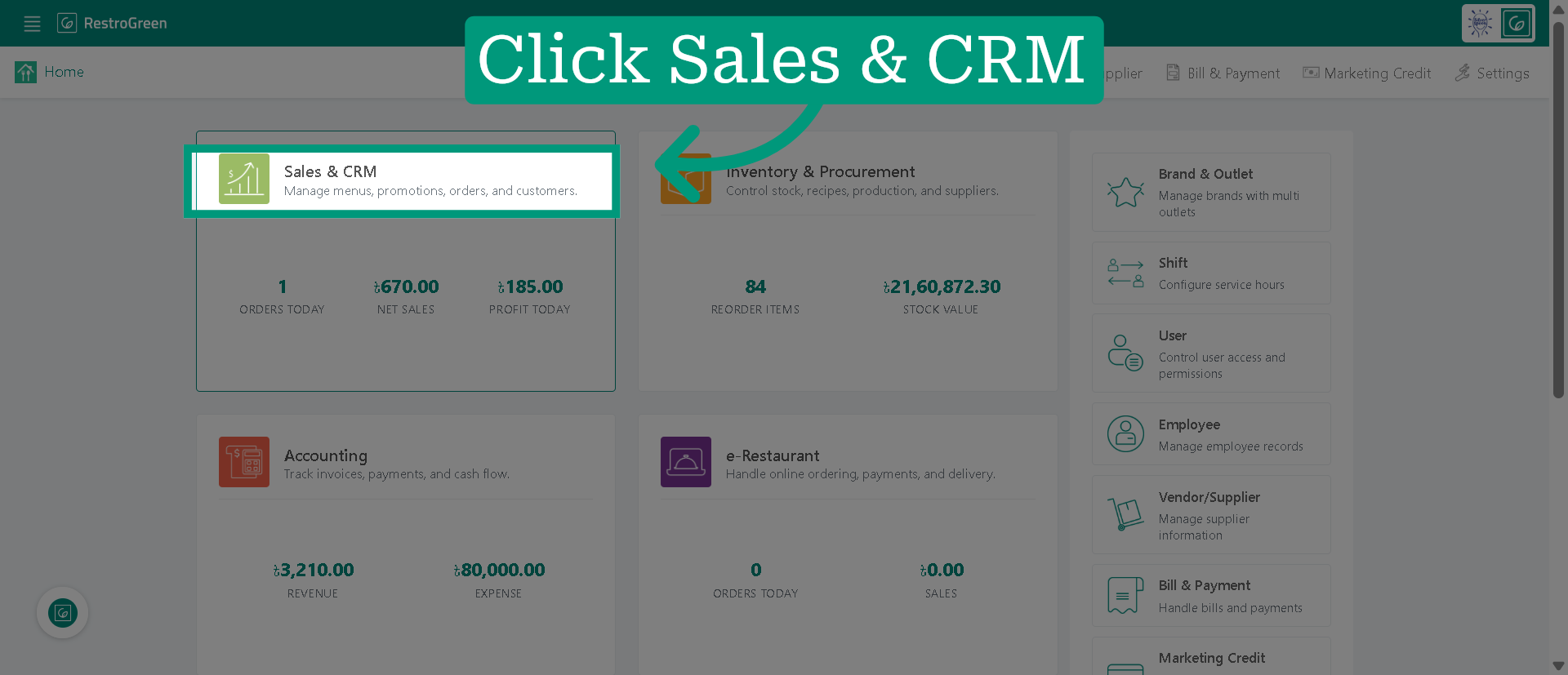
2. Access "Sales & CRM" Module
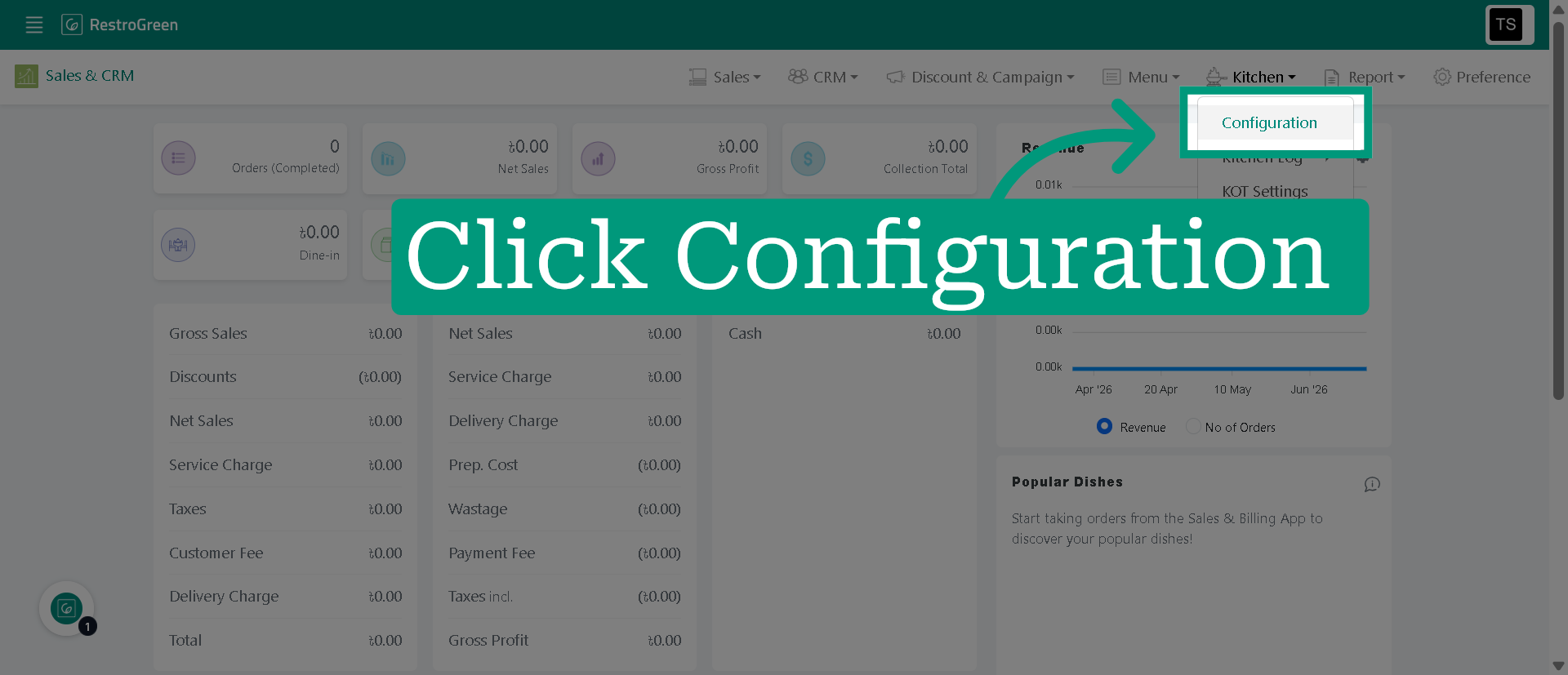
3. Click "Configuration" from the top navigation bar
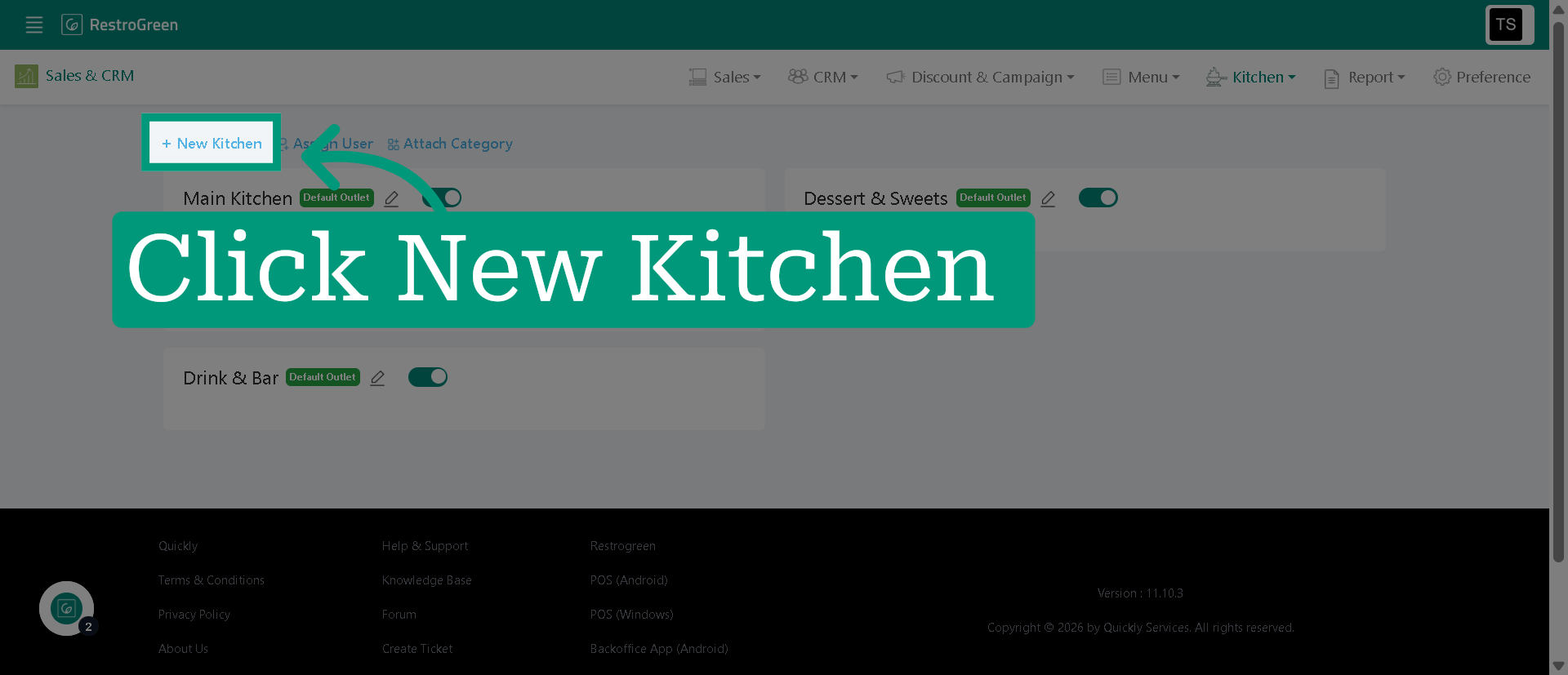
4. Initiate New Kitchen Creation
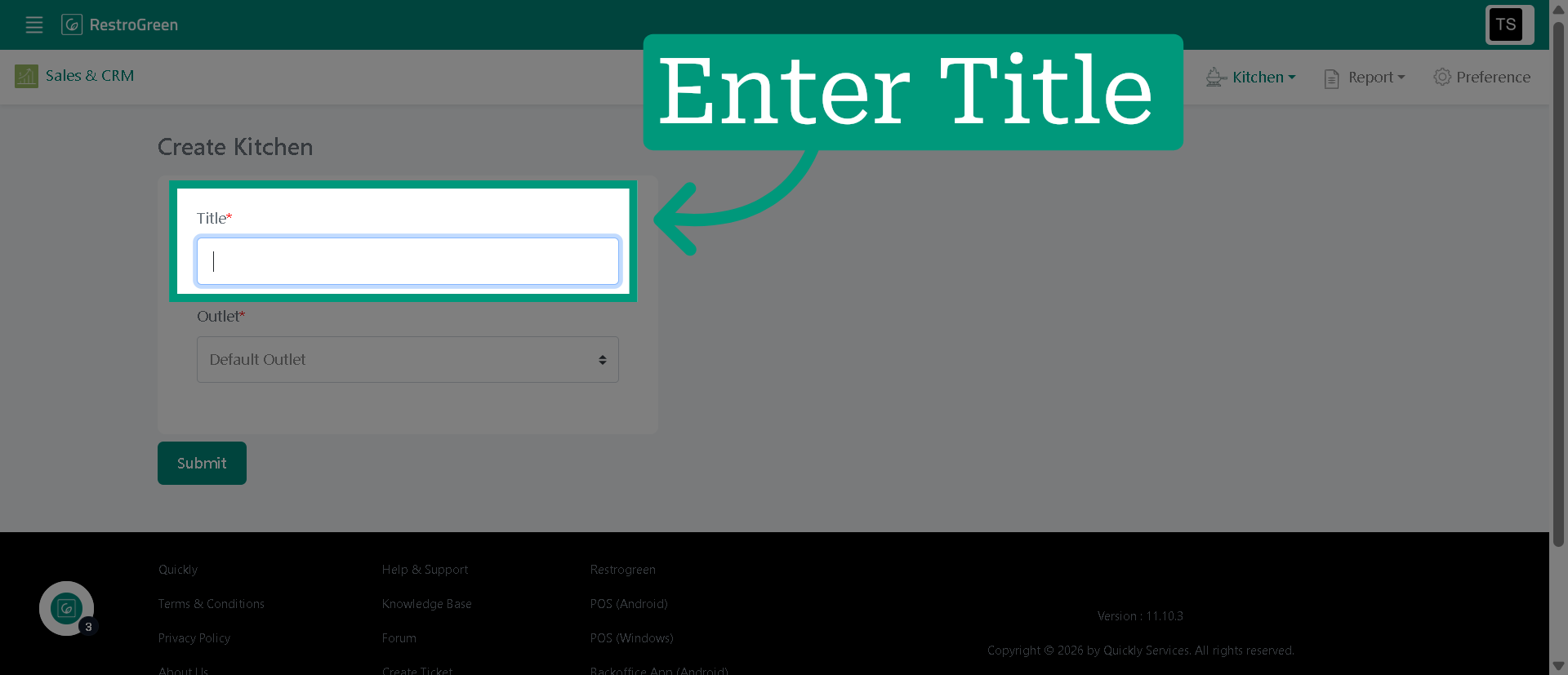
5. Type-in a title for this kitchen station
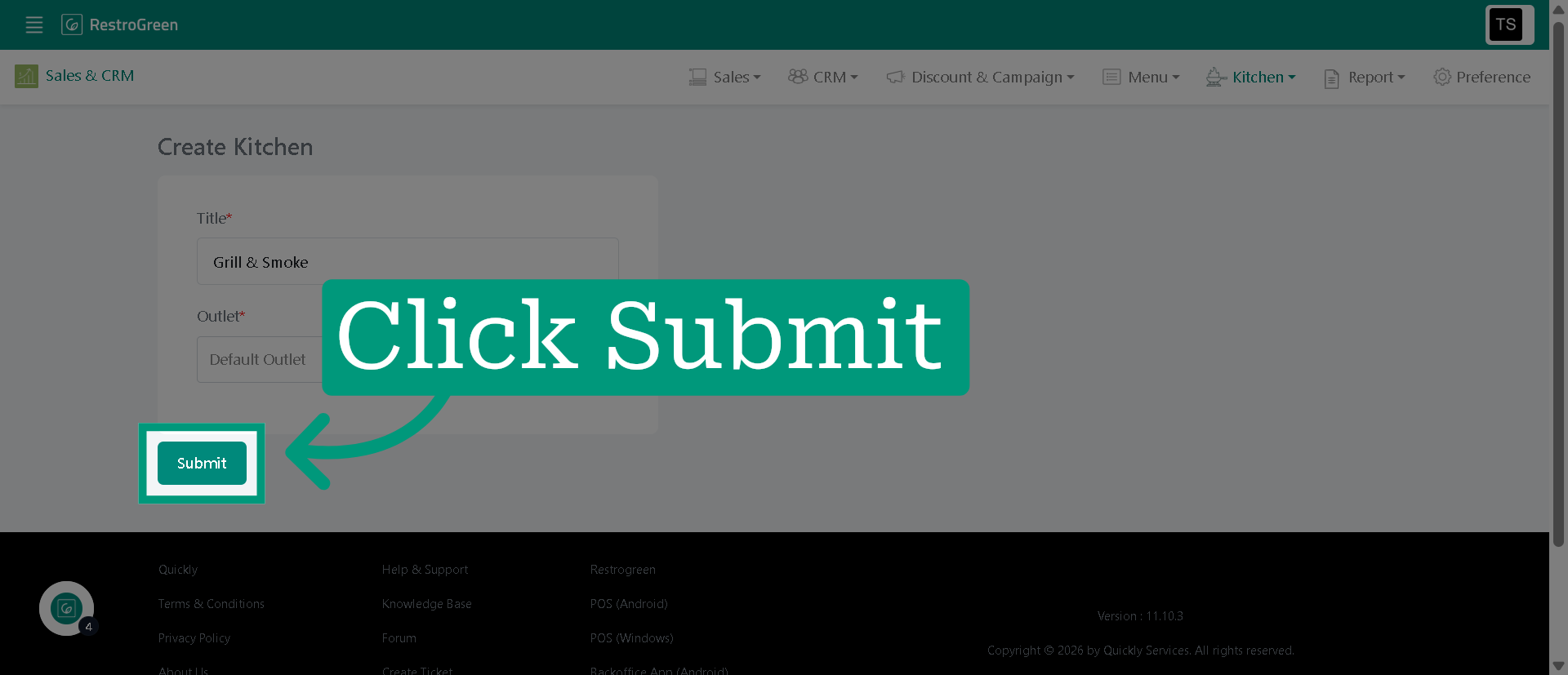
6. Click "Submit" to save the new kitchen
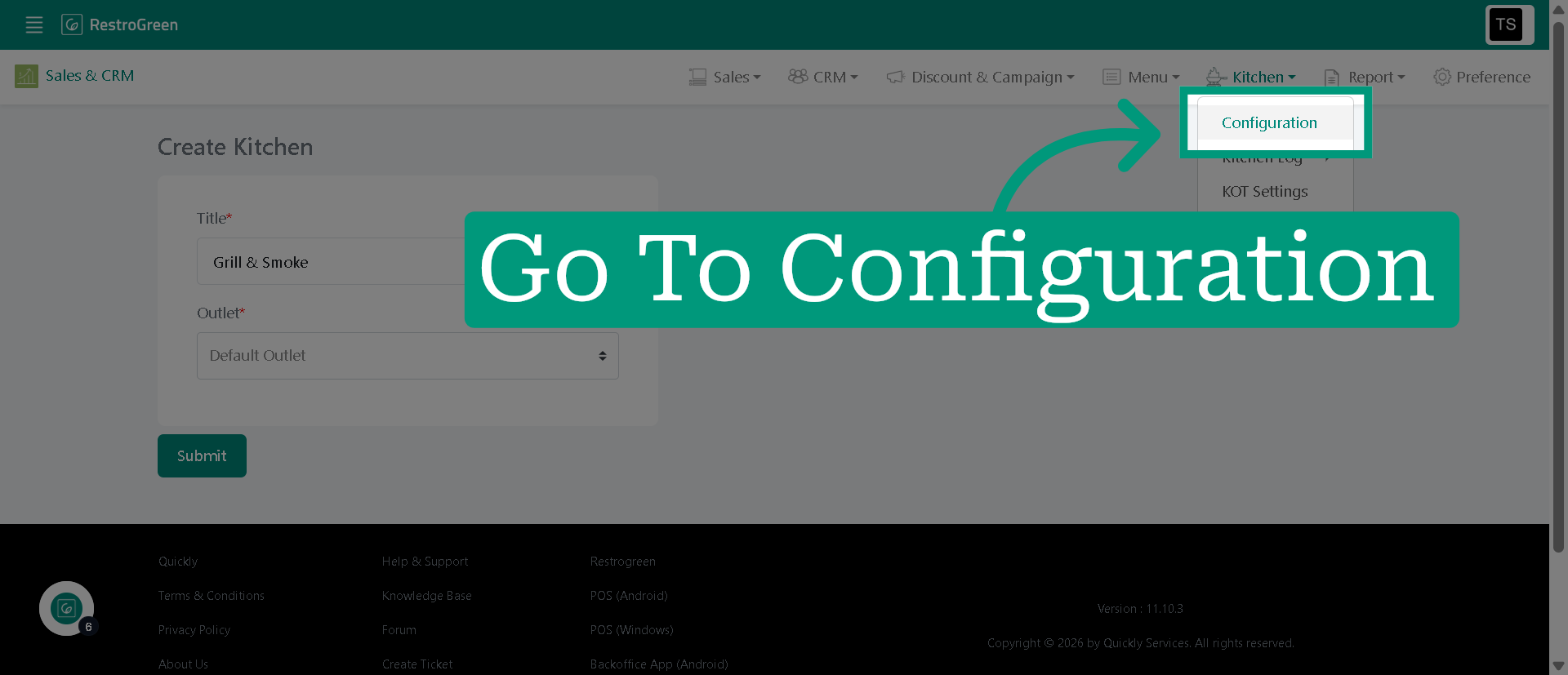
7. Click "Configuration" to go back to kitchen configuration
8. Click "Attach Category" to add dish categories to the kitchen
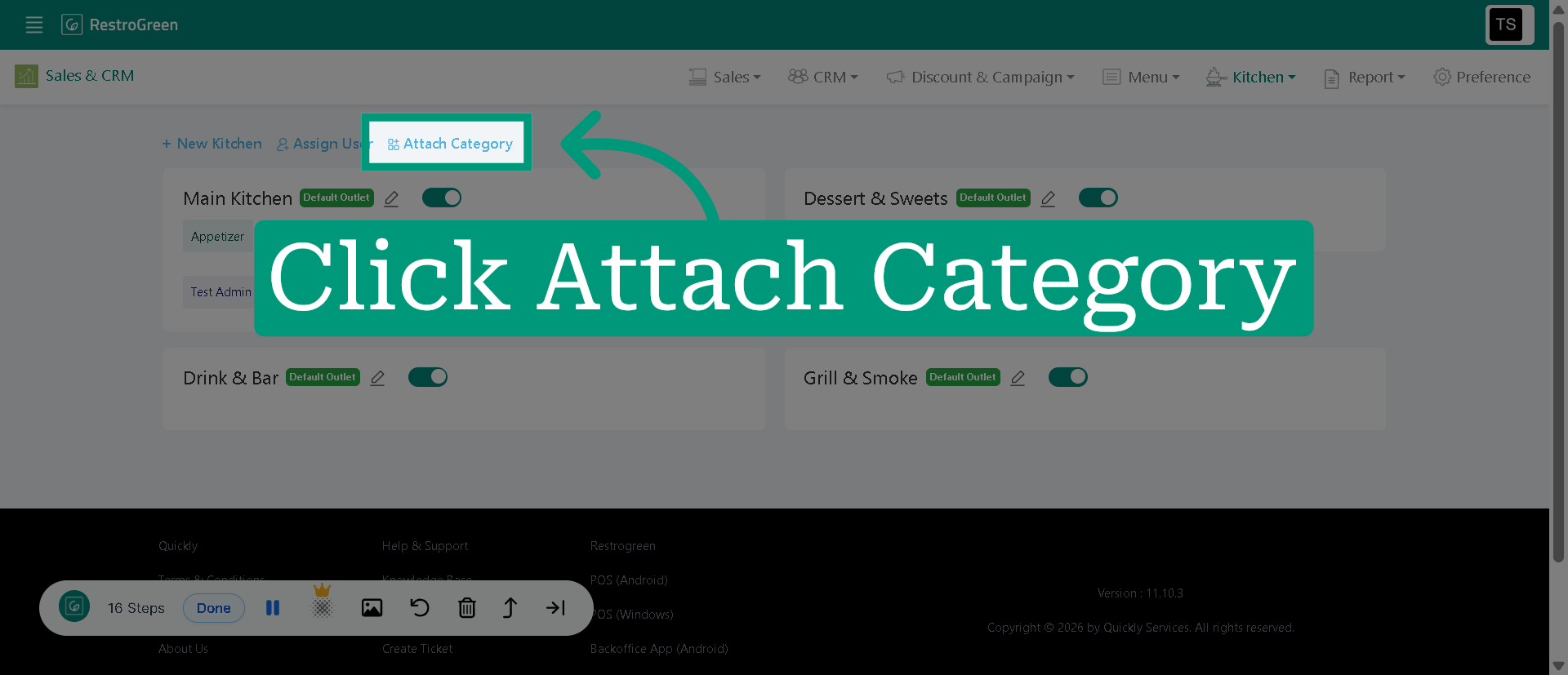
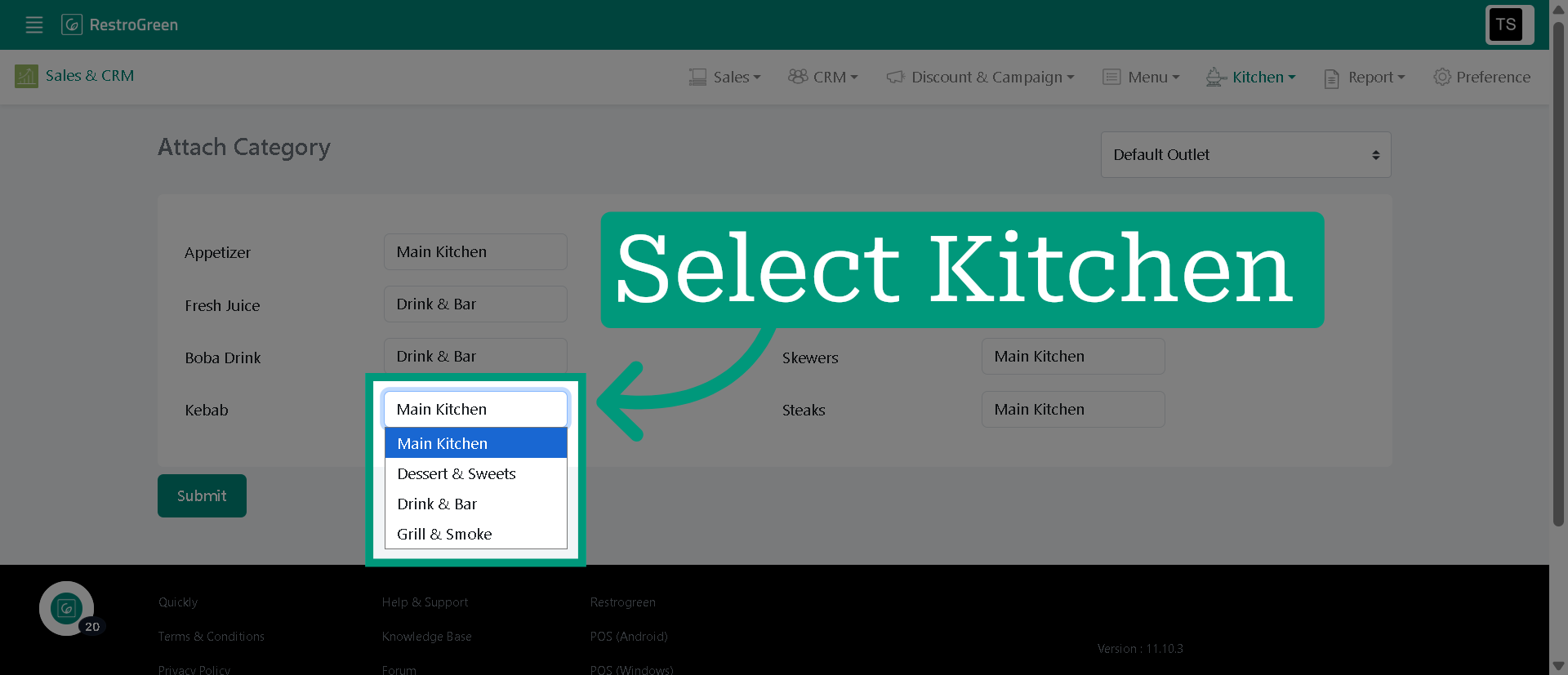
9. Select the kitchen you want to assign to a particular category
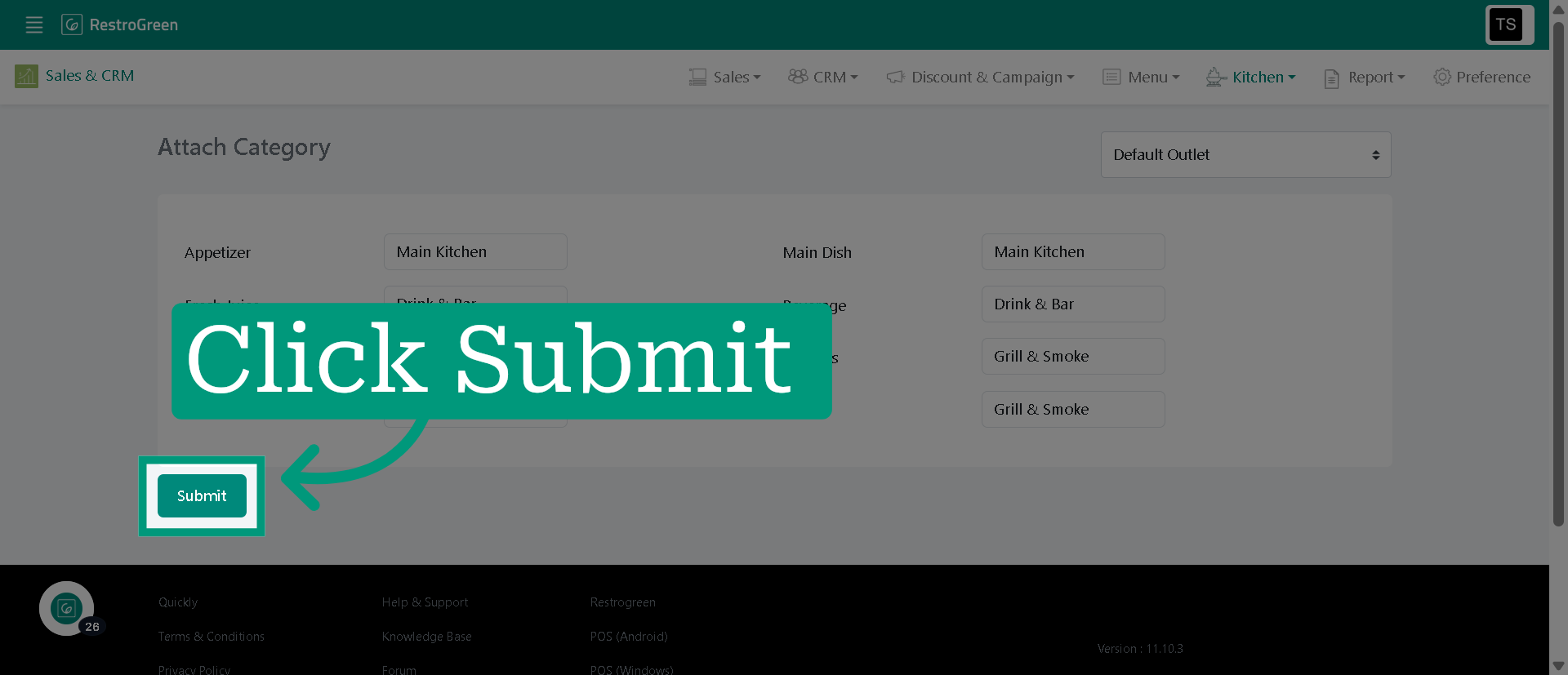
10. Click "Submit" to save the attached categories to the kitchen
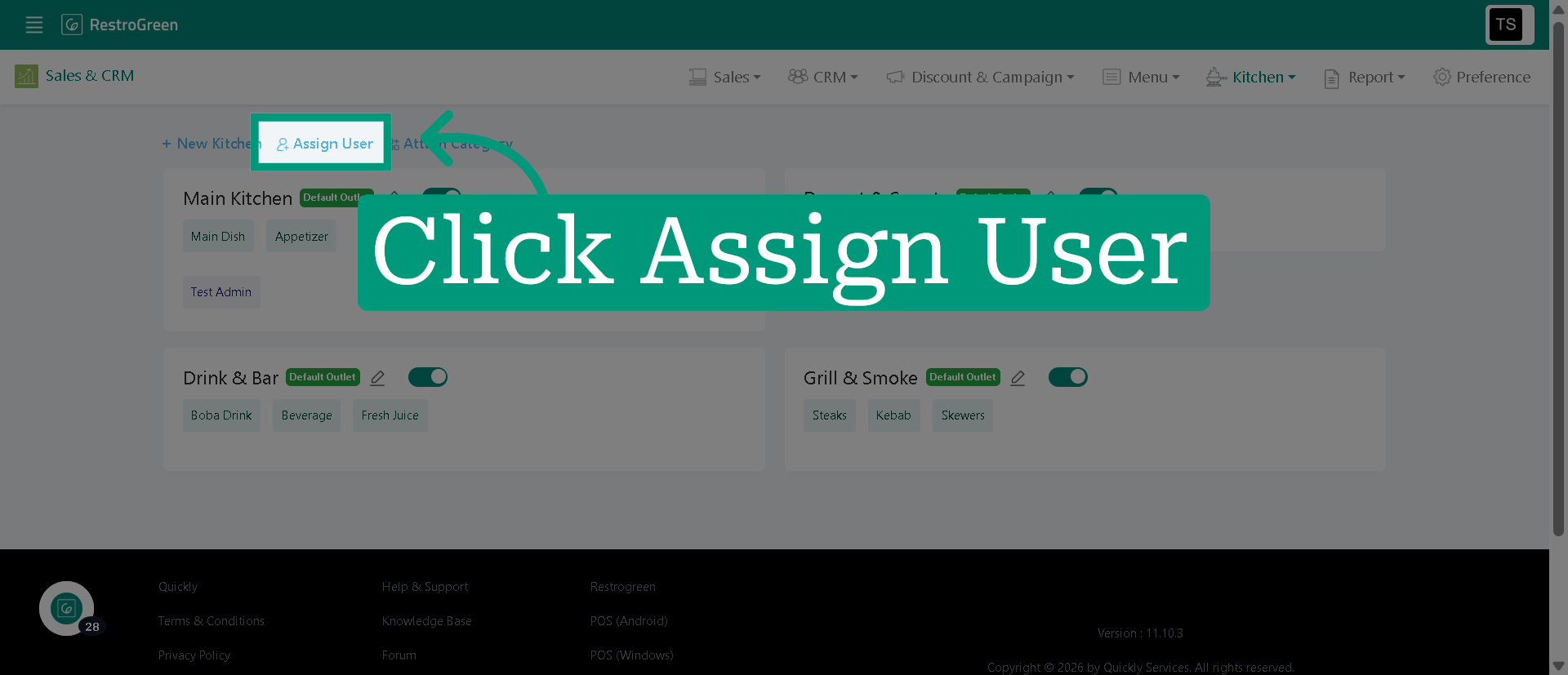
11. Click "Assign User" to begin assigning users to the kitchen
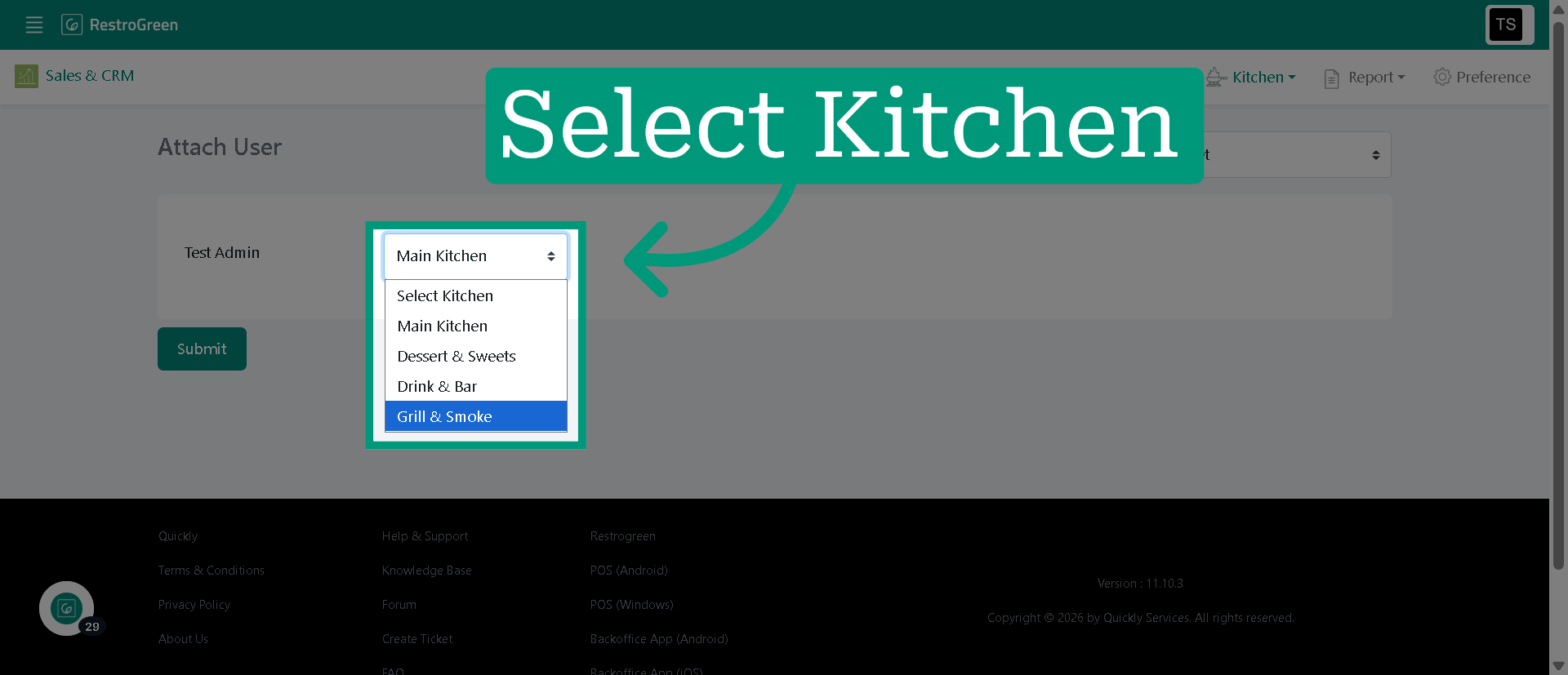
12. Select the kitchen you want to assign for a particular user
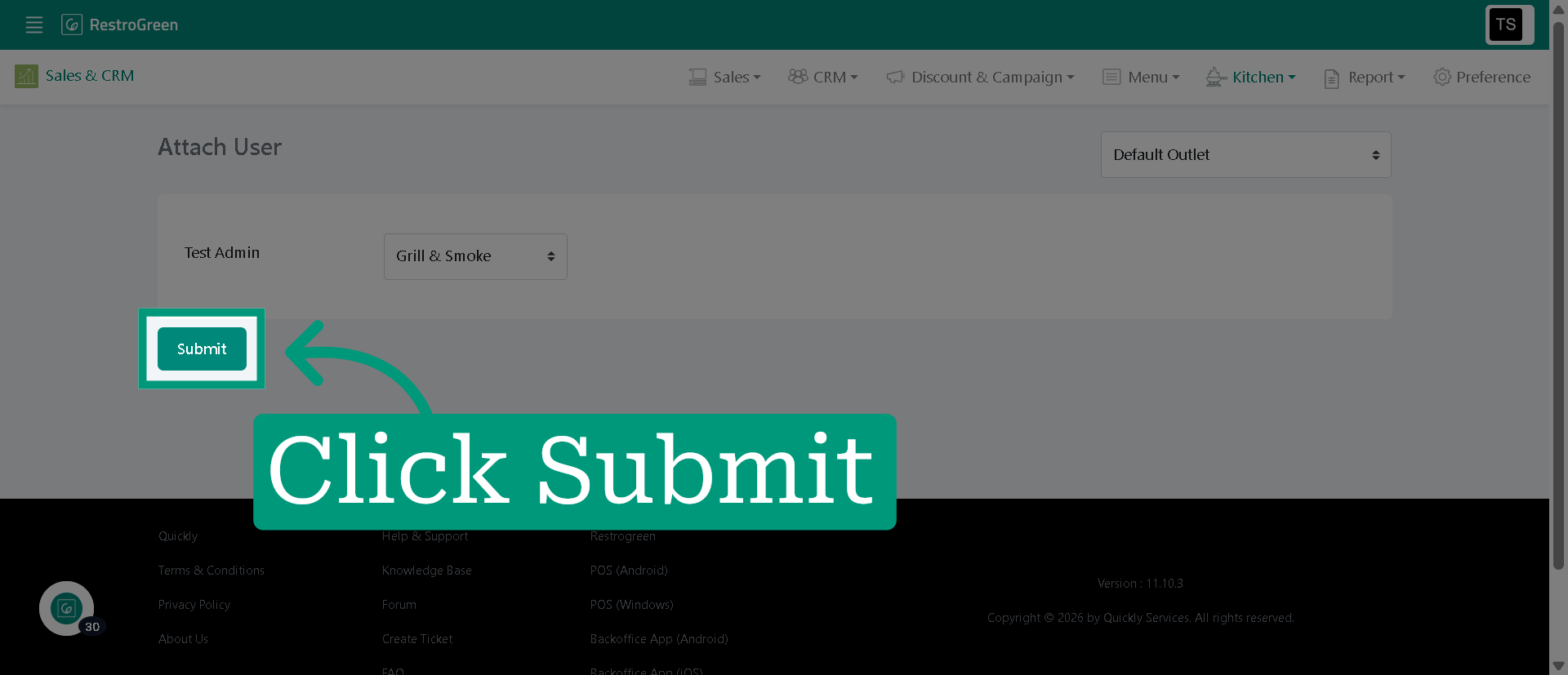
13. Click "Submit" to assign the user to the kitchen