How to Apply Membership to a Specific Customer in RestroGreen
This tutorial explains how to apply active customer membership to selected customer through the
RestroGreen Business Portal.
Go to
restrogreen.quicklyservices.com
1. Login to your Business Portal
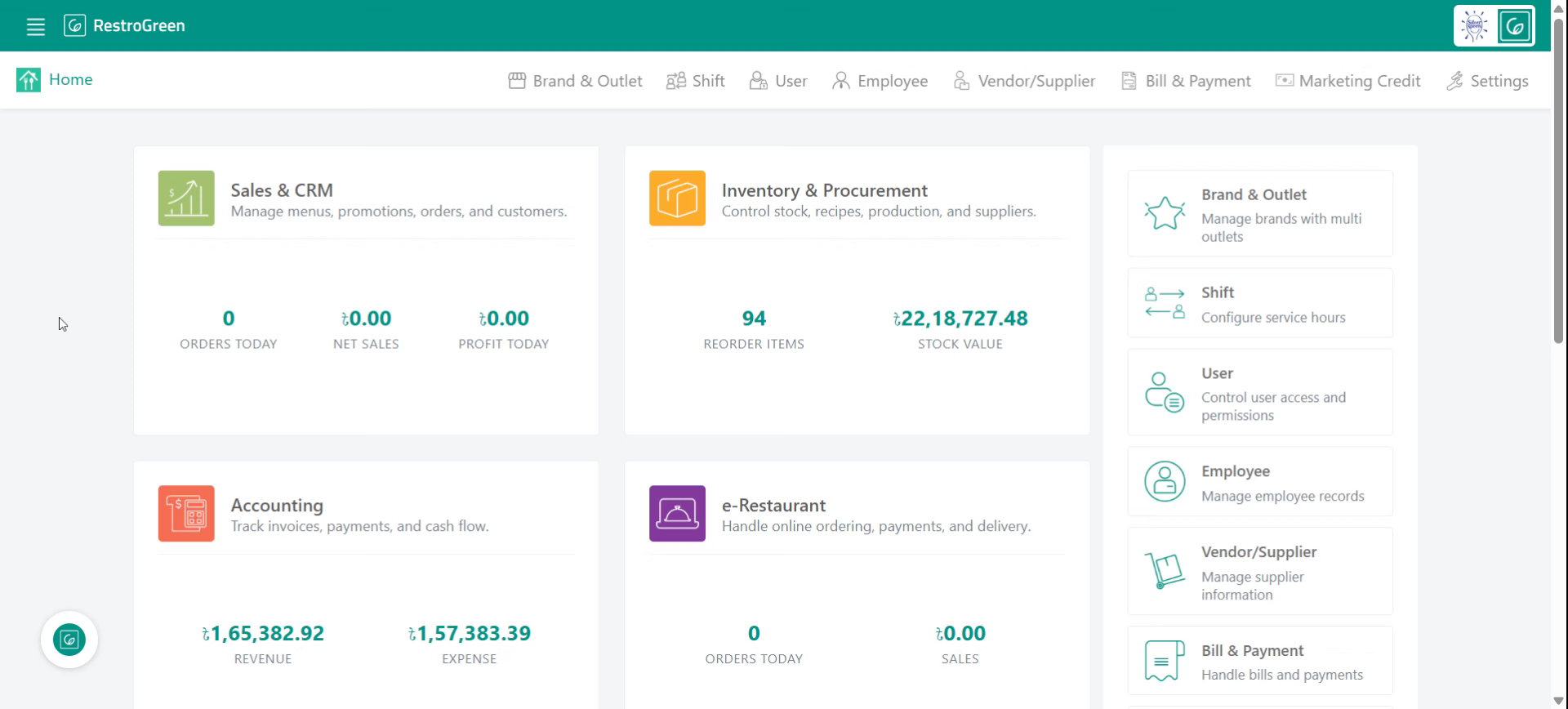
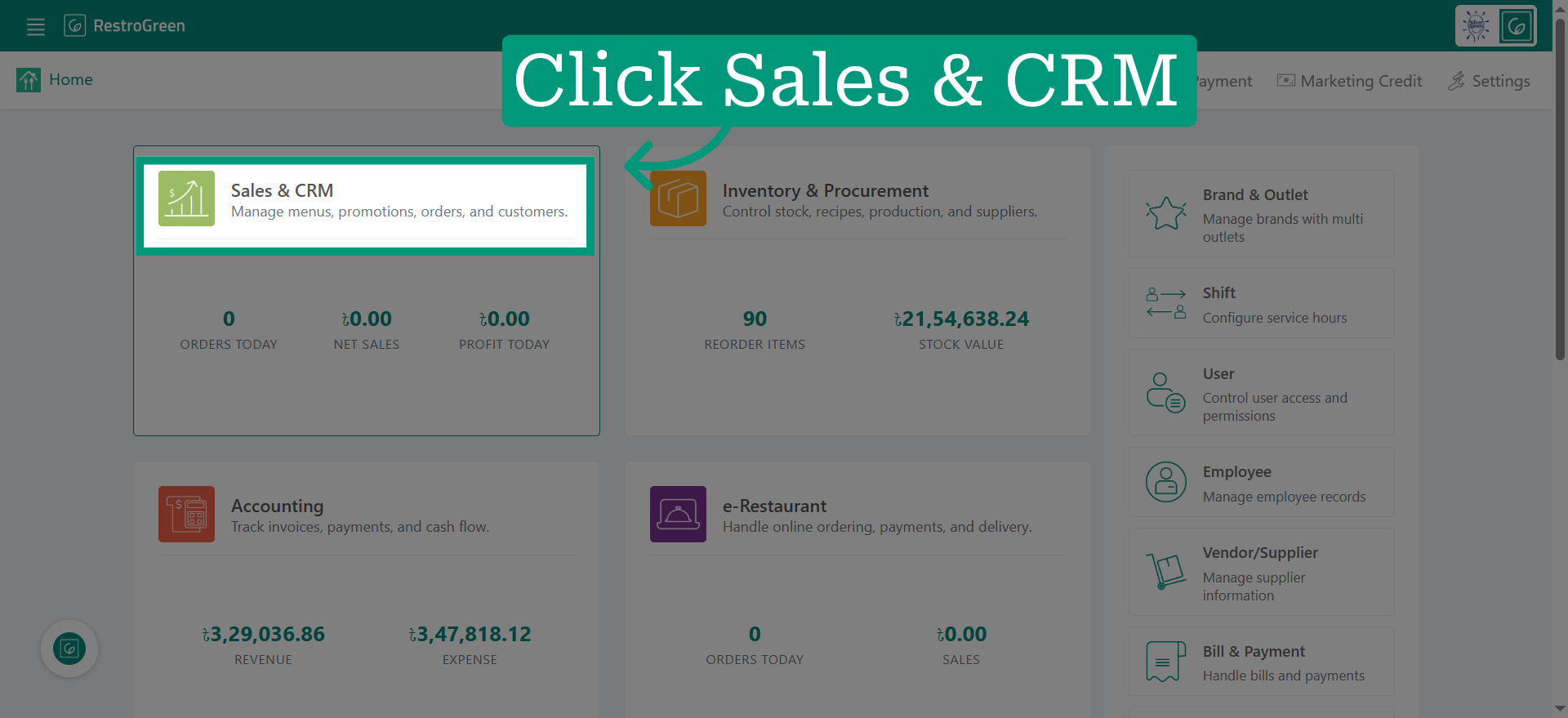
2. Access Sales and CRM Module
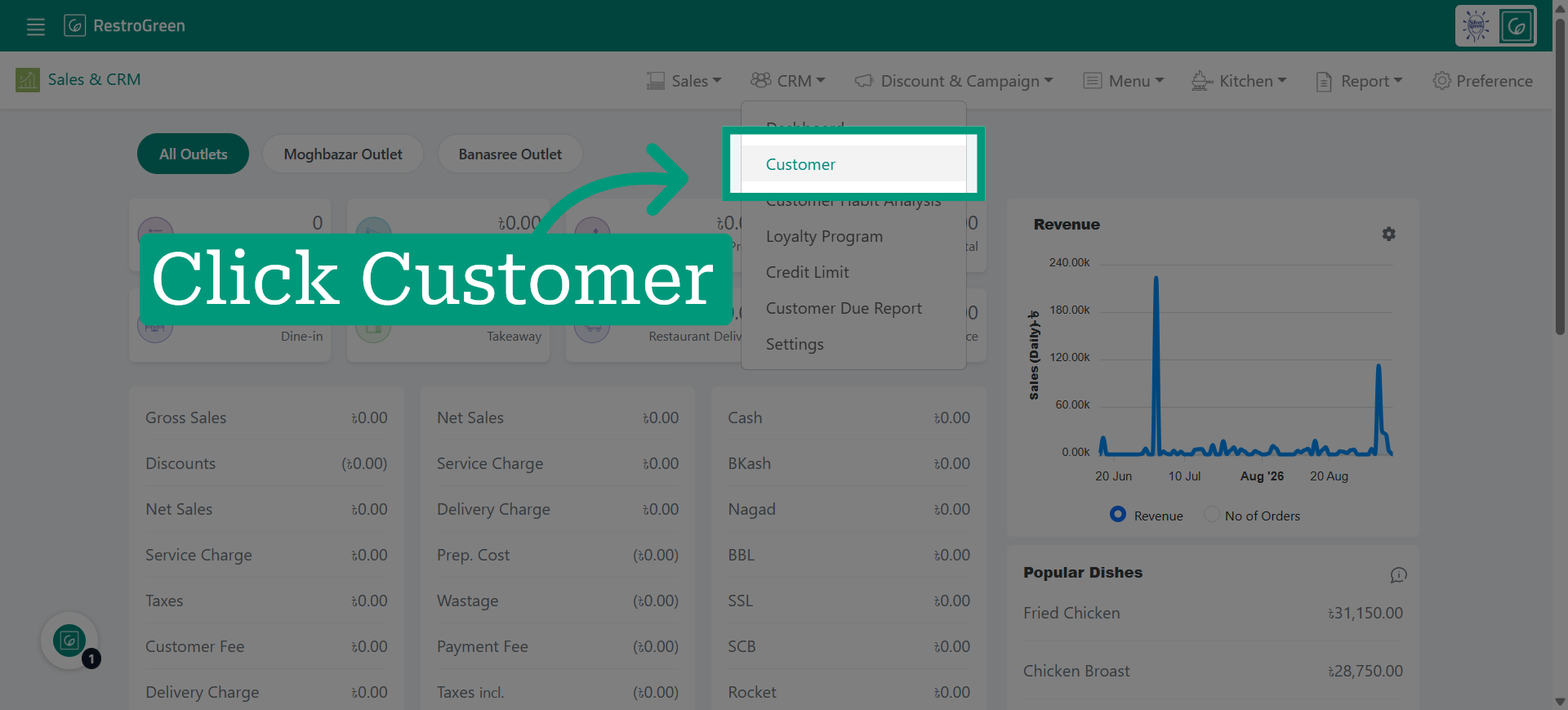
3. Click "Customer" from the top menu to view the regular customers
4. Click on the three dot option beside the preferred customer
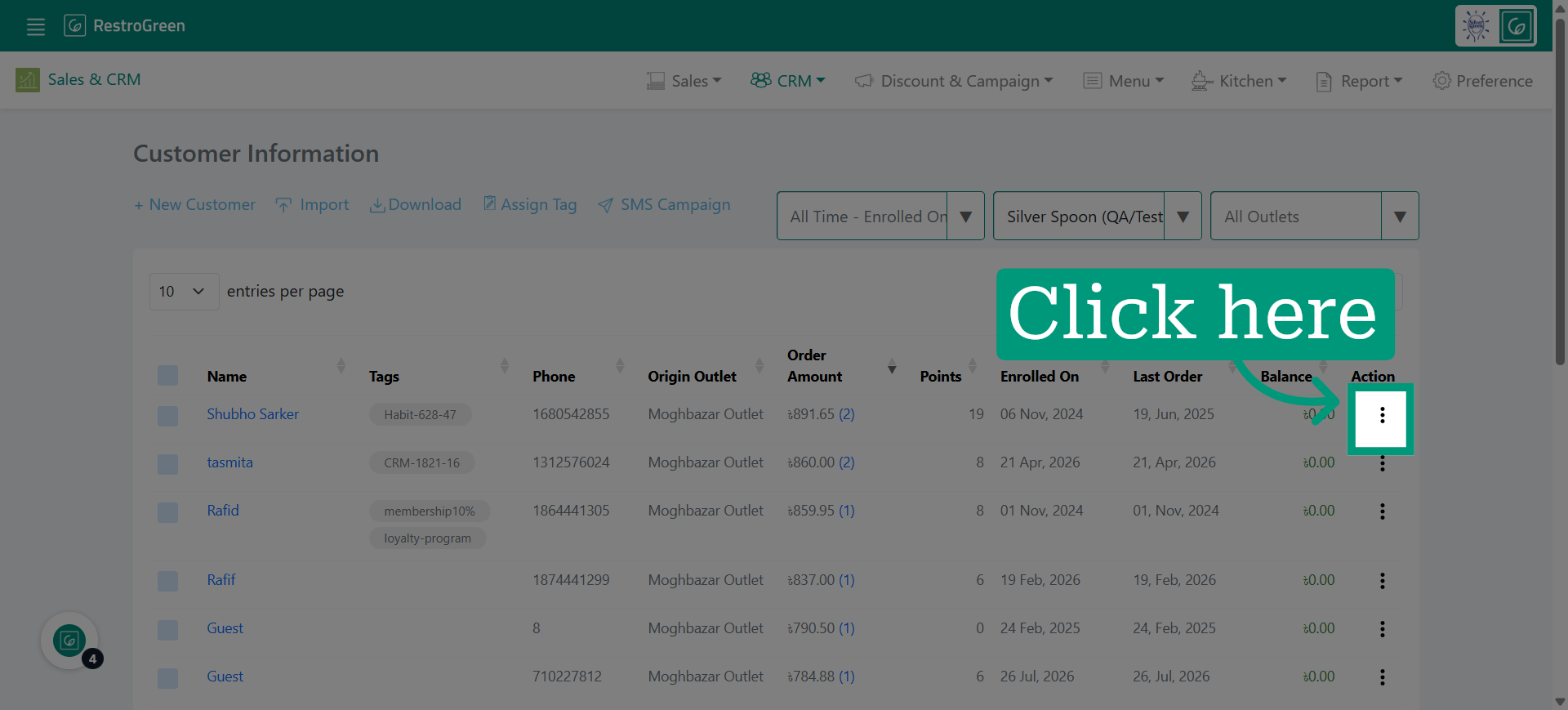
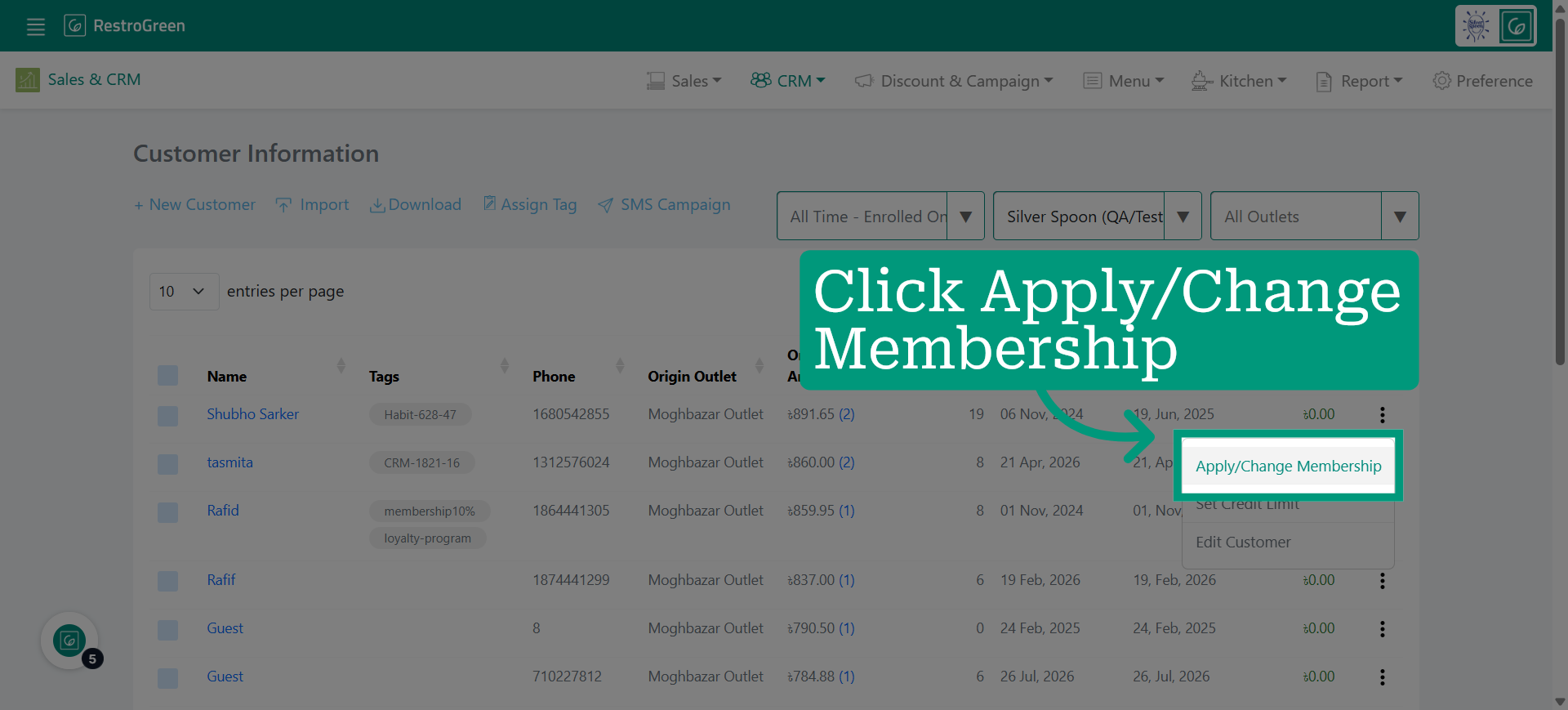
5. Select the Apply/Change Membership option to modify the customer's membership status
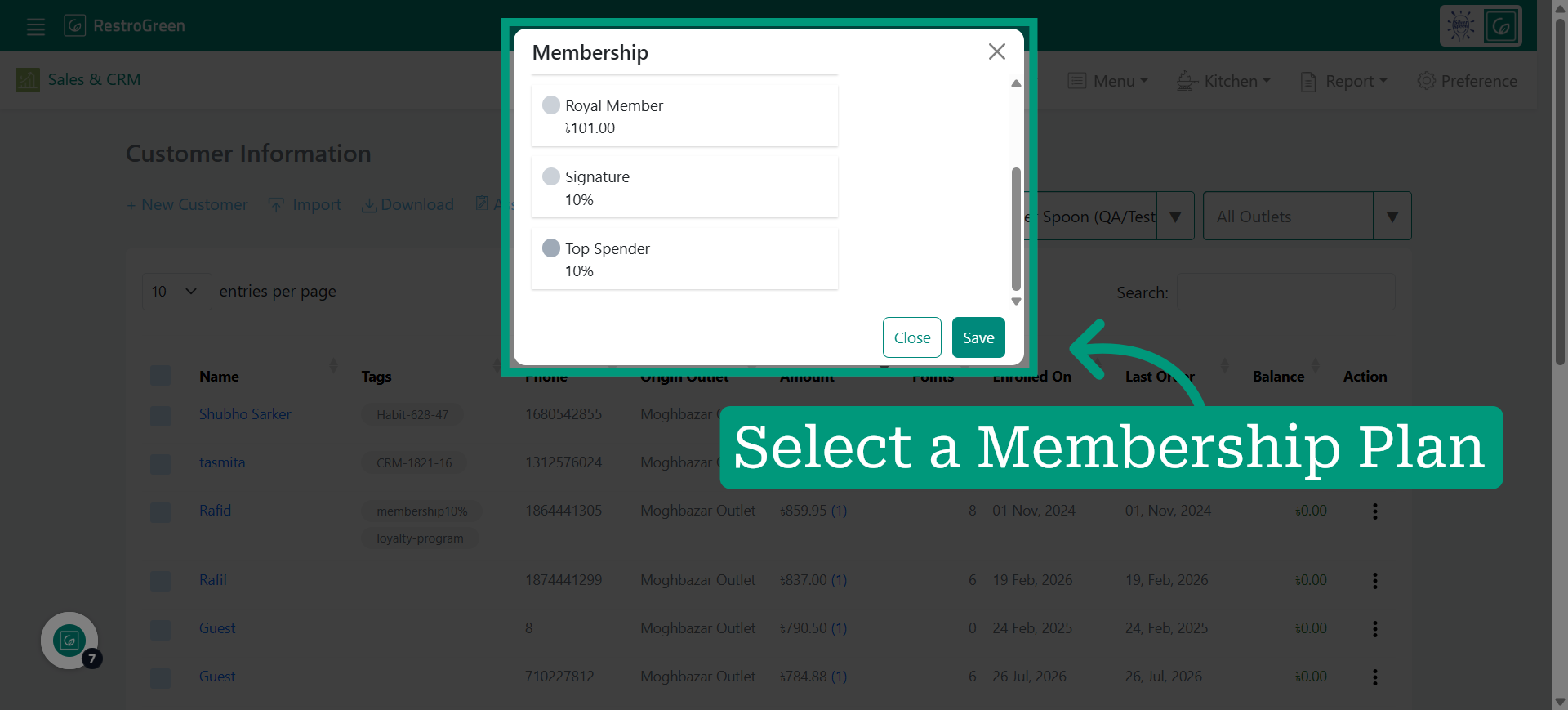
6. Select the suitable membership to apply for this customer
7. Save the changes to update the customer's membership status
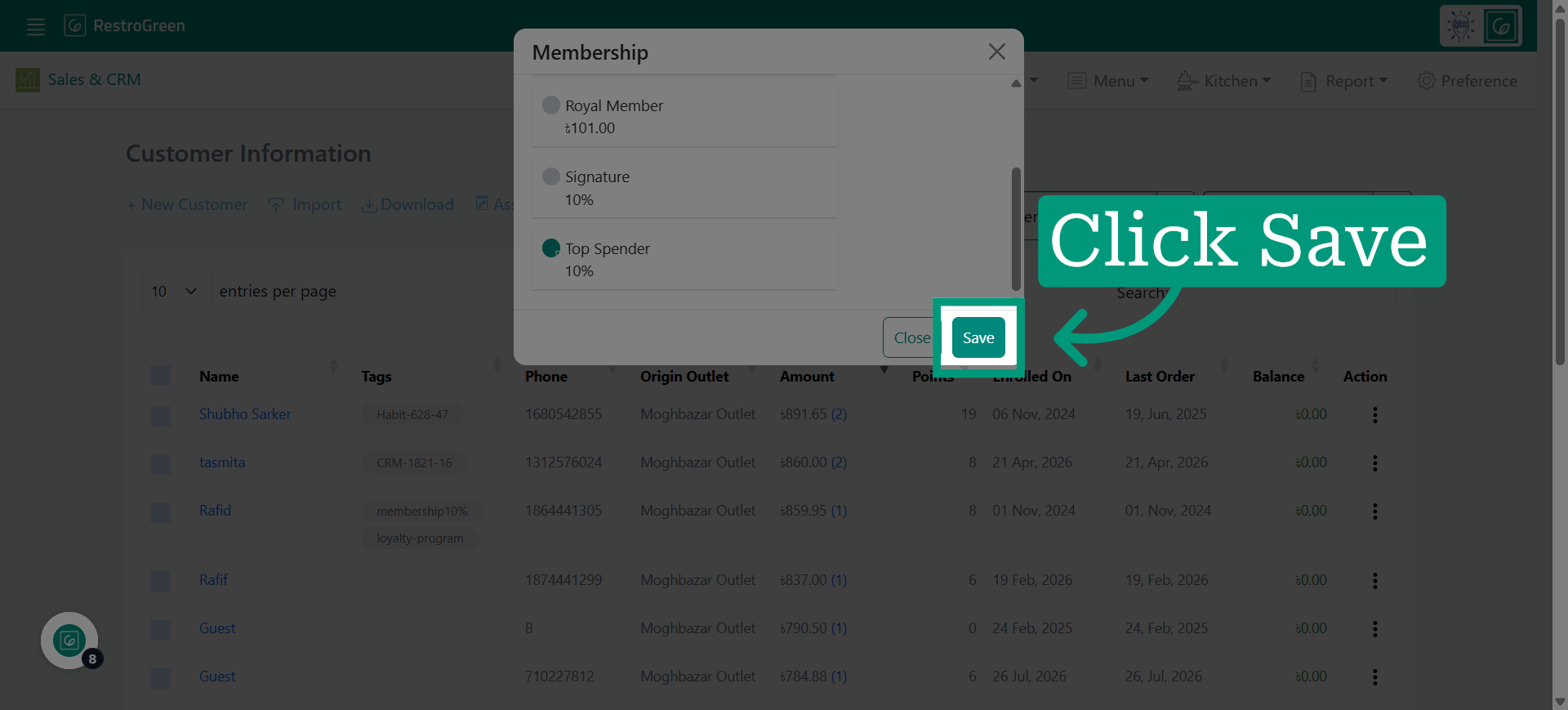
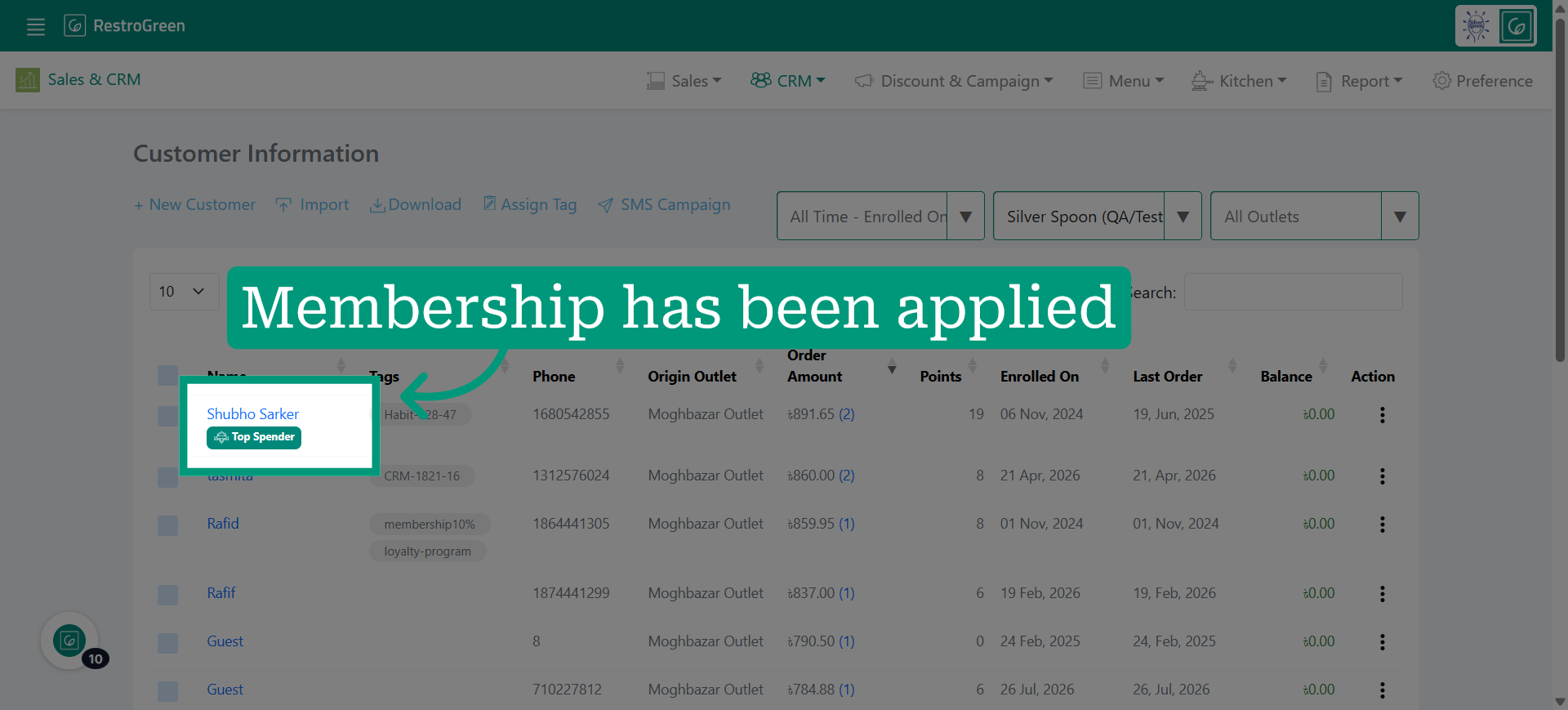
8. Membership tag has been applied immediately in the system