How to Create Restaurant Memberships in RestroGreen
This tutorial guides you through creating a new membership through the RestroGreen Business Portal.
Go to
restrogreen.quicklyservices.com
1. Login to your Business Portal
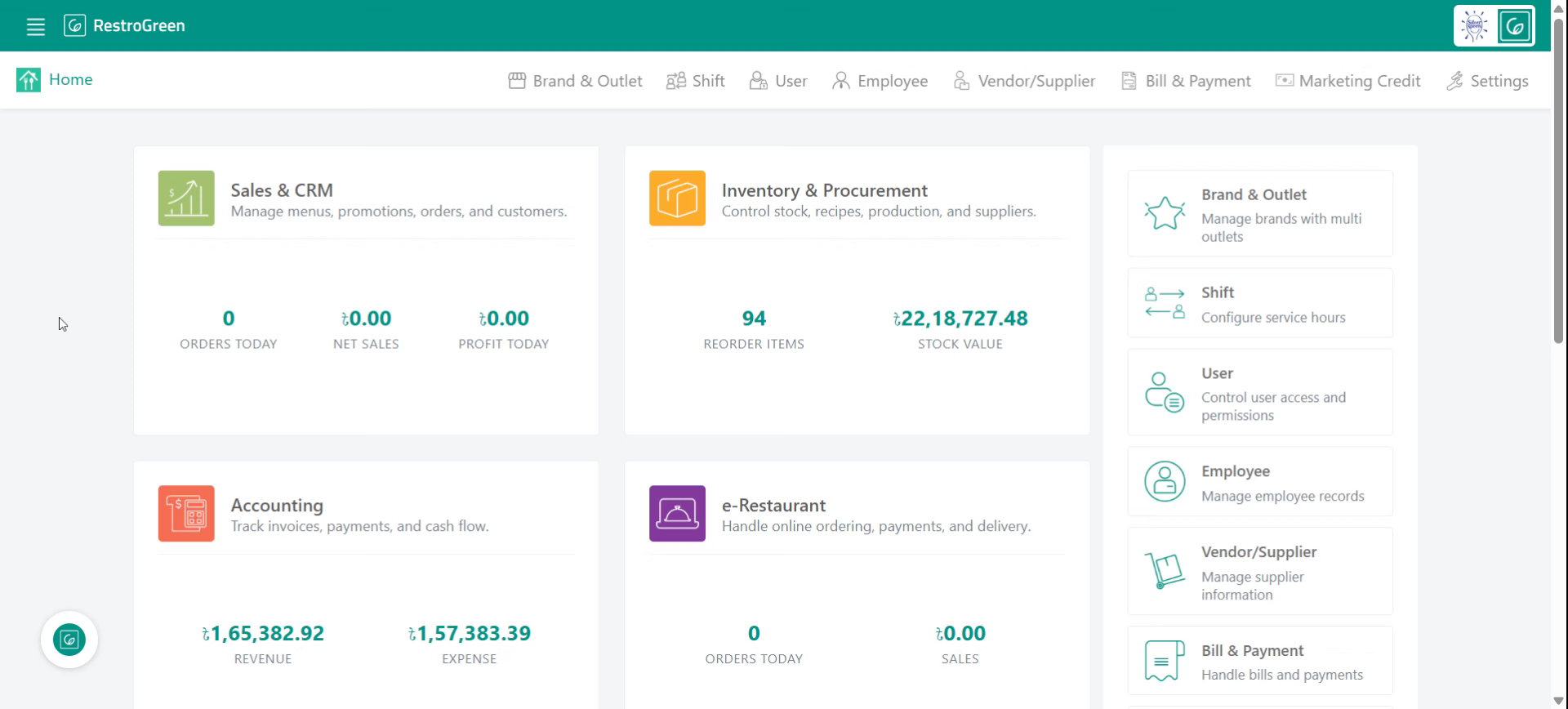
2. Access Sales and CRM Module
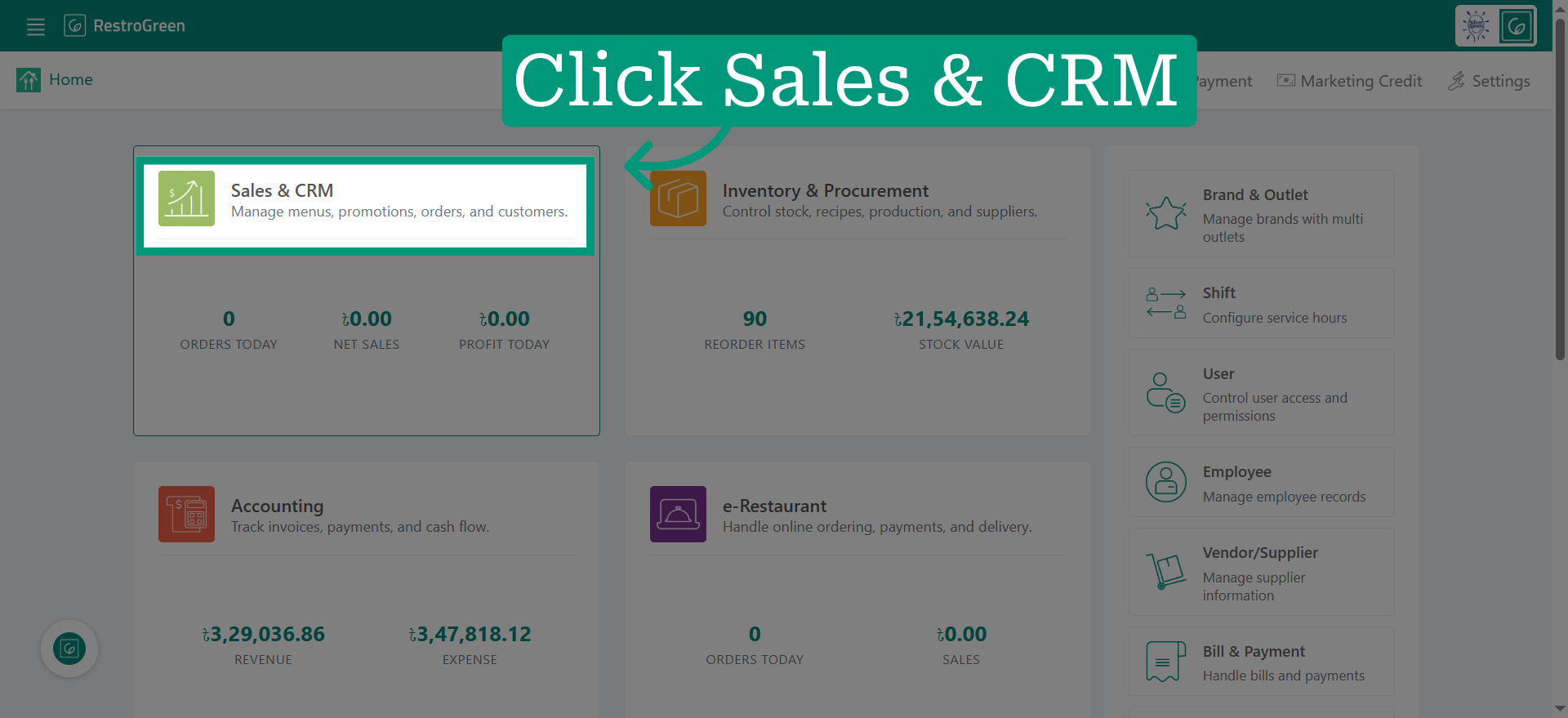
3. Click "Membership" to view and manage membership options
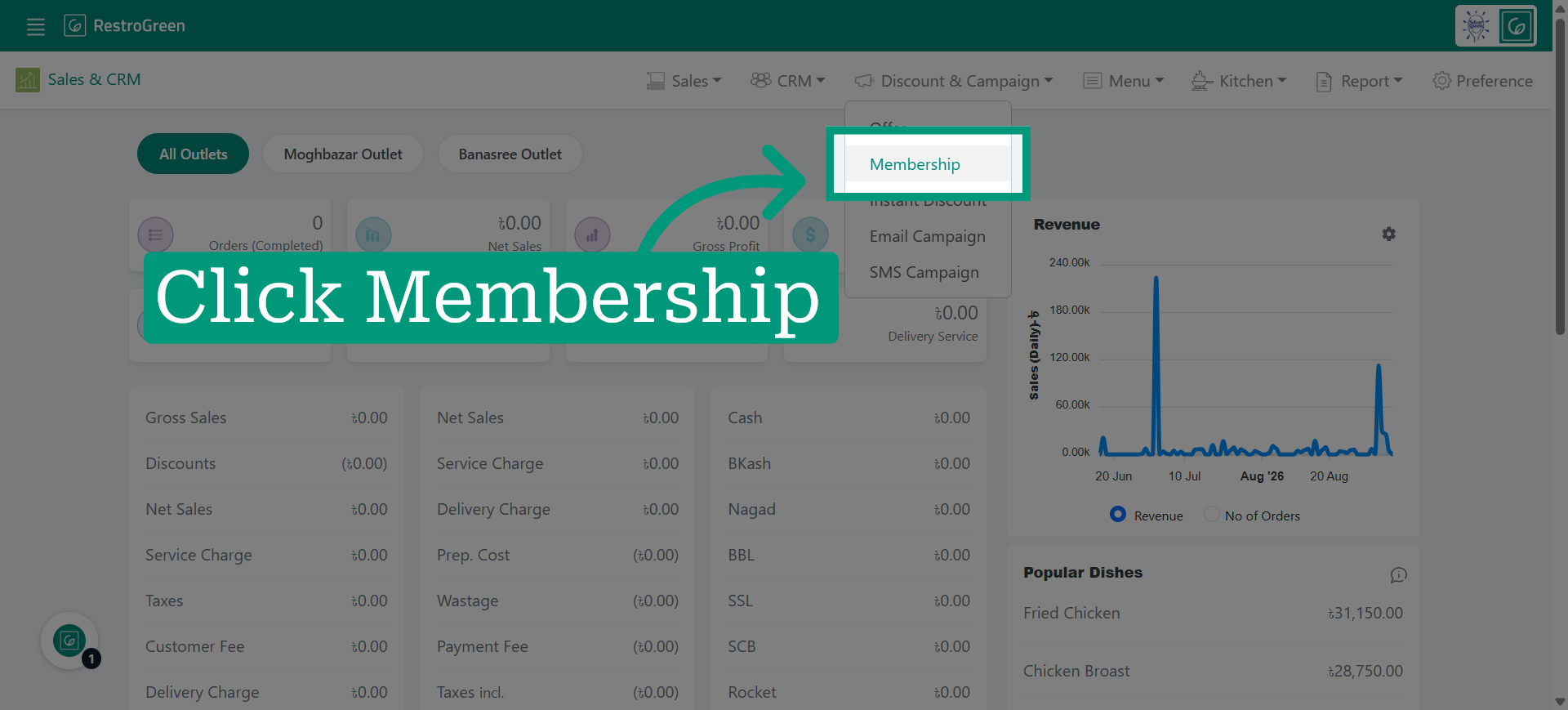
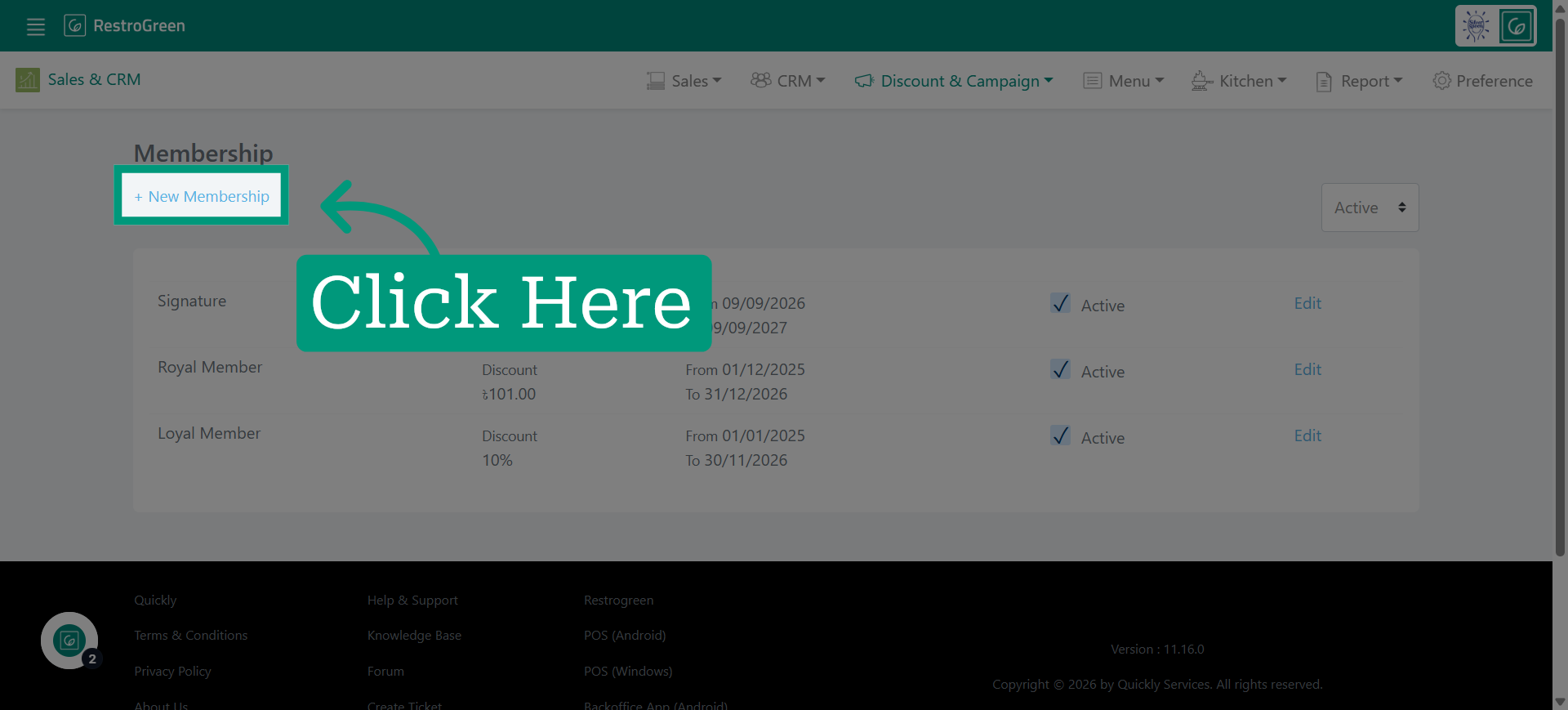
4. Click "New Membership" to initiate membership creation
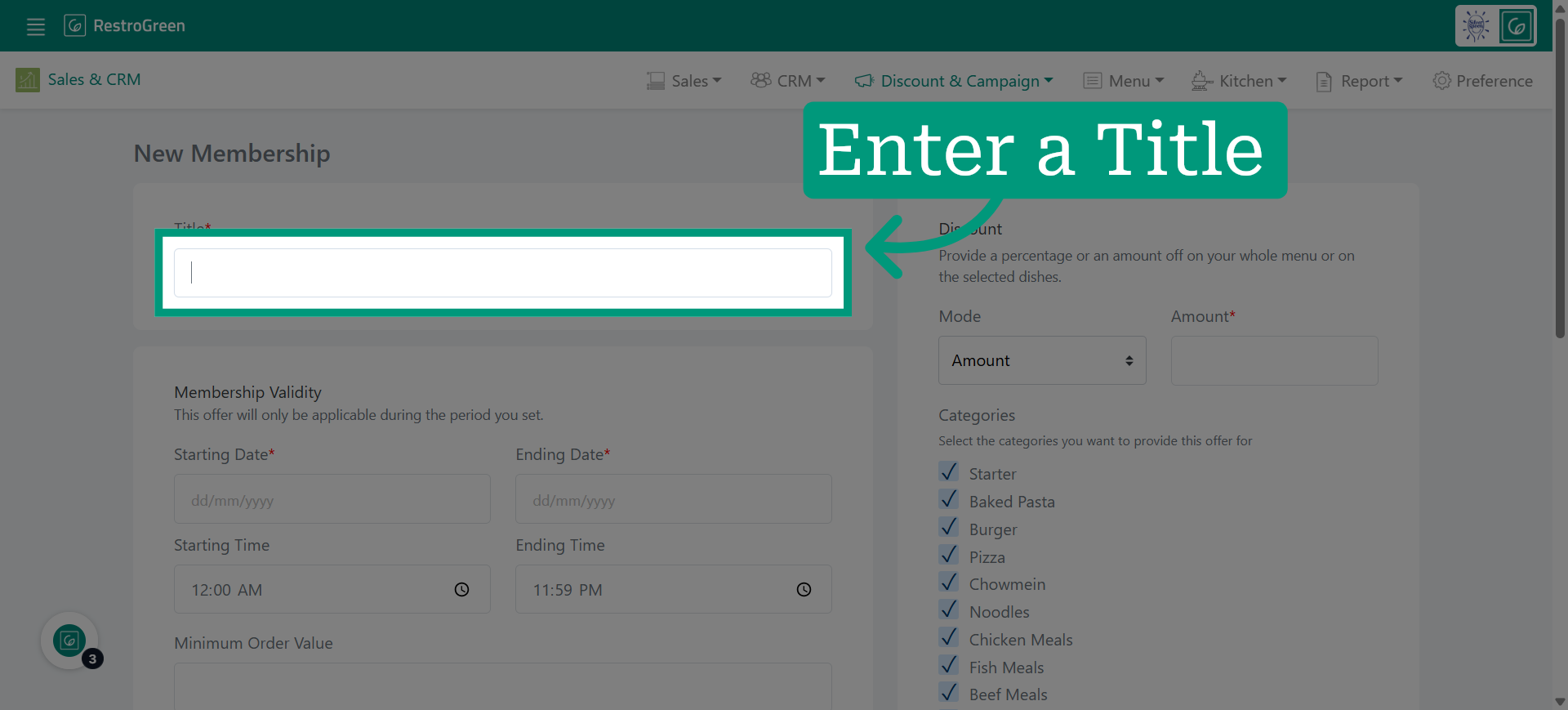
5. Enter a name for this membership program
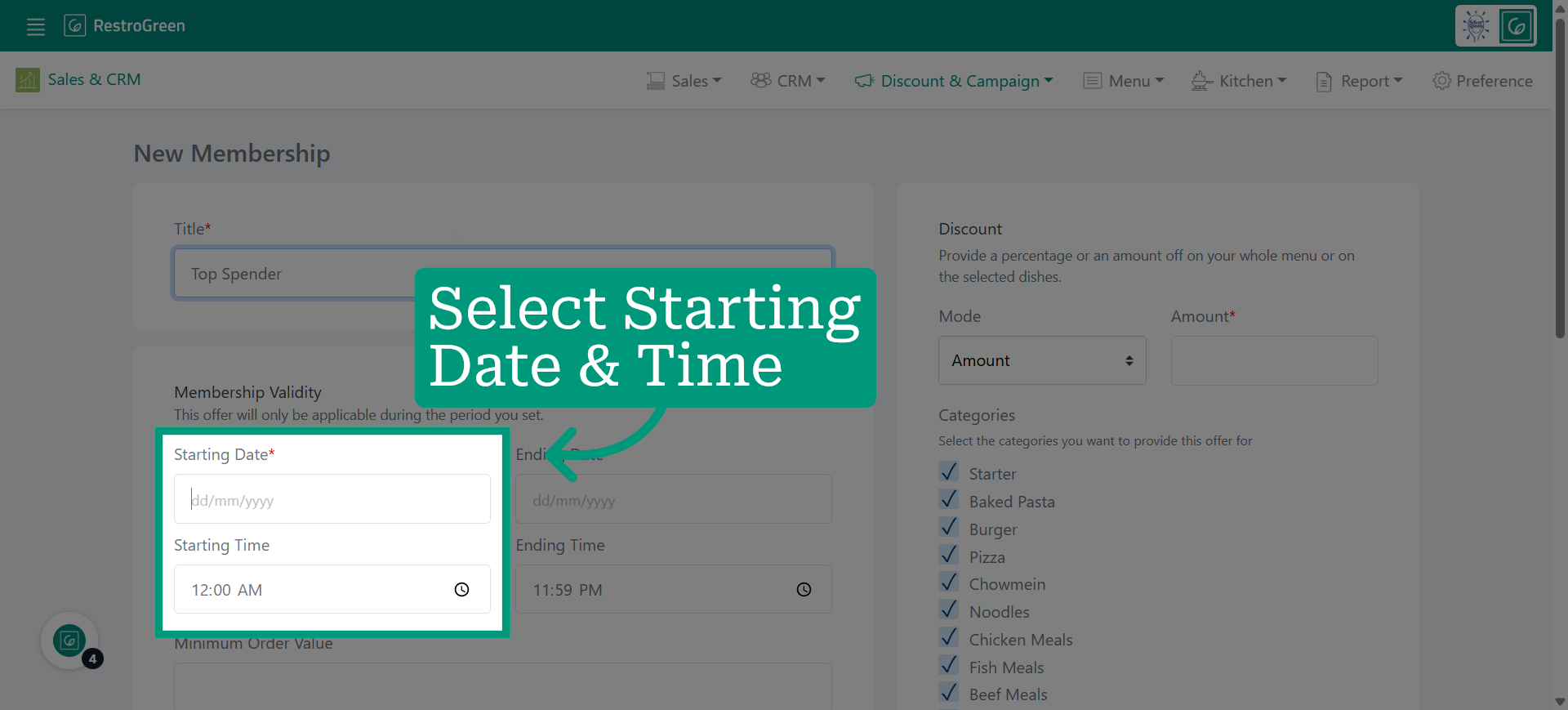
6. Specify beginning date when this membership becomes active
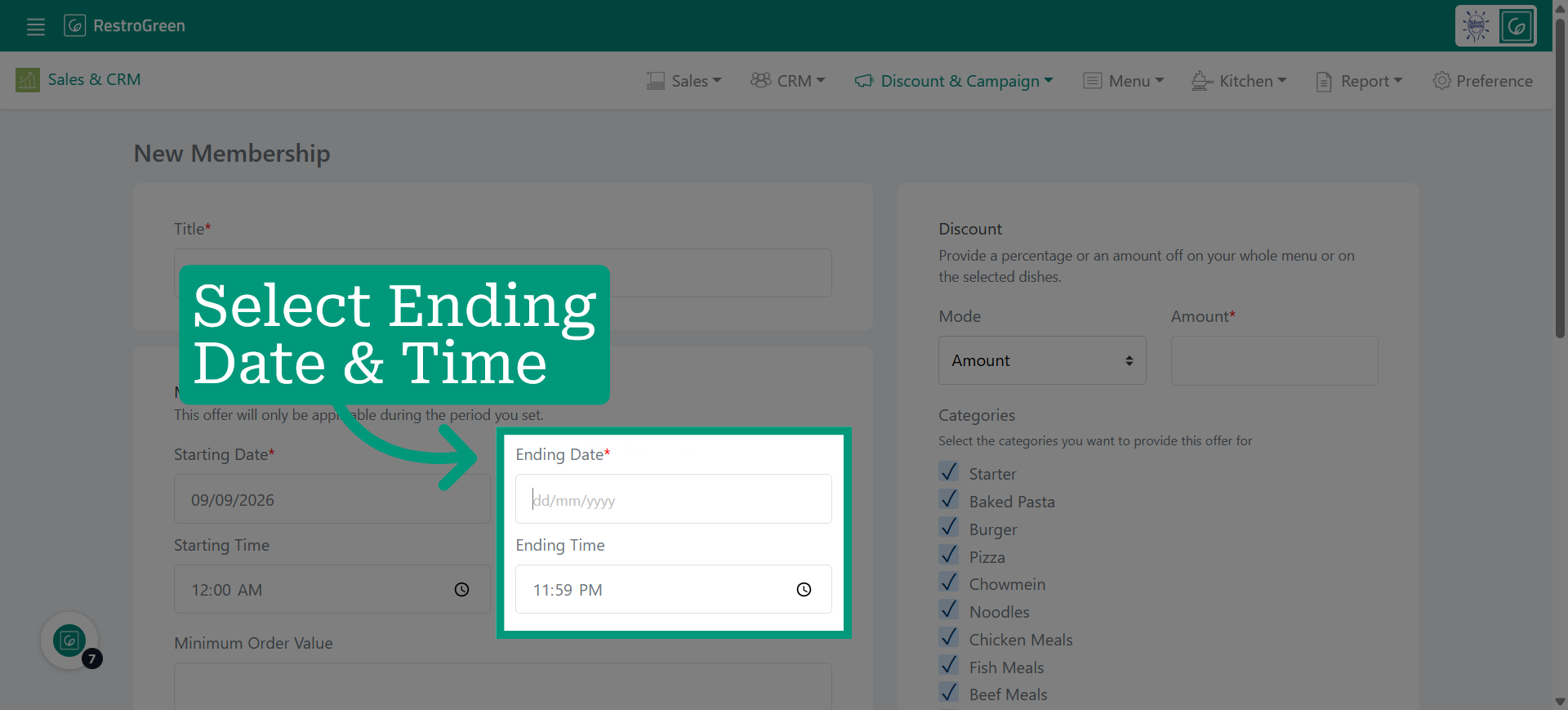
7. Specify when this membership will expire
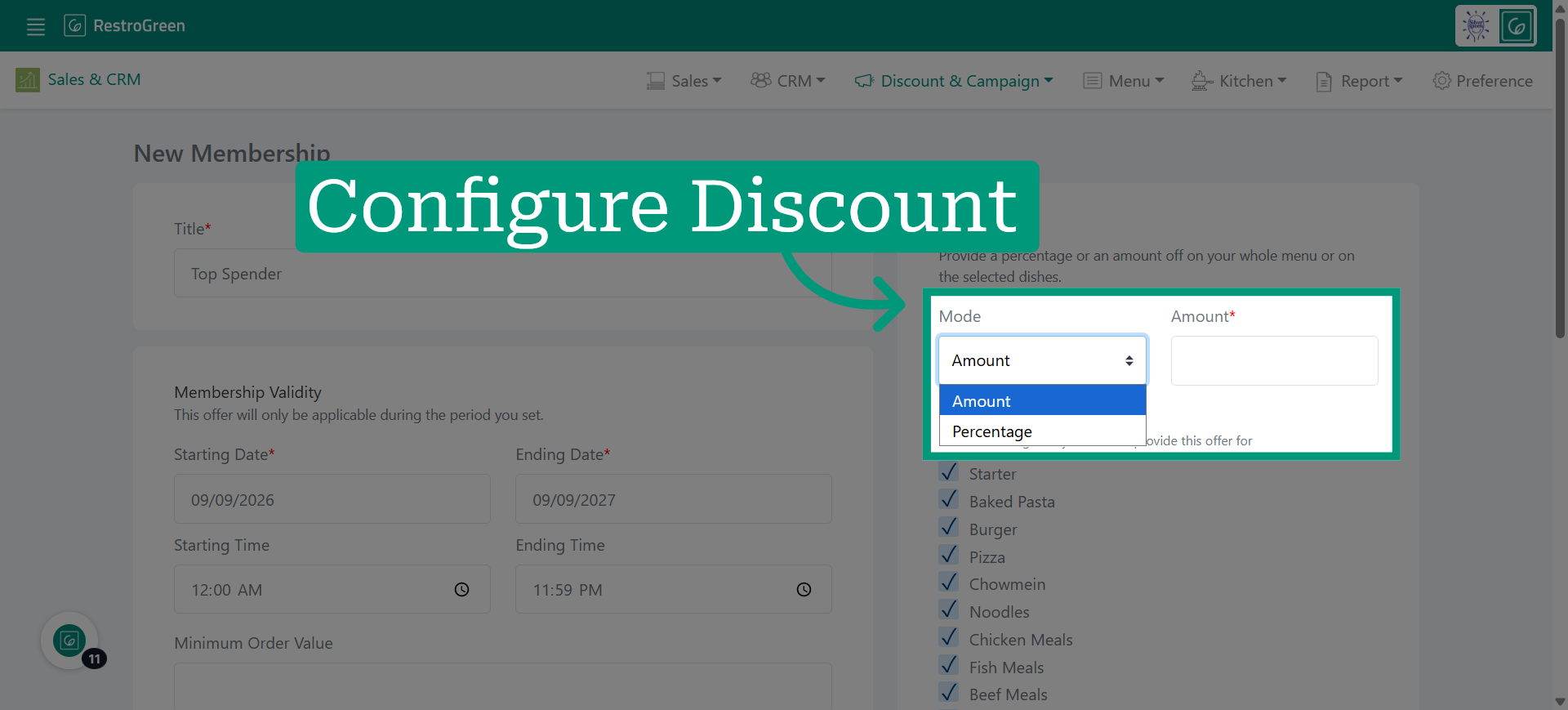
8. Choose whether to apply an amount or percentage value for discounts
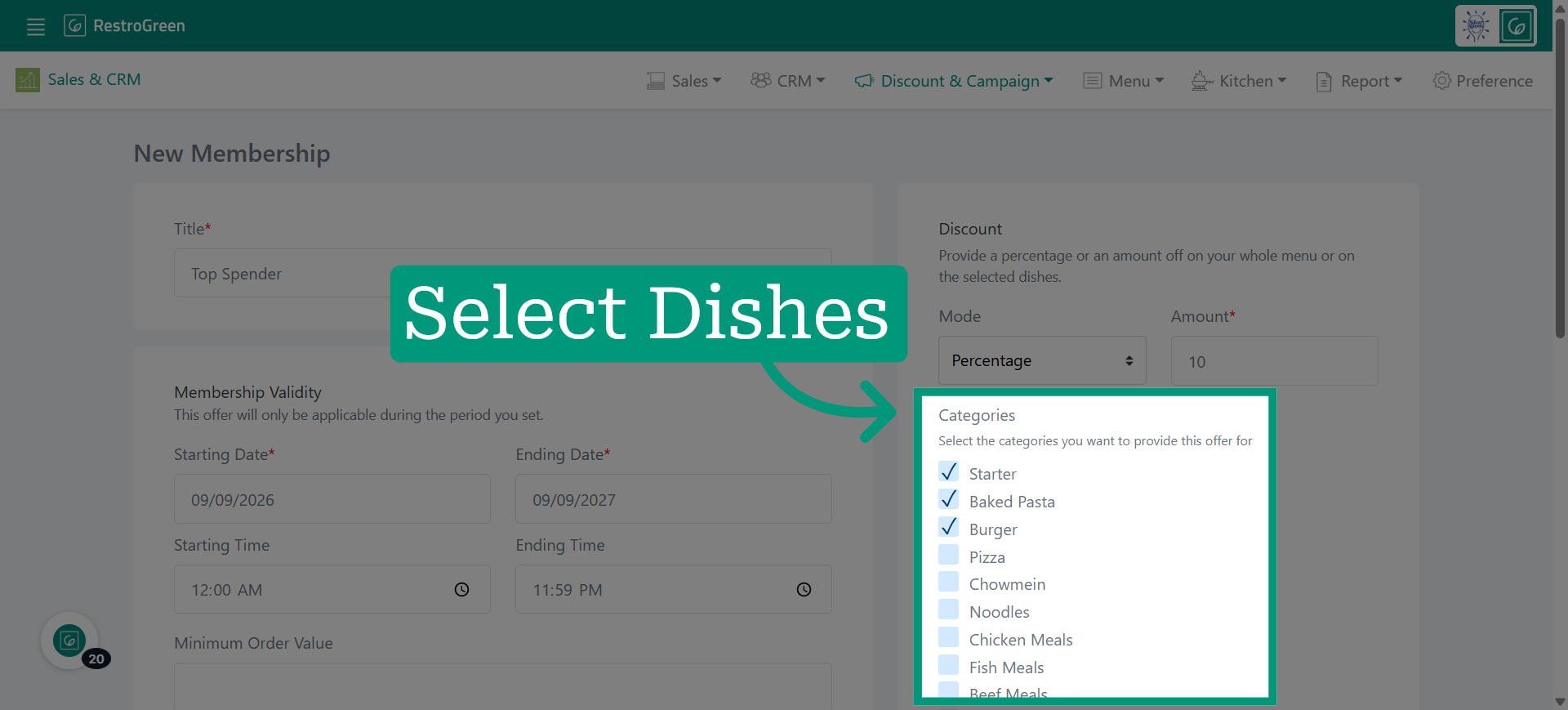
9. Choose the dish category to include it in the membership discount
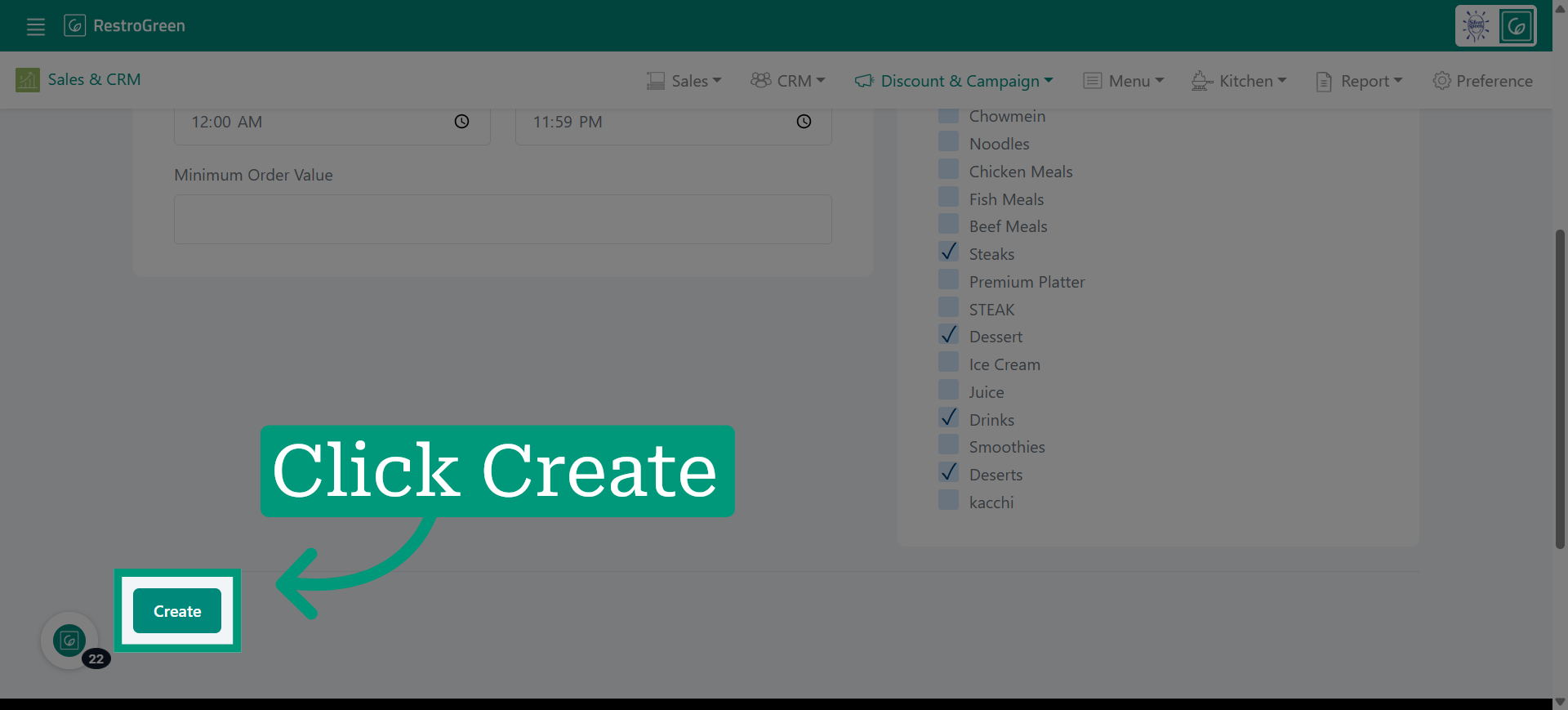
10. Click "Create" to save all entered details
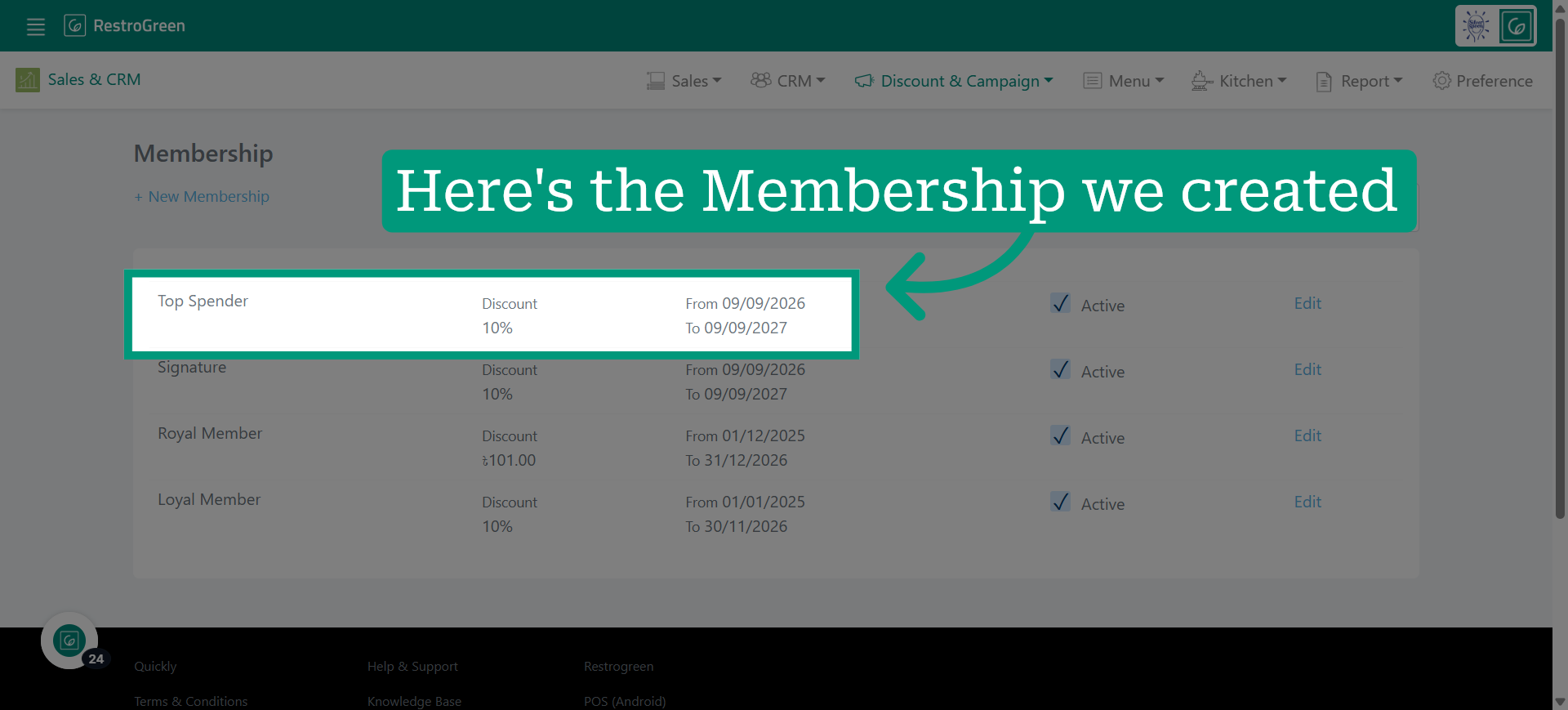
11. This membership is now active for use by members immediately