How to Create Requisitions in RestroGreen Business Portal
This tutorial guides you through creating and publishing a requisition in the RestroGreen Business Portal.
Go to
restrogreen.quicklyservices.com
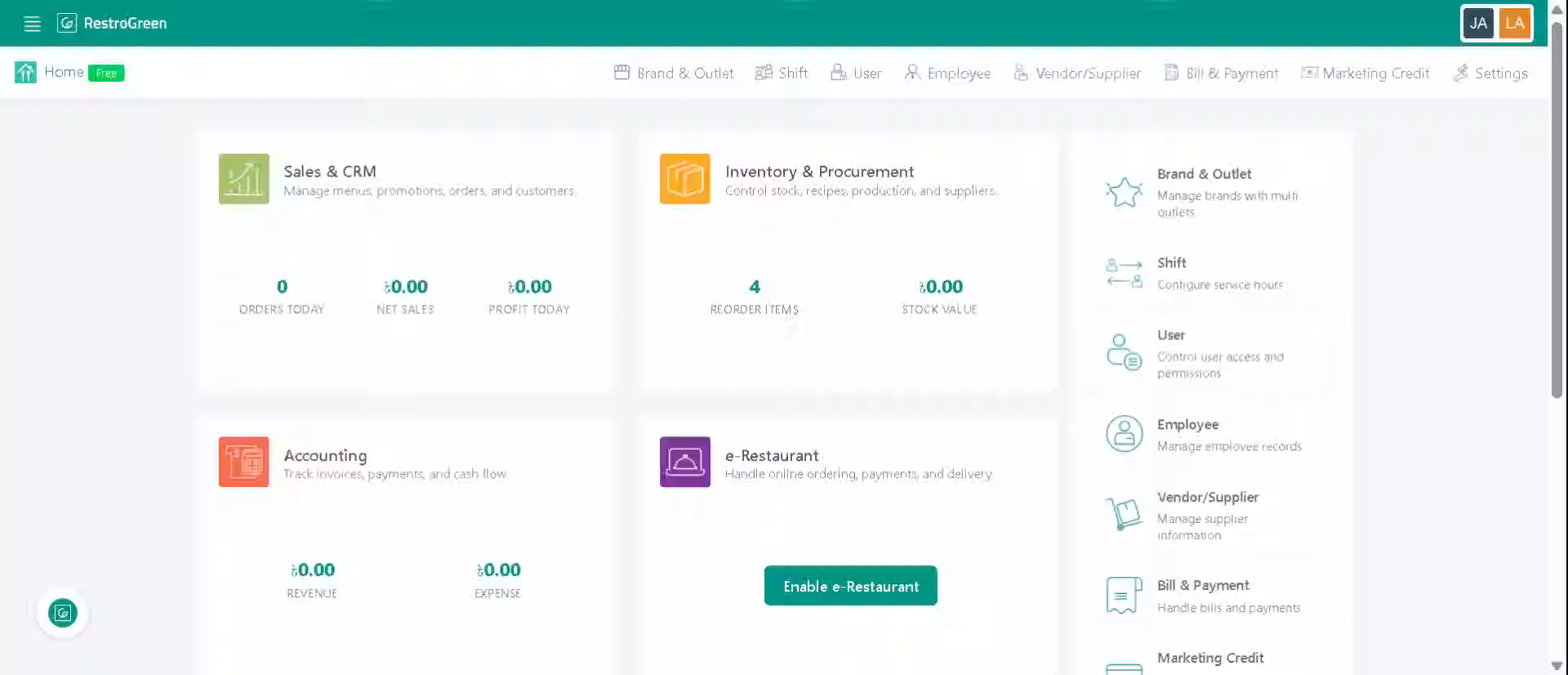
1. Go to your business portal
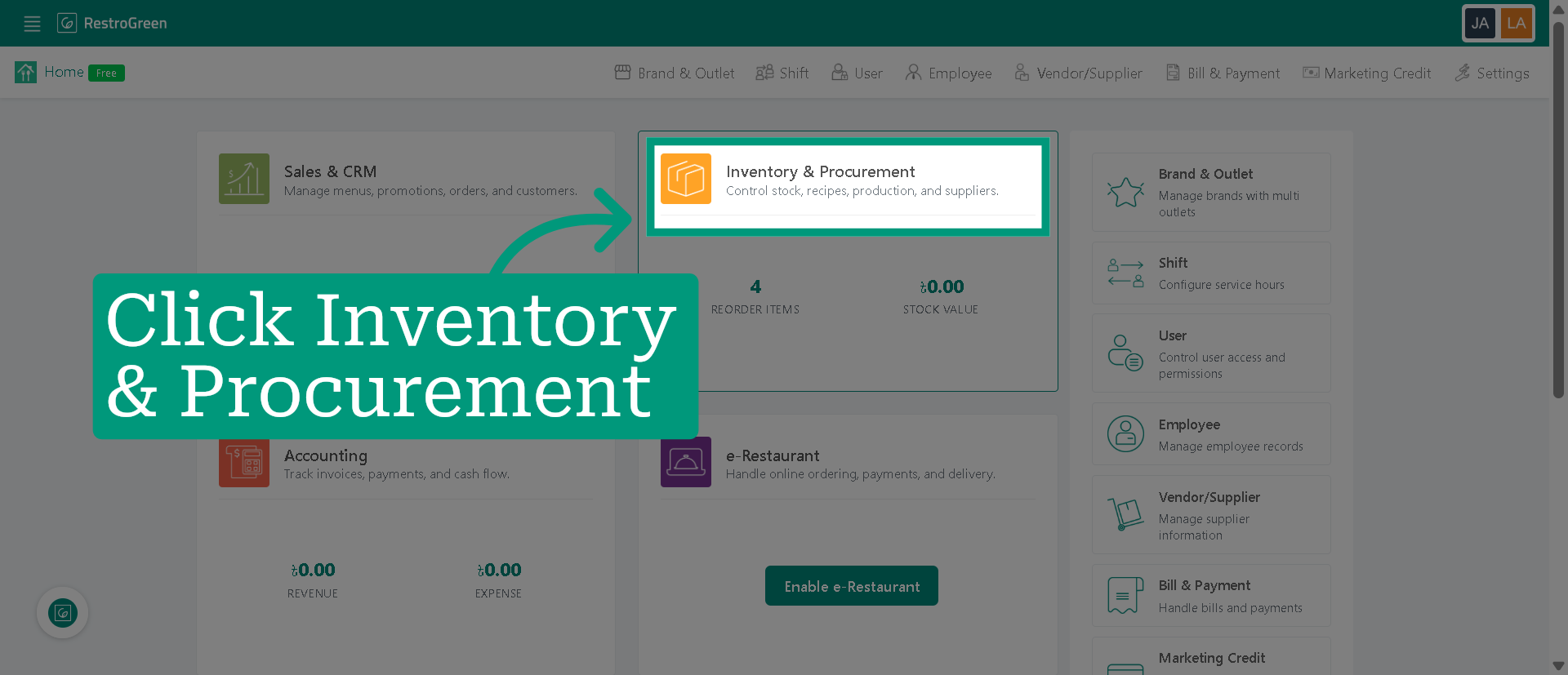
2. Click "Inventory & Procurement"
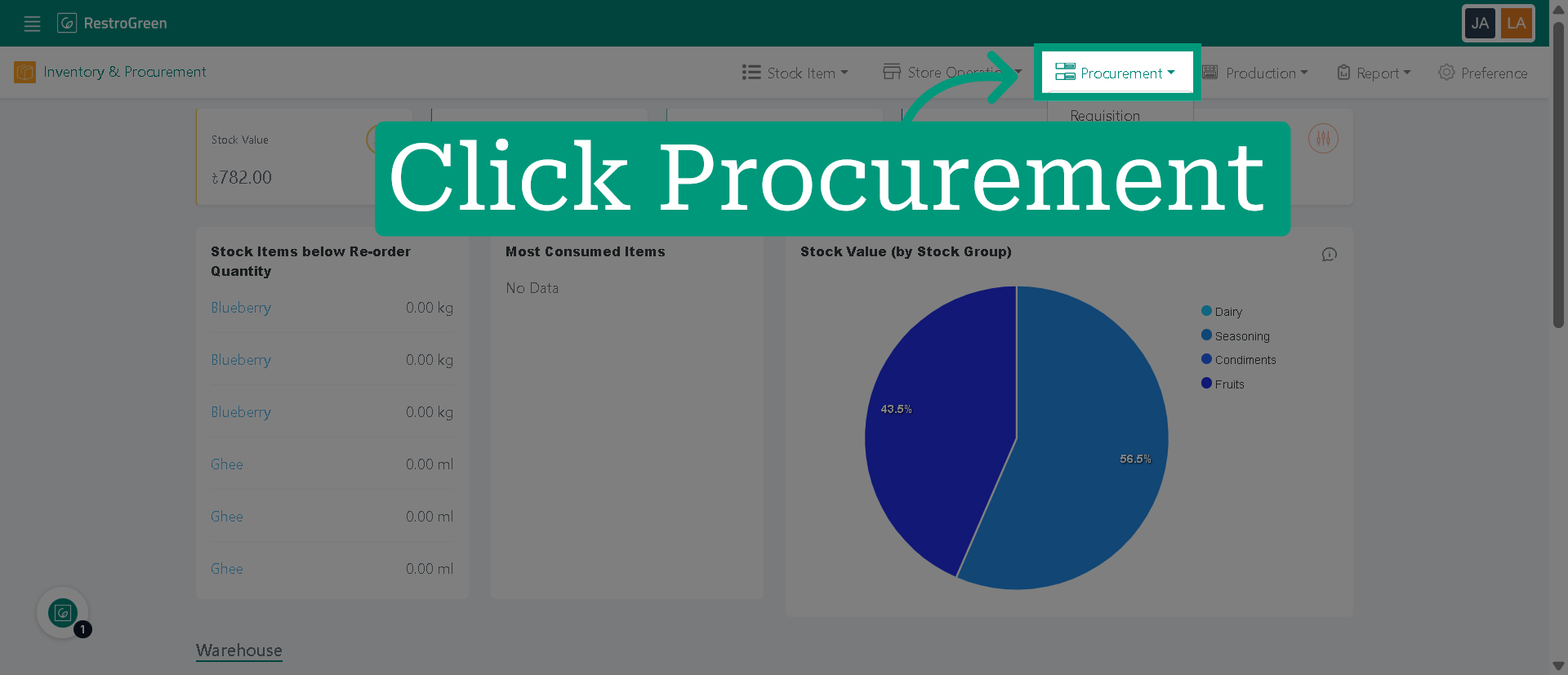
3. Click "Procurement" from the top navigation bar
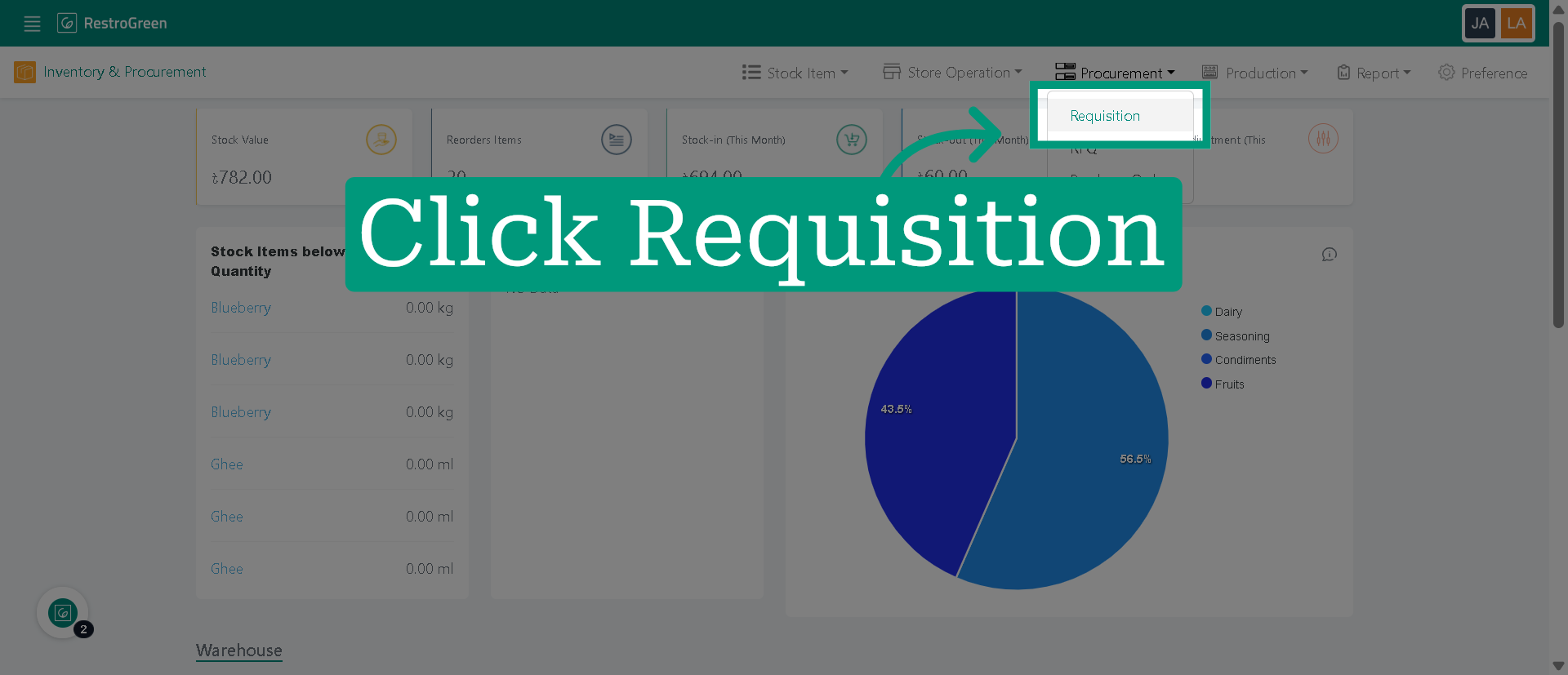
4. Click "Requisition" to access the list of existing requisitions and options to create new ones
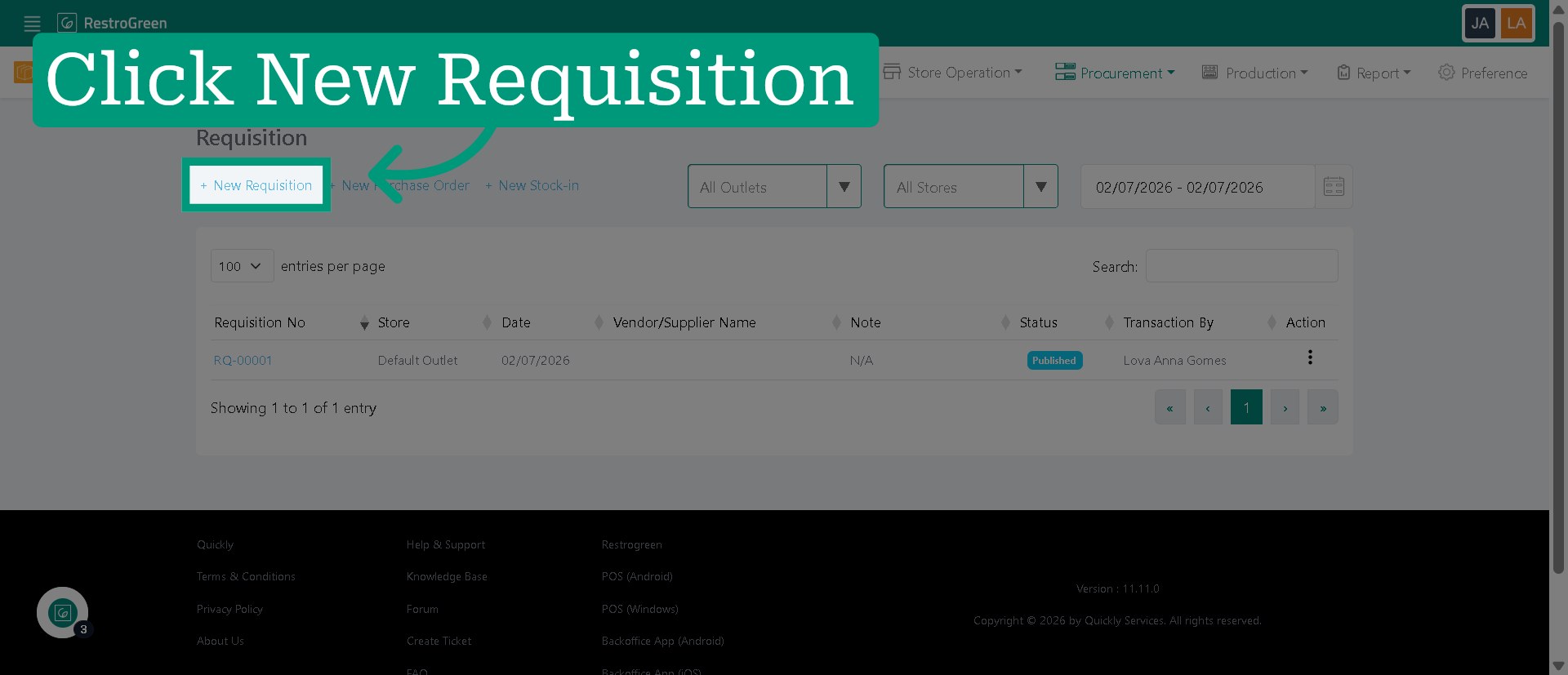
5. Click "New Requisition" to begin creating a new purchase requisition
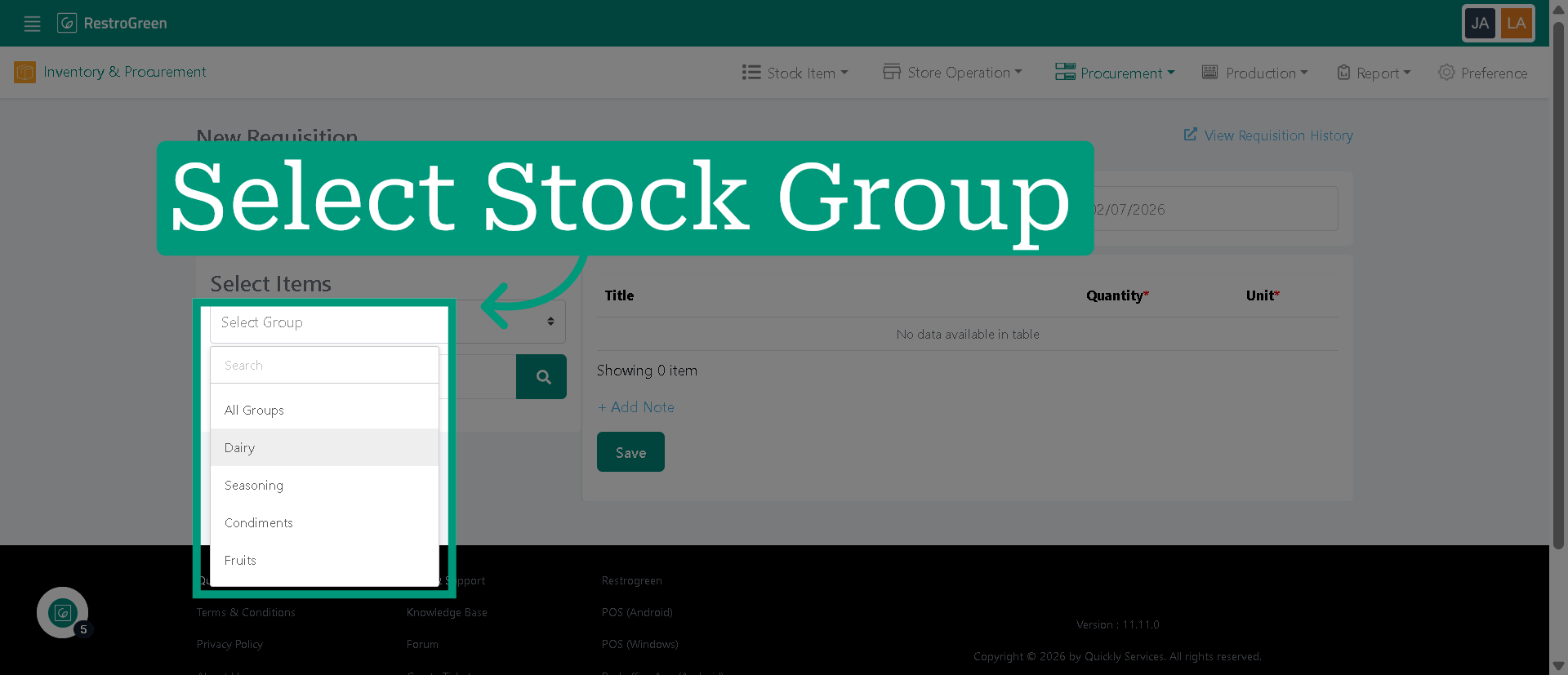
6. Choose stock category for your requisition
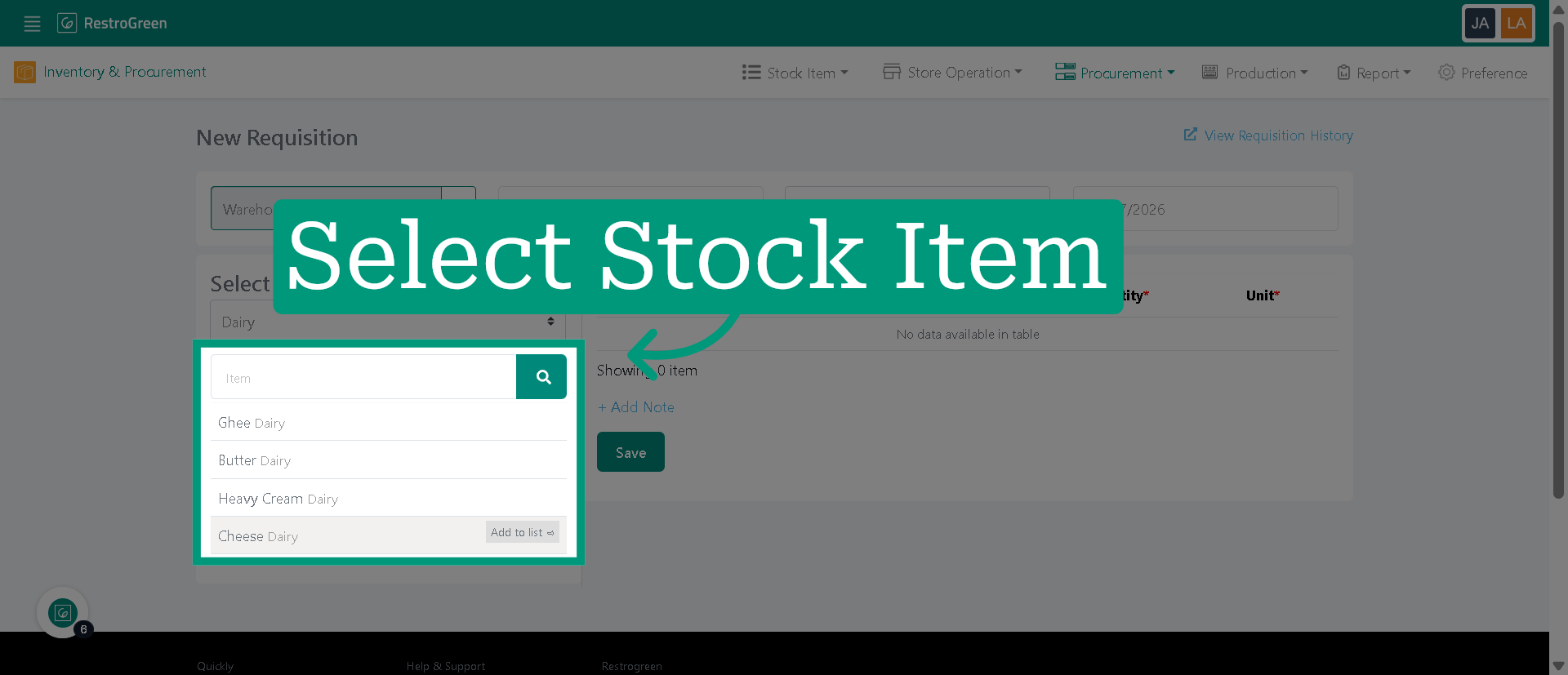
7. Specify the stock item within the stock group
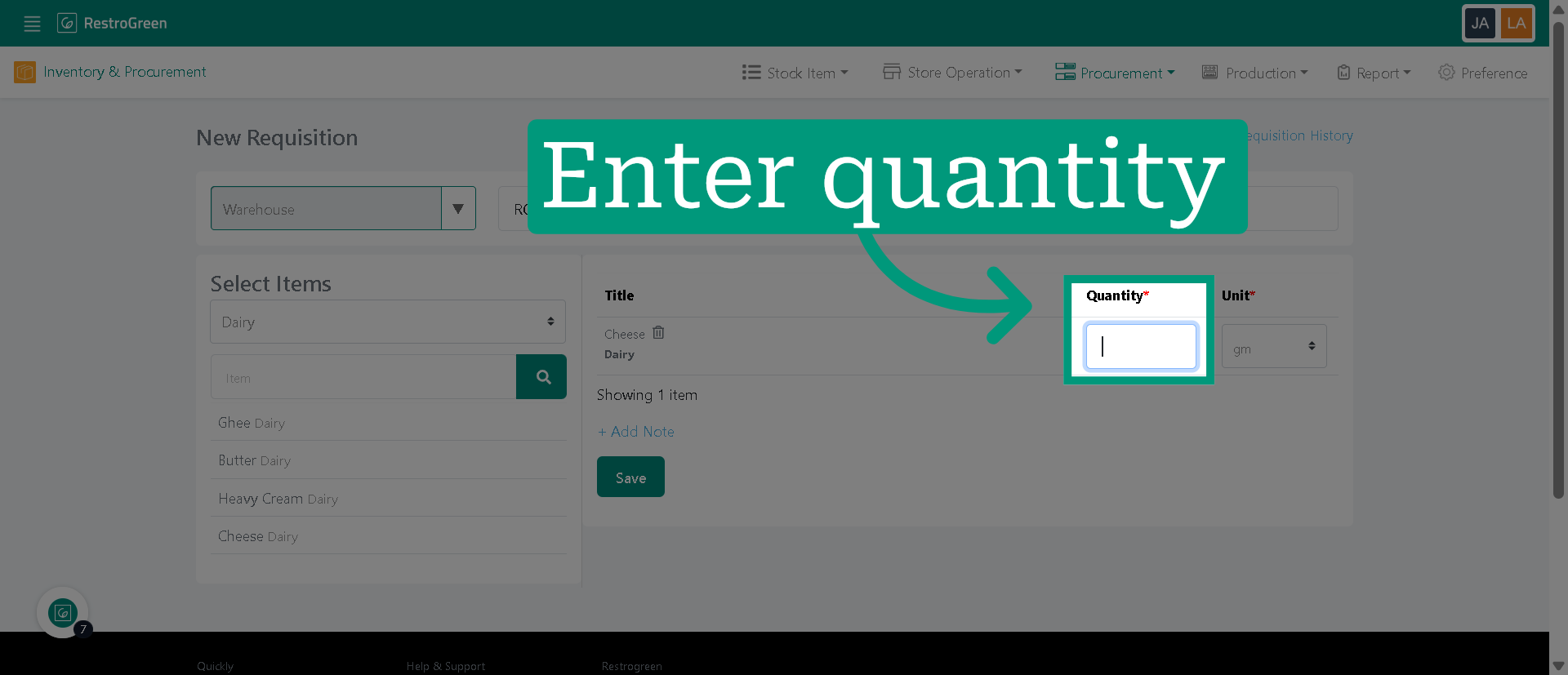
8. Enter the quantity for the selected product
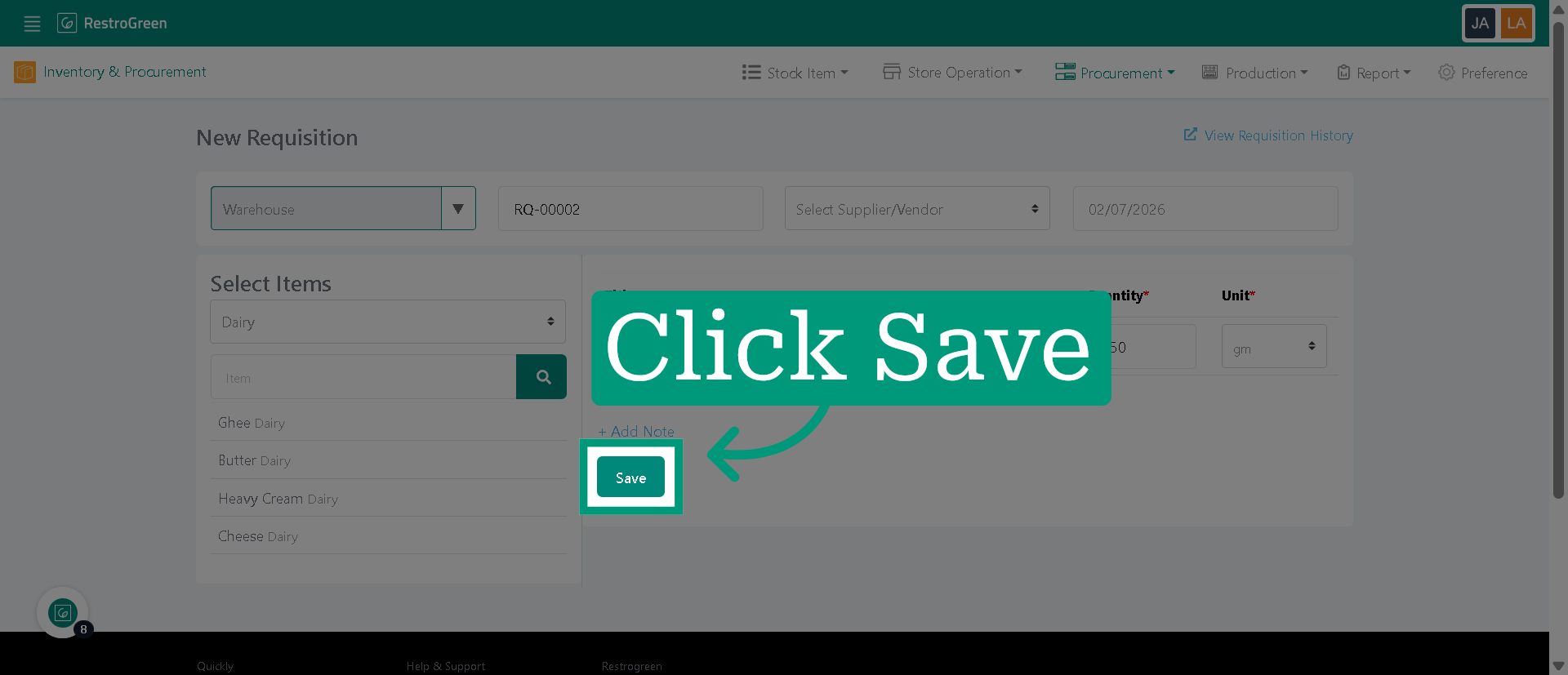
9. Click "Save" to add the specified product and quantity to your requisition list
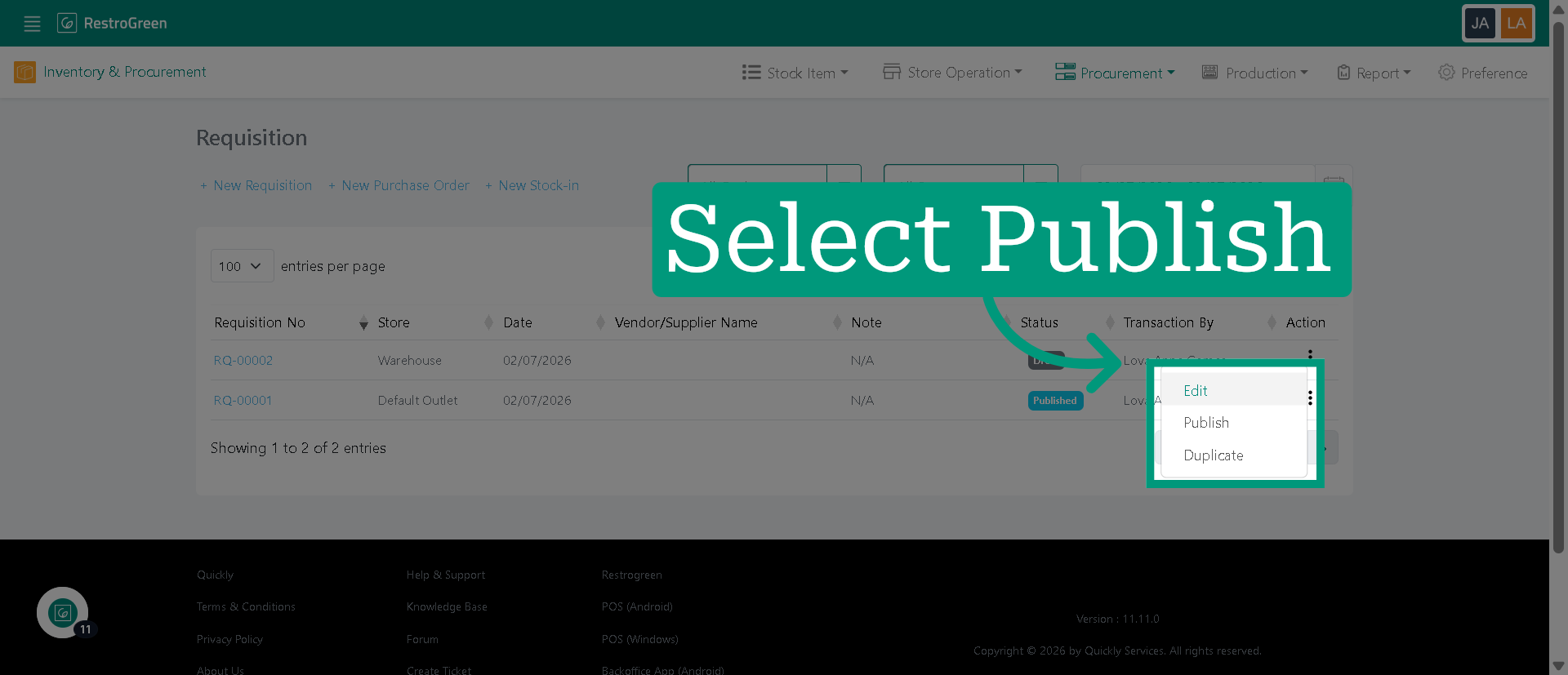
10. Click here to open additional options for managing your requisition
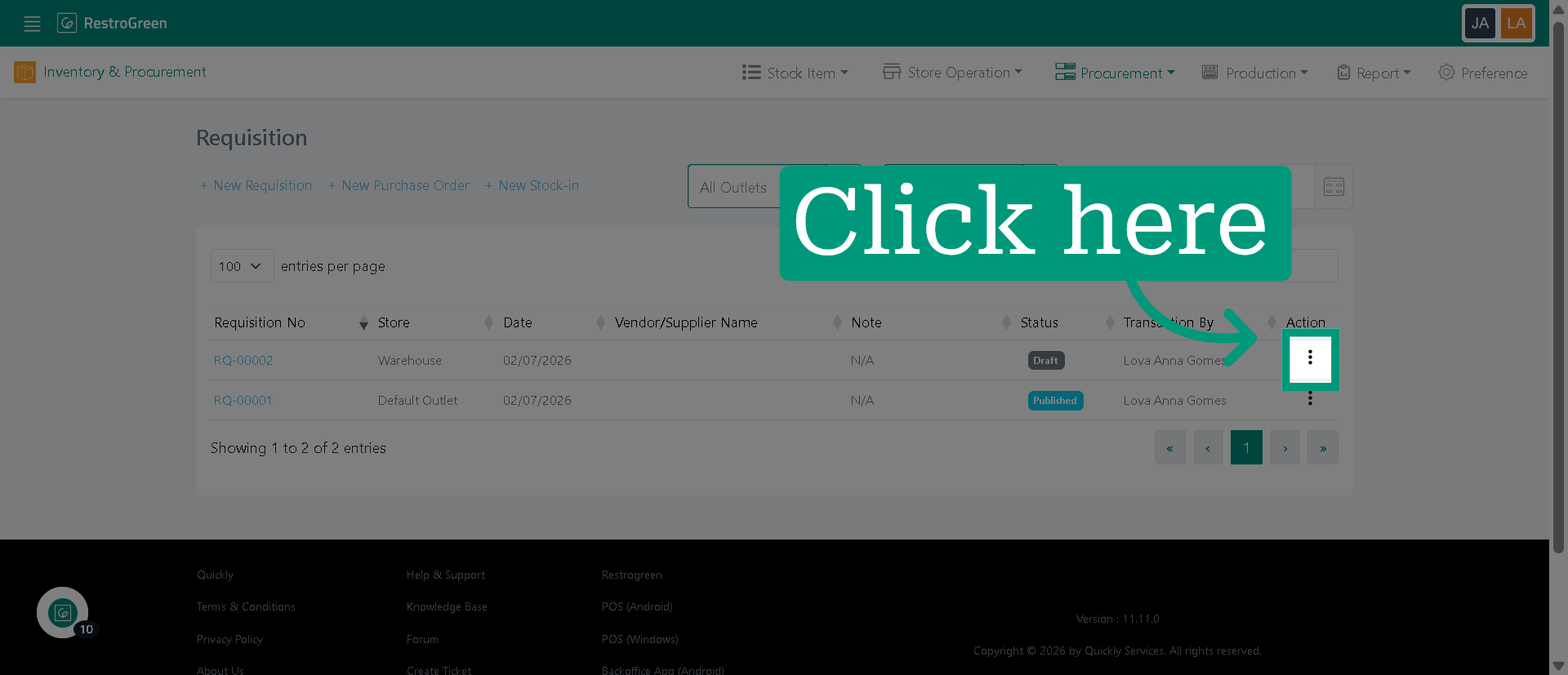
11. Click "Publish" to confirm or "Edit" to modify the details of your current requisition before publishing