How to Send Requisitions to Email from RestroGreen Business Portal
This tutorial guides you through managing procurement requisitions within the Business Portal.
Go to
restrogreen.quicklyservices.com
1. Login to your Business Portal
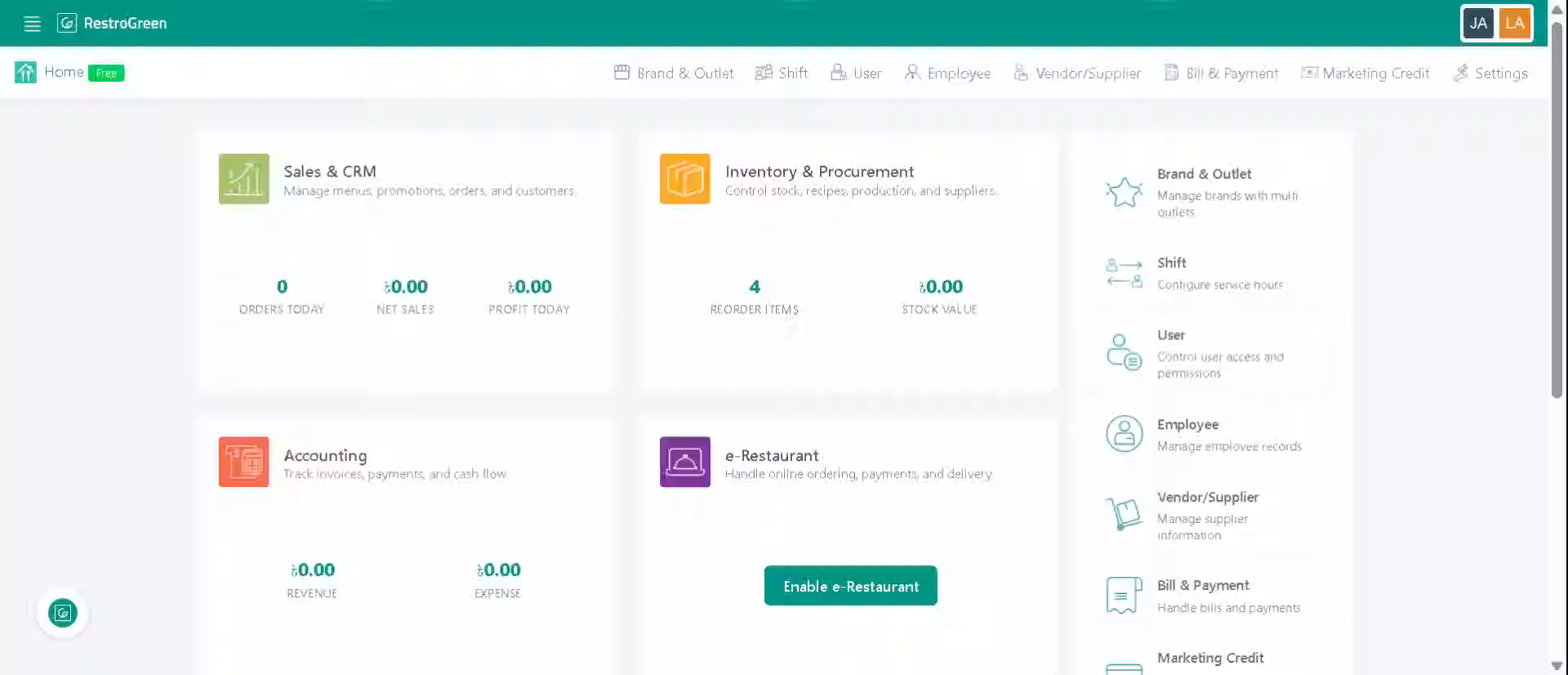
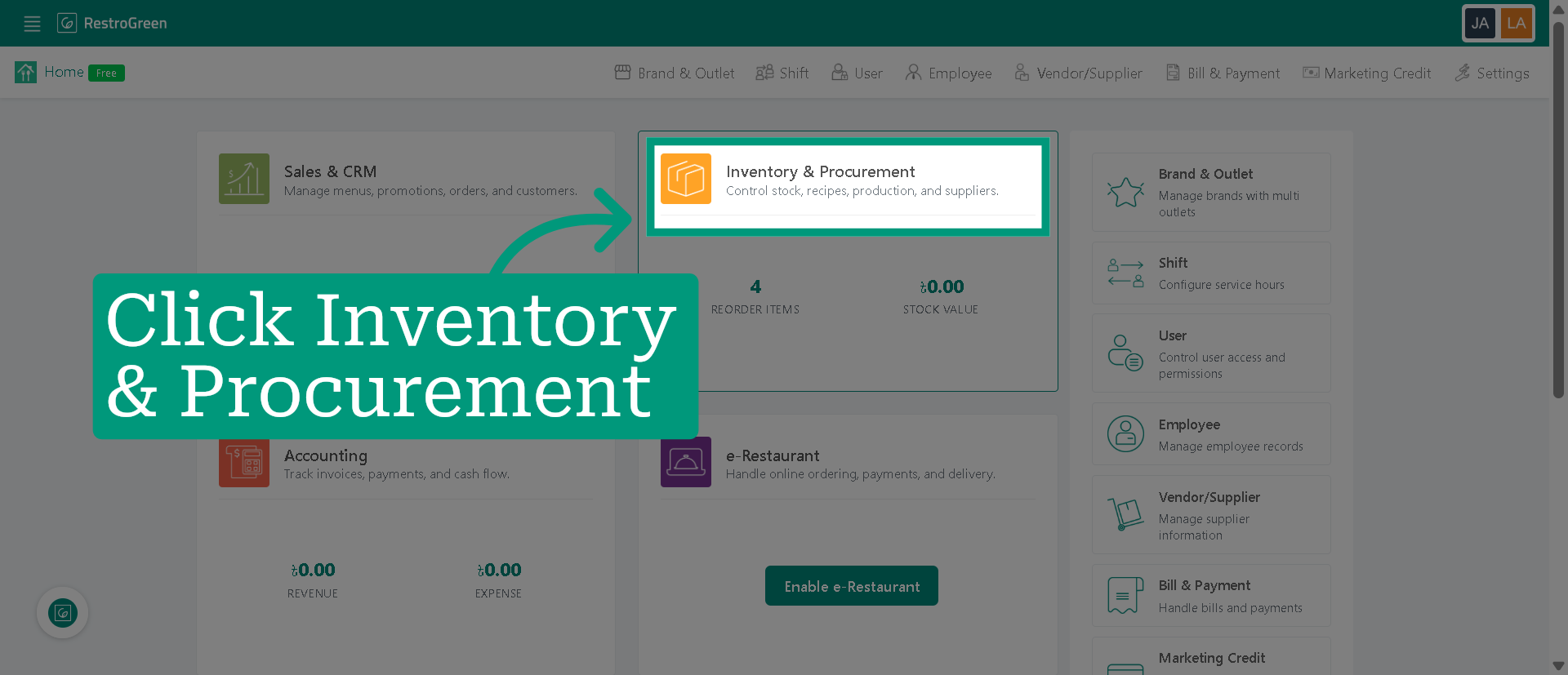
2. Access "Inventory & Procurement" Module
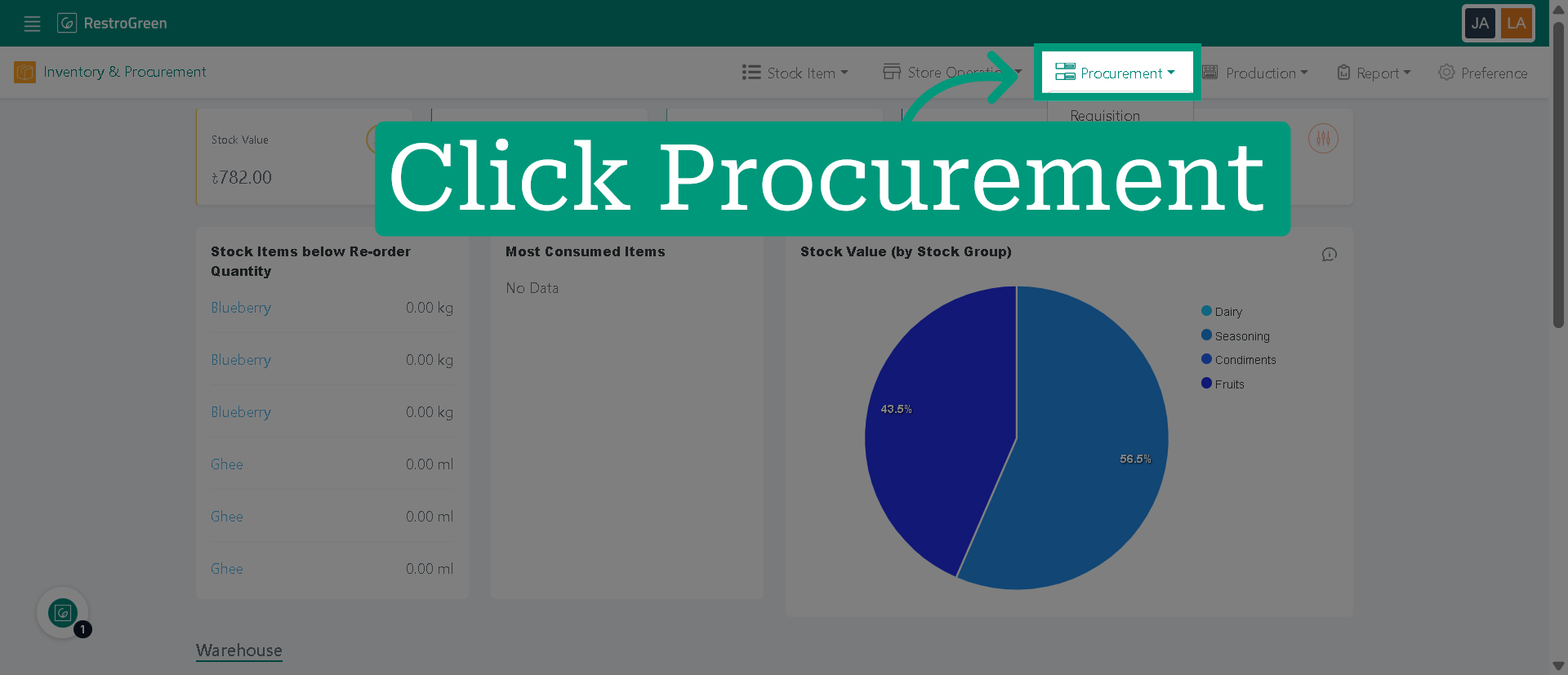
3. Click "Procurement" to navigate to the procurement overview page
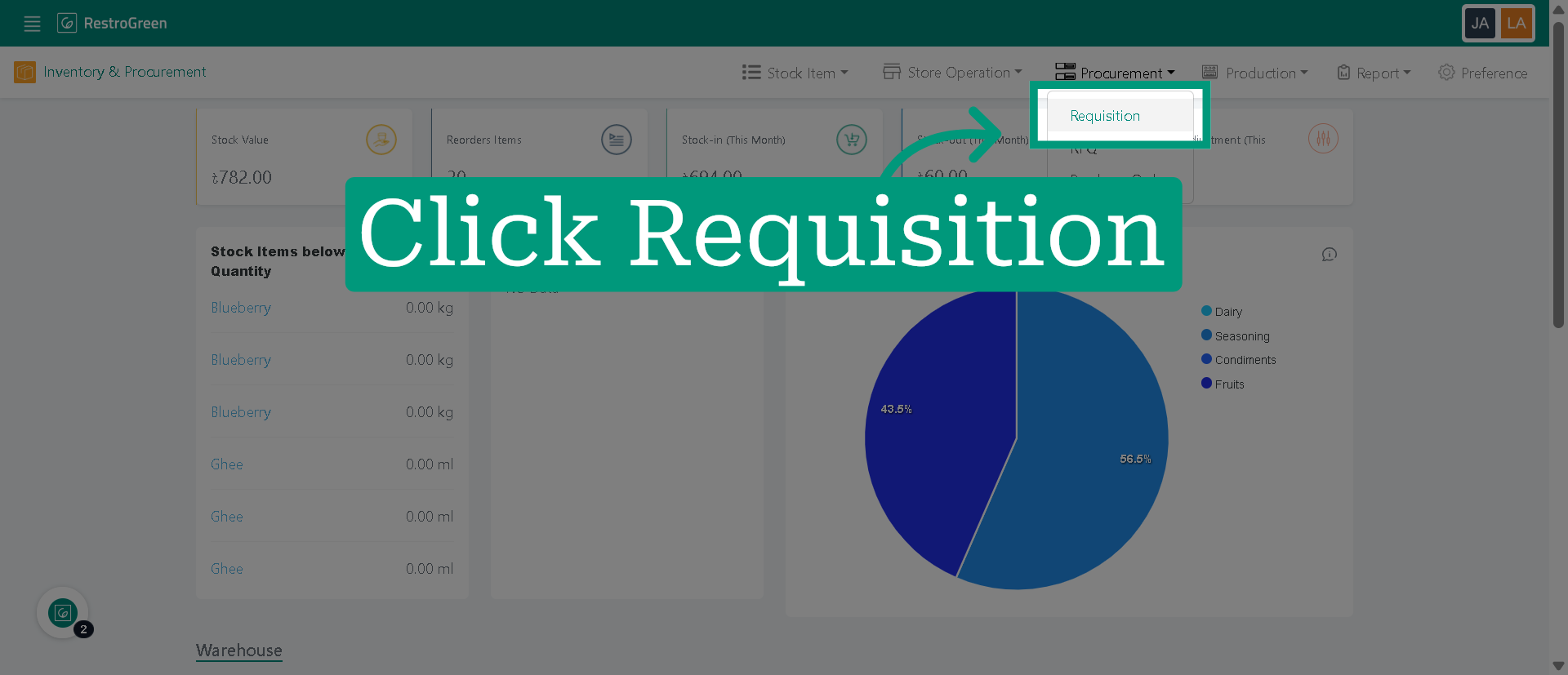
4. Click "Requisition" to view the list of requisitions available for processing
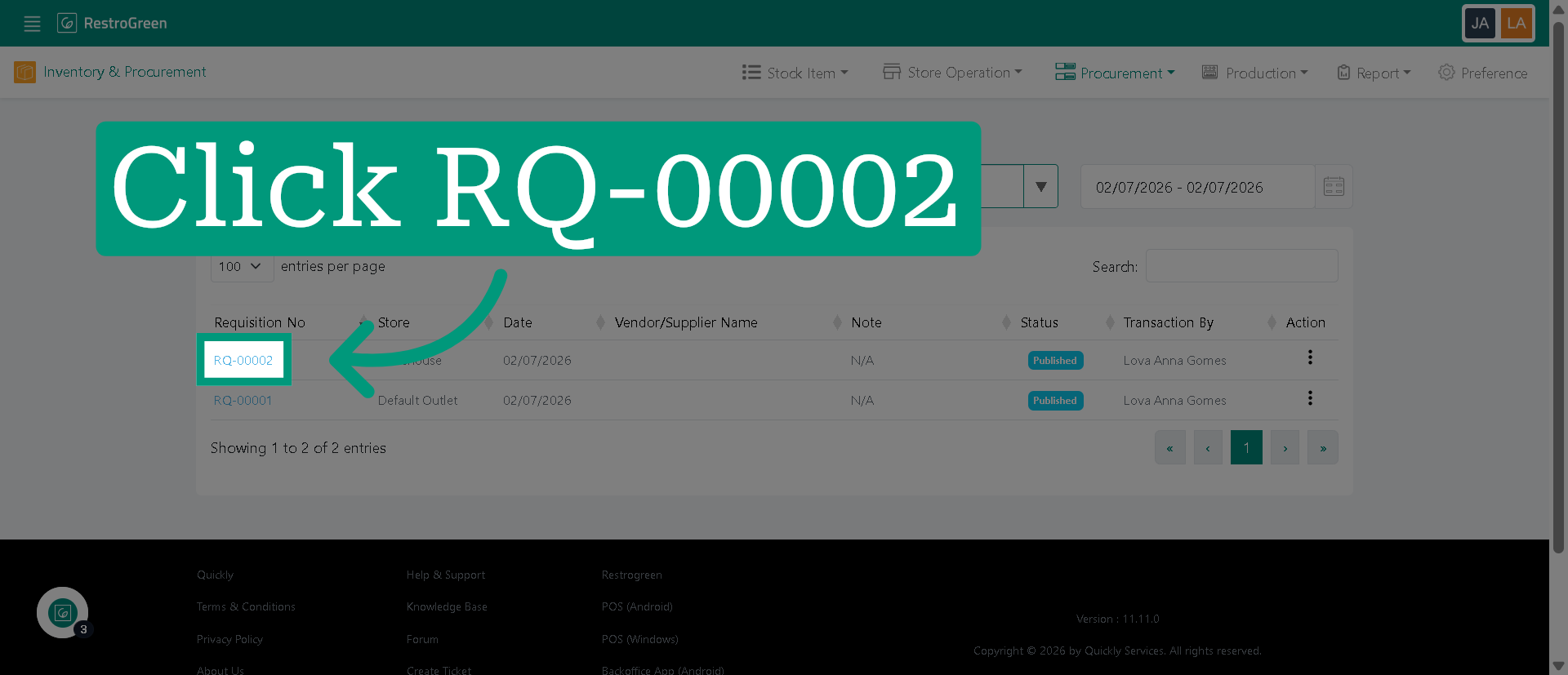
5. Open the details of the selected requisition
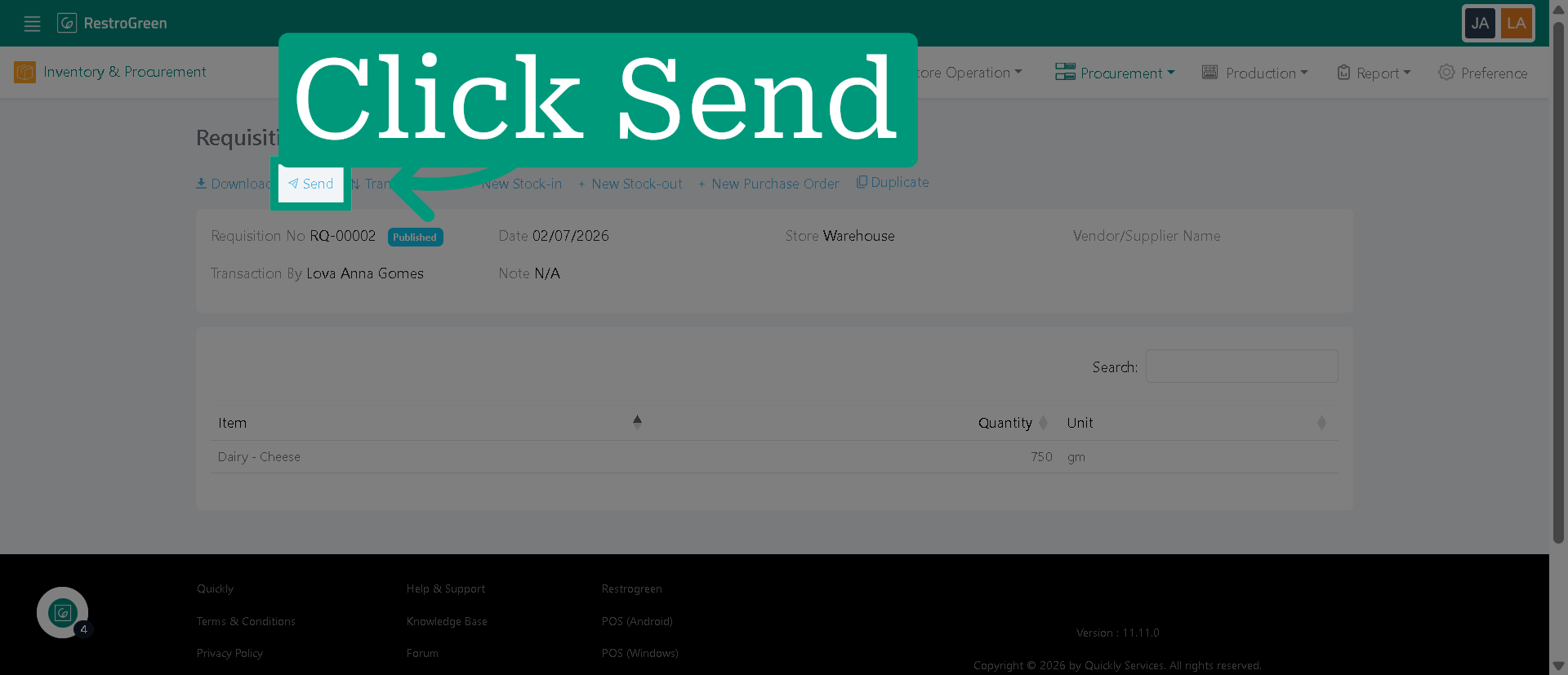
6. Click "Send" to begin the process of forwarding the requisition
7. Specify the recipient or department to which the requisition will be sent
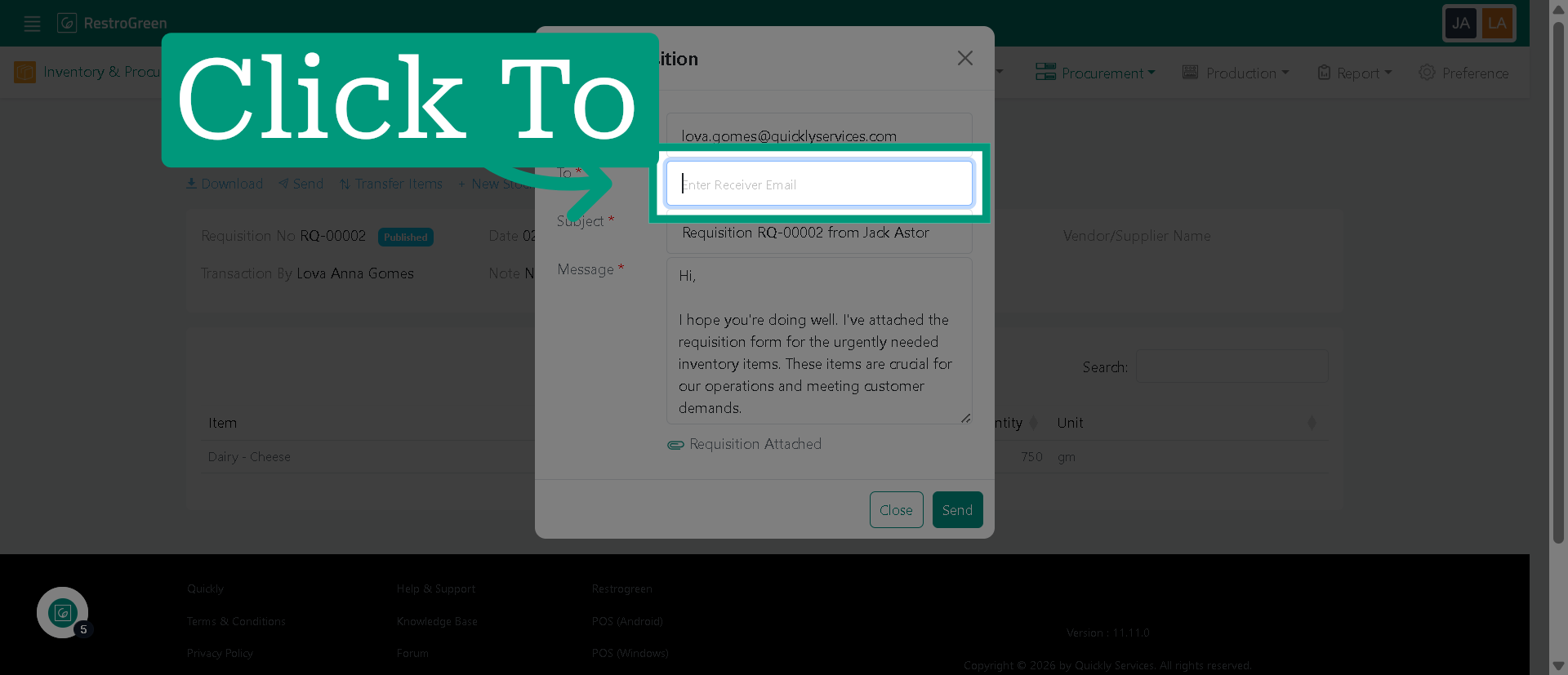
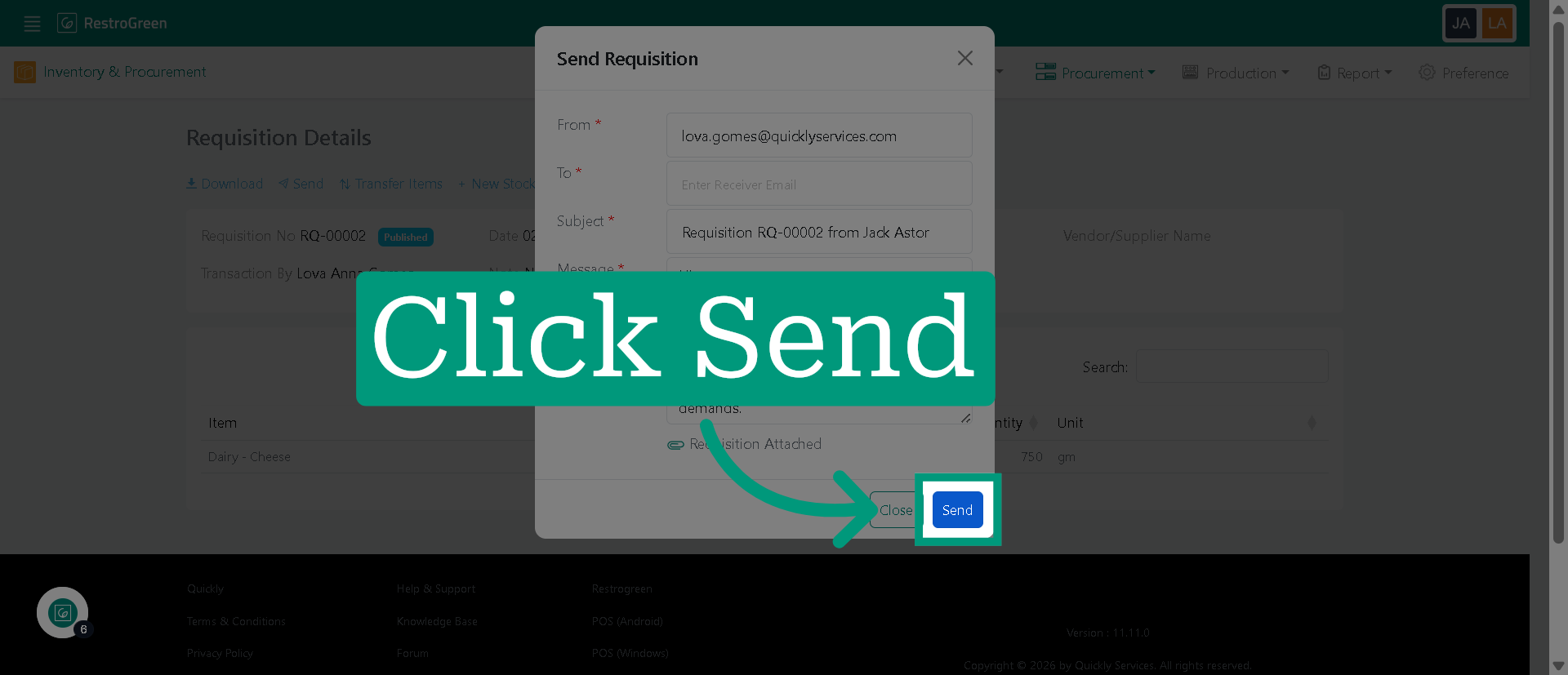
8. Click "Send" to confirm and dispatch the requisition to the selected recipient