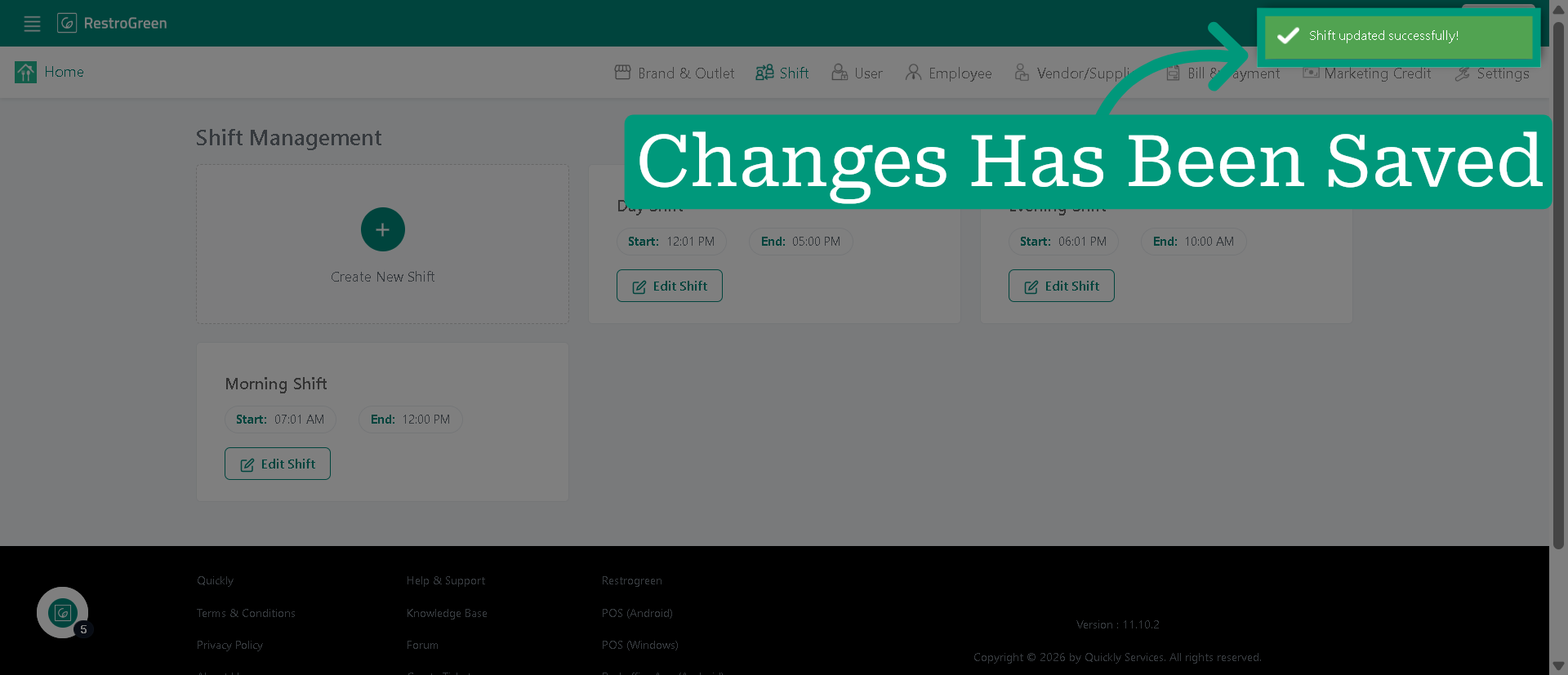
How to Make Changes to Existing Shift in RestroGreen Business Portal
This tutorial explains how to update the time of a shift in the RestroGreen Business Portal.
Go to
restrogreen.quicklyservices.com
1. Login to your Business Portal
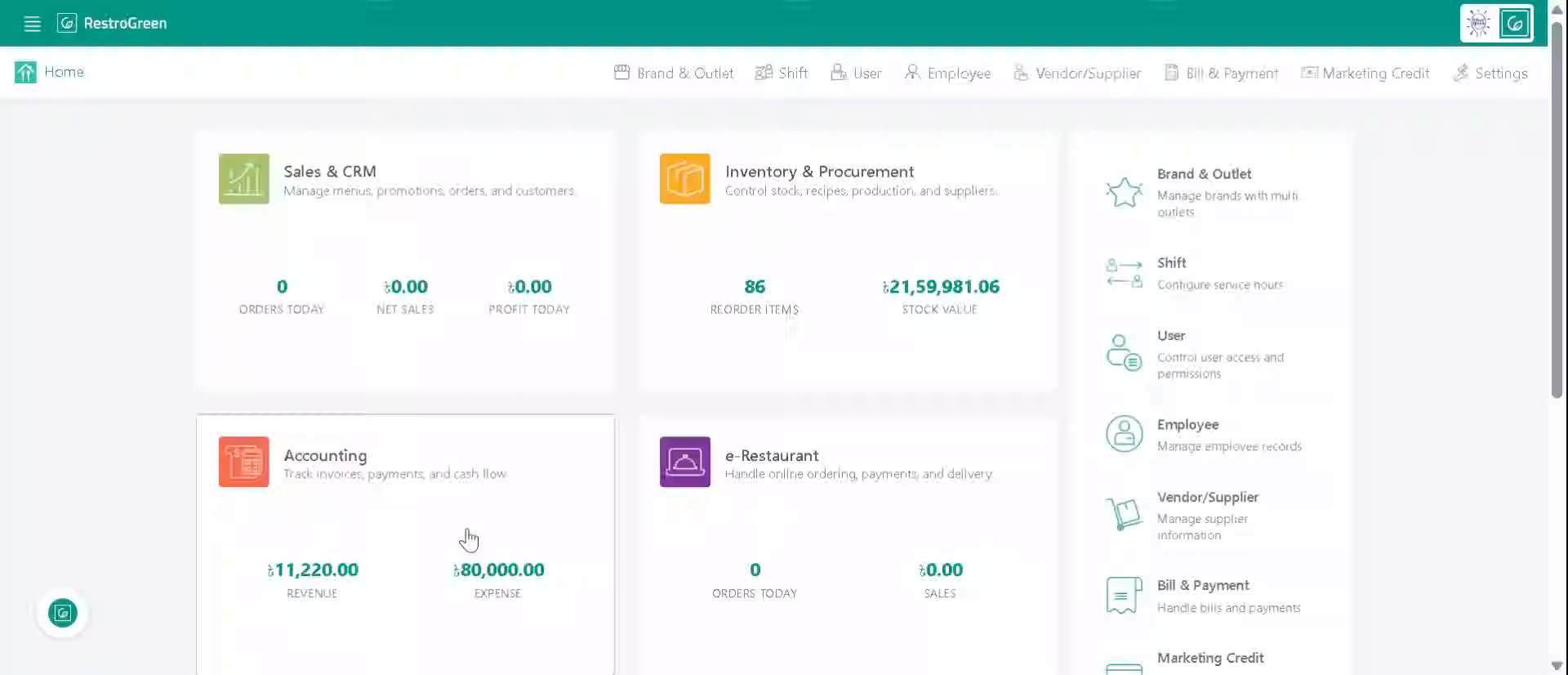
2. Click "Shift" to access the active shift details
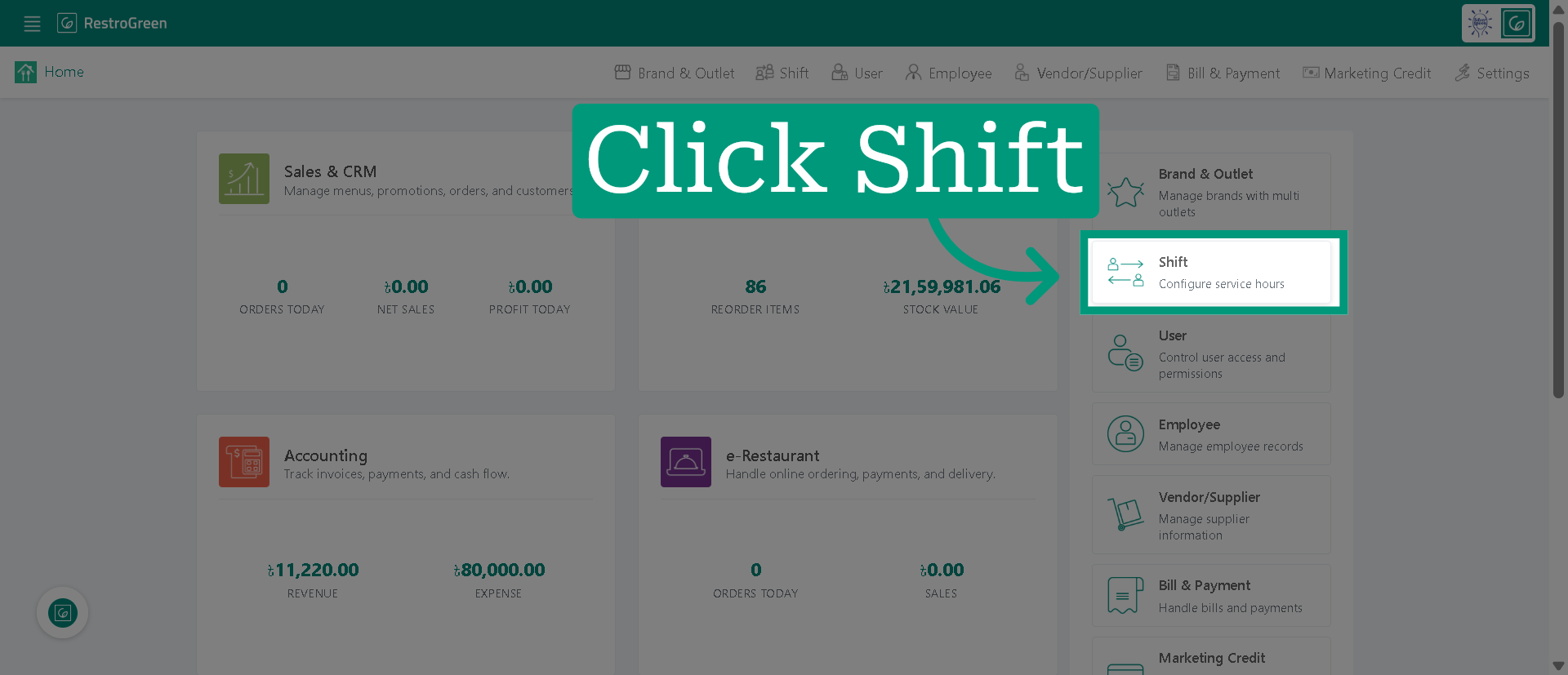
3. Click "Edit Shift" to modify the details of the selected shift
4. Click "End Time" to specify the new end time for the shift
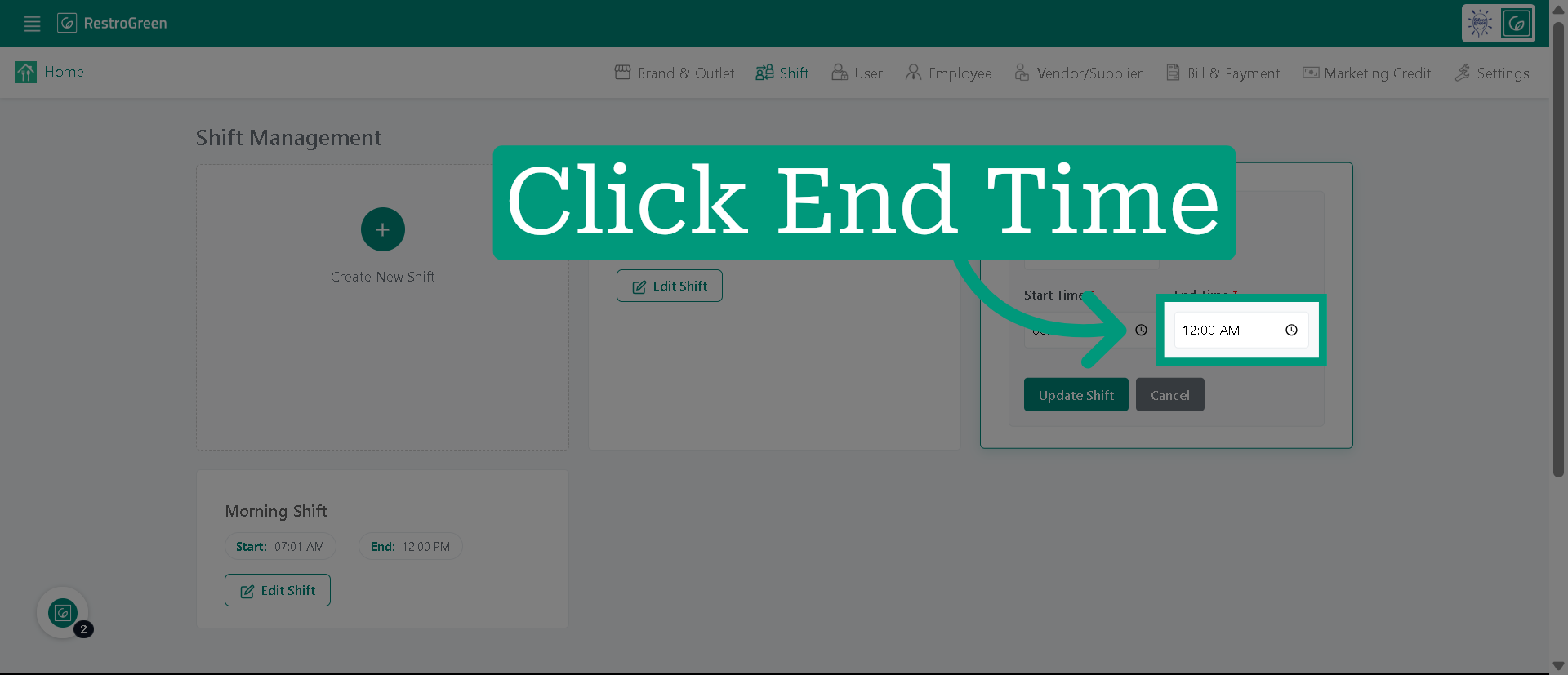
5. Enter New End Time
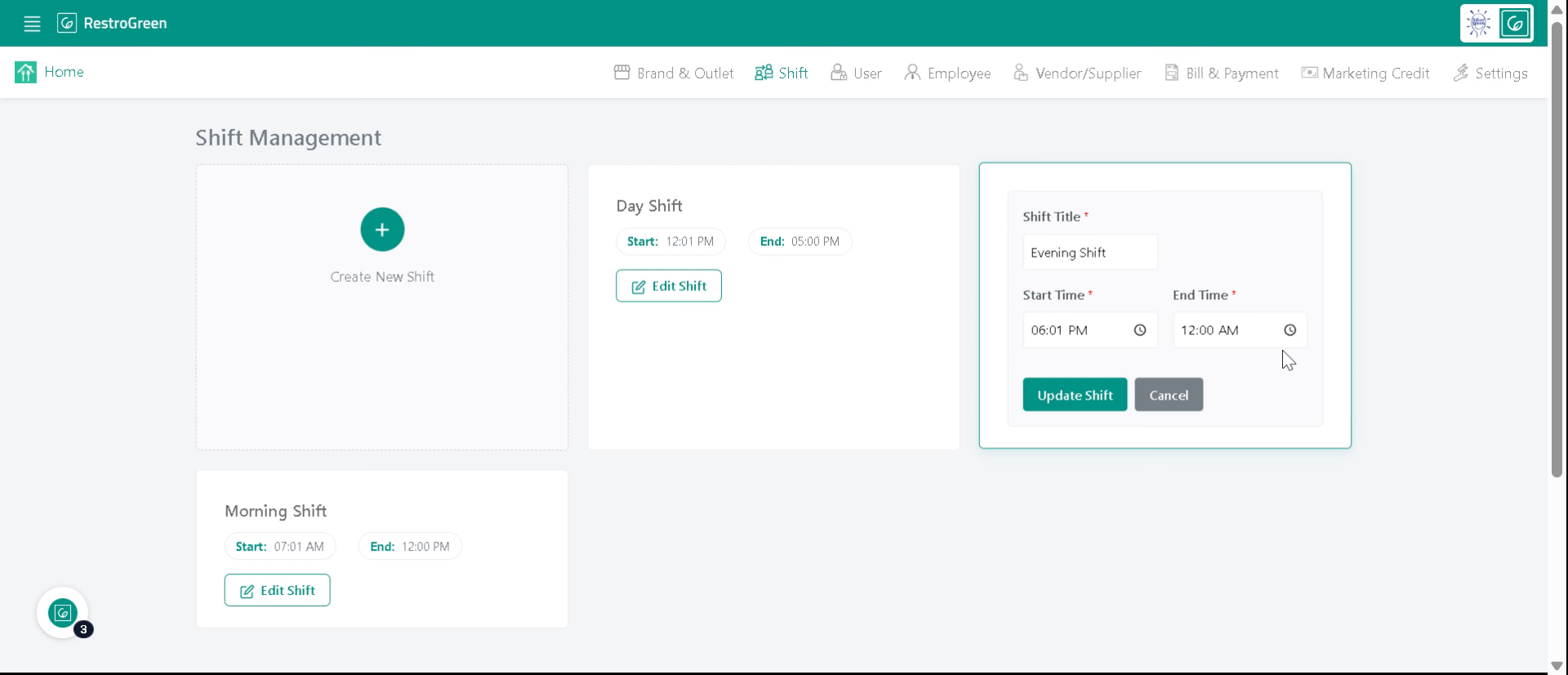
6. Click "Update Shift" to save the changes made
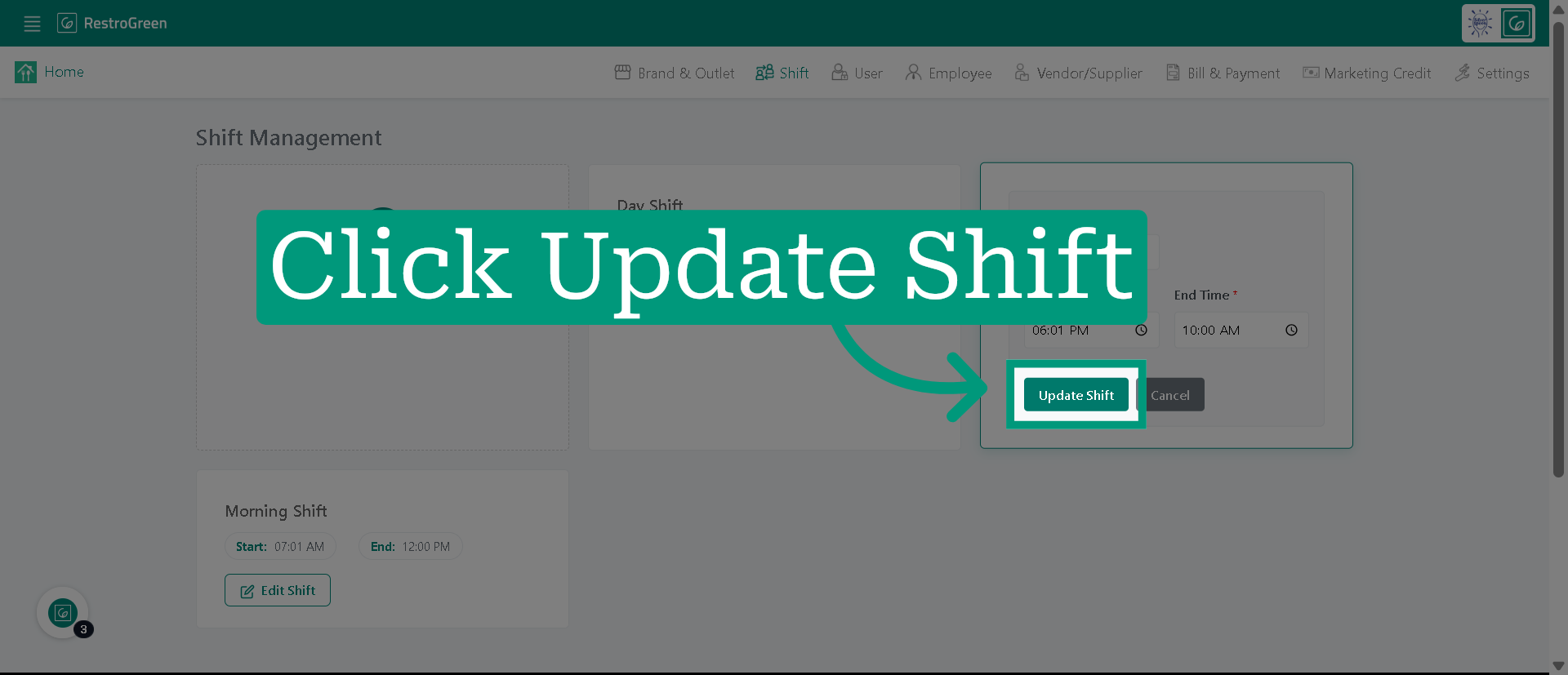
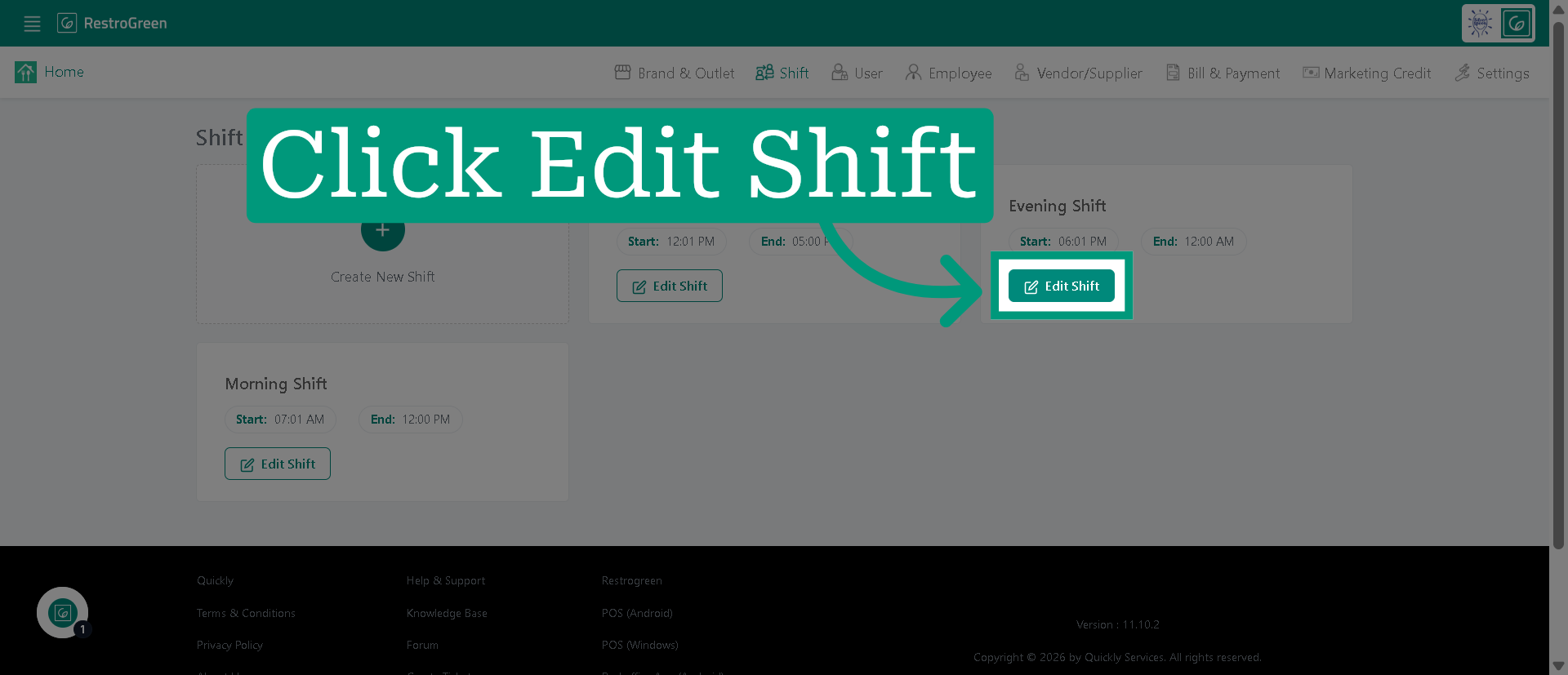
7. The changes has been saved for the selected shift