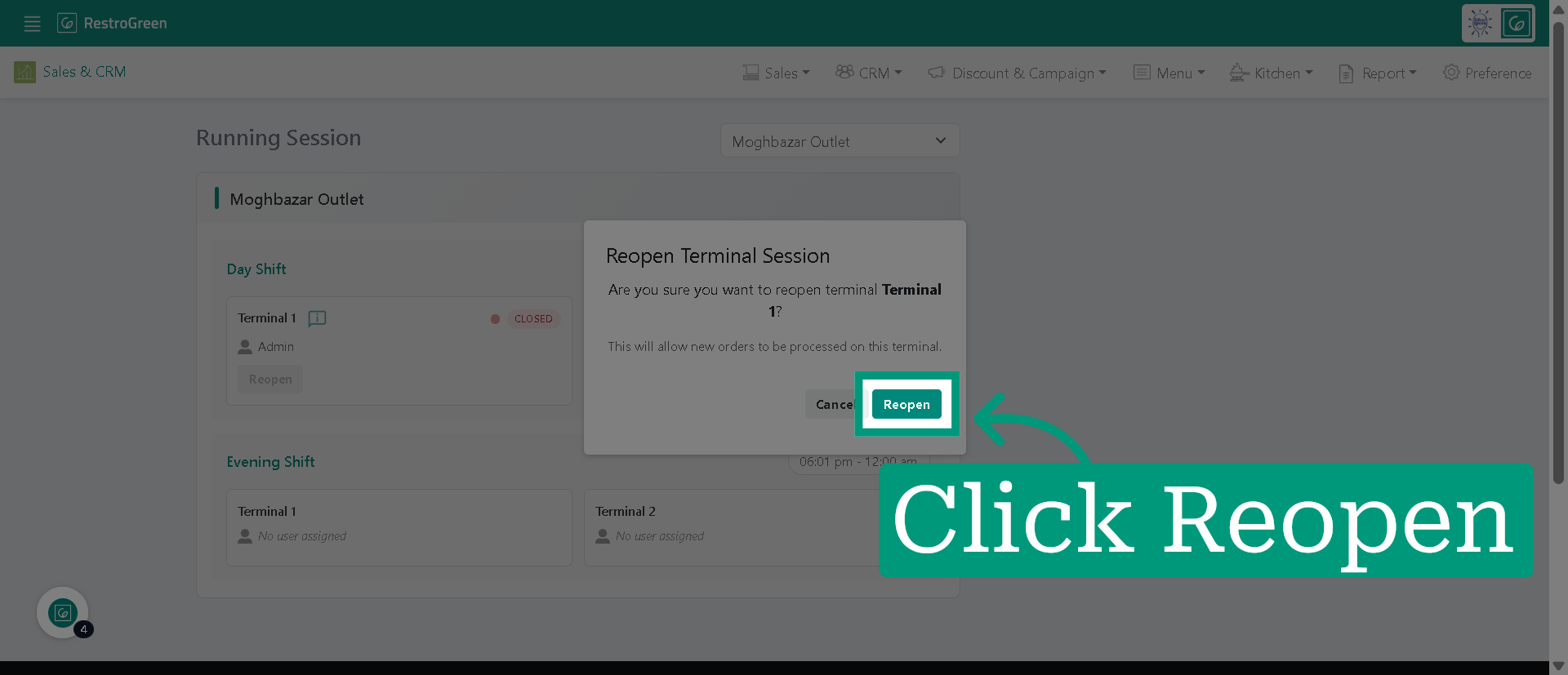
How to Reopen a POS Shift When Closed Mistakenly in RestroGreen
This tutorial shows how you can reopen a shift/session if you have closed it by mistake.
Go to
restrogreen.quicklyservices.com
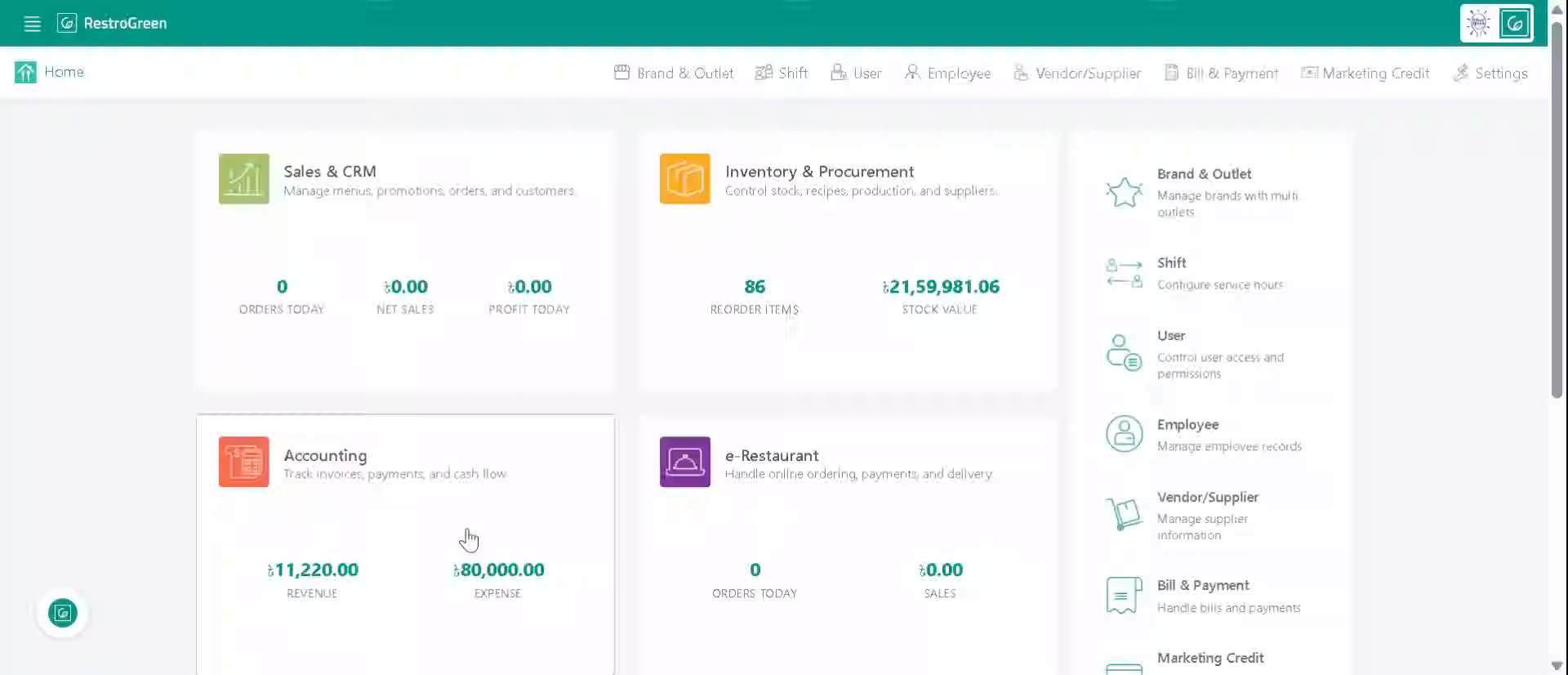
1. Login to your Business Portal
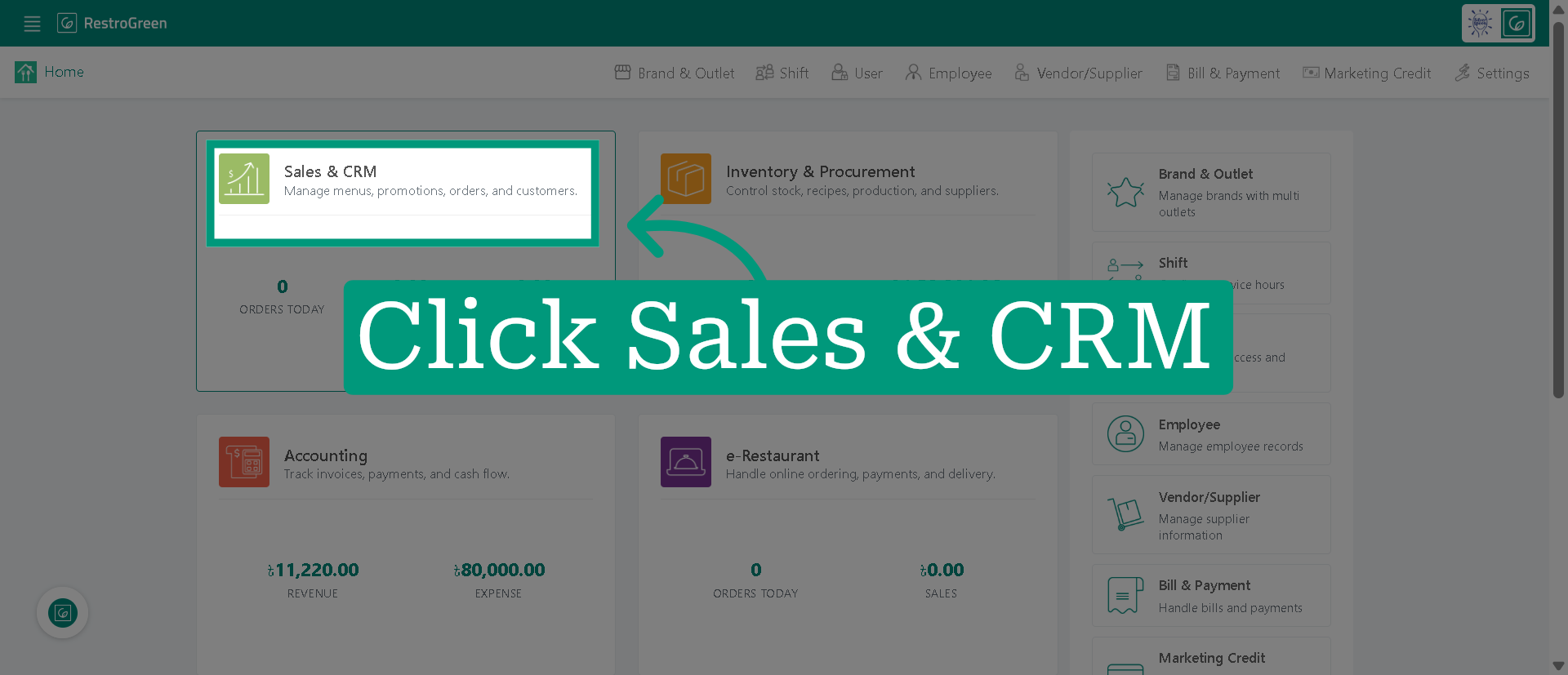
2. Access "Sales & CRM" Module
3. Click "Sales" from the top navigation bar
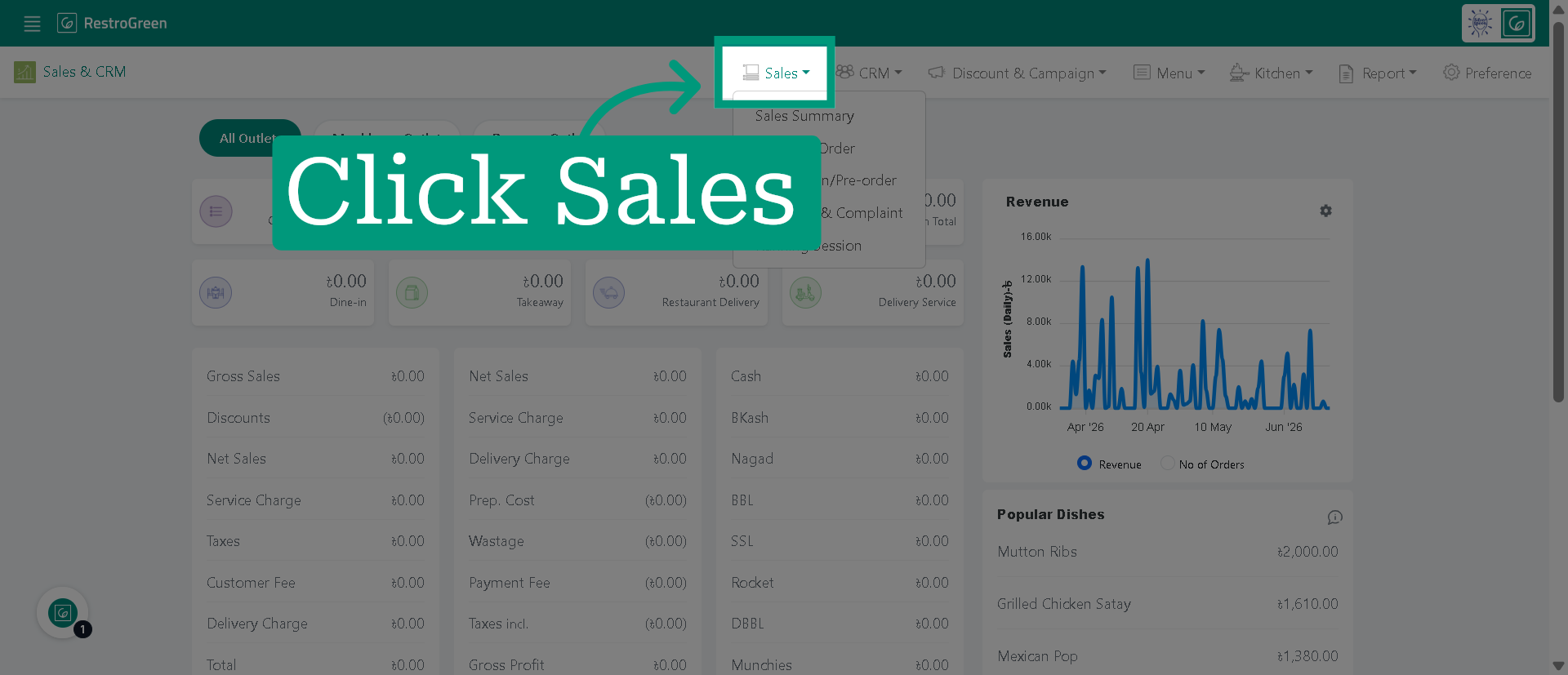
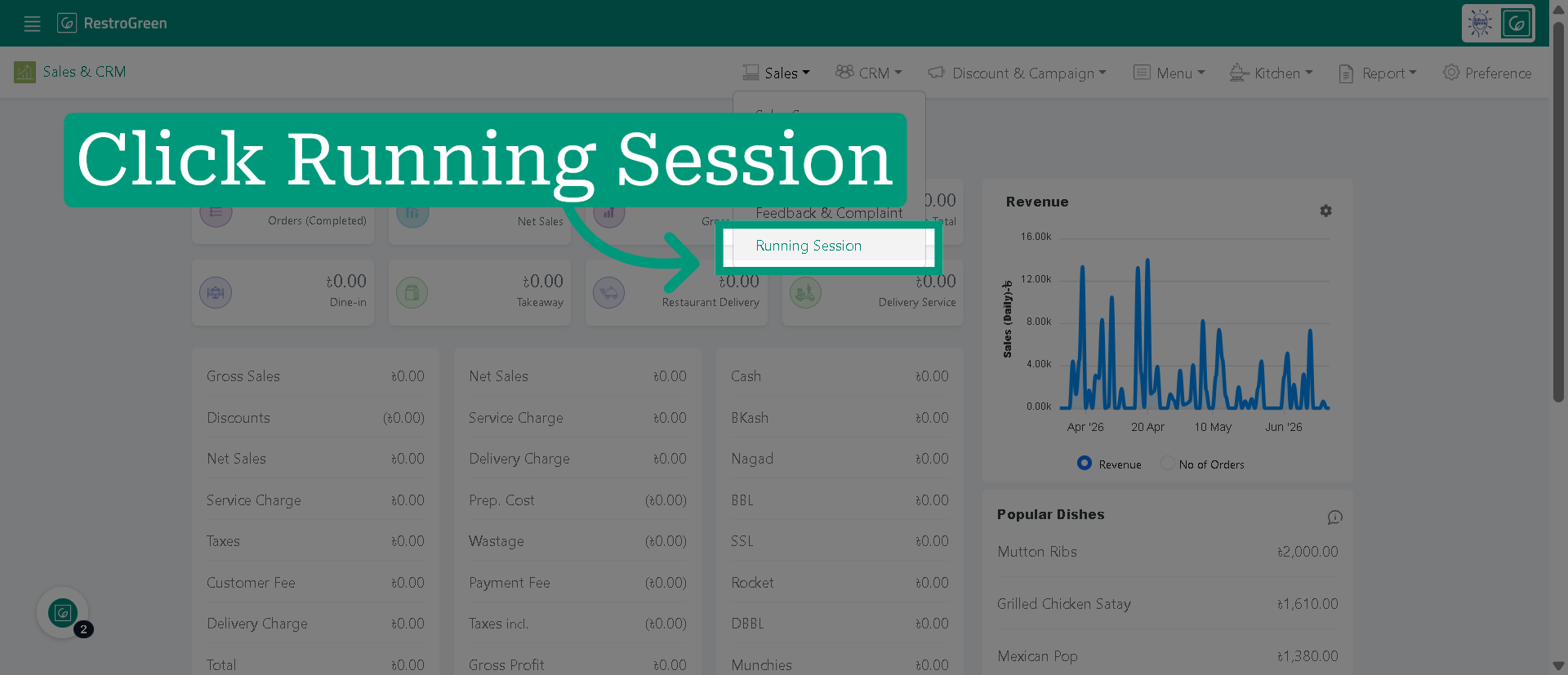
4. Click "Running Session" to display the active session details
5. Initiate Session Reopen
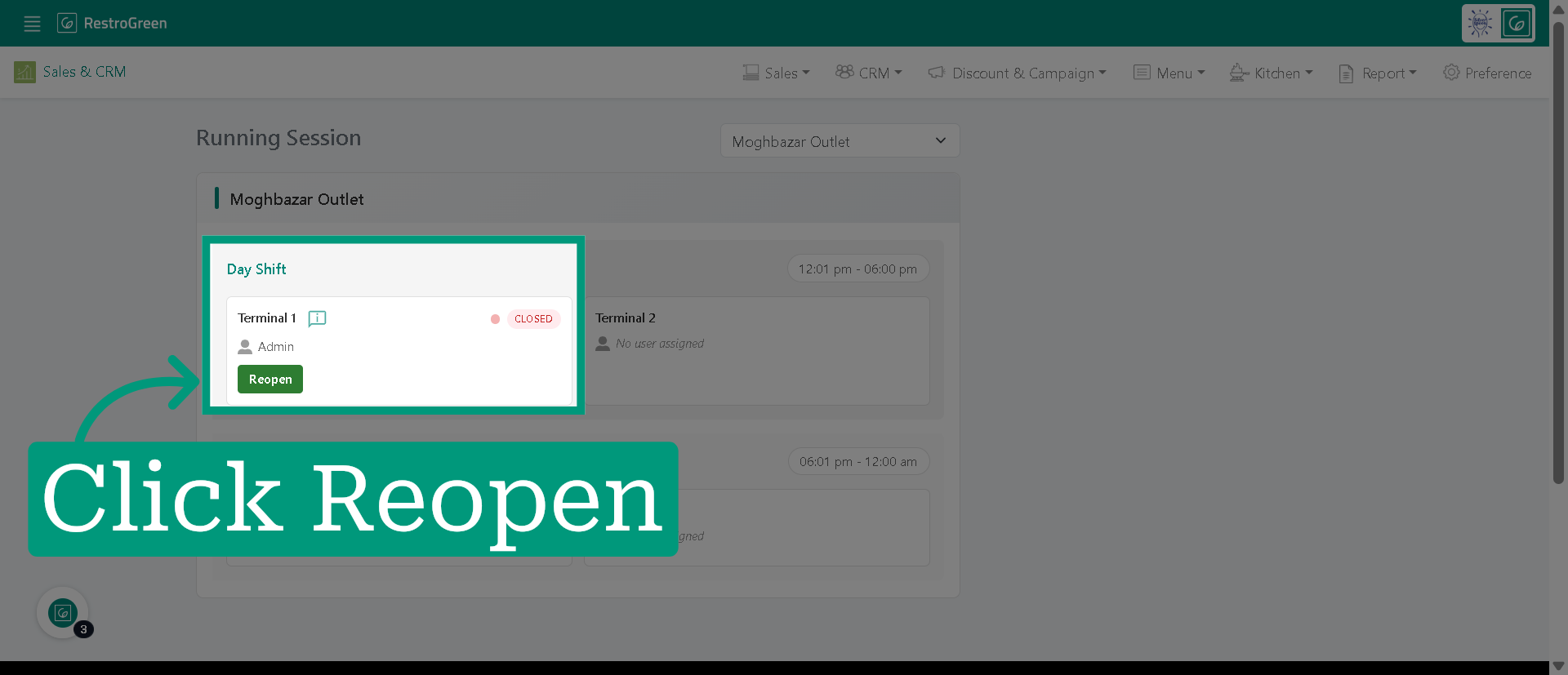
6. Click "Reopen" again to confirm