How to Create a New Shift in RestroGreen Business Portal
This tutorial guides you through setting up a new shift schedule in the RestroGreen Business
Portal.
Go to
restrogreen.quicklyservices.com
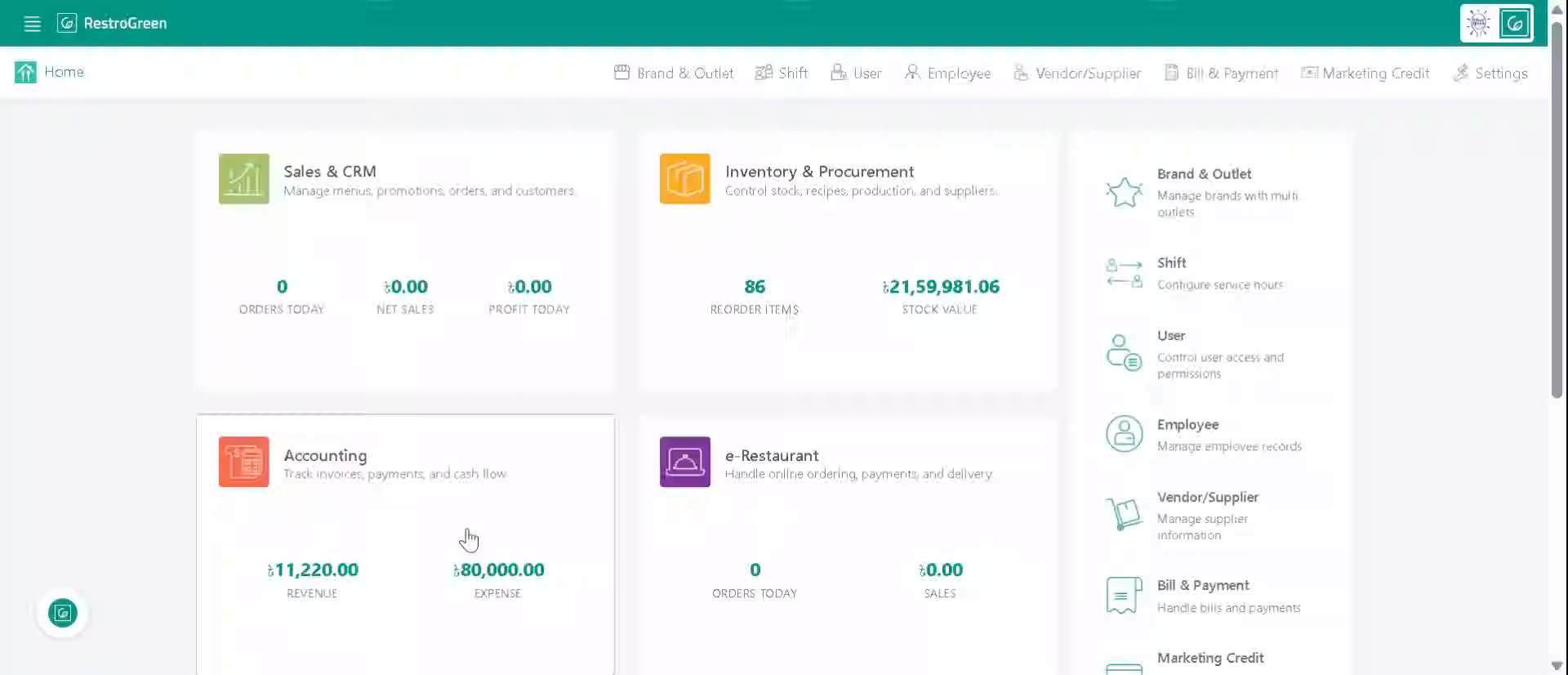
1. Login to your Business Portal
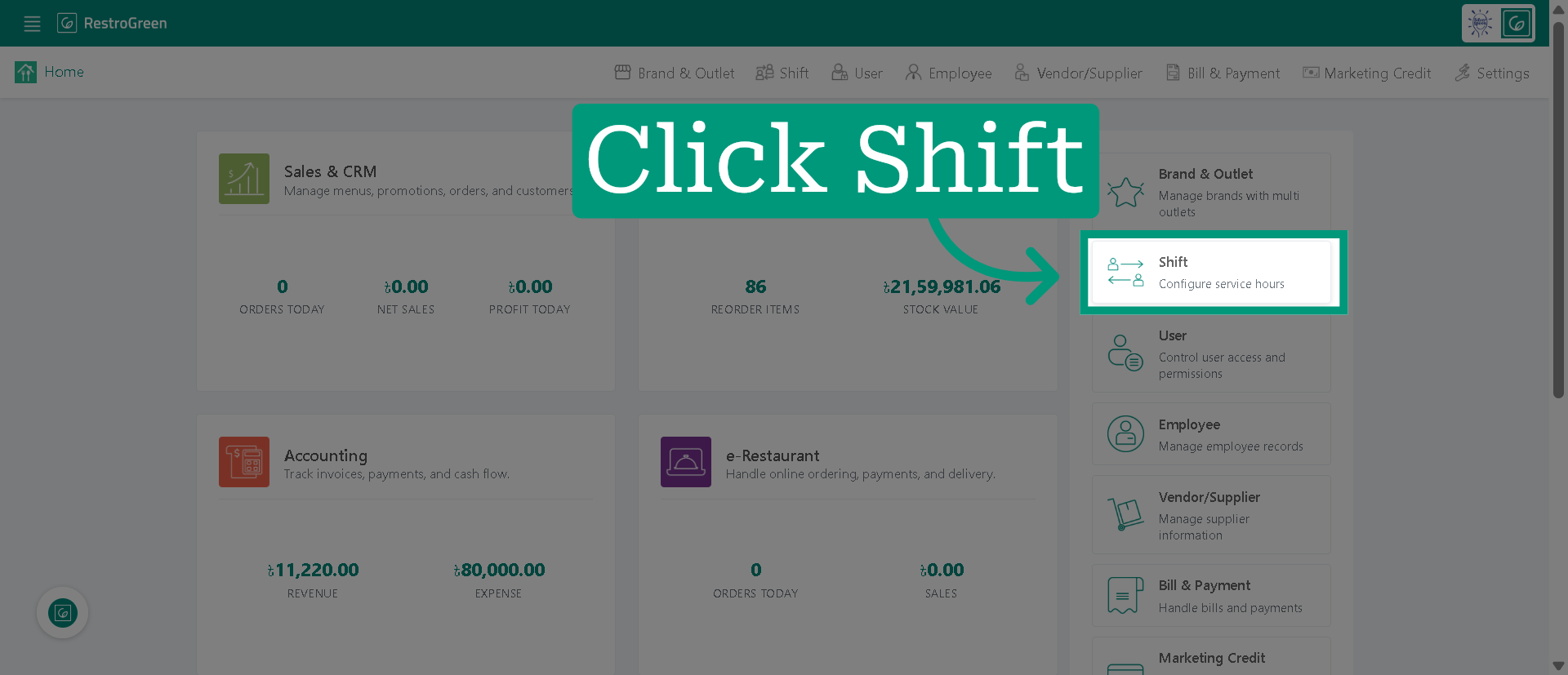
2. Click "Shift" to open the shift management section
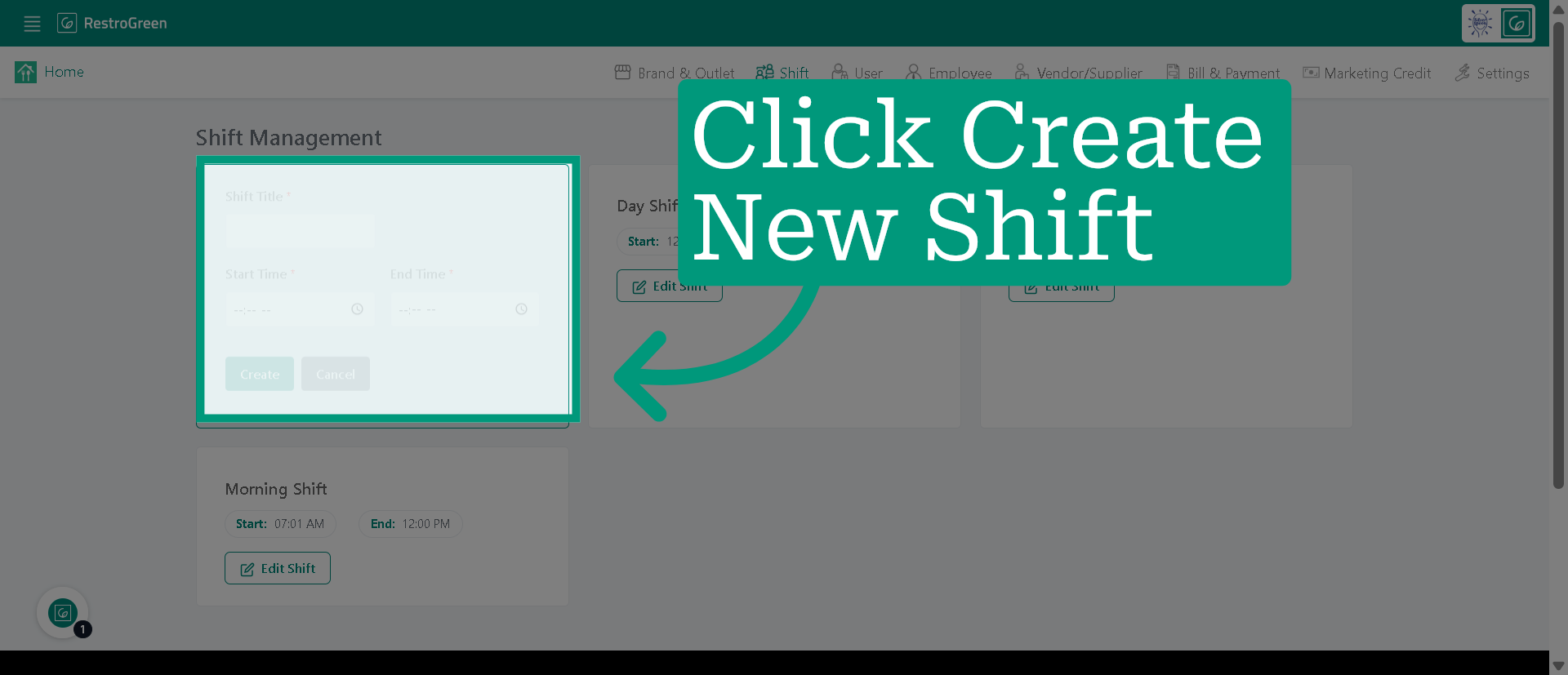
3. Click "Create New Shift" to begin
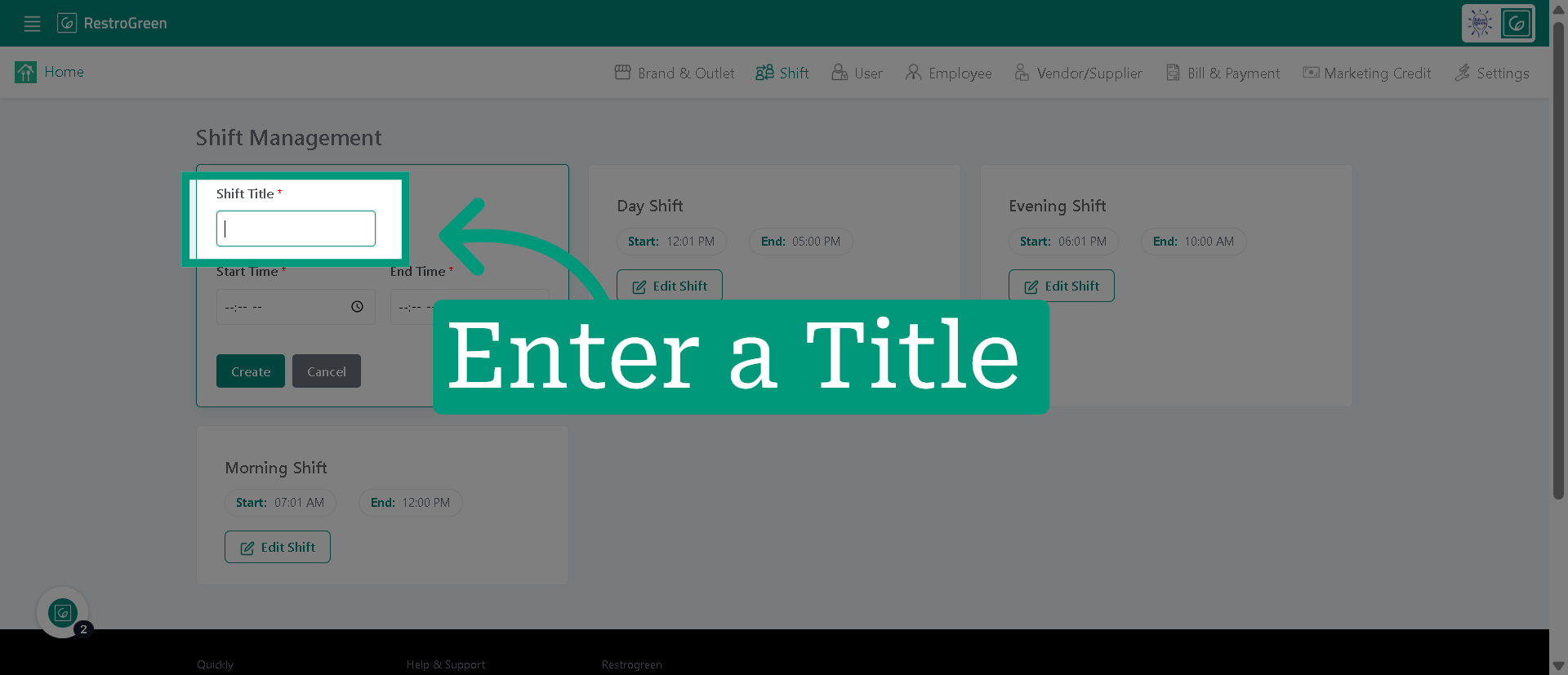
4. Type-in a Name for this shift
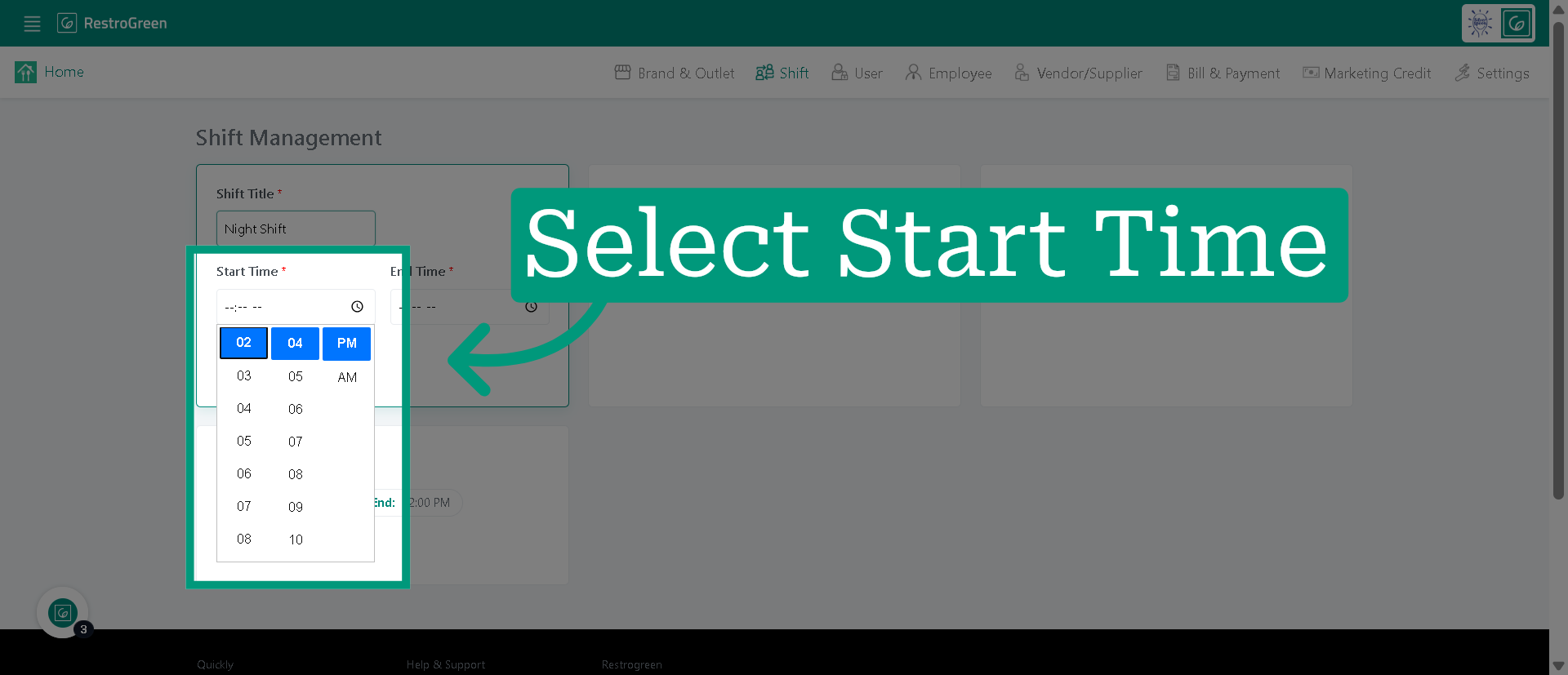
5. Select "Start Time" to specify when the shift begins
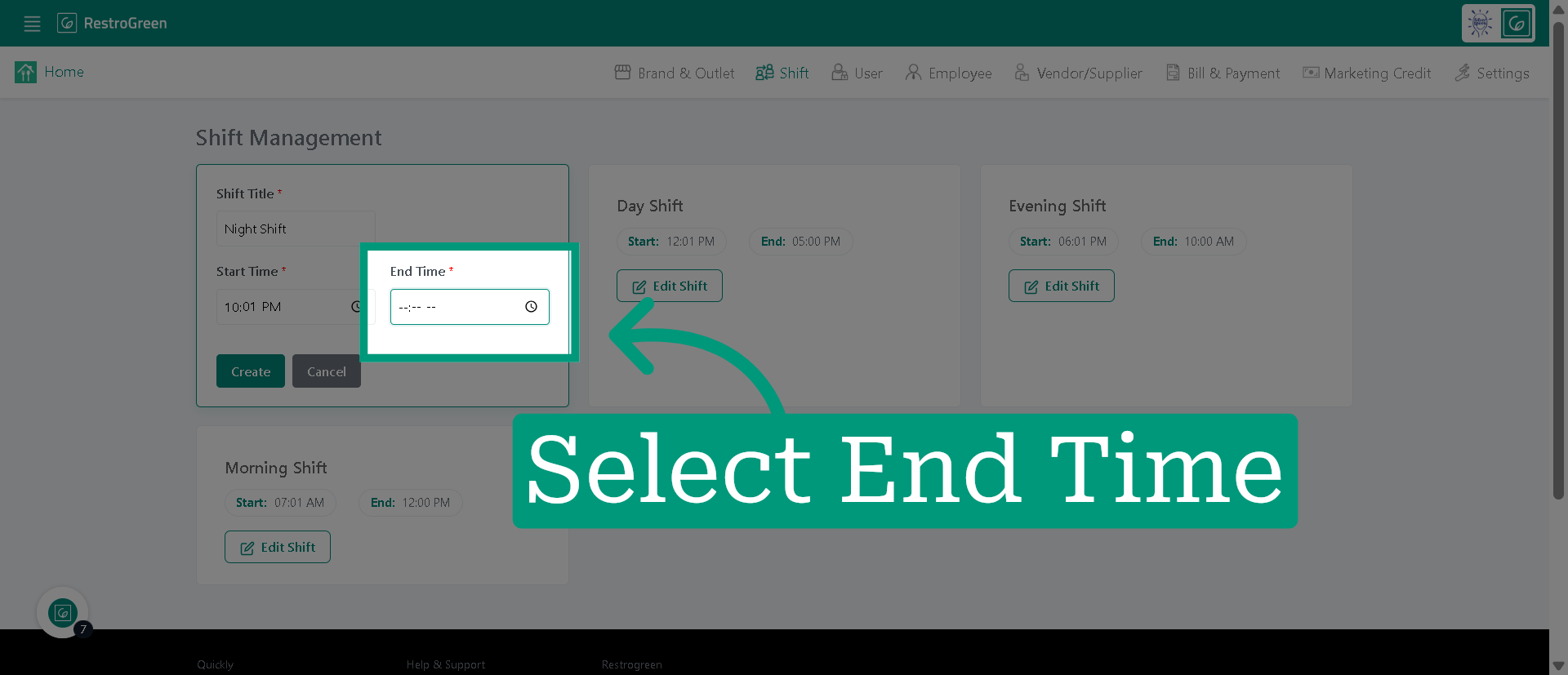
6. Select "End Time" to ensure when this shift closes
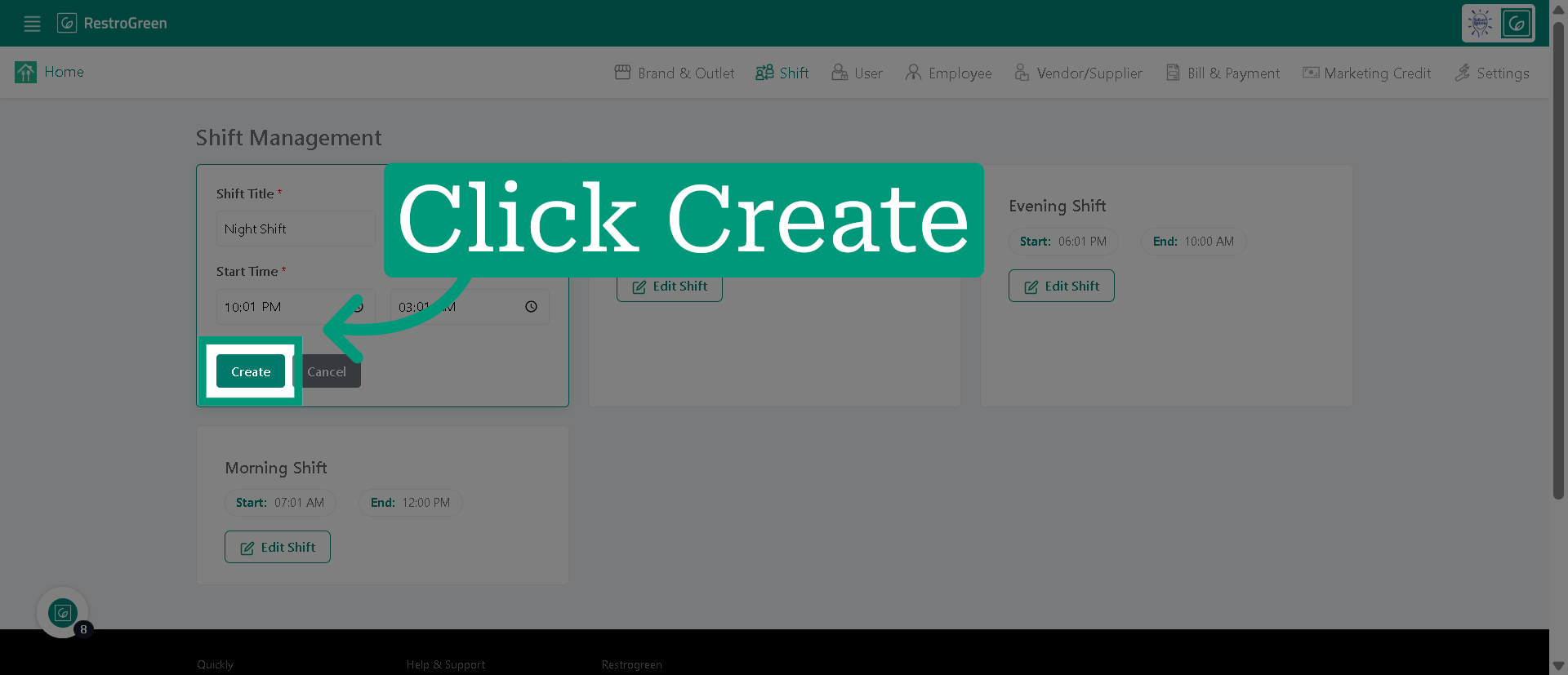
7. Click "Create" to save the new shift