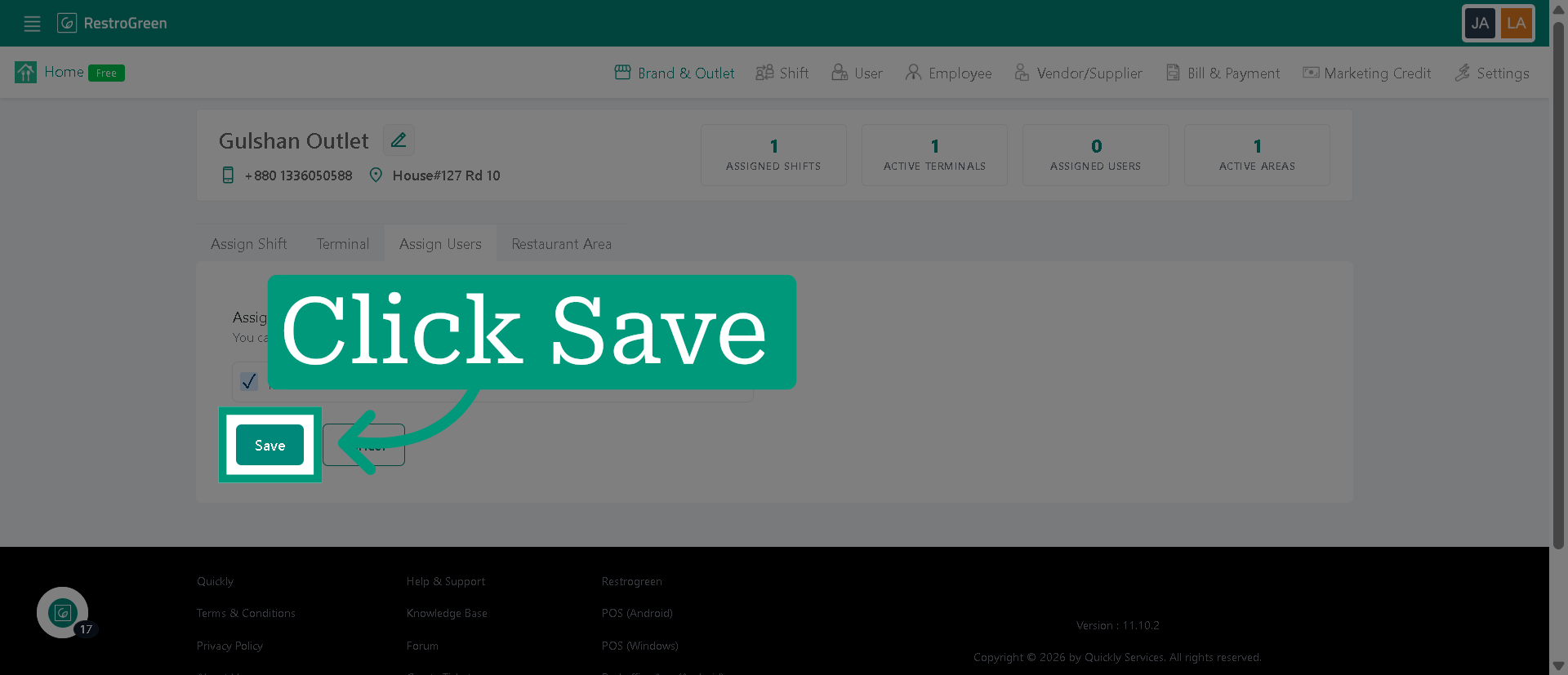
How to Assign an User to a Specific Outlet in RestroGreen
This tutorial guides you through assigning user to a specific outlet within the RestroGreen Business
Portal.
Go to
restrogreen.quicklyservices.com
1. Login to your Business Portal
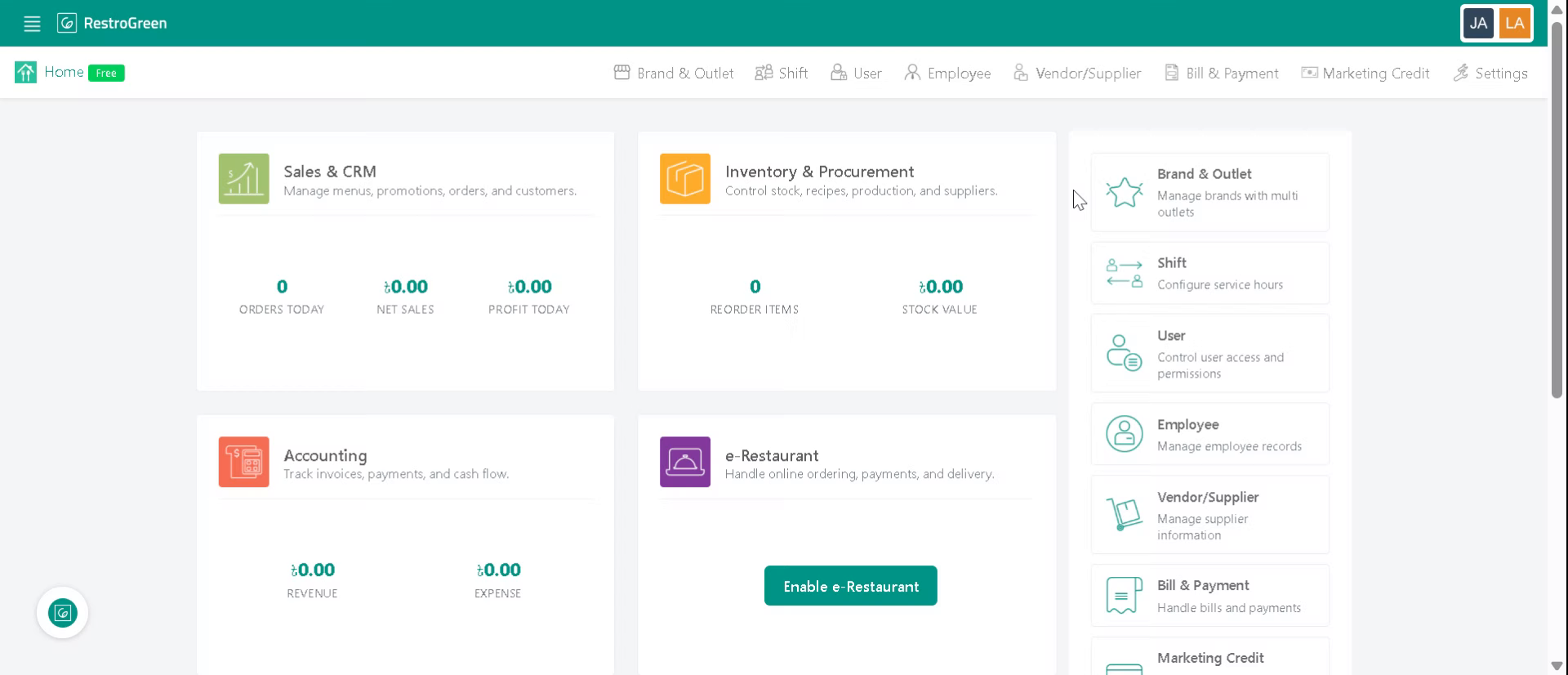
2. Click "User" to open the user management section
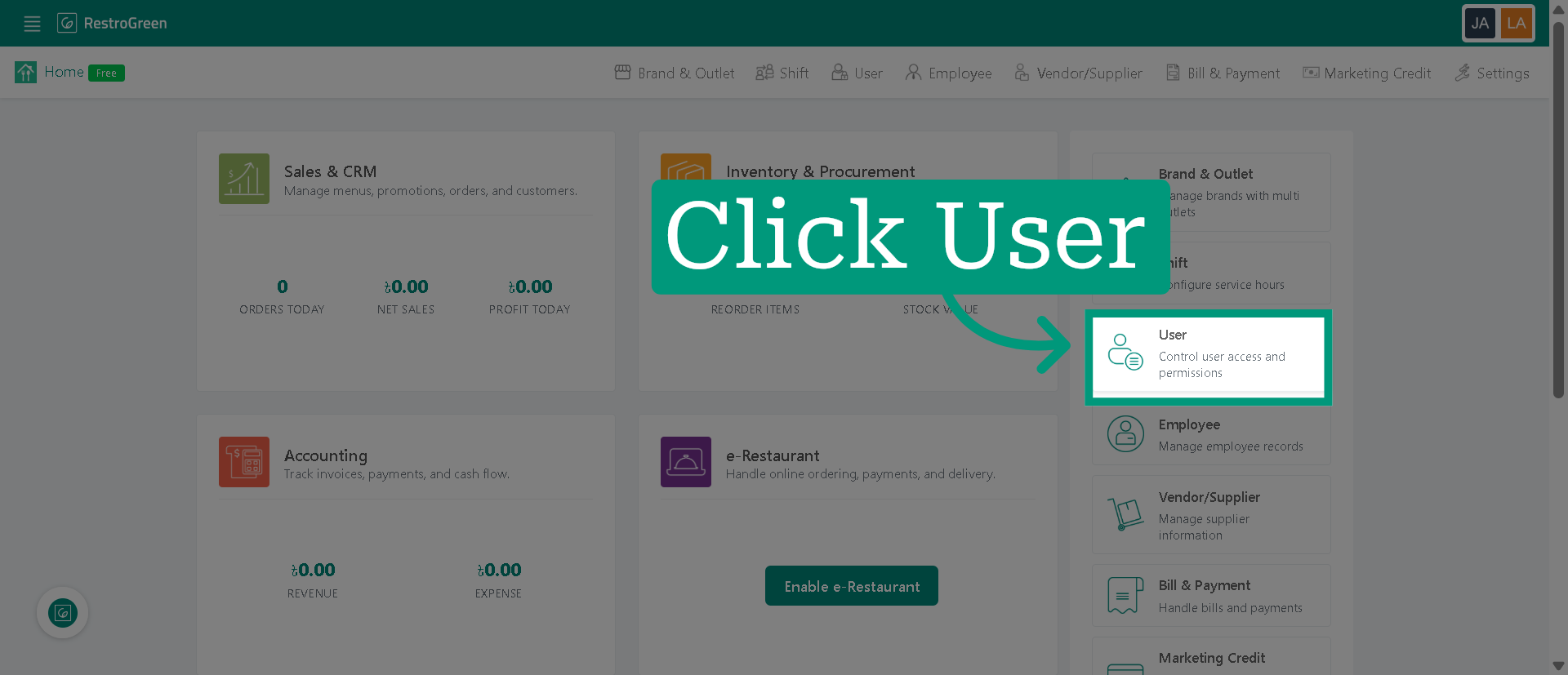
3. View available users
Before assigning users, make sure you have added them here. If you need help adding a new user, refer to the tutorial: "How to Invite/Add New Users in RestroGreen."
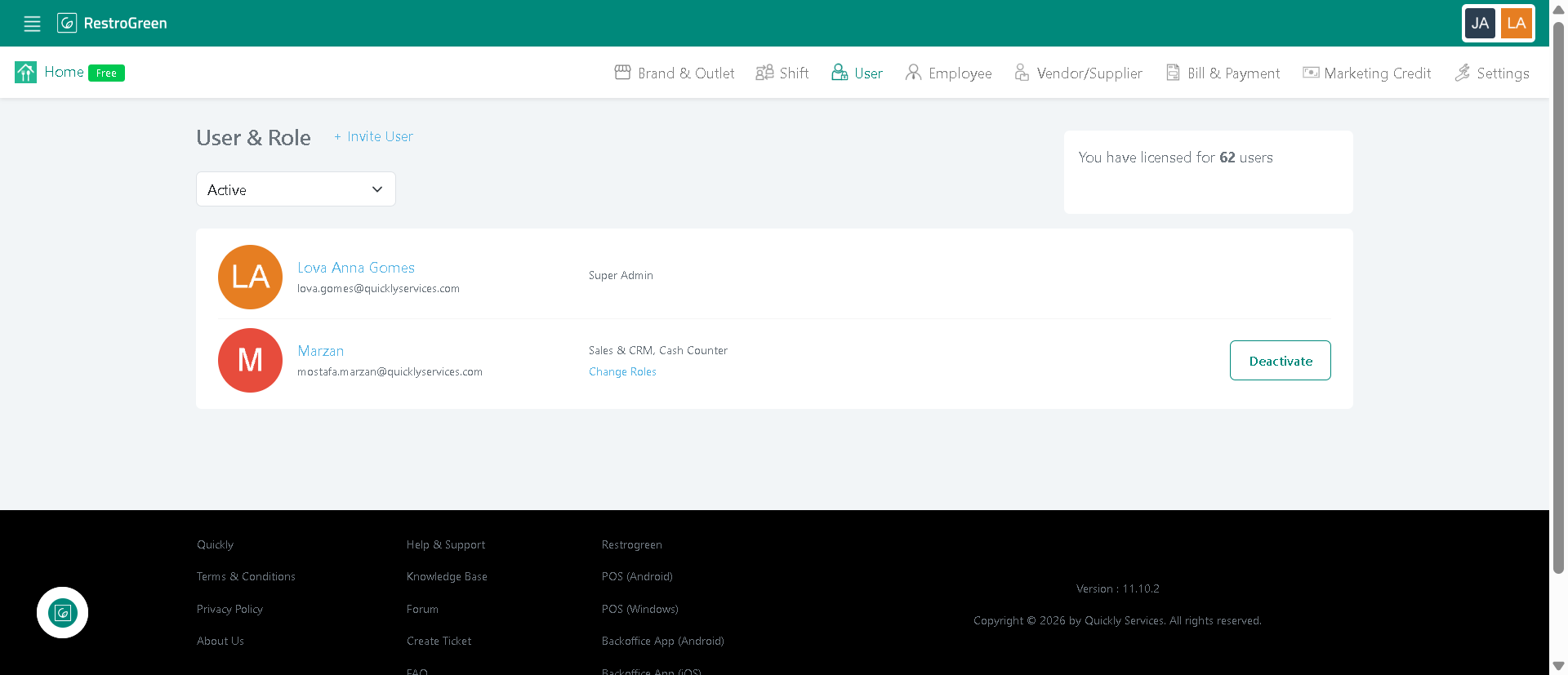
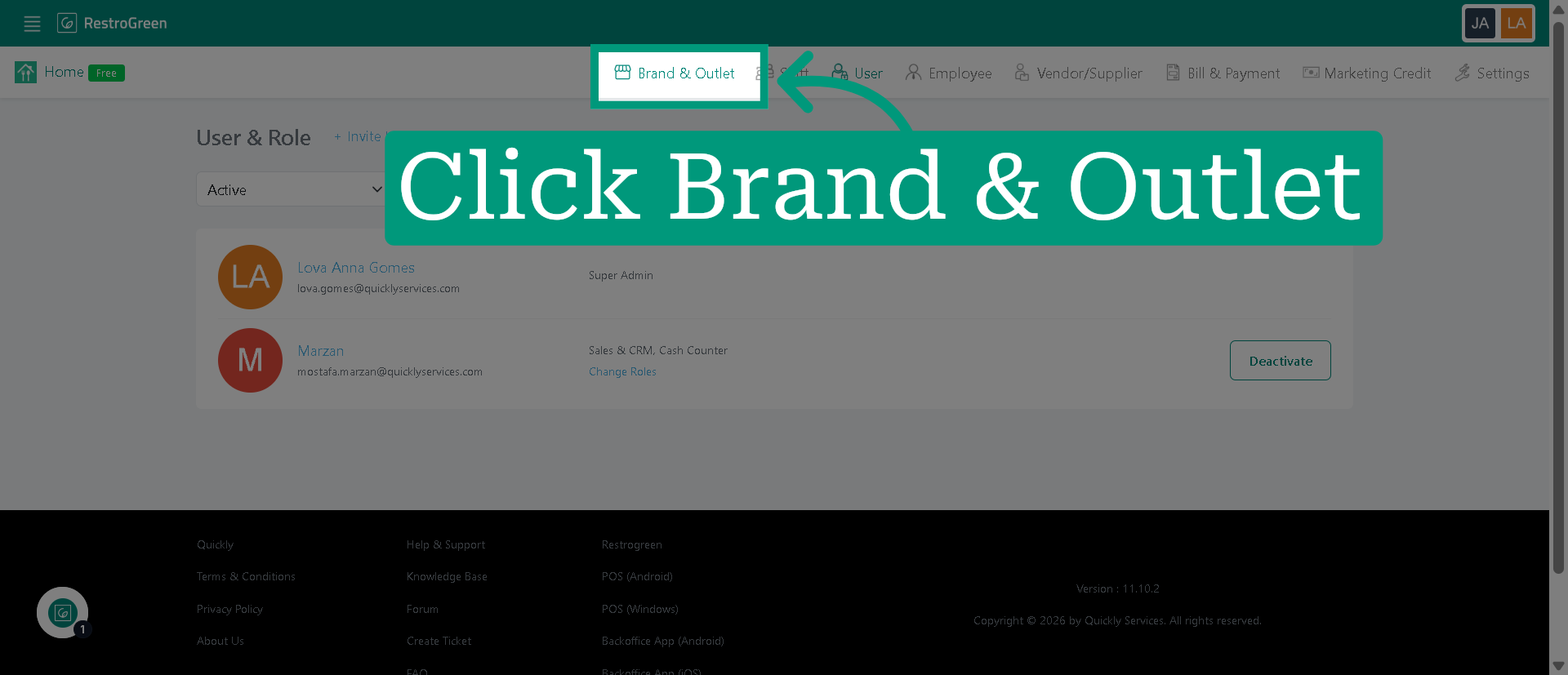
4. Click "Brand & Outlet" to navigate to the outlet
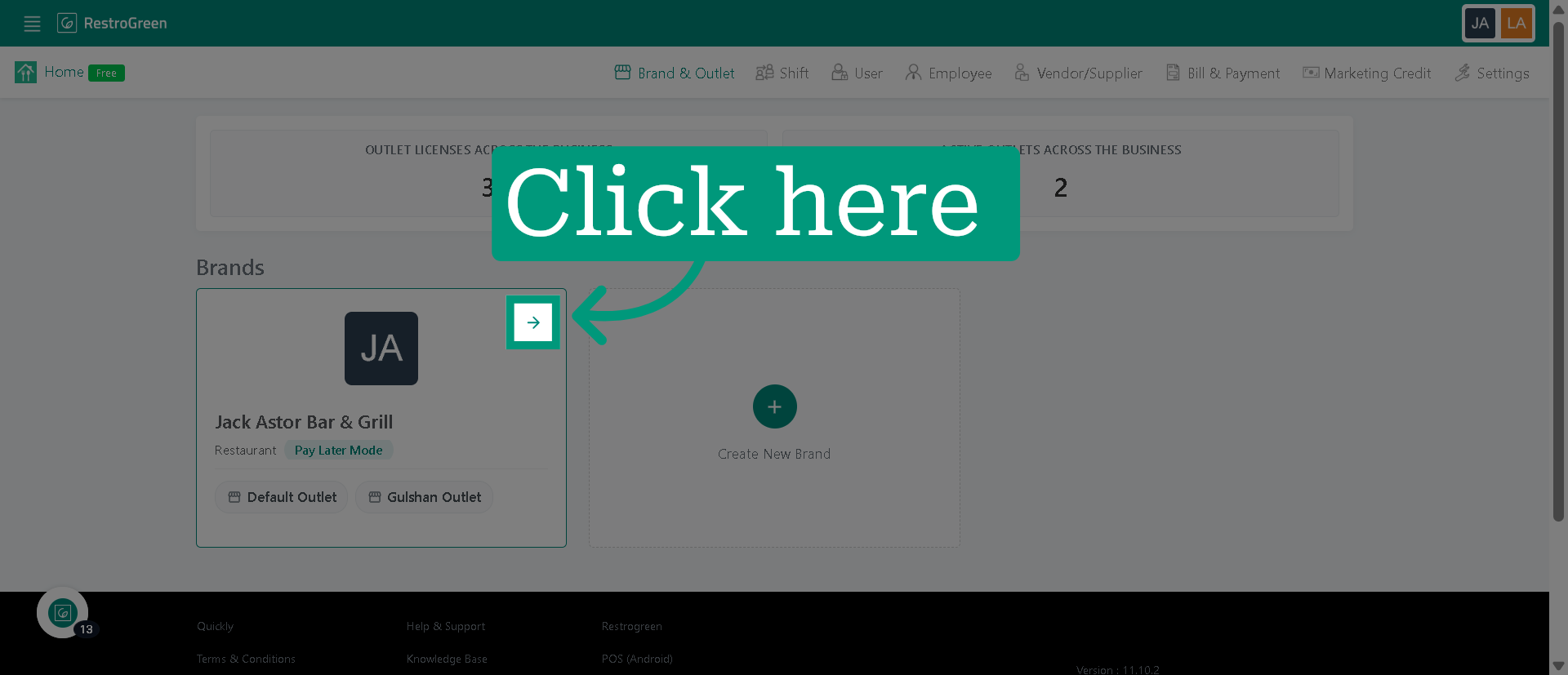
5. Click on the brand name or the arrow icon
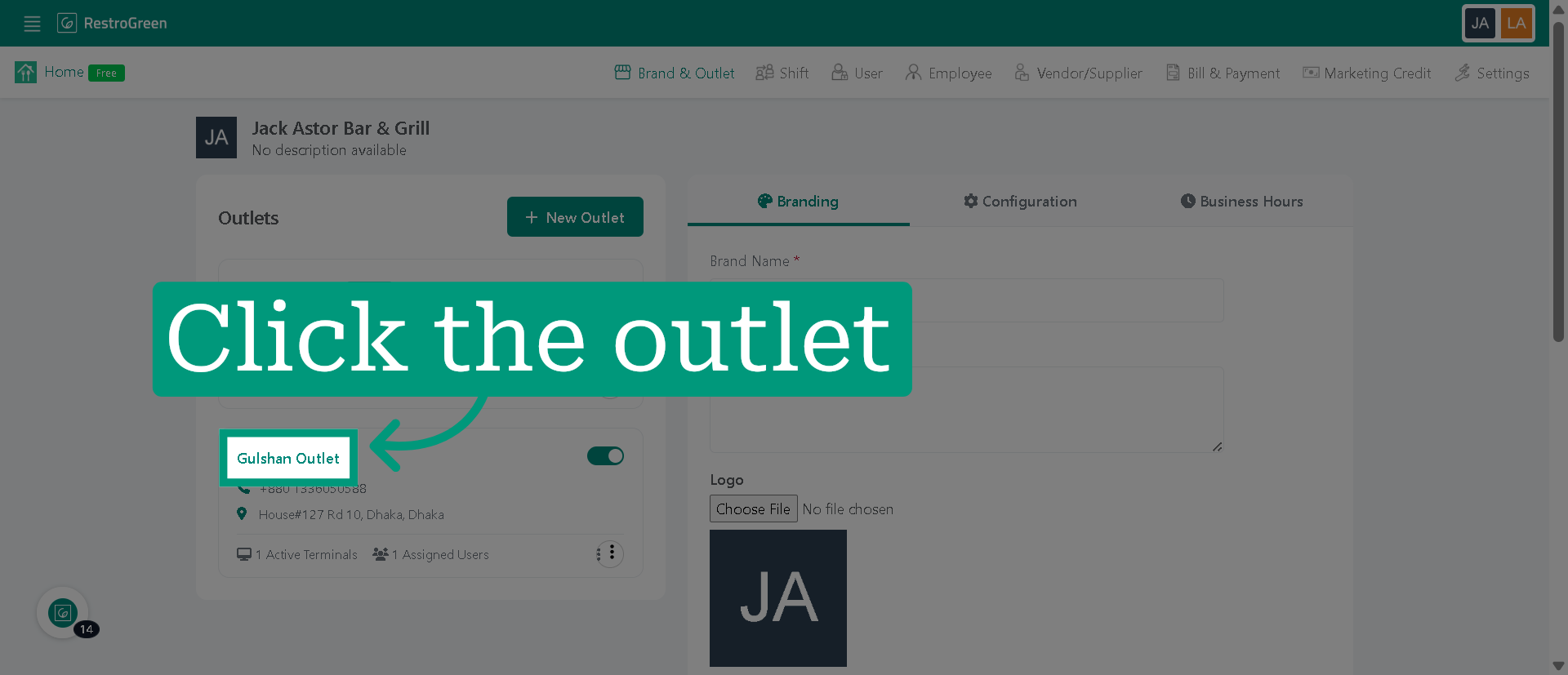
6. Select the specific outlet for user assignment
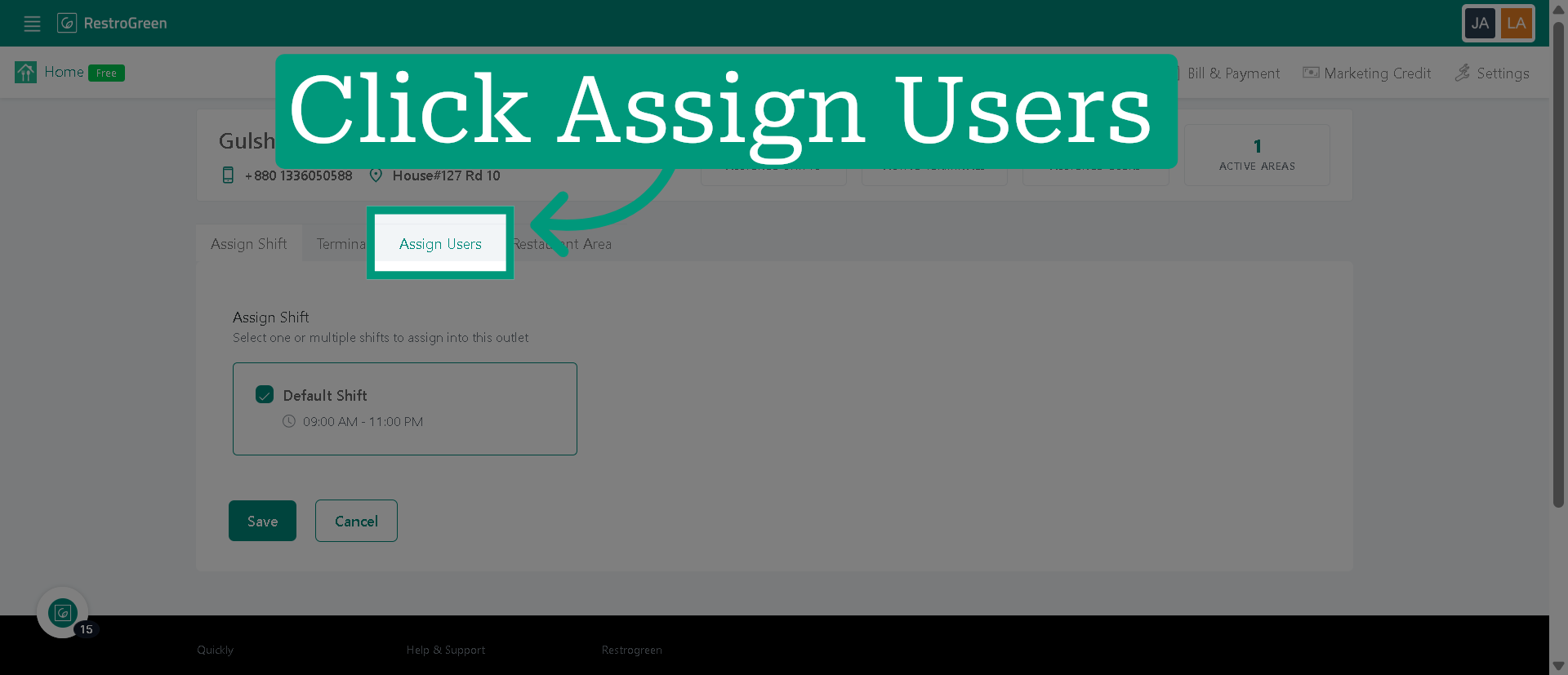
7. Click "Assign Users" to begin assigning users to the selected outlet
8. Select the checkbox beside the user's name
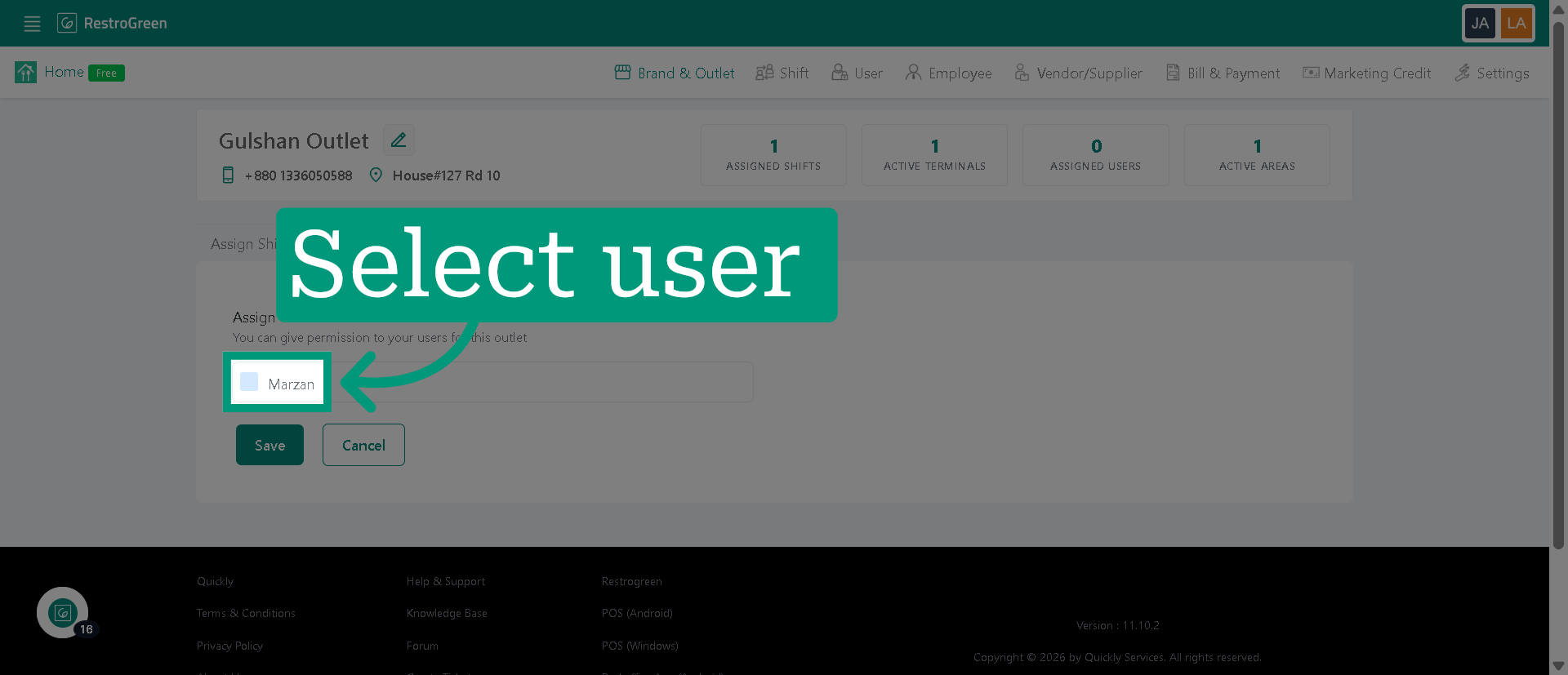
9. Click "Save" to confirm