How to Add a New User in RestroGreen
This tutorial guides you through managing user invitations within the Business Portal.
Go to
restrogreen.quicklyservices.com
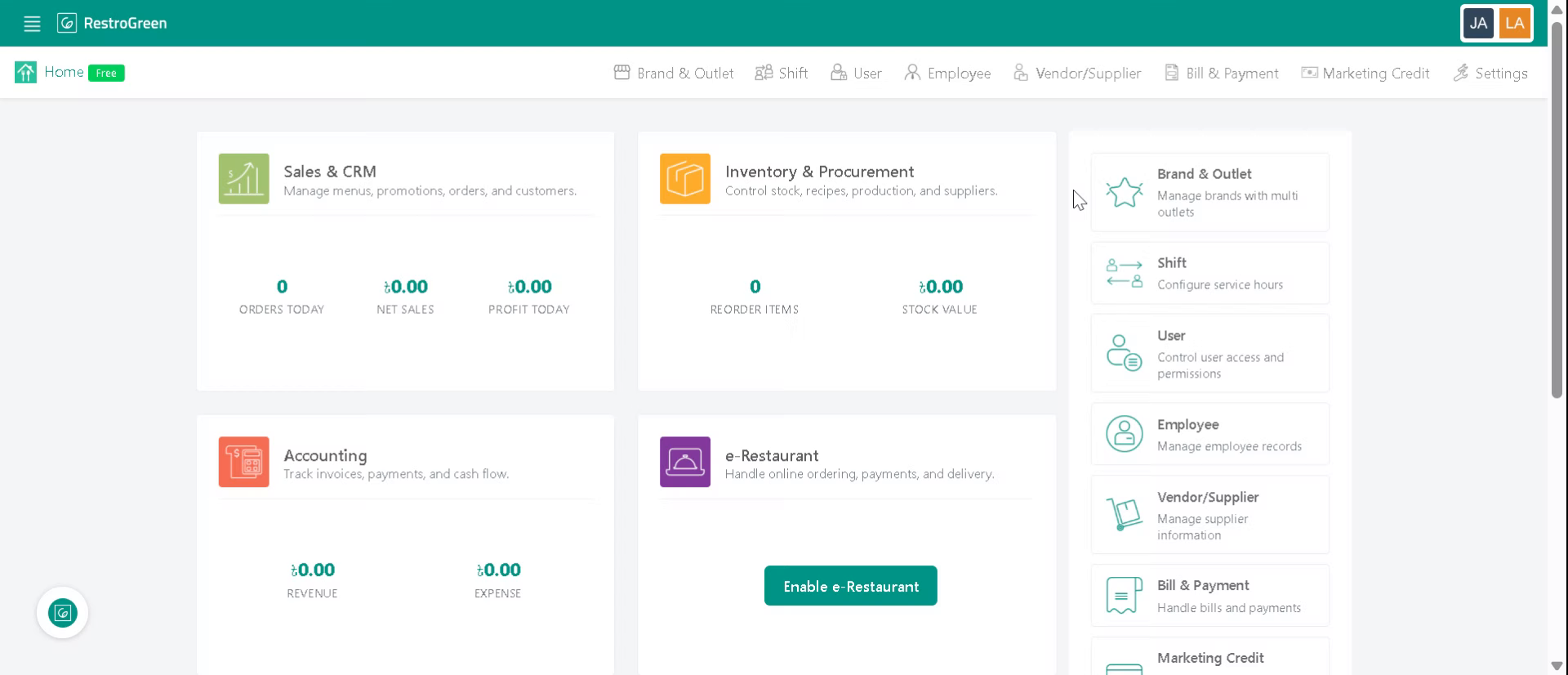
1. Login to your Business Portal
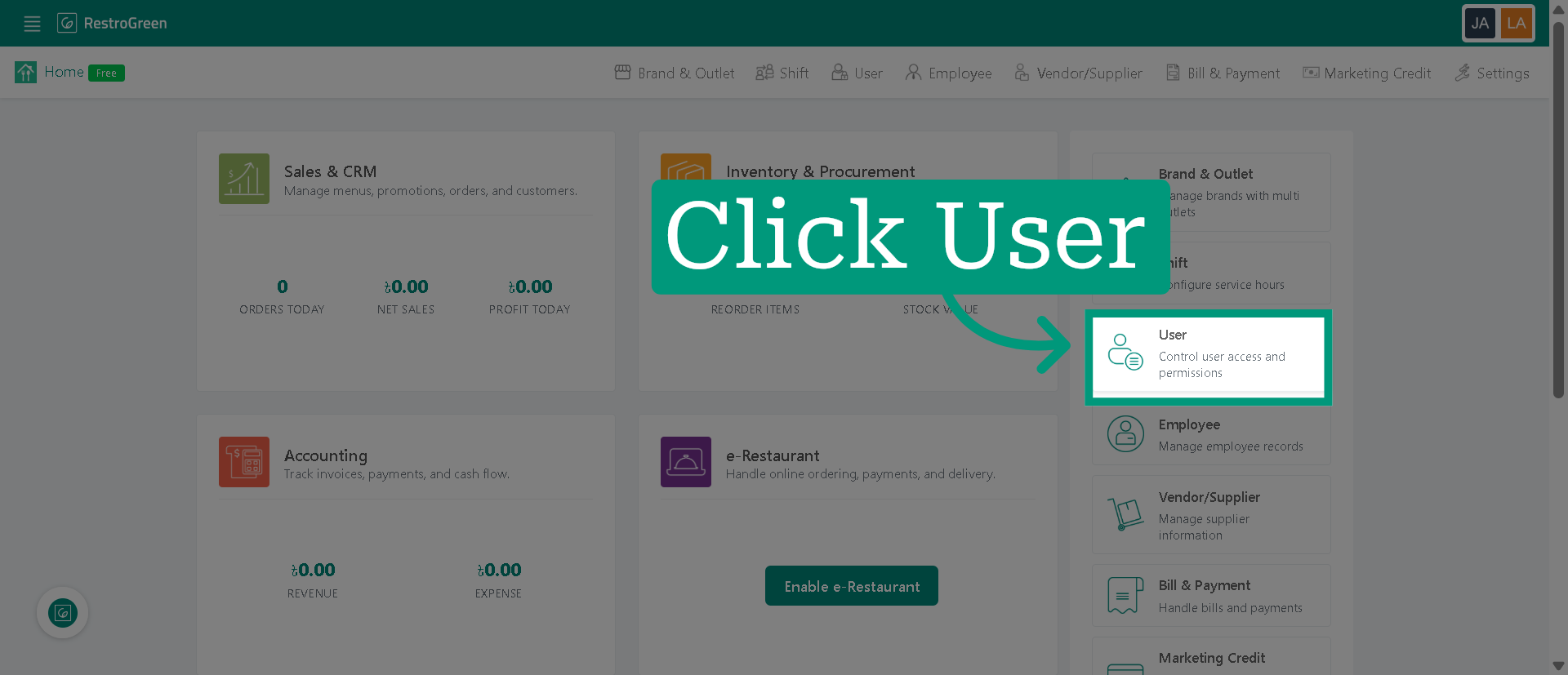
2. Click "User" to open the user management section
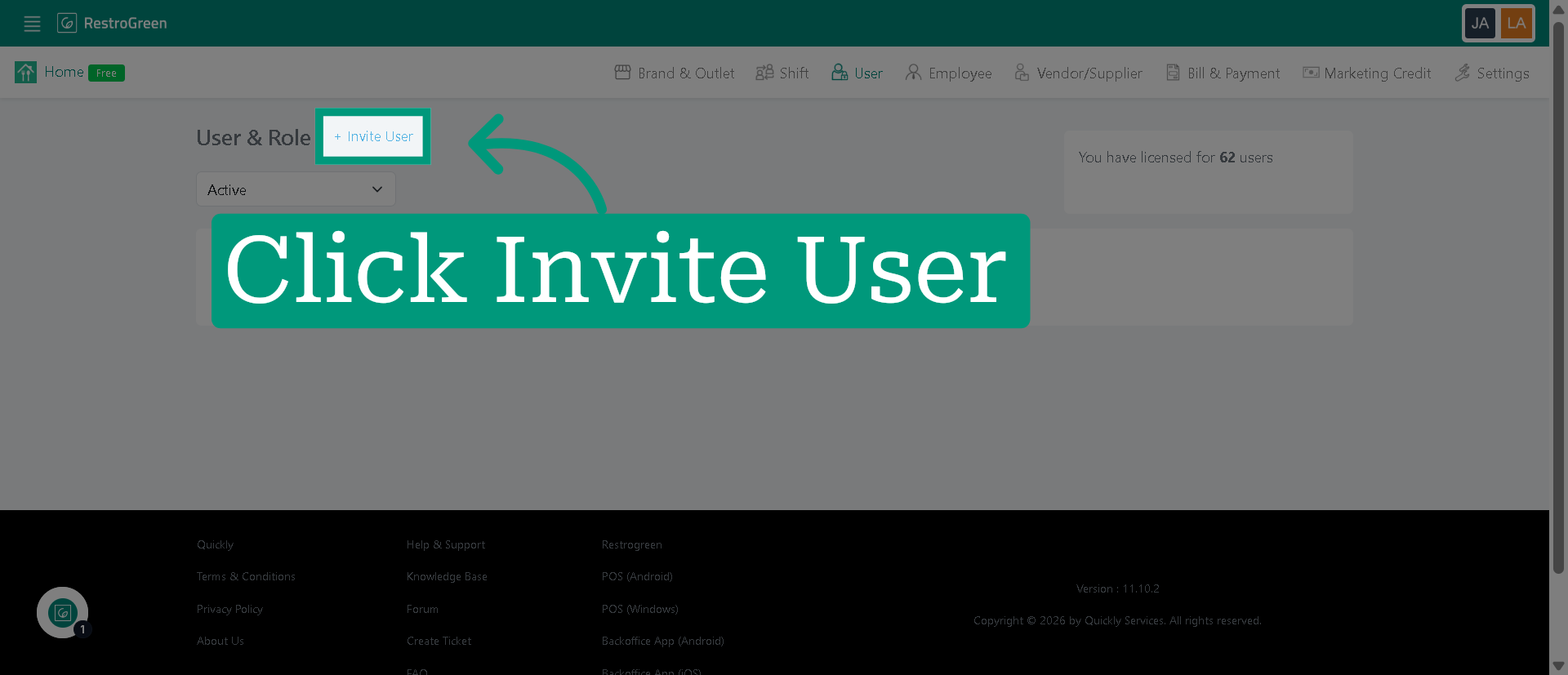
3. Click "Invite User" to start adding a new user
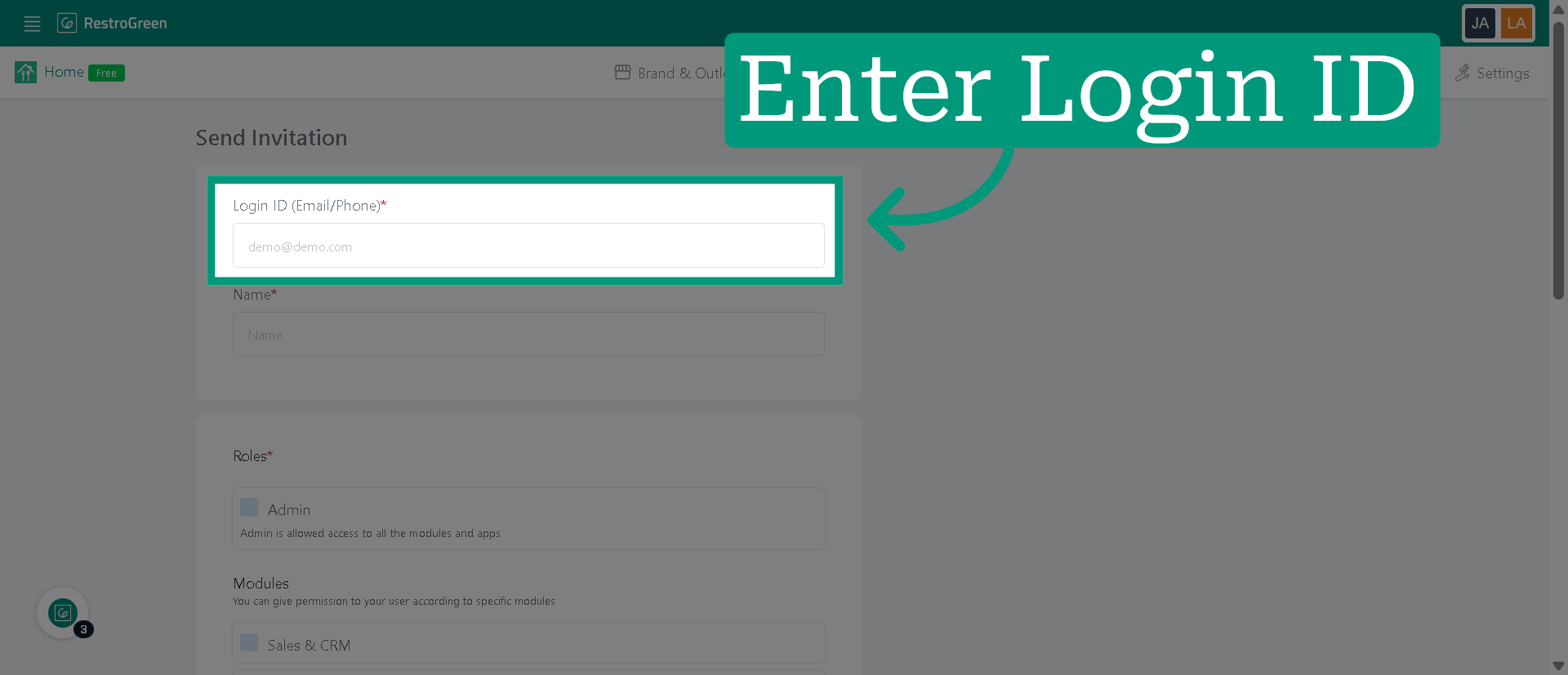
4. Type-in user's email id or a contact number
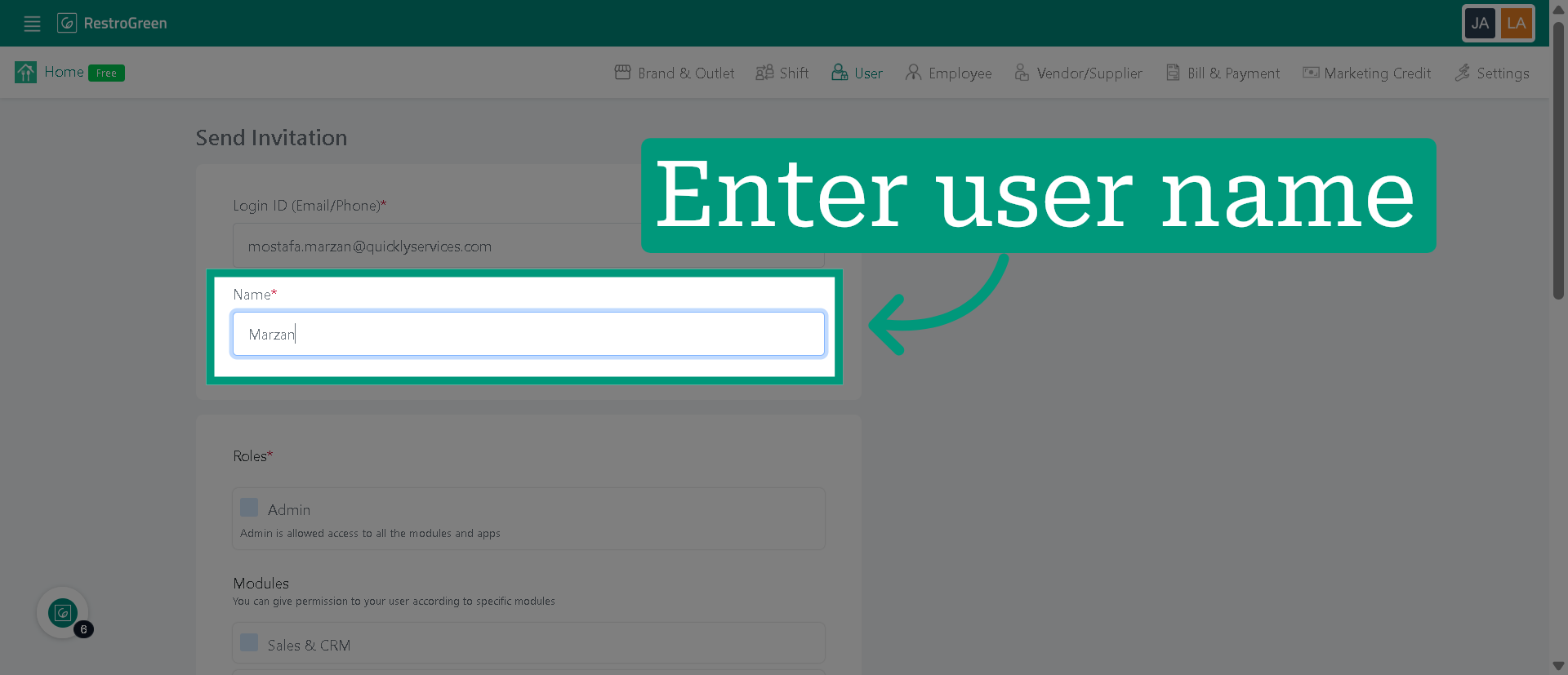
5. Type-in user's name
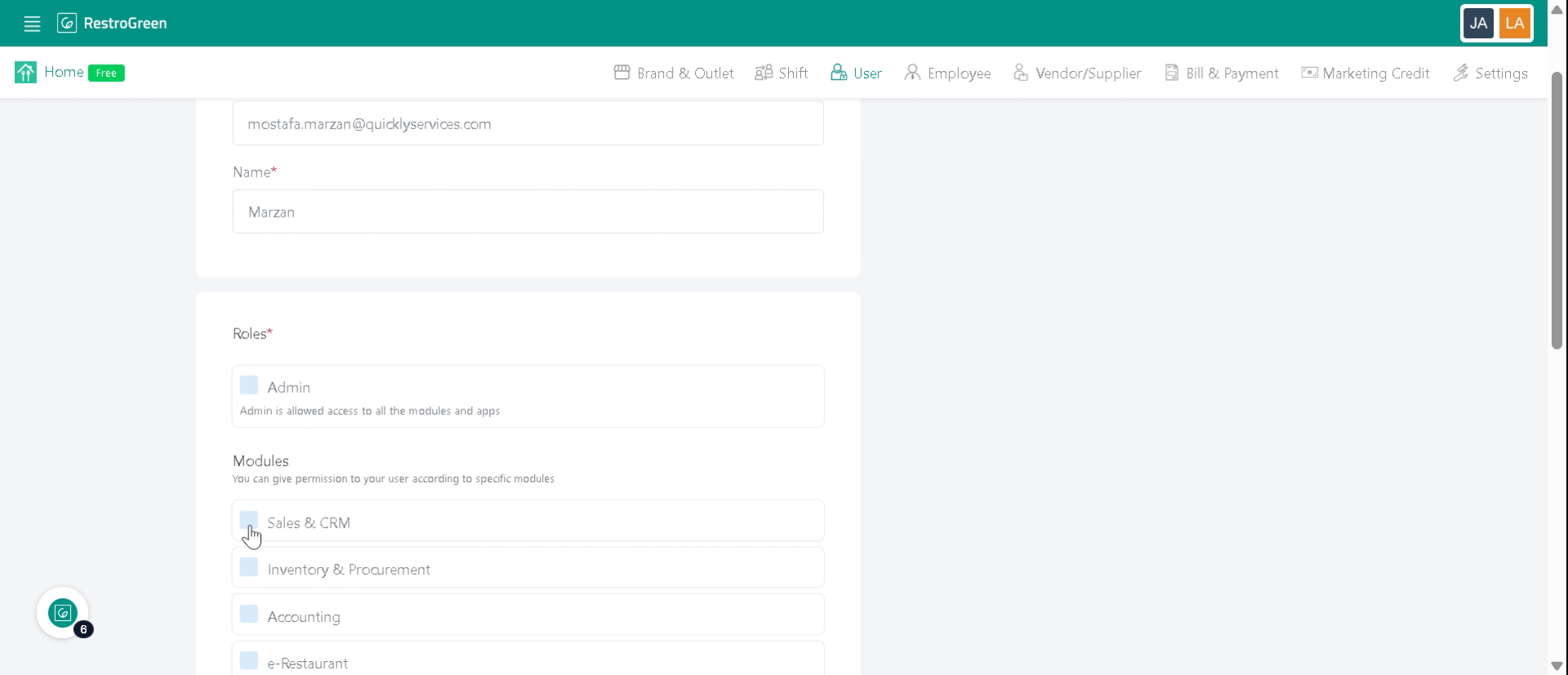
6. Select all that apply to specify the access level for the user
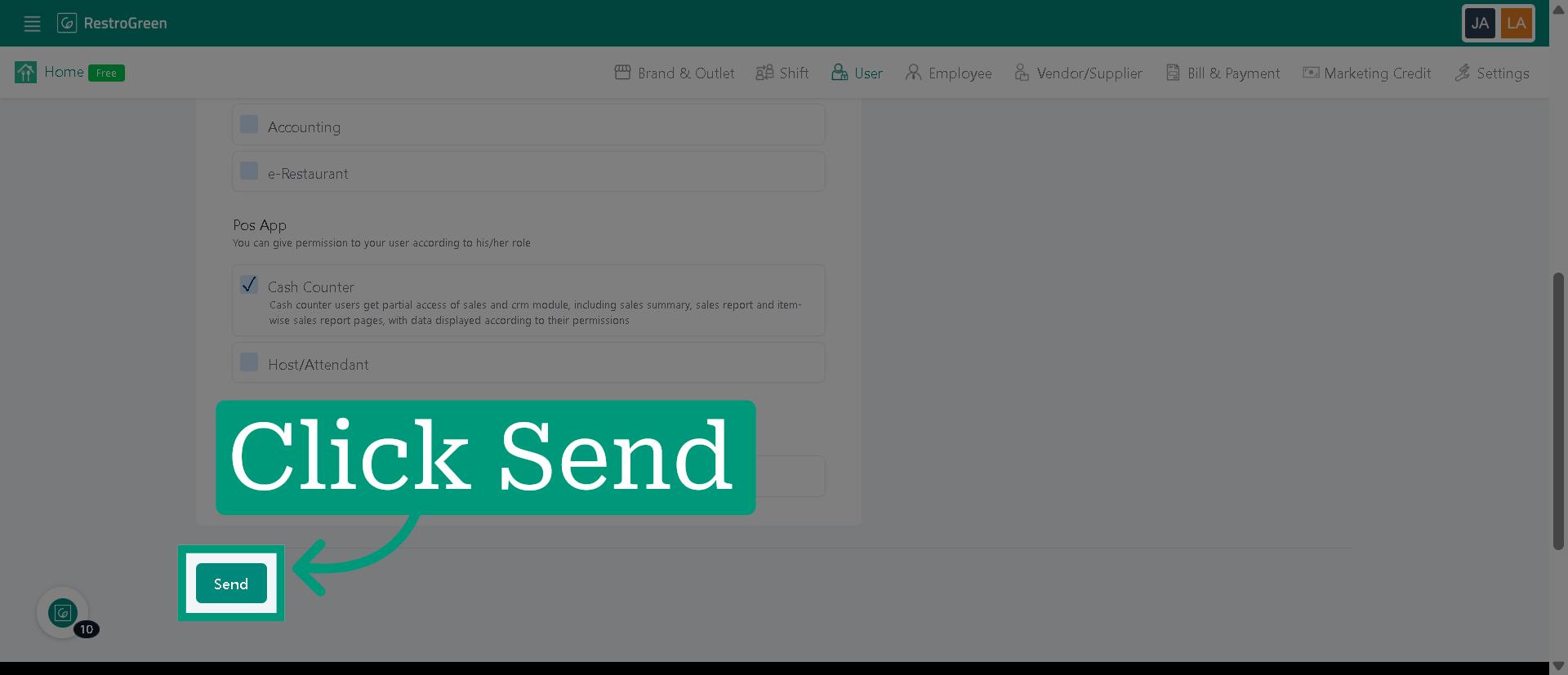
7. Click "Send" to send an invitation to the user
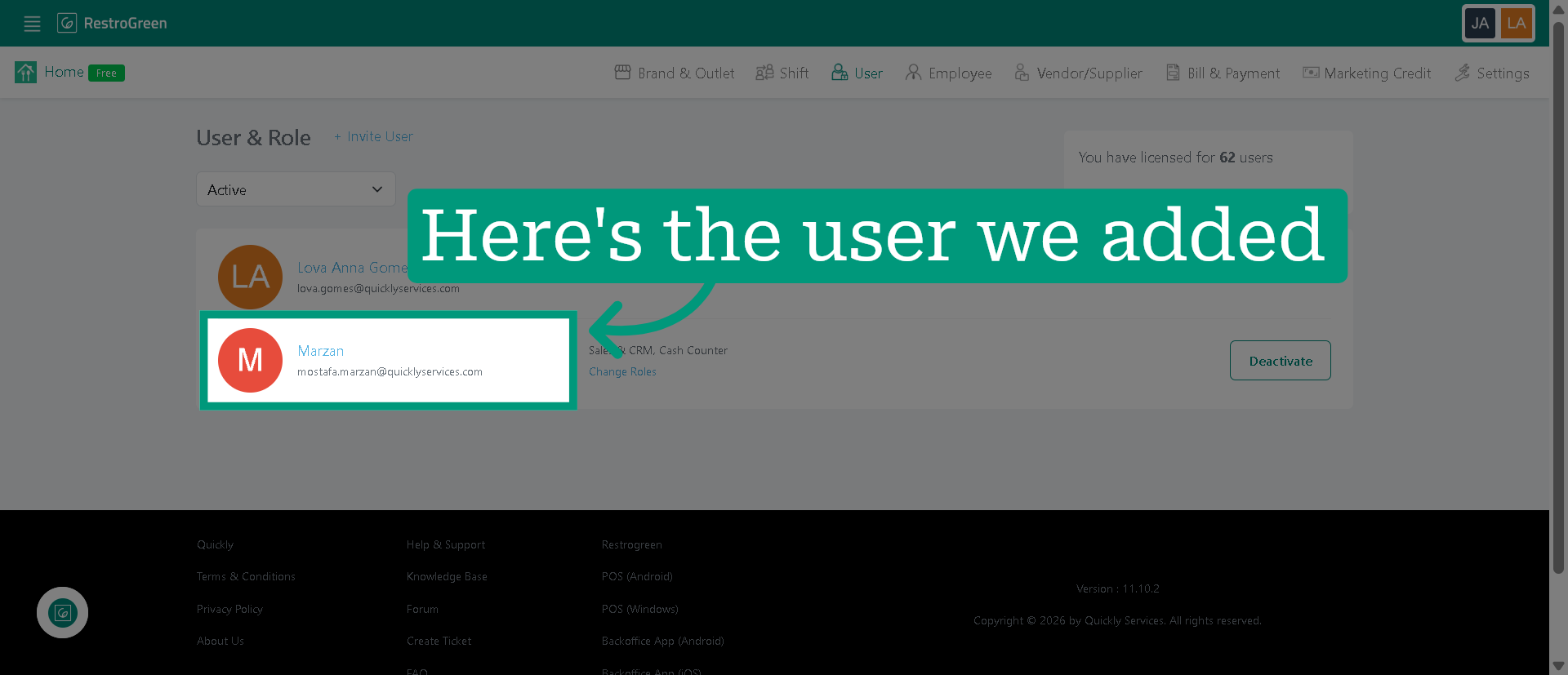
8. A new user has been added to your business account