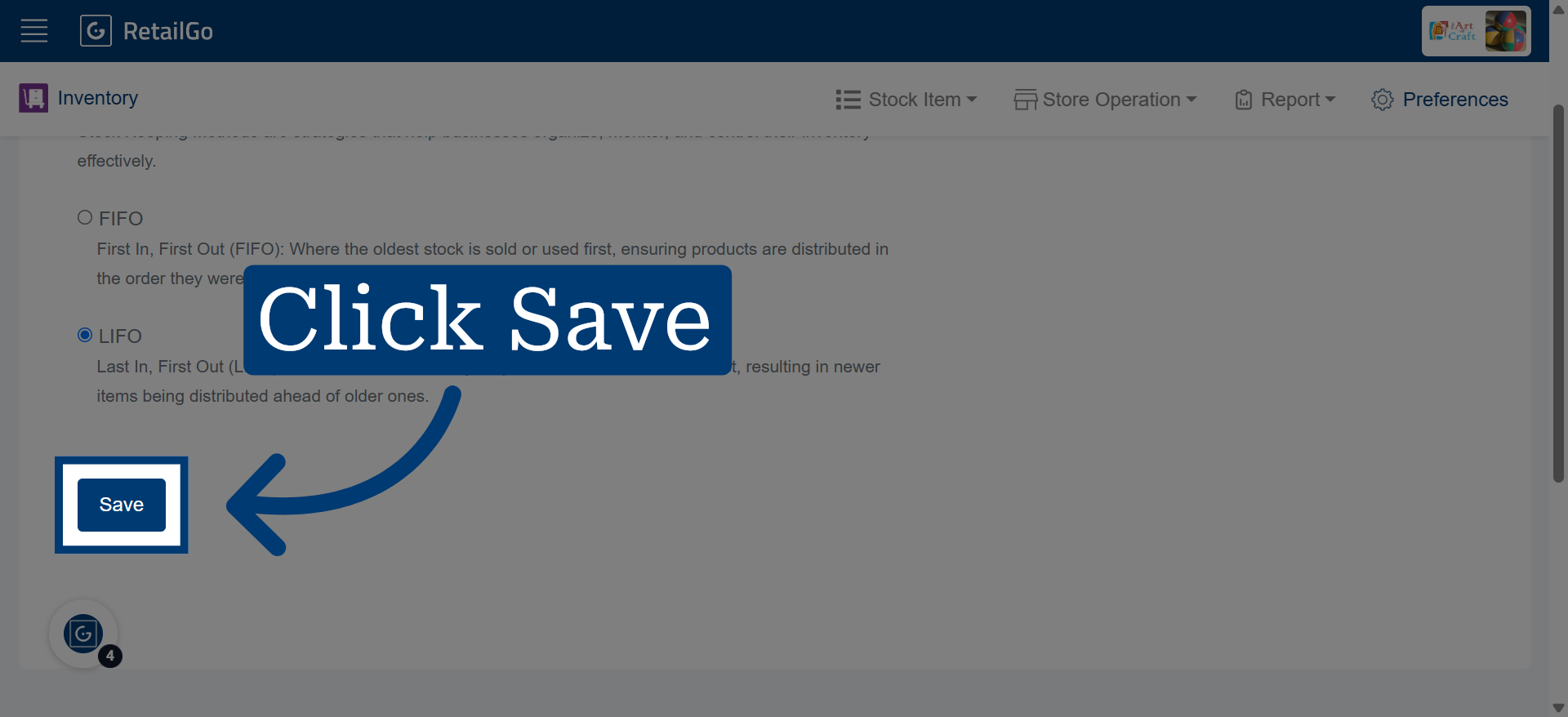
Configure Stock Keeping Method (FIFO/LIFO) in RetailGo Portal
This tutorial explains how to configure the stock keeping method in the RetailGo Business Portal.
Choosing either FIFO (First In, First Out) or LIFO (Last In, First Out) determines the order in
which inventory is deducted from stock during sales and inventory transactions.
Go to
retailgo.quicklyservices.com
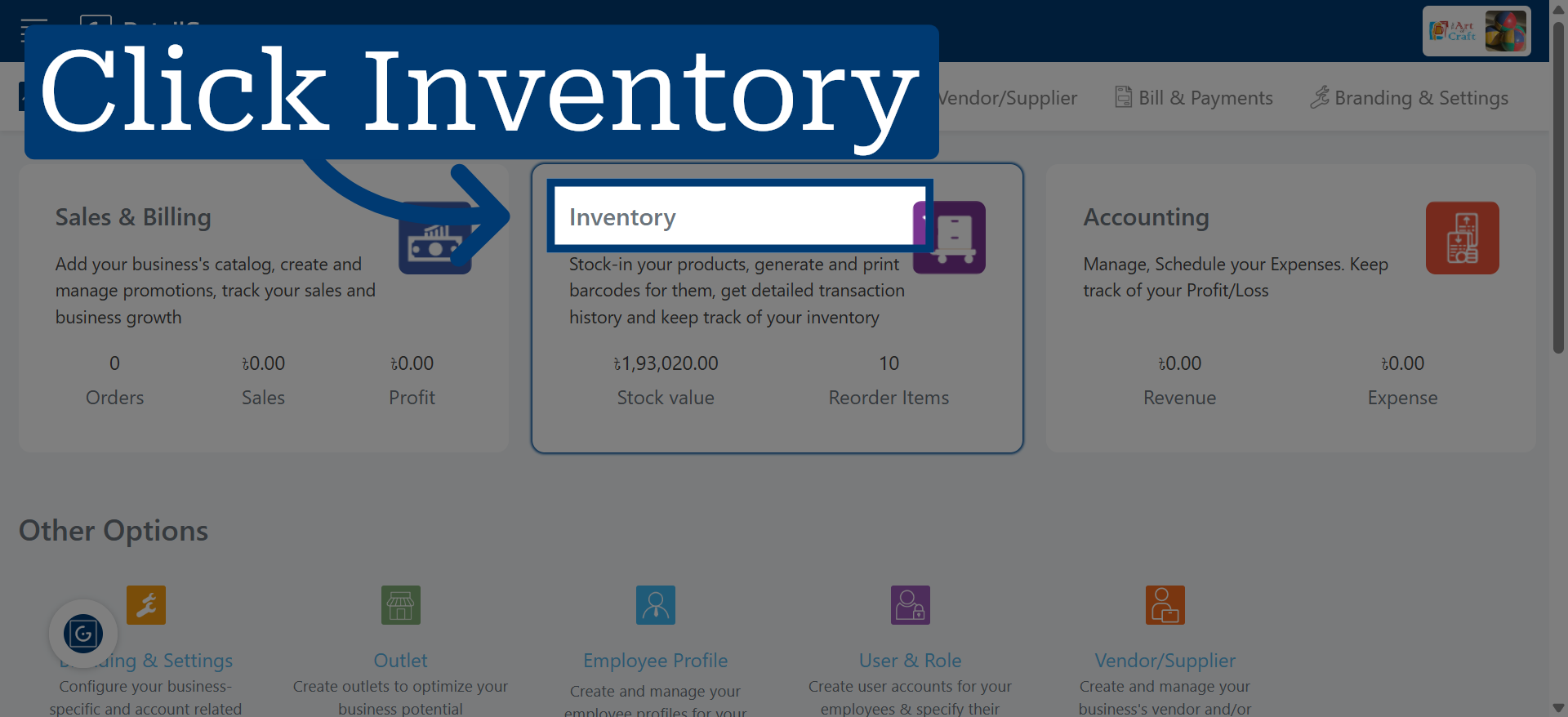
1. Access Inventory Module
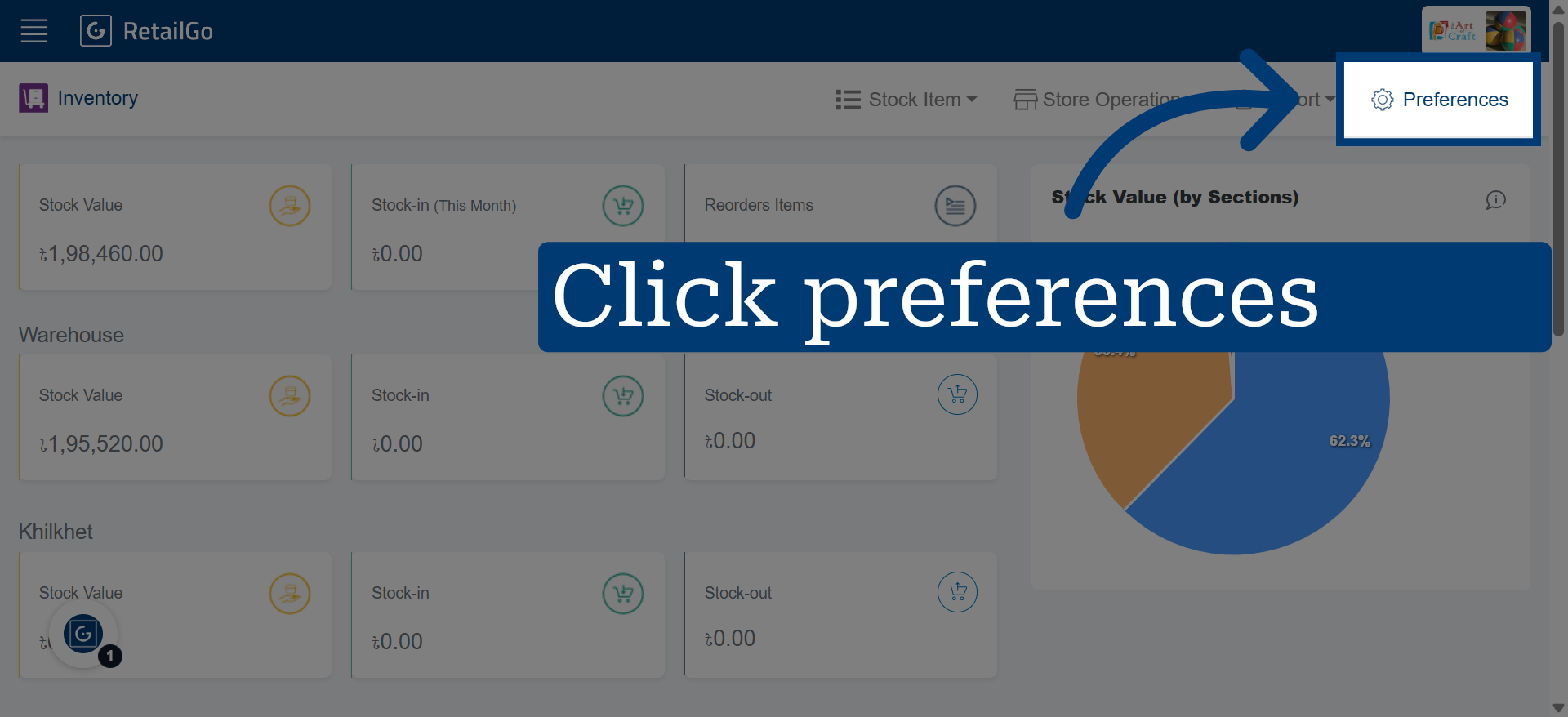
2. Go to Preferences
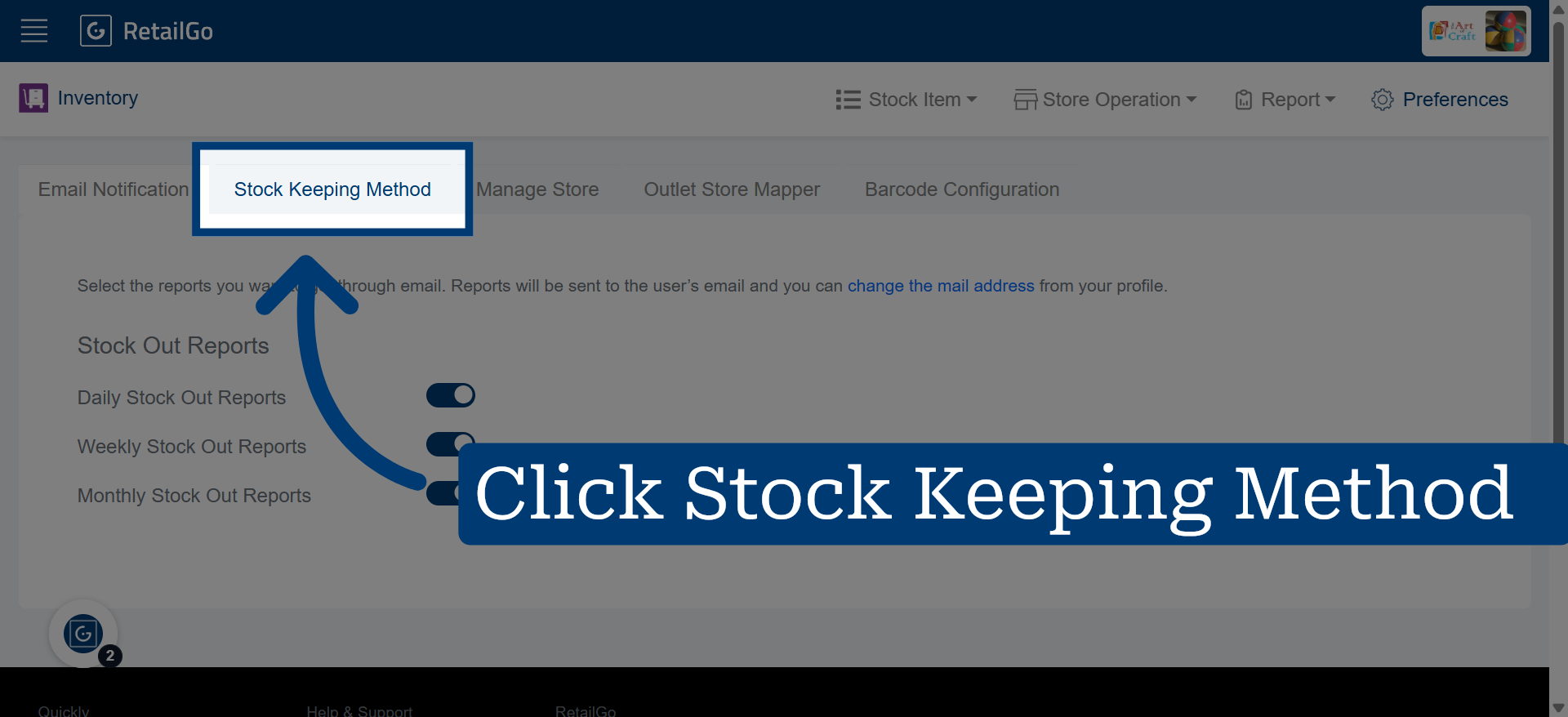
3. Select Stock Keeping Method
4. Choose Stock Keeping Method
The chosen method controls how inventory is consumed during stock transactions and sales.
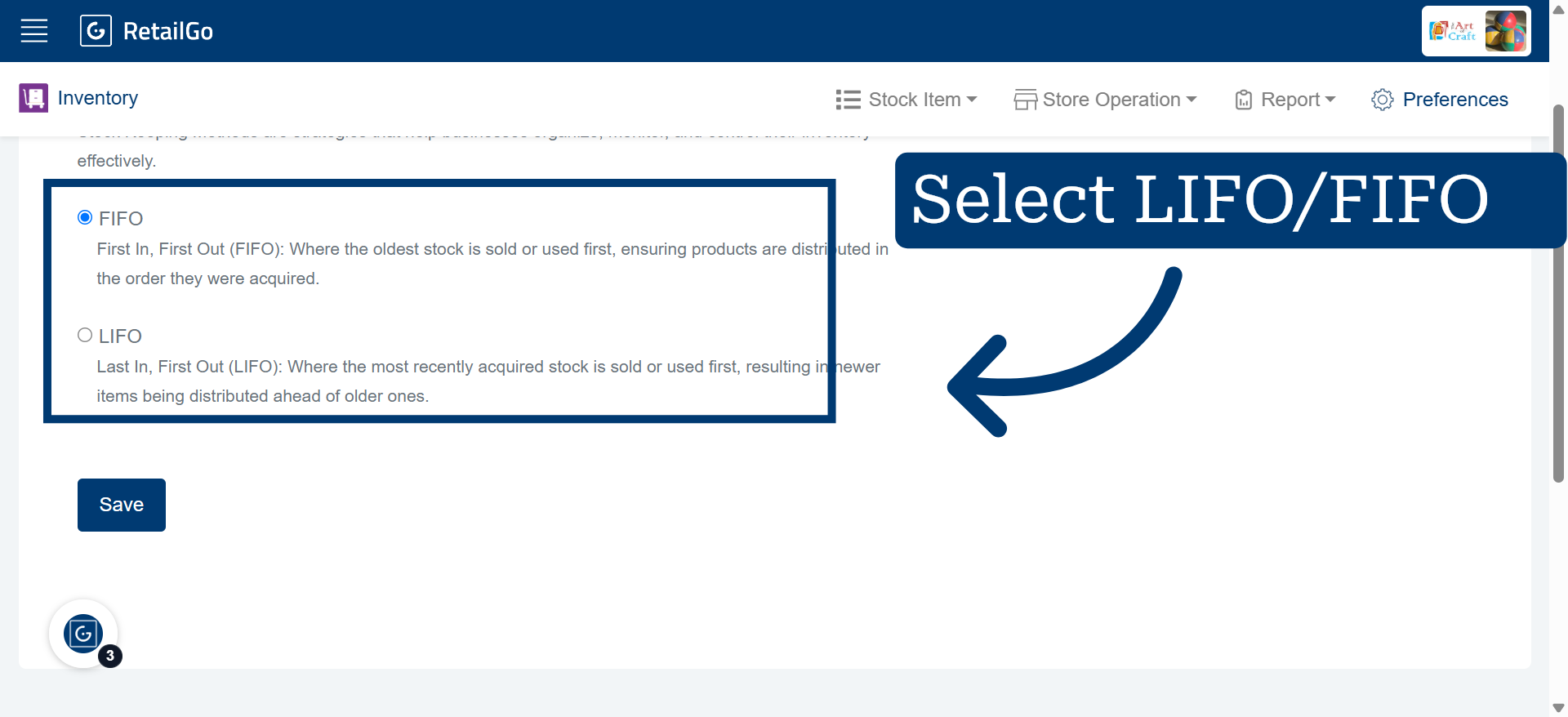
5. Save Configuration