How to Create Production Template in RetailLife Business Portal
This tutorial guides you through creating a production template in the RetailLife Business
Portal. A production template defines the finished product and the raw materials required to
manufacture it.
Go to
retaillife.quicklyservices.com
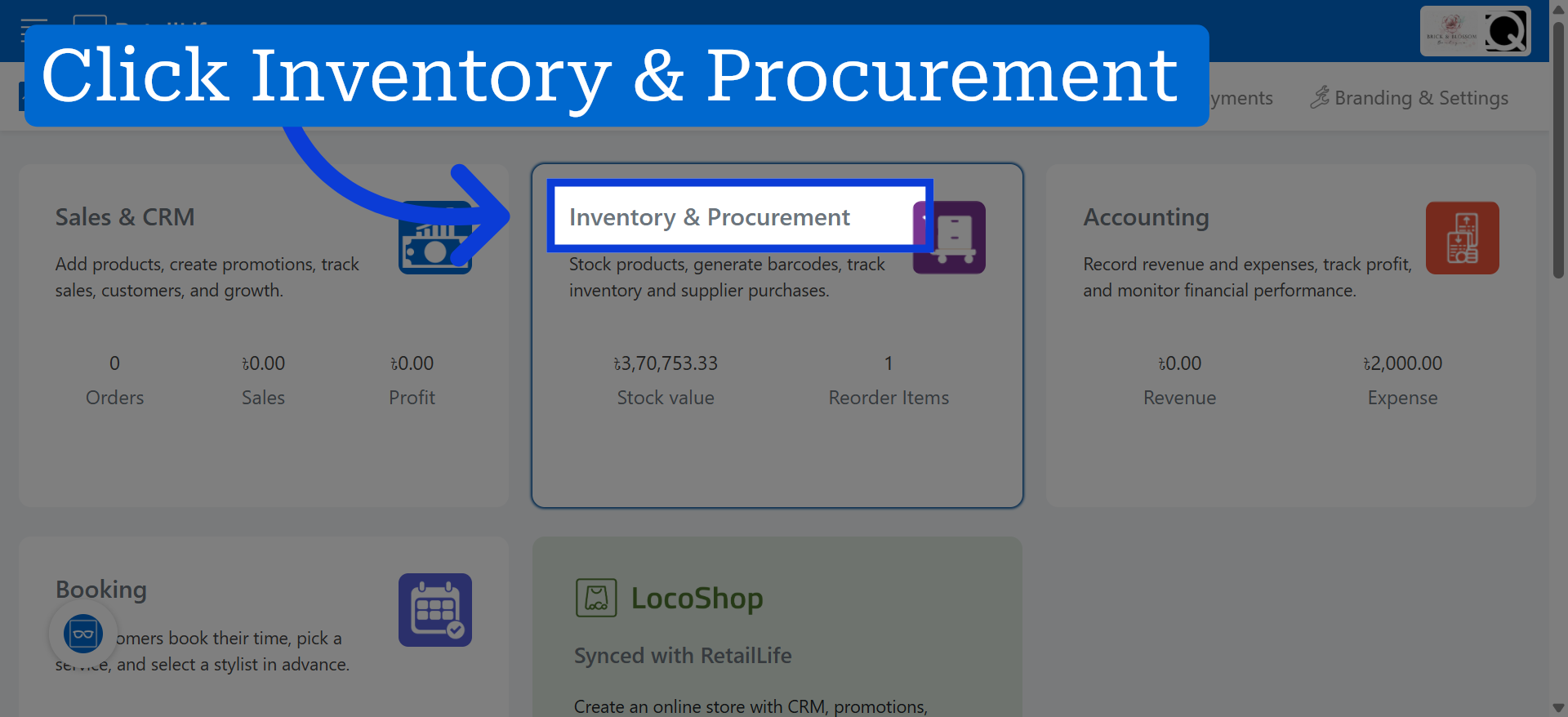
1. Access Inventory & Procurement
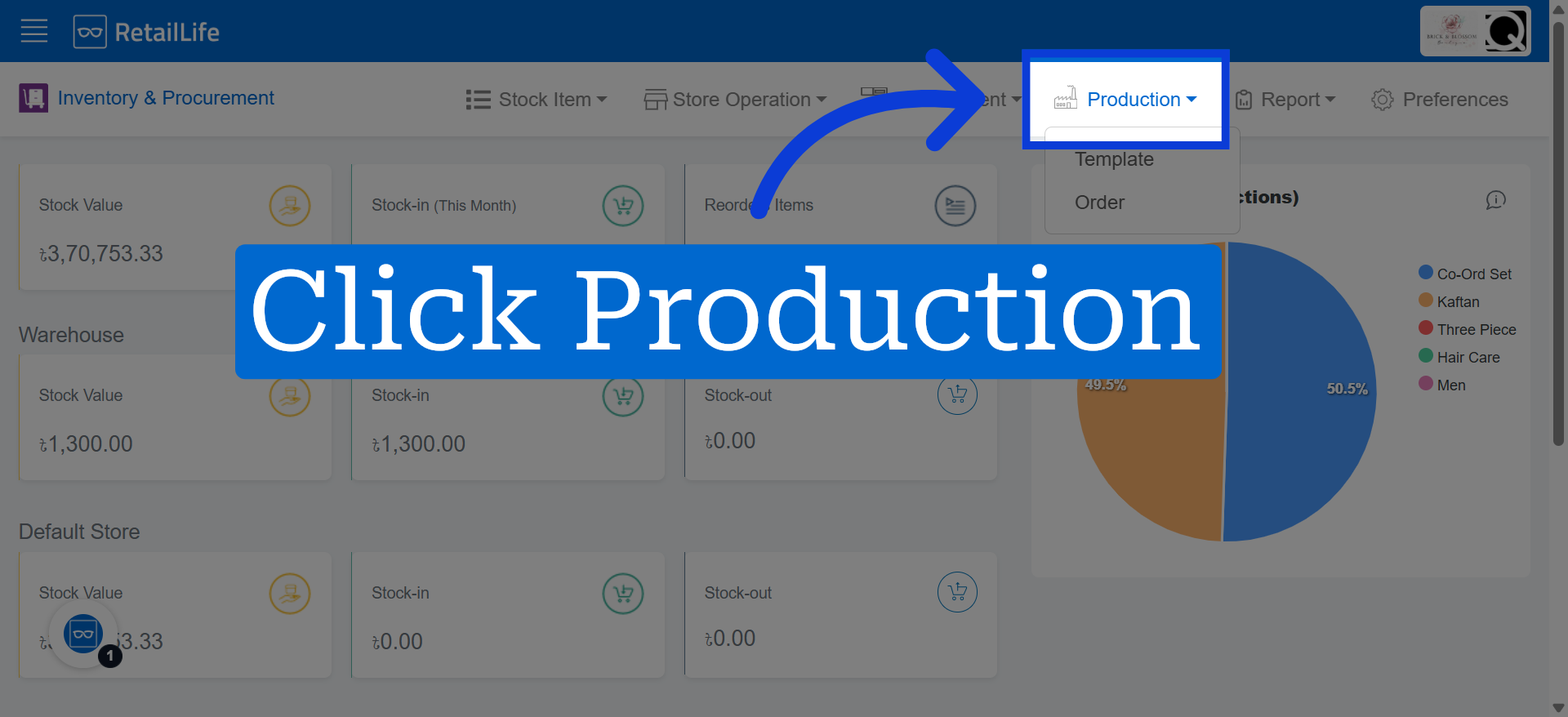
2. Open Production Section
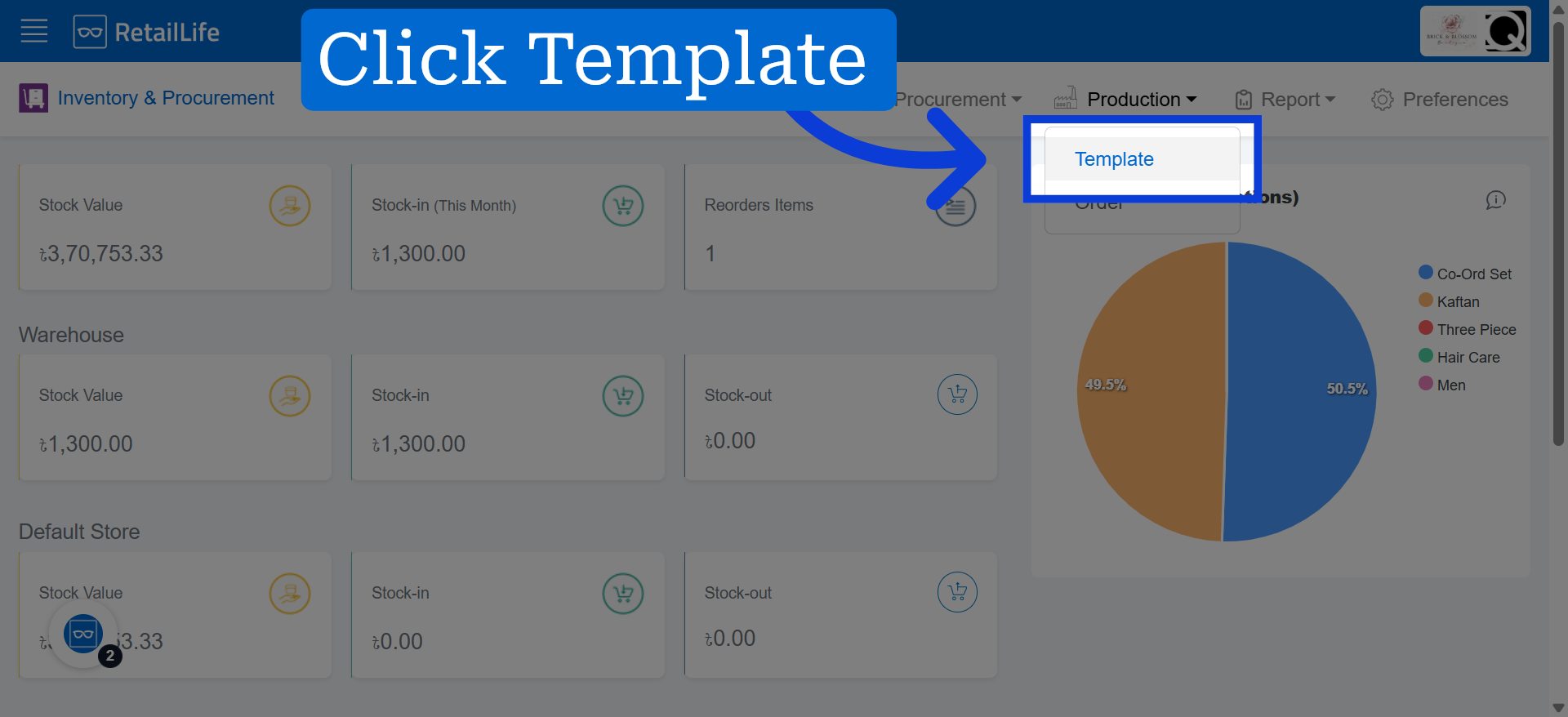
3. Navigate to Template Area
4. Create New Template
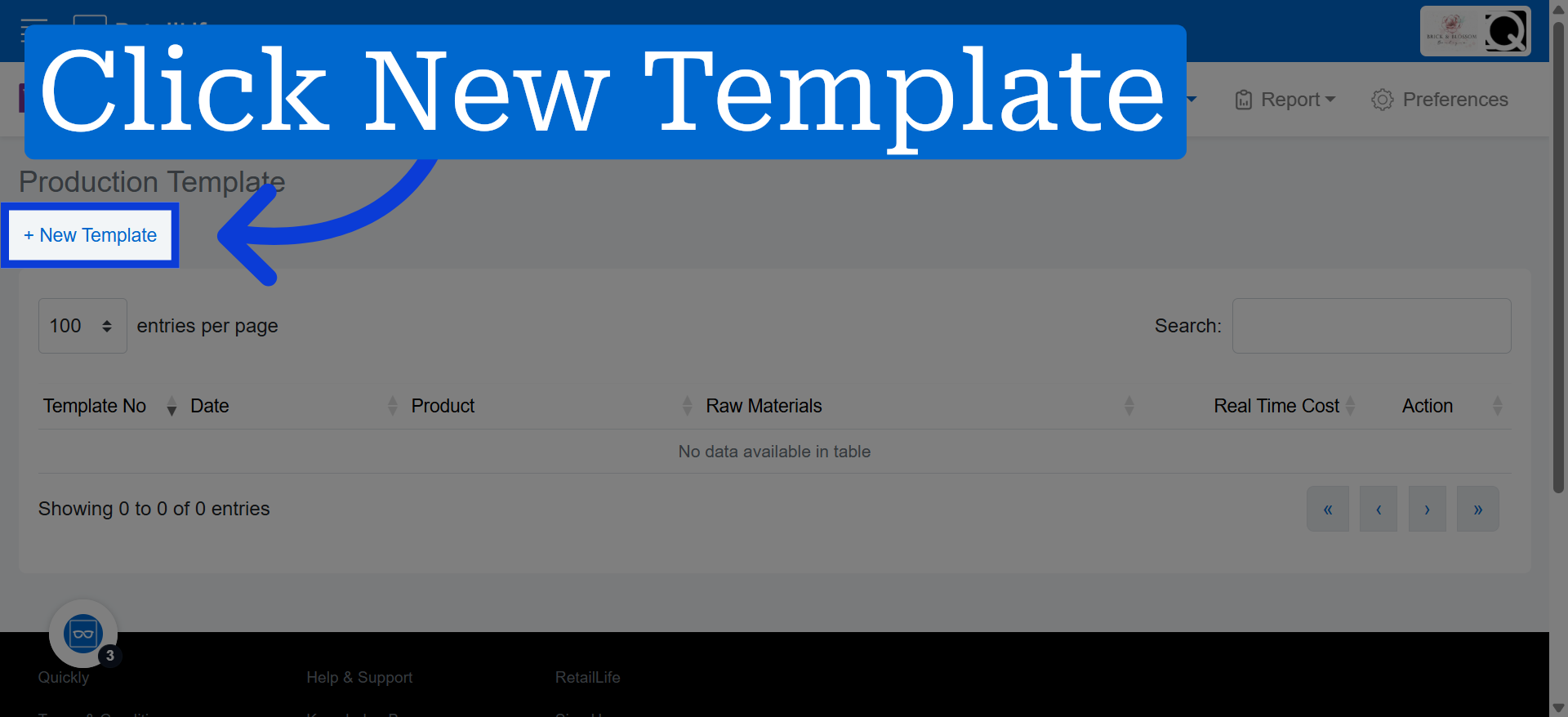
5. Product Search
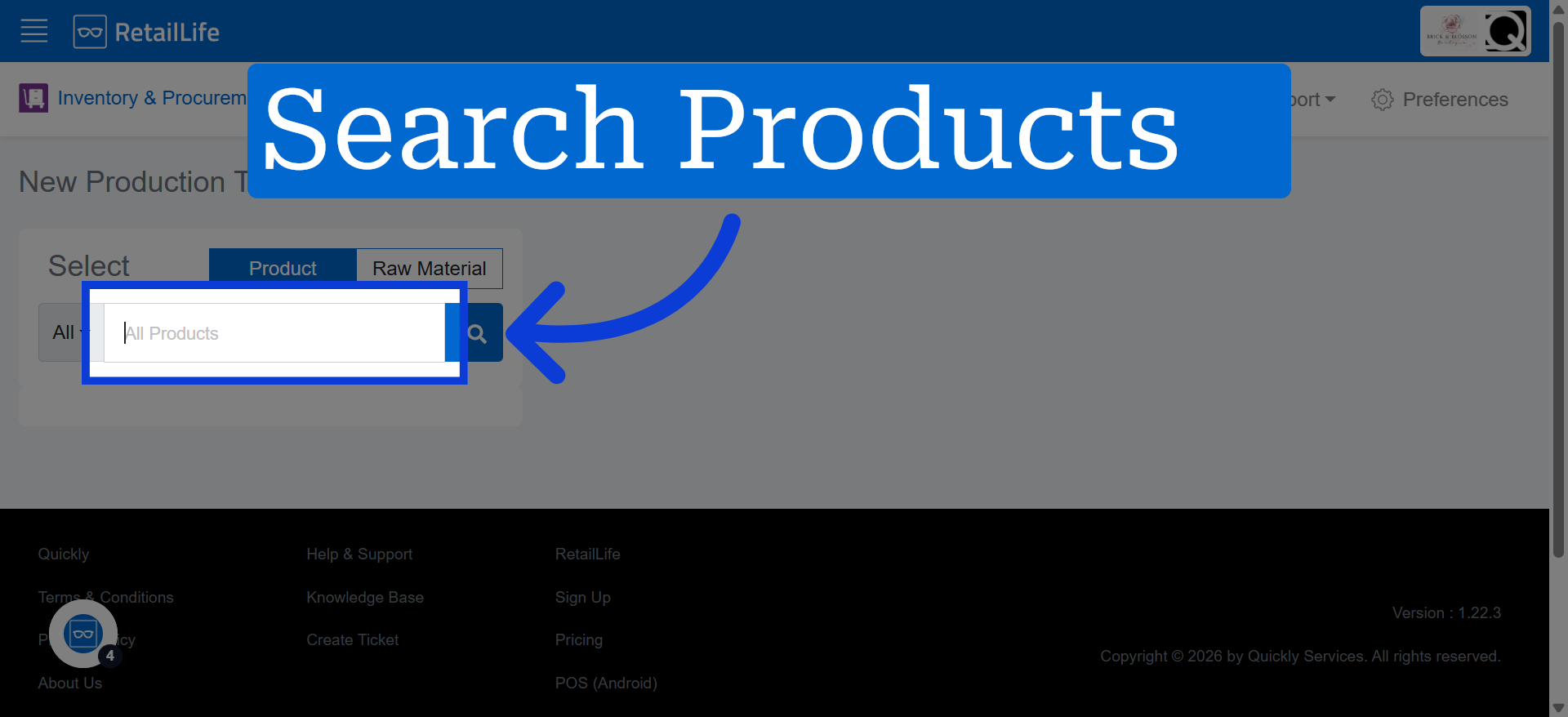
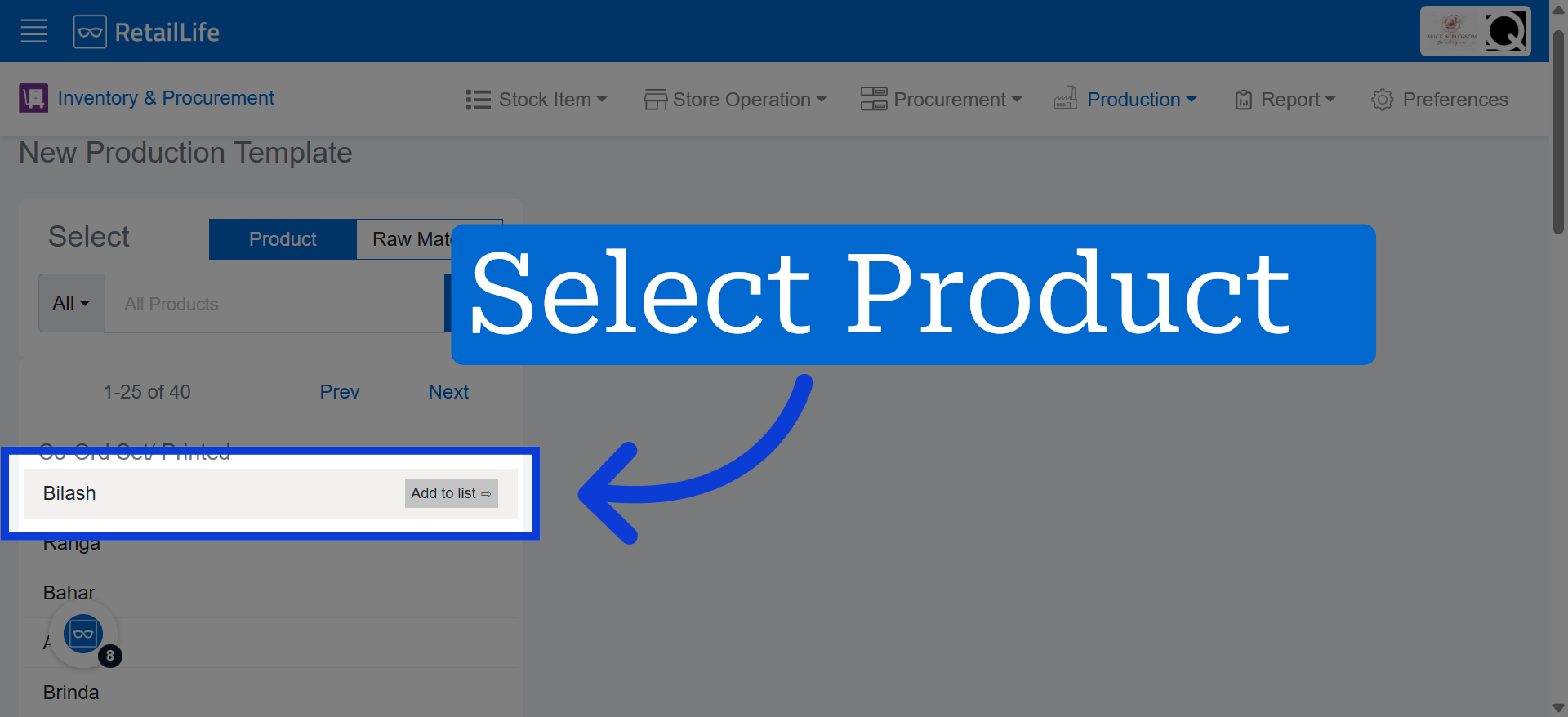
6. Select Product
Click here to select the product you want to use for template customization.
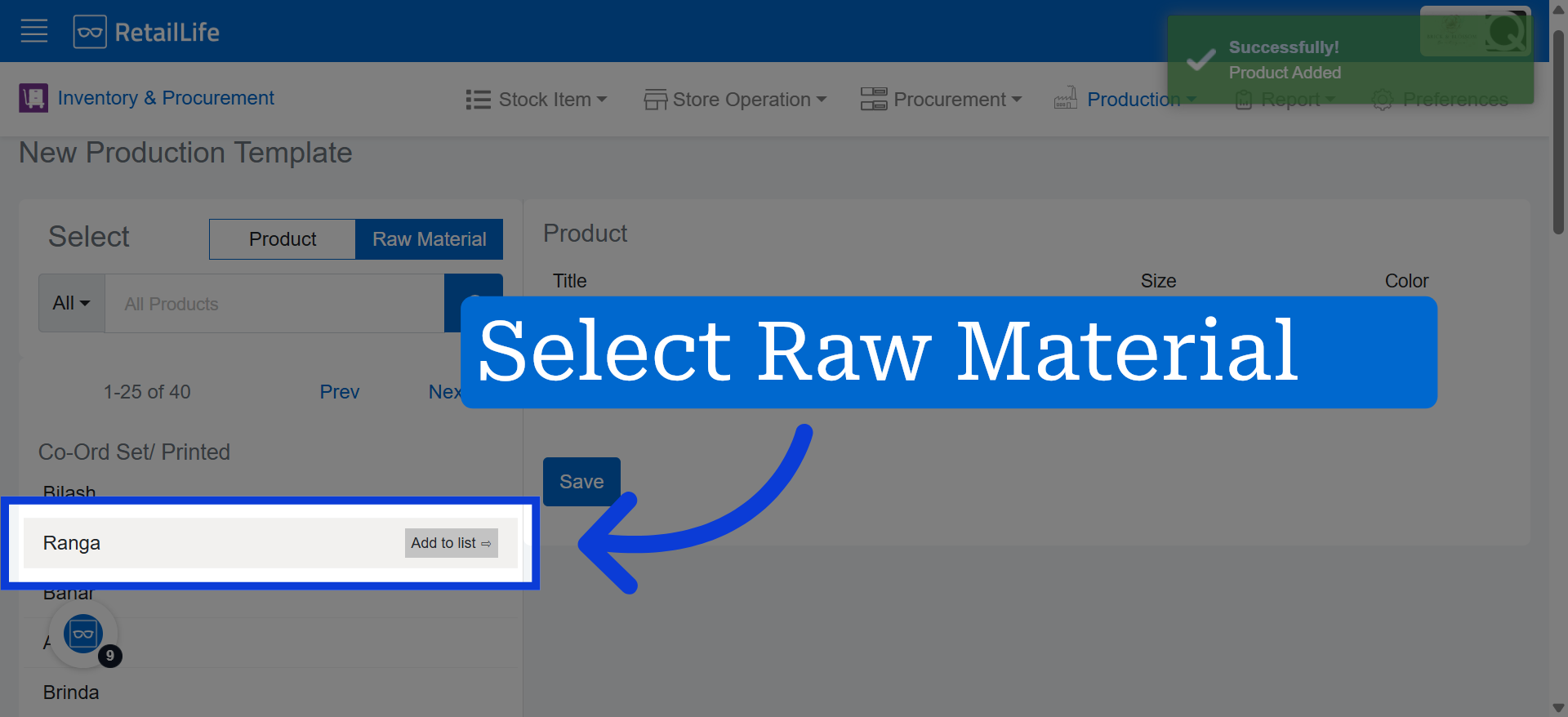
7. Raw Material Selection
Select the raw materials required to produce the product.
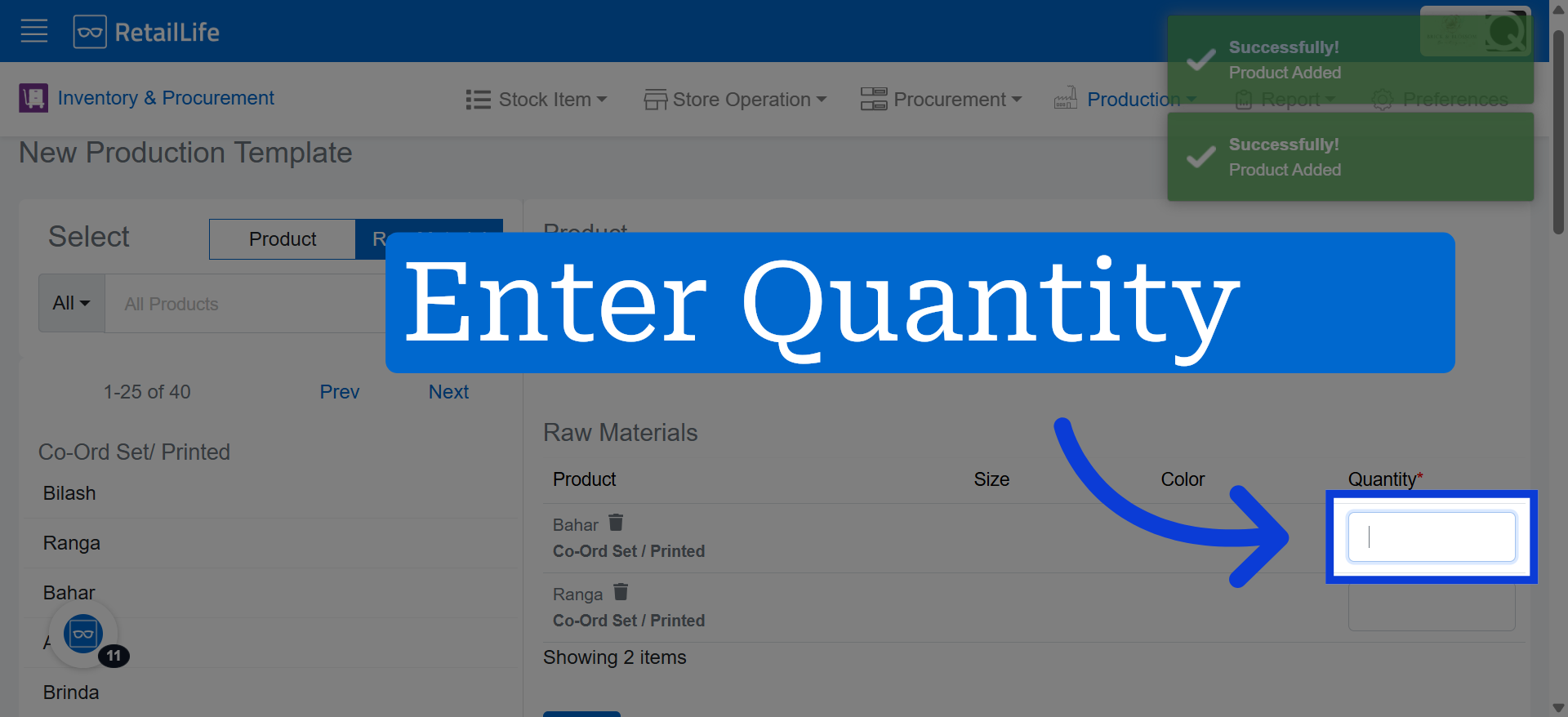
8. Access Quantity Field
Specify how many pieces, units, or the appropriate amount of this raw material are needed for production.
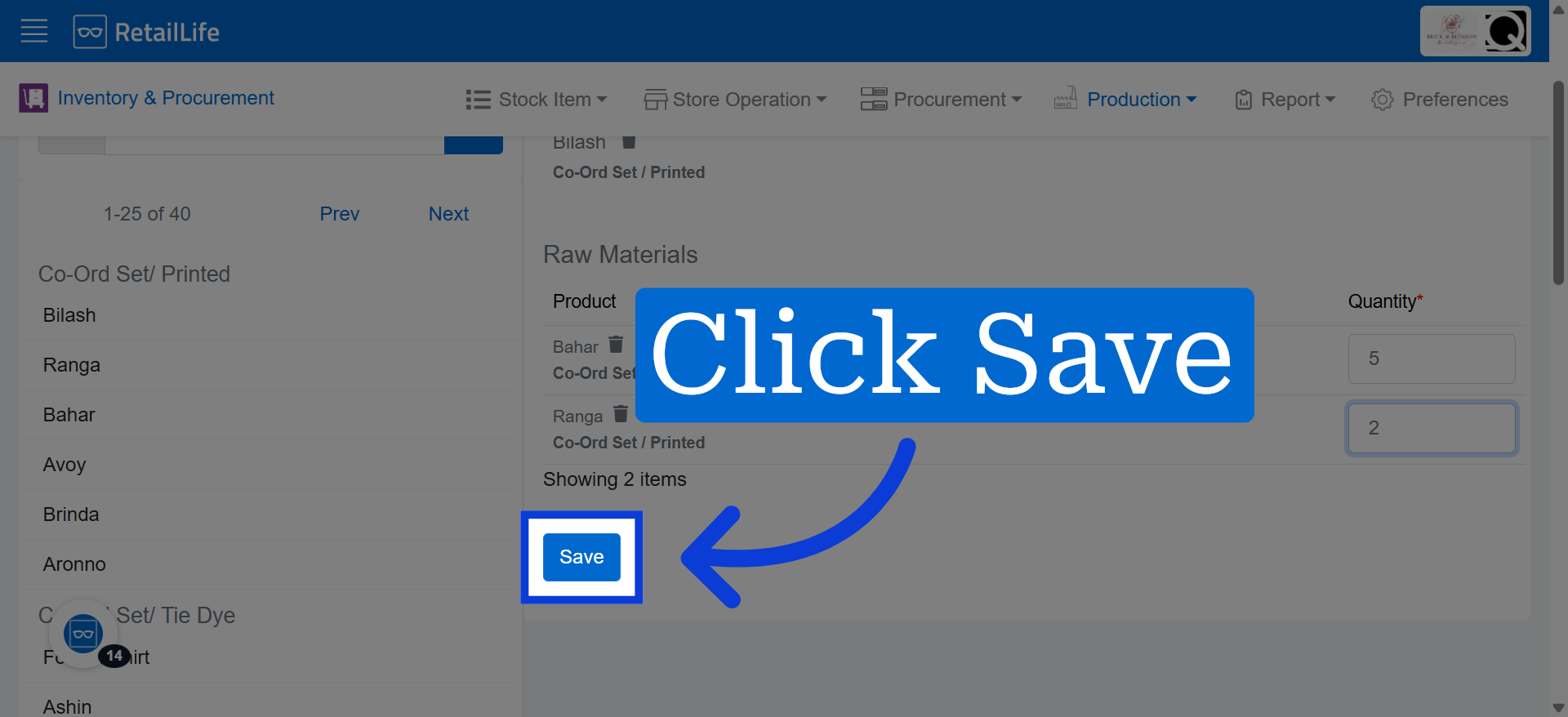
9. Save Template Configuration
Click "Save" to store the new product template settings and complete the process.