How to Upload Products Using Excel in RetailLife
This tutorial guides you through uploading products in bulk using an Excel file in the RetailLife
Business Portal. Bulk uploading products saves time, reduces manual data entry, and enables you
to add multiple products quickly and accurately.
Go to
retaillife.quicklyservices.com
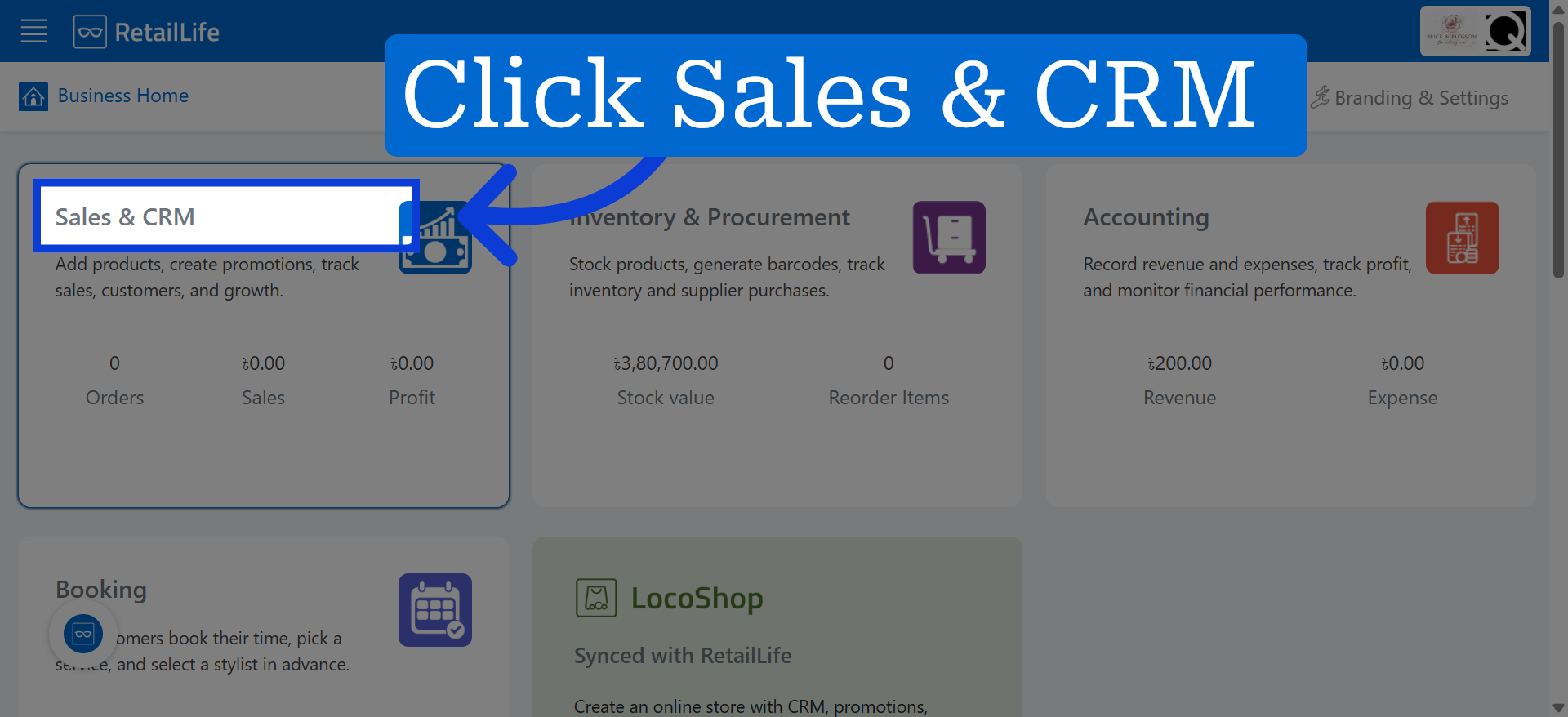
1. Access Sales & CRM Module
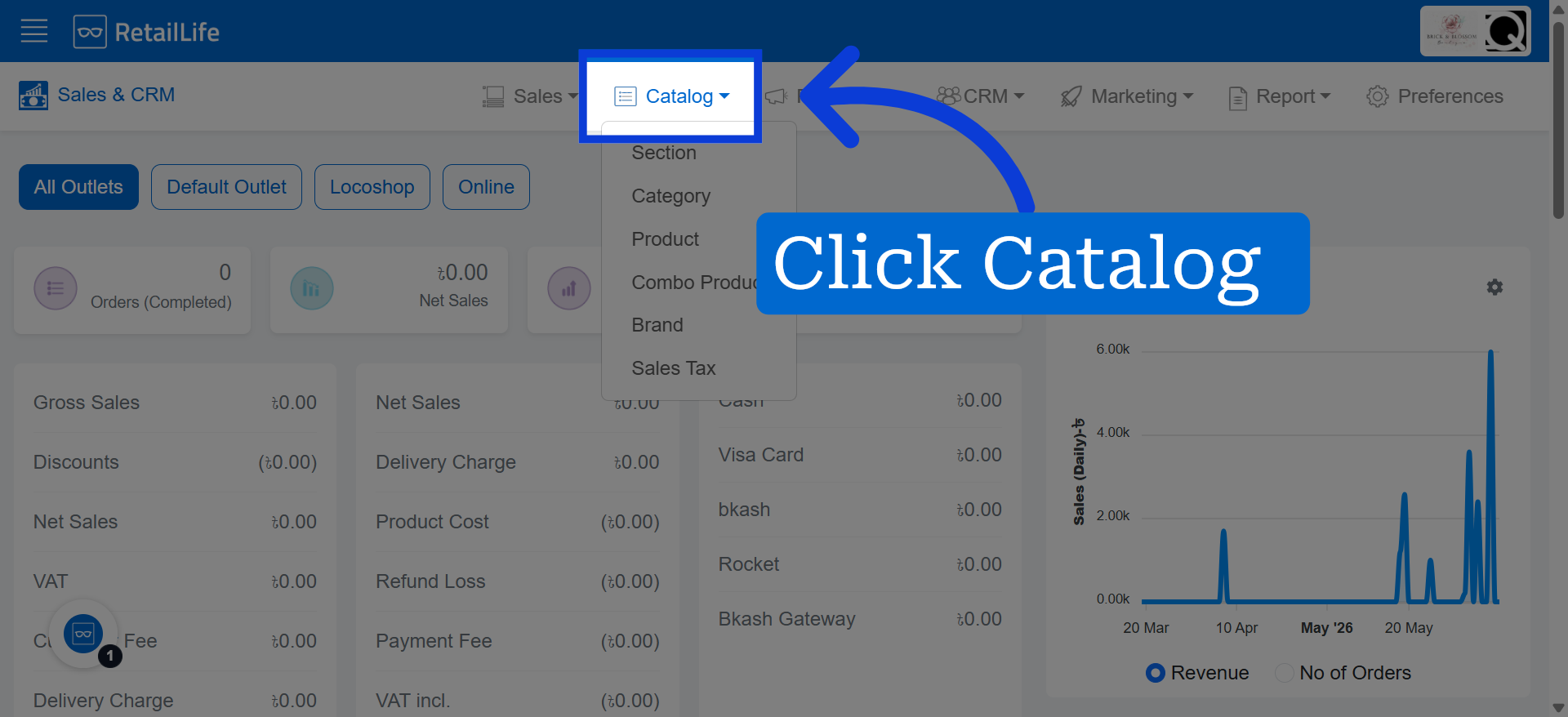
2. Open Catalog Section
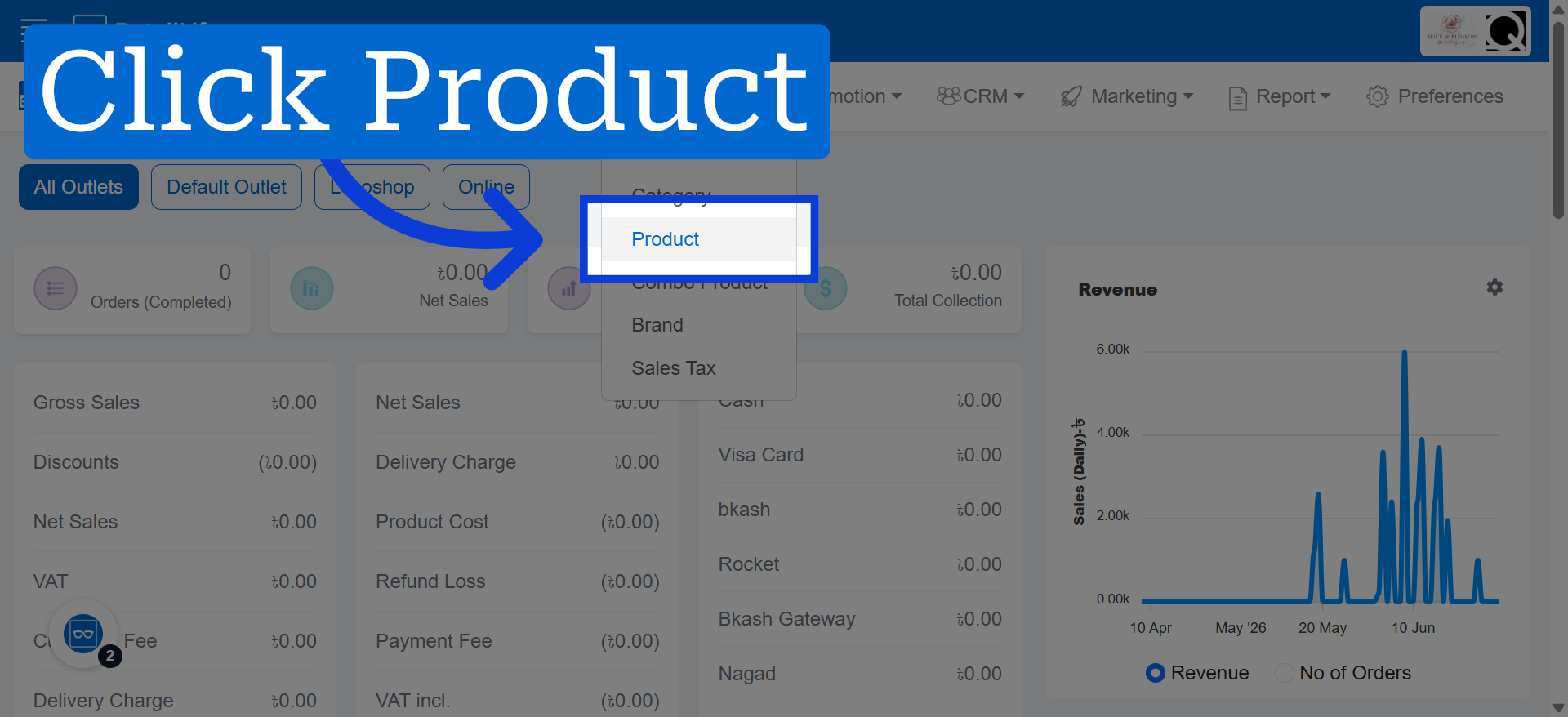
3. Select Product Tab
4. Open Import Products Menu
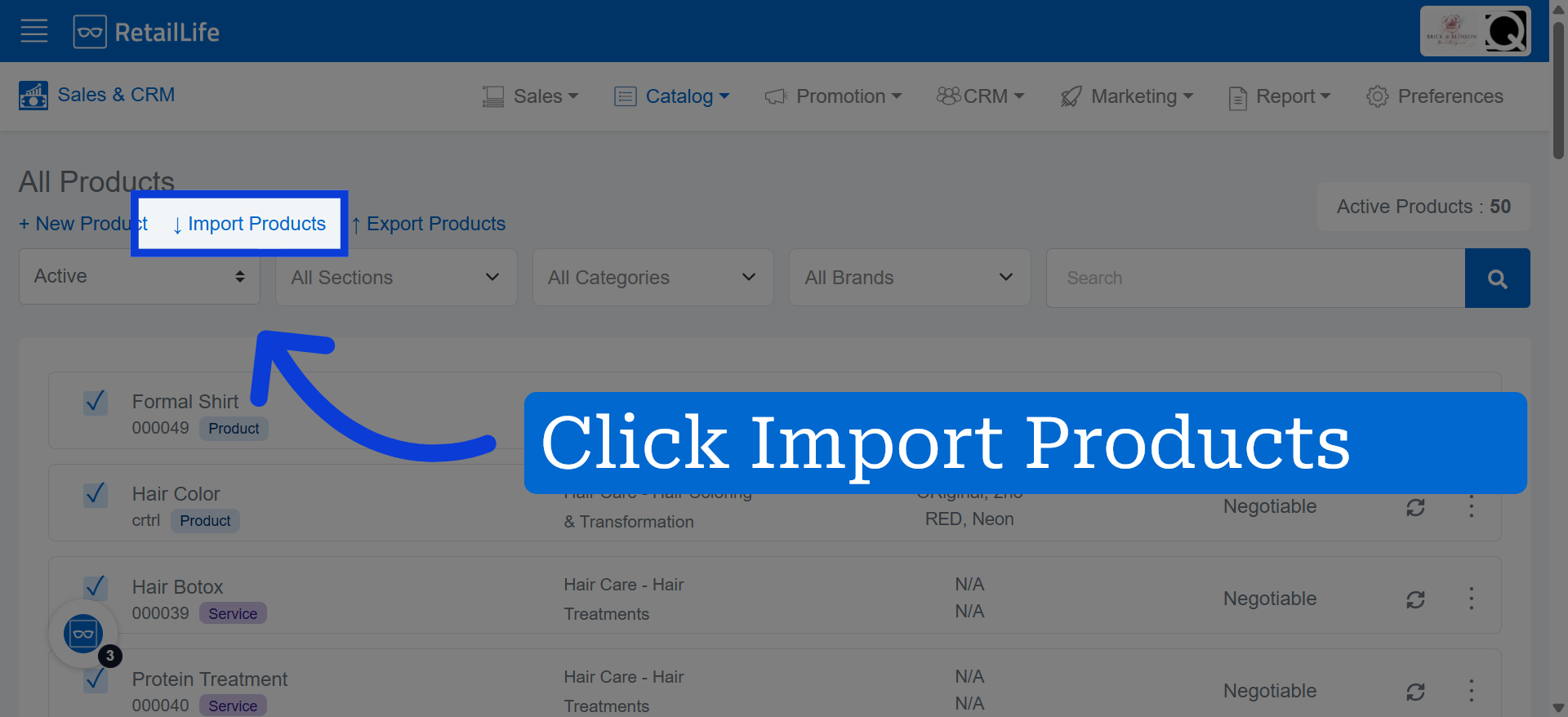
Click "Import Products" to access the product import options and tools.
5. Review Import Instructions
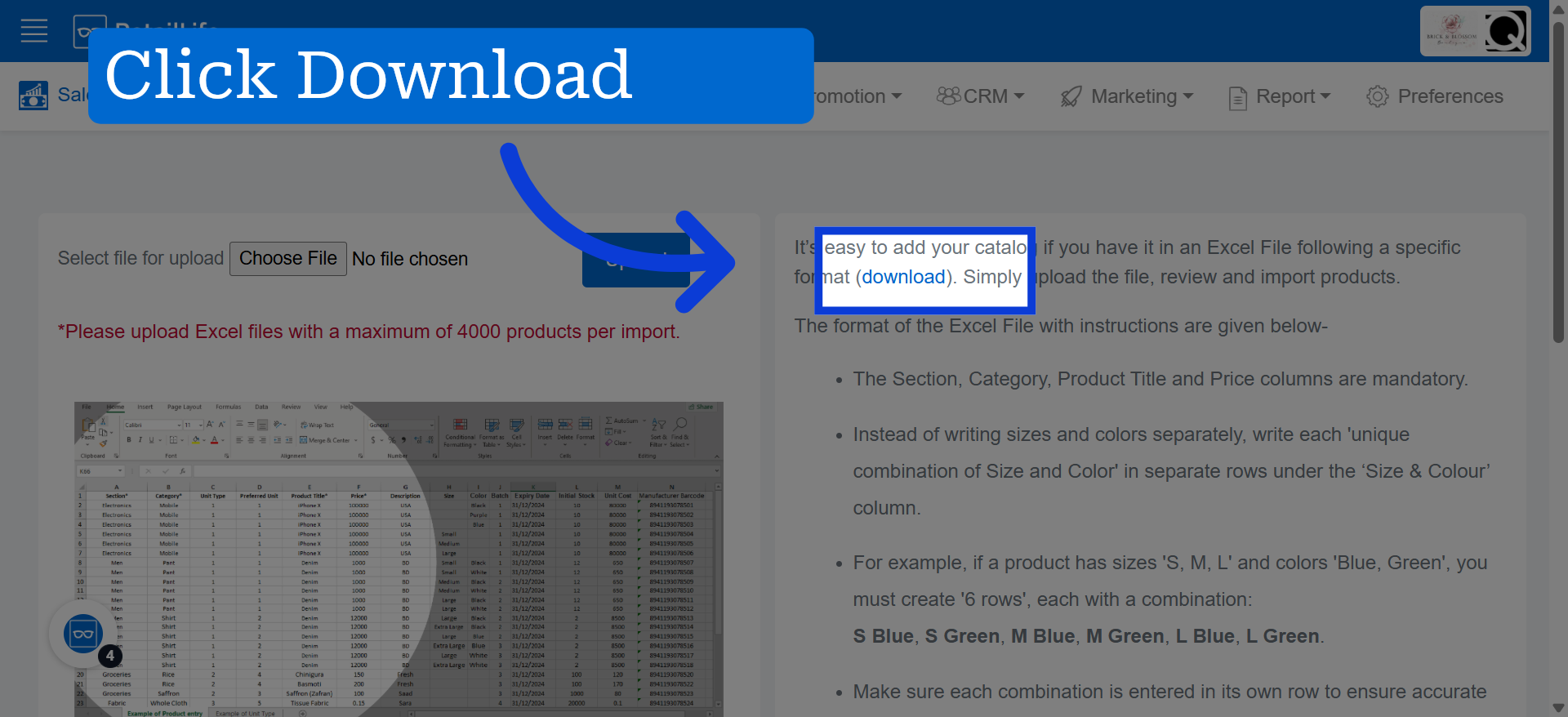
Download the suggested Excel template, then fill in the required product details according to the provided format before uploading the file.
6. Initiate File Upload
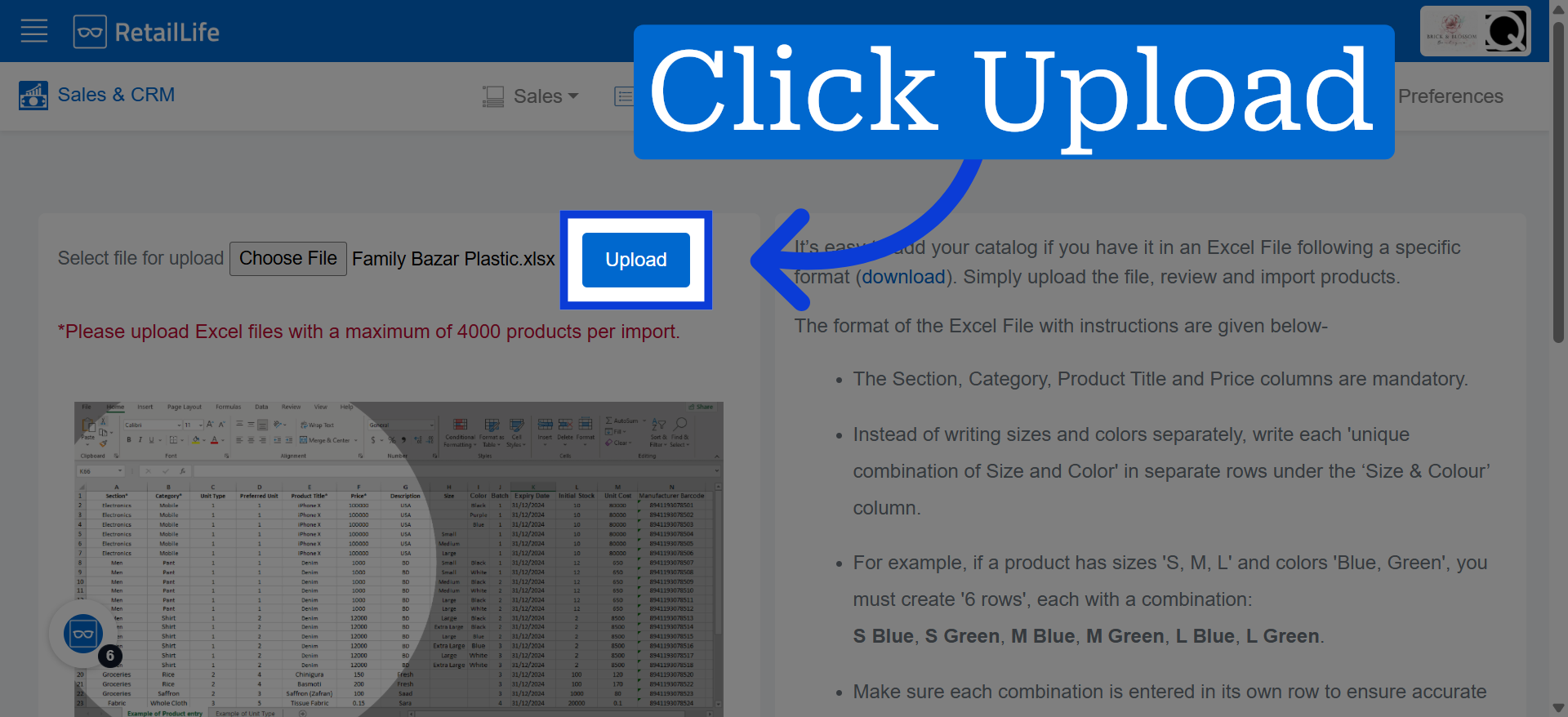
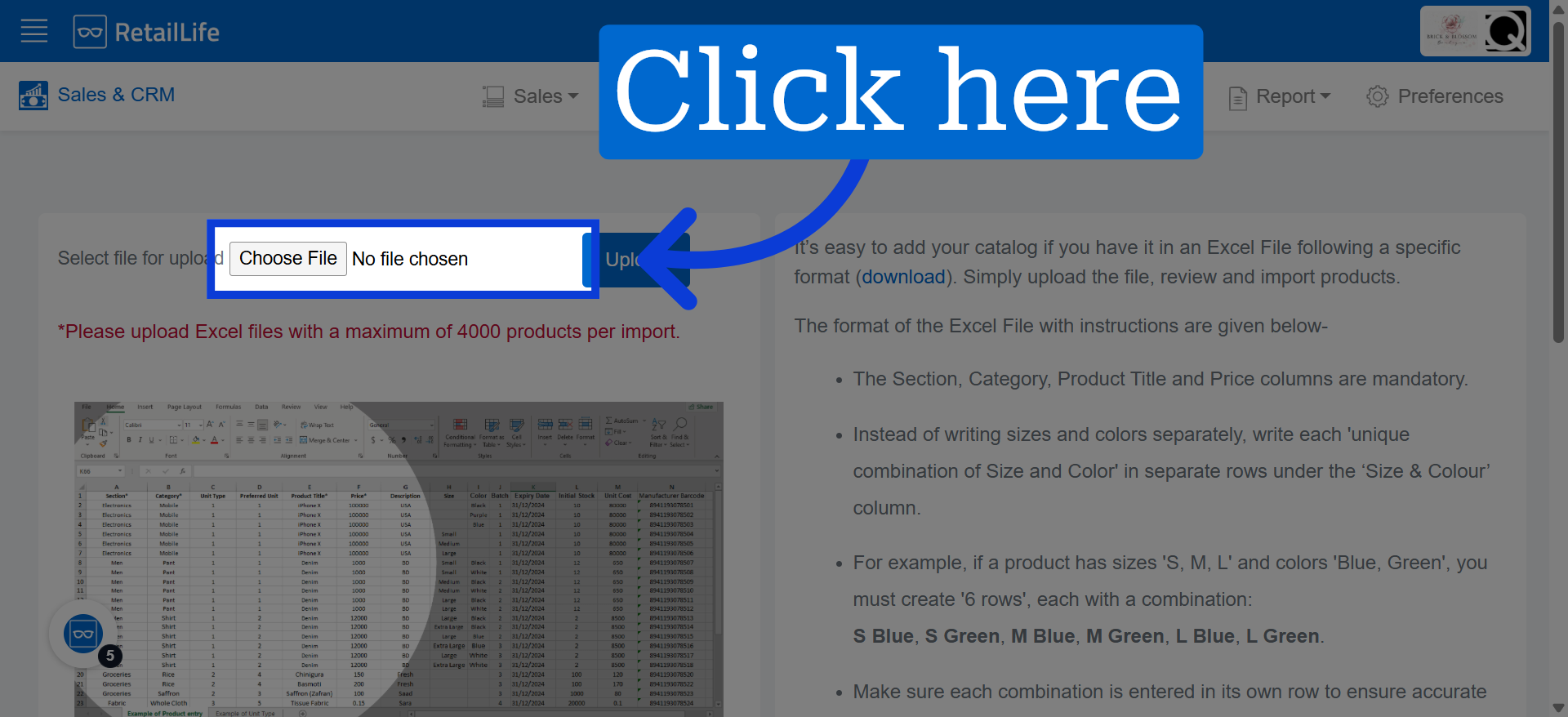
Upload the completed Excel file here to import the products.
7. Upload Product Catalog
Click "Upload" to submit your Excel file and start the product import process into the Business Portal.