How to Update Service Durations in RetailLife
This tutorial guides you through updating service durations in Business Portal, since all service
durations are 30 minutes by default.
Go to
retaillife.quicklyservices.com
1. Go to Business Portal
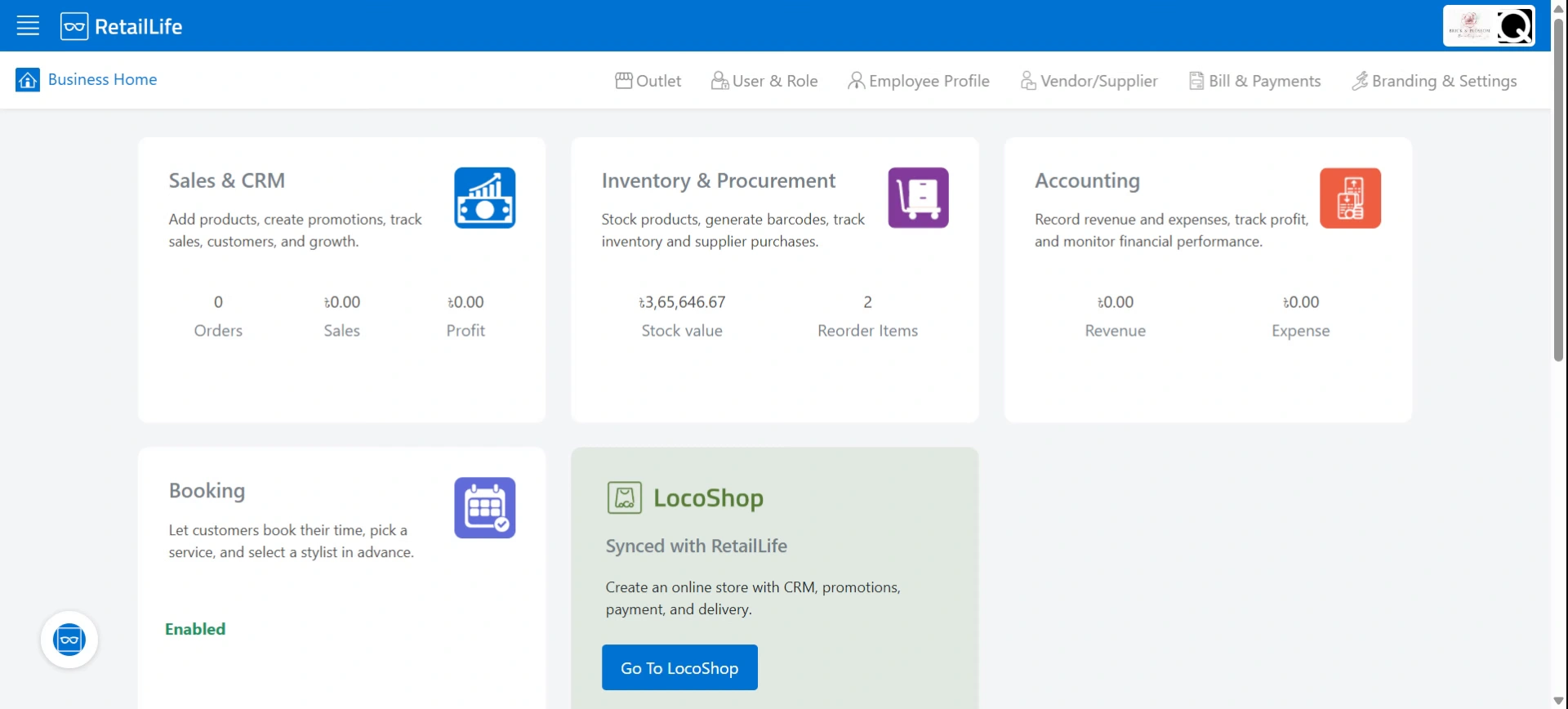
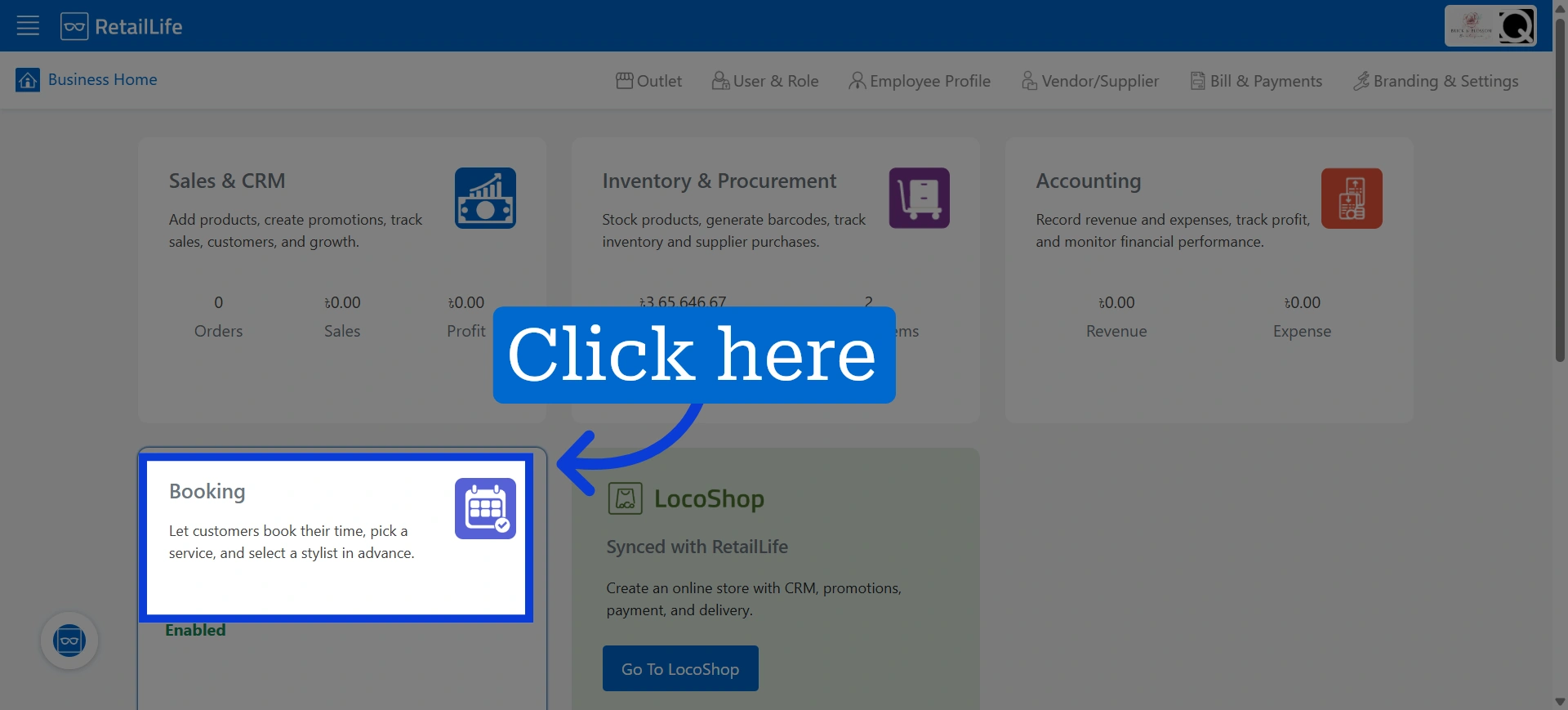
2. Access Booking Module
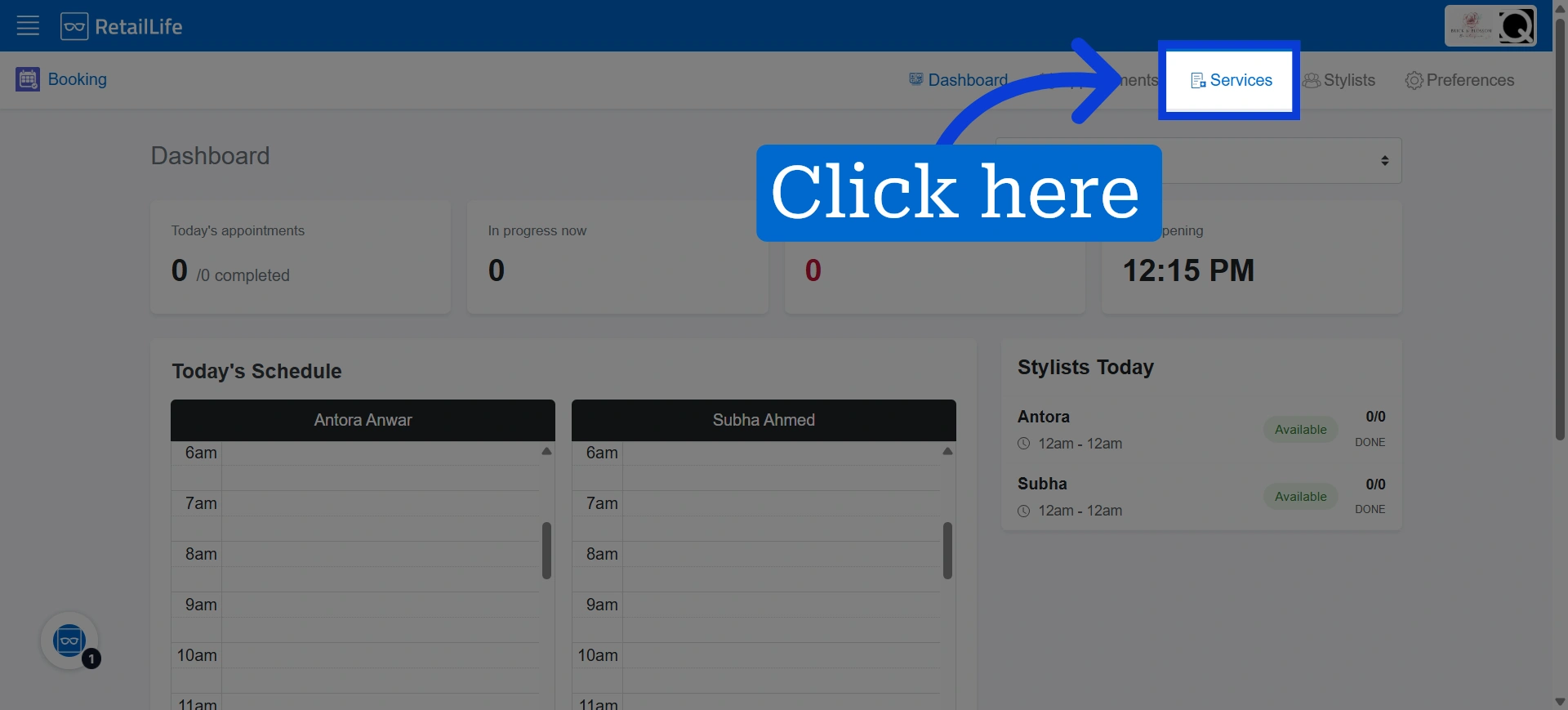
3. Click the Service icon to access the list of active services
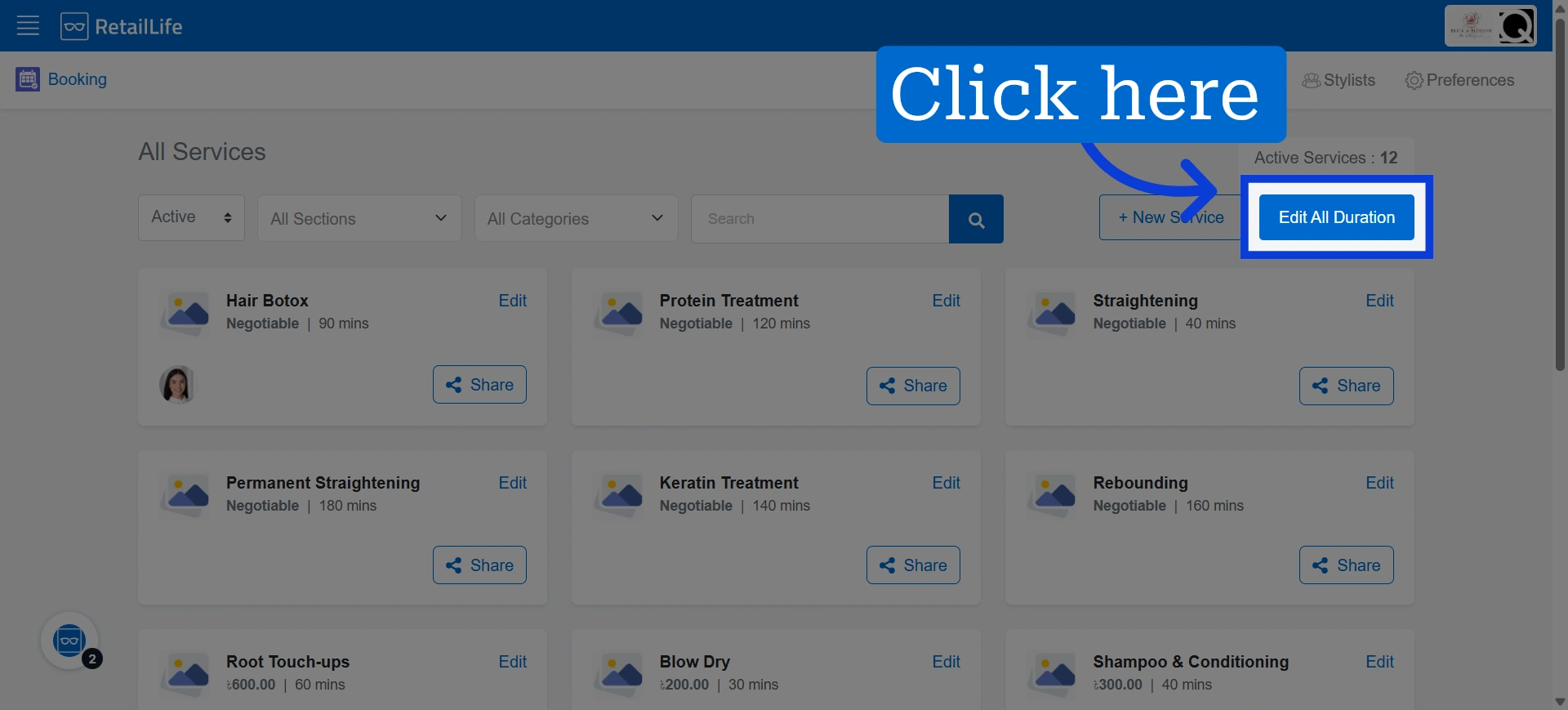
4. Click "Edit All Duration"
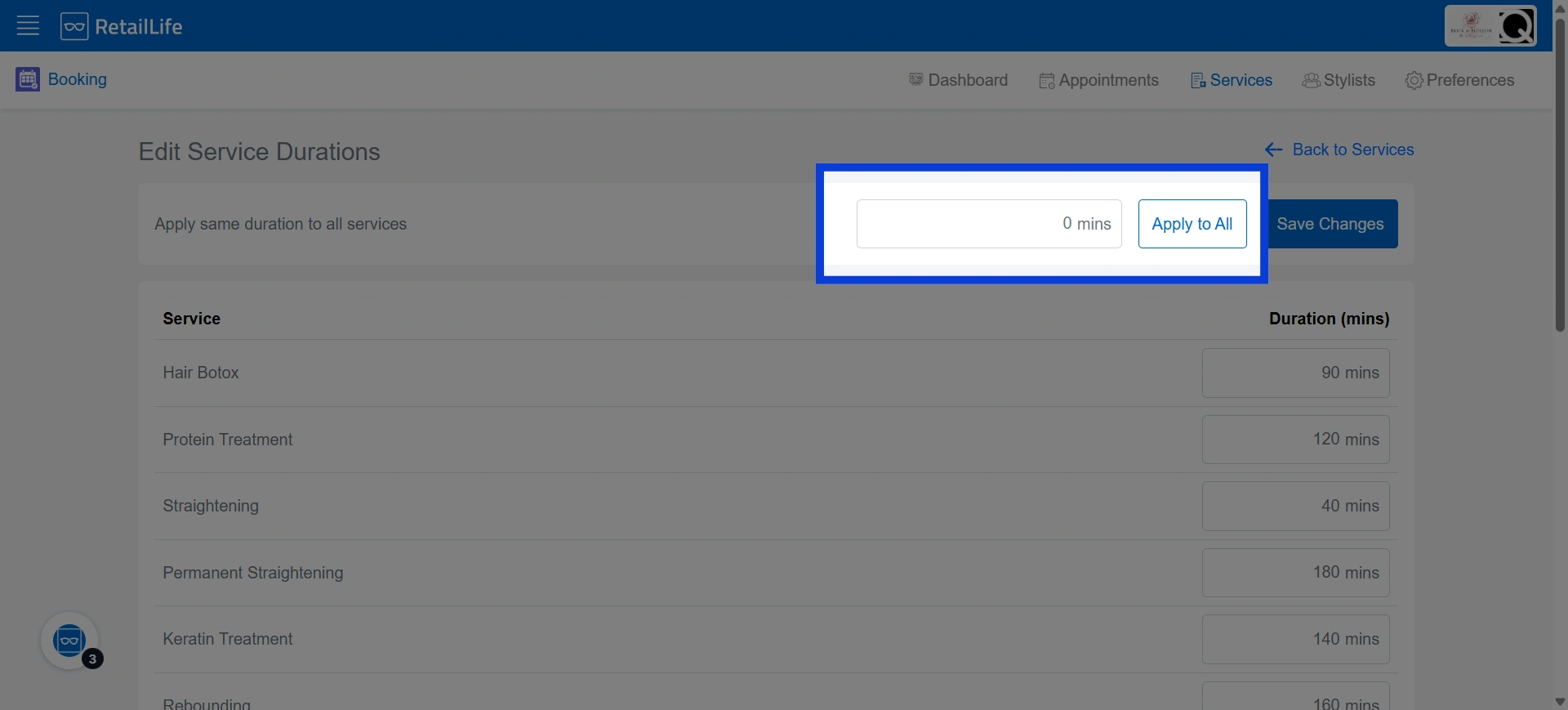
5. Enter service duration and click "Apply to All" if you choose to apply the same duration to all services
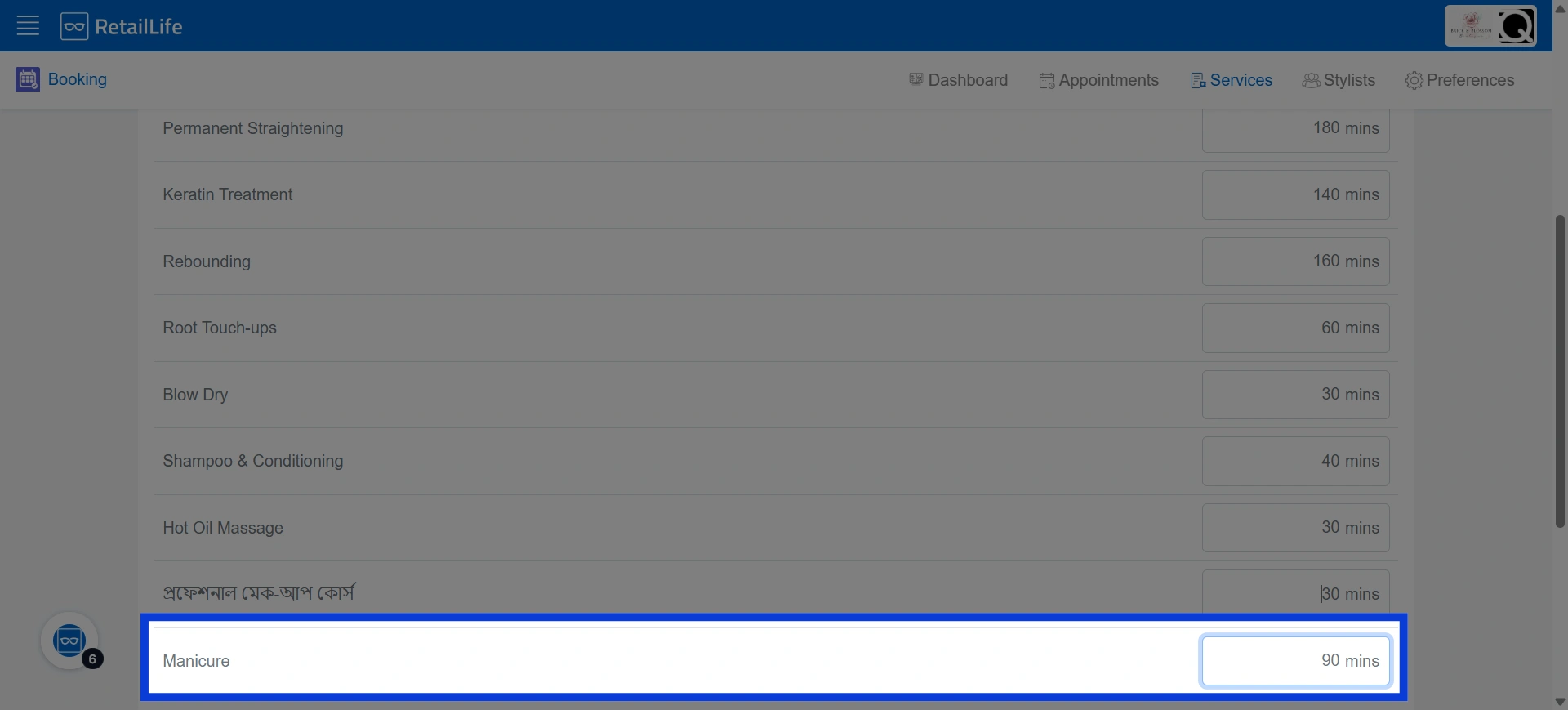
6. Enter the service duration beside each specific service if different services require different durations
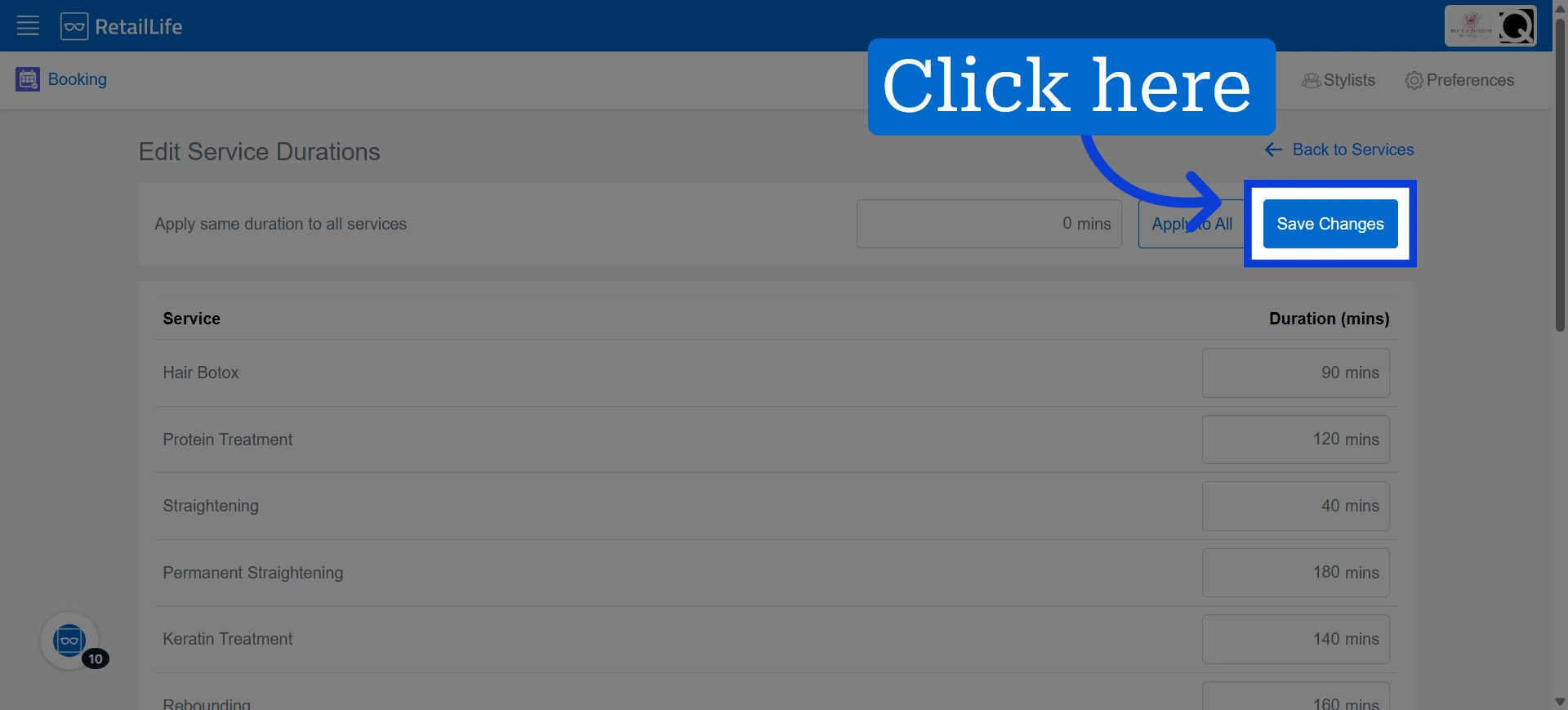
7. Click "Save Changes" to apply the changes to the service durations
8. You will receive a notification like this when the changes have been saved successfully
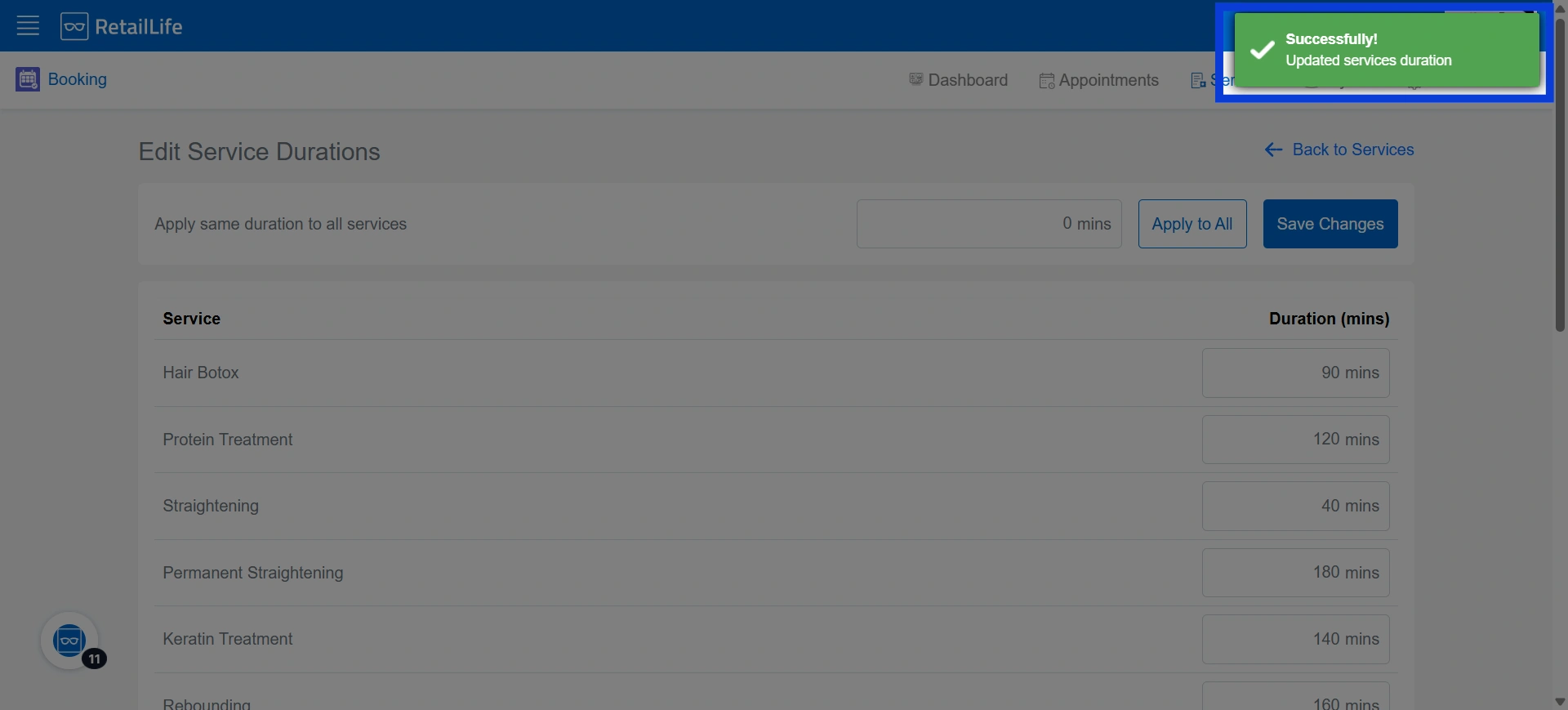
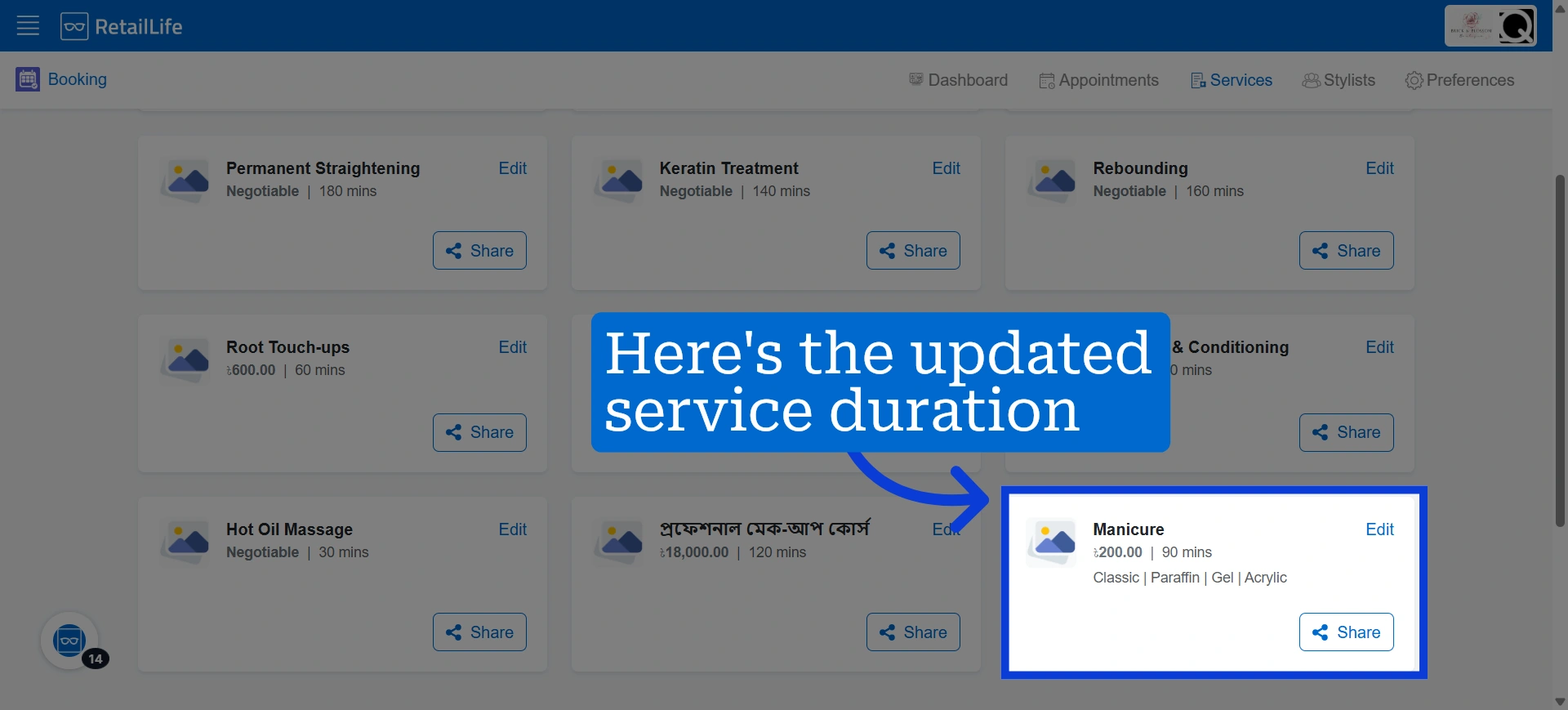
9. The updated service duration will now be displayed beside the service