How to Manage Loyalty Programs and Point Redemption in RetailLife Business Portal
This tutorial explains how to configure the loyalty program in the RetailLife Business Portal and
manage the customer point redemption process.
Go to
retaillife.quicklyservices.com
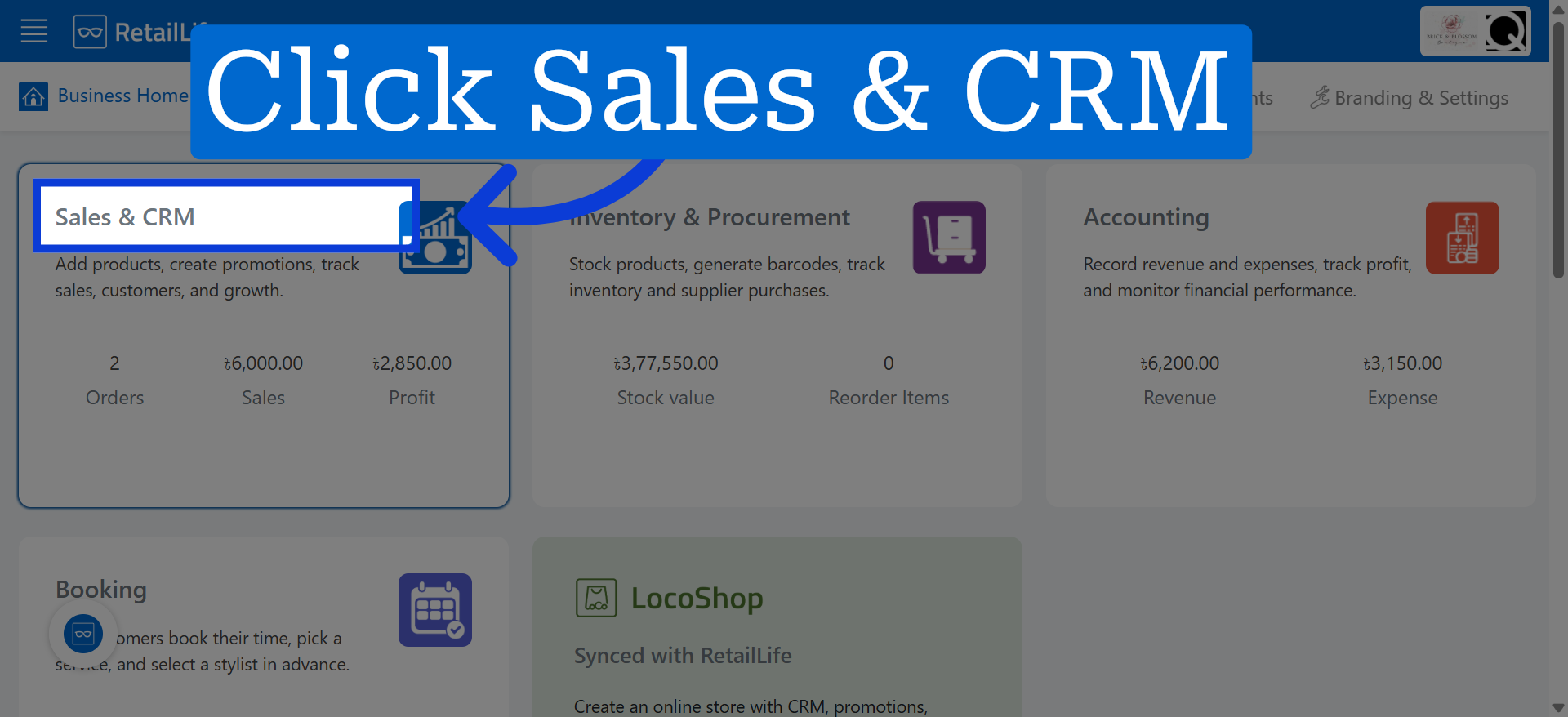
1. Access Sales And CRM Module
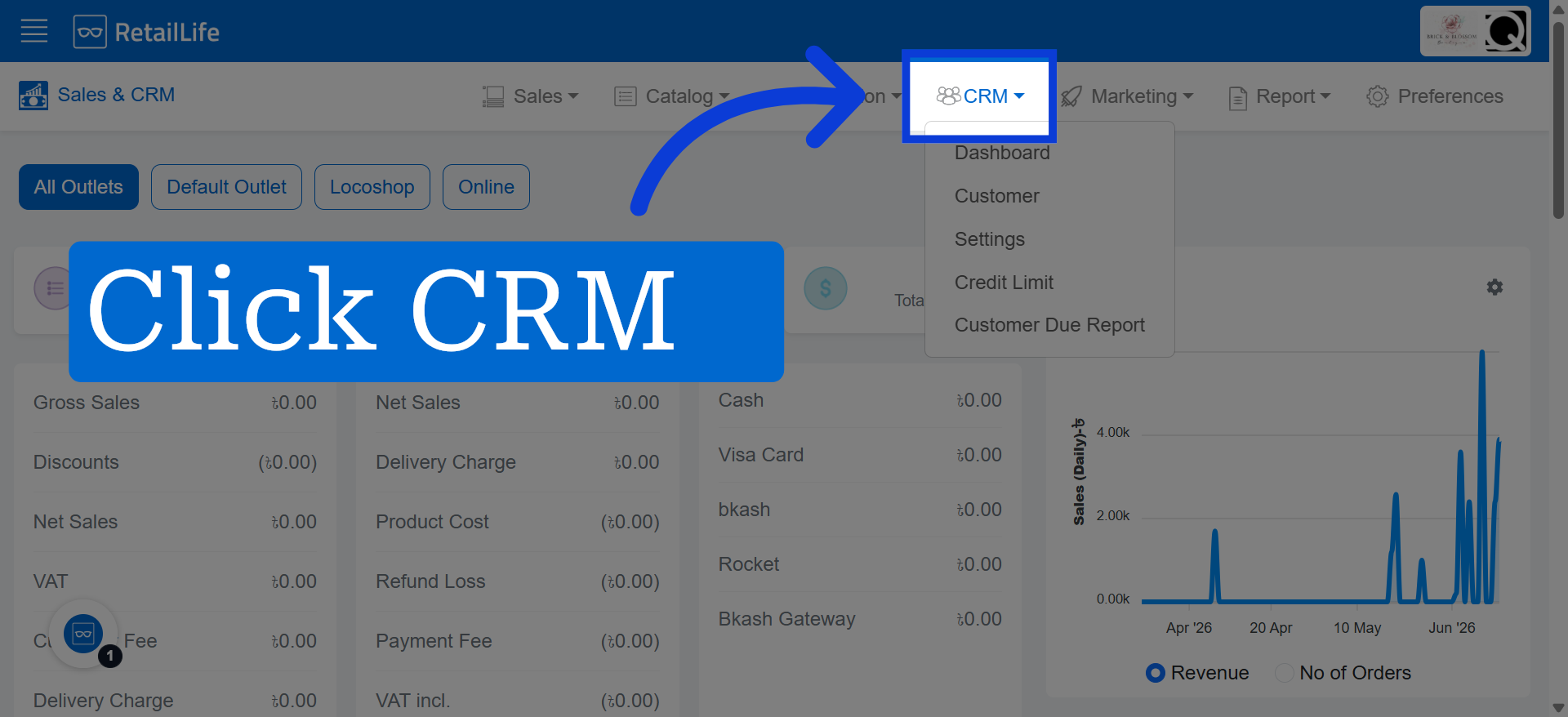
2. Open CRM Module
Click the CRM module to manage customer data and interactions effectively.
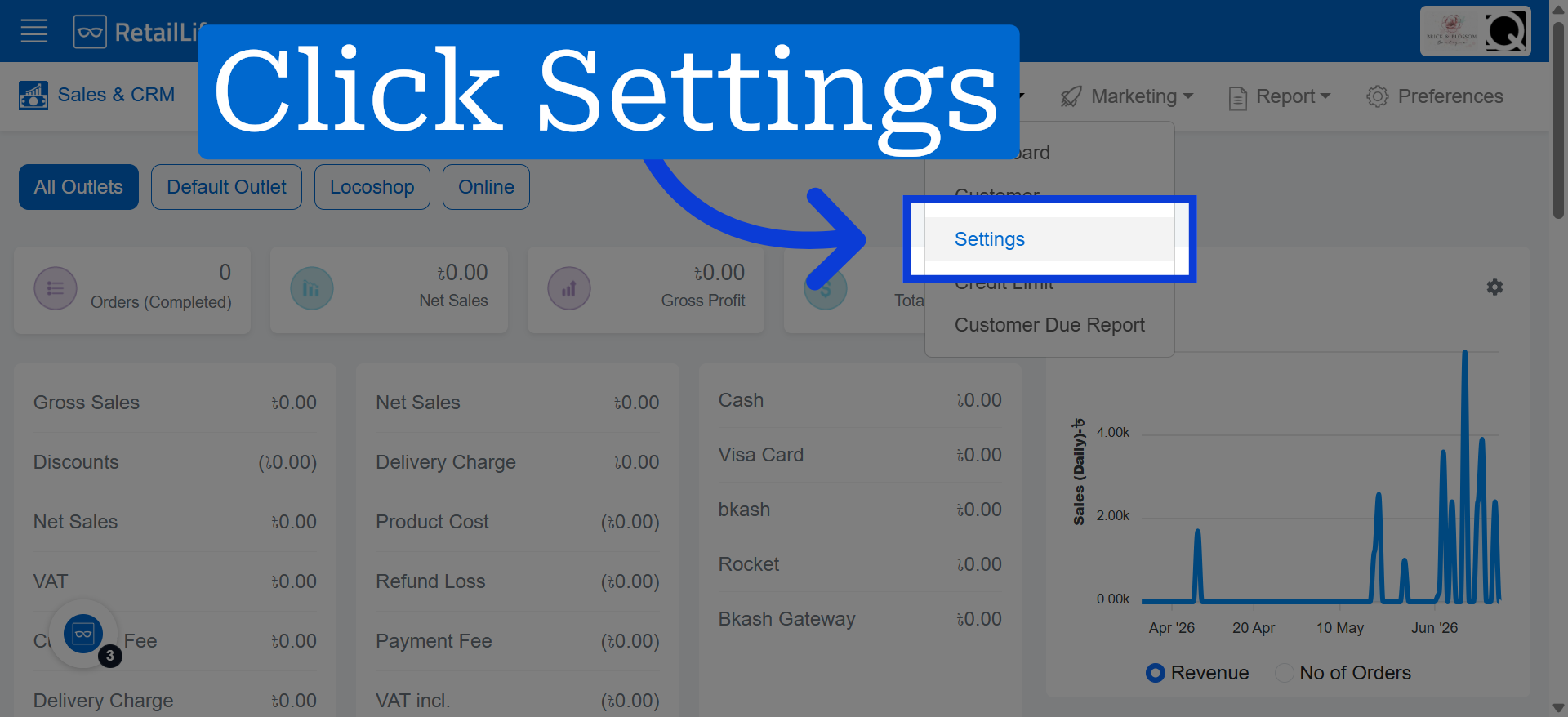
3. Open CRM Settings
Click here to open the loyalty program settings where you can customize reward parameters.
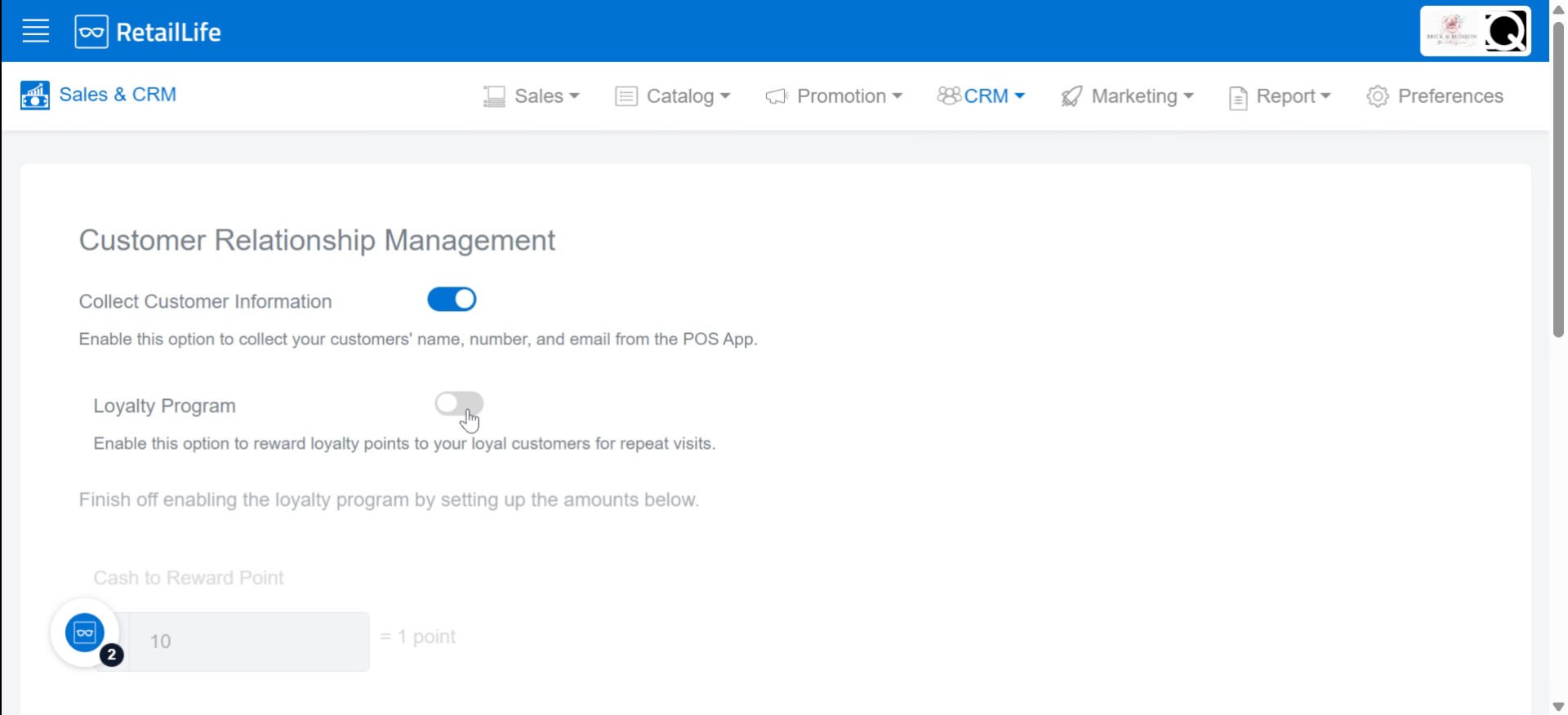
4. Enable Loyalty Program Feature
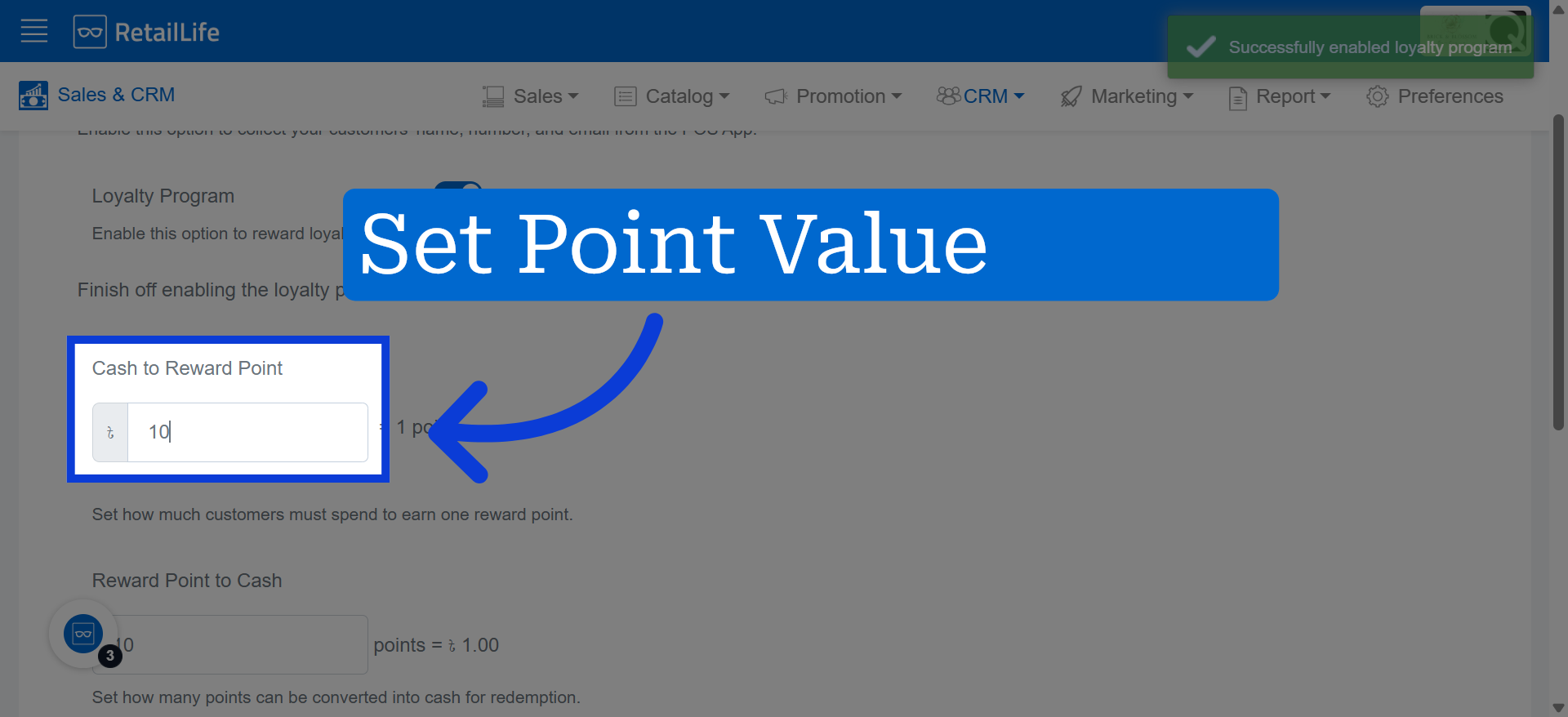
5. Set Reward Point Value
Determine the amount of money your customers need to spend to earn a reward point.
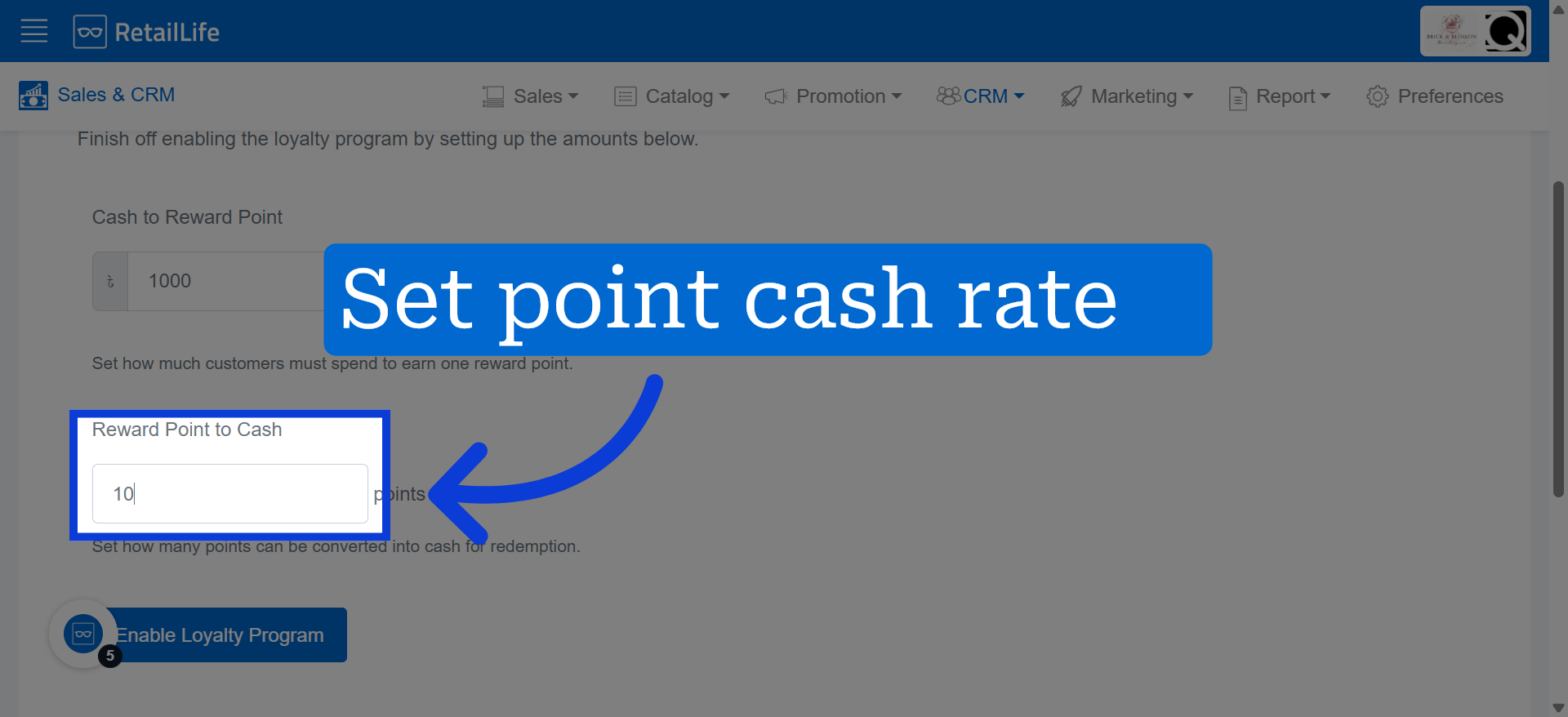
6. Configure Point-to-Cash Rate
Set amount of points will be converted to cash to redeem reward points
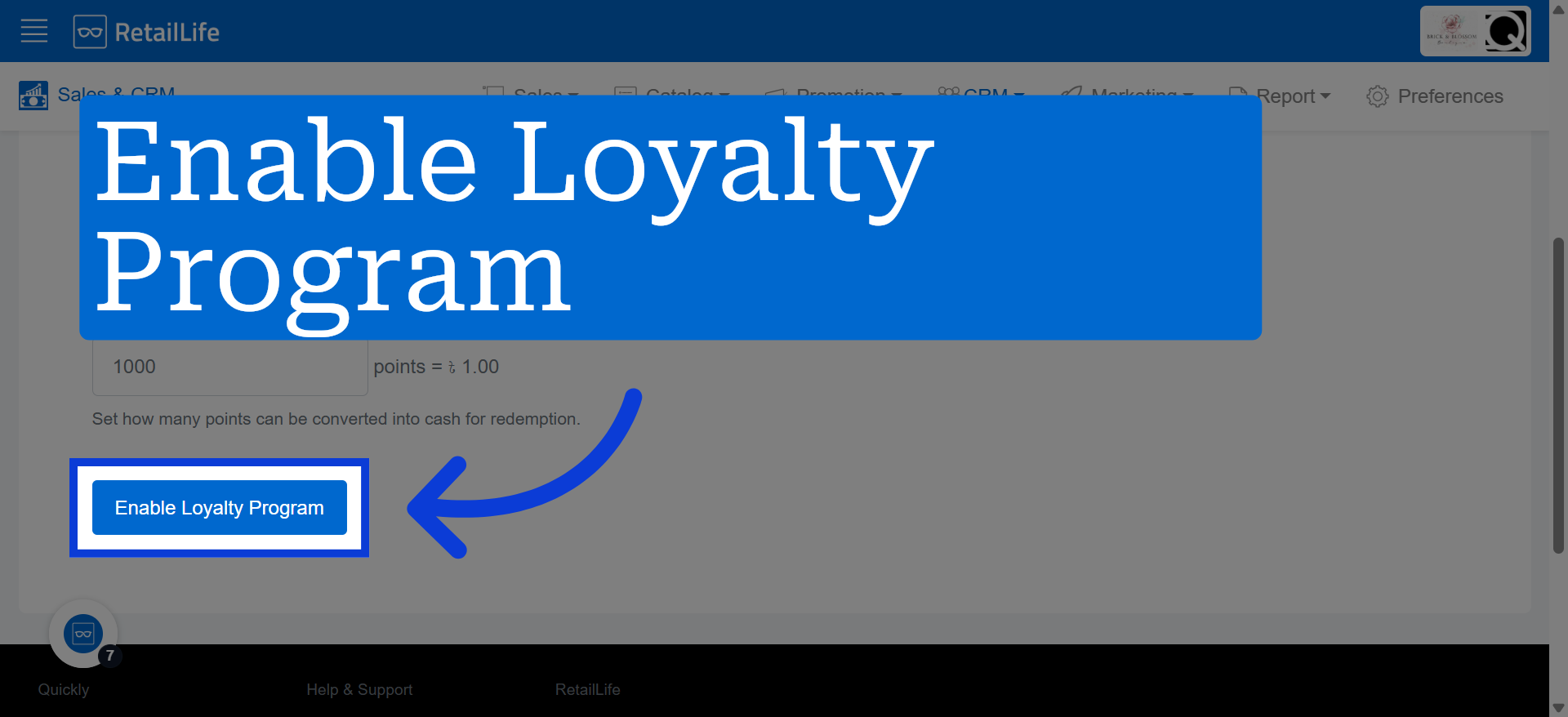
7. Activate Loyalty Program
Click "Enable Loyalty Program" to finalize and activate the loyalty program settings for your business.
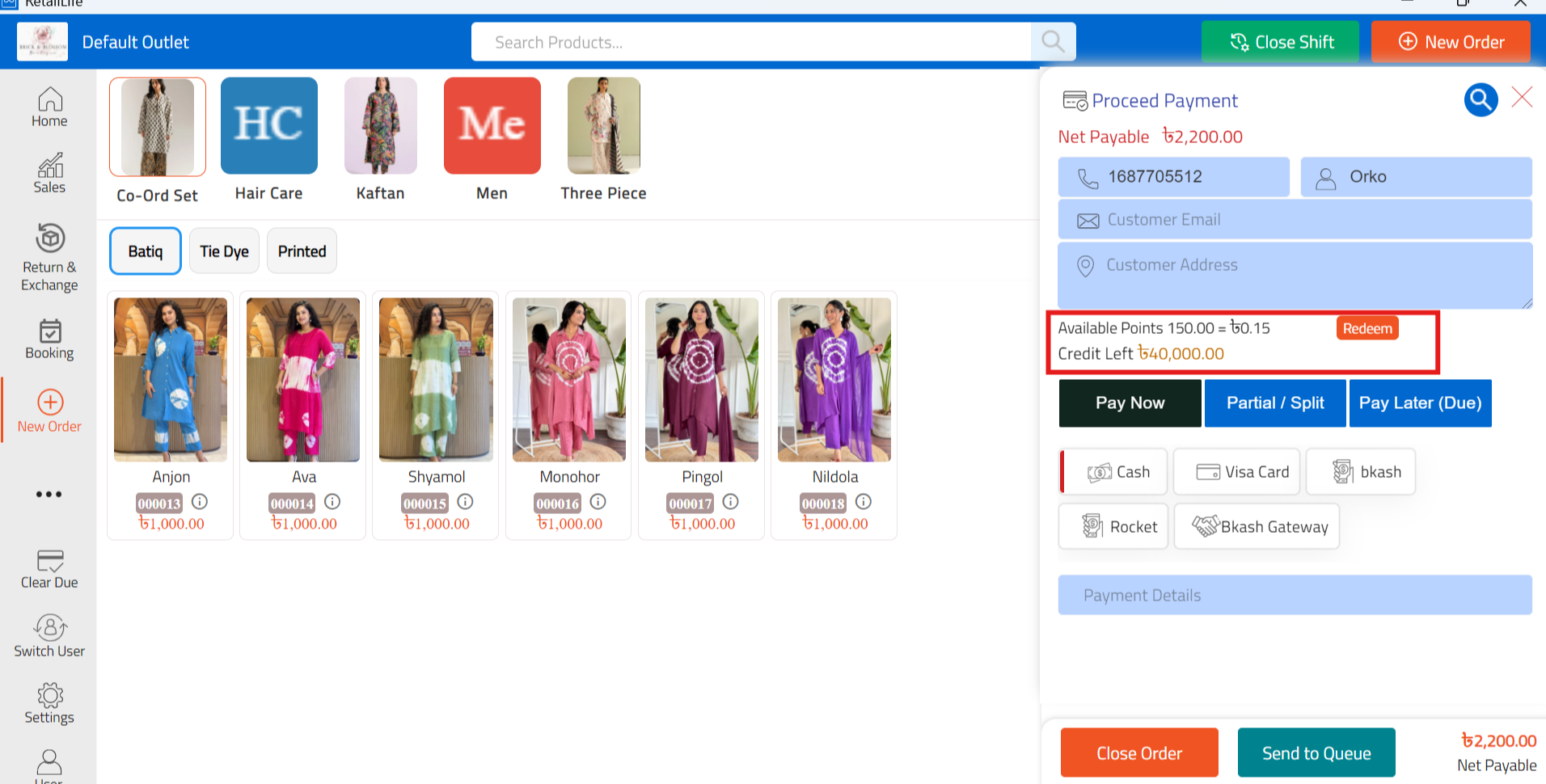
8. Redeem Loyalty Points in POS
Open the POS app and redeem the customer's loyalty points during checkout