How to View Customer Details and Purchase History in RetailLife Business Portal
This tutorial explains how to access and review customer details and purchase history in the
RetailLife Business Portal.
Go to
retaillife.quicklyservices.com
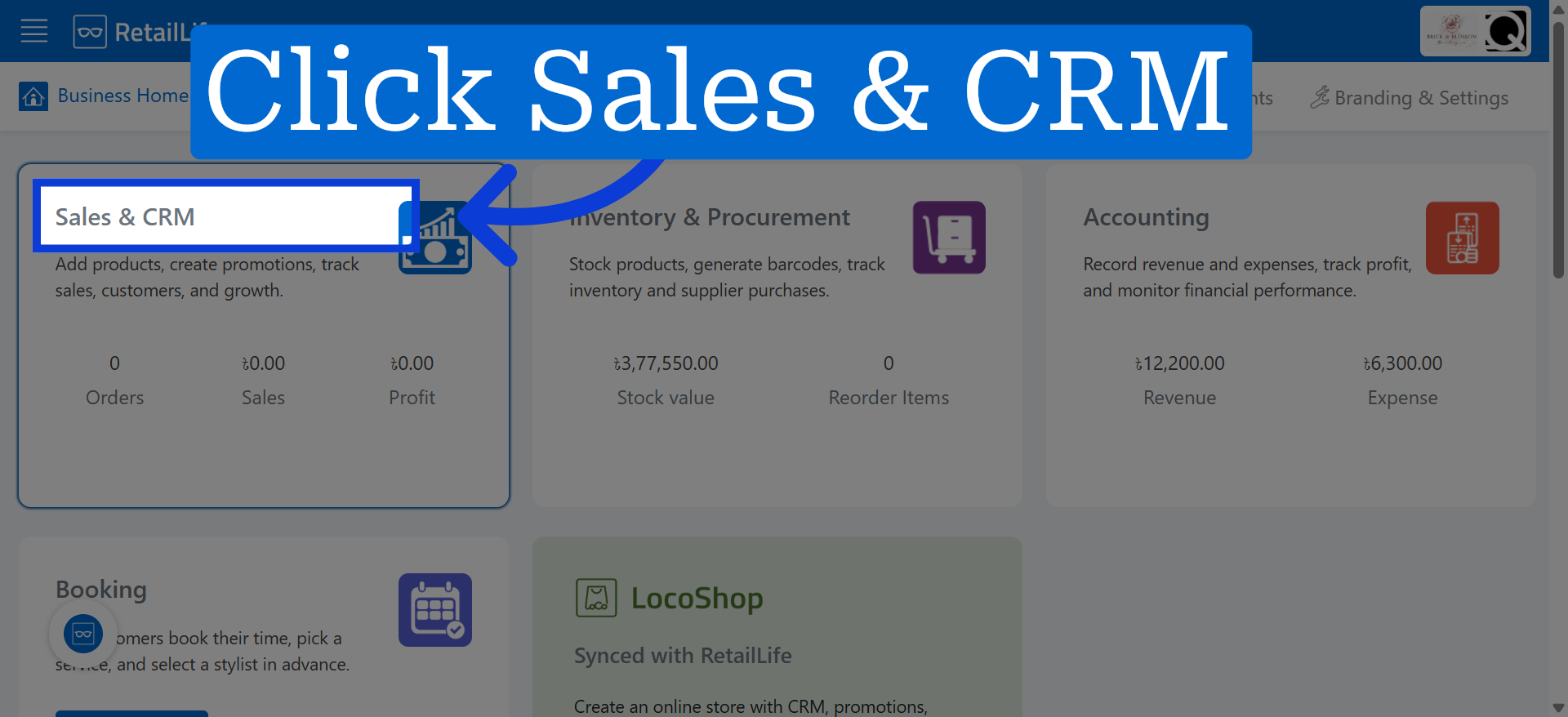
1. Access Sales & CRM Module
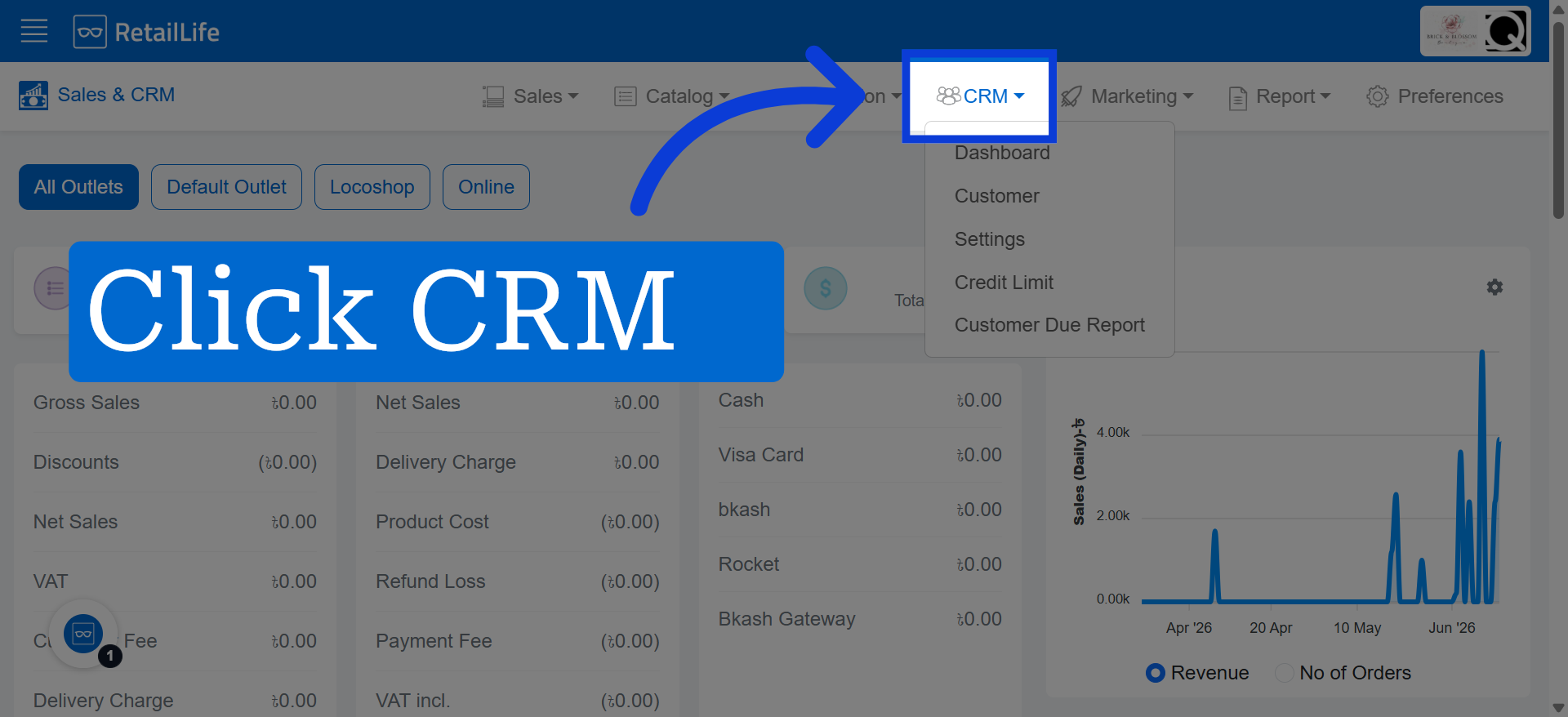
2. Click CRM Section
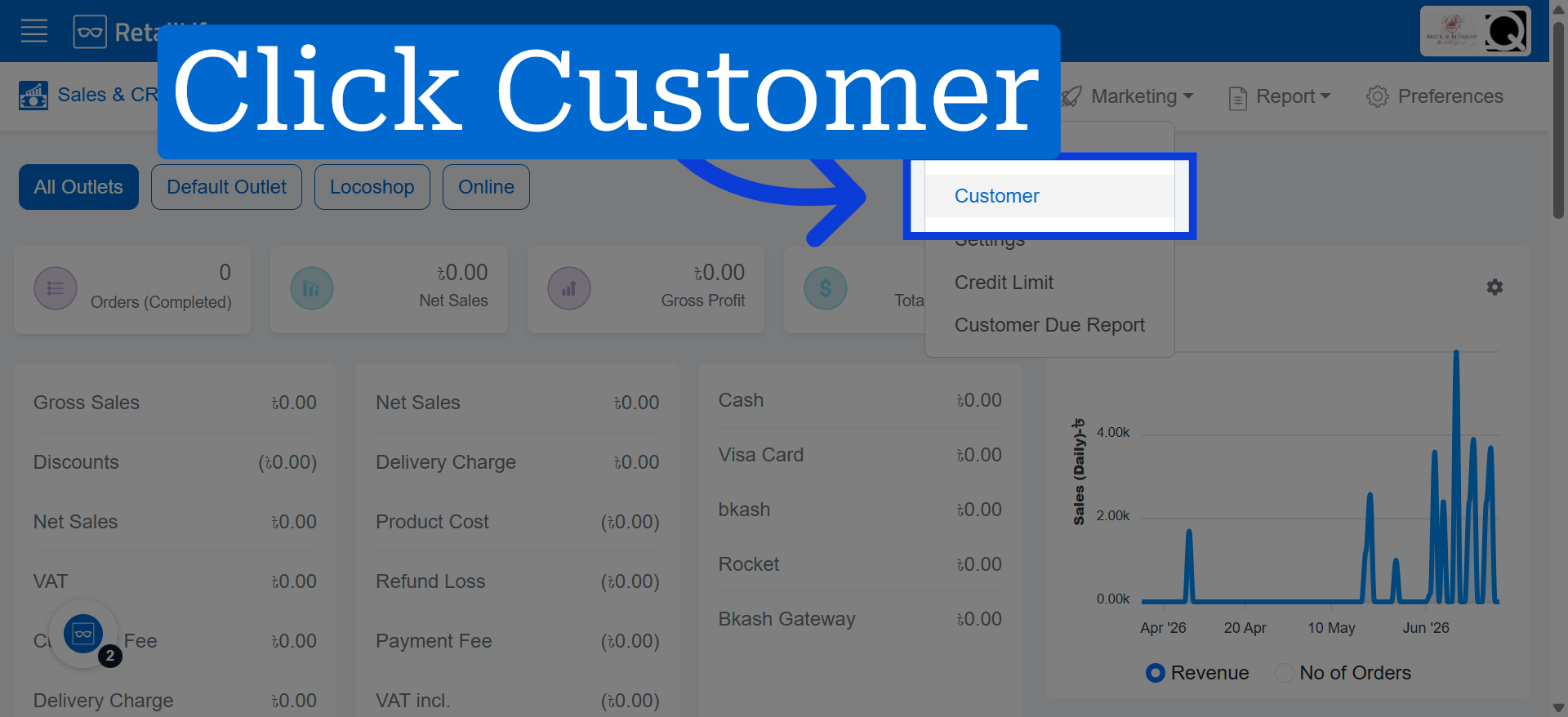
3. Click Customer
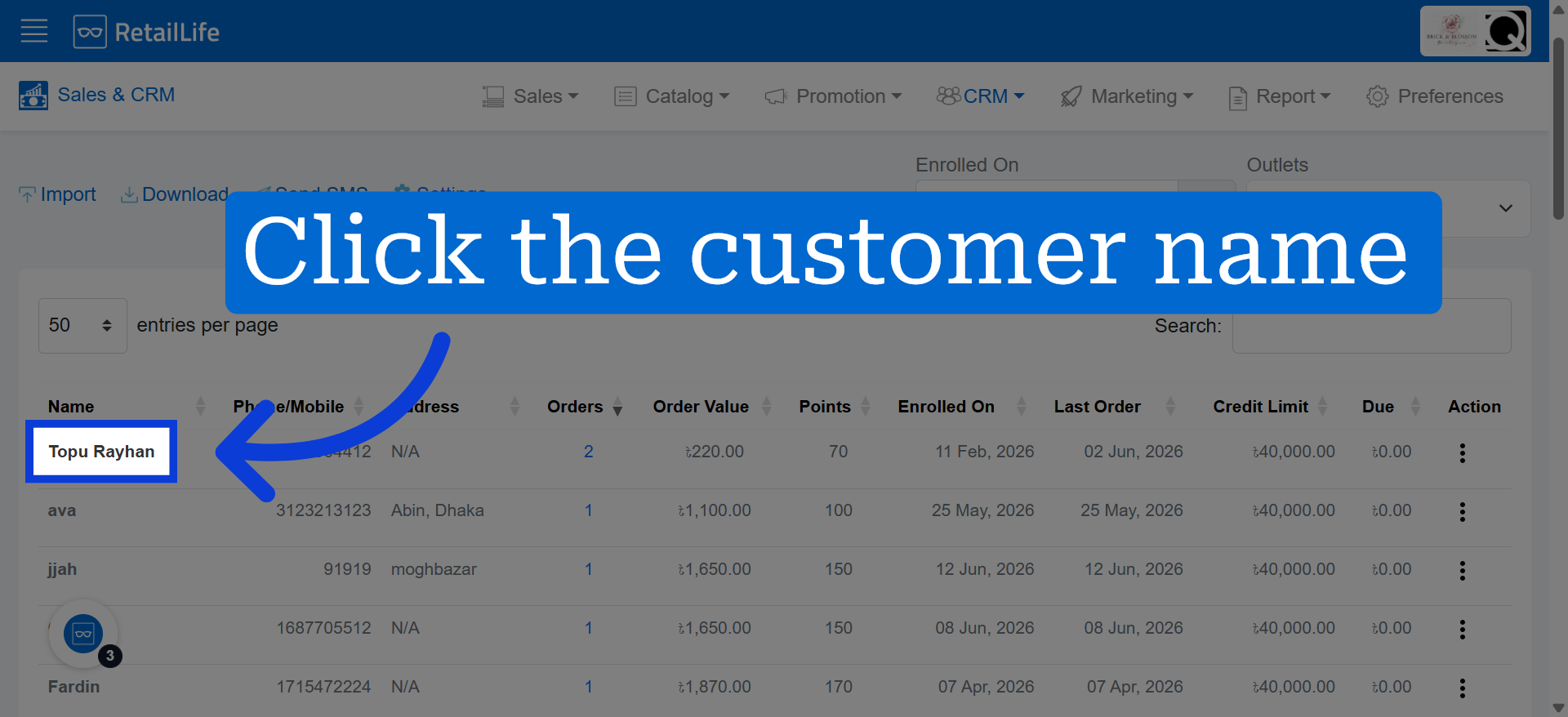
4. Choose Specific Customer
Select a customer to view their detailed information.
5. Customer Overview
View customer information, purchase history, total spending, and recent transactions.
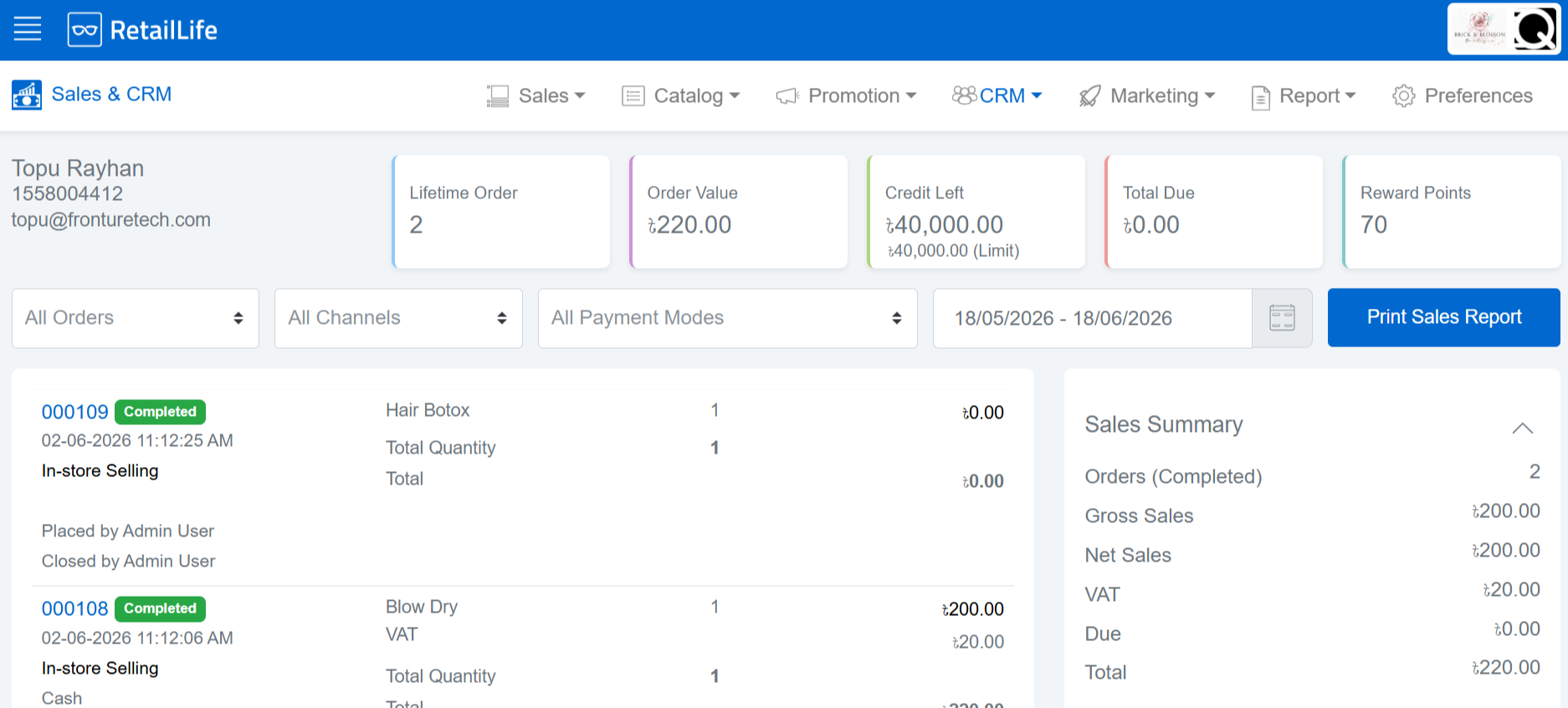
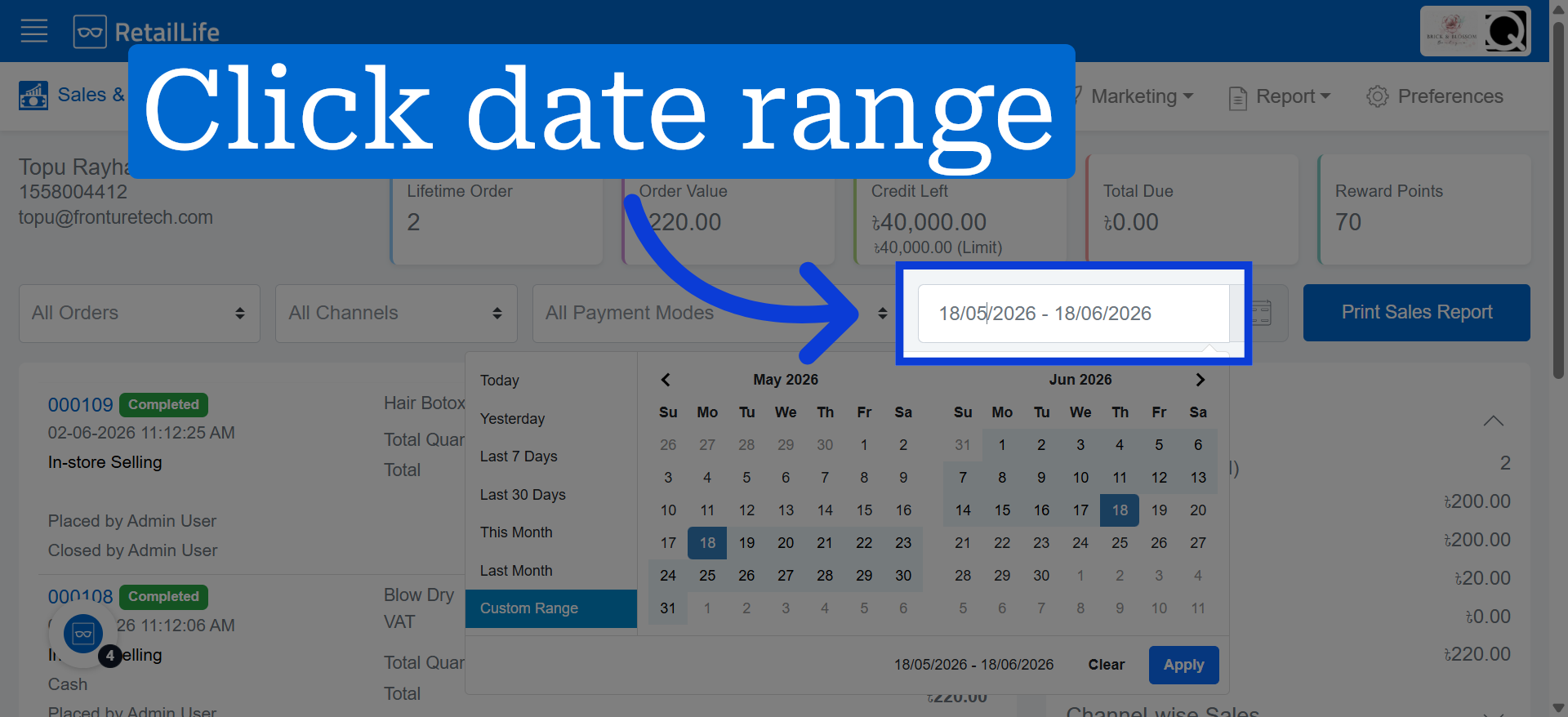
6. Select Date Range
Select a date range to view records from a specific period.