How to Set Up Product Discounts in RetailLife Business Portal
This tutorial guides you through setting up product discounts in the RetailLife Business Portal.
You can use product discounts to offer special pricing on specific products, helping you reward
customers, run promotions, and boost sales.
Go to
retaillife.quicklyservices.com
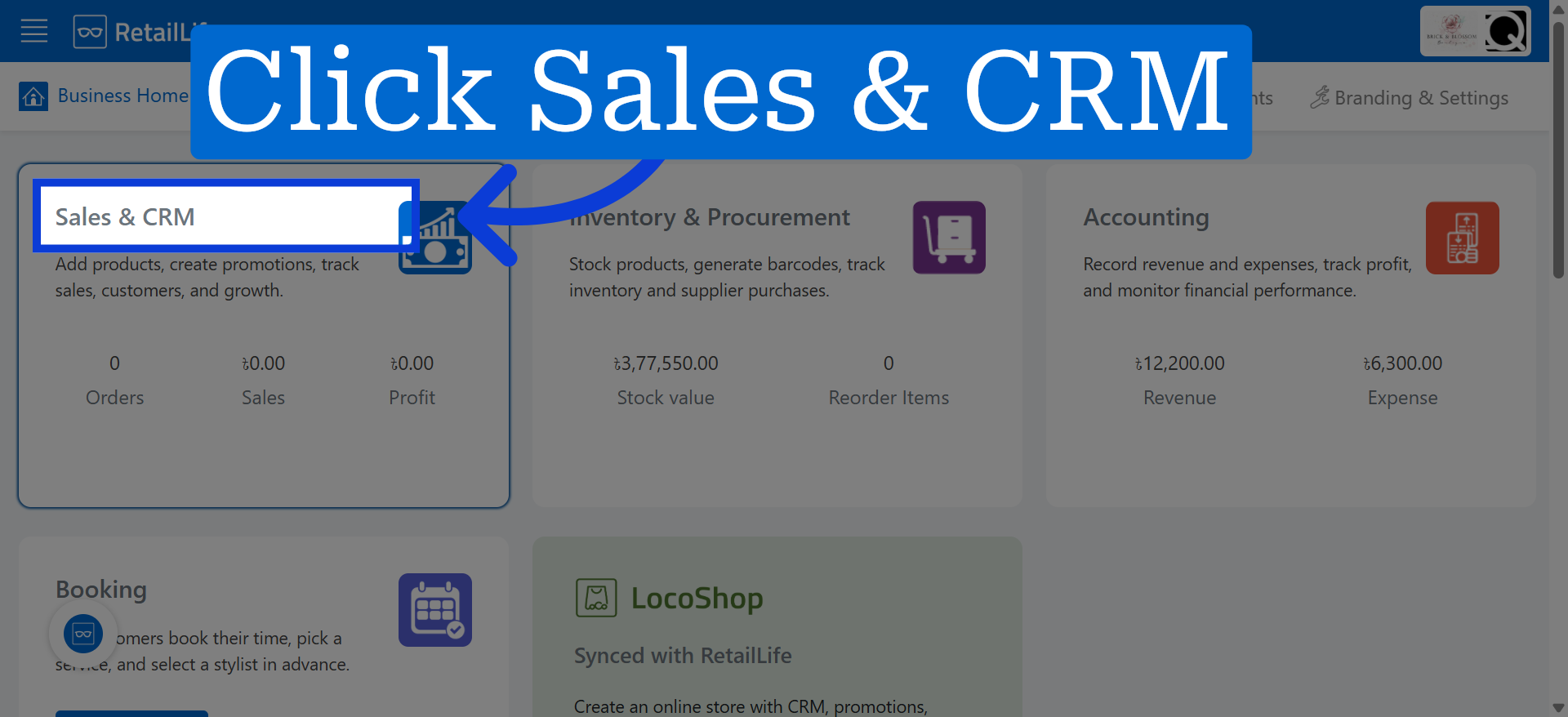
1. Access Sales & CRM Module
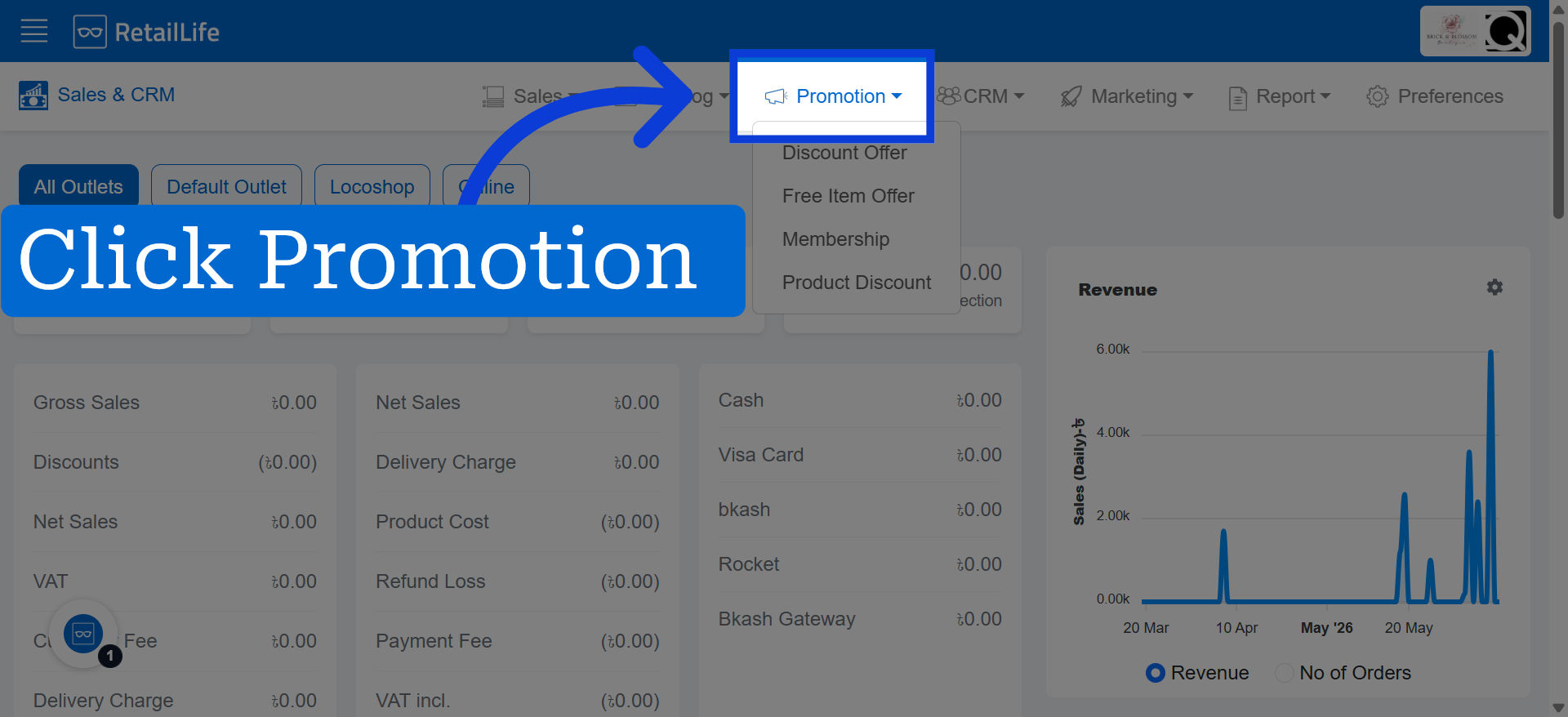
2. Open Promotion Bar
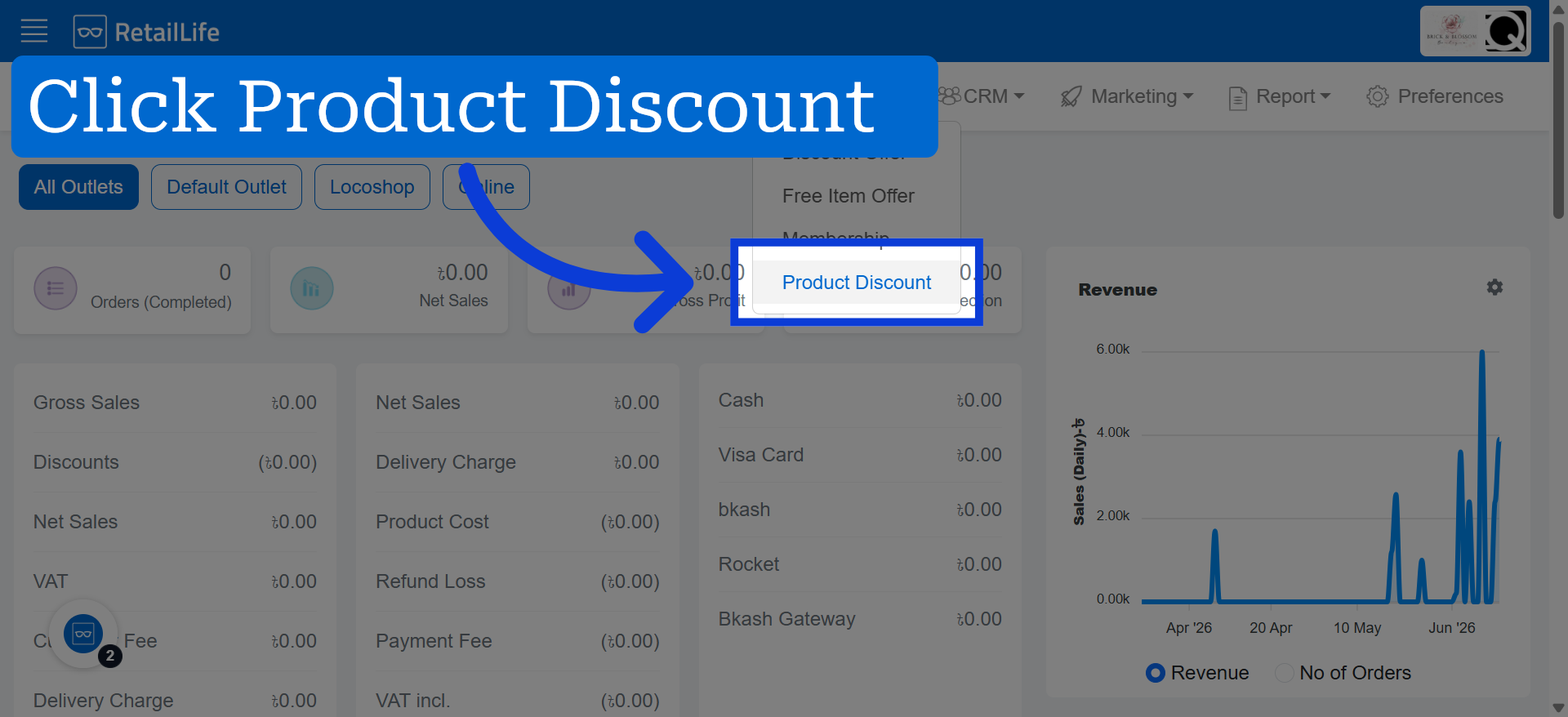
3. Select Product Discount Option
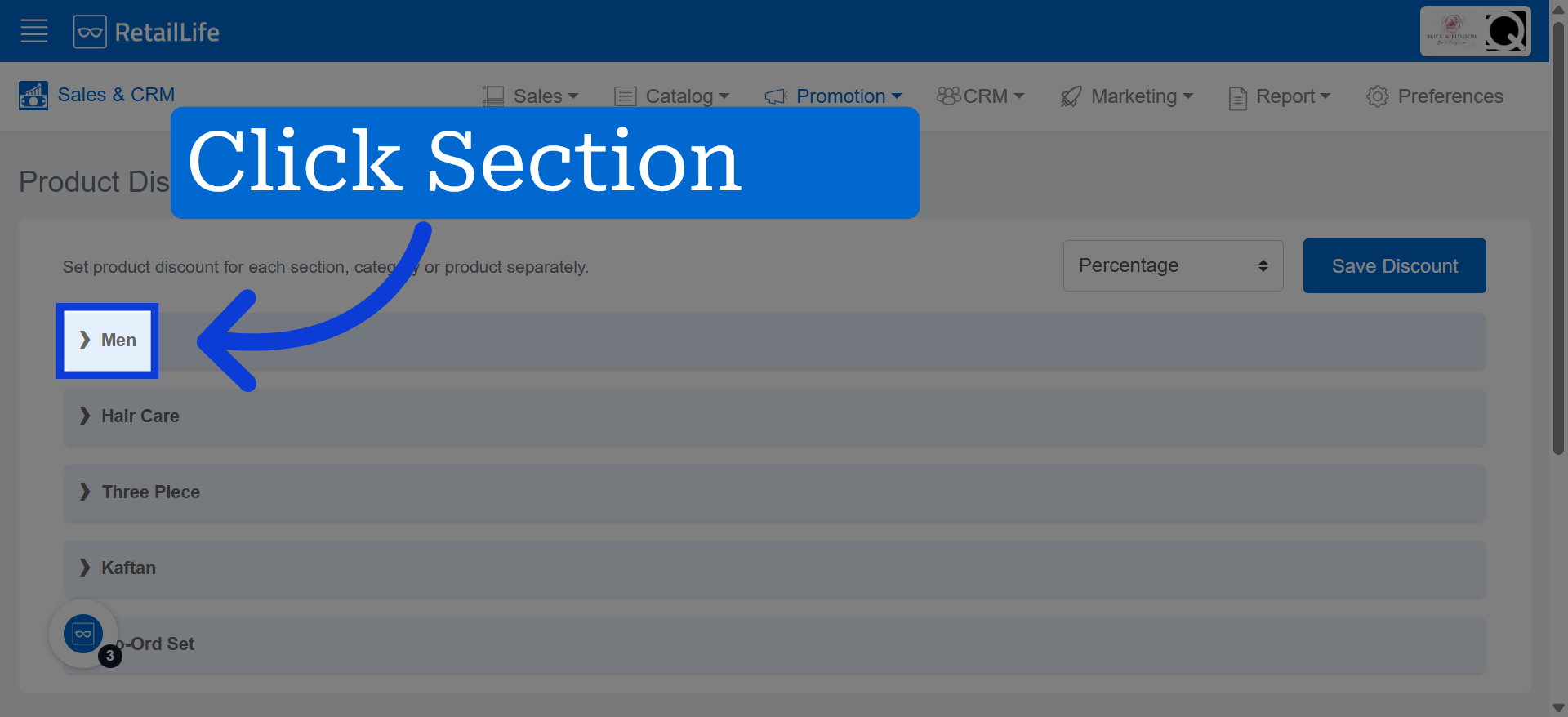
4. Choose Section
Here we selected "Men" as an example.
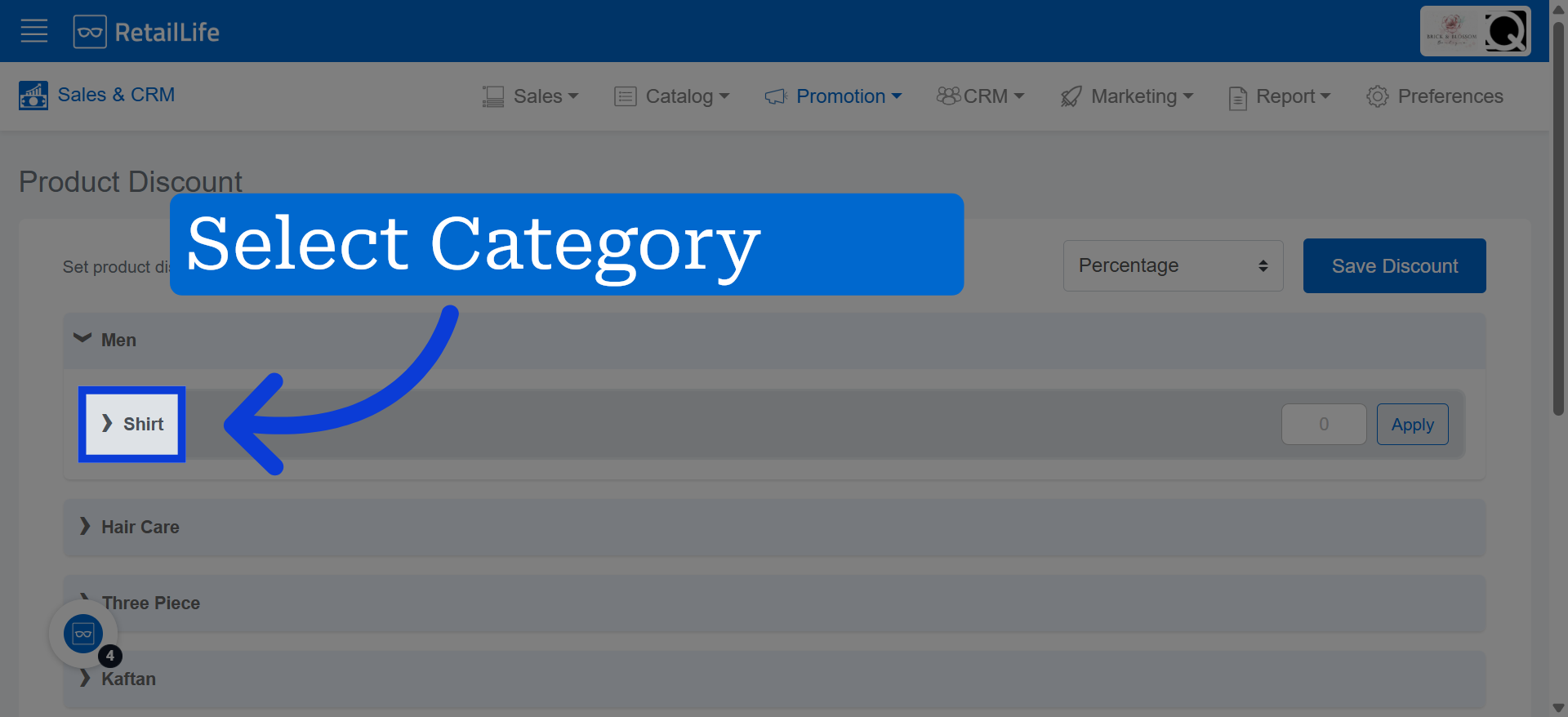
5. Select Shirt Subcategory
We are choosing "Shirt" as a category.
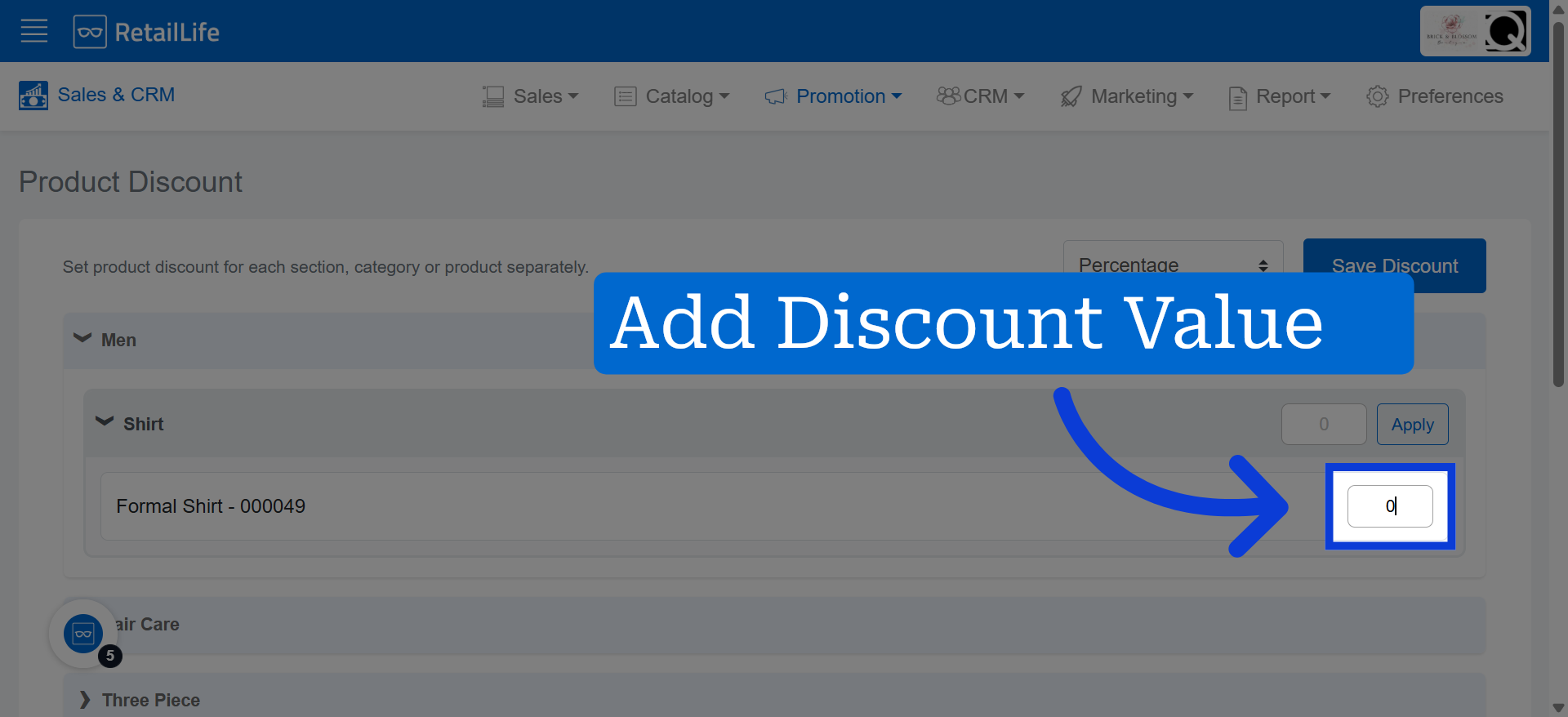
6. Access Discount Value Field
Access the discount value according to the selected products.
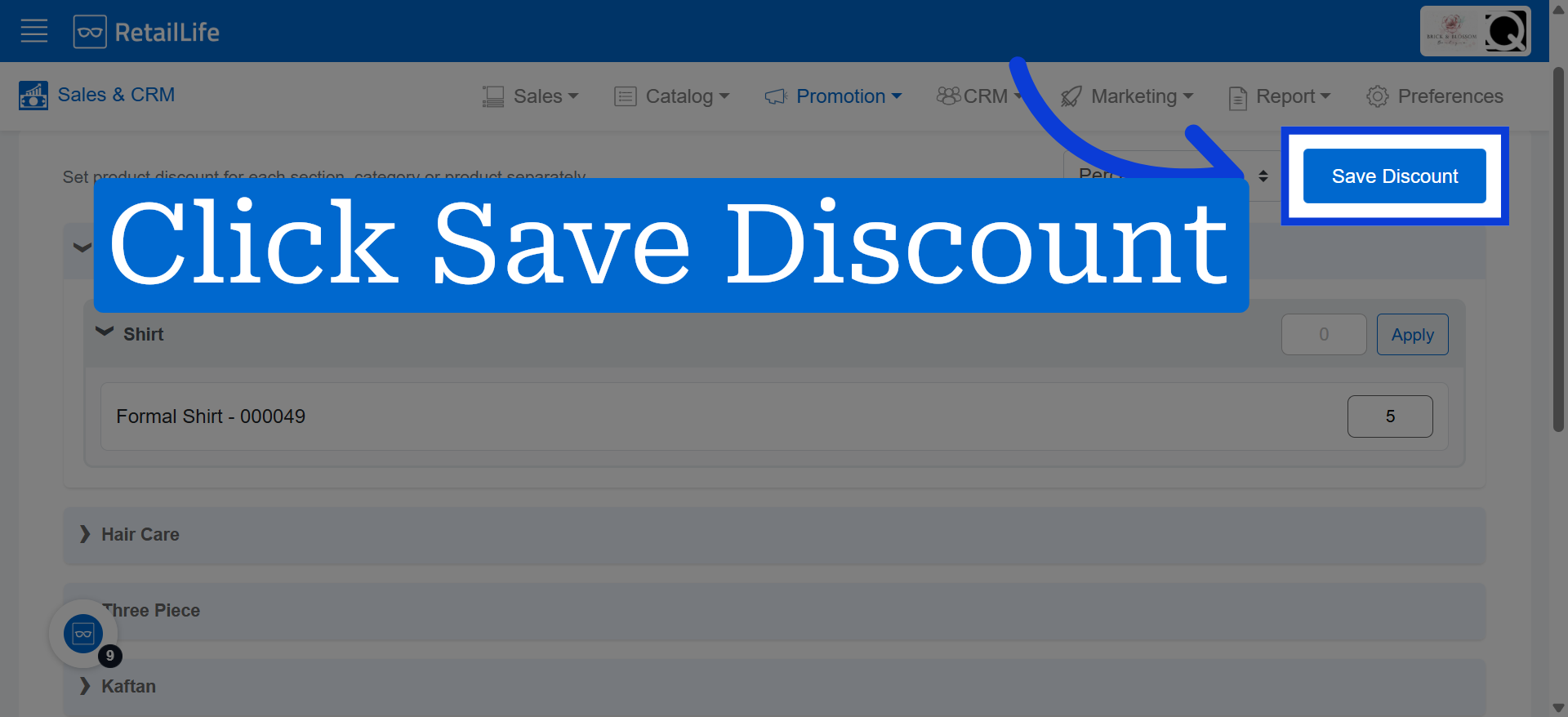
7. Save Discount Configuration
Click "Save Discount"