How to Create Add-ons for a Dish in RestroGreen
This tutorial guides you through adding and updating add-ons in the RestroGreen Business Portal.
Go to
restrogreen.quicklyservices.com
1. Login to your Business Portal
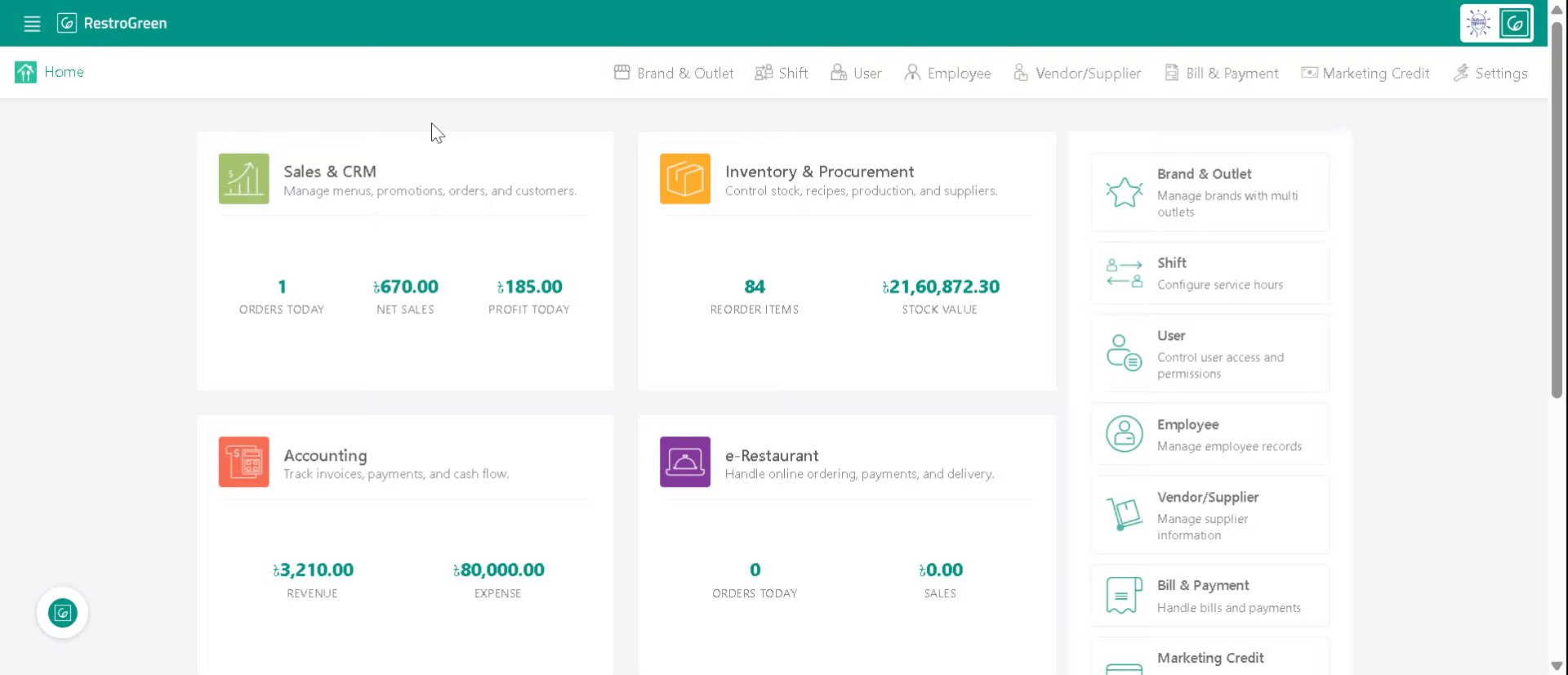
2. Click "Sales & CRM" Module
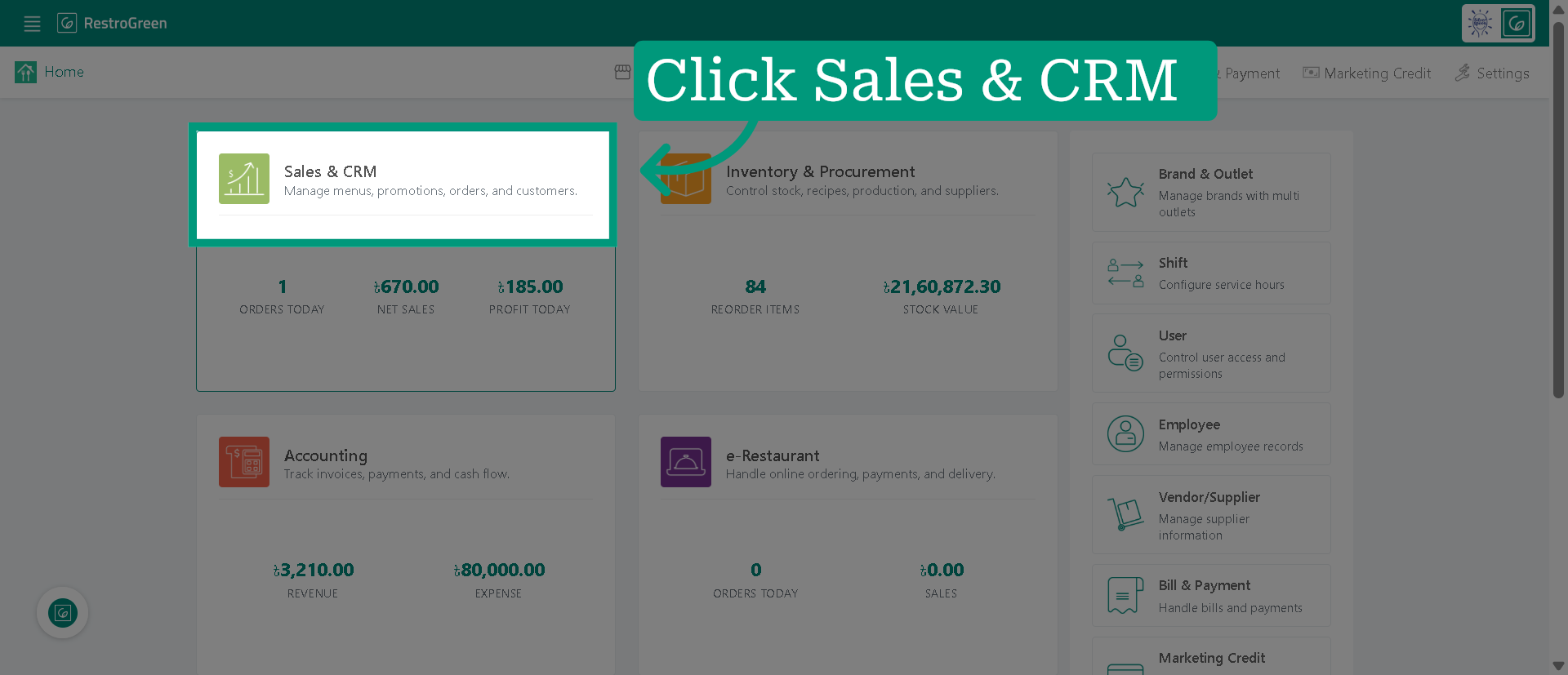
3. Click "Dish" to navigate to the dish management
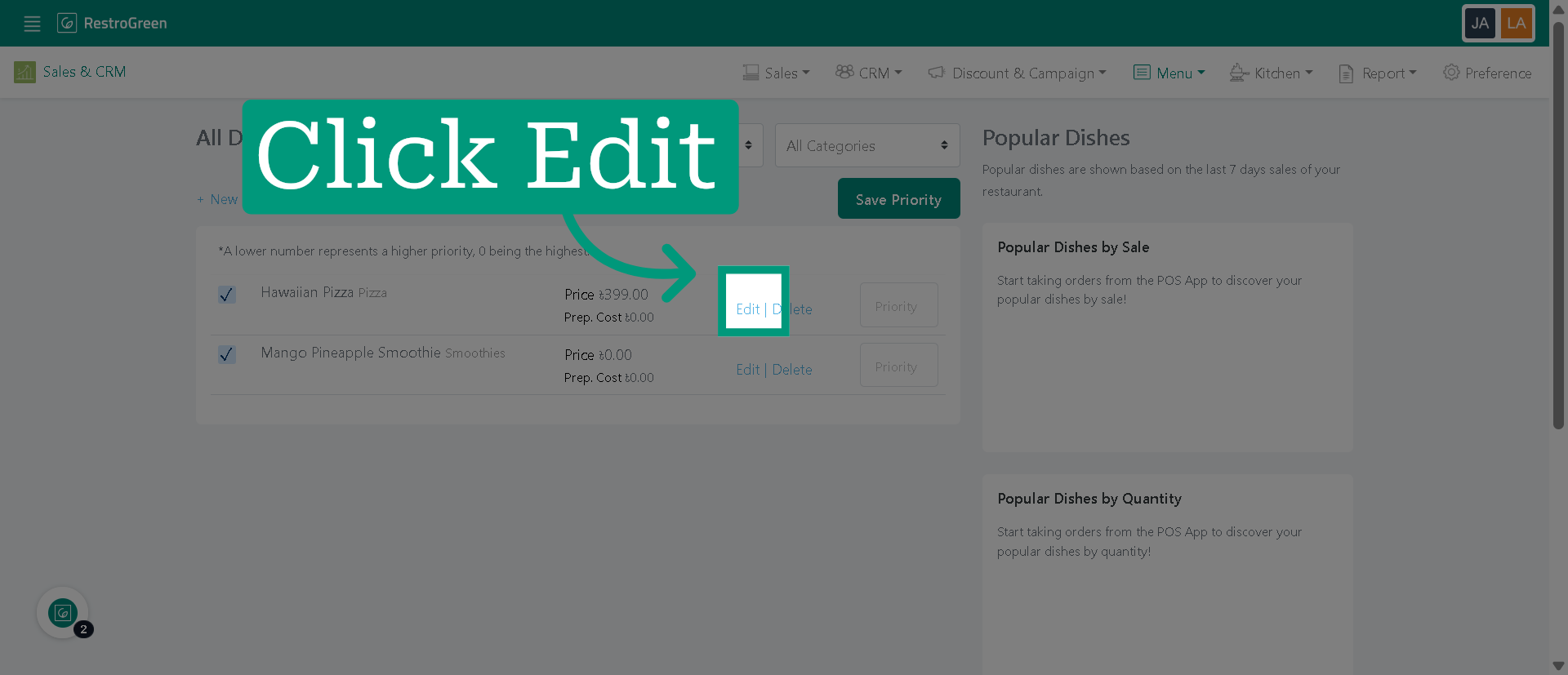
4. Click "Edit" to enable editing options for selected dish
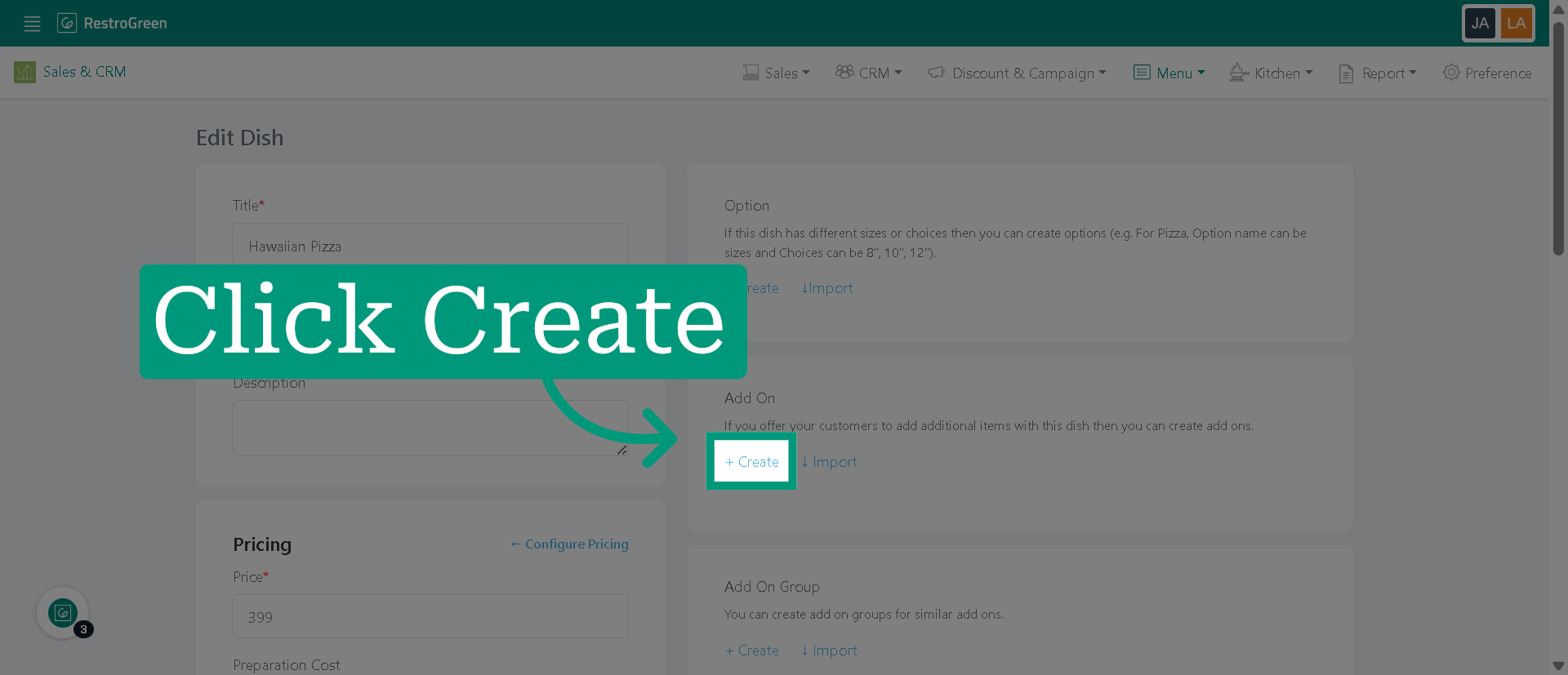
5. Click "Create" to start creating a new add-on
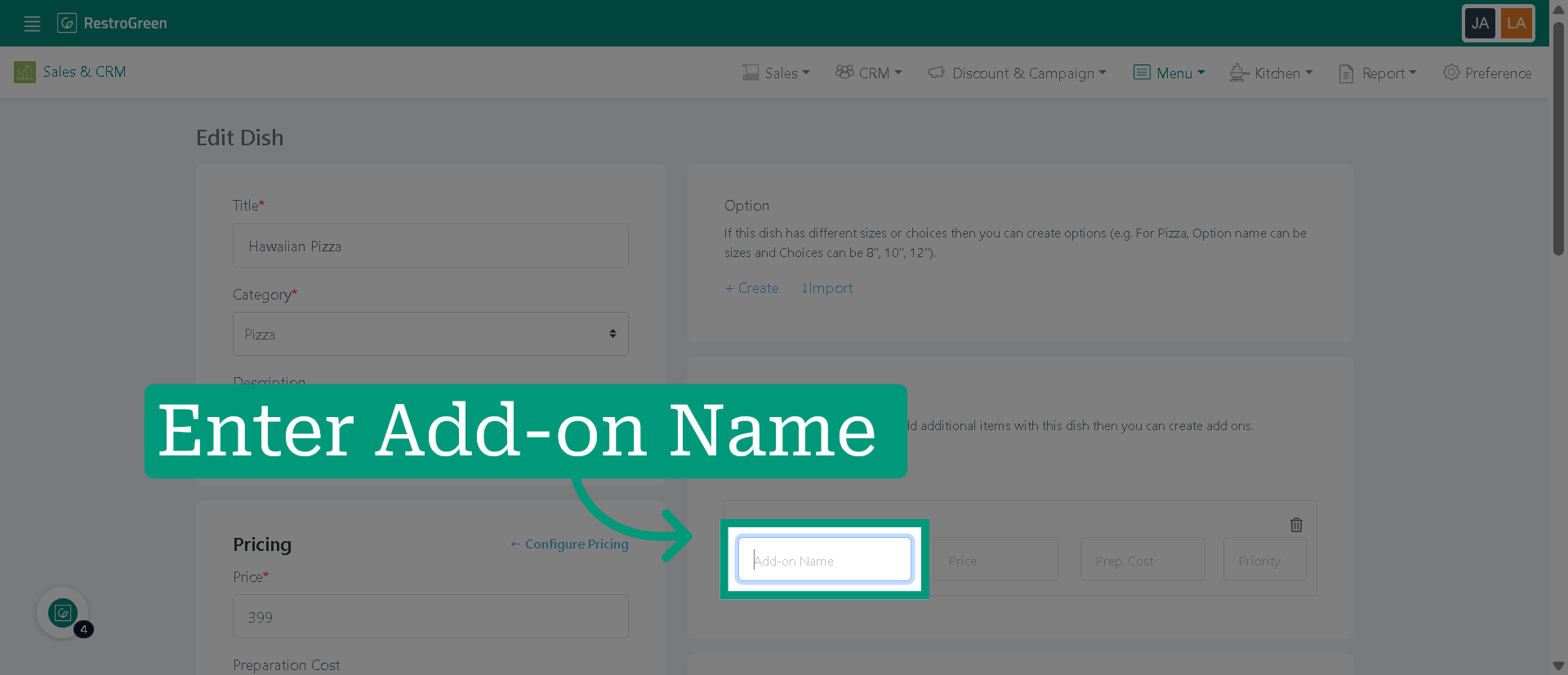
6. Enter the name of the new add-on
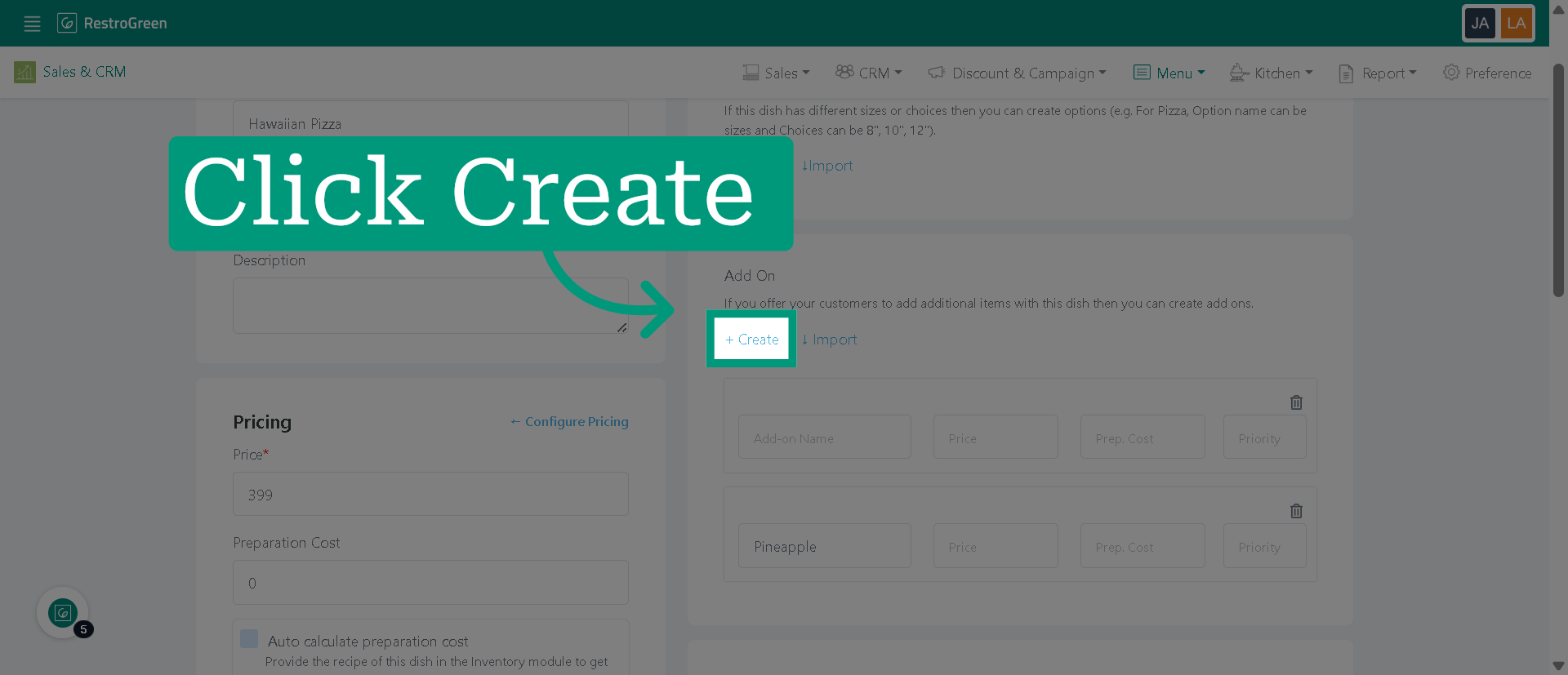
7. Click "Create" to add more add-on options
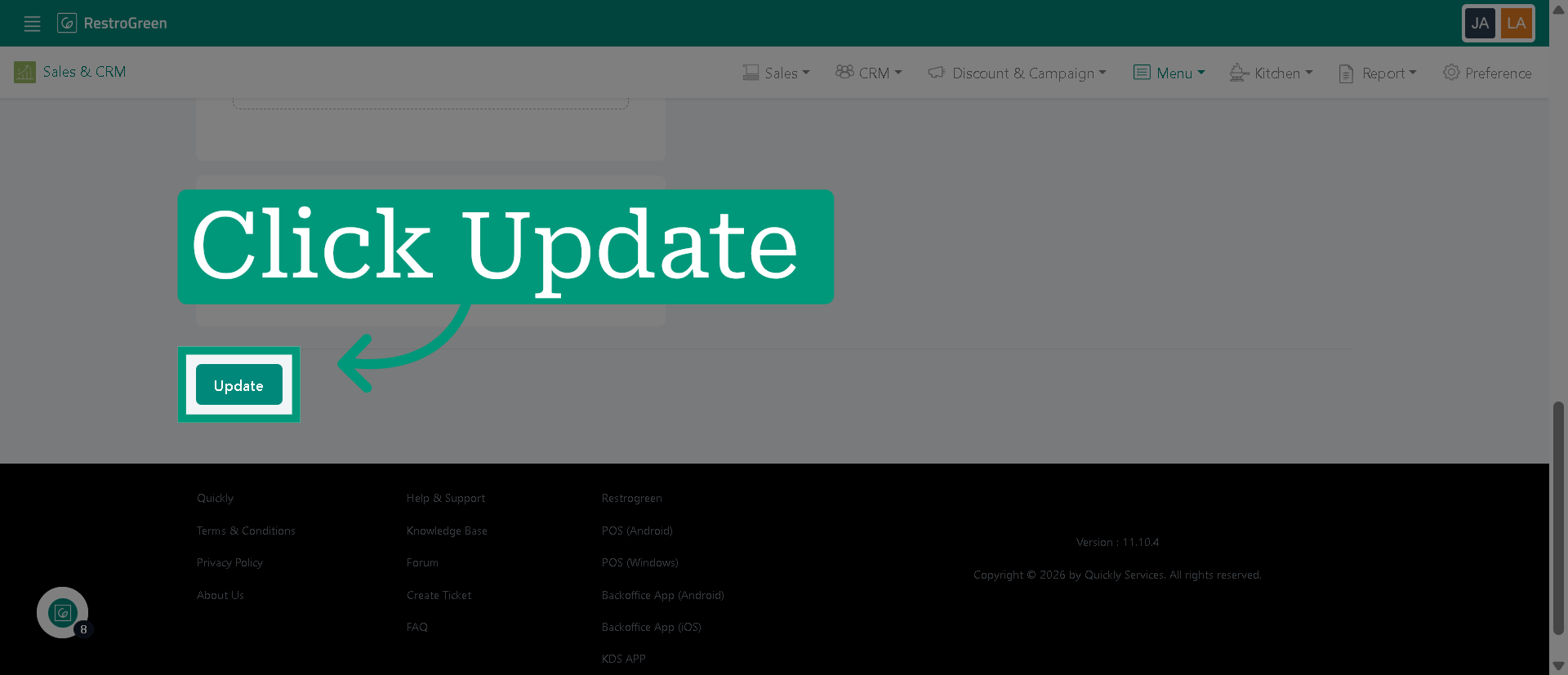
8. Click "Update" to save the add-on options for this dish