How to Delete Dish from Menu If You No Longer Want to Sell
This tutorial guides you on how to remove any dishes from your menu through Business Portal.
Go to
restrogreen.quicklyservices.com
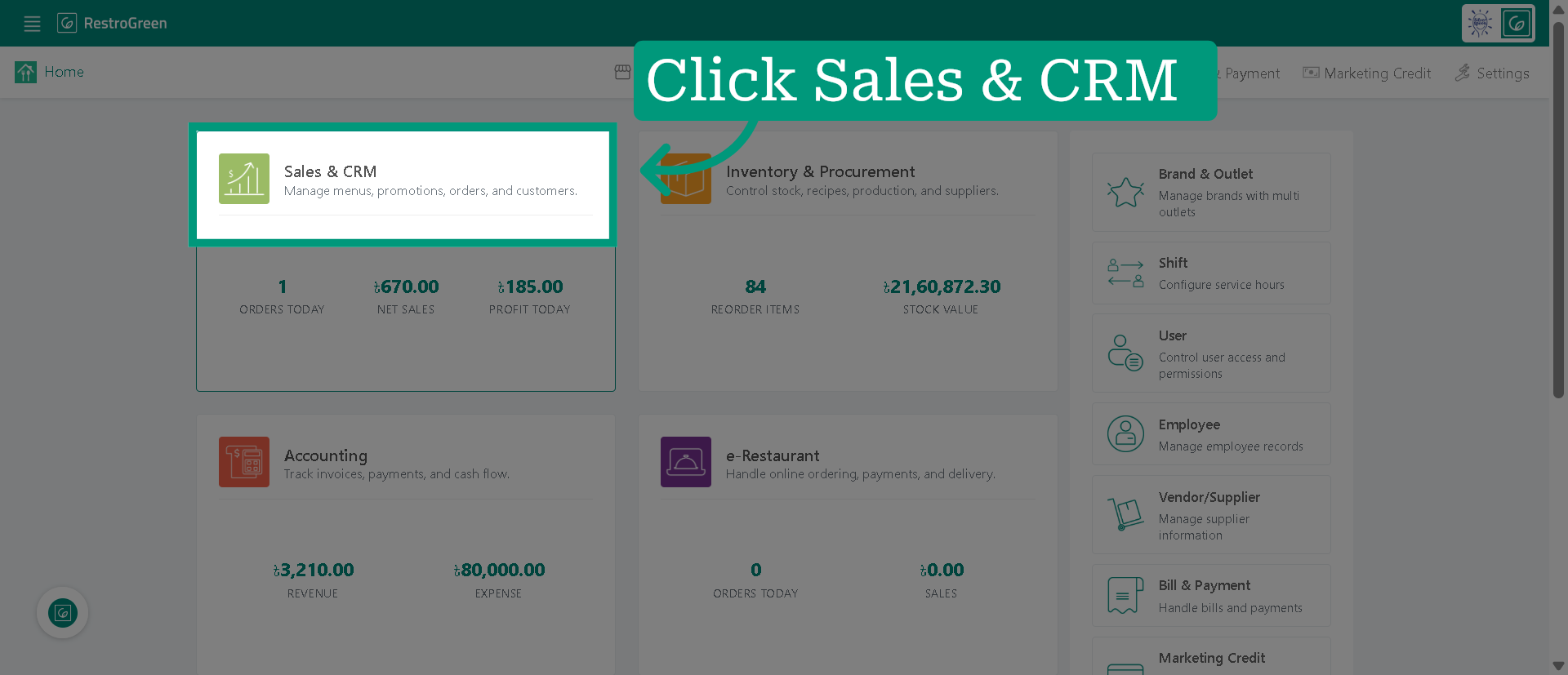
1. Click "Sales & CRM" Module
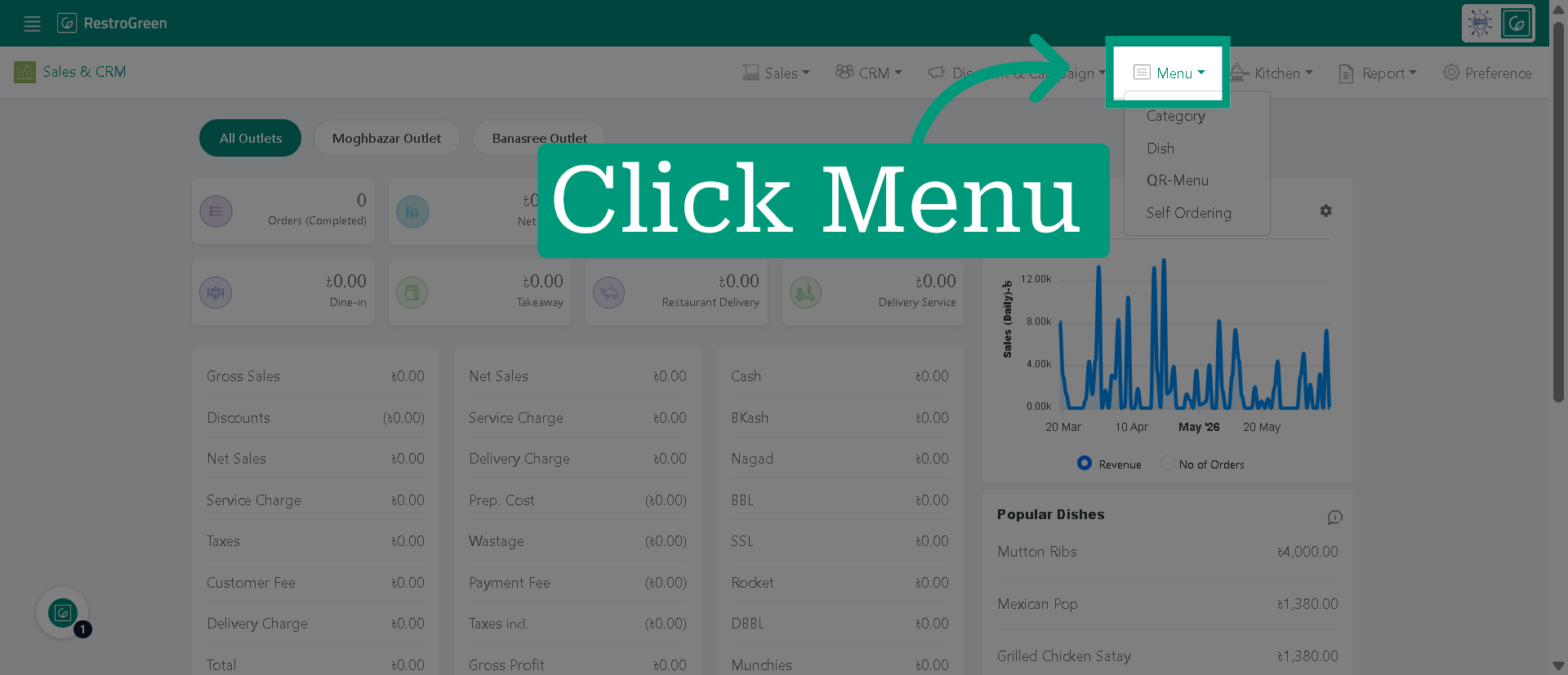
2. Click "Menu" from the top navigation bar
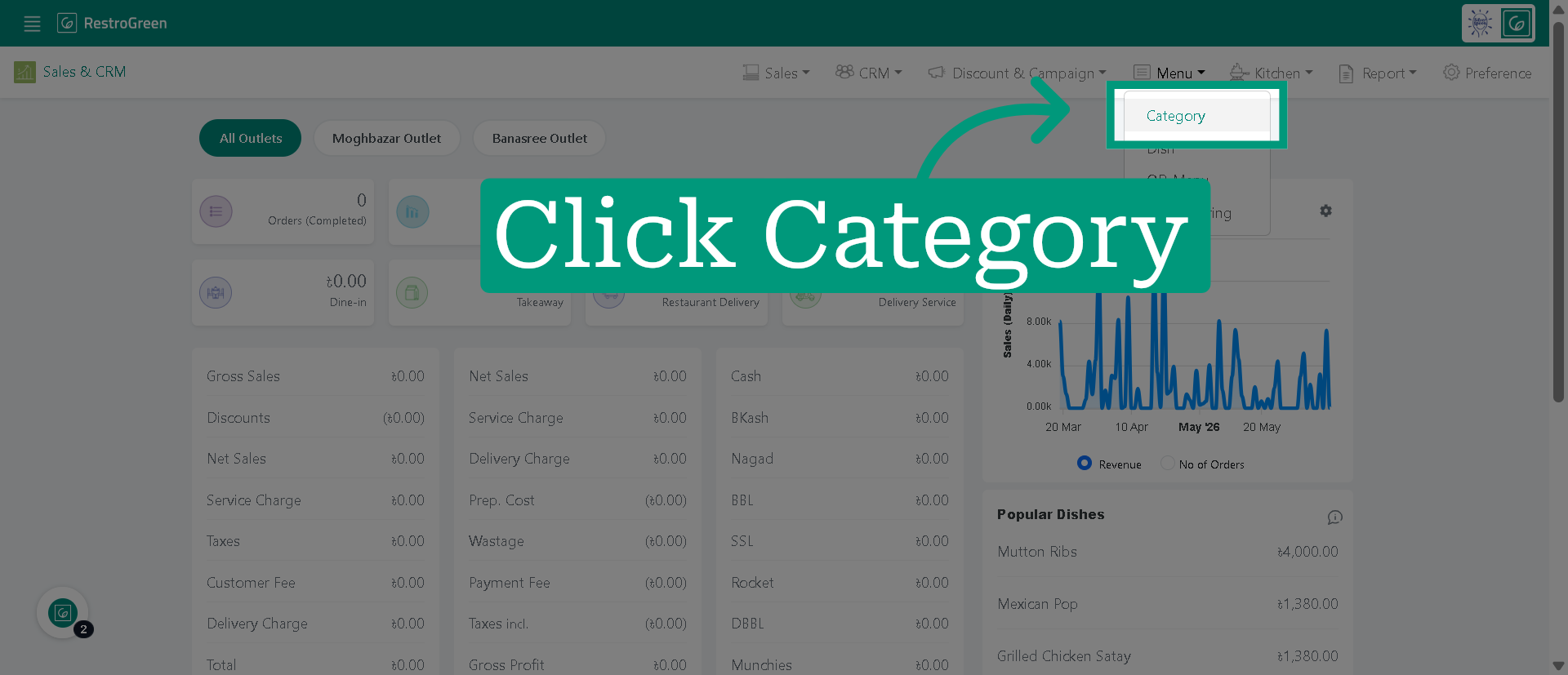
3. Click "Category" to view the existing categories
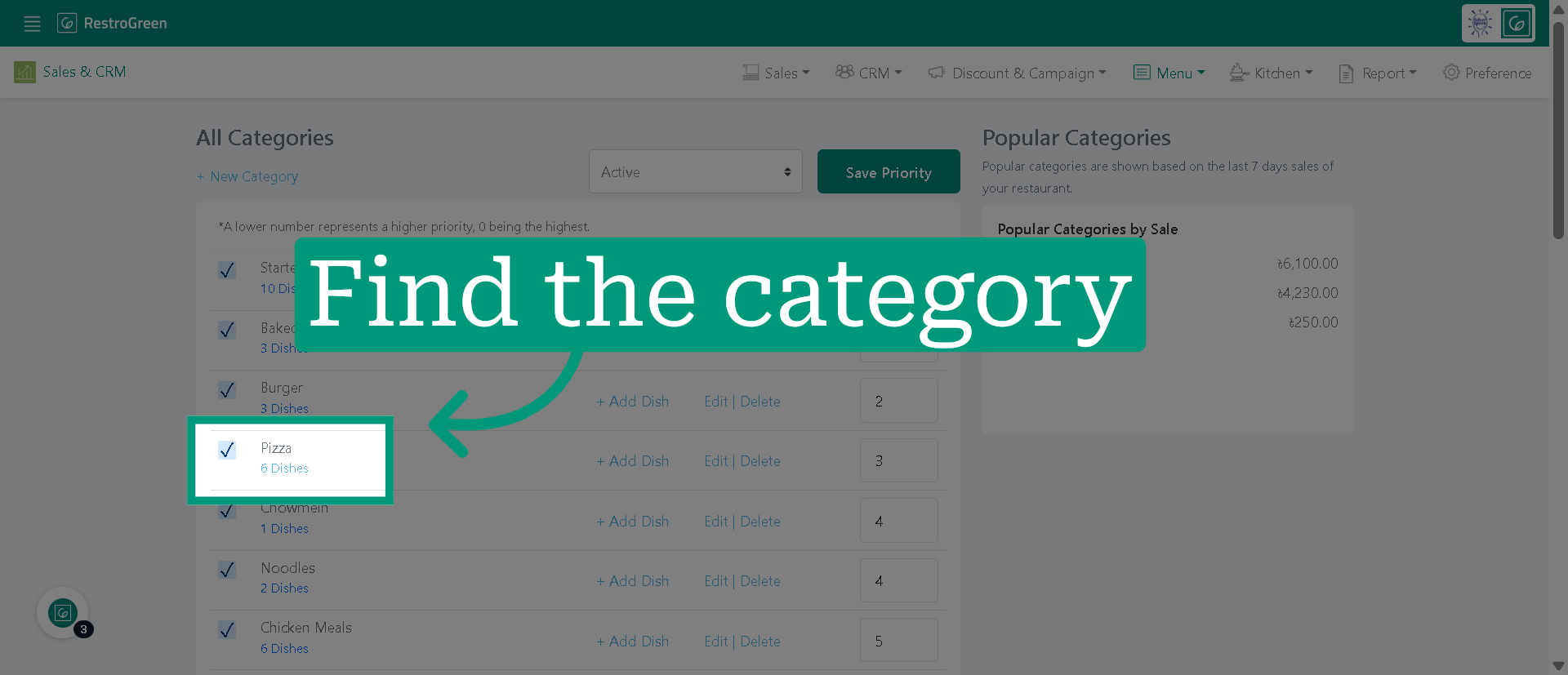
4. Select the category of the dish you want to remove
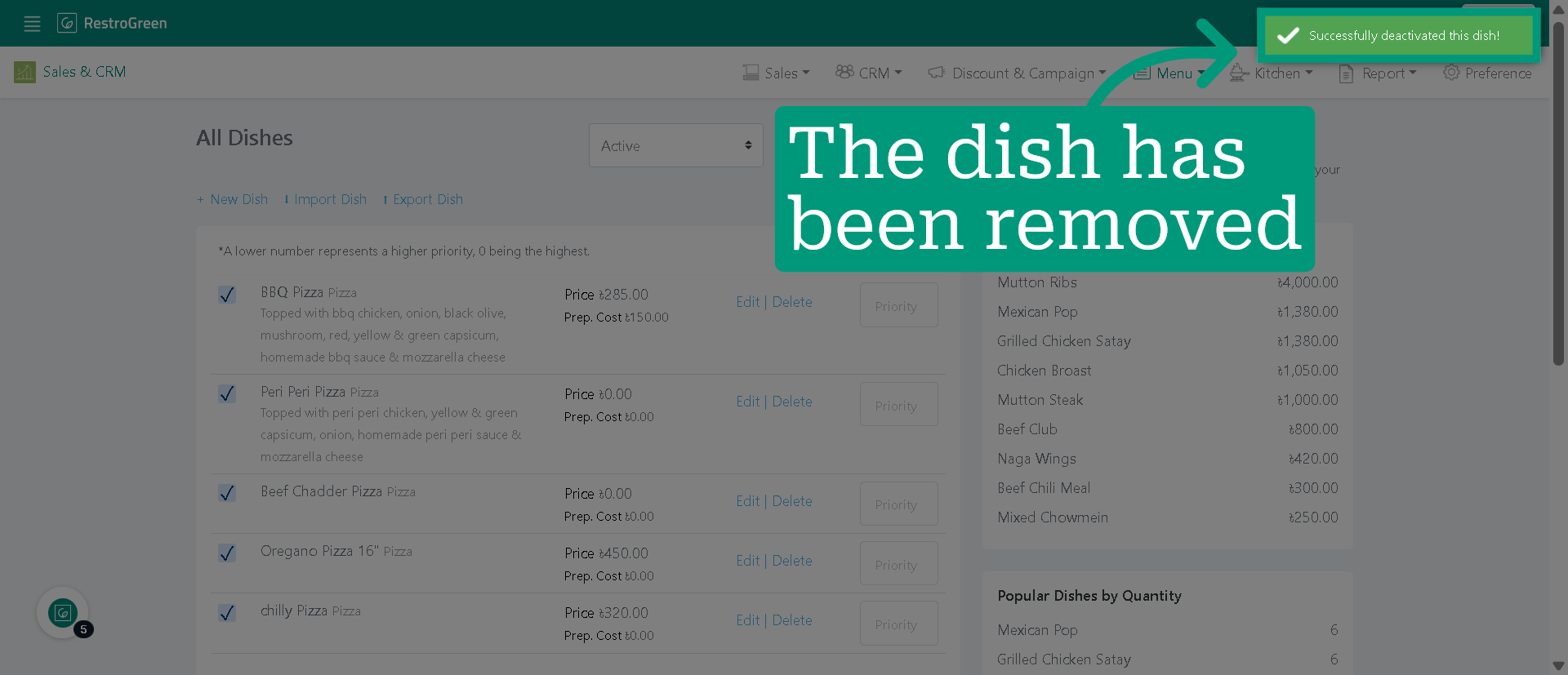
5. Deselect the checkbox to remove the dish
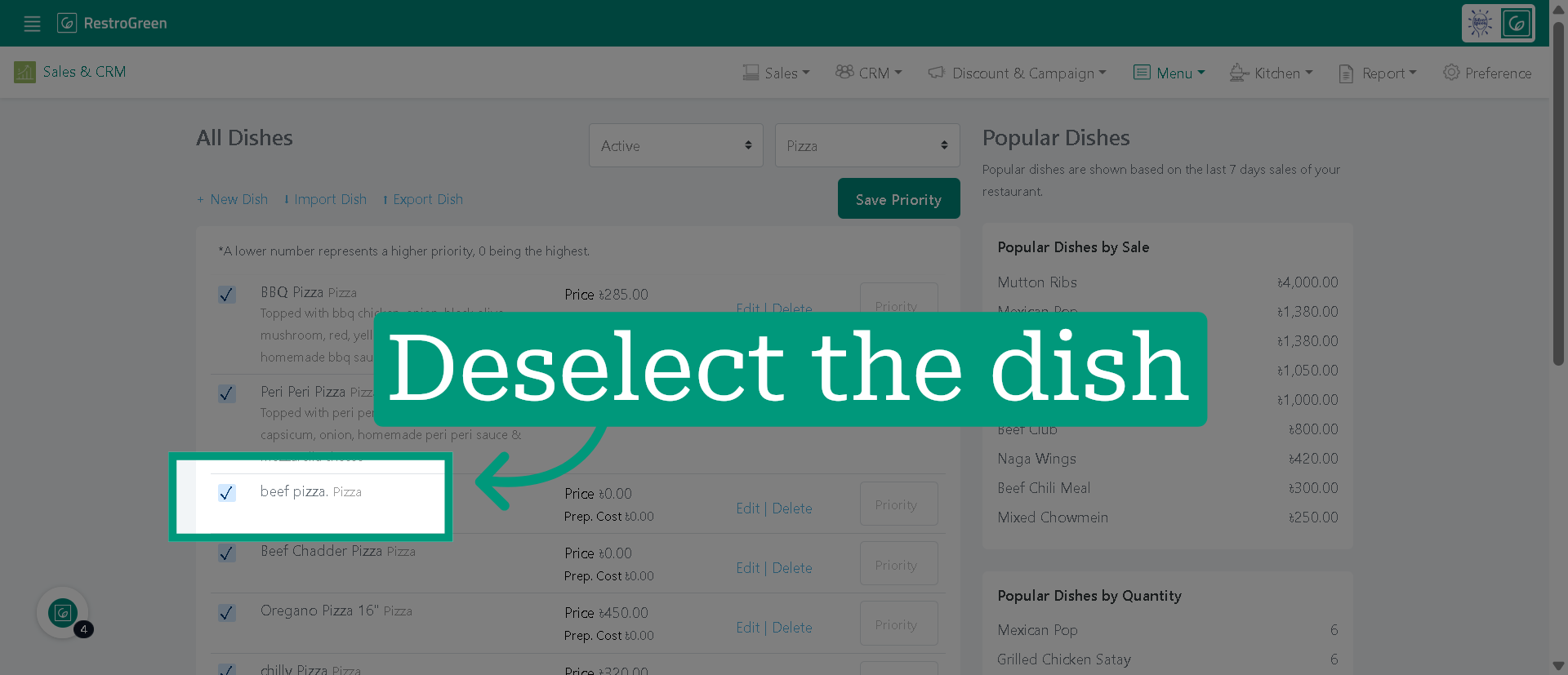
6. The dish has been removed from active listings