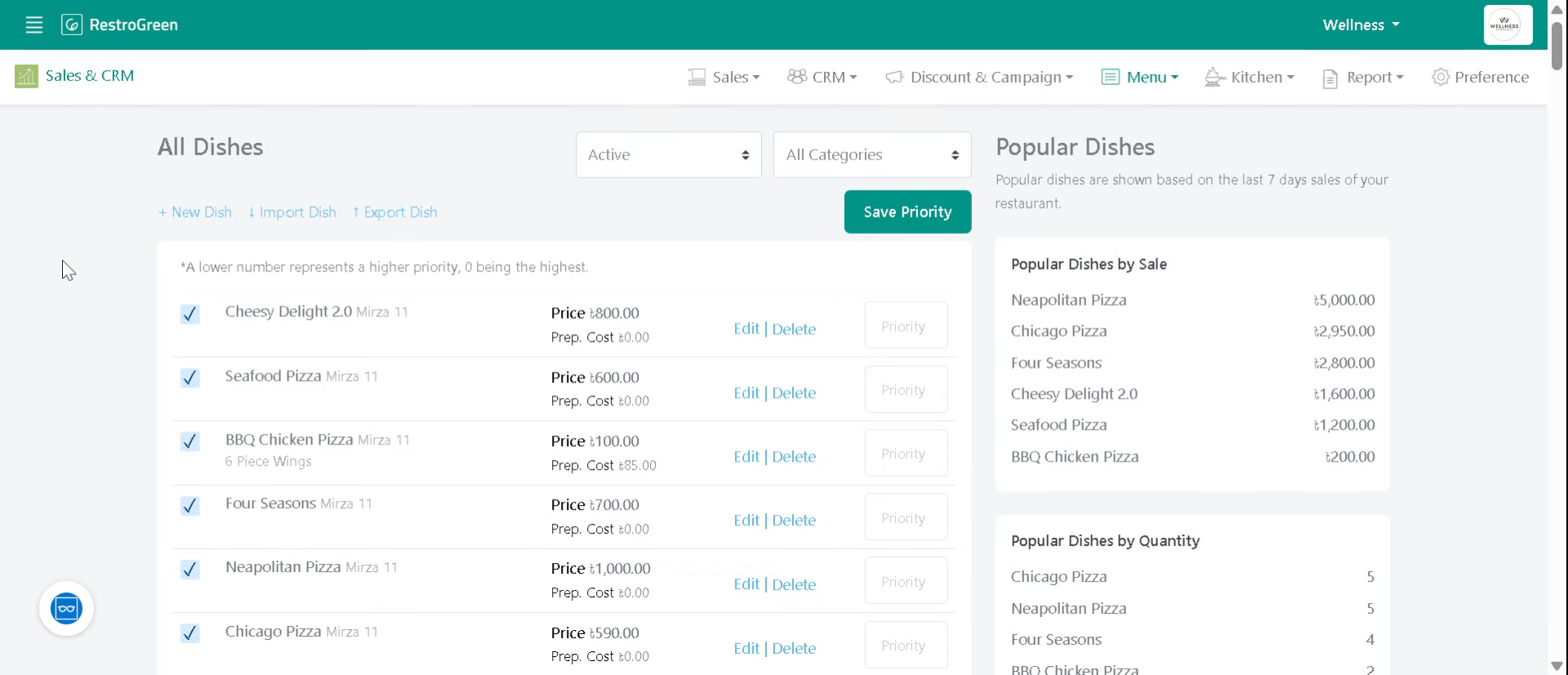
How to Create Restaurant Menu using Excel in RestroGreen Business Portal
This tutorial guides you through importing dishes using Excel file into the RestroGreen Business
Portal.
Go to
restrogreen.quicklyservices.com
1. Login to your Business Portal
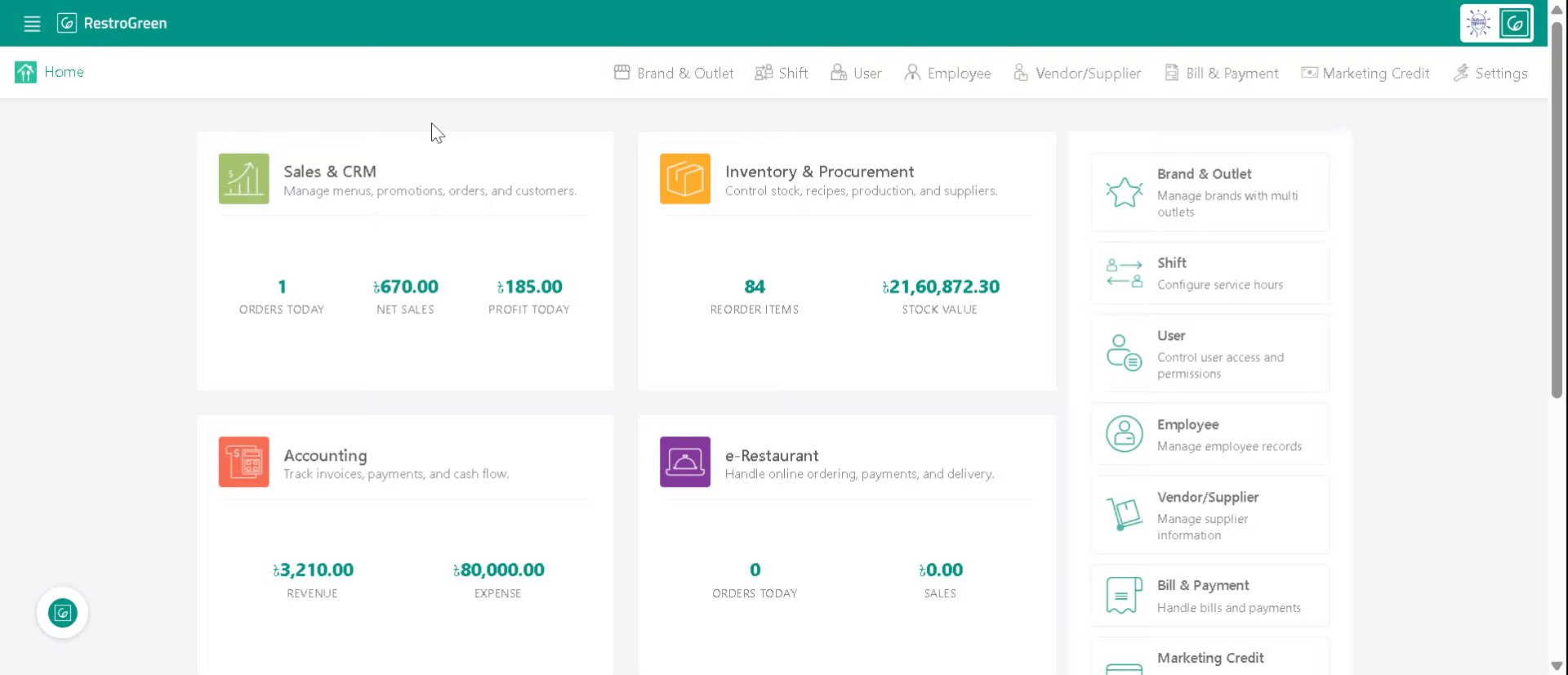
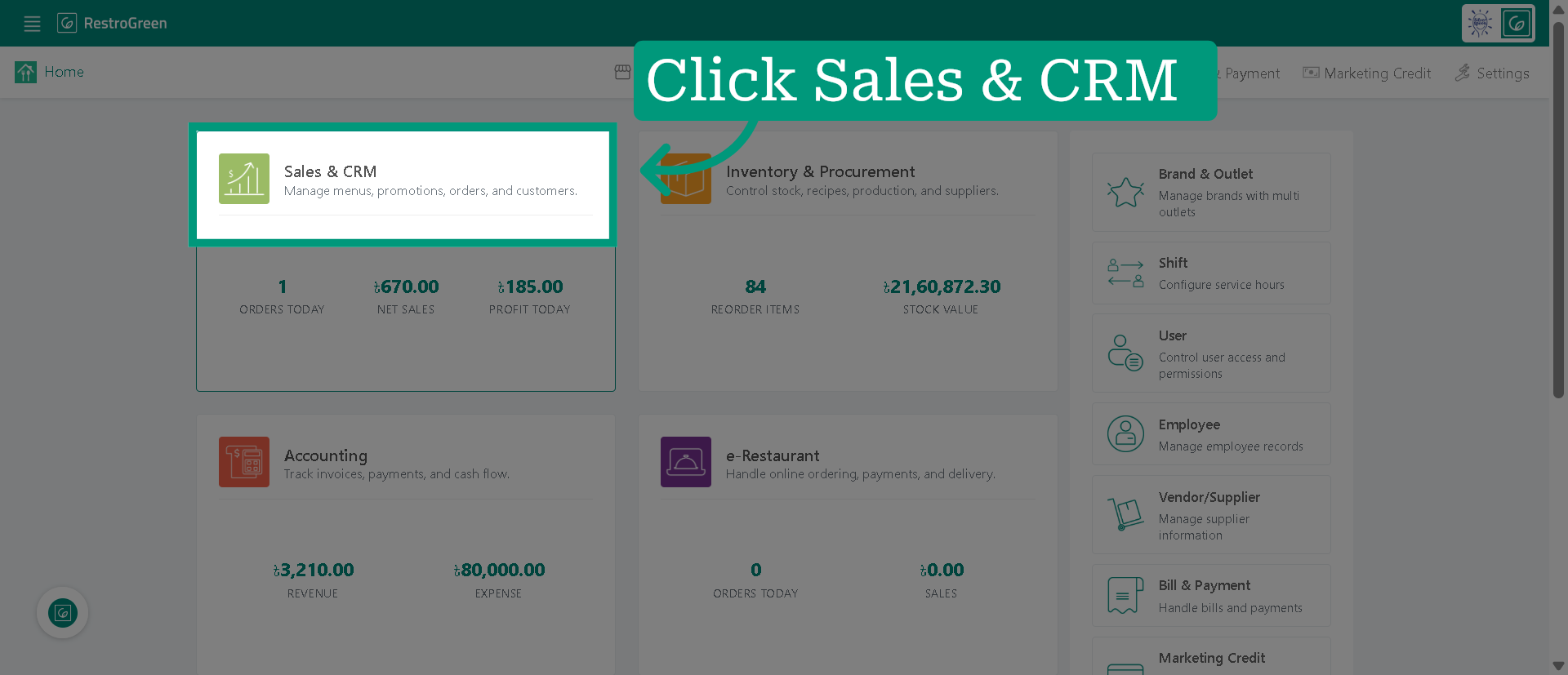
2. Access "Sales & CRM" Module
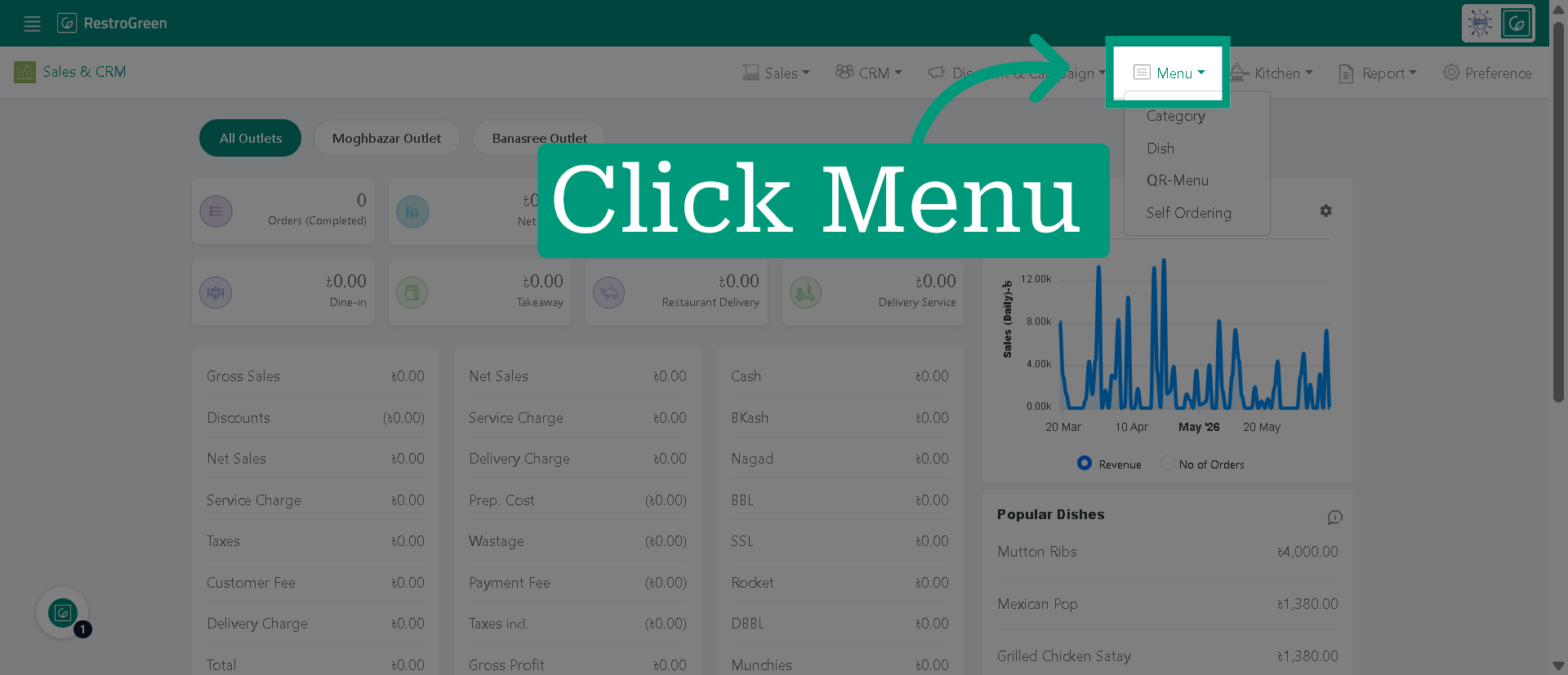
3. Click "Menu" to access the menu management section
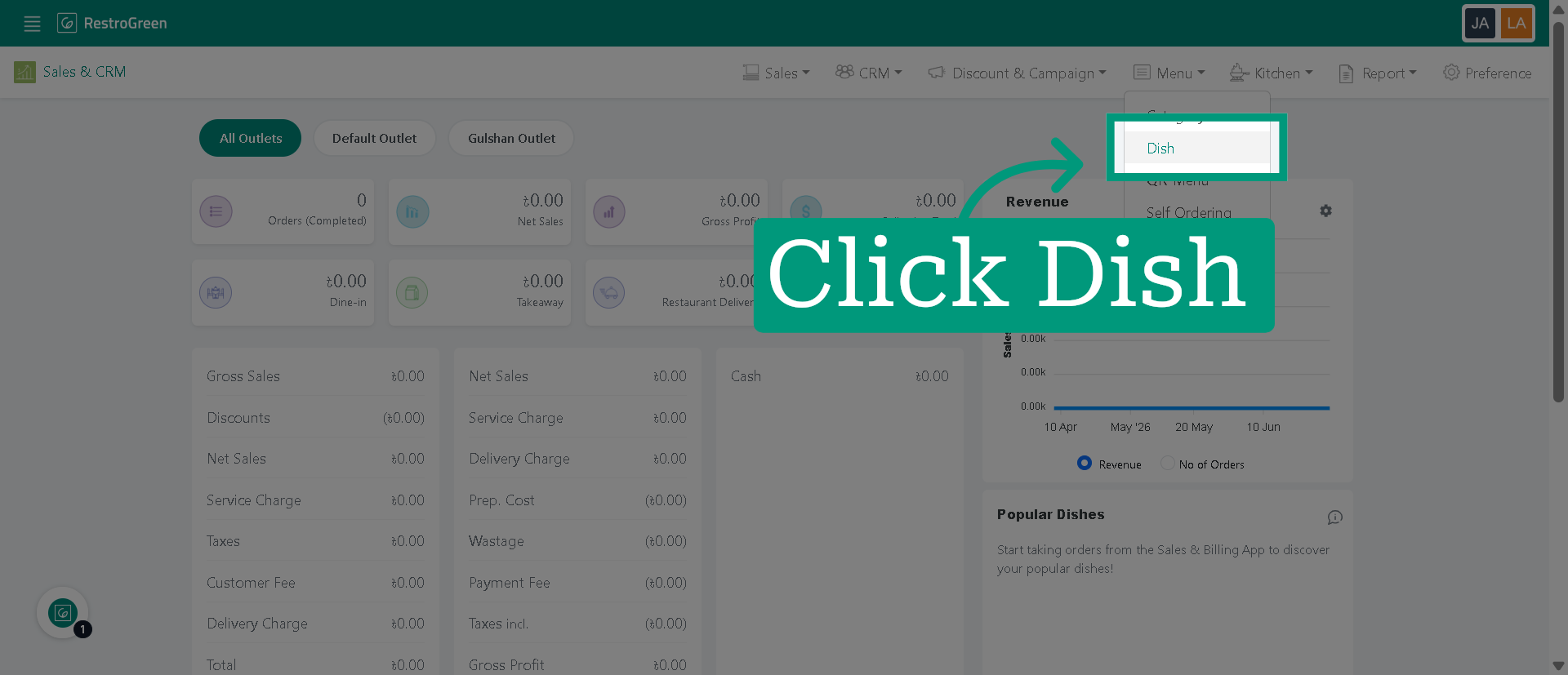
4. Click "Dish" to view and manage the available dish categories
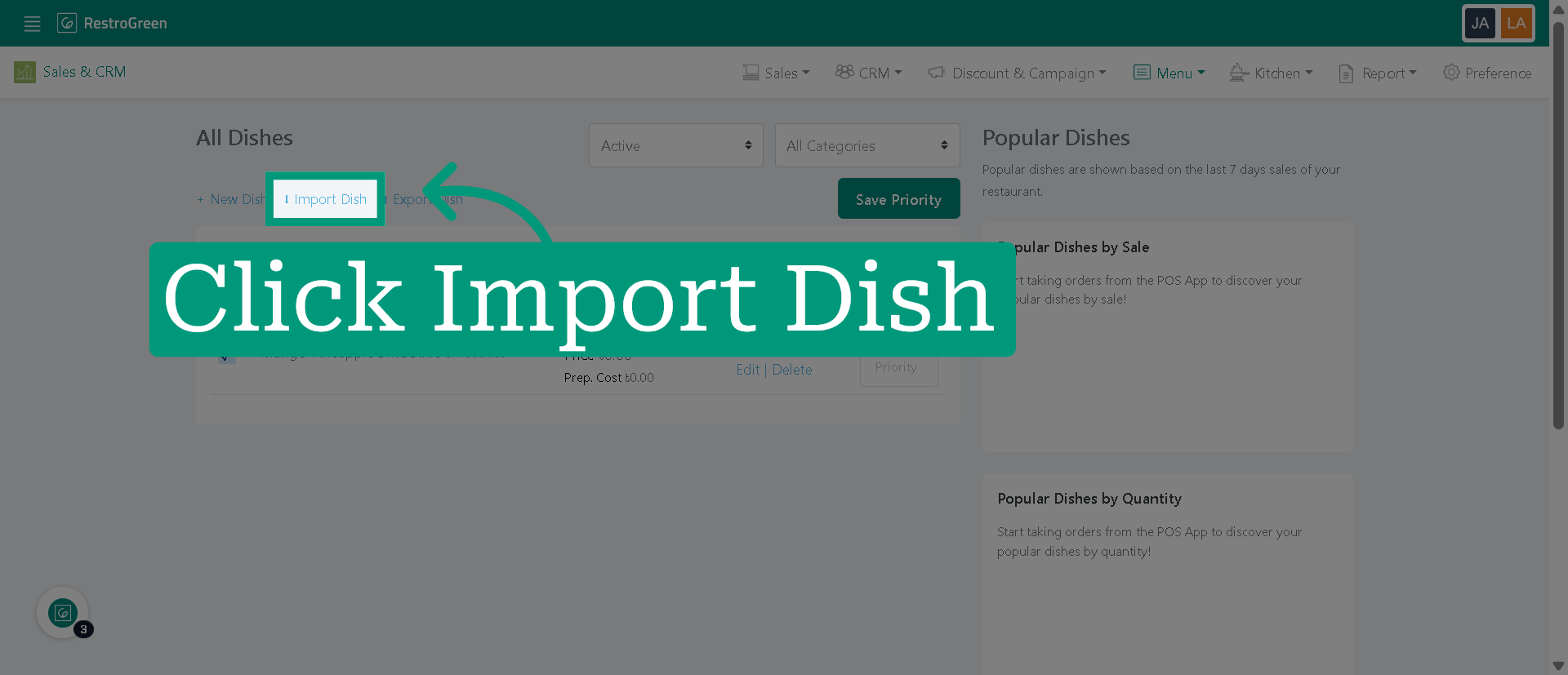
5. Click "Import Dish" adding new dishes
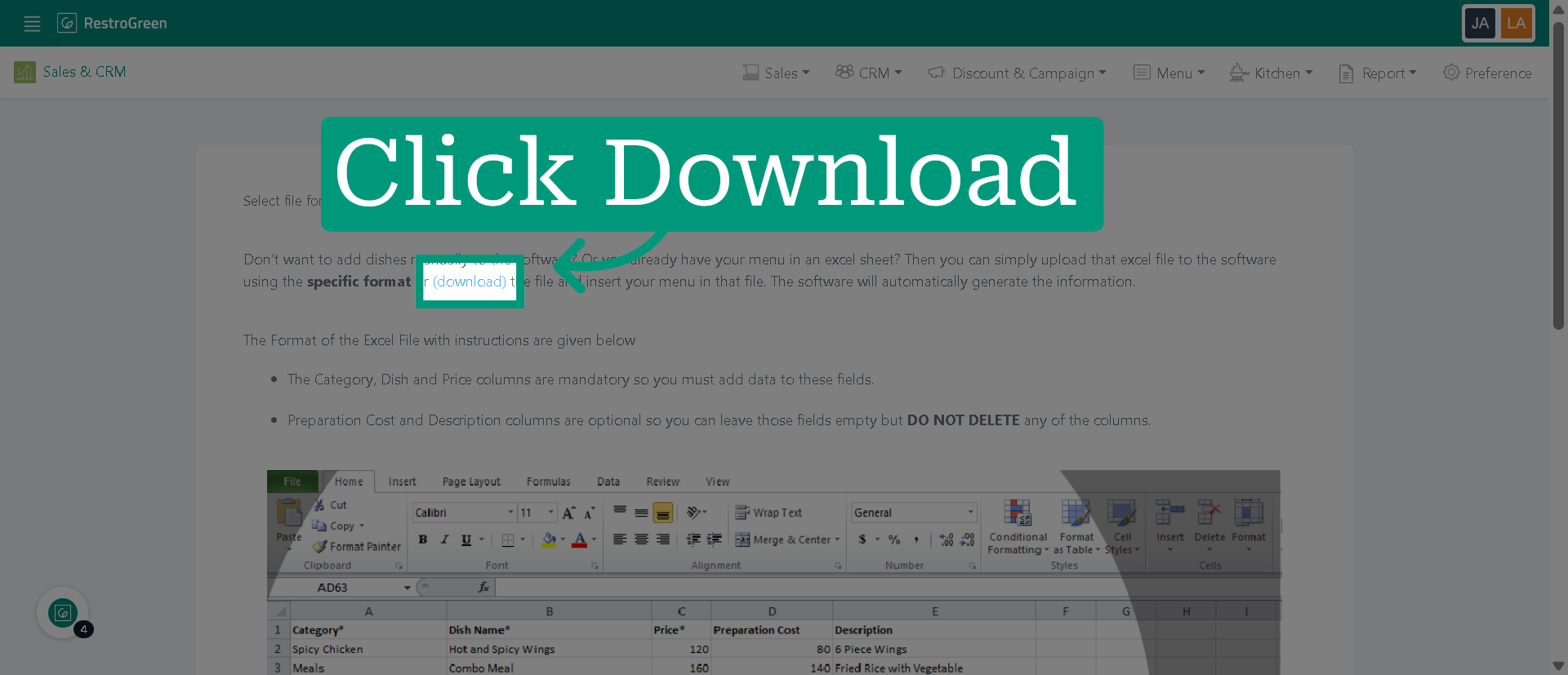
6. Click "(download)" to download the Excel template required for importing dish data
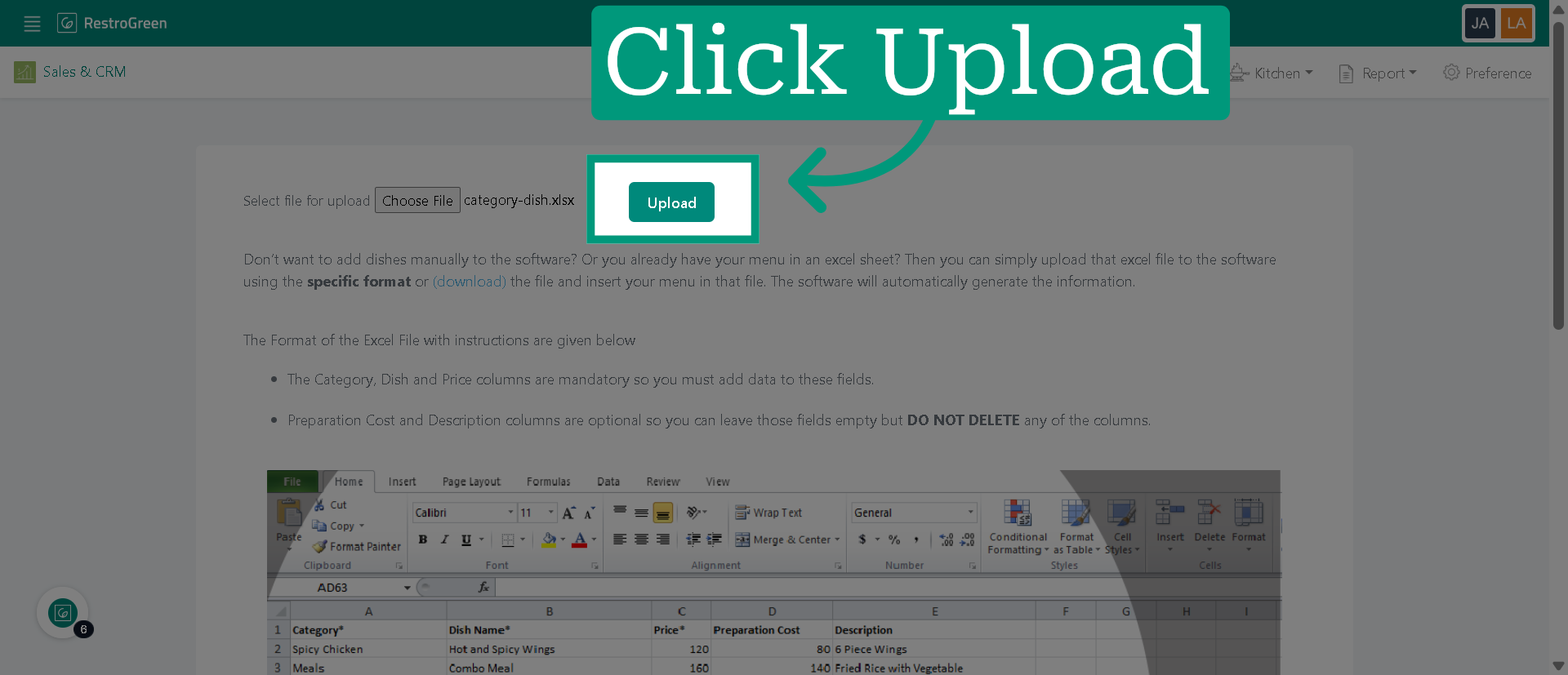
7. Initiate upload once you have completed all the required field in the excel file
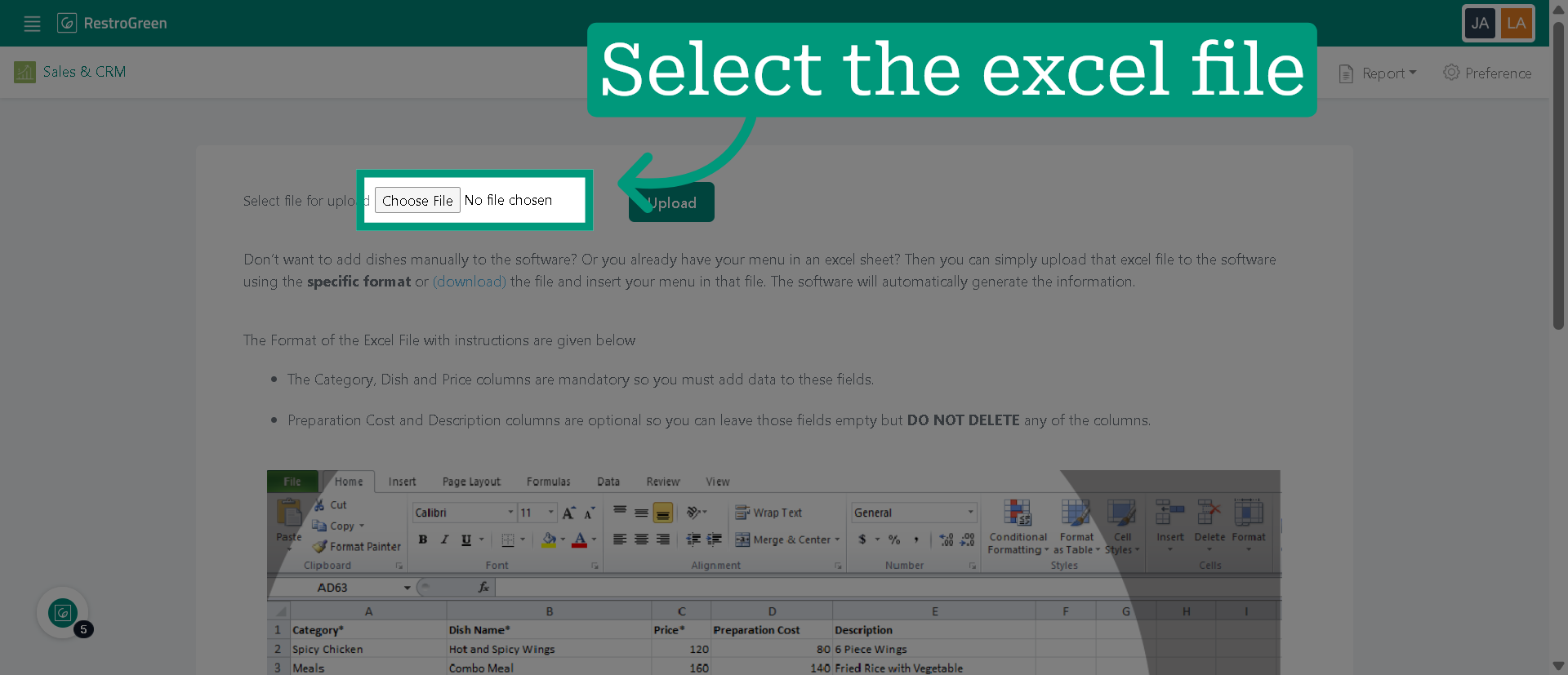
8. Click "Upload" to confirm
9. Navigate to "Dish" to view all dishes added from the excel file