How to Add Multiple Sizes and Prices for a Dish in RestroGreen
This tutorial guides you through configuring dish options and pricing in the Business Portal.
Go to
restrogreen.quicklyservices.com
1. Login to your Business Portal
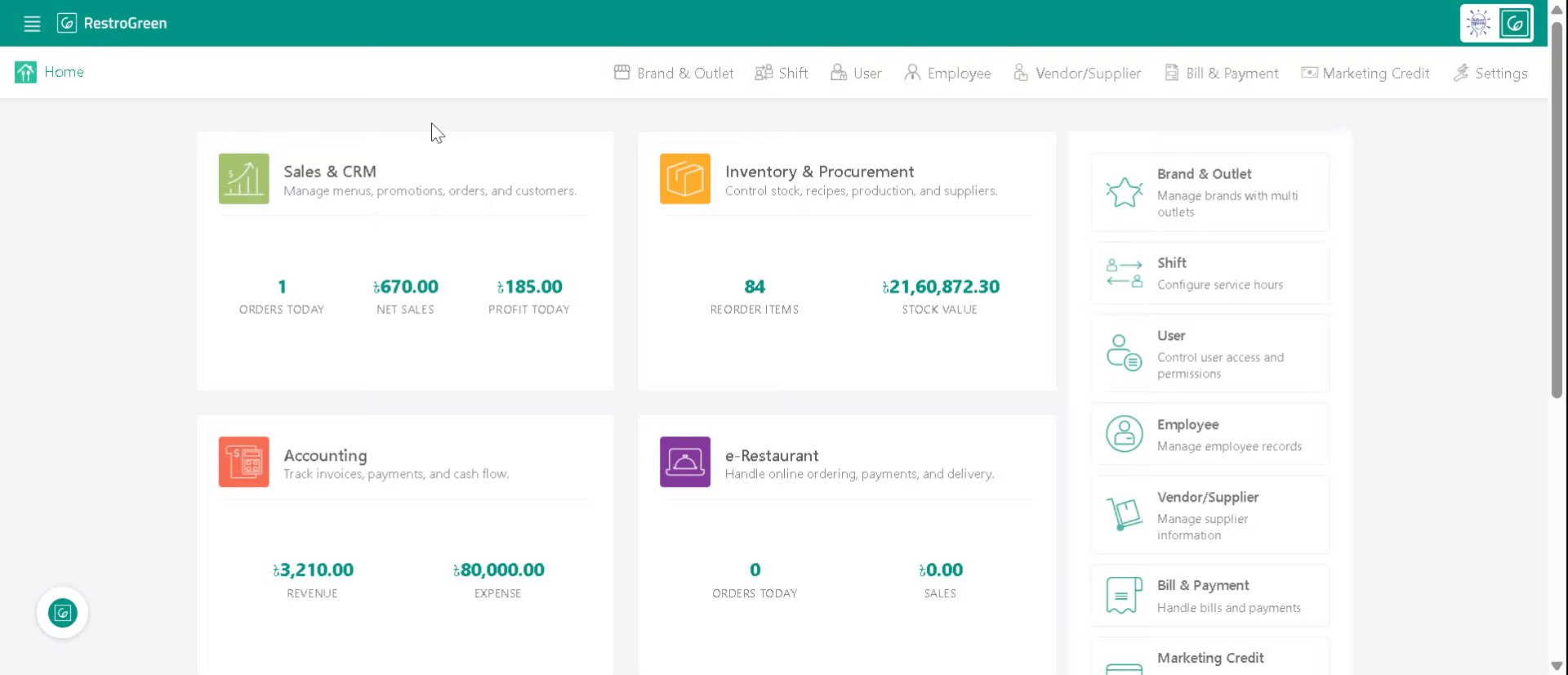
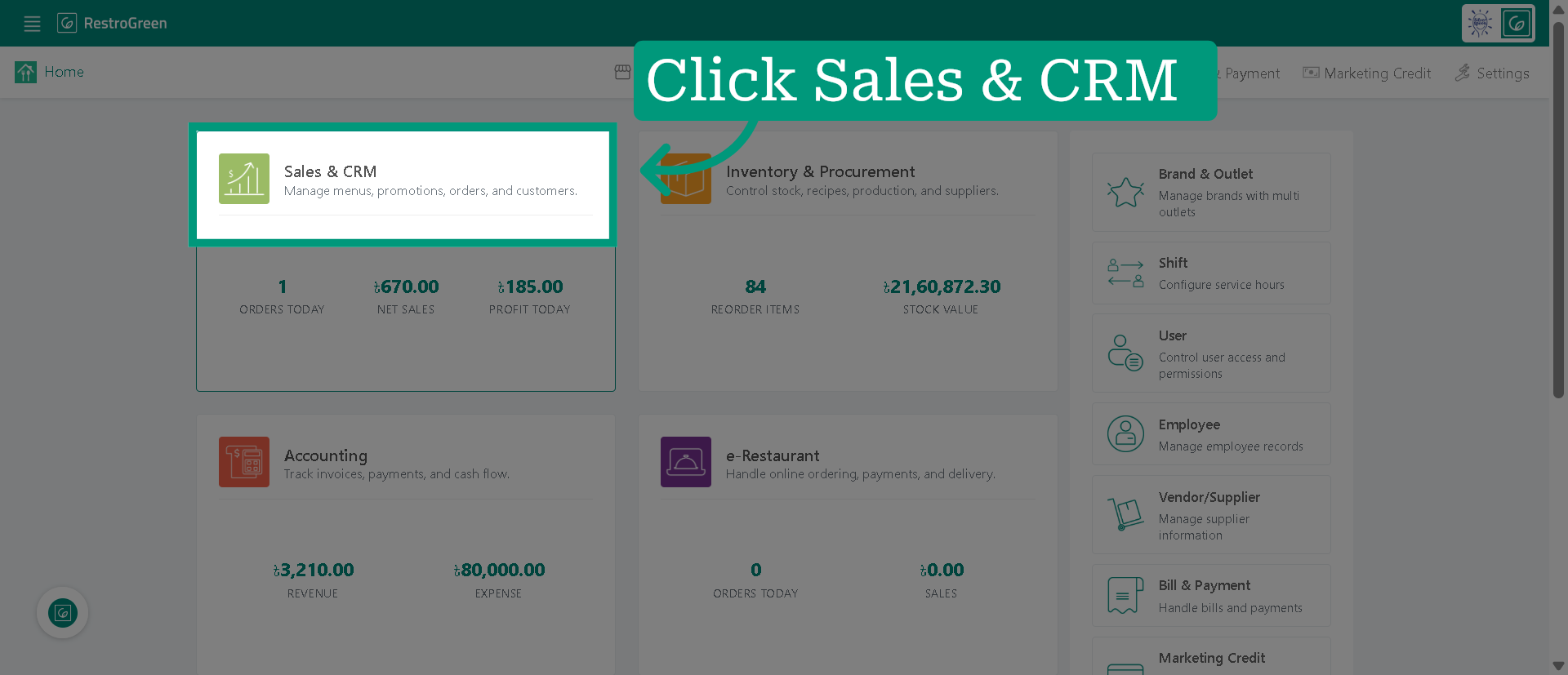
2. Click "Sales & CRM" Module
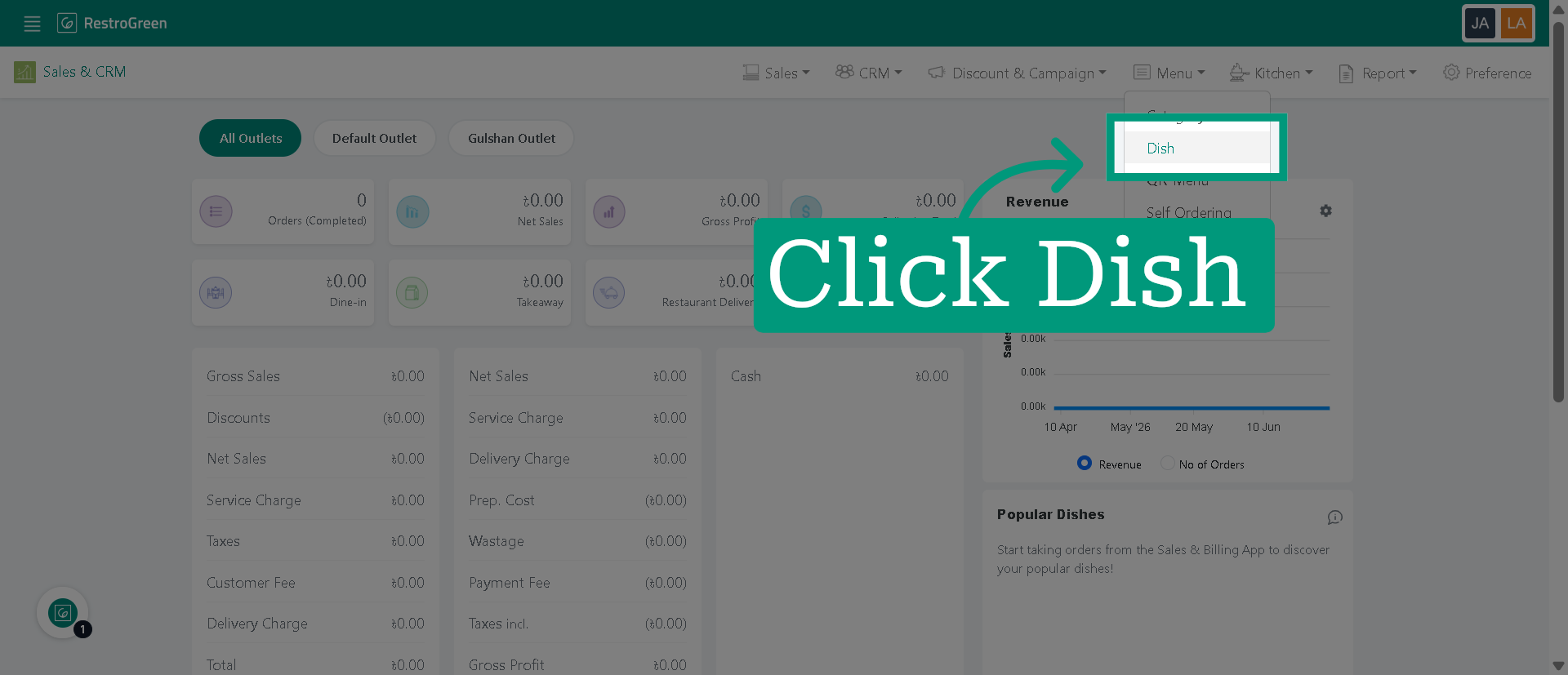
3. Click "Dish" to navigate to the dish management
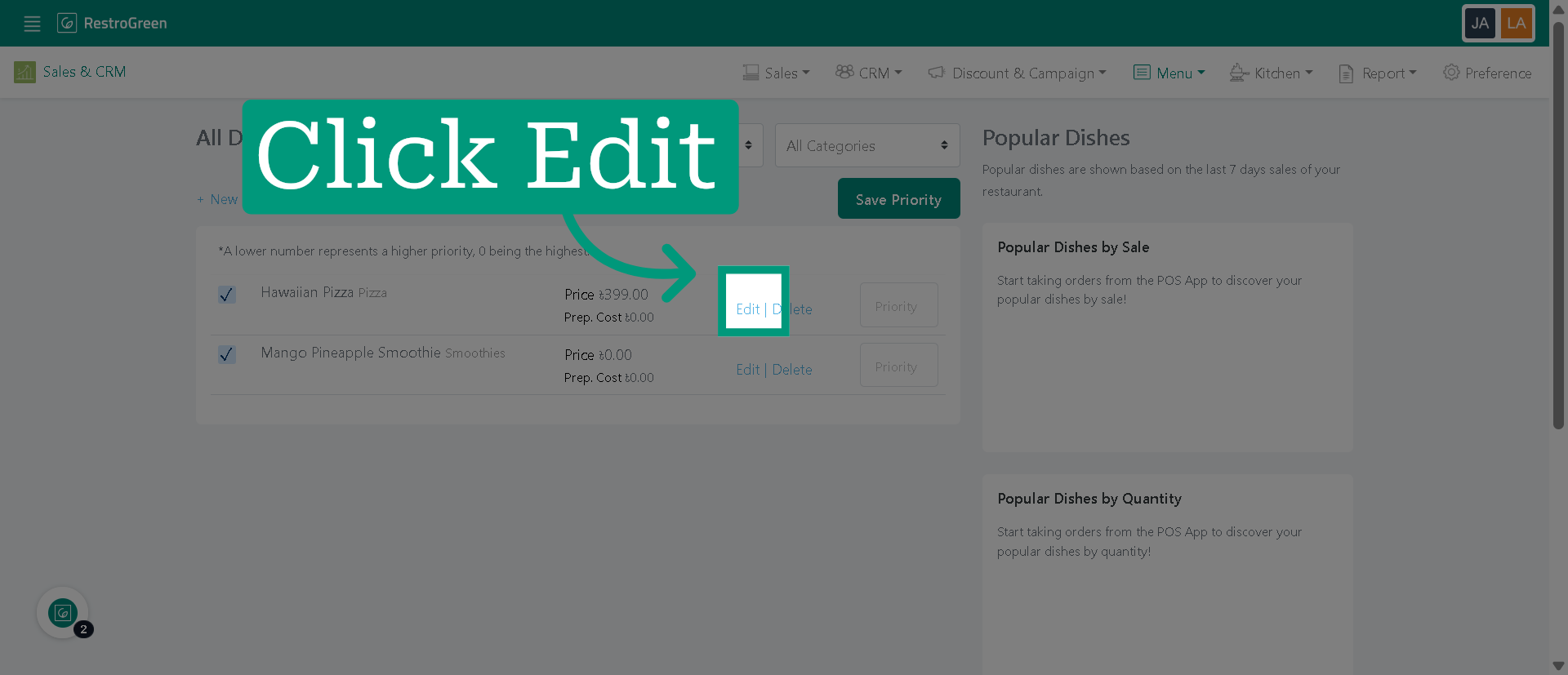
4. Click "Edit" to modify the selected dish
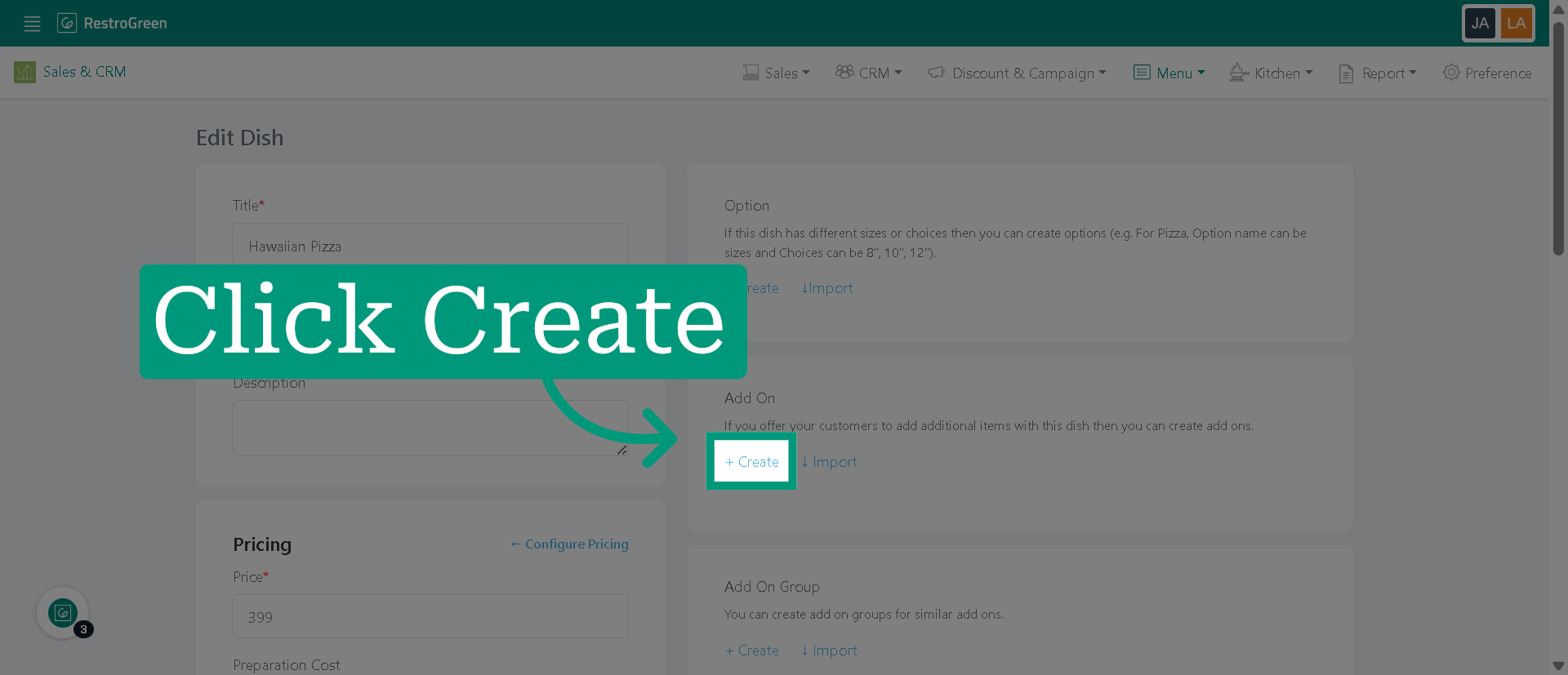
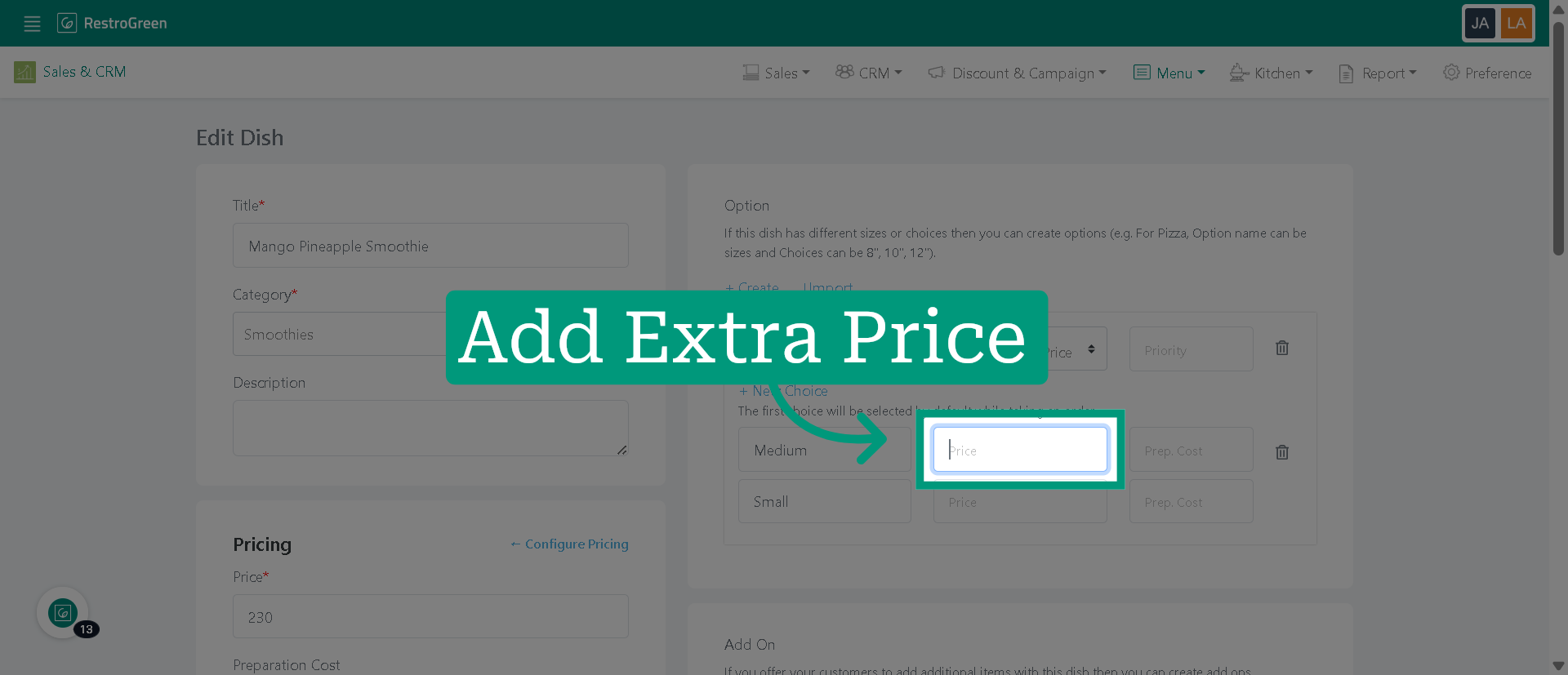
5. Click "Create" to add a new option for the dish
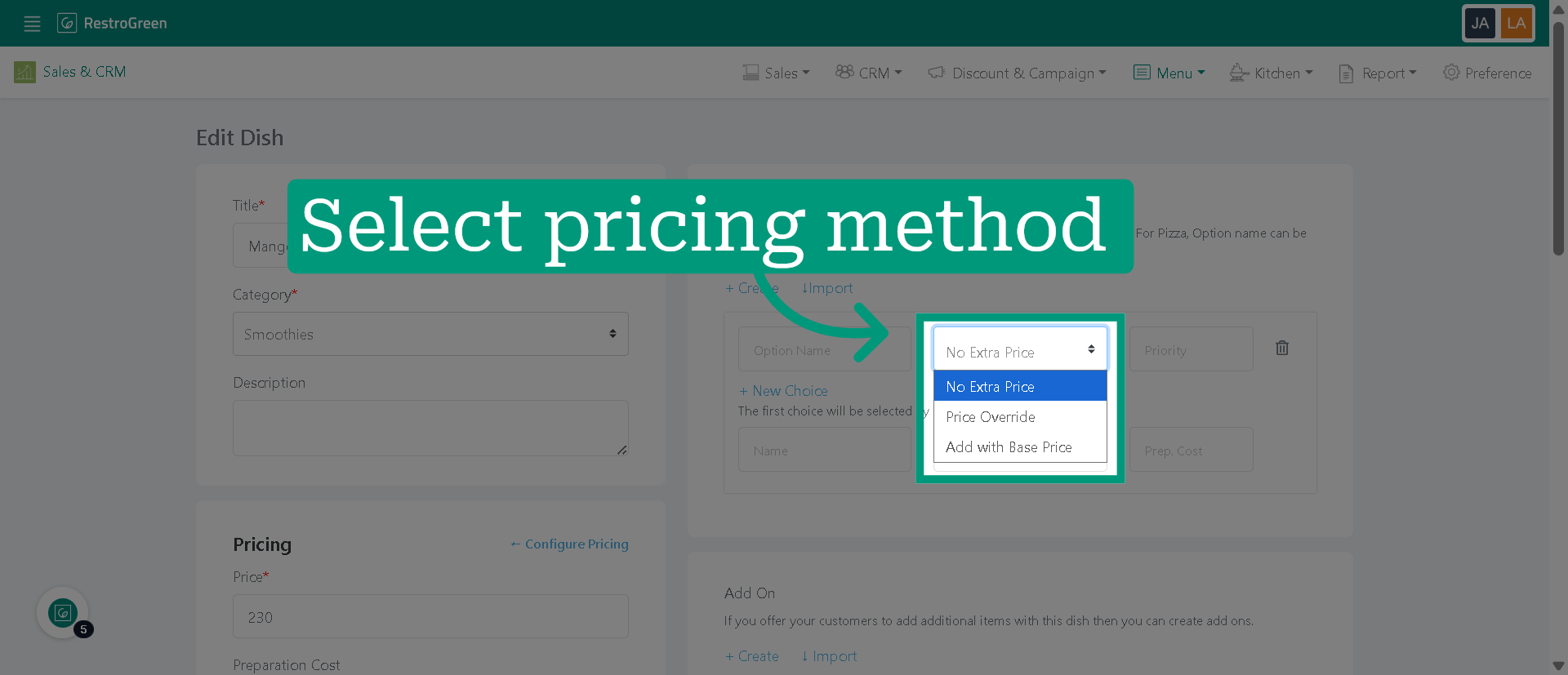
6. Choose the pricing method for the options
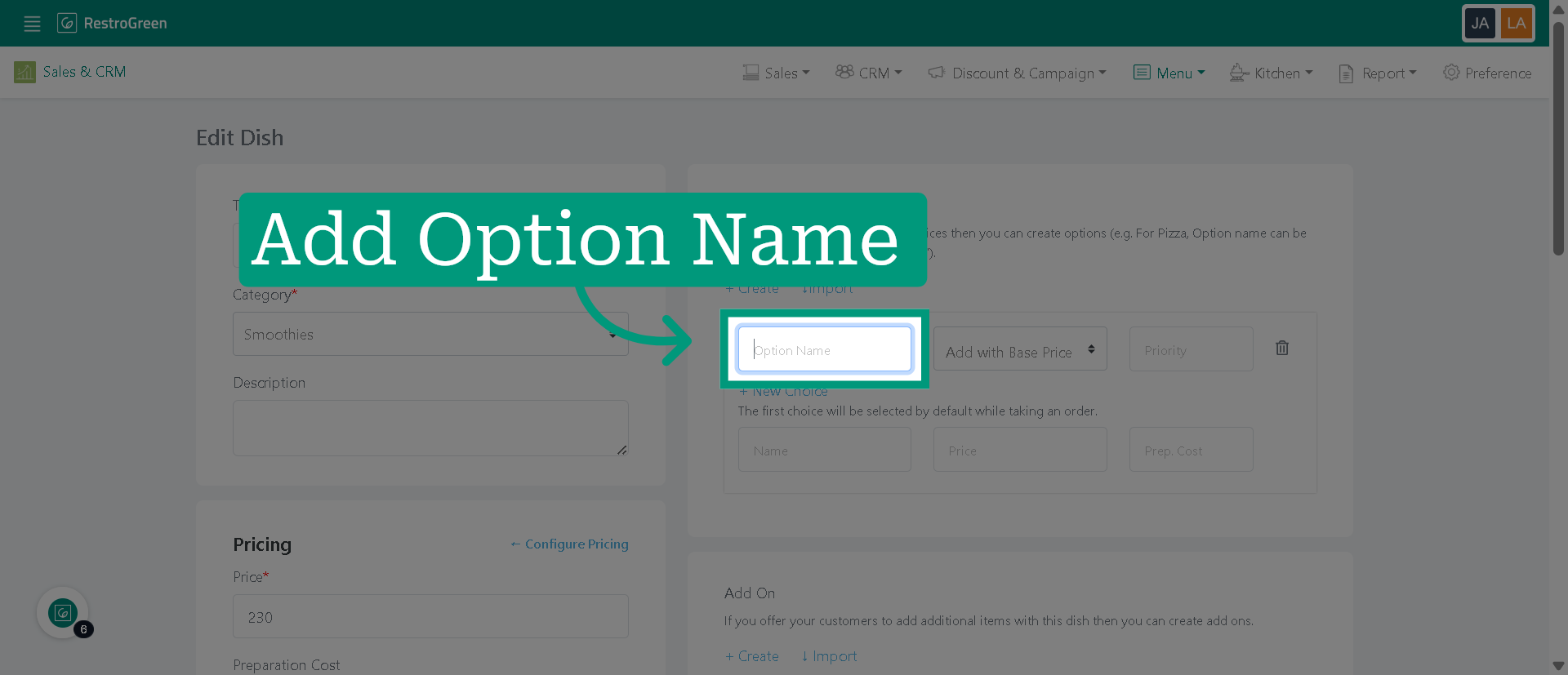
7. Specify the name of the new option
8. Set the price for the size option
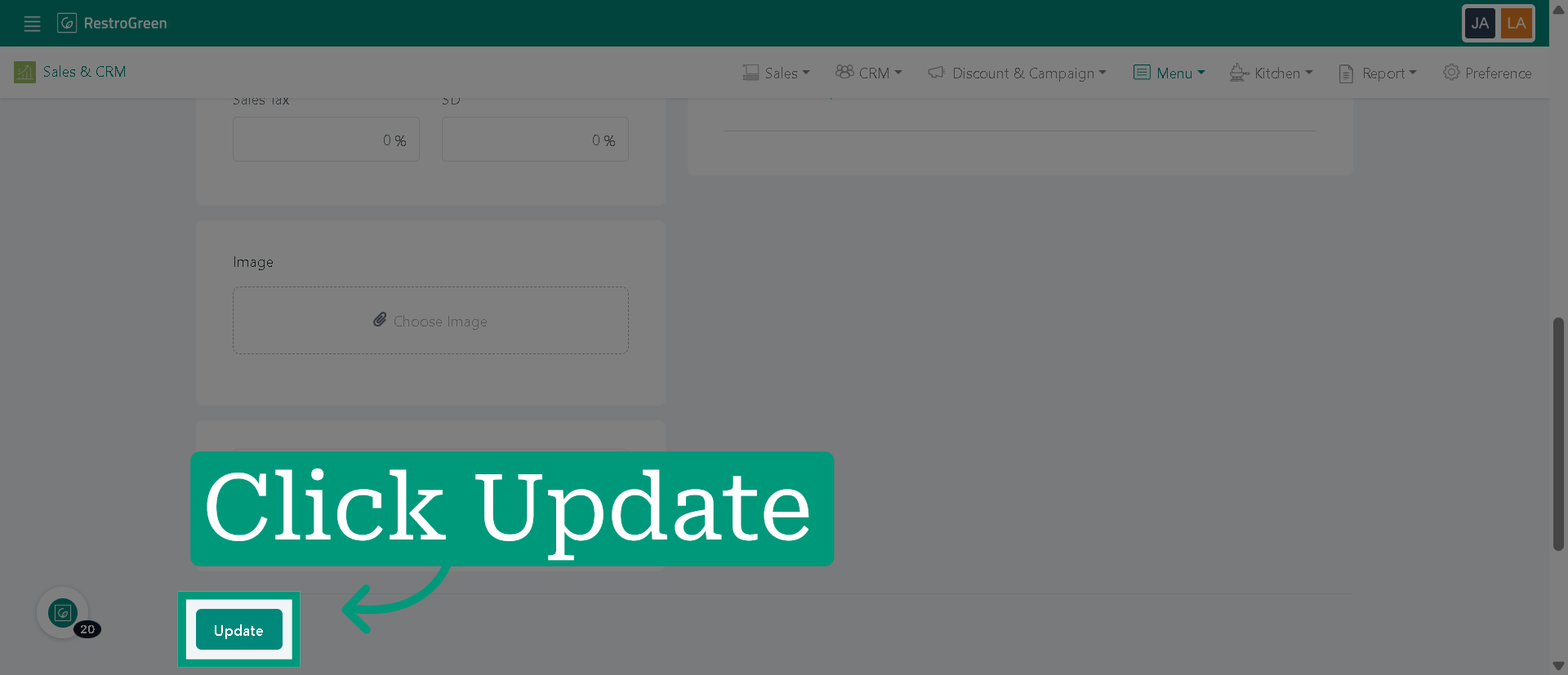
9. Click "Update" to save all changes