How to Deactivate a Dish Category from the Online Ordering Menu in RestroGreen
This tutorial guides you through hiding dish categories you don’t want to offer for online orders
from your restaurant’s website menu using the Business Portal.
Go to
restrogreen.quicklyservices.com
1. Go to Business Portal
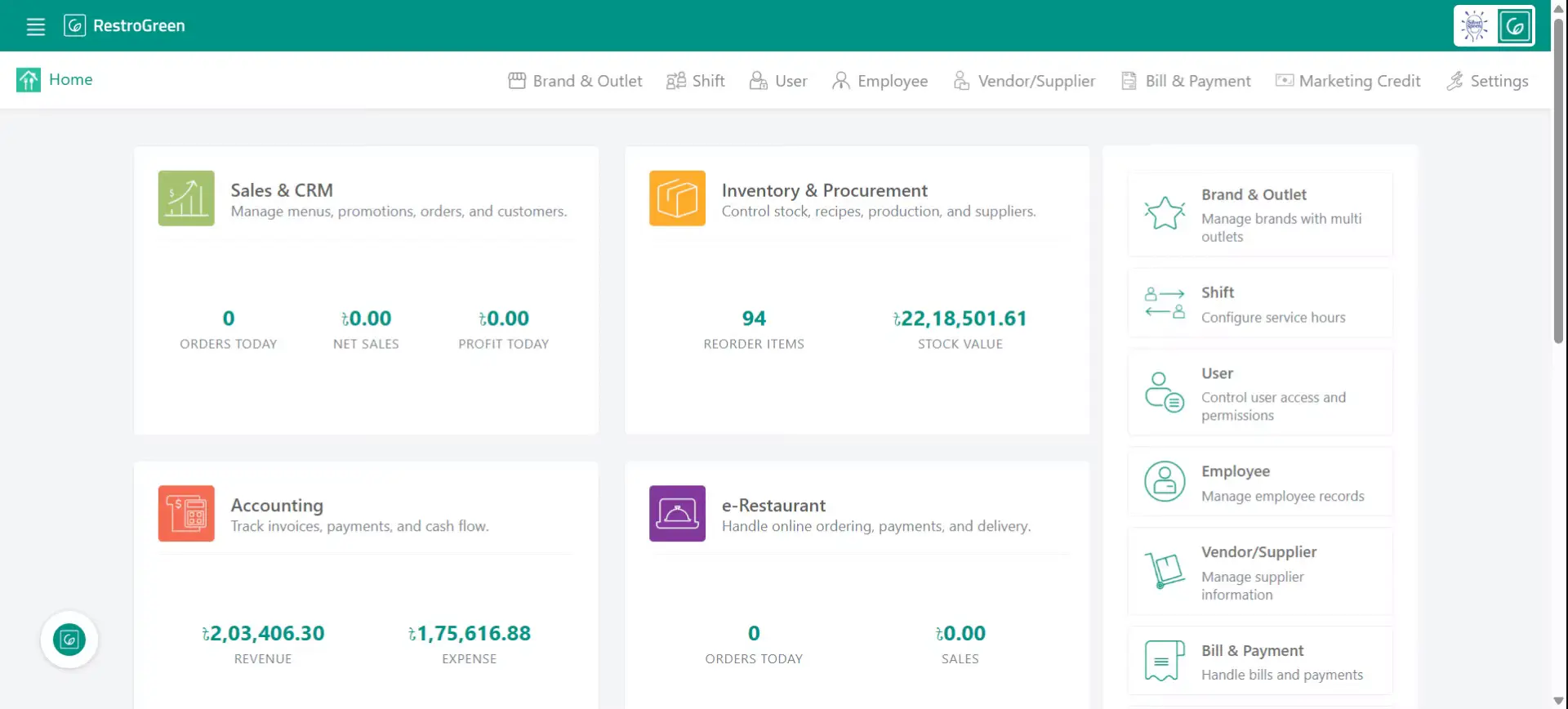
2. Click e-Restaurant to start managing restaurant website
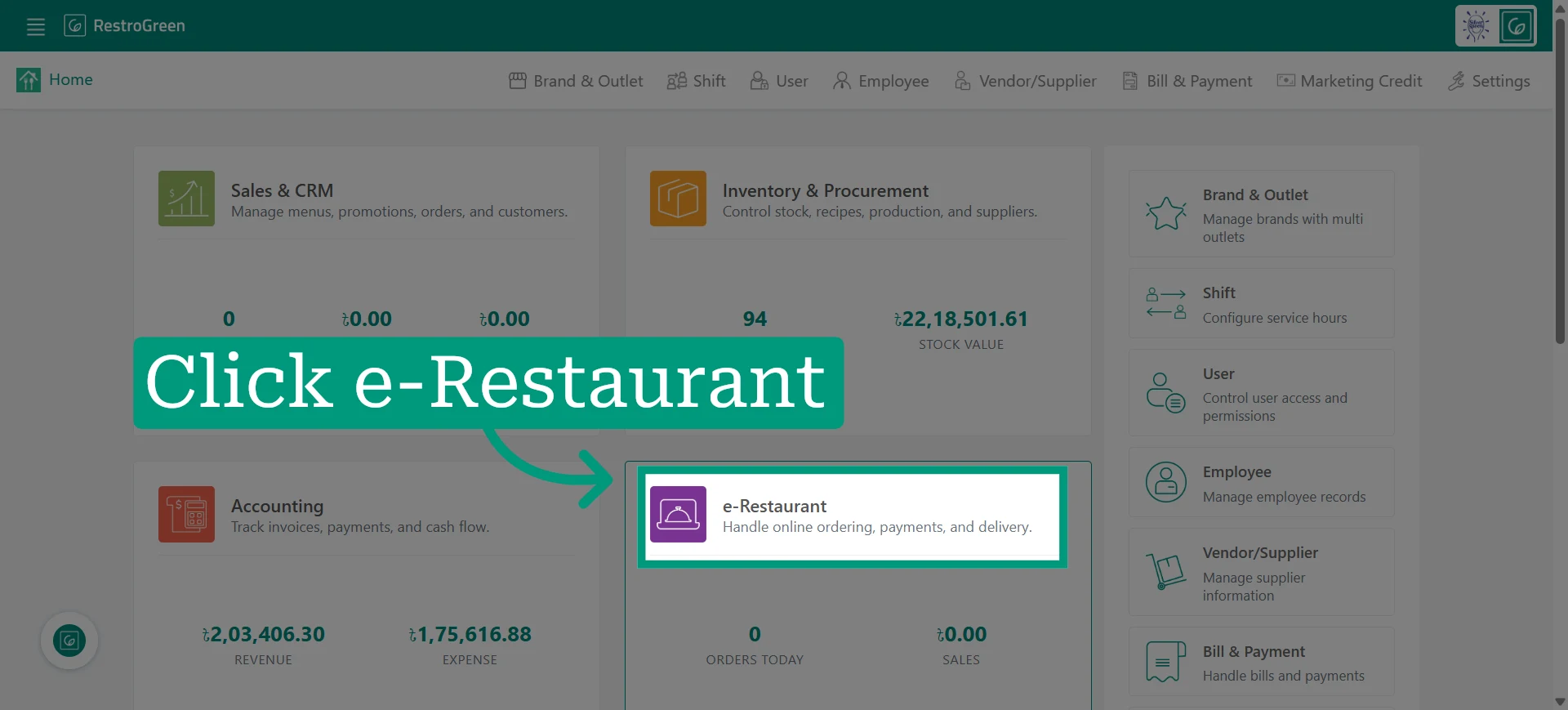
3. Click "Menu" from the top navigation bar to access the active dish categories
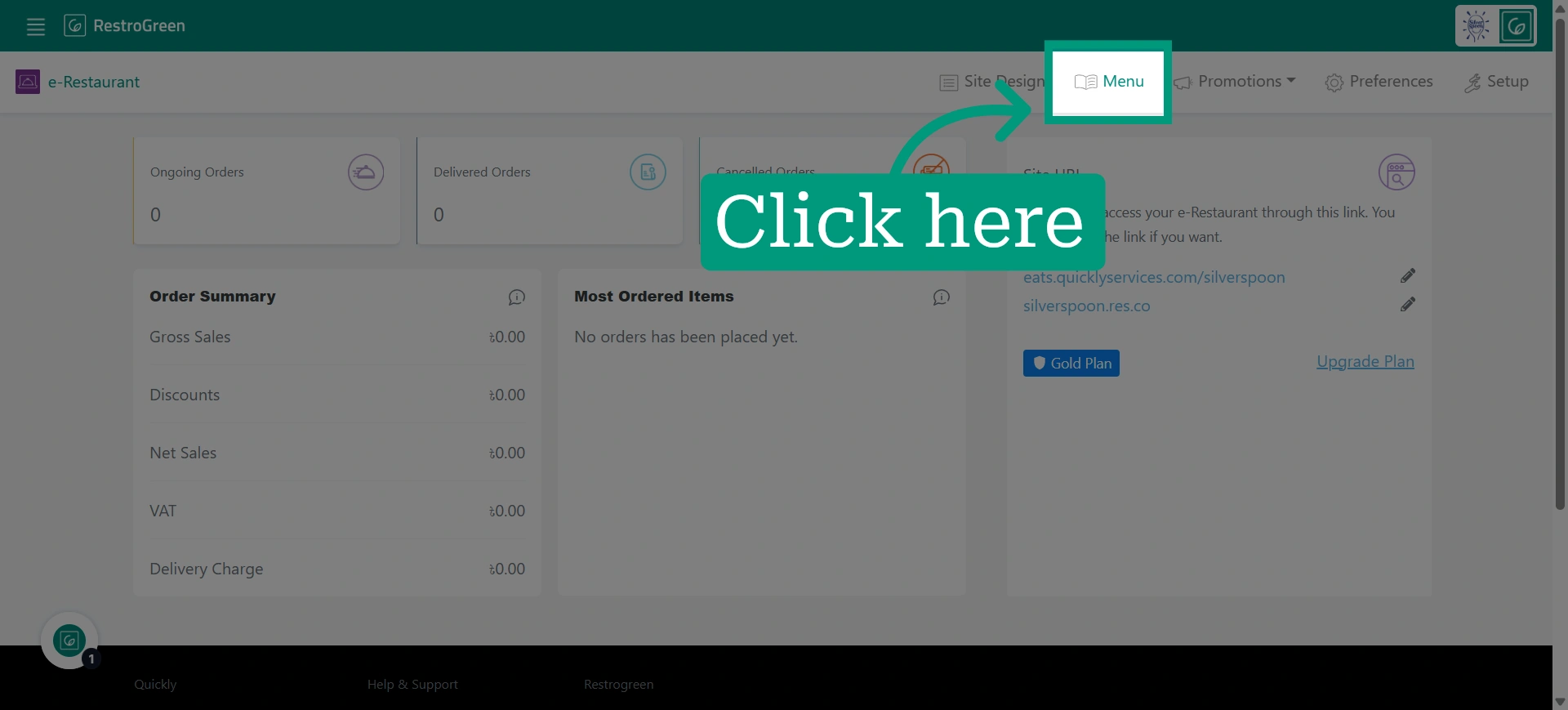
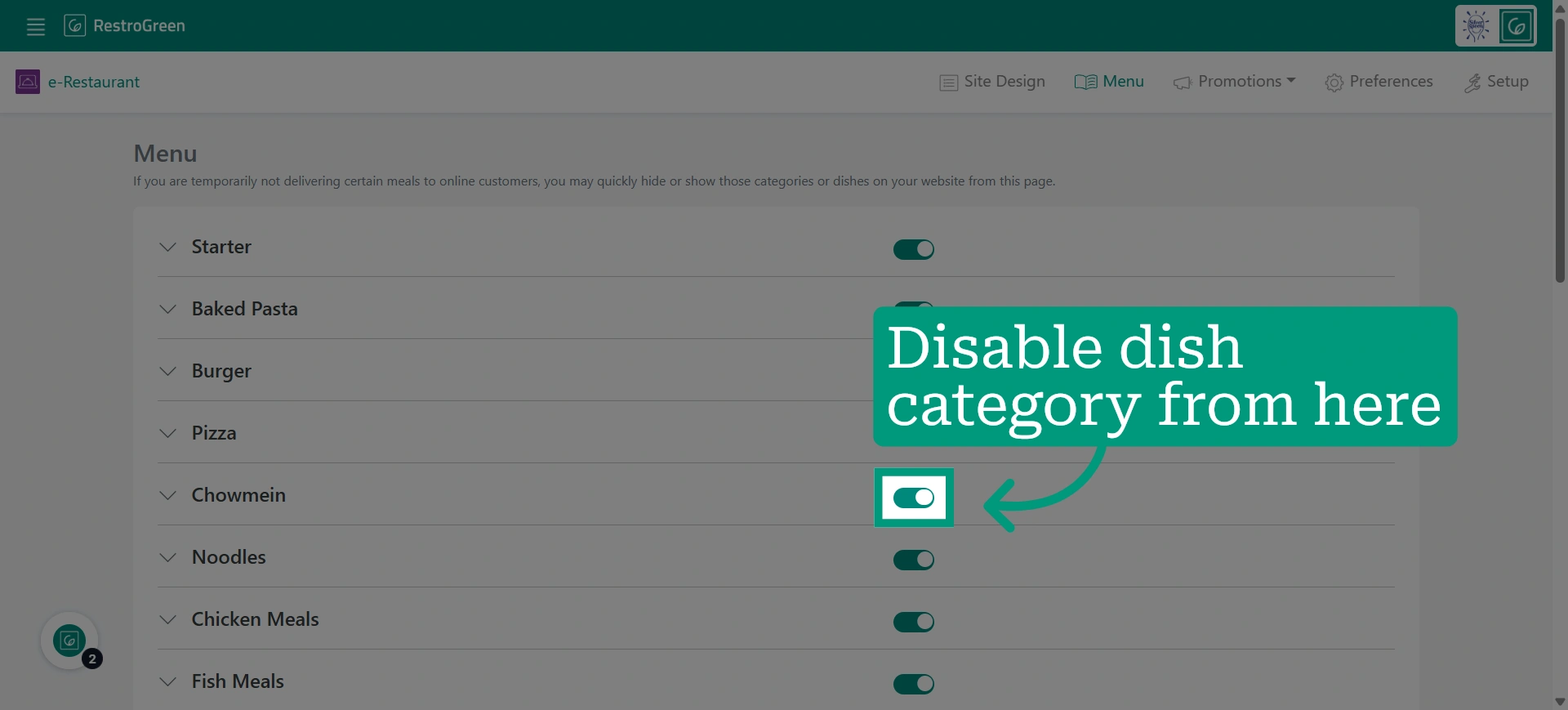
4. Click the disable button beside the dish category you dont want to offer online
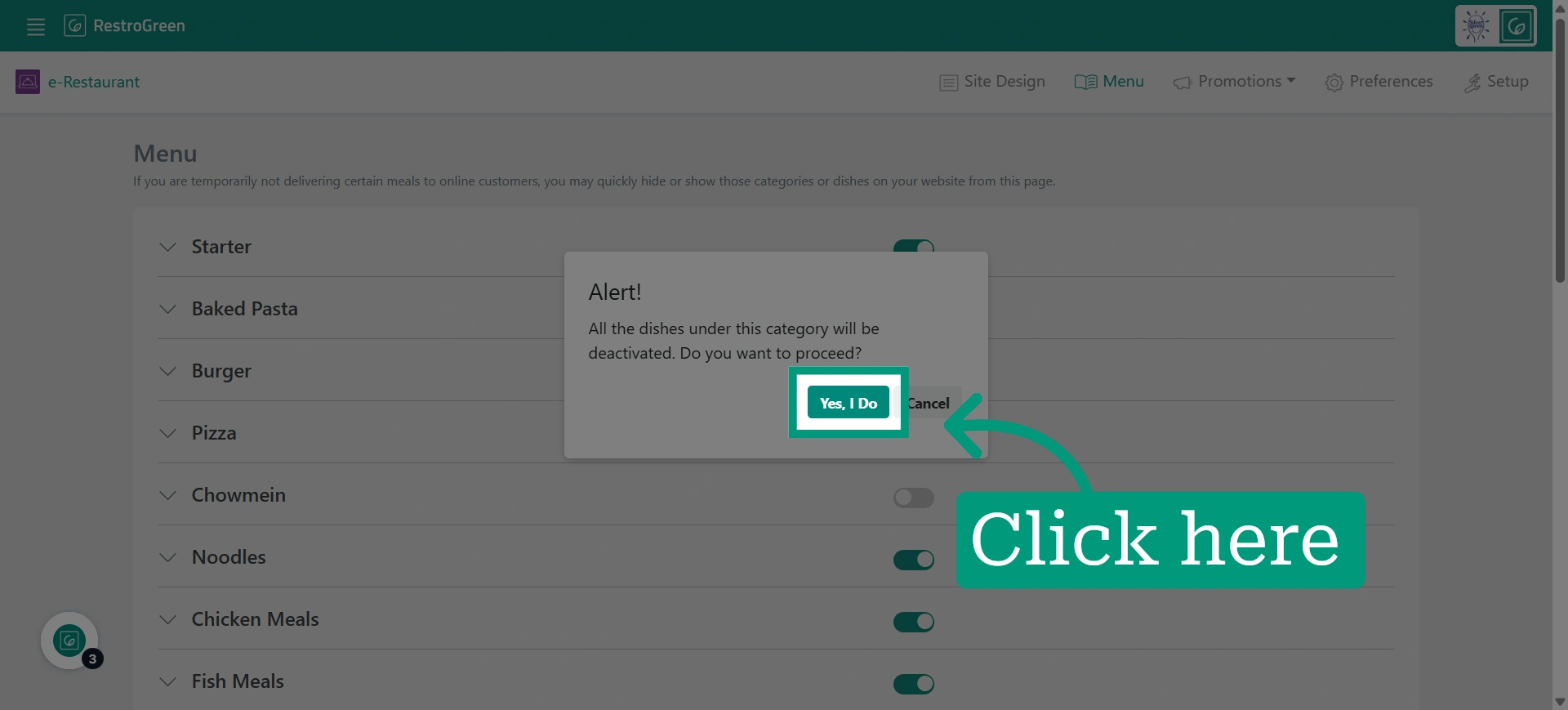
5. Confirm your selections to apply the changes made to the online menu