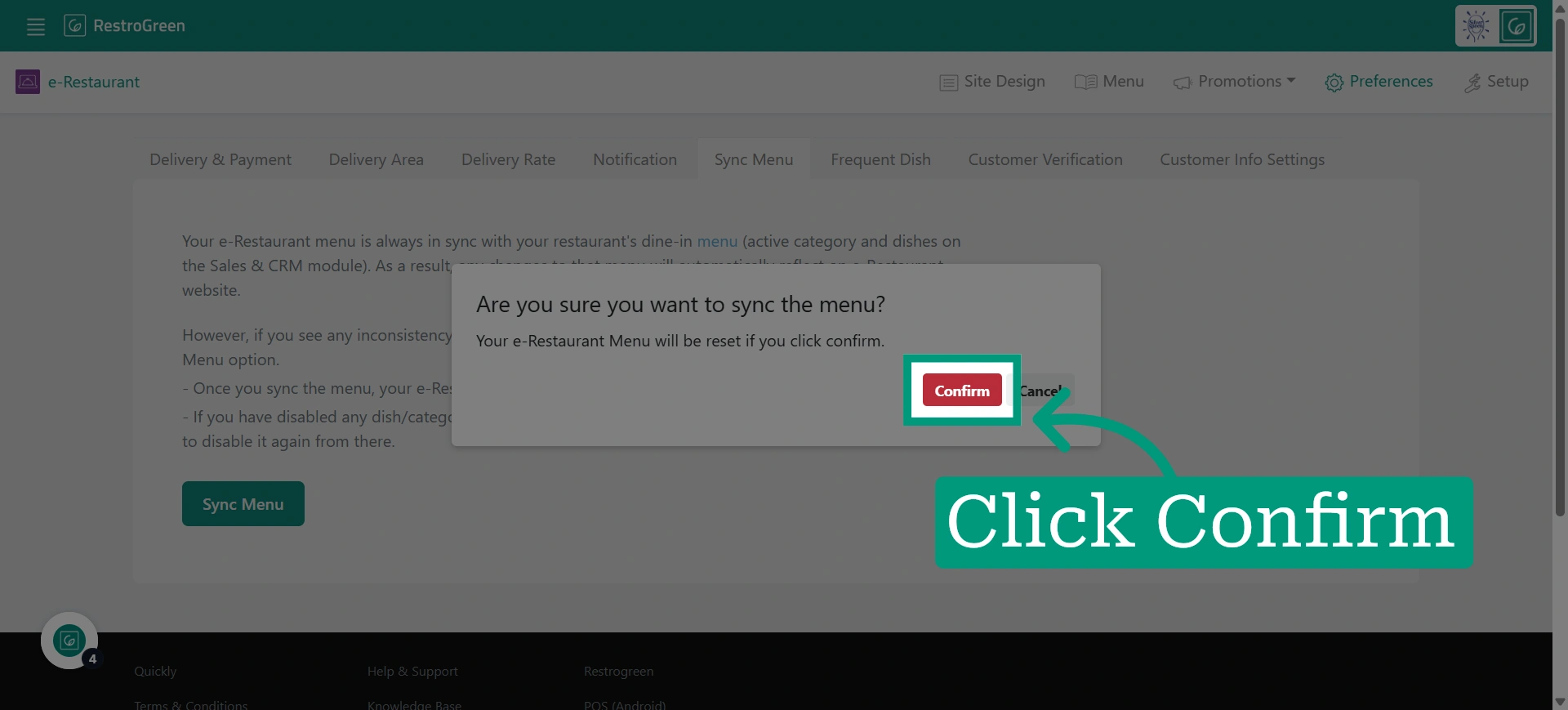
How to Sync Your Restaurant Menu with Online Ordering in RestroGreen
This tutorial guides you through synchronizing your restaurant menu with the online ordering
website menu using the Business Portal.
Go to
restrogreen.quicklyservices.com
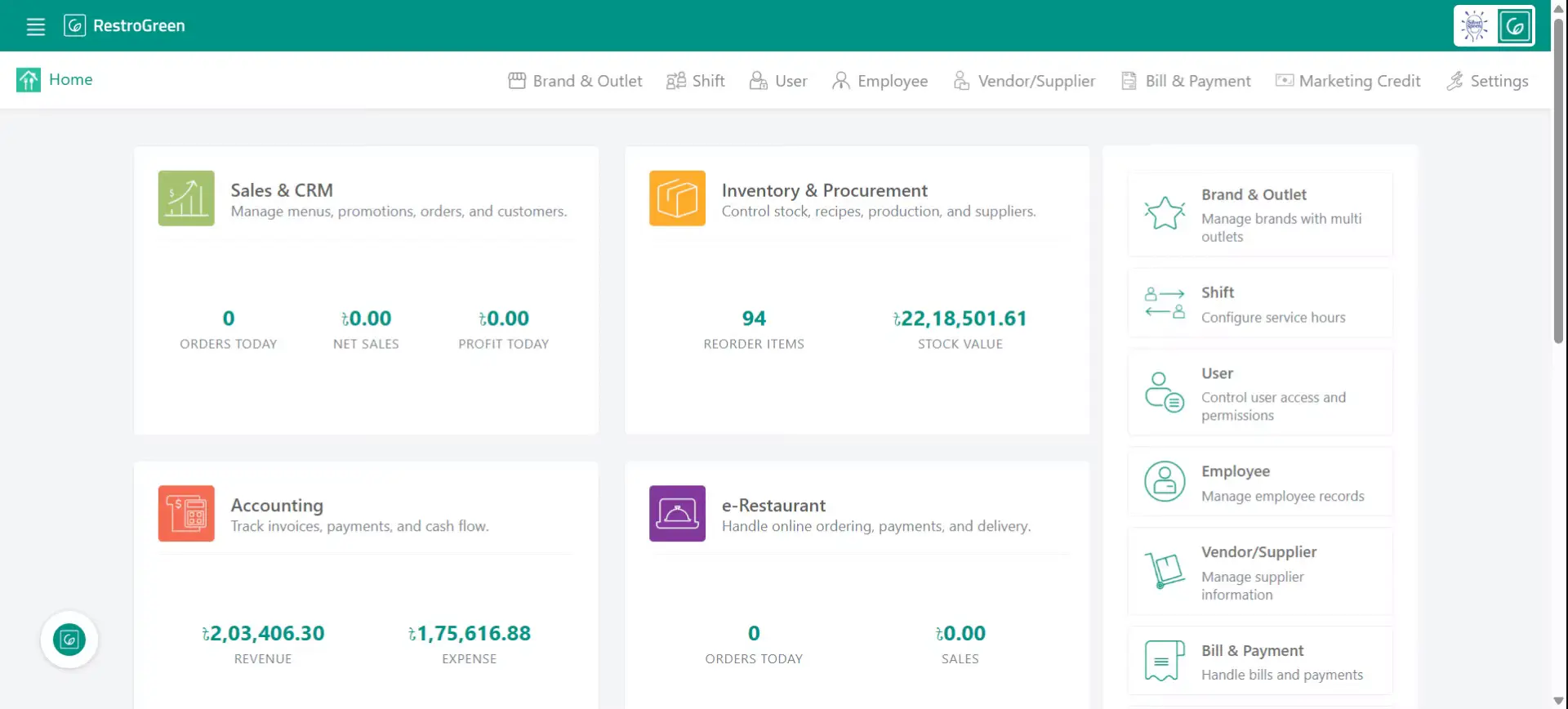
1. Go to your Business Portal
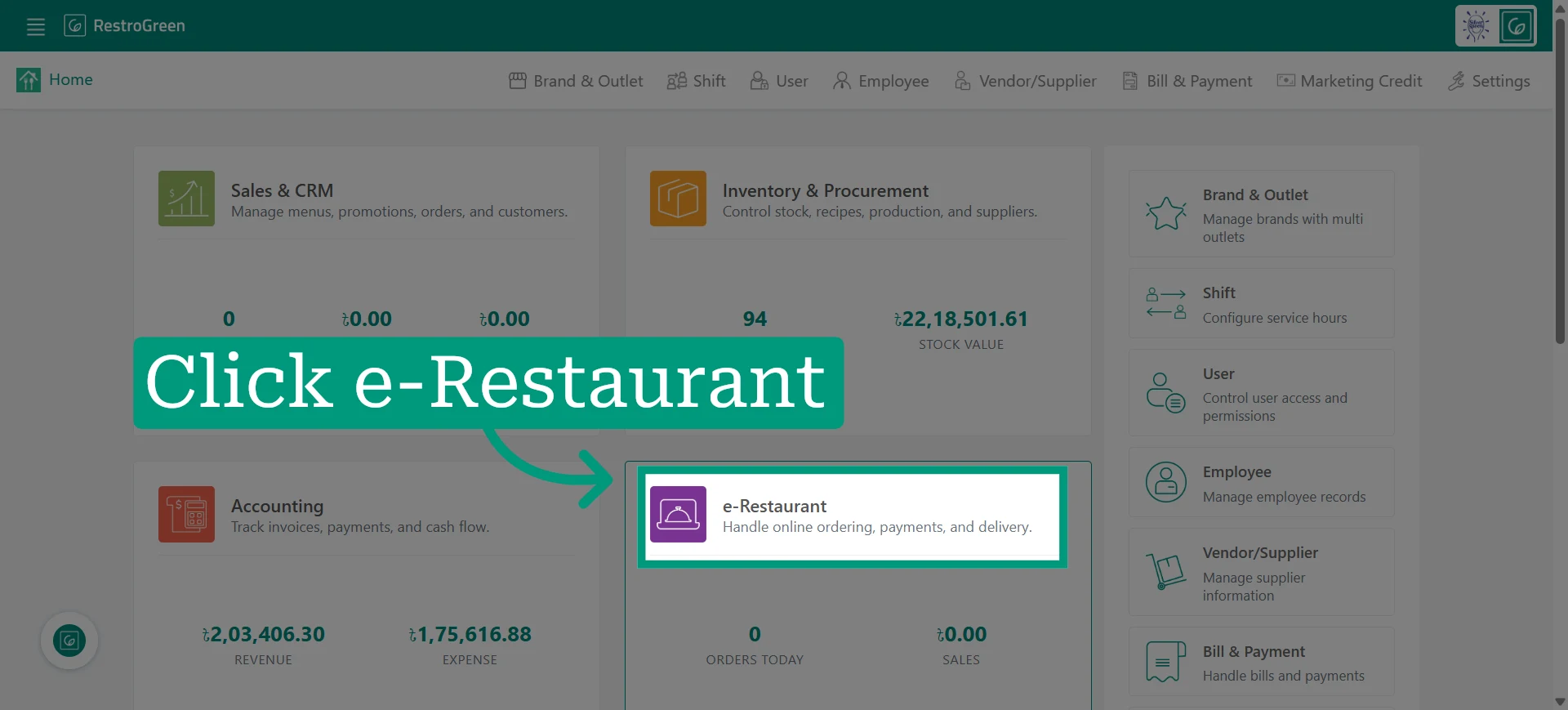
2. Click e-Restaurant to start managing your restaurant online
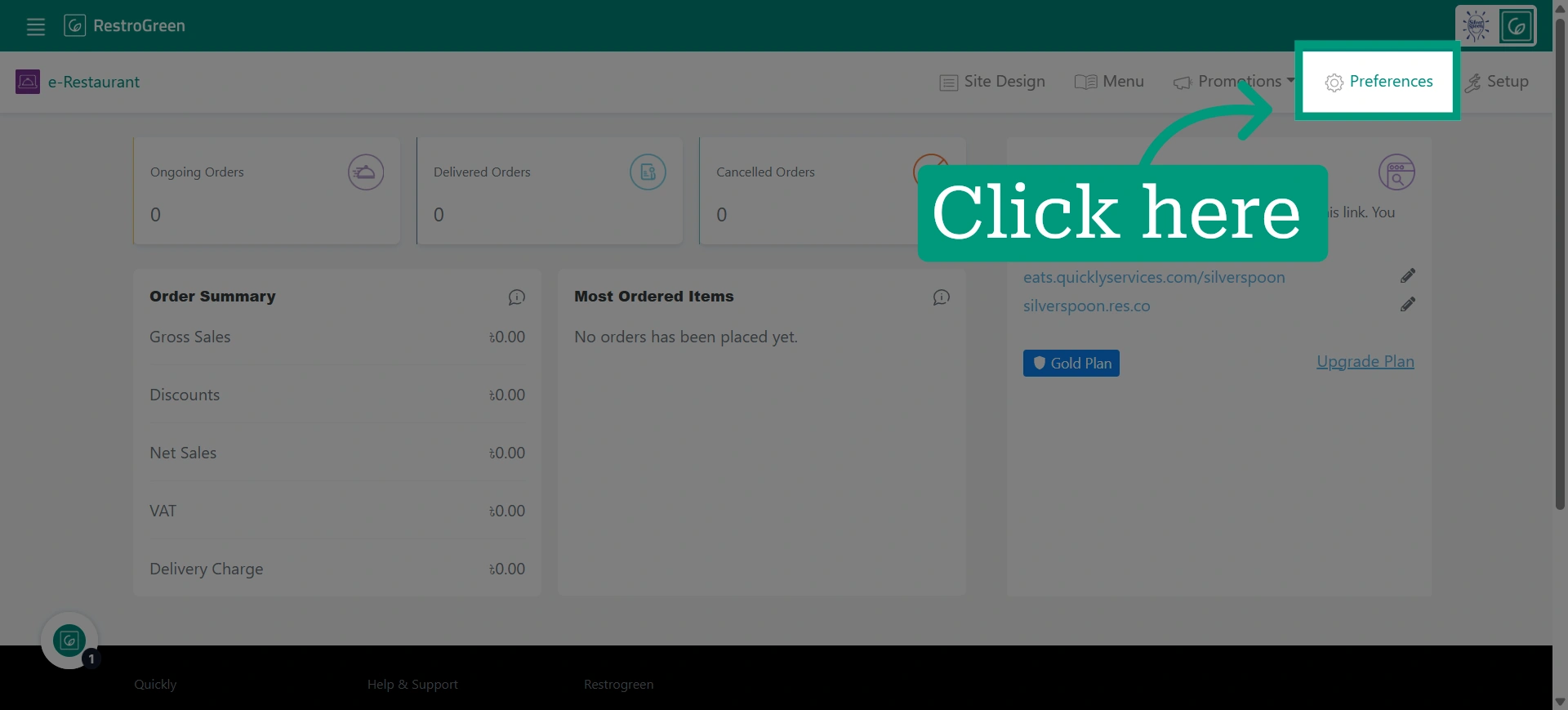
3. Open preferences settings
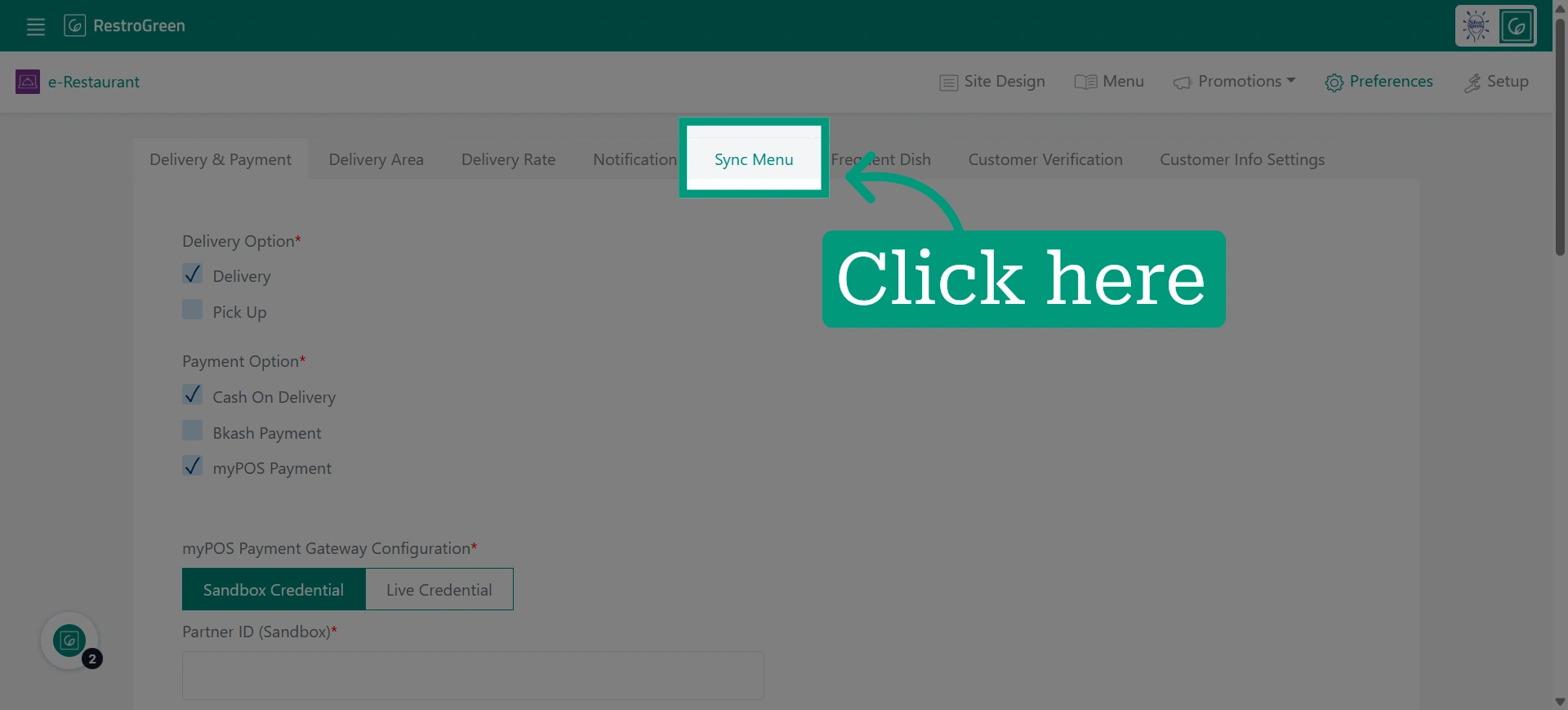
4. Click "Sync Menu" tab to initiate menu synchronization
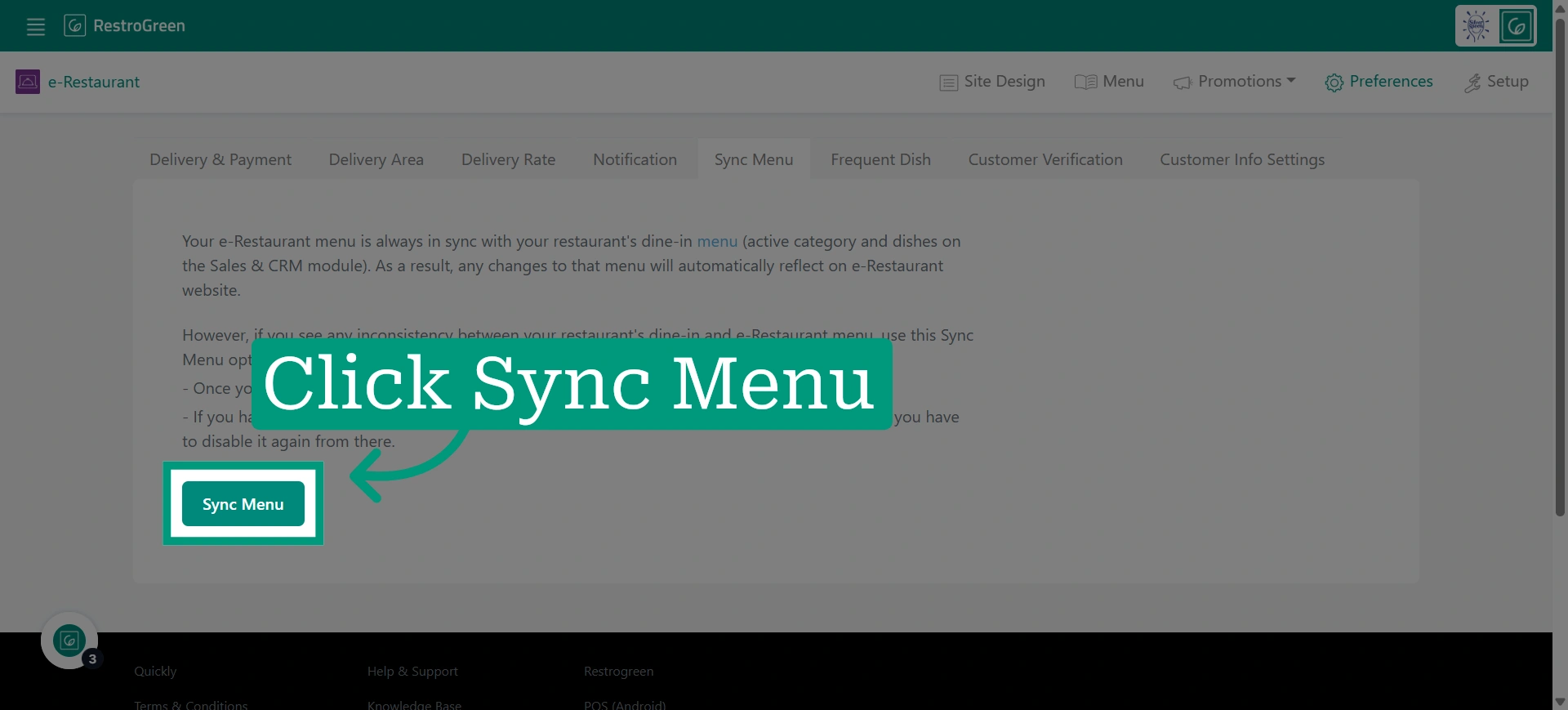
5. Click "Sync Menu" to ensure your online menu reflects the restaurant's most recent menu
6. Click "confirm" to finalise the synchronization