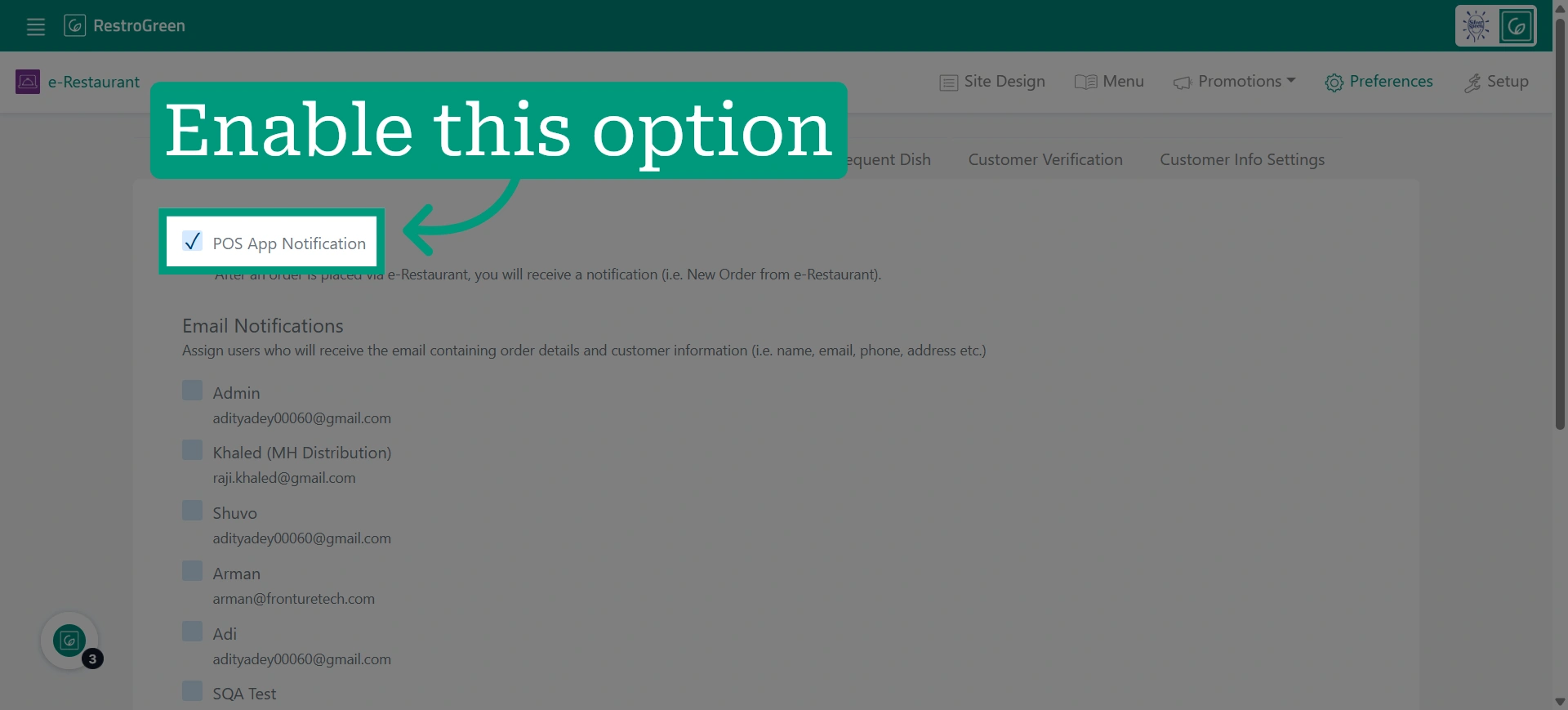
How to Enable Online Order Notifications for RestroGreen POS
This tutorial guides you through configuring online order notifications in the POS app settings
through the Business Portal.
Go to
restrogreen.quicklyservices.com
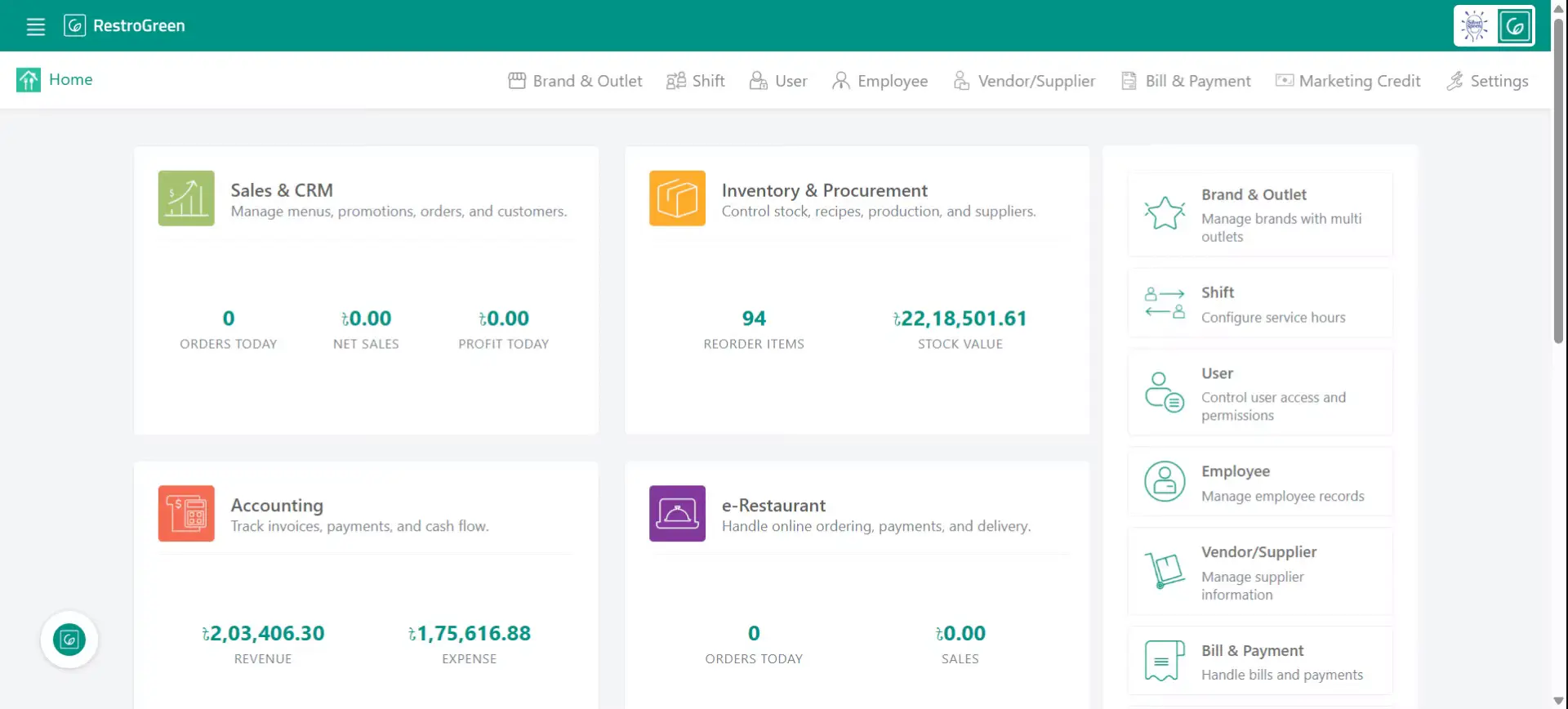
1. Go to your Business Portal
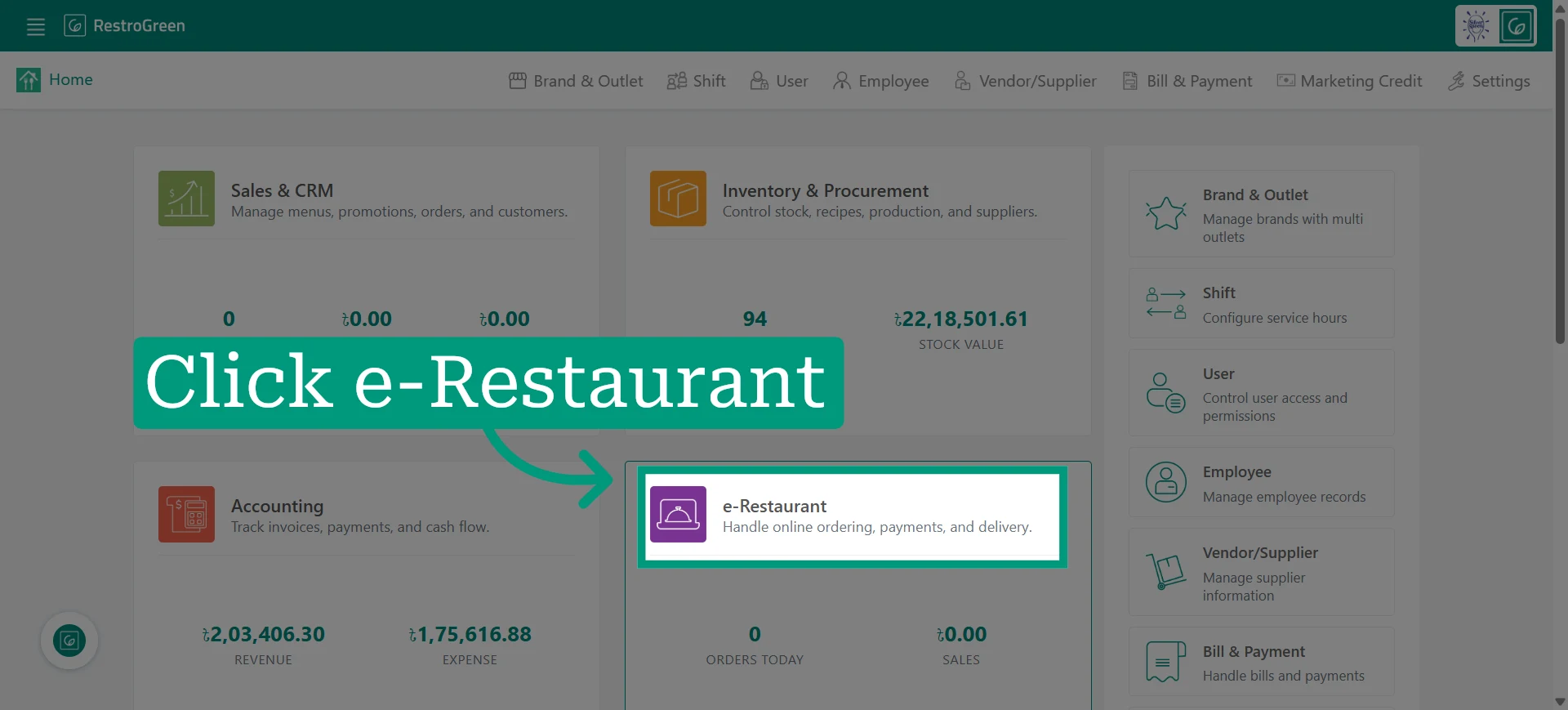
2. Click e-Restaurant Module to begin managing your restaurant online
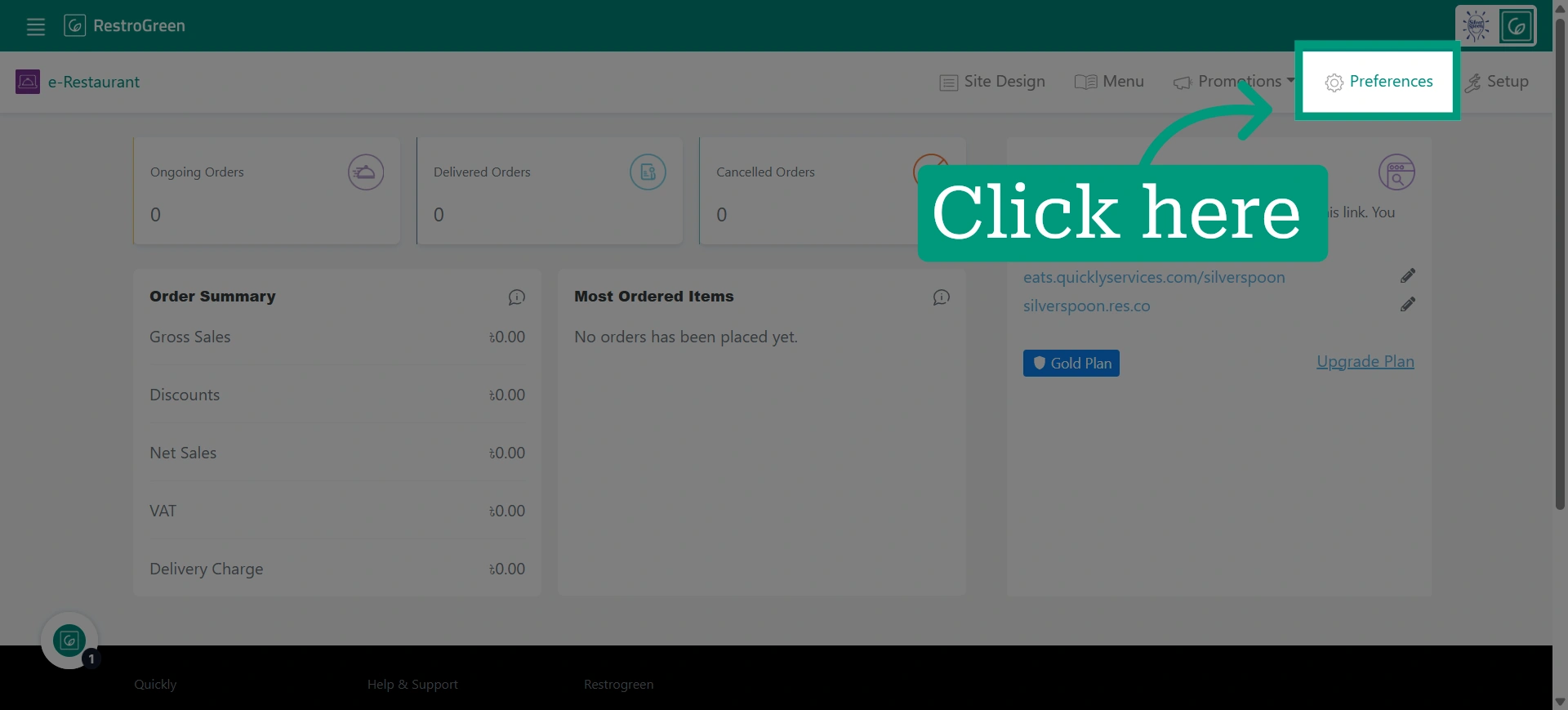
3. Click "Preference" to access the online ordering settings
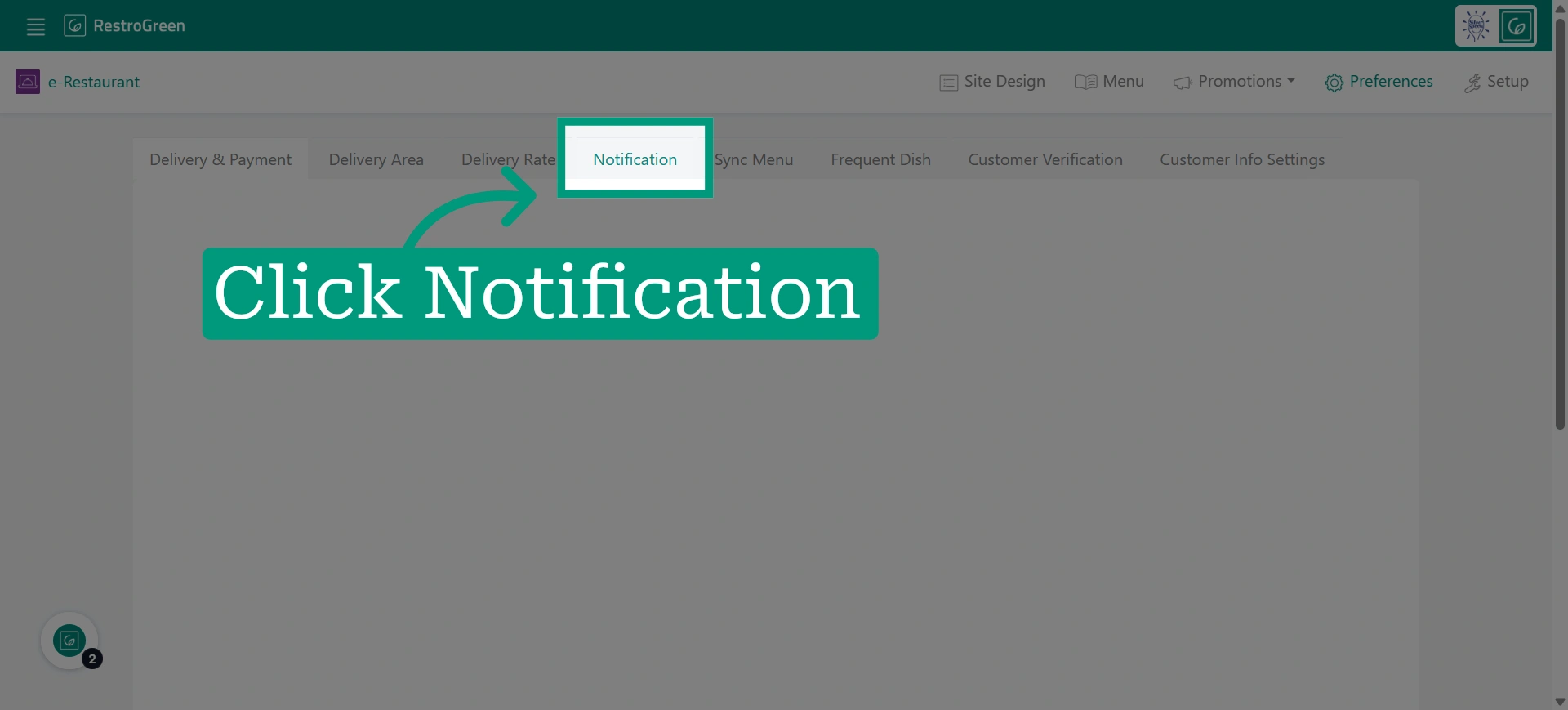
4. Navigate to notification settings
5. Select the “POS App Notification” option to receive a notification whenever a new online order arrives