How to Set Up Delivery Rates for Your Online Ordering Website in RestroGreen
This tutorial explains how to configure delivery rate settings for your restaurant's online ordering
website through the Business Portal.
Go to
restrogreen.quicklyservices.com
1. Go to your Business Portal
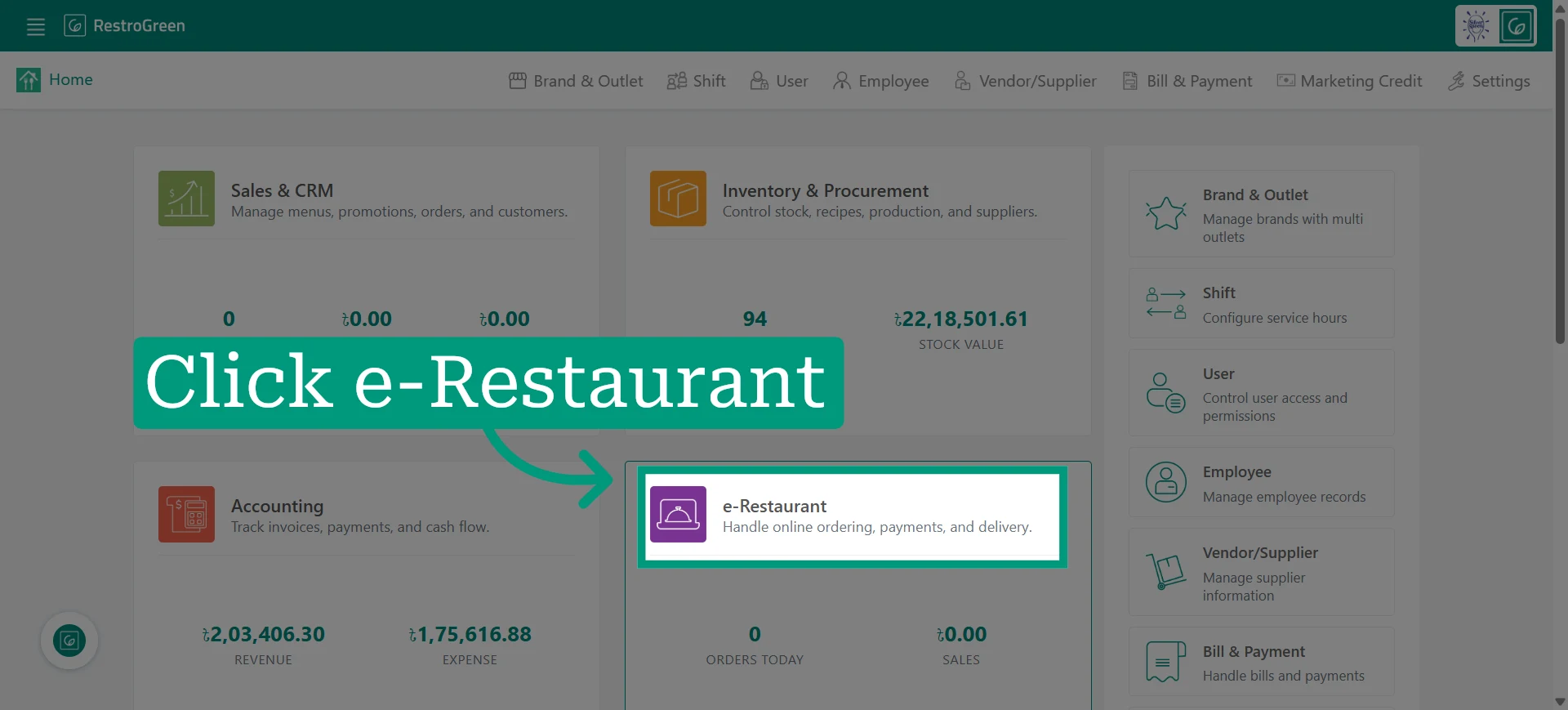
2. Click e-Restaurant to start managing your restaurant online
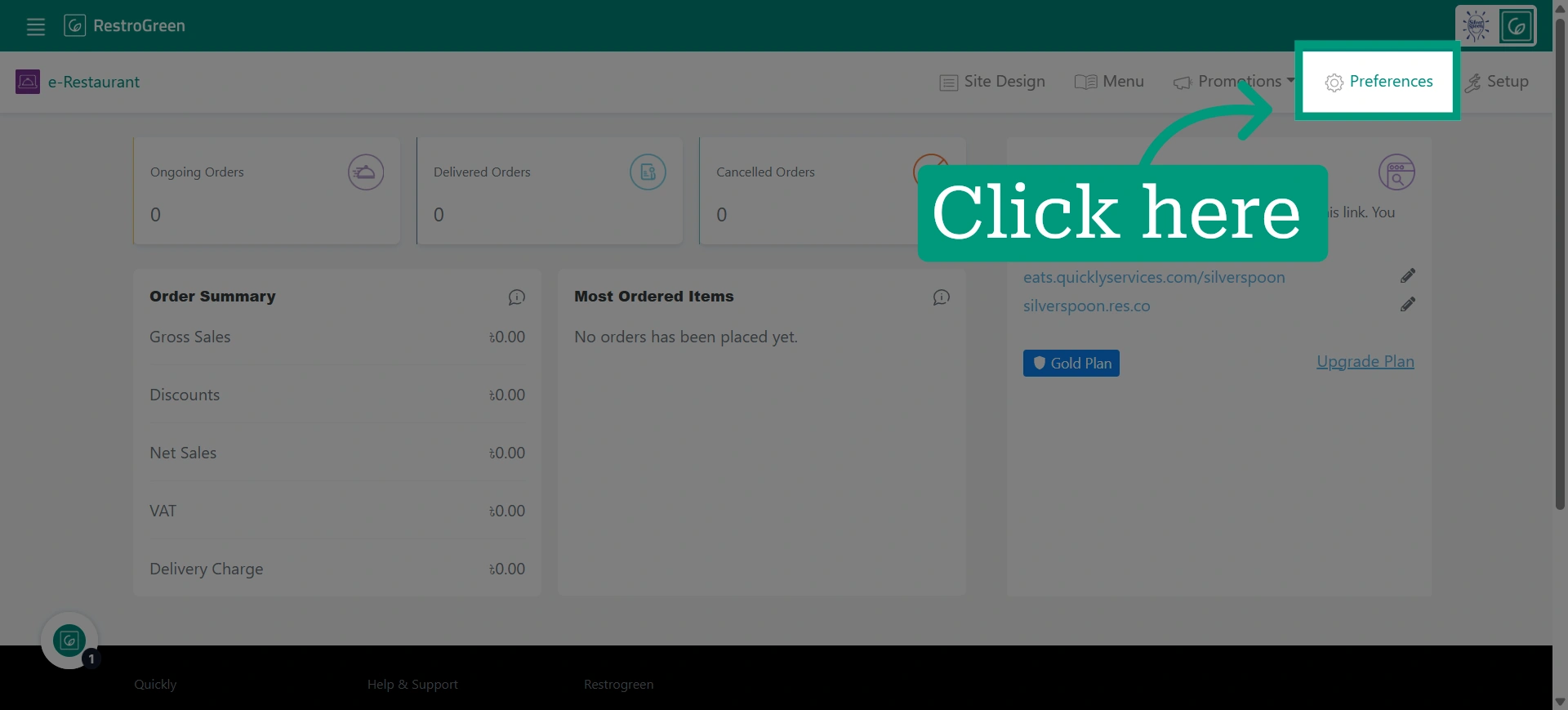
3. Open preferences settings
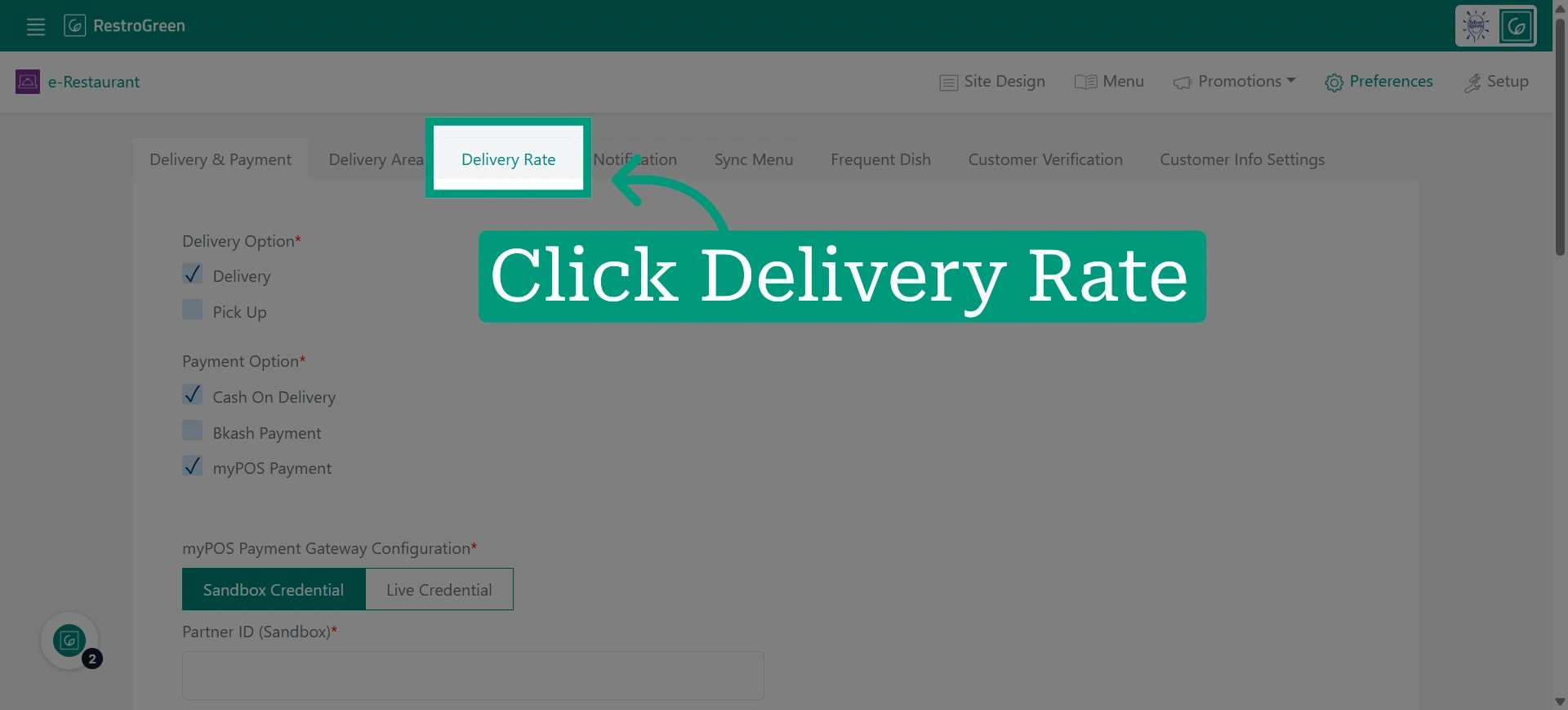
4. Click "Delivery Rate" to configure how delivery charges are applied
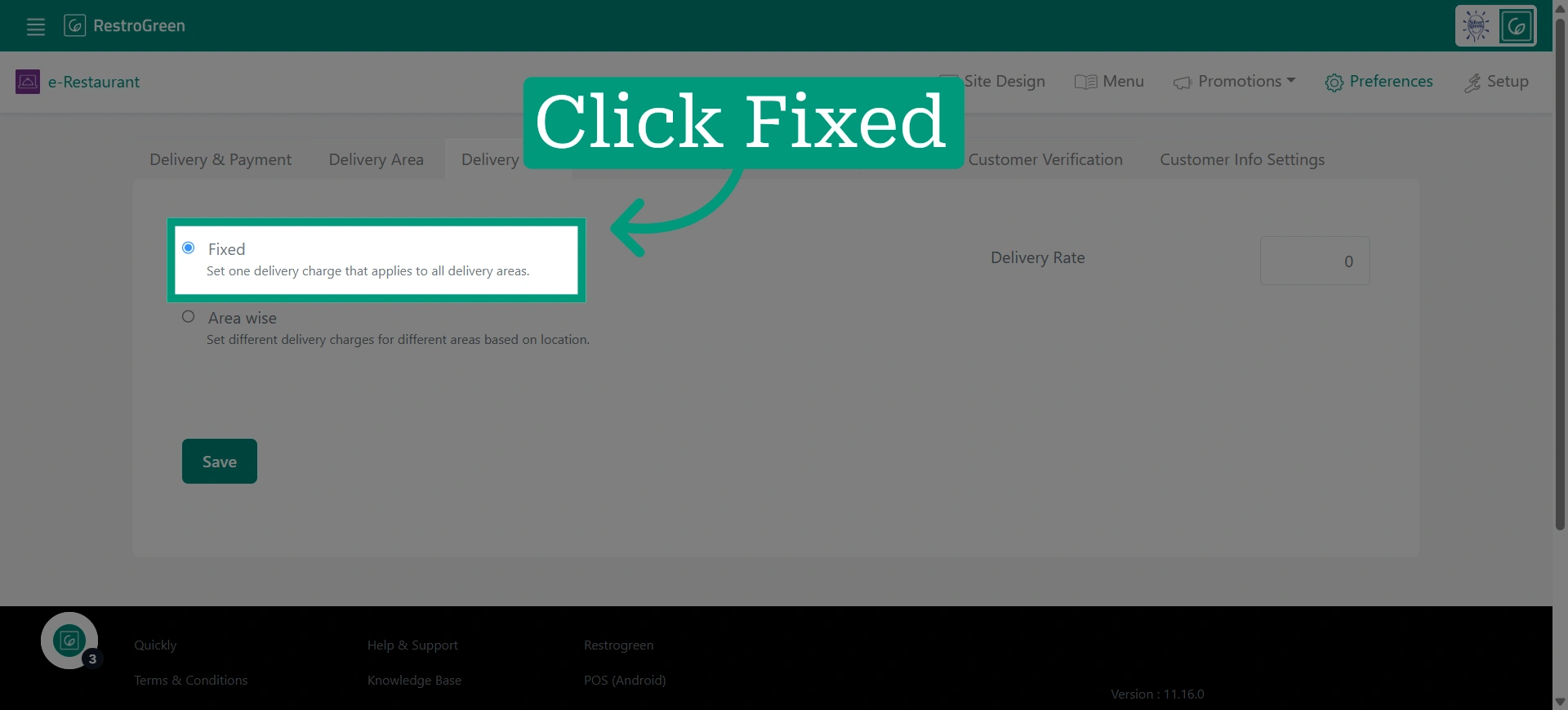
5. Choose Fixed Delivery Rate
Select the fixed delivery rate option to set a constant delivery fee for all orders.
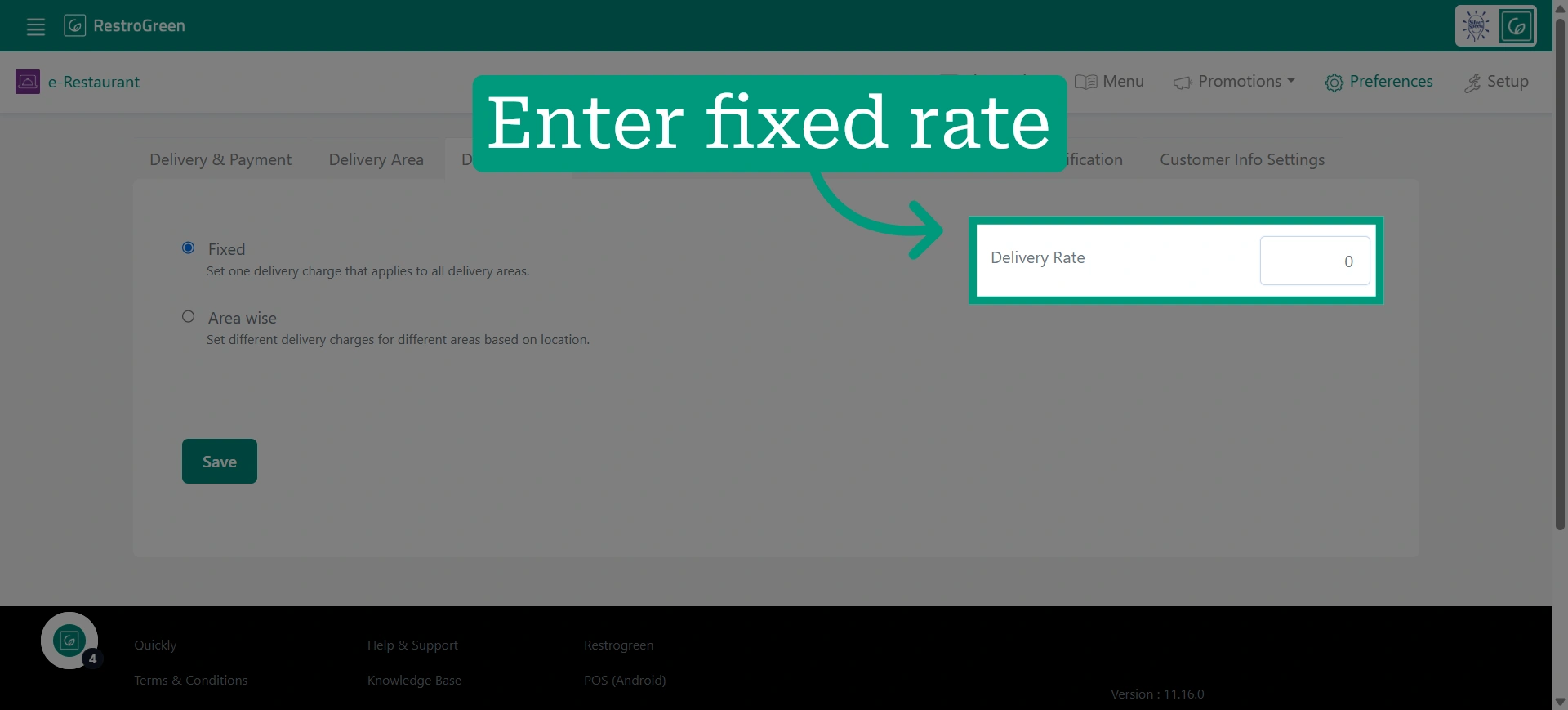
6. Specify the fixed delivery rate amount
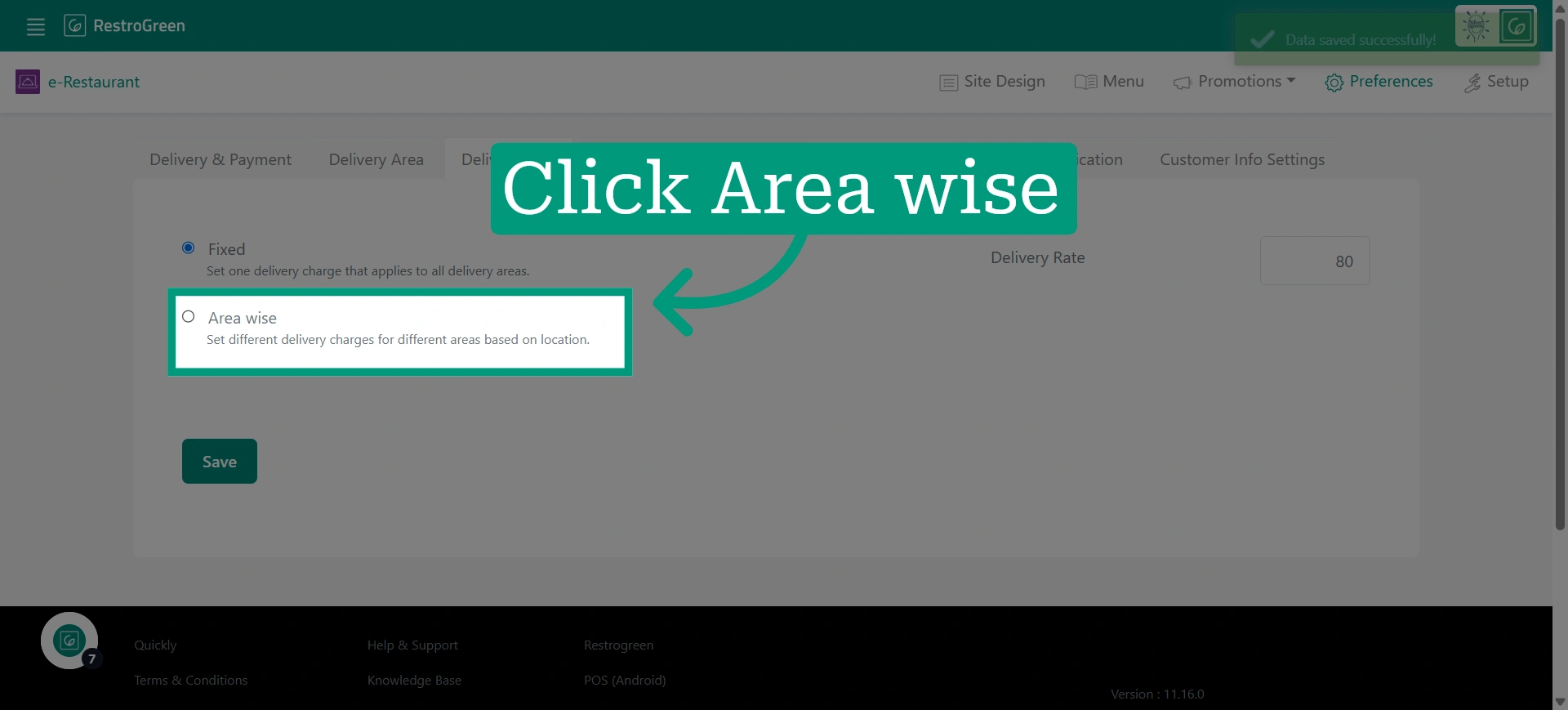
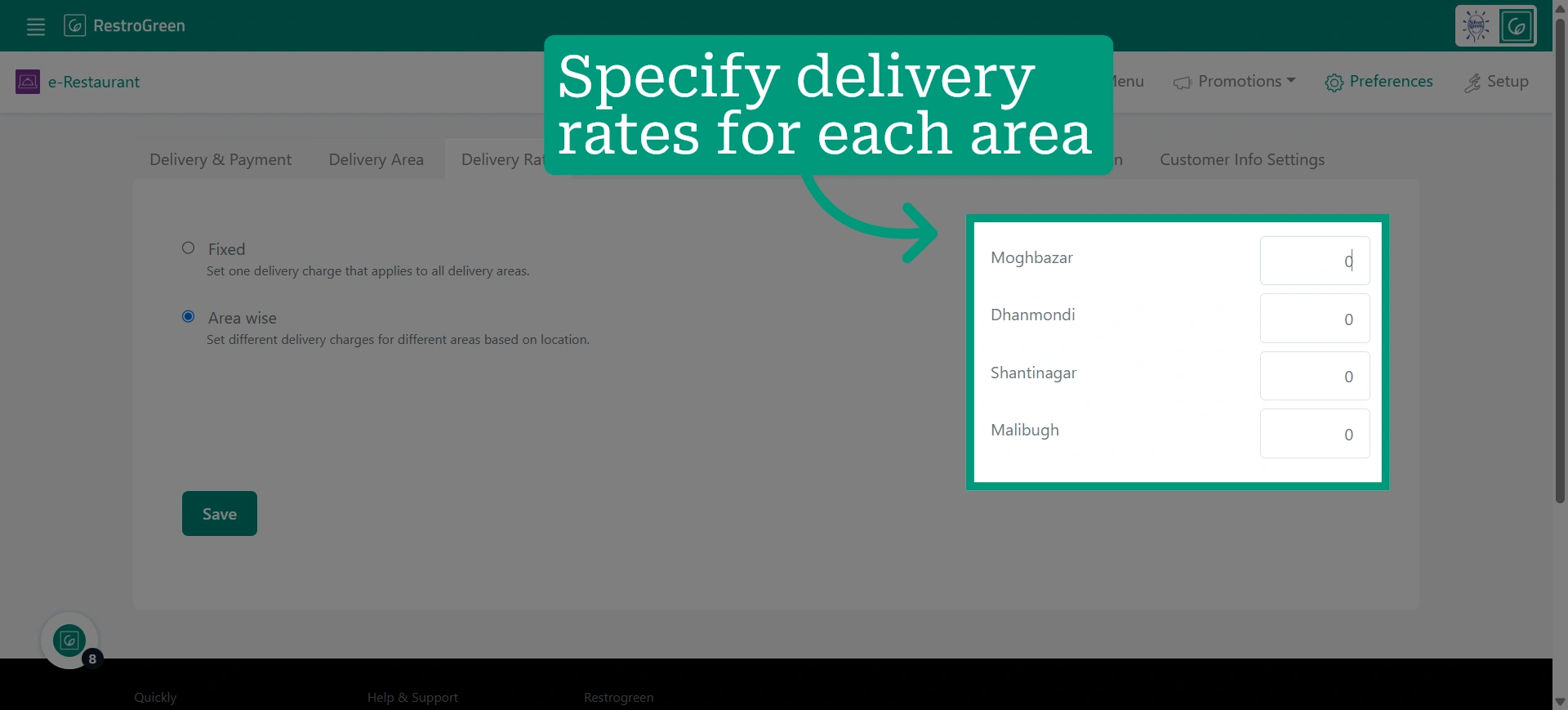
7. Choose Area Wise Delivery Rate
Select the area-wise delivery option to set delivery rates based on different locations.
8. Enter delivery rates based on each delivery locations
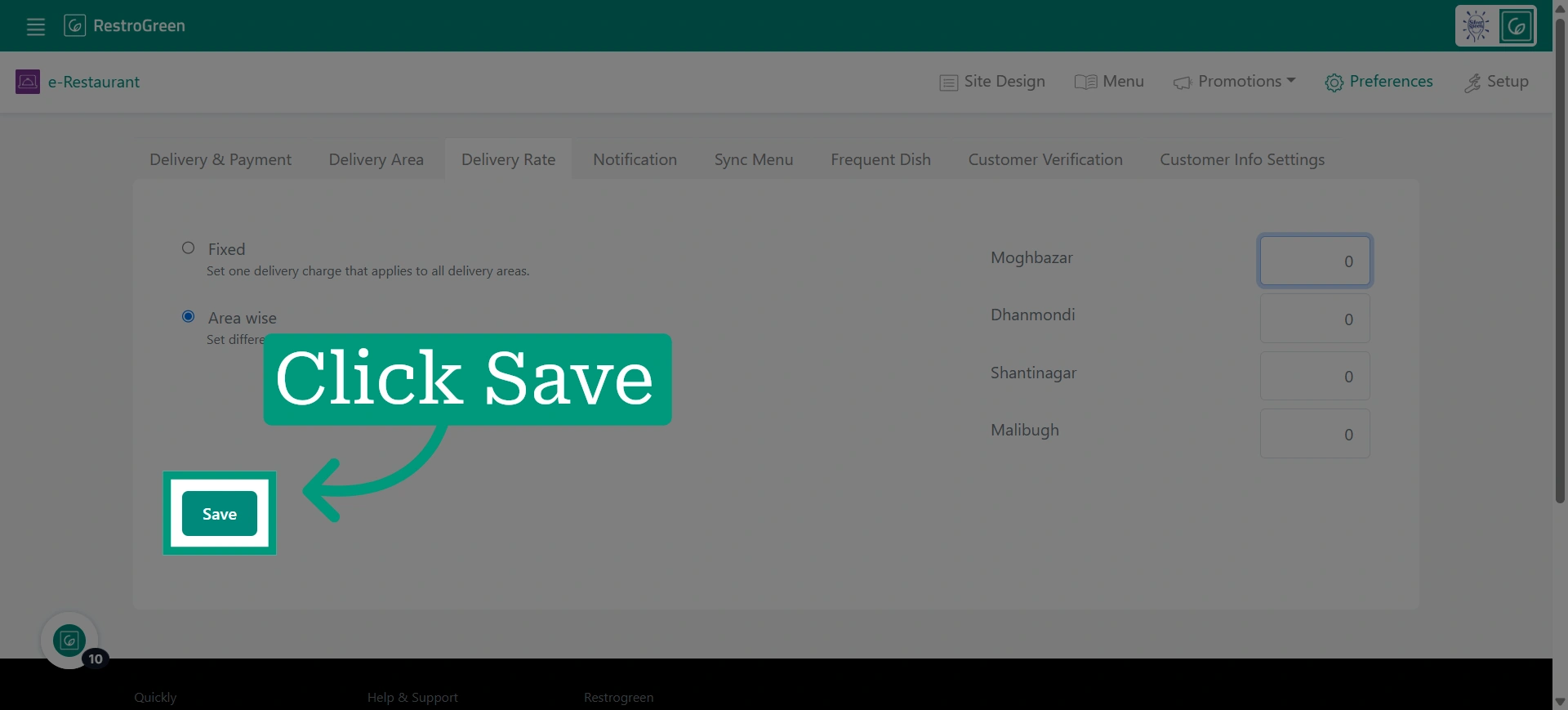
9. Click “Save” once you have selected your preferred delivery rate option