How to Track Slow-Moving Products in RetailLife
This tutorial guides you through accessing the Slow Moving Products report in the RetailLife
Business Portal. Tracking slow-moving products helps you identify items with low sales, optimize
inventory levels, reduce excess stock, and make informed decisions to improve inventory management and business performance.
Go to
retaillife.quicklyservices.com
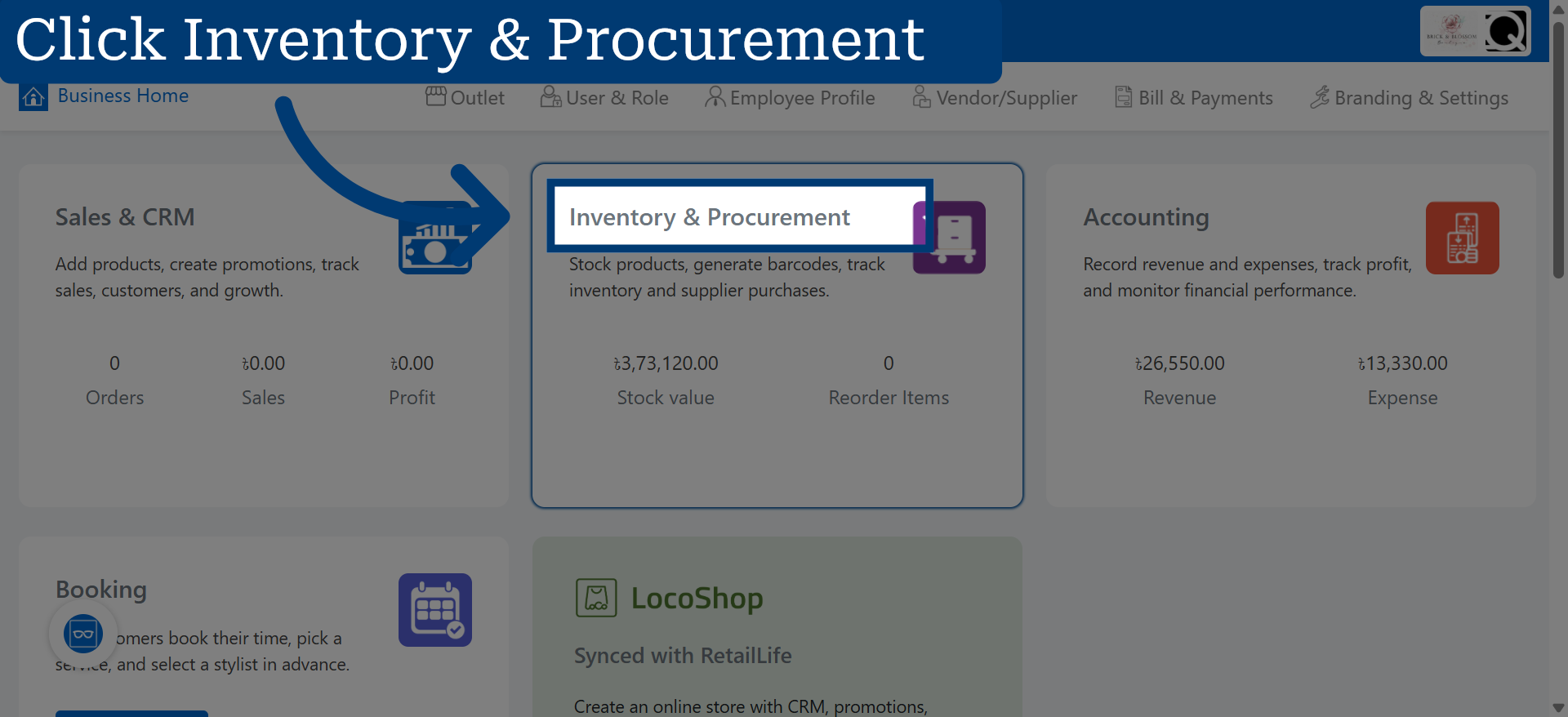
1. Open Inventory & Procurement
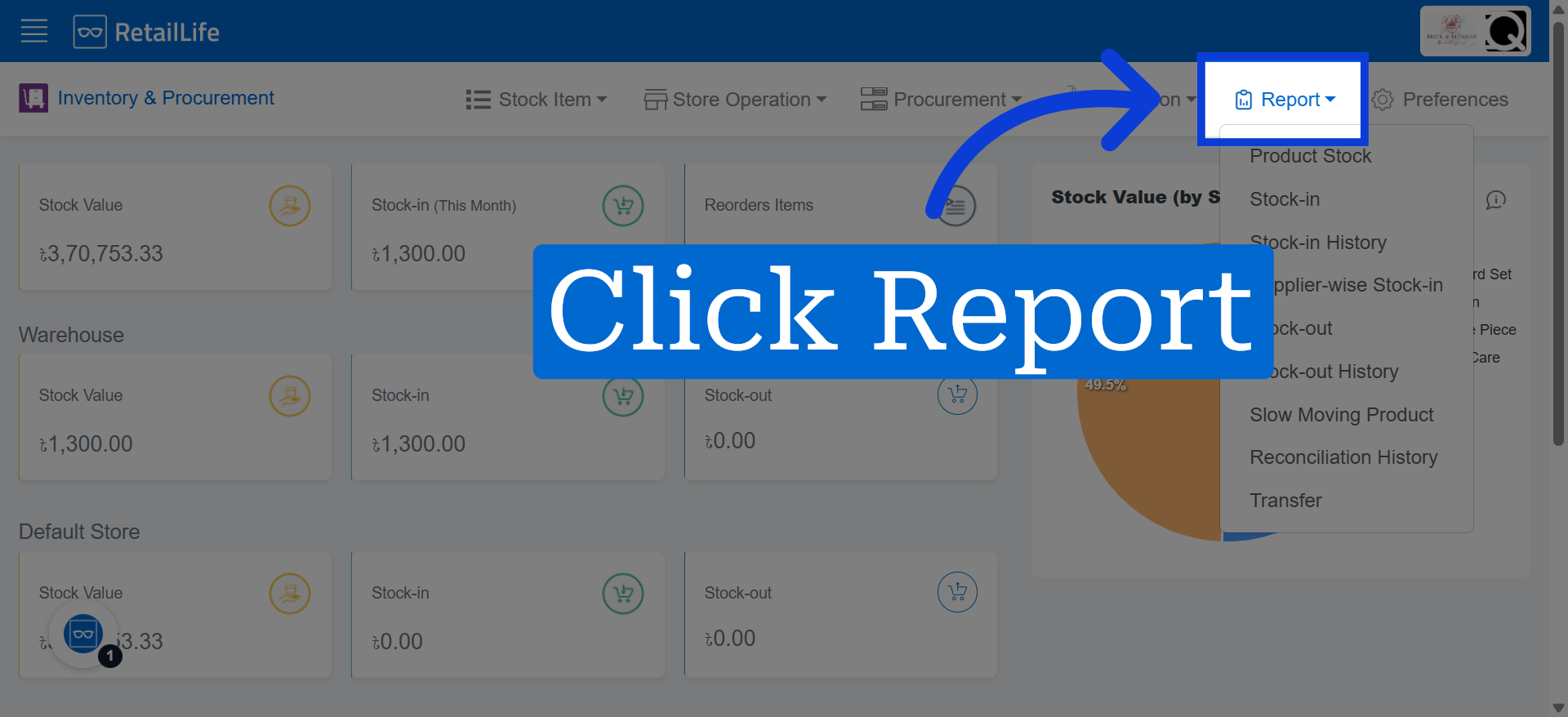
2. Access Reports Section
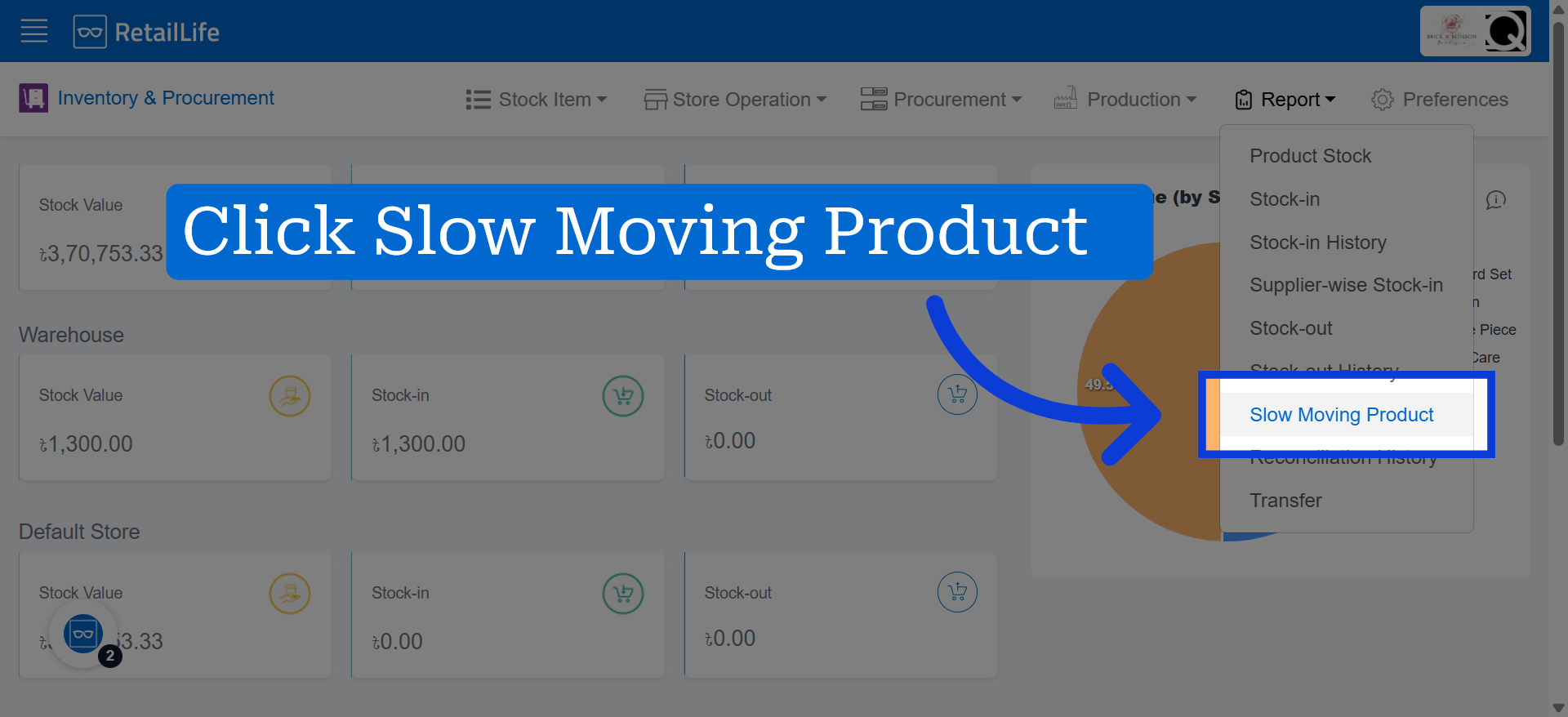
3. Select Slow Moving Product
4. View the Slow Moving Products Dashboard
Review the Slow Moving Products dashboard to identify products with low sales activity and monitor their performance.
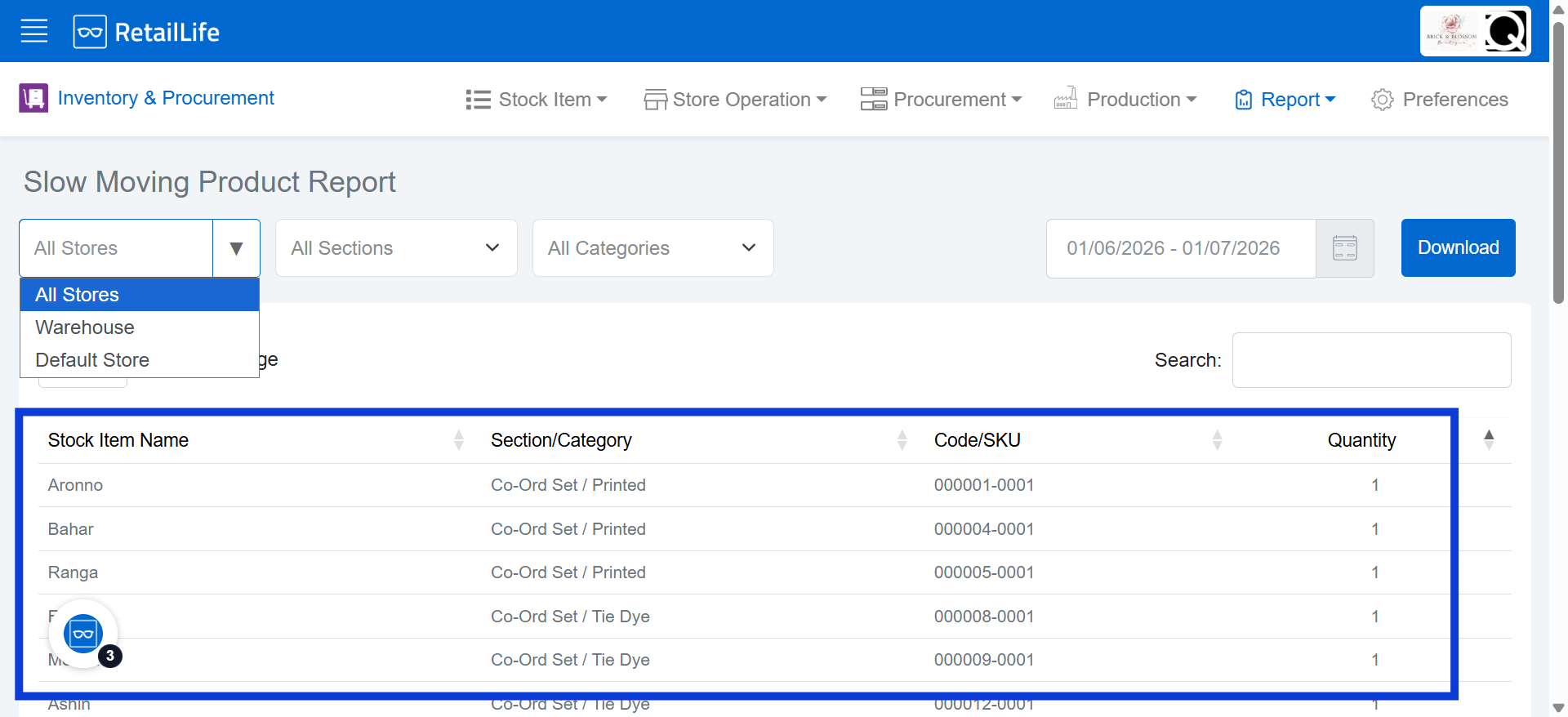
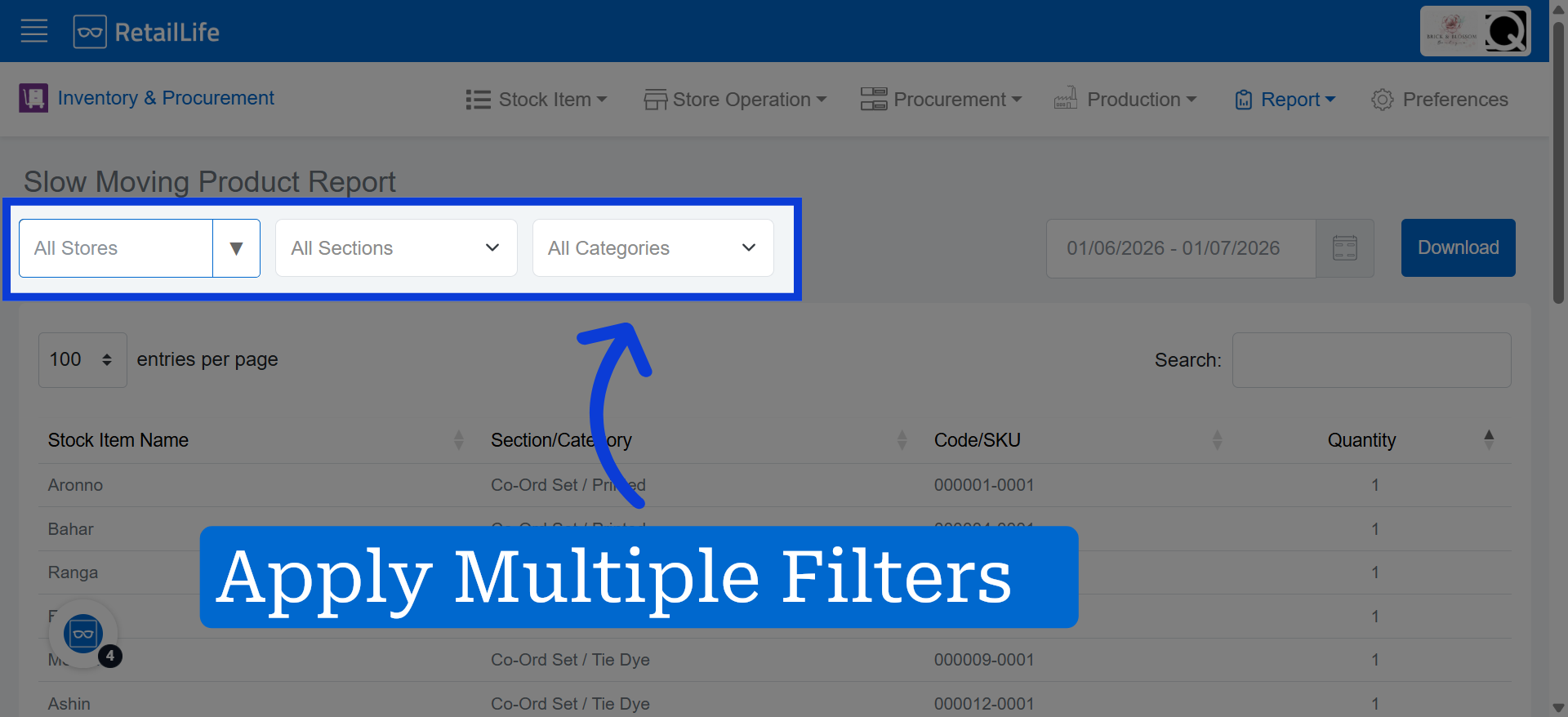
5. Apply Search Filters
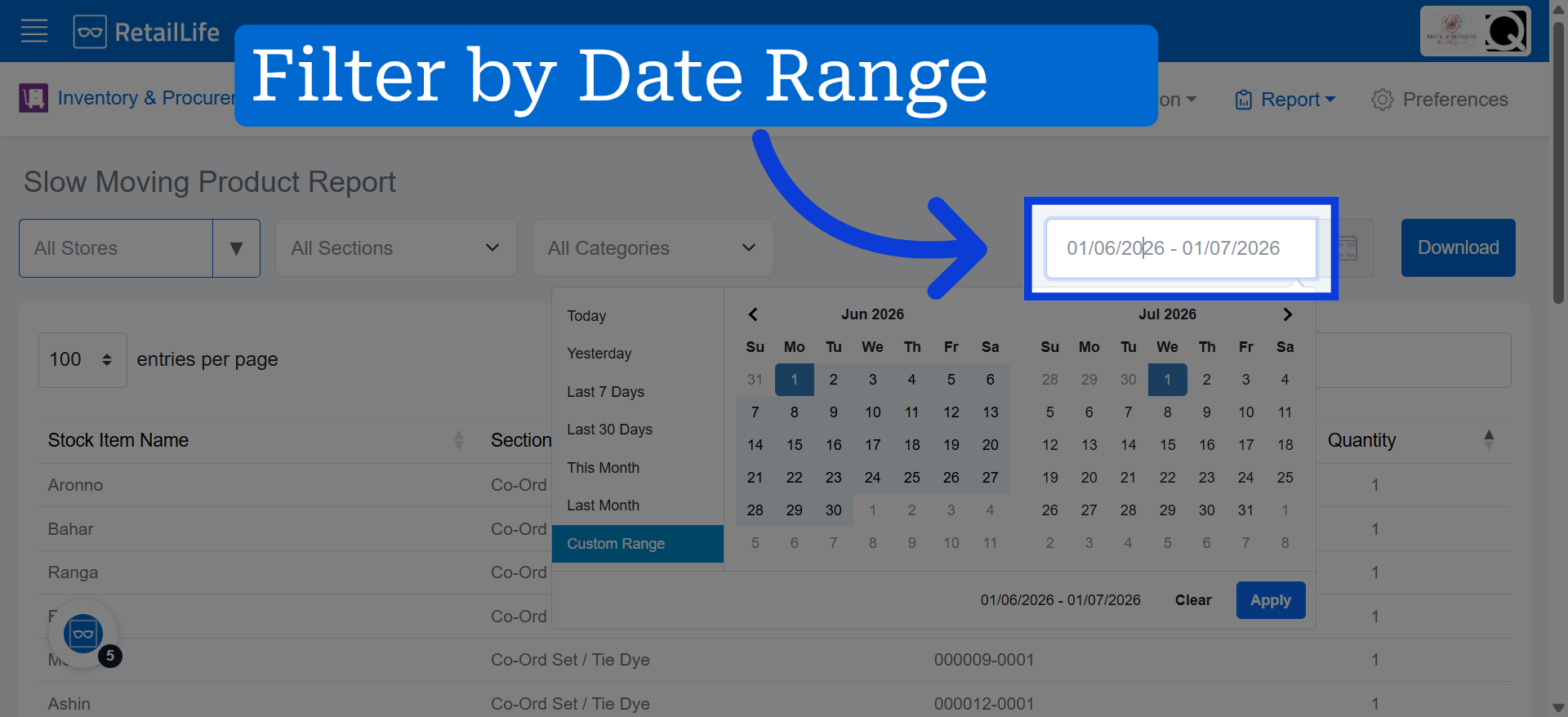
6. Select The Date Range For The Report Data