How to Generate Bill for Accounting from Stock Transfer in RestroGreen
This tutorial guides you through generating purchase bill in accounting module from incoming
transfers within the RestroGreen Business Portal.
Go to
restrogreen.quicklyservices.com
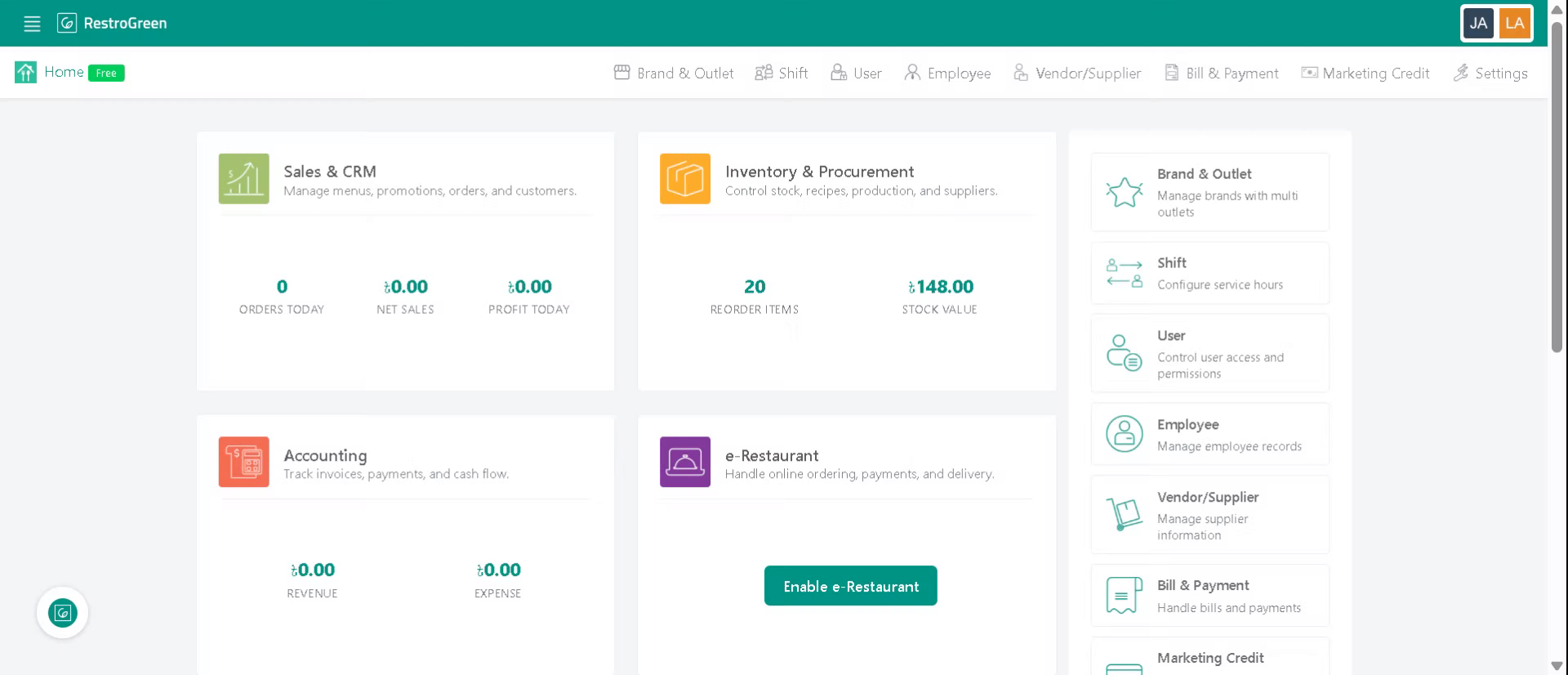
1. Login to Business Portal
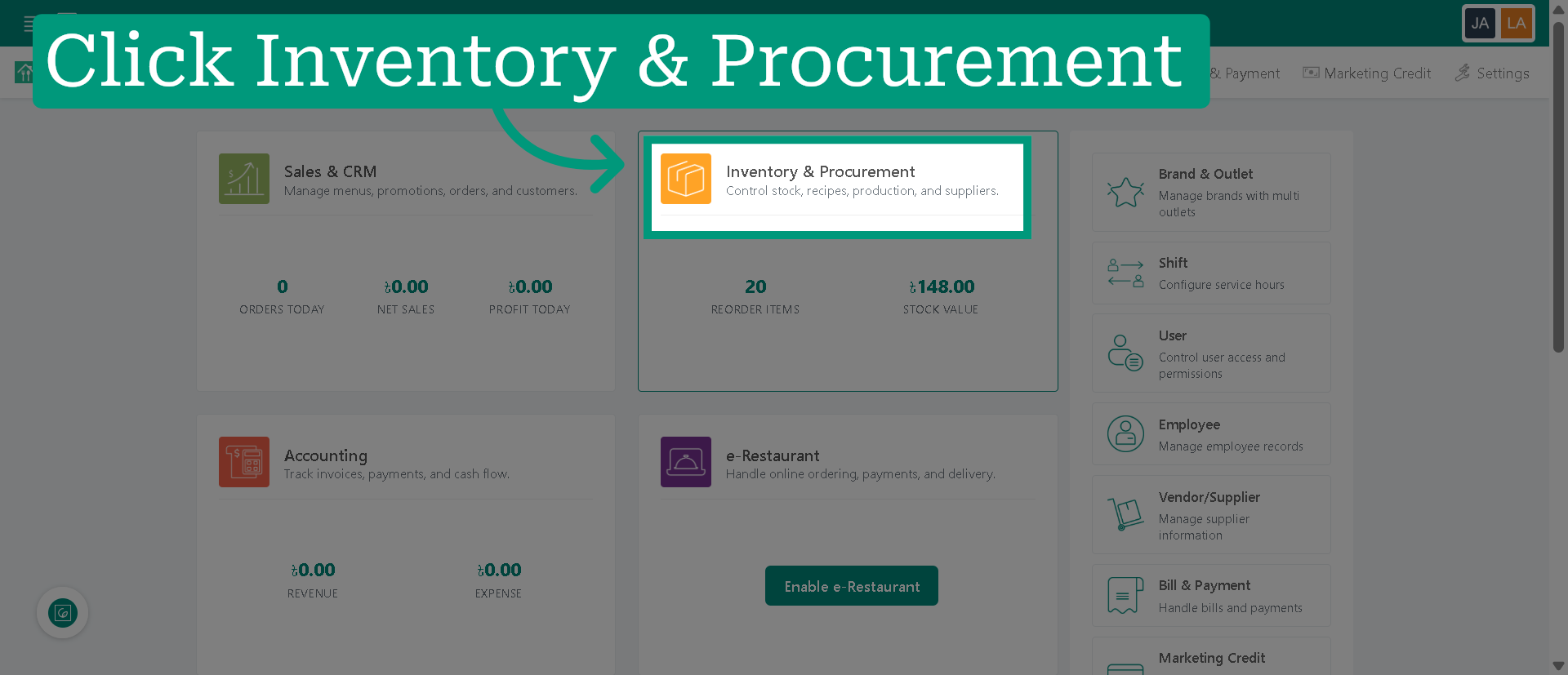
2. Access Inventory & Procurement Module
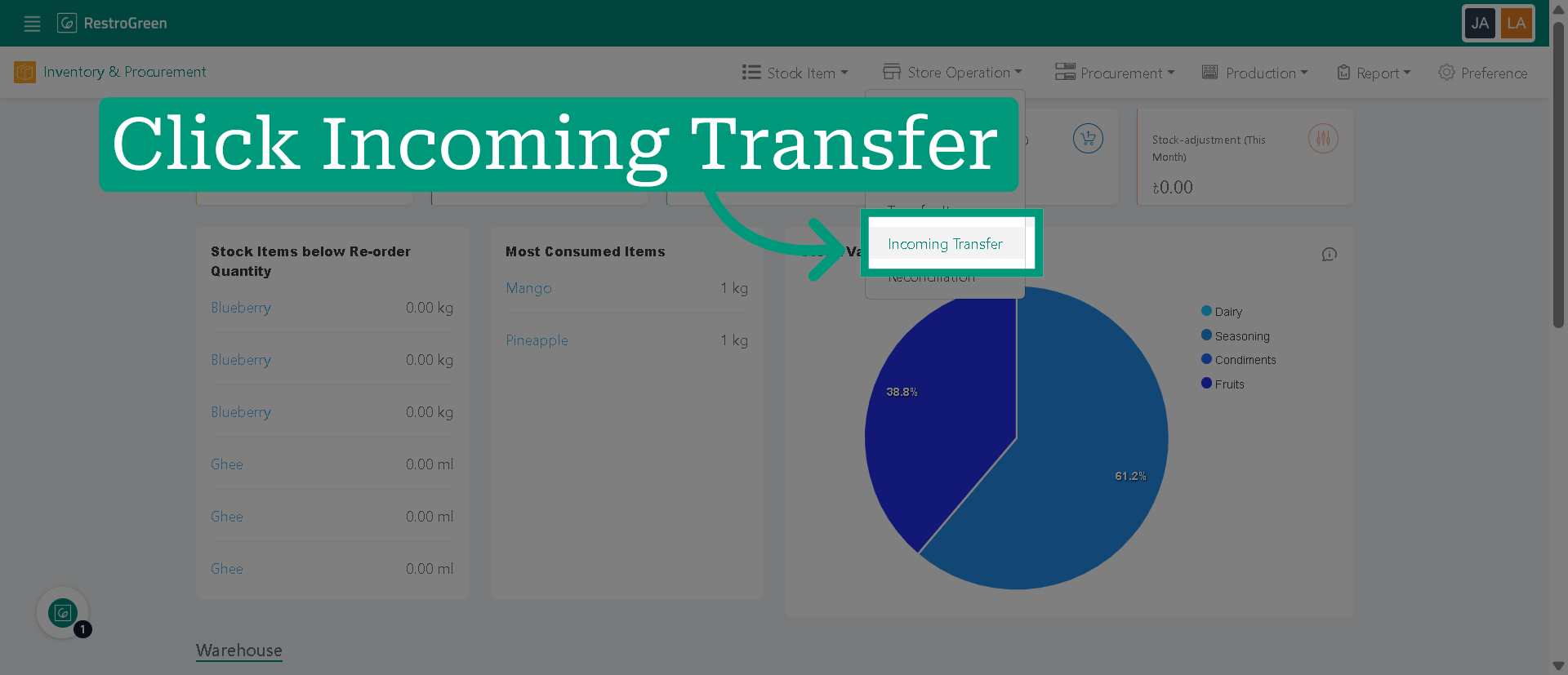
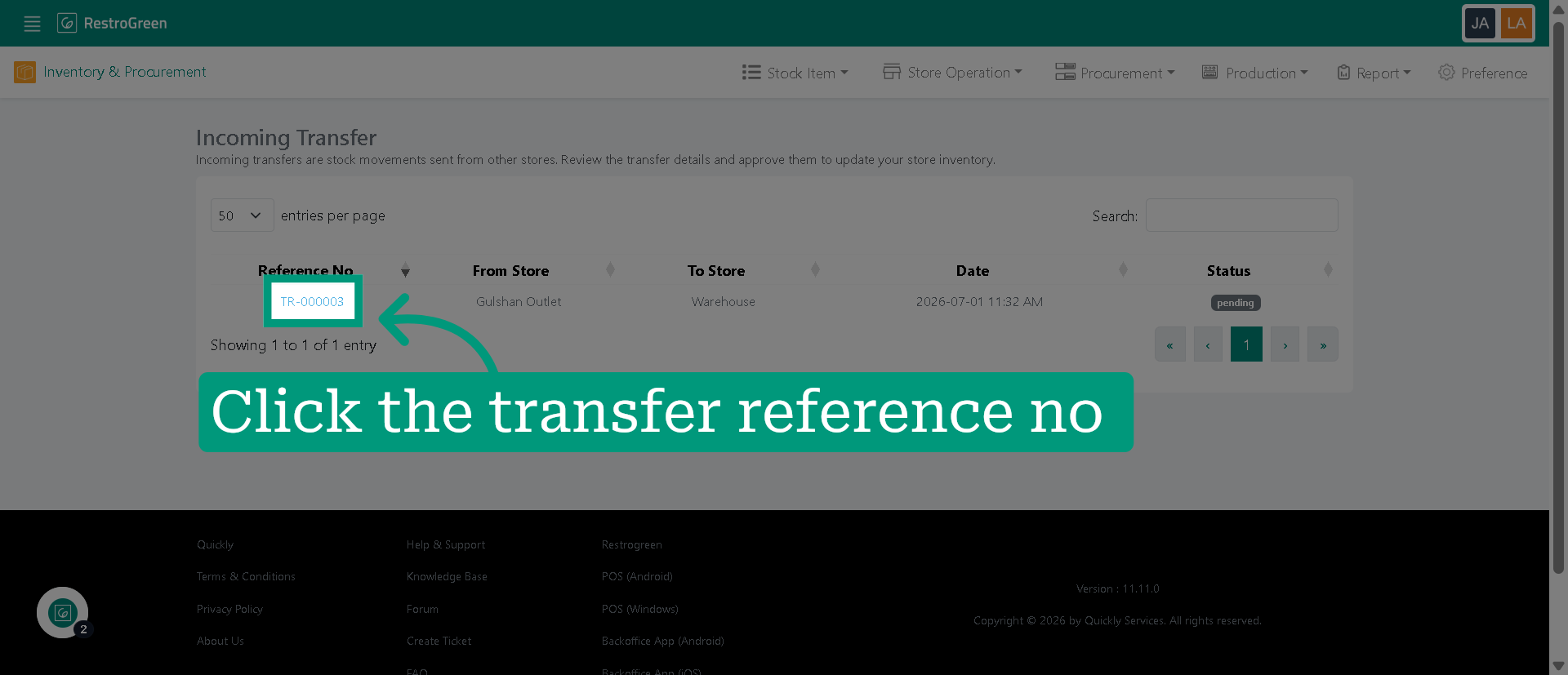
3. Click "Incoming Transfer" to view all active incoming transfer records
4. Select specific incoming transfer
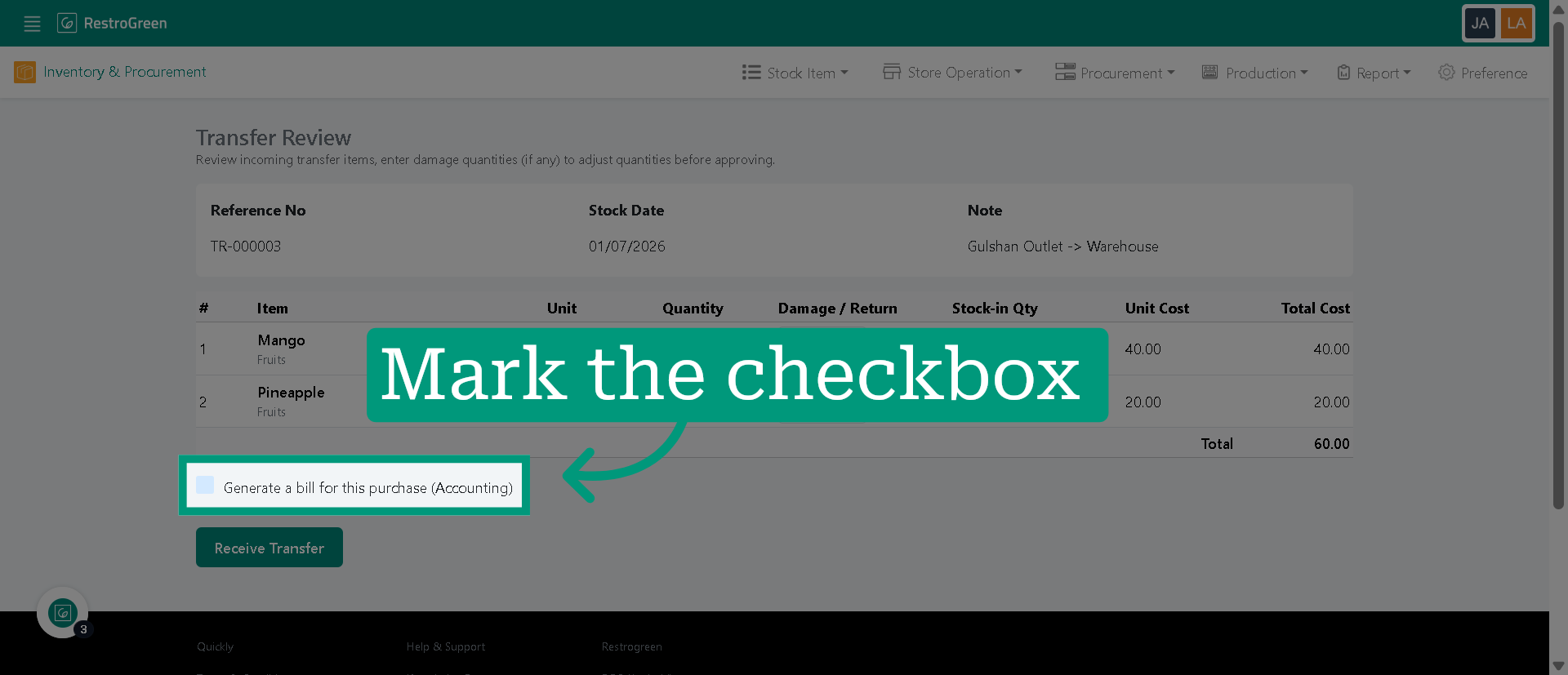
5. Enable bill generation to create an accounting record for the selected transfer
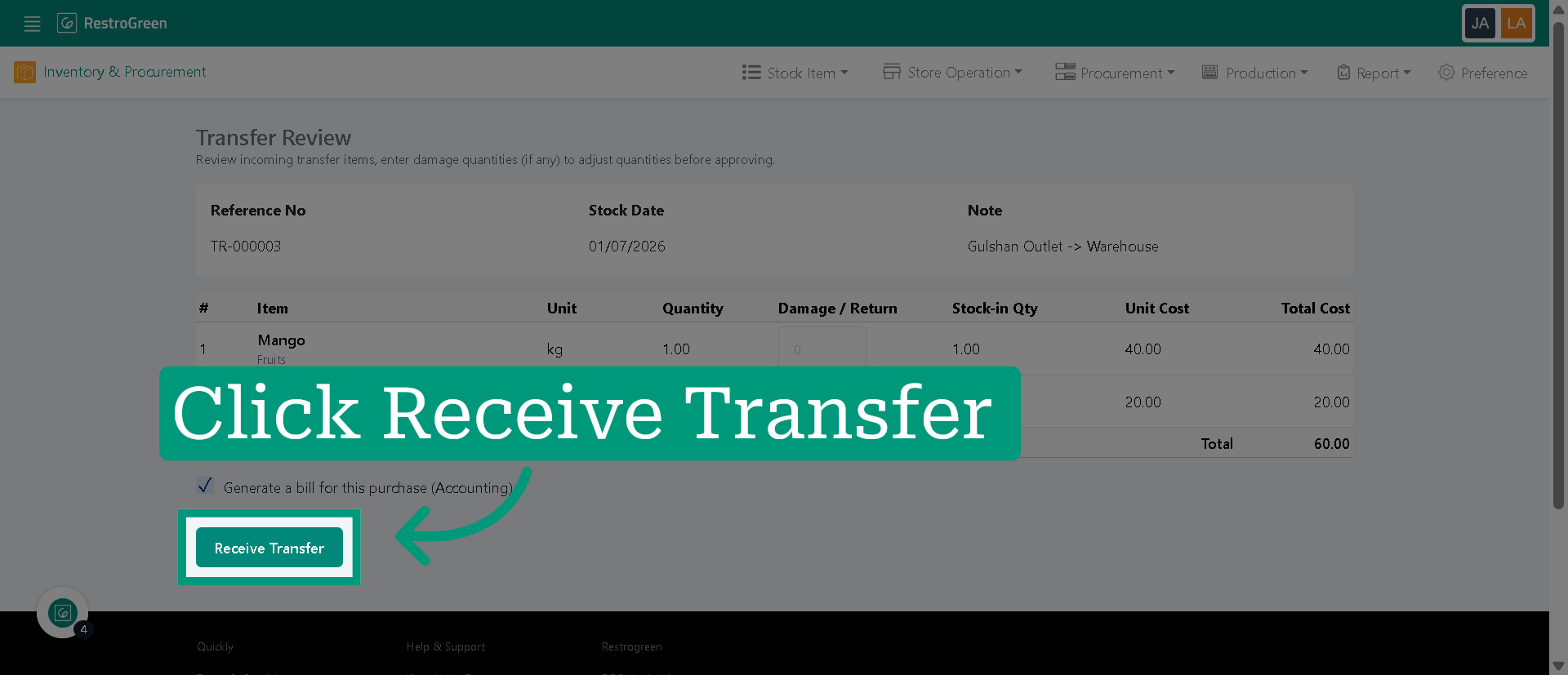
6. Click "Receive Transfer" once items has been transferred at the destination outlet
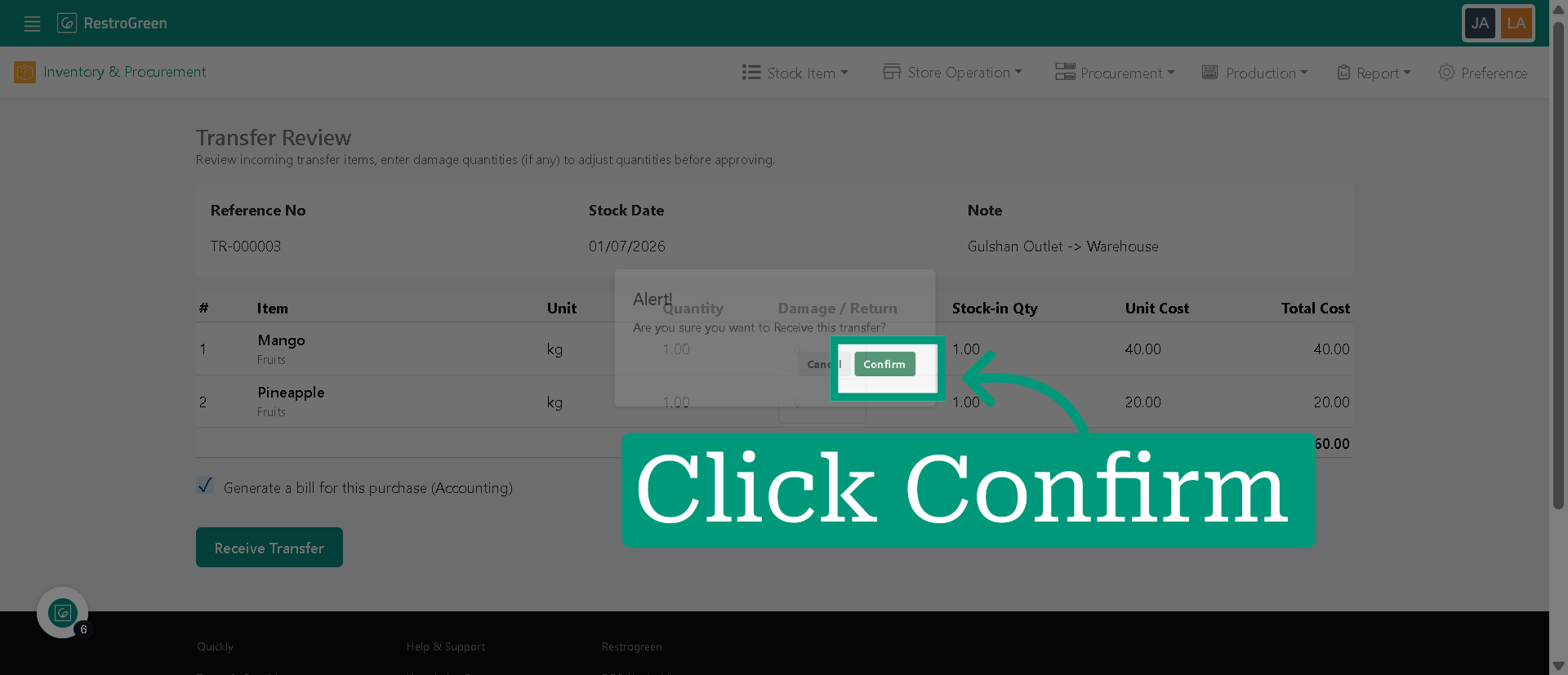
7. Click "confirm" to finalize the receipt of the incoming transfer
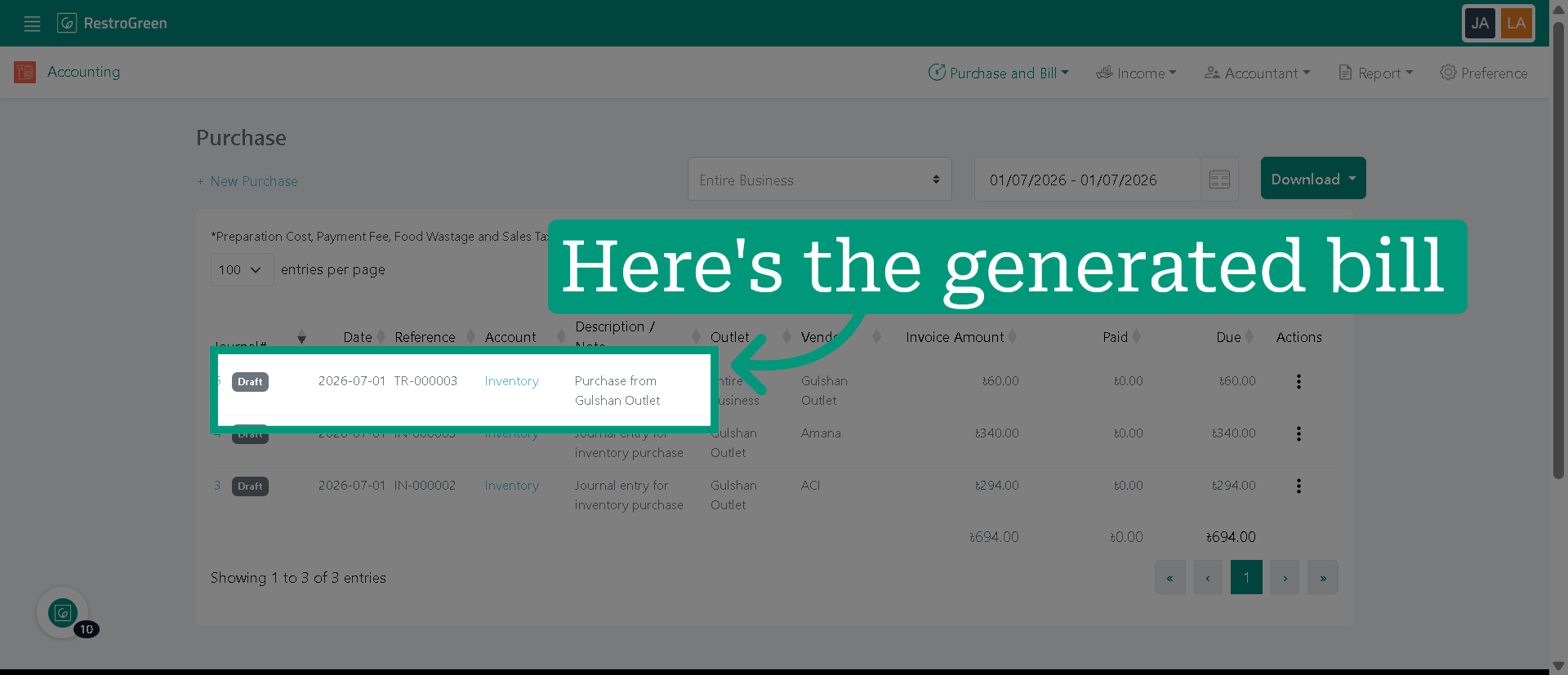
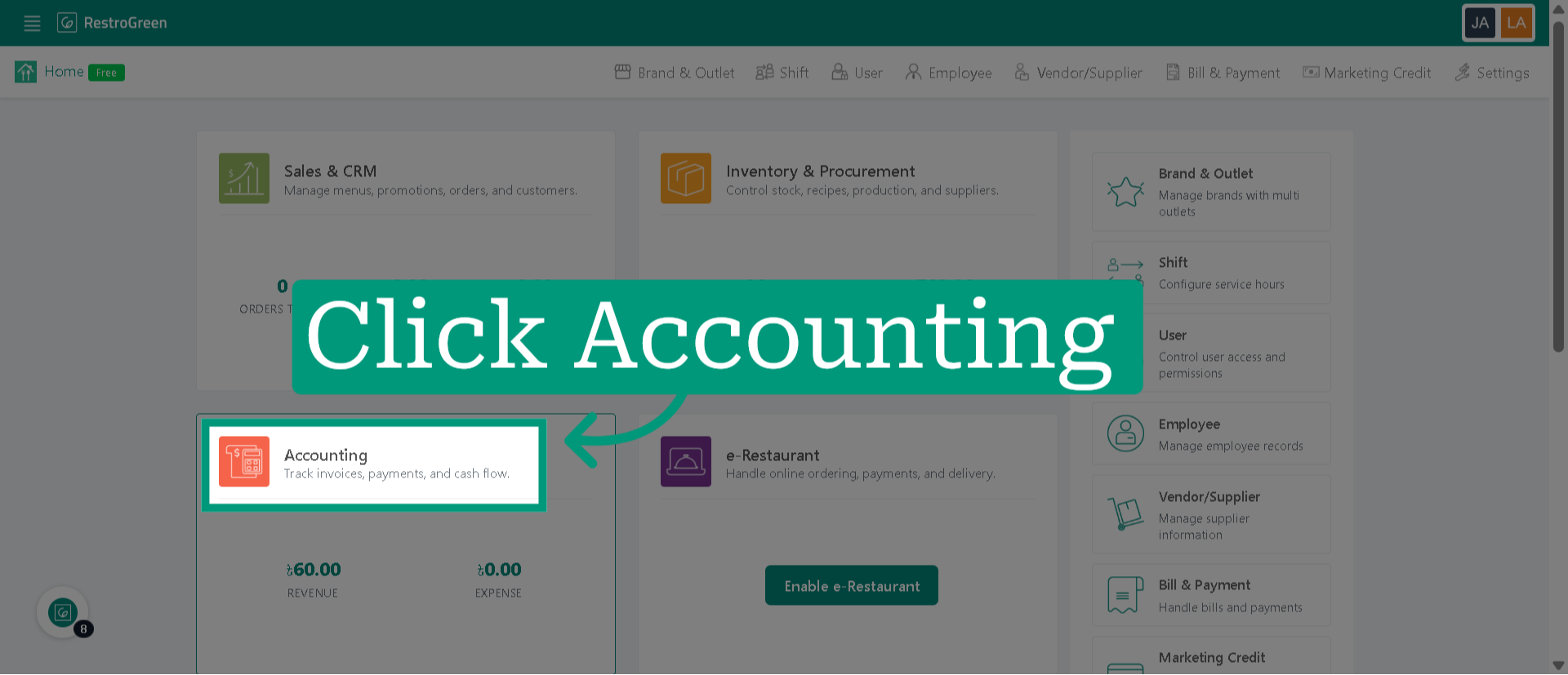
8. Now go to the Accounting Module
9. Click "Purchase" to view all recorded purchase
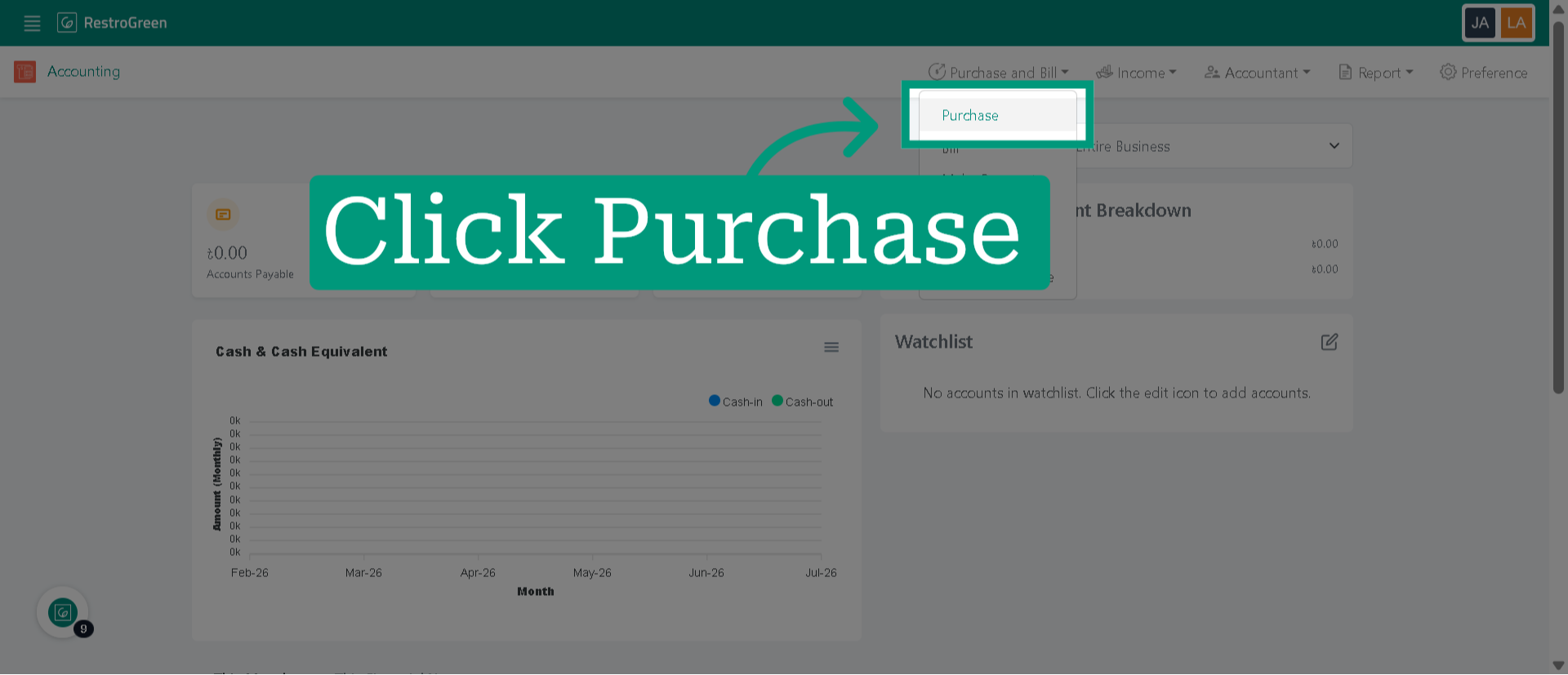
10. The purchase is logged in your accounting records as soon as the stock gets transferred